The Fundamentals of Cloud-Based eDiscovery
What Is Cloud-Based eDiscovery?
The primary goal of cloud-based eDiscovery is to provide legal teams with a more flexible way to collect data, sort through large data volumes, and quickly spot relevant data.
Older, non-cloud systems rely on local servers and fixed storage limits, which usually means everything feels slower once the documents pile up or new data sources get added. You often have to wait for IT support, upgrades, or extra capacity before moving forward.
With a cloud platform, on the other hand, the whole process feels smoother. You can pull information from email, chat platforms, cloud drives, and other sources without worrying about how much your system can handle.
The tools also scale automatically, so big matters or sudden surges in volume don’t force you to pause your workflow.
Collaboration is another thing that improves. Traditional setups sometimes create bottlenecks when multiple reviewers are working at the same time. A cloud environment keeps everyone on one shared system, reviewing legal documents side by side with consistent search results and updated data.
The eDiscovery market has leaned heavily toward cloud options because they handle modern communication data more reliably and adapt to changing workloads. For many teams, it’s simply a more practical way to manage growing collections without fighting with limited infrastructure.
How Cloud-Based eDiscovery Works
Once you understand the basics, it helps to see how everything functions in practice. Cloud platforms bring each step of the eDiscovery process into a single solution to make sure legal professionals can manage the entire review workflow more easily.
Here’s an overview of how it works:
1. Data Collection From Modern Data Sources
Cloud tools pull information from email, chat platforms, cloud drives, mobile devices, and other data sources you encounter in investigations or litigation. This makes gathering relevant information faster and more reliable, even when you’re dealing with large volumes of data.
2. Early Case Assessment and Processing
Once the system ingests the data, it indexes and organizes everything. Many platforms include early case assessment features that help you spot patterns, reduce noise, and estimate the scope of a matter before the deeper review process begins.
3. Review and Collaboration
Reviewers can search, tag, filter, and organize documents in one shared environment. Real-time updates help teams stay aligned as issues develop, which keeps legal workflows moving without unnecessary back-and-forth.
4. Legal Holds and Preservation
Most cloud systems include built-in legal holds, making it easier to preserve potentially relevant data and notify custodians without relying on spreadsheets or manual tracking.
5. Reporting, Production, and Export
Finally, you get detailed reporting, audit trails, and easy options to produce the data in standard formats for opposing counsel or the court.
Key Benefits of Cloud-Based eDiscovery
Cloud platforms lighten the load and help you move through discovery with fewer delays. With these tools, you can create more room to shape a stronger case strategy.
Aside from that, you can expect the following benefits from cloud-based eDiscovery software:
- Scalability: Works smoothly with large data volumes and adjusts as matters grow.
- Speed: Faster processing and indexing make it easier to search and analyze information right away.
- Security: Protects your evidence with encryption, access controls, and activity logs you can track at any time.
- Better collaboration: Keeps everyone in one shared review space with consistent tags, notes, and updates.
- Email threading: Groups conversations so you’re not reading the same emails again and again.
- Lower IT burden: Cuts down on hardware, updates, and maintenance to free your team from tech headaches.
- Informed decisions: Early insights help you spot patterns sooner and choose a clearer direction before the heavy review work.
- Support for investigations: Centralized data and smoother legal workflows help legal teams move from collection to production with less friction.
- Consistent reporting: Built-in reporting keeps everything organized and defensible.
Common Use Cases of Cloud-Based eDiscovery
Cloud-based eDiscovery fits naturally into a wide range of situations, especially when matters involve fast-moving data, tight deadlines, or teams working across different locations.
That’s why this kind of software is suitable for:
- Litigation cases: Teams handle document review, depositions, and production in one environment, which cuts down on back-and-forth and keeps everything organized.
- Internal investigations: Centralized data collection helps you sort through emails, chat messages, and cloud files without slowing the process or missing key details.
- Regulatory matters: When an agency requests information, cloud tools help you gather relevant data fast and maintain clean audit trails.
- Compliance monitoring: Ongoing oversight becomes easier with repeatable workflows, consistent reporting, and built-in tracking for higher-risk communication channels.
- Data breach response: Rapid collection and review give you a clearer picture of what happened, who was affected, and what your next steps should be.
- Client services: Firms that support many clients at once use cloud eDiscovery to manage multiple matters without overwhelming internal resources.
- Early case assessment: Quick processing helps teams estimate scope, detect issues, and make informed decisions before the review work expands.
Essential Features To Look For in Cloud-Based eDiscovery Software
The right cloud eDiscovery platform gives you more control, clearer insights, and smoother day-to-day work. As you compare options, it helps to focus on tools that offer the following features:
- Advanced analytics: Look for tools that highlight patterns, surface important terms, and cut down the time you spend sorting through data.
- AI-powered review: Features like generative AI summaries, classification, and smart tagging help teams move faster when the document count starts climbing.
- Search and filtering: Strong analysis and filtering capabilities help you narrow big collections into sets you can actually work with.
- Flexible data access: Your team should be able to log in securely from anywhere, review documents, and maintain consistency without chasing files across multiple locations.
- Email threading and deduplication: These features reduce clutter and prevent time wasted reviewing the same content repeatedly.
- Audit trails and reporting: Clear logs help you demonstrate defensibility, track decisions, and monitor activity across your matters.
- Security controls: Encryption, permissions, and identity tools reduce risk and protect sensitive information throughout the process.
- Cost transparency: Cloud solutions should help you anticipate costs, avoid surprises, and stay aligned with your budget.
Each of these features supports a smoother workflow and keeps your team grounded in a single source of truth.
Briefpoint Makes Cloud-Based eDiscovery Feel Manageable
Now that you’ve seen what strong cloud tools can offer, it’s clear how much time and stress you can save with the right setup.
Briefpoint takes that idea even further by removing the parts of legal discovery that usually slow everyone down.
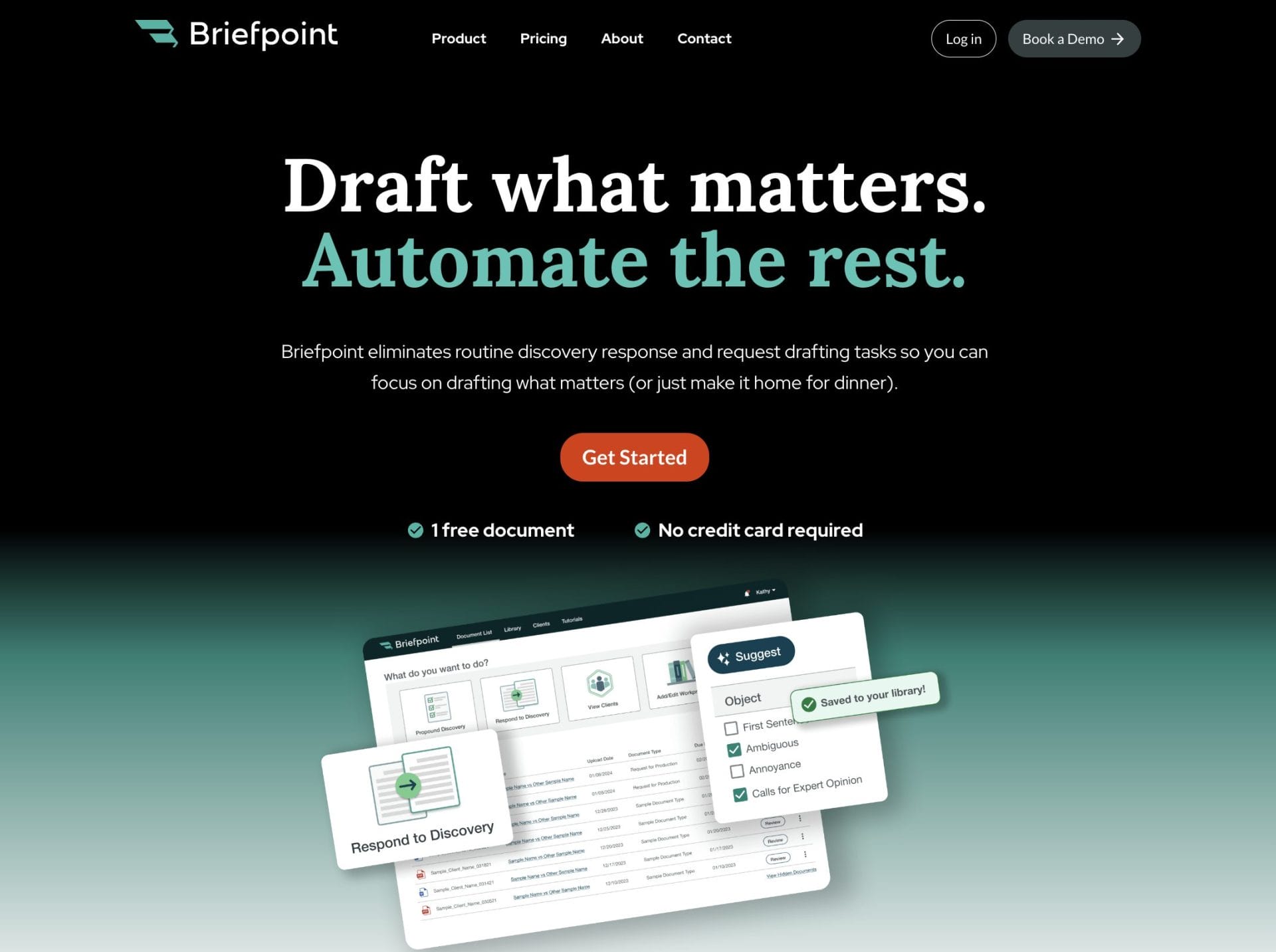
The platform focuses on the work that eats up the most hours, like drafting responses, organizing information, keeping objections consistent, and preparing clean documents.
You can move through requests, responses, and client input in a way that feels steady and predictable, all within one workspace that keeps everything easy to follow.
Where Briefpoint really shines is Autodoc. It turns productions and case files into Word-ready, Bates-cited responses in minutes. Upload your complaint, RFPs, and files, let Autodoc pinpoint responsive documents, and download a fully prepared response package.
Many firms that used to spend days sorting, reviewing, and formatting now finish that same work in a single session.
If you’ve been looking for a way to cut down the heavy lifting in discovery, book a demo today!
