What You Should Know About Document Automation Software
What Is Document Automation Software?
Document automation software is a system that builds documents for you based on rules, templates, and the information you provide.
At its core, it replaces repetitive drafting with a smart process that assembles polished files in minutes. You give the software your data, and it produces a complete draft without the usual copying, searching, or manual edits.
Law firms lean on it because drafting legal documents demands precision, clear structure, and consistent language. When the routine parts run through automation, you gain extra room to concentrate on the legal work that actually needs your attention.
The same advantage shows up in any setting where teams generate agreements, onboard clients, prepare reports, and more.
You fill in details once, and the software handles the rest. Names, dates, clauses, and formatting all land in the right places, which gives you accurate documents from the start.
So, if you manage recurring paperwork or long templates, this kind of system turns a slow task into something that fits neatly into your day.
How Document Automation Works
You’ve probably seen how long a document workflow can take when you build everything from scratch. Automation changes that pace.
Each tool has its own approach, but most follow a similar pattern:
1. Start With Smart Templates
Everything begins with a template built to match the layout of your legal documents or business forms. The structure, preferred language, and formatting live inside these templates, so you don’t recreate the same choices over and over.
Once you set them up, they guide your entire document workflow with far less effort. This alone can tidy up processes across a law practice, especially when documents follow a predictable pattern.
2. Add Your Data Once
After choosing a template, you enter the information tied to your matter, client, or project. The document automation tool then places the same data everywhere it belongs in the document.
That means no scanning for fields, no missed updates, no jumping between drafts. New documents stay consistent because the system pulls from a single source of truth.
Here’s what this step usually looks like:
- You add names, dates, clauses, and case details in one place
- The software fills those details into every matching field
- Updates happen automatically, so you don’t repeat the same edits
- Documents stay aligned with the rules you’ve already set
- You save time by avoiding routine typing and manual checks
This approach keeps your document workflow predictable and reduces the chance of small mistakes that tend to appear during repetitive drafting.
3. Apply Logic and Automation
This is the part that turns templates into something smarter. Conditional fields control what appears based on the data you’ve added.
At the same time, artificial intelligence may help refine language or suggest missing pieces, and automated workflows walk you through each step so nothing goes out of order.
These systems support faster decisions, reduce errors, and keep complex workflows from slowing down your day.
4. Generate the Final Draft
Once the rules kick in and all the information is mapped, the software assembles a polished document. You can export to Word, share it online, or save it as one or more PDF documents.
The result usually needs far less cleanup because formatting, spacing, and structure already follow your standards.
5. Integrate With Other Tools
Most platforms connect to tools you already rely on, such as CRM systems, document storage apps, and practice management software.
These connections keep automated workflows moving in a straight line, help teams stay aligned, and give you more focus for higher-value tasks.
Common Use Cases for Document Automation
Document automation shows its value anywhere you deal with repeat work or complex documents that follow a familiar pattern.
If your business moves through the same forms every week or your team spends too much time updating old files, this kind of system lightens that load.
Many companies use it to support standard workflows like contract management, client intake, internal operations, and day-to-day tasks that don’t need a full rewrite each time.
Here are some of the most common document types people automate:
- Engagement letters and retainer documents
- NDAs for clients, vendors, or partners
- Contracts and contract amendments
- Discovery responses and other litigation documents
- HR onboarding packets and internal forms
- Sales proposals, quotes, and follow-up files
- Compliance paperwork and recurring submissions
The real benefit shows up once you’ve seen how quickly a new draft comes together. It’s a simple way to keep work moving, especially when your team handles a steady stream of similar tasks.
In other words, automation gives you the breathing room to focus on decisions and strategy while the software handles the predictable steps.
The Biggest Benefits of Document Automation Software
Once you start using automation, the difference shows up quickly. Routine drafting feels lighter, accuracy improves, and your team moves through work with more confidence.
Here are the benefits that matter most, especially for teams handling detailed or highly regulated documents.
Higher Accuracy and Fewer Mistakes
Automated templates rely on structured rules, which means names, dates, and key details land exactly where they belong. This simple feature cuts down on human error and gives you documents that stay consistent across matters, clients, or deals.
Less Time Spent on Repetitive Tasks
A system handles the repetitive steps you normally do by hand. You type information once, and the software applies it across the entire draft. That frees up more time for decision-making and any work that calls for judgment rather than repetition.
Better Organization Across Your Workflow
Documents follow the same layout and language every time. Teams stay aligned, and it becomes easier to pick up work midstream without sorting through mismatched formats or old versions.
Stronger Security for Sensitive Information
Many tools offer role-based access, audit trails, and safe storage for your files. This matters in highly regulated industries where client data, contracts, and internal records need reliable protection.
Faster Turnaround Times
When routine steps move quickly, you deliver services sooner, send out contracts faster, and close deals without unnecessary delays. Law firm productivity rises because the process no longer stalls at drafting.
Scalable Capabilities for Growing Teams
As your workload increases, legal automation supports a larger volume of documents without adding pressure to your schedule. New requests fit into the same system, and everything moves at the same speed you’re used to.
What Features to Look For in Document Automation Software
A good document automation setup should feel easy to work with and supportive of the way your team already handles information.
You want something that keeps client data organized, helps you create accurate documents, and gives your entire team a smooth path from start to finish.
Here are the features that tend to matter most when you’re comparing solutions.
- Template builder: Helps you create templates that reflect your formatting, structure, and preferred language, so document generation stays consistent.
- Conditional logic: Adjusts sections based on client information or case details, cutting down on the back-and-forth edits that usually slow things down.
- Data mapping: Pulls information from forms or connected systems and places it directly into your files. This keeps the creation process efficient and removes repeated typing.
- Collaboration tools: Give your team a shared workspace to review drafts, offer input, and keep everything organized throughout the process.
- Access controls: Helps you manage who can view or edit documents, which keeps client data protected and supports compliance needs.
- Integrations: Connects with the tools you already rely on, so your workflow stays smooth instead of scattered across multiple platforms.
- Audit trails and compliance features: Tracks edits and activity, which helps teams in regulated environments maintain proper records with confidence.
Briefpoint Can Bring Real Relief to Heavy Drafting Work
Long discovery tasks can take over your schedule quickly, especially when you’re managing repetitive drafting, formatting, or page-by-page review.
Document automation helps lighten that load, but Briefpoint goes even further by taking on the parts of discovery most teams struggle to keep up with.
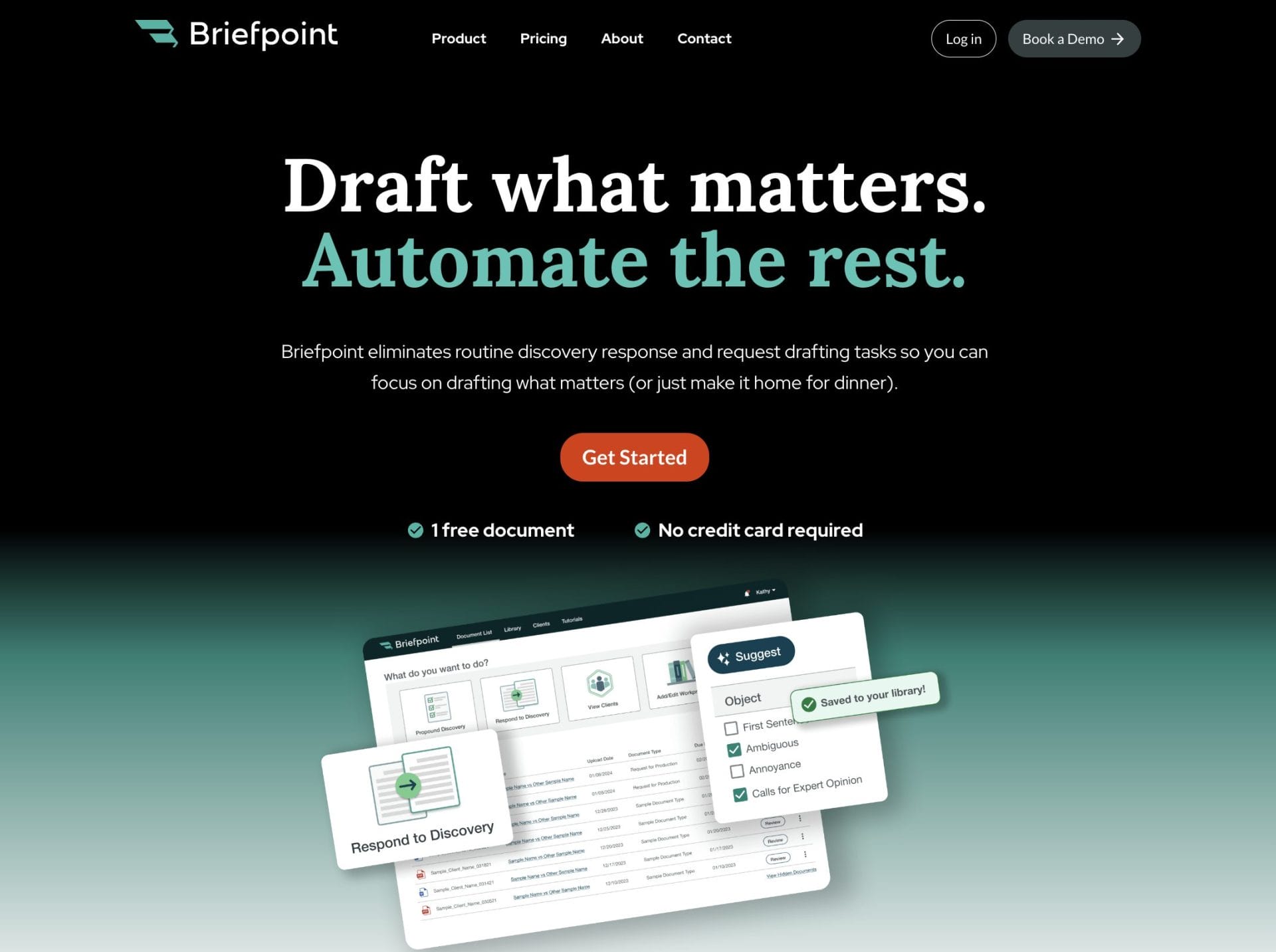
Briefpoint gives you a full discovery workflow that moves far faster than traditional drafting. You can generate objection-aware RFAs, RFPs, and interrogatories, respond with AI-assisted objections and client-collected answers, and export Word-ready documents that follow state or federal rules.
Autodoc handles another major bottleneck: reviewing productions and preparing responses. Upload your complaint, RFPs, and case files, and Autodoc identifies responsive documents, applies Bates numbers, and generates a Word response with page-level citations.
If you want discovery to move faster and with far less friction, Briefpoint can help you get there.
