What Litigation Software Do Lawyers Use? (5 Best Options)
What Is Litigation Software?
Litigation management software is built to help legal teams manage the details of their cases more effectively. It focuses on case-specific tasks like filing deadlines, managing evidence, and handling filings.
Everything related to a case (e.g., court dates, documents, emails, and evidence) is organized in one place, so lawyers can spend less time juggling paperwork and more time focusing on strategy.
This is different from legal practice management software, which focuses on the business side of running a law firm, like billing, scheduling, and client management.
While practice management tools are great for overall operations, litigation management software is specifically designed to keep litigation cases on track.
Key features include:
- Tracking case progress with real-time updates and reminders
- Managing evidence and documents in one easy-to-access system
- Simplifying filings through integration with court systems
- Streamlining team communication and collaboration
Litigation management software makes sure that lawyers have everything they need for their cases in one place, reducing stress and improving efficiency.
It’s an essential tool for firms handling complex or high-stakes cases, especially when paired with practice management software to cover the firm’s operational needs.
What Litigation Software Do Lawyers Use?
Modern law firms take advantage of technology tools to maximize their legal workflows in terms of efficiency, accuracy, consistency, and profitability. But if you’re new to legal software, it can be challenging to figure out which ones will work best for your practice.
That said, we’ve compiled some of the best legal tools you can start with:
1. Briefpoint: Discovery Document Generation
Briefpoint helps you draft discovery documents in minutes by automating the repetitive parts of discovery work. It pulls key details from your documents, including the court, parties, set number, and request type, then helps create Word-ready drafts you can review, edit, and serve.
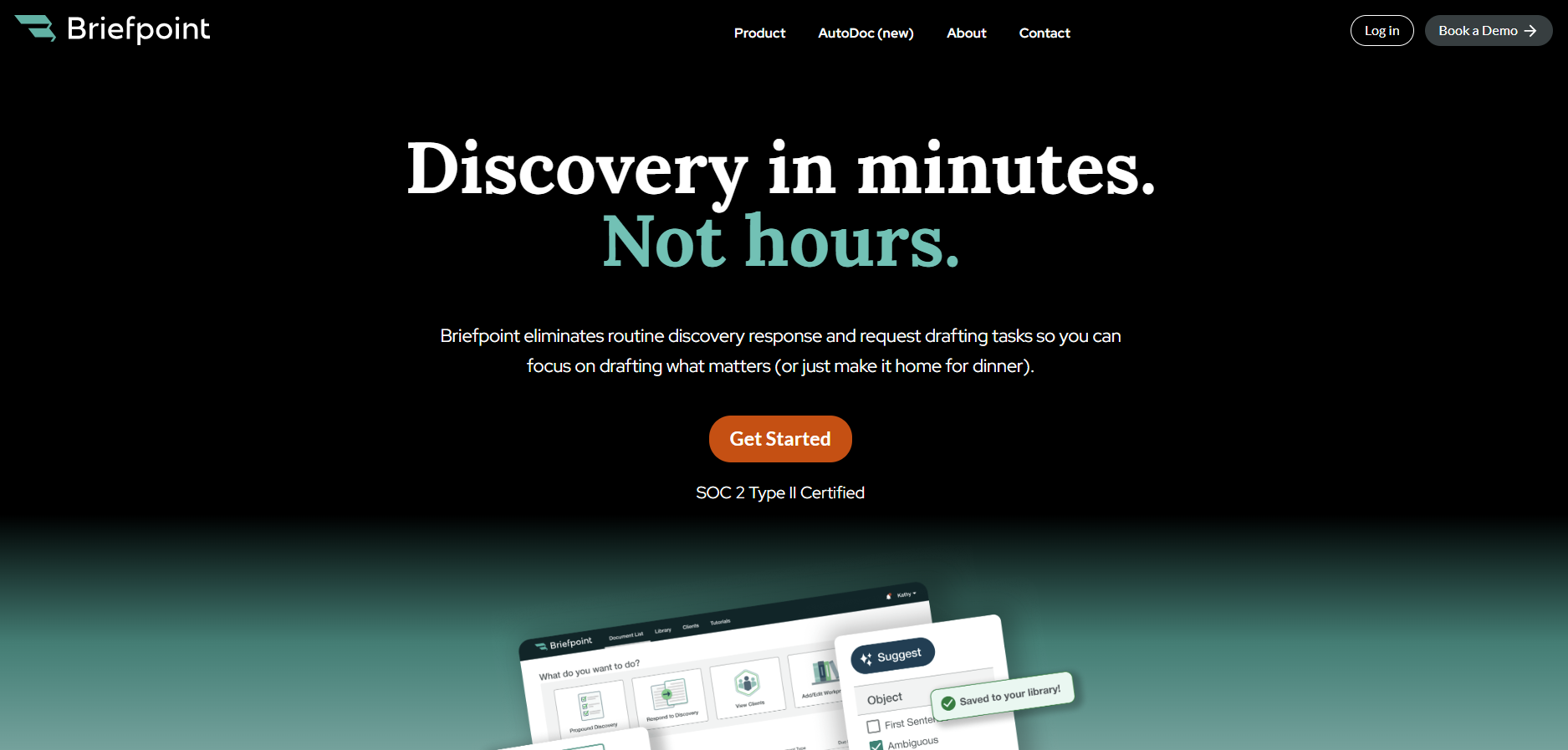
When your caseload includes a steady flow of discovery, small drafting tasks can take up hours very quickly. Repetitive tasks like formatting responses, checking court rules, organizing client answers, and preparing clean drafts all pull time away from strategy.
Briefpoint helps reduce that manual work so you can move discovery forward with improved efficiency.
You also get a more organized way to collect client responses. Briefpoint Bridge turns interrogatories into plain-English questions that clients can answer through a secure portal. For requests for production, clients can upload documents through Client Bridge, with files tied to the correct request item.
Briefpoint also supports supplemental responses, item-level flags, text highlights, firm-standardized objections, and Autodoc for finding responsive documents and adding Bates citations.
Best Features
- Discovery document automation: Briefpoint helps you generate discovery requests and responses with less manual drafting. It pulls key details from your documents, including the court, parties, set number, and request type, then helps create Word-ready drafts you can review, edit, and serve.
- Autodoc: Briefpoint’s Autodoc helps you search case files and productions, identify responsive documents for requests for production, and add Bates numbers to discovery responses with less manual review.
- Court rules and formatting support: Briefpoint applies local formatting rules based on the court and document type, so your drafts follow the right structure before attorney review.
- Firm-standardized objections: You can use standardized objections and response language to keep discovery responses consistent across cases and reduce repetitive drafting.
- Client response collection: Briefpoint Bridge turns interrogatories into plain-English questions that clients can answer through a secure portal, which helps cut down on long email threads and manual copy-paste work.
- Client document collection: For requests for production, clients can upload documents through Client Bridge, with files tied to the correct request item.
- Supplemental responses: Briefpoint supports supplemental discovery responses, so you can work from the original document, preserve prior answers, and track later updates more easily.
Test Briefpoint yourself by scheduling a demo here.
2. Casefleet: Litigation Management
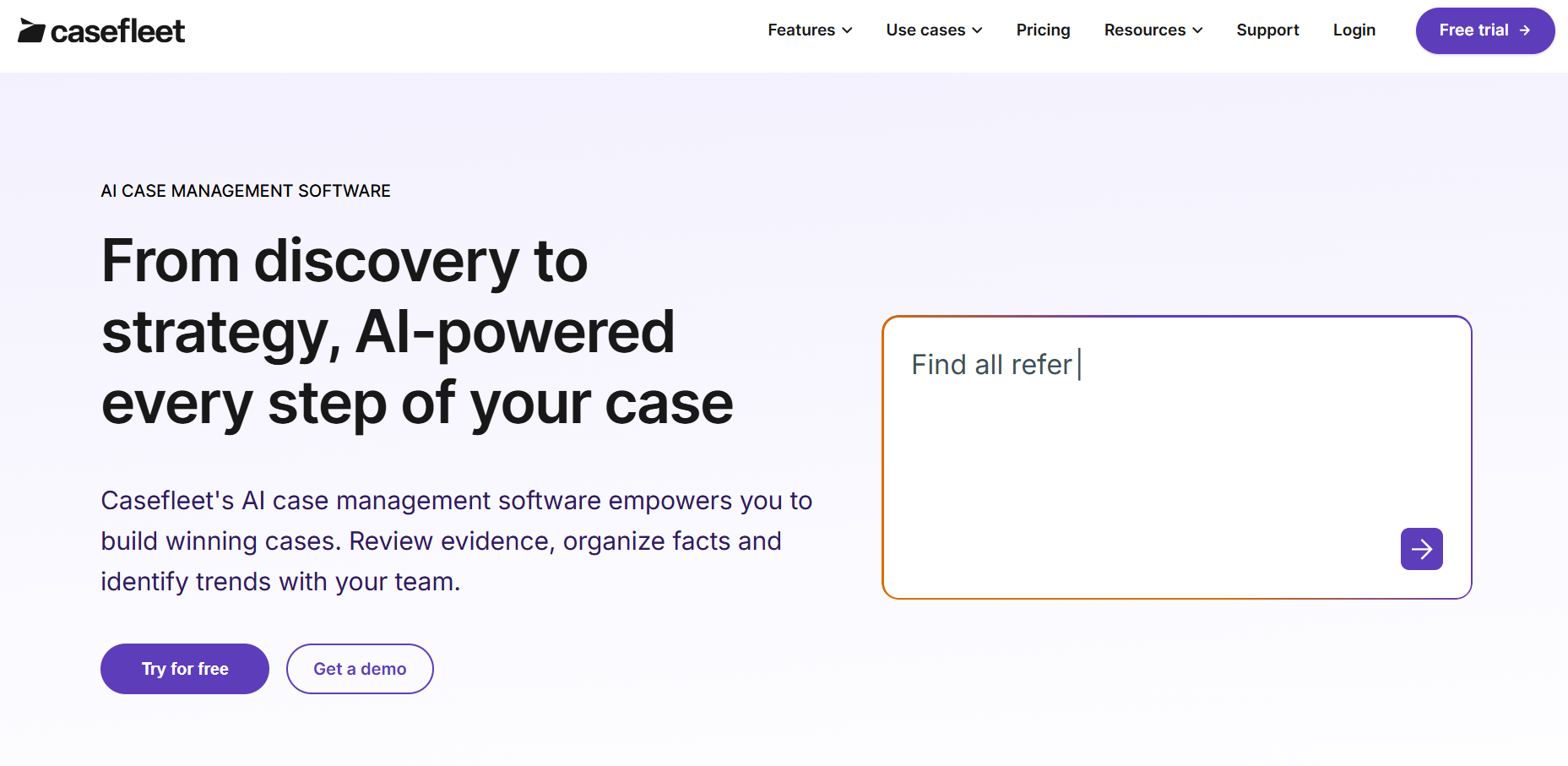
Casefleet provides legal professionals with a specialized case management solution to organize, analyze, and manage complex litigation workflows.
Its tools, including a timeline builder, document linking, full-text search, and reporting features, make it a suitable choice if you want to keep case information, evidence, and key events organized in one centralized platform.
Source: Casefleet.com
Best Features
- Timeline builder: Enables detailed case timelines that connect facts, evidence, witnesses, legal issues, and key events for clearer case analysis.
- Integrated document linking: Simplifies access to evidence by attaching legal documents, transcripts, audio, video, and other source materials directly to timeline events.
- Advanced search functionality: Quickly retrieves case information with full-text search and filtering tools.
- Collaboration tools: Helps build teamwork with shared case data, real-time updates, and access controls for litigation files.
- Task management: Keeps tasks and critical deadlines organized for smoother workflow execution.
- Detailed reports: Creates detailed reports and chronologies that can support deposition prep, motions, trial planning, and case strategy.
3. HighQ: Collaboration and Matter Management
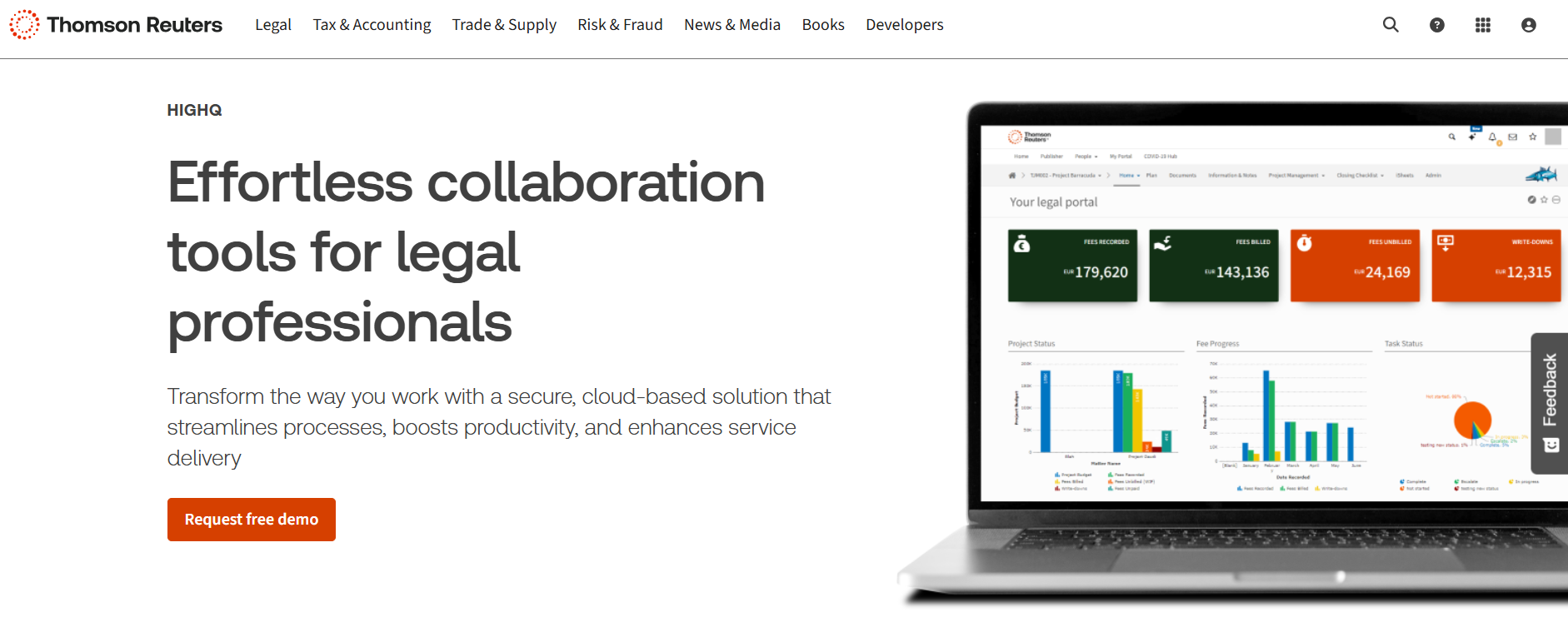
HighQ is a collaboration and matter management platform from Thomson Reuters that helps law firms and legal departments manage documents, tasks, and workflows in one secure workspace.
It’s built for complex legal work where teams need to share case documents, track progress, control access, and keep communication organized across the case lifecycle.
Source: ThomsonReuters.com
For litigation, HighQ can help you manage court documents, case files, client updates, and internal tasks from one place.
Its combination of document management, secure file sharing, client portals, and workflow automation makes it useful for complex matters, cross-functional legal projects, and other high-volume use cases that require tighter coordination.
Best Features
- Document management: Makes organizing and collaborating on case files simple with secure storage and version control.
- Workflow automation: Saves time by automating routine tasks to help litigation teams focus on strategy.
- Secure file sharing: Keeps sensitive case files safe with encrypted sharing and access controls.
- Client portals: Offers an easy way to share updates and make sure clients are on the same page.
- Integrations: Works well with tools like Microsoft Office and other legal software to make litigation workflows smoother.
4. Smokeball: Civil Litigation Management
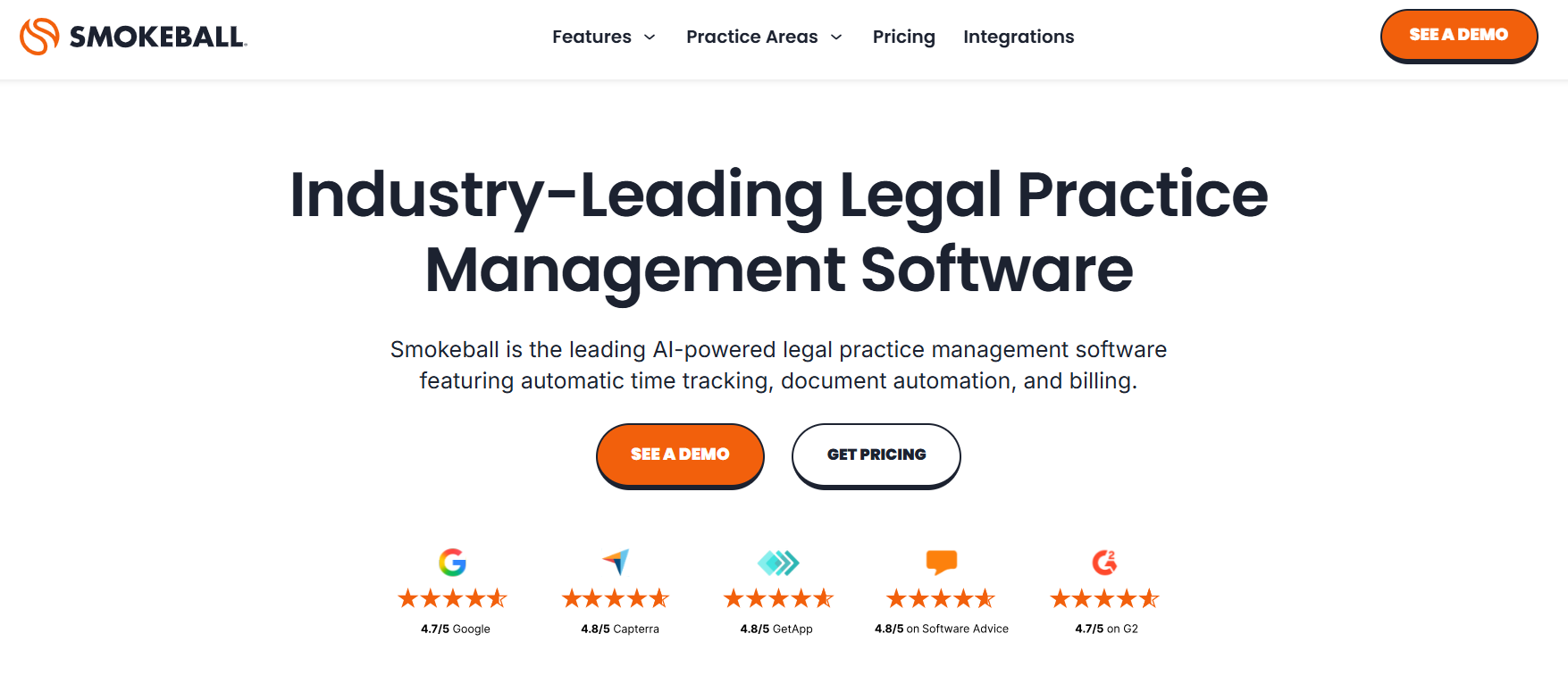
Smokeball is a user-friendly case management software tailored to small to mid-sized law firms that handle civil litigation.
It combines document automation, task tracking, calendaring, billing, and automatic time tracking, making it a strong option for managing civil litigation cases with different needs.
Source: Smokeball.com
Smokeball keeps claims, case details, communications, documents, and deadlines connected in one place.
You can quickly access key information, assign tasks, track critical dates, and stay prepared as matters move through filings, discovery, hearings, settlement discussions, and trial preparation.
Best Features
- Case management: Centralizes case details, claims, relevant documents, communications, and case history in one place so you can quickly access the information you need.
- Document automation: Simplifies the creation of litigation documents, saving time and reducing errors across routine legal paperwork.
- Time and activity tracking: Automatically tracks time spent on tasks to improve billing accuracy and capture billable work more easily.
- Task and workflow management: Lets you assign tasks, track progress, and keep litigation work organized around clear deadlines.
- Calendar and deadline tracking: Helps you manage critical dates, court dates, filing deadlines, and key litigation events so you can meet deadlines with less manual tracking.
- Integrated email and calendar: Syncs with Outlook to connect communications, appointments, and reminders with specific cases.
- Trial preparation support: Keeps documents, tasks, deadlines, and case details organized as you move closer to hearings, mediation, or trial preparation.
5. Lex Machina: Legal Analytics
Lex Machina is a litigation analytics tool from LexisNexis that helps legal teams make better decisions using data.
This tool provides insights into judges, courts, parties, opposing counsel, motion practice, case timing, damages, and outcomes, which can support stronger decision-making across complex cases.
Source: LexMachina.com
Lex Machina is especially useful when you need a clearer view of litigation patterns before case intake, budgeting, deposition preparation, settlement discussions, or trial strategy.
Its analytics give you the ability to compare trends against industry standards, spot key dates and milestones, and plan a case strategy with less reliance on manual data entry.
Best Features
- Judge analytics: Gives insights into how judges typically rule, including motion outcomes and case timing, so you can adjust your approach accordingly.
- Opposing counsel analysis: Shows data on your opponent’s past cases, helping you understand their experience, track record, and litigation patterns.
- Case trend analysis: Tracks patterns in litigation to help you predict what might happen in similar cases and plan around key dates.
- Settlement and damages insights: Uses historical data to help estimate settlement patterns, damages, case resolutions, and potential outcomes.
- Motion practice analytics: Helps you evaluate motion outcomes, timing, and court behavior so you can prepare stronger arguments.
- Industry-specific modules: Offers tailored insights for areas like IP, employment law, antitrust, securities, insurance, and more.
Make Discovery Less Tedious With Briefpoint
Every litigator knows discovery can take up a large part of a case. One of the biggest bottlenecks is discovery document drafting, especially when you’re preparing requests, responses, objections, and supplemental responses.
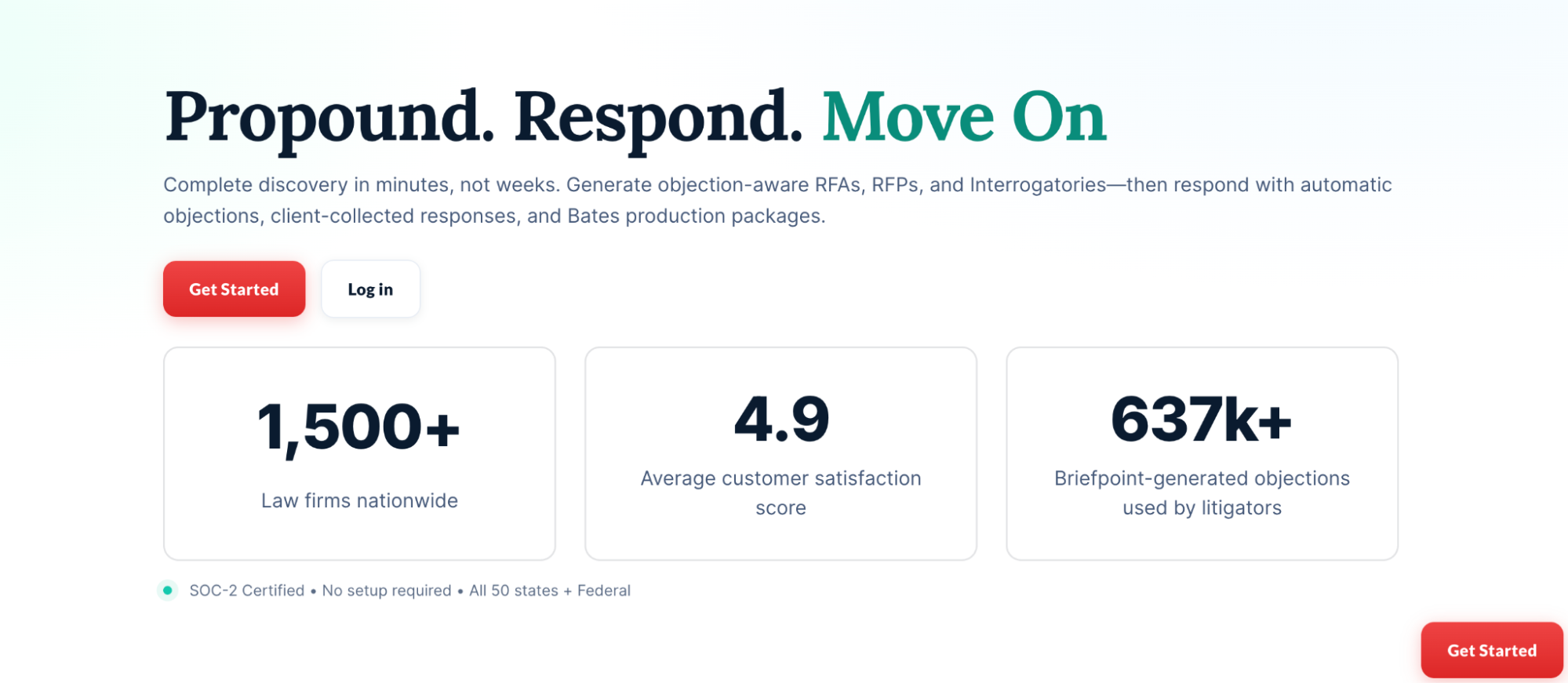
Manual drafting can take hours out of your day or your paralegal’s day. Briefpoint helps cut that down by generating discovery documents in minutes, applying the right structure, and creating Word-ready drafts you can review, edit, and serve.
Autodoc helps you move faster through document-heavy discovery. It can search case files and productions, identify responsive documents for requests for production, and help add Bates citations to discovery responses.
All that gives you a cleaner way to connect documents to the right requests without as much manual review and copying.
