5 Best Legal Project Management Software to Choose From
What Is Legal Project Management Software?
Legal project management software brings your tasks, deadlines, case details, and other important information into one organized system.
Many legal professionals use these platforms to keep matters moving without dealing with scattered emails or mismatched notes. Everything sits in a single place, which makes it easier to understand what needs attention and what’s already on track.
These tools help with tasks like:
- Scheduling
- Task assignments
- Progress tracking
- Document sharing
- Team coordination
Law firms often use legal management software to keep workloads balanced and make sure no one loses sight of important steps in a matter. It also supports budgeting, client expectations, and recurring processes that show up in different cases.
Strong legal project management tools give legal teams a clearer view of who’s doing what, how far along each task is, and where timelines might need adjustment. When used correctly, the overall workflow becomes more predictable and easier to manage.
For busy teams handling multiple matters at once, having that structure can make day-to-day work feel smoother and far less chaotic.
Why Should You Be Using Legal Project Management Software?
To reiterate, legal project management software helps legal firms keep matters organized, track moving pieces, and maintain steady progress across cases.
Many attorneys deal with shifting priorities and constant communication, so having a good project management tool gives the entire team a shared system that cuts down on disorganization and manual tracking.
Here’s why these platforms make such a difference in the legal sector:
- Greater visibility across matters: Everyone sees deadlines, task status, and upcoming steps easily.
- Clear task ownership: Legal work moves faster when responsibilities are assigned and easy to follow.
- More predictable schedules: Deadlines, milestones, and reminders help attorneys stay ahead of busy calendars.
- Smoother legal workflows: Routine steps, recurring tasks, and matter stages stay consistent from case to case.
- Better resource planning: Legal practice management software helps teams balance workloads and avoid bottlenecks.
- Improved client service: Organized communication and timely updates naturally raise client satisfaction.
- Fewer manual processes: Centralized information reduces the time spent tracking work in spreadsheets or scattered notes.
Legal teams that rely on structured project coordination often feel more in control of their caseloads, especially when managing multiple matters at once.
Top 5 Legal Project Management Software
Choosing the right platform can shape how smoothly your cases move from start to finish. To help you narrow things down, here’s a quick look at five legal project management tools many teams rely on when they want clearer workflows and better day-to-day organization.
1. PracticePanther
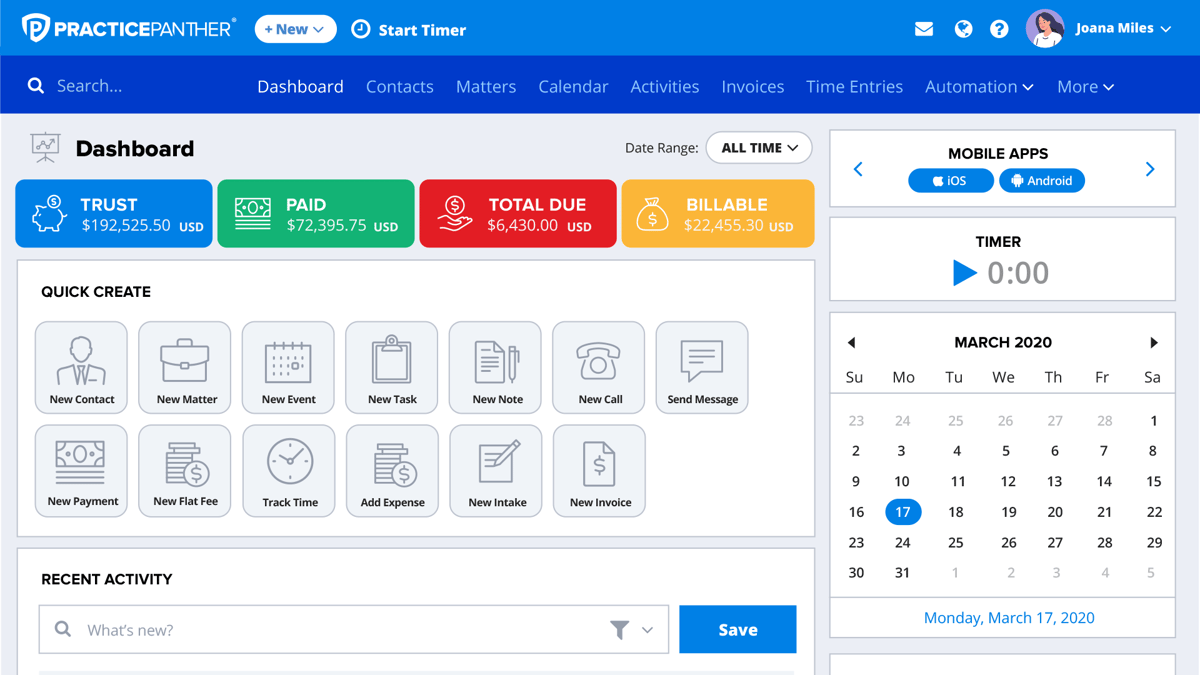
PracticePanther offers a flexible workspace that suits legal departments, small firms, and growing teams managing complex projects.
It brings together tasks, documents, deadlines, and communication so you’re not jumping between different systems to keep matters organized.
Source: G2
Many legal professionals appreciate that it adapts easily. You can set up project templates, build custom workflows, and shape the platform around how your team already handles legal processes.
The overall feel is structured without being rigid, which helps legal work move with fewer hiccups.
Best Features
- Custom workflows: Build matter stages and automated actions that match your internal steps and support consistent legal workflows.
- Project templates: Create reusable templates for cases you handle often, making it easier to set up new matters with the right structure.
- Document management: Store, manage, and share documents in one place so the entire team always knows where to find key files.
- Task and deadline tracking: Assign tasks, stay ahead of due dates, and follow progress from one dashboard.
- Integrations with other tools: Connect calendars, email platforms, accounting systems, and other tools to keep your workspace connected.
Pros
- Simple setup that helps teams get organized without a long learning curve
- Strong customization options for different practice areas
- Helpful document features for large matters and ongoing projects
- Clear visibility into workloads across the entire team
- Good balance of usability and power for firms in the legal industry
2. MyCase
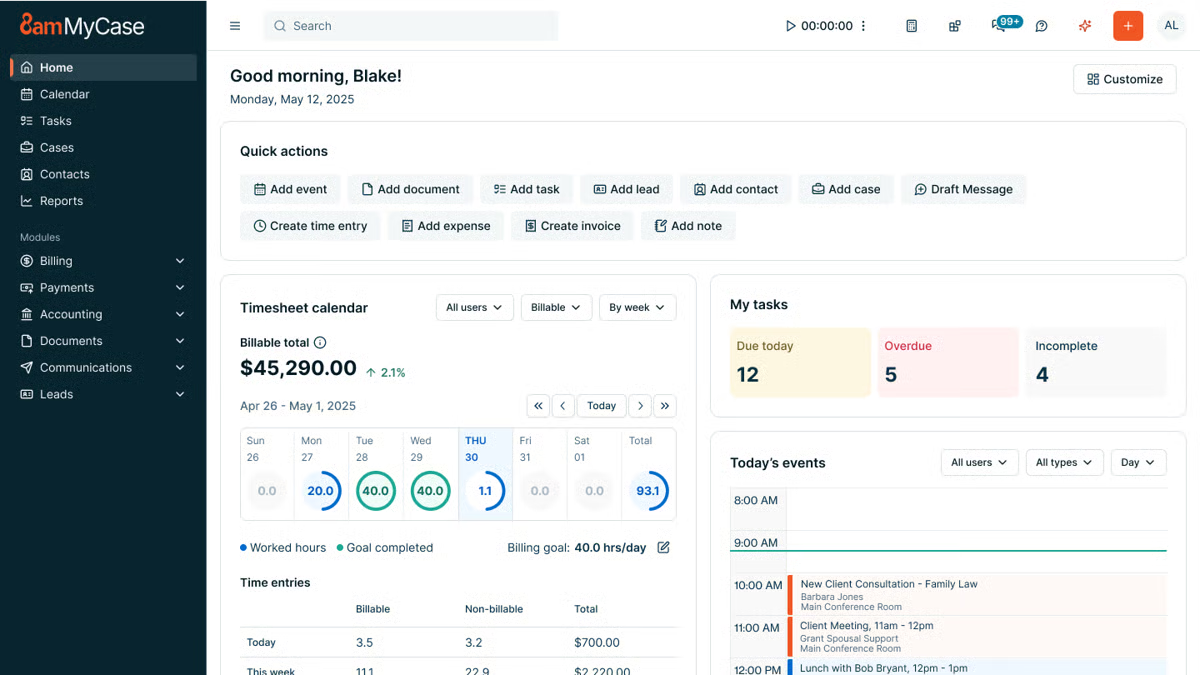
MyCase offers a more guided way to manage matters, tasks, and communication, especially if your team wants something organized but not overwhelming.
Source: G2
The platform focuses on keeping your work structured from the moment a case opens. It gives you a clear place to track actionable tasks, store legal documents, and stay aligned with your team throughout each matter.
You might like how naturally it supports case management while still giving you project-focused tools that help everyone keep pace with deadlines and daily responsibilities.
Best Features
- Actionable task management: Break down work into clear, trackable steps so nothing gets overlooked.
- Centralized case management: Keep client details, deadlines, notes, and progress in one easy-to-follow system.
- Document storage and sharing: Organize legal documents, research files, and matter-related materials in a single hub.
- Built-in communication tools: Coordinate with your team and clients without relying on outside apps.
- Workflow tools: Use structured steps that help streamline workflows and keep matters moving predictably.
Pros
- Clean interface that enables users to work efficiently
- Reliable document tools for busy practices and small firms
- Helpful law firm communication features for both internal and client updates
- Strong case organization that keeps everything accessible
- Secure platform that supports consistent, organized project work
3. Clio Manage
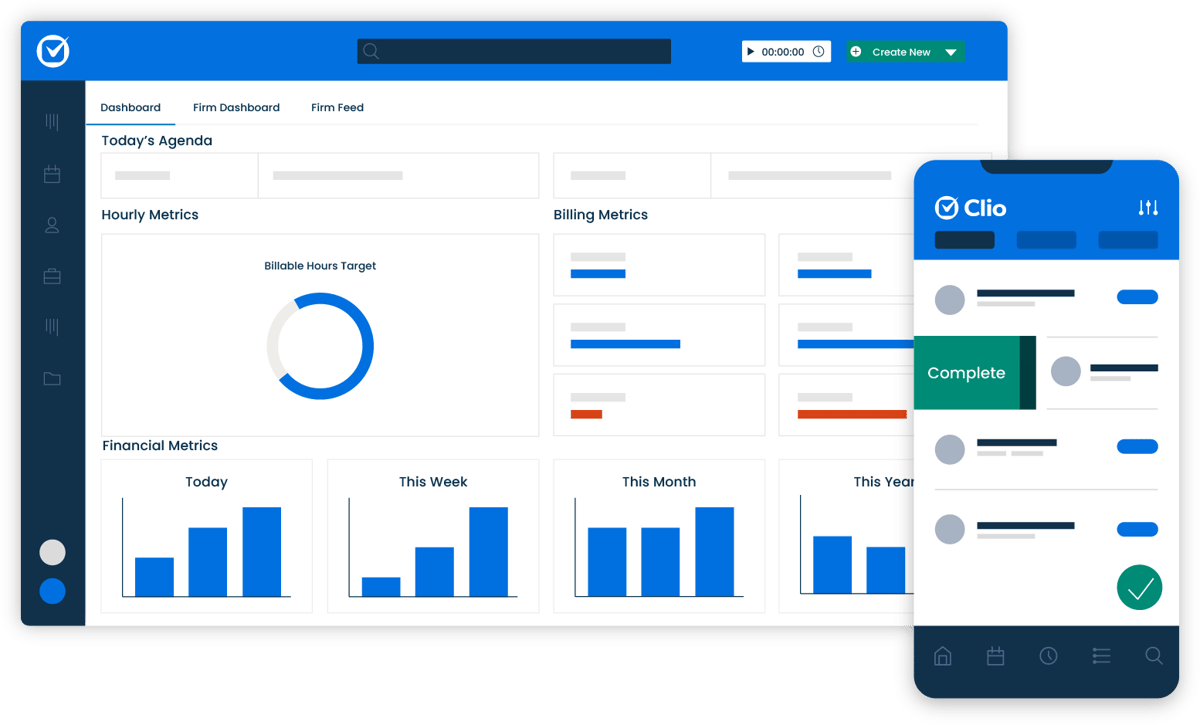
Clio Manage gives legal teams a structured way to handle matters, track work, and coordinate daily activity without bouncing between multiple systems.
Source: G2
It combines client intake, task management, time tracking, and collaboration tools in one place. With that, your team can always have a steady flow of information as cases progress.
The platform also makes it easy to sync data from your calendar, email, and other apps you rely on, and the real-time dashboards offer a quick read on law firm productivity and upcoming deadlines. It’s a practical setup for teams that want a clearer rhythm to their work.
Best Features
- Client intake tools: Capture new client information smoothly and move it straight into your matters.
- Time tracking: Track billable and non-billable time as you work, with options to log entries from multiple devices.
- Team collaboration: Share updates, assign tasks, and keep the flow of information steady across your team.
- Real-time dashboards: See performance metrics, matter progress, and upcoming deadlines instantly.
- Customizable workflows: Set up processes that match how your firm operates and improve daily efficiency.
Pros
- Strong time tracking for accurate legal billing
- Helpful intake tools that support new client onboarding
- Clear dashboards for quick insight into active matters
- Smooth collaboration across different practice roles
- Easy integrations that keep your data synced and organized
4. Smartsheet
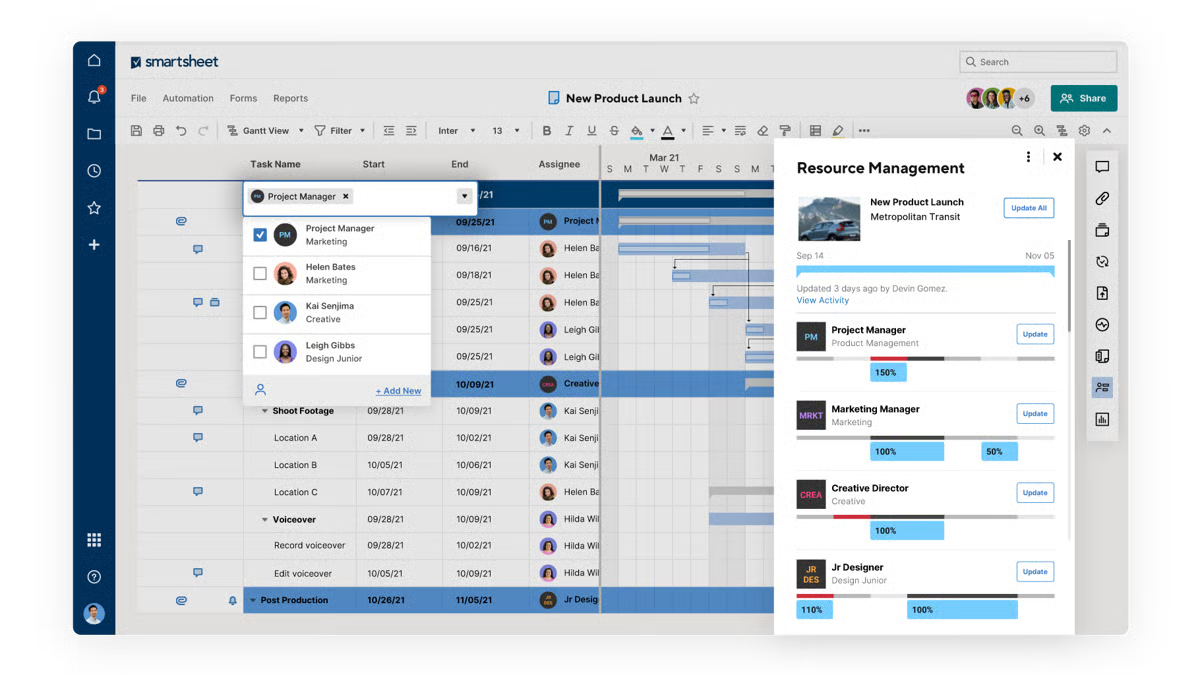
Smartsheet works well for legal teams that want a flexible, spreadsheet-style workspace without feeling stuck in traditional grids. It gives you an easy way to organize tasks, capture information through custom fields, and track progress across matters or internal projects.
Source: G2
Staff members can add status updates, attach documents, and monitor deadlines in a layout that feels familiar but far more structured than a basic spreadsheet.
It’s often used by legal operations teams that want a clear view of business performance while keeping day-to-day work organized.
Best Features
- Custom fields: Build the exact data structure you need for matters, tasks, or internal processes.
- Status tracking: Follow progress in real time with color-coded updates and clear task ownership.
- Dashboards: Pull together key information to quickly assess workload, deadlines, and priorities.
- Automated alerts: Receive notifications when tasks change, deadlines shift, or updates are added.
- Flexible views: Switch between grid, calendar, Gantt, and card views based on how you prefer to see your work.
Pros
- Familiar layout that’s easy for staff members to adopt
- Strong tracking tools for monitoring progress across multiple projects
- Helpful dashboards for a quick read on business performance
- Good flexibility for teams that juggle different types of work
- Clear status updates that keep everyone aligned on next steps
5. Filevine
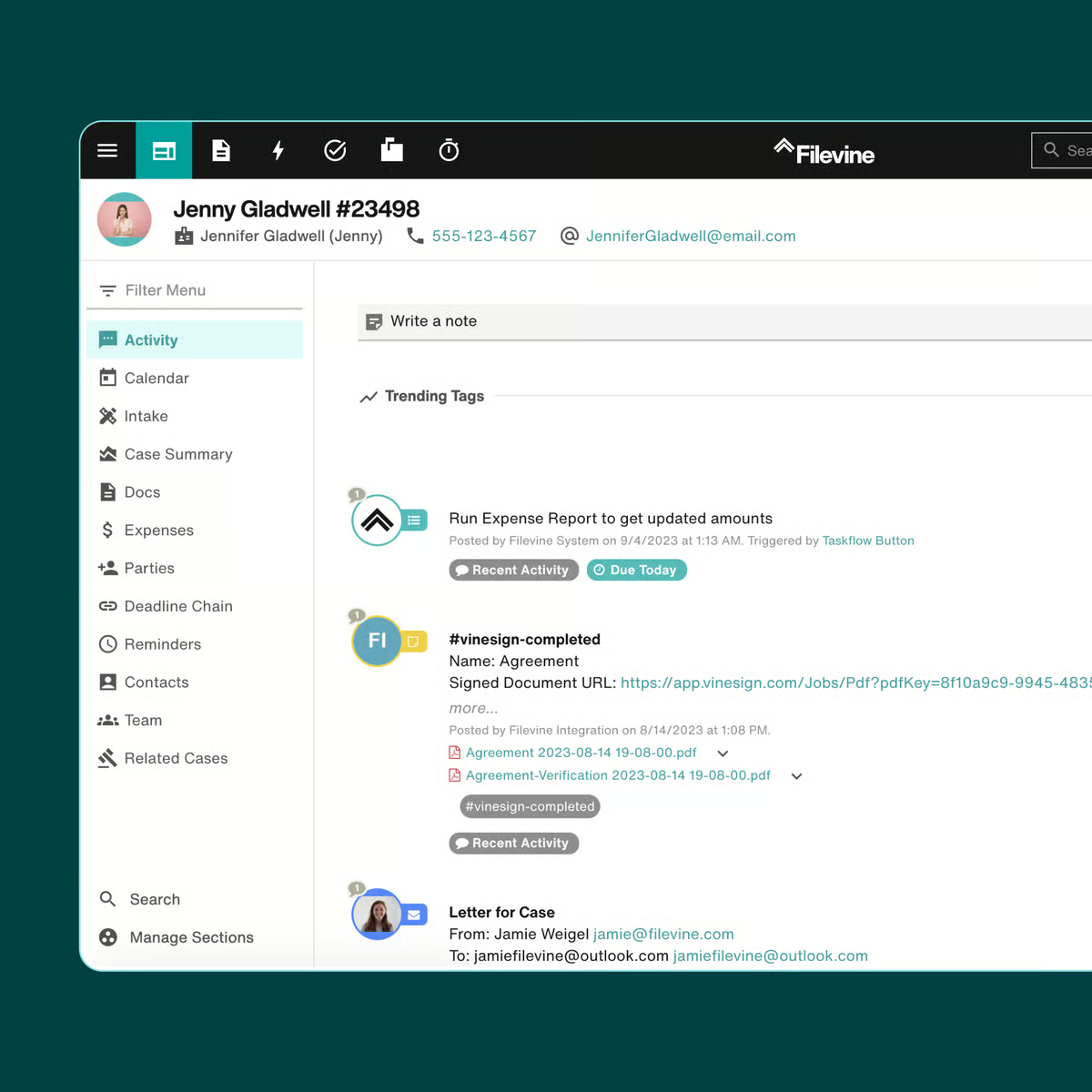
Filevine offers a structured workspace that helps legal teams manage cases with fewer scattered updates and a lot more clarity. The platform keeps your tasks, documents, notes, and communication in one place, so important details stay connected as a matter progresses.
Source: G2
Its customization options are a standout, too. You can shape legal workflows, store legal briefs in organized folders, and save notes directly inside each file without losing track of information.
For teams looking to increase productivity and maintain a steady rhythm across their workload, it provides a dependable setup.
Best Features
- Customized workflows: Create processes that match the way your practice handles matters from start to finish.
- Document handling for legal briefs: Keep briefs, case files, and supporting documents neatly organized.
- In-matter notes: Save notes right where they belong so key points are easy to find later.
- Collaboration tools: Share updates, assign tasks, and keep everyone on the same page.
- Reporting tools: Review performance trends and workload insights without manual data gathering.
Pros
- Flexible workflow options suited to different practice areas
- Convenient note-taking inside each matter
- Solid document tools for briefs and related files
- Clear task visibility for smoother team coordination
- Useful reporting for tracking workload and performance
Why Briefpoint Complements the Best Project Management Software
Project management platforms keep your matters organized, but they don’t handle the document-intensive side of discovery and litigation workflows.
Briefpoint fills that gap by generating discovery documents for you, reducing manual drafting, and improving workflow efficiency where legal teams often lose the most time.
And with Autodoc, you get an even smoother lift. It takes the routine formatting, labeling, Bates numbering, and structure-based tasks off your plate. You get cleaner documents, faster turnaround, and a process that feels far more manageable.
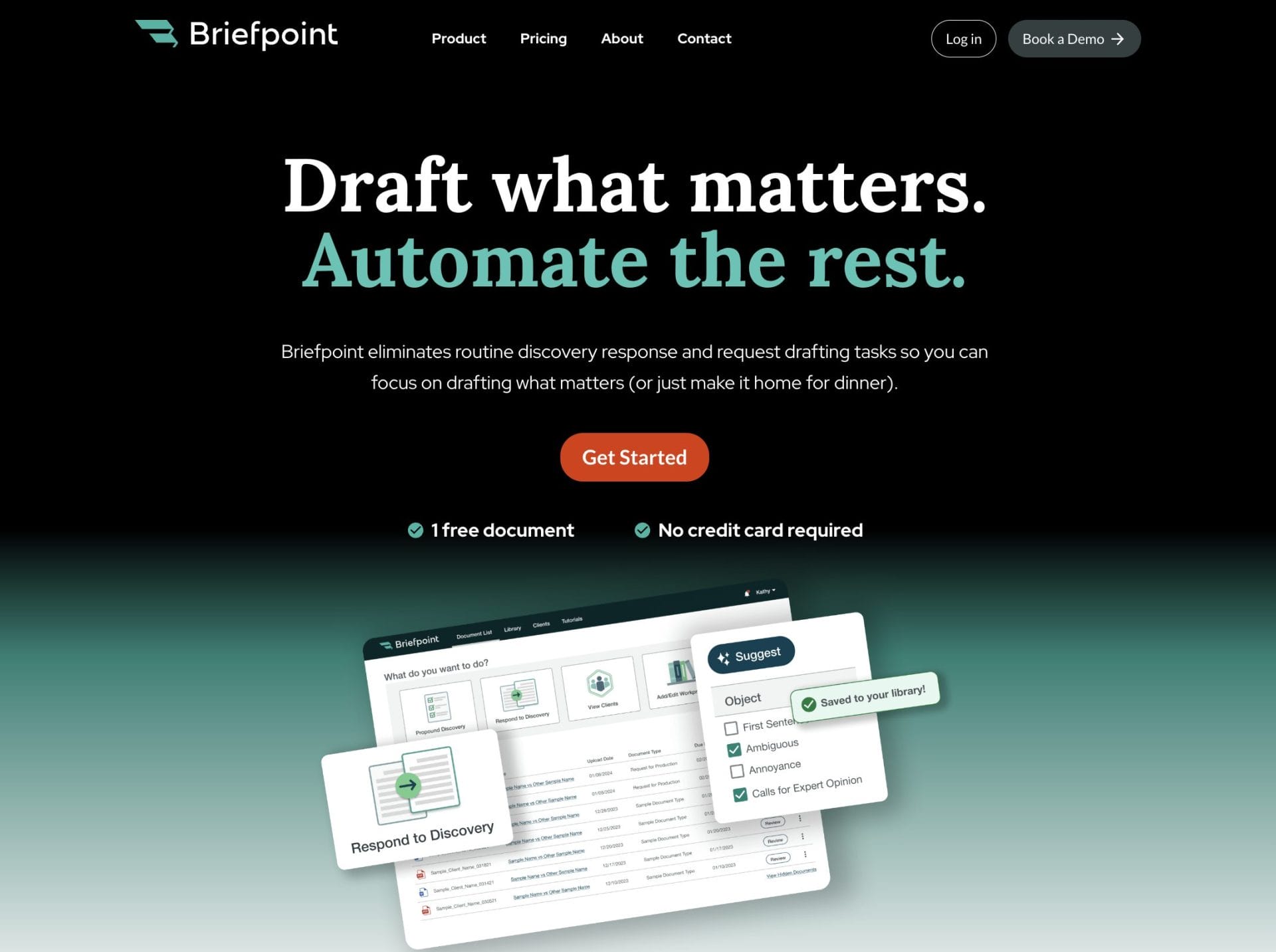
Project tools manage the structure of your work; Briefpoint supports the substance. Together, they give you a smoother path through deadlines, requests, and the back-and-forth that defines discovery.
It’s a practical add-on for teams that want less friction in their document work and a more predictable pace during litigation.
If you’re ready to remove the most time-consuming part of your process, Briefpoint can help you get there.
