8 Ways to Optimize Your Litigation Workflow

What Are the Biggest Litigation Bottlenecks Legal Teams Face?
If you’re managing a litigation process, you probably know the frustration of slowdowns that seem to pop up everywhere. Before we dive into fixes, let’s take a clear-eyed look at what’s really clogging your legal workflows.
Here are some of the most common culprits:
- Manual processes: Filing, sorting, and tracking paperwork by hand wastes time and increases the risk of human error. Every extra hour spent on admin work is time you’re not spending on strategy, client service, or case analysis.
- Discovery delays: Discovery shouldn’t feel like digging through a haystack. Yet, without the right legal technology, searching for key information or drafting discovery documents can turn into a tedious, drawn-out process that delays your entire workflow.
- Communication gaps: Missed messages, unclear updates, or siloed conversations? These gaps can lead to real consequences like missed deadlines, rework, and lost trust with clients. Effective communication is a core part of client satisfaction, and it’s often overlooked.
- Outdated methods: Relying on paper files, spreadsheets, or outdated systems slows down collaboration and makes finding information harder.
- Overburdened staff: When your team is buried in repetitive administrative work, they face intense daily pressure and have less time for high-impact legal tasks. That bottleneck adds up, hurting both your efficiency and client satisfaction.
These issues don’t just slow things down. They also create stress, frustration, and even client dissatisfaction.
The good news? Once you pinpoint these roadblocks, you’ll be in a stronger position to streamline tasks, strengthen communication, and adopt legal technology that truly supports your practice.
How to Maximize Your Litigation Workflow
Now that we have a clearer picture of the common roadblocks, it’s time to focus on how you can clear them and set your legal workflows up for long-term success.
Let’s walk through a few smart ways to tighten up your workflow, cut down on human error, and bring your legal technology up to speed.
1. Identify the Worst Roadblocks in Your Legal Workflow Automation
As mentioned, it’s important to figure out where your workflow gets stuck before you look for solutions.
Let’s say your firm still uses paper files. Sound familiar? Every time you need something, you’re digging through endless stacks of folders and wasting time that could be spent elsewhere.
Or take the discovery phase, as it’s one of the most time-consuming parts of the litigation workflow. Drafting similar documents over and over manually can eat up hours and leave room for mistakes.
Communication is another common issue. Imagine a client sends over crucial updates, but not everyone on the team gets the memo. Suddenly, deadlines are missed, and everything feels chaotic when trying to share updates with the other party. These communication breakdowns can also create issues when coordinating filings, responses, or document exchanges with the opposing party.
Then there’s the workload. Staff members are often juggling important casework with routine tasks like scheduling and data entry. For example, a paralegal might spend more time managing calendars than actually contributing to the case, which is why most people find manual workflows so frustrating.
Identifying these problem areas makes it easier to take action. The next challenge is finding the best ways to resolve them.
2. Use Legal Practice Management Software
Legal practice management software simplifies your legal workflow by consolidating essential tasks into one platform. Rather than using multiple tools or relying on outdated methods, you can manage everything more efficiently and focus on more value-adding work.
These tools are designed to handle a variety of tasks, including:
- Tracking case deadlines and tasks
- Managing client communication and case files
- Automating legal billing and invoicing processes
- Generating reports to monitor performance
- Storing and sharing documents securely
- Handling document review
The software’s centralized approach eliminates the back-and-forth between systems to save you time and reduce errors. Having all your data in one place gives your team a clear view of every active case.
For example, it’s easier to keep track of deadlines with built-in calendars and task lists. Features like automated billing also make invoicing quicker and more accurate, helping you get paid faster.
Collaboration becomes seamless, too. Whether you’re sharing updates with your team or accessing files remotely, everything is organized and easily accessible.
Many platforms also integrate with tools you already use, like email or cloud storage, which helps organize your workflow even further.
3. Automate Discovery Document Drafting
Drafting discovery documents is a tedious and time-intensive task for legal teams, but legal document automation tools like Briefpoint can make the process faster and more efficient.
Here’s how it works: You start by uploading your discovery request to Briefpoint. Its AI jumps in by scanning and pulling key details like the court name, case number, parties involved, and even the type of request. It also applies local formatting rules automatically to save you the hassle of doing it manually.
Once that’s done, the system creates a draft with the basics already filled out, including captions and routine information. From there, you can add objections or responses with just a few clicks, personalizing each request as needed.
When everything looks good, you can download the document, open it in Word, and make any final tweaks before filing.
Briefpoint can handle requests for production, requests for admission, and interrogatories, and it supports discovery work in all 50 U.S. states, D.C., and all 98 federal district courts. Trusted by 1,500 law firms, it helps you save up to 30 hours per case and generate up to 70 discovery requests in under 3 minutes.
4. Digitize As Much As You Can
Relying on paper files creates more headaches than it solves. Whether you’re handling a legal dispute or managing filings in district court, digitizing your workflow saves time and minimizes stress, especially when every minute counts.
Essentially, a strong legal workflow management system helps you work smarter and serve clients better. Here’s how going digital supports smoother workflow management:
- Relevant document access: Instead of sorting through paper files, you can gain access to the documents you need in seconds. This makes reviewing documents and responding to client needs much easier.
- Smoother collaboration: With digital files, your entire team can access and update the same documents in real time. This means no more version control headaches or wasted time on non-billable tasks.
- Streamlined client intake: Digital tools simplify the client intake process, which helps you gather information faster and kick off matters for the plaintiff without unnecessary back-and-forth.
- Centralized legal workflow management software: Using purpose-built legal workflow management software keeps everything organized.
- Future-ready federal court filings: As district courts continue moving toward electronic filings, having a digitized system ensures you stay compliant and competitive.
5. Offer Self-Service Options
Not every question needs a direct call or email. By offering self-service options like a knowledge base or blog, you give clients easy access to information while freeing up your team’s time.
These resources can be especially useful for answering common questions about topics like alternative dispute resolution, navigating the court system, or understanding civil procedure.
A well-organized knowledge base provides quick explanations of legal processes, which helps save clients from waiting for responses. For example, they could look up how arbitration works or what to expect during a civil procedure hearing.
Blogs, on the other hand, allow you to share insights on broader topics, like preparing for a district court appearance, handling settlement negotiations, or tips for managing legal disputes.
Aside from helping clients, these tools position your firm as knowledgeable and proactive. They can also cut down on repetitive inquiries so your team can focus on more pressing tasks.
6. Consider Outsourcing Administrative Tasks
Administrative tasks can pile up quickly and leave your team stretched thin. Outsourcing some of these responsibilities is a smart way to free up time and focus on core work like medical malpractice cases, civil litigation, or resolving disputes.
Reducing administrative work also gives attorneys more time to focus on client matters and productive billable hours.
Here are some common tasks you can outsource:
- Preparing defendant answers and other routine legal documents
- Managing data entry for civil litigation and criminal cases
- Scheduling meetings and managing calendars
- Organizing discovery files
- Handling client communication for non-urgent inquiries
For example, using a virtual legal assistant or legal outsourcing service can reduce workloads, lower administrative costs, and improve efficiency while making sure all tasks are handled properly.
7. Invest in a Good CRM Software
Client relationship management (CRM) software is a practical tool for organizing client information, managing interactions, and tracking case details. A well-chosen CRM keeps your team efficient while improving the overall client experience.
These platforms centralize important data such as contact information, case histories, and communication logs.
With everything in one place, finding the details you need becomes much easier. Setting reminders, tracking deadlines, and monitoring case progress also become seamless, reducing the risk of overlooked tasks in a complex lawsuit.
Integrations with tools like email and document systems further untangle your workflows. Many CRM solutions also include legal automation features, which help with tasks like sending client updates or creating detailed progress reports to better manage customer demands.
A reliable CRM sets you up for better communication, improved legal task management, and smoother operations. It’s a great investment, especially for many firms that use these systems to deliver exceptional service to their clients.
8. Switch to Legal Research Tools
If you’re still relying on traditional legal research methods, you’re probably spending more time than you need to and adding unnecessary administrative burdens to your legal workflows.
In contrast, shifting to automated systems and modern legal research tools transforms this formal proceeding into something faster, more precise, and far less tedious.
Faster research can be especially valuable when preparing arguments for a summary judgment motion or evaluating a case strategy.
By using research platforms built for law firms, you free up time for strategic tasks like case analysis and trial preparation. Here’s what modern legal research tools bring to your workflow:
- Advanced search capabilities: Cut through irrelevant results with tools that filter by jurisdiction, statute, case law, or topic, so you get exactly what you need without endless searching.
- Built-in citation analysis: Make sure every case you reference is valid and up-to-date, reducing the risk of relying on outdated information.
- Access to comprehensive legal databases: Whether you need federal regulations or state-specific laws, these tools keep everything in one place for easy access.
- Efficiency for large law firms and growing teams: Automated workflow features help scale research processes without overloading your staff.
These platforms can also help attorneys locate authorities and precedents needed for pre-trial motions without spending hours searching through multiple sources.
Pairing legal research tools with legal workflow automation software helps streamline the formal research process while keeping your team focused on high-impact, strategic tasks.
Overall, it’s a smart way to replace manual work with automated workflow systems that maximize both efficiency and the quality of your work.
Briefpoint Is the First Step to Upgrading Your Litigation Workflow
Improving your litigation workflow doesn’t have to feel like a huge challenge. While this isn’t an exhaustive list, it’s a great place to start. Tackling workflow clogs, digitizing processes, and using the right tools can make a big difference in how smoothly things run.
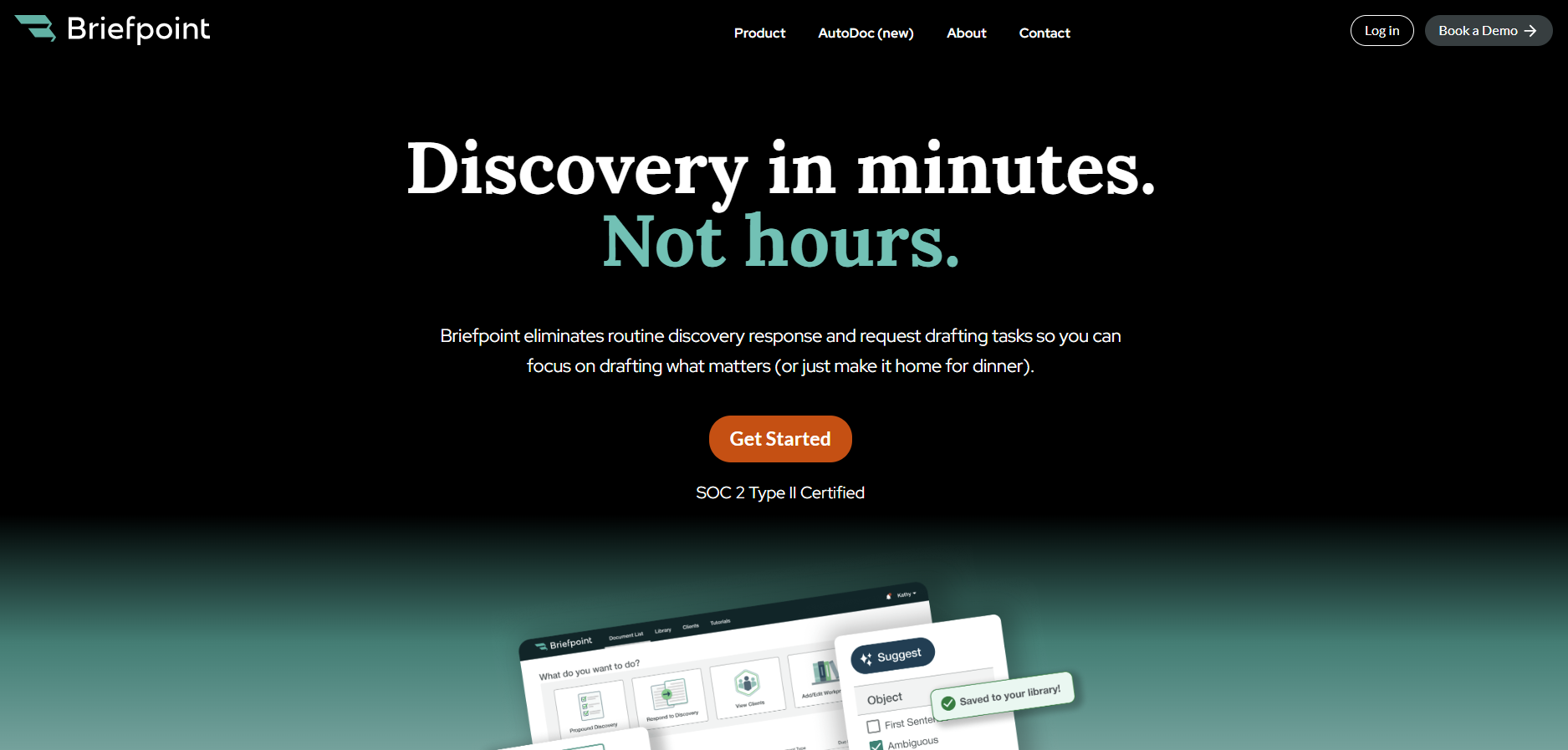
When it comes to simplifying repetitive tasks like drafting discovery documents, Briefpoint is an excellent choice. Its AI-powered system gives attorneys and law teams the ability to save time, reduce errors, and keep everything organized.
From requests for production to interrogatories, it handles a wide range of discovery documents with ease.
For document-heavy matters, Autodoc can identify responsive documents, generate Bates-cited responses, and create organized production packages from your case files and productions.
If you’re looking to make your workflow more efficient, schedule a demo with Briefpoint today and see how it can support your practice.
