Legal Billing Software: What You Need to Know (+ 7 Best Options)
What Is Legal Billing Software?
Legal billing software helps manage billing, payments, trust accounts, and other parts of law firm financial management in one system.
Here are some things it can help you do:
- Track billable time: Record hours and tasks accurately, so your bills reflect the work completed and less time goes unbilled.
- Create professional invoices: Put together clear, client-ready bills with detailed entries, rates, and expenses tied to the right matter.
- Manage trust accounts: Keep client funds separate from operating funds and maintain cleaner records for compliance purposes.
- Handle expense management: Track filing fees, court costs, expert fees, and other matter-related expenses.
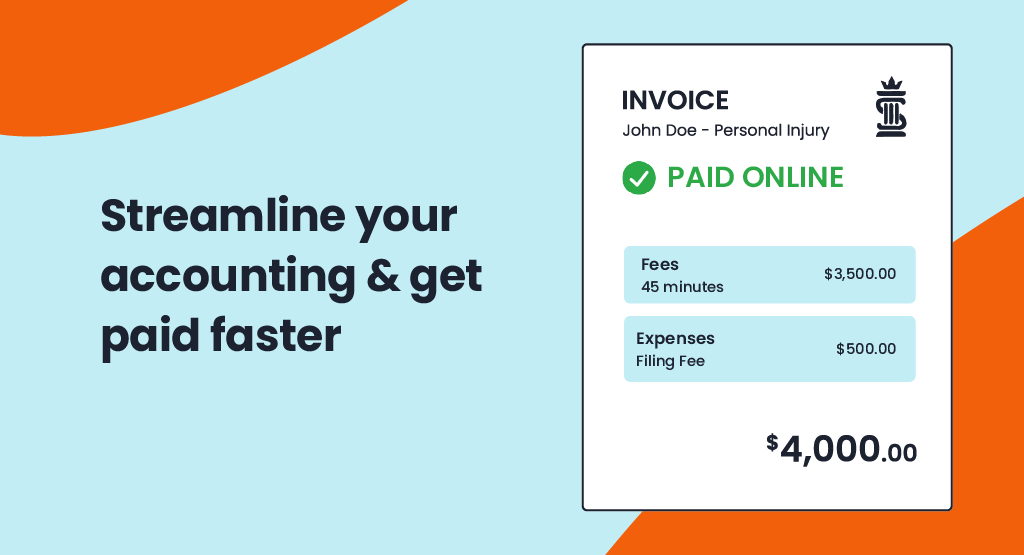
- Process payments: Accept online payments, reduce delays, and make it easier for clients to pay outstanding balances.
- Manage invoices: Review sent bills, monitor unpaid amounts, and keep billing activity organized in one place.
- Use batch billing: Generate multiple invoices at once to save time when your firm handles a large volume of matters.
- Support e-billing: Work with clients that require electronic billing formats and more structured submission processes.
- Review performance: Monitor collections, outstanding balances, and your firm’s financial performance more closely.
How Does It Differ From Regular Accounting Software?
Legal billing software is tailored specifically to the unique needs of law firms, while regular accounting software is more general and designed for businesses across various industries.
One major difference is time tracking. Legal billing software lets you track billable and non-billable hours accurately, which helps make sure your invoices reflect the work done for each client. This is something standard accounting software typically doesn’t offer.
Another key feature is trust accounting, which is critical for law firms to manage client trust funds and comply with legal regulations. Generic accounting tools usually aren’t equipped to handle this.
Additionally, legal billing software provides specialized reports, such as case-specific cost breakdowns and client expense summaries, which go beyond the standard financial reports found in regular tools.
Many legal billing platforms also integrate with case management systems to organize workflows in a way that generic software often can’t. These differences make legal billing software a much better choice for law firms.
Why Do Law Firms Need Legal Billing Software?
Legal billing software is essential for law firms aiming to stay organized, save time, and improve accuracy. Here’s why it’s worth the investment:
Accurate Billing
Tracking every billable minute manually can easily make room for error. For one, it’s easy to miss a few minutes here and there, and those small errors can add up to big losses over time. Plus, mistakes in the legal billing process can lead to client disputes, which can affect your bottom line overall.
Legal billing software takes the kinks out of the process. It tracks your time automatically, so you know exactly how many hours you’ve worked and can create accurate, detailed invoices.
For example, if you switch between different tasks throughout the day, the software can capture that time as you work, so those smaller tasks do not get left off the bill.
Clients appreciate clear, transparent billing, and you’ll avoid awkward conversations about charges that don’t add up. On top of that, you’ll get paid for every minute of the work you’ve done.
Time Savings
Billing can eat up more time than it seems like it should because it’s not only the invoice itself. It’s the time entries, the expenses, the follow-up, and all the manual data entry that pile up around the process.
Legal billing software solutions help cut that down. When you can track time and expenses in one place, there’s less catching up later and less time spent piecing everything together at the end of the month. A lot of the work that usually slows billing down becomes easier to manage.
That makes the entire billing cycle less of a drain on your day. You spend less time on billing admin and more time on actual legal work.
Better Cash Flow
Legal billing software can help your firm get paid faster by making the payment process easier to manage for both your team and your clients. Here are a few ways it helps:
- Automated reminders: The software sends reminders to clients automatically, which helps reduce delays.
- Online payment options: Clients can pay instantly through secure online portals, making the process faster and more convenient.
- Fewer overdue invoices: With clear invoices and easy payment methods, clients are less likely to miss deadlines.
- Faster invoice generation: Bills can go out sooner, which means less delay between finishing the work and requesting payment.
- Automated billing workflows: Recurring tasks like reminders, payment tracking, and follow-up take less manual effort.
- Custom payment plans: Some tools let firms offer structured payment options, which can help clients stay current on what they owe.
- Better billing data: You can review invoice status, payment activity, and outstanding balances without looking through separate records.
- Fewer billing errors: Cleaner records can reduce mistakes that slow down approvals or create billing disputes.
- Batch sending: Some platforms let you send multiple invoices at once, which helps keep billing on schedule.
Trust Account Management
Trust accounting has to be precise. Your firm needs to keep client funds separate from operating funds, record every deposit and withdrawal correctly, apply transactions to the right matter, and maintain a clear ledger for each client.
For modern law firms, that level of recordkeeping is hard to manage in the legal industry when too much of it depends on manual updates.
Legal billing software helps keep those requirements easier to manage. It gives your team one place to track trust activity, review balances, and keep records organized.
A lot of tools help with tasks like these:
- Separate trust and operating accounts
- Record deposits and withdrawals
- Match transactions to the correct matter
- Maintain client trust ledgers
- Review balances more easily
- Reduce commingling issues
- Support compliance recordkeeping
Detailed Reporting
Legal billing software takes the guesswork out of understanding your firm’s financial health by providing detailed reports.
These reports give you a clear breakdown of data like case expenses, client payments, and outstanding balances, all in one place. Instead of sifting through spreadsheets or scattered data, you can access organized insights with just a few clicks.
Whether you’re checking which clients have unpaid invoices or planning budgets, these reports make it easy to see where things stand. The ability to quickly pull up accurate financial information saves time and helps you make better decisions for your firm.
Our Top 7 Picks for Legal Billing Software
Choosing the right legal billing software can make a big difference in how efficiently your firm operates. With so many options available, it’s important to find a tool that fits your specific needs. Below, we’ve highlighted some of the best legal billing software options.
1. Clio
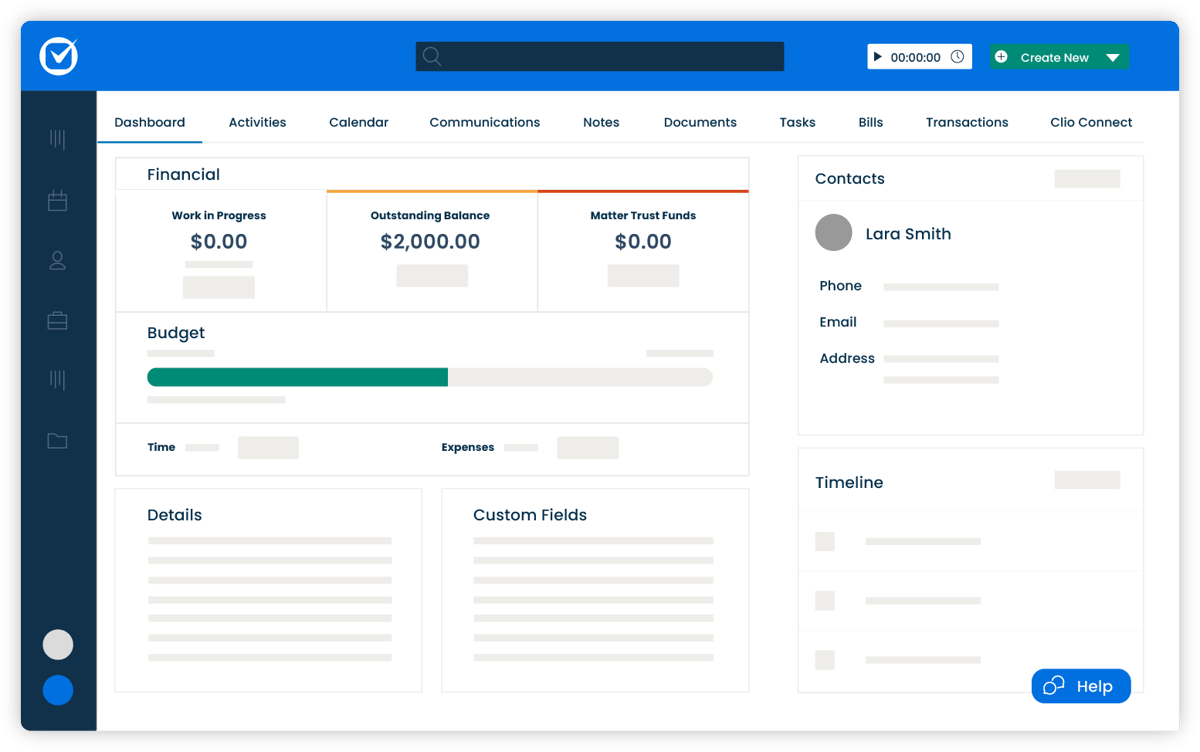
Clio is a versatile legal practice management platform that offers tools for case management, document organization, client communication, and more.
While it’s not primarily a billing software, Clio includes great billing features designed to simplify invoicing, time tracking, and trust account management.
Source: G2
Key Features
- Time tracking and billing: Track billable hours precisely and generate detailed invoices tailored to your clients.
- Customizable invoice templates: Create professional, branded invoices that reflect your firm’s style and include all necessary details.
- Secure client portal access: Provide clients with a secure space to view invoices, share documents, and communicate directly with your firm.
- Trust accounting management: Keep client funds compliant and organized with tools to separate trust and operating accounts.
- Integration with popular tools: Sync with QuickBooks, Google Workspace, Zoom, and more to optimize your workflows.
Pros
- Easy to use, even for those new to legal billing software
- Excellent customer support for troubleshooting and setup
Pricing
Clio offers plans starting at $59 per user per month, which include a basic legal billing system with time tracking and client billing.
2. TimeSolv
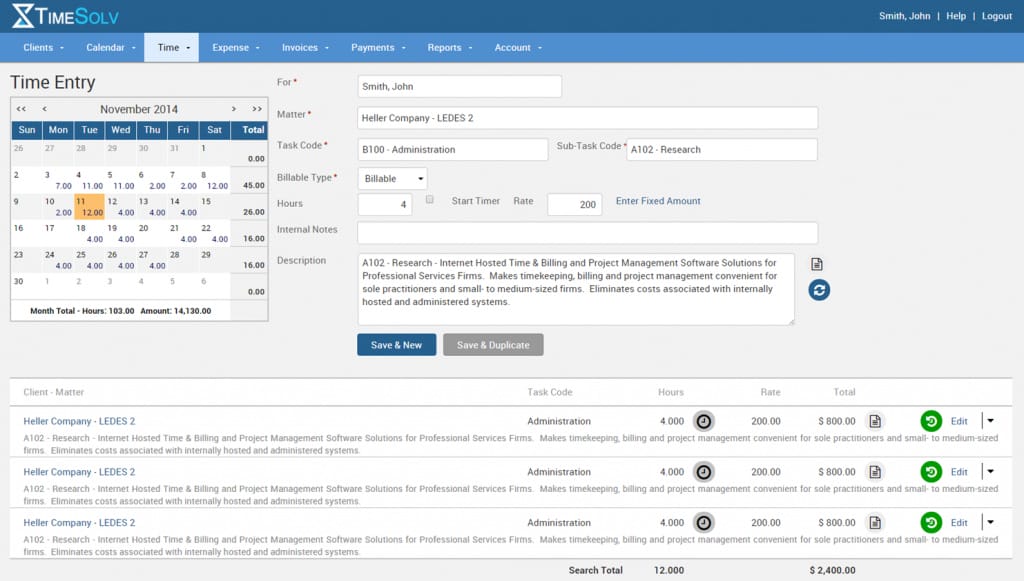
TimeSolv is online legal billing software designed to help law firms easily manage their billing processes. This billing solution is particularly well-suited for smaller firms and solo practitioners as it balances affordability and functionality.
Source: G2
Key Features
- Cloud-based access: Work from anywhere with secure access to time tracking, billing, and client data, whether on a computer or mobile device.
- Advanced time tracking: Log billable and non-billable hours accurately with built-in timers and manual entry options.
- Split billing: Easily divide invoices between multiple clients or matters, which can make complex billing scenarios hassle-free.
- Trust accounting tools: Track client trust funds with tools to maintain compliance and keep funds organized separately from operating accounts.
- Detailed reporting: Generate reports on billing, payments, and firm performance to get a clear picture of your financial health.
Pros
- Affordable for smaller firms and solo attorneys
- Offers strong data security features
Pricing
TimeSolv’s pricing starts at $40 per user per month for TimeSolv Pro. The starting plan includes time tracking, billing, expense tracking, unlimited clients, and secure document storage.
3. Lawpay
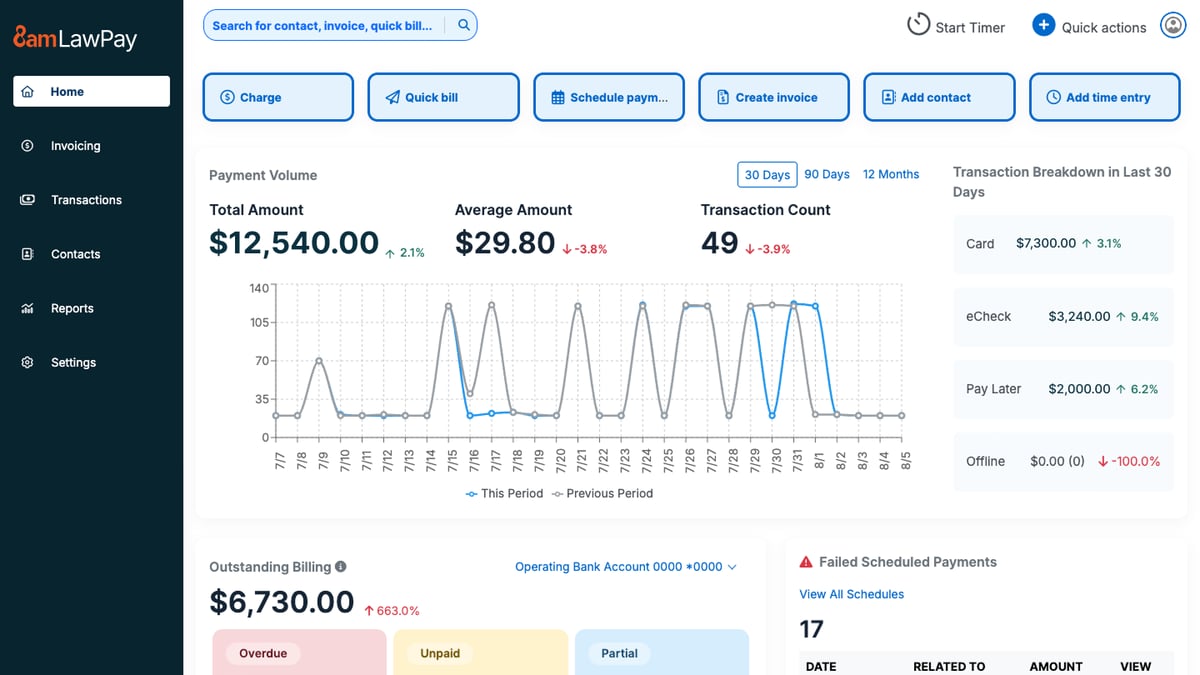
Lawpay is a payment processing solution built specifically for law firms and focuses on making transactions easy and compliant.
It’s not complete legal office billing software, but it works seamlessly alongside your existing tools to simplify payment collection and trust accounting.
Source: G2
Key Features
- Secure payment processing: Accept credit card payments, ACH transfers, and eChecks, all while making sure client funds are handled securely.
- Trust account compliance: Automatically separates earned and unearned funds to help you meet trust accounting requirements without the risk of commingling.
- Customizable payment pages: Create branded payment pages for your website to provide a professional and convenient experience for clients.
- Recurring payment options: Set up recurring billing for ongoing matters, which reduces administrative tasks.
- Detailed transaction reporting: Track all payments and deposits in real time so it’s easier to manage finances and maintain accurate records.
Pros
- Simplifies trust accounting for compliance
- Easy to set up and use for legal professionals
Pricing
Lawpay’s monthly pricing is a flat fee of $19 per month, including features like trust account protection, unlimited users, and customizable website payment pages. There is also custom pricing for specialized plans.
4. Smokeball
Smokeball is a cloud-based legal practice management software that offers tools for billing, case management, and document automation.
While it’s known for its comprehensive features, its billing functionality stands out with automatic time tracking and pre-built templates.
Source: G2
Key Features
- Automatic time tracking: Captures all billable and non-billable hours without requiring manual input.
- Pre-built invoice templates: Create detailed and professional invoices quickly, with options to include time entries, expenses, and case-specific details.
- Case and matter management: Organize all case-related files, deadlines, and communications in one centralized platform.
- Document automation: Generate legal documents quickly with pre-built templates tailored for various practice areas.
- Trust accounting management: Easily handle client trust funds with tools designed to ensure compliance and accuracy.
Pros
- Great for small teams needing simple but powerful tools
- Intuitive interface that’s easy to navigate
Pricing
Smokeball’s pricing is not currently publicly available.
5. FreshBooks
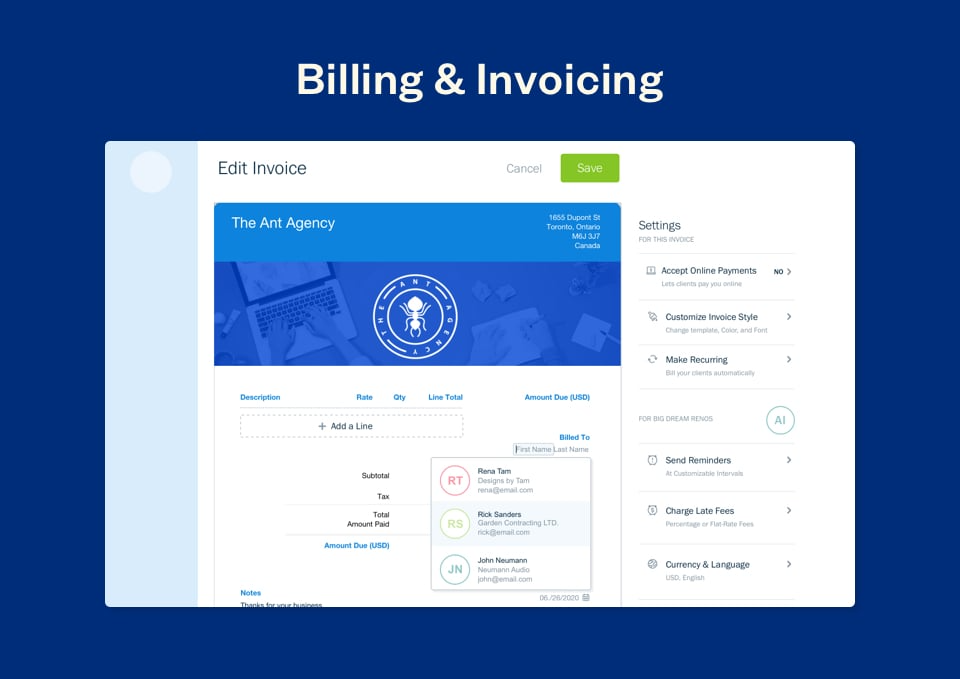
FreshBooks is a popular accounting and invoicing platform ideal for solo attorneys and small law firms.
It’s not designed exclusively for legal professionals, but its intuitive interface and billing features make it a great option for those who need simple, straightforward tools for managing invoices, payments, and expenses.
Source: G2
Key Features
- Expense tracking: Easily log billable hours and categorize firm expenses to keep your finances organized and track costs against budgets.
- Automated invoice reminders: Send friendly reminders to clients automatically to help you get timely payments without the need for manual follow-ups.
- Multi-currency and multi-language support: Perfect for firms with international clients because it offers flexibility in billing for different currencies and languages.
- Secure online payment options: Accept payments via credit cards, ACH transfers, or payment gateways, which makes it easy and convenient for clients to pay invoices.
- Detailed financial reporting: Provides insights into income, expenses, profit margins, and outstanding balances.
Pros
- Easy to use, even for those without accounting experience
- Affordable pricing plans for solo practitioners
Pricing
FreshBooks starts at $6.90 per month, offering a budget-friendly solution for small firms or solo attorneys looking for essential billing and invoicing features like expense tracking and invoices.
6. PointOne
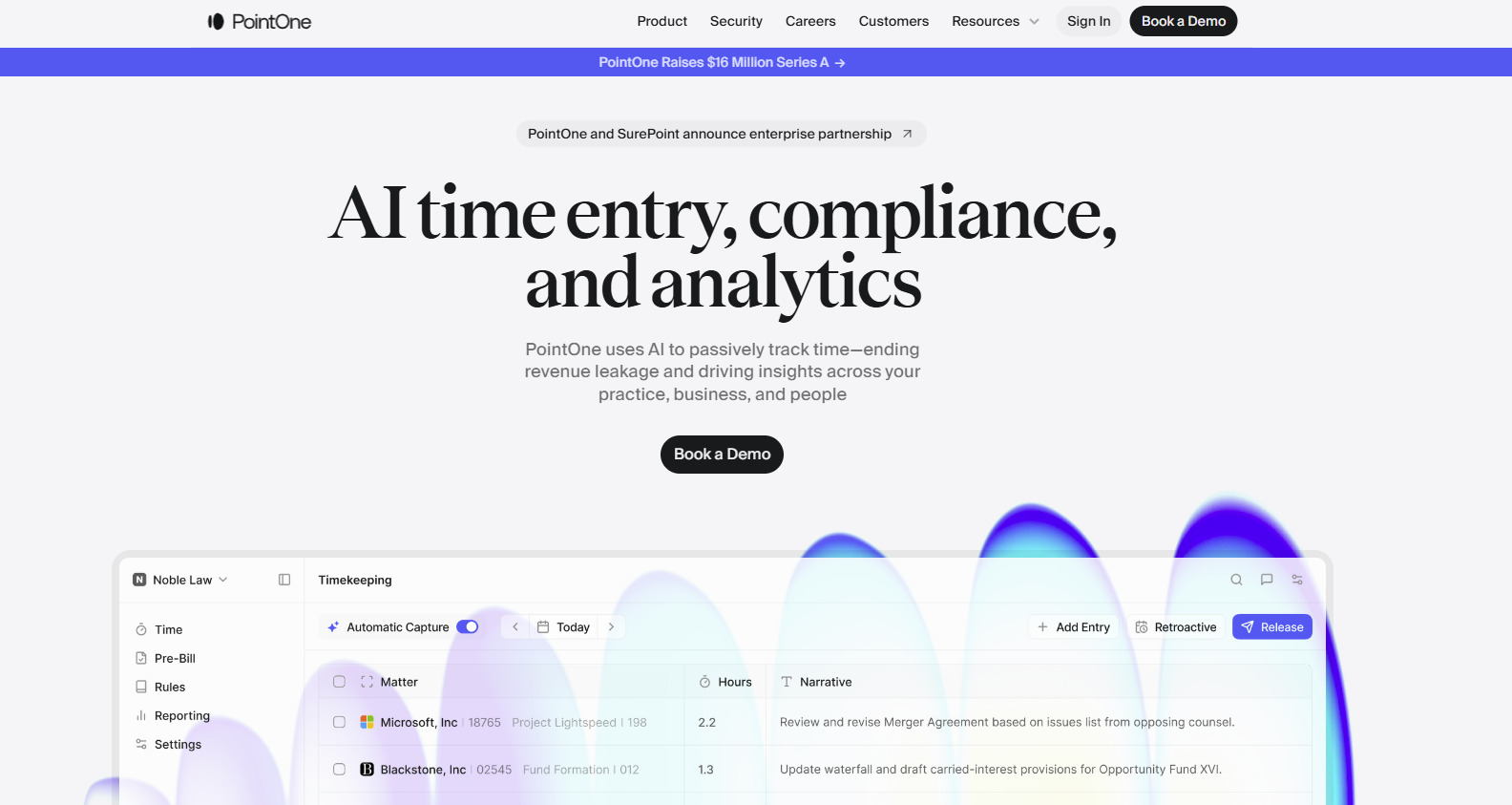
PointOne is an AI-driven platform that automates timekeeping and billing for law firms. Its goal is to optimize efficiency and profitability by reducing administrative burdens and ensuring accurate time capture.
Source: Pointone.com
Key Features
- Automated time tracking: PointOne passively records all work activities, which helps reduce administrative tasks.
- AI-powered pre-bill review: The platform uses artificial intelligence to review pre-bills, suggesting edits to improve bill quality and compliance with client guidelines.
- Integration: PointOne integrates with existing billing software and practice management systems.
- Real-time collaboration: The platform offers features that allow team members to collaborate on billing matters for better alignment and transparency within the firm.
Pros
- Automates time capture, ensuring all billable activities are recorded
- AI-driven reviews help produce precise and compliant bills
- Frees up time by automating timekeeping and billing processes
Pricing
PointOne currently does not have its pricing publicly listed.
7. Billables AI
Billables AI helps lawyers keep up with timekeeping without having to stop and log everything by hand. It tracks work in the background and turns that activity into billable entries with the client, matter, and narrative details already filled in.

Source: Billables.ai
This platform can help when timekeeping tends to happen after the fact. With more of the activity captured as you work, there is less to piece together later and less reliance on memory when reviewing entries.
Key Features
- Automated timekeeping: Tracks workflows automatically while you work and generates billable activity reports.
- AI-generated time entries: Creates entries with clients, matters, and narrative descriptions included.
- Adaptive billing support: Learns from usage over time so the dashboard better matches how you bill.
- User-controlled review: Let users edit or delete billable records before anything is exported or shared.
- Workflow integrations: Connects with tools like email, calendar, docs, calls, Microsoft 365, Teams, Adobe, Chrome, Edge, and Zoom.
Pros
- Helps capture work that often gets missed in manual timekeeping
- Gives lawyers more control over reviewing and editing entries before export
- Strong integration focus for day-to-day legal workflows
- Reduces administrative workload surrounding billing
Pricing
Billables AI does not list public pricing on its website.
How to Choose the Right Legal Billing Software For Your Team
Looking at a list of popular tools can help you narrow things down, but that only tells you so much. Legal billing has its own demands, so the better question is whether a platform fits the way your team bills.
Here are a few things worth checking:
- Customizable billing templates: Your bills should be easy to format around your rates, time entries, and client expectations.
- Client management: It helps when client details, matter information, and payment records are easy to pull up during billing.
- Embedded payment links: Giving clients a direct way to pay from the invoice can make collections a little less drawn out and help improve cash flow.
- Billing history: A full record of invoices, payments, credits, and edits makes it easier to review past activity.
- Document management: Some teams need billing to connect closely with matter files, supporting records, or shared documents.
- Everyday workflow: The system should make billing easier to keep up with and not add more steps to it.
Automate Parts of Your Discovery Process With Briefpoint
Legal billing software helps your firm handle invoices and payments, but it does not do much for the discovery work that takes up so much time behind the scenes.
Briefpoint focuses on that part of the process. It helps with drafting discovery requests and responses, and Autodoc helps move that work into cleaner production-ready documents with Bates stamps and cited materials when needed.

That matters even more once a case starts to shift. Discovery responses rarely stay frozen. New facts come in, answers need updates, and your team ends up revisiting the same sets again.
Briefpoint now supports Supplemental Responses inside the same workflow, so you can create updates for RFPs, RFAs, and interrogatories while keeping prior answers intact and easy to reference.
If client input changes, Bridge can pull that into the process without forcing your team to manage everything outside the platform.
For firms dealing with ongoing discovery across multiple rounds, this can make the work easier to track and easier to update without losing the thread of what came before.
Want to see how it works?
Schedule a demo here and discover how Briefpoint can help your firm work smarter.
