How to Measure Legal Document Automation ROI
Before You Measure
A strong ROI analysis starts with a tight measurement plan. Before implementing automation, define the workflow, the comparison period, and the critical metrics you’ll use to judge performance.
To start, you want to capture how legal professionals currently spend time on repetitive tasks, where drafting errors occur, and which bottlenecks affect cost or turnaround.
- Select one document workflow: Choose a high-volume process like discovery responses, intake forms, demand letters, or standard agreements. A focused workflow makes the ROI data easier to trust.
- Define the comparison period: Use a set timeframe, such as the last 30, 60, or 90 days. Match the same period after automation so the comparison stays fair.
- Document baseline metrics: Track average drafting time, review time, revision count, cost per document, and turnaround time before automation.
- Review drafting errors: Record formatting issues, missing fields, inconsistent language, and repeated corrections. These details help show quality gains after document automation.
- Identify patterns: Look for repeated clauses, common objections, duplicate questions, and recurring document types. These patterns show where automation efforts can have the strongest effect.
- Set implementation goals: Define what successful implementation means, such as shorter review cycles, lower cost per document, fewer revisions, or more staff capacity.
9 Key Metrics to Measure for Legal Document Automation
A useful ROI analysis needs numbers that reflect how your team drafts and reviews legal documents in real work.
Start with the metrics below:
1. Time Saved per Document
Time saved per document is one of the clearest ways to measure legal document automation ROI.
Start with the average time your team spends on routine tasks like drafting and preparing a document for document review, then compare it with the time needed after automated processes are in place.
This metric works well for high-volume work and complex documents, including discovery responses and legal contracts. If automation removes repeated manual drafting steps, you should see a significant reduction in the time spent on each document.
For example, say a paralegal usually spends 5 hours preparing a discovery response set. After automation, the same document takes 1.5 hours to prepare and send for attorney review. That’s 3.5 hours saved on one document.
To measure it, use this formula:
Manual document time – Automated document time = Time saved per document
Document automation unlocks the most value when the same savings repeat over dozens of documents each month.
2. Cost per Document
Cost per document shows how much your firm spends to produce one legal document before and after using a document automation tool.
When you measure it right, this metric turns time savings into measurable value because it connects drafting work to labor costs, review time, and overall cost reduction.
Use this formula:
Total labor costs + Software costs ÷ Number of documents produced = Cost per document
- Track time spent: Record how long attorneys, paralegals, and support staff spend on each document from first draft to final version.
- Apply hourly costs: Multiply the time spent by each person’s internal hourly cost (not the client billing rate) for a cleaner return on investment calculation.
- Compare pre-automation and post-automation costs: Look at the difference after automating repetitive tasks like formatting, clause insertion, discovery responses, or standard legal contracts.
- Account for quality gains: Higher quality documents can lower rework, reduce review cycles, and create cost savings beyond the first draft.
For example, if a document costs $240 in labor before automation and $90 after automation, your cost per document drops by $150. Across 100 documents, that creates $15,000 in savings.
3. Document Turnaround Time
Document turnaround time measures how long it takes to move a document from the first request to the final version. For legal departments and law firms, this is one of the key ROI metrics because slow documents can easily delay filings and client responses.
Make sure to track the full timeline, not only drafting time. For instance, a document might take one hour to draft, but sit for two days before review. That delay still affects ROI because it slows the work tied to the document.
Legal document automation helps reduce that gap by enabling legal teams to generate cleaner first drafts and route documents sooner.
For example, if a contract request usually takes five business days to reach a final draft and automation brings it down to two business days, the gain shows up in more than saved hours. It can support faster deal cycles and better business outcomes.
Basically, the shorter the turnaround, the easier it becomes to prove that automation is improving the way legal work moves.
4. Attorney Review Time
Attorney review time shows how much lawyer involvement a draft needs before it’s ready to use. This is a useful ROI metric for law firms because AI tools can reduce cleanup work while keeping human review where it belongs: legal judgment, strategy, and final approval.
Track review time before and after implementing AI, then compare the difference per document. If a draft previously needed 90 minutes of attorney review and now needs 35 minutes, you can quantify savings without relying on a rough estimate.
Measure:
- Average review time before automation
- Average review time after automation
- Number of attorney edits per document
- Time spent correcting formatting issues
- Time spent fixing repeated drafting errors
- Time returned to higher-value legal work
When attorney review time drops and document quality holds steady, the automation tool is helping attorneys spend less time cleaning up drafts and more time on work that requires legal expertise.
5. Error and Revision Rate
Error and revision rate measure how often a document needs correction after the first draft. This includes issues that add manual effort and slow the path to a final version, such as:
- Missing information
- Formatting problems
- Inconsistent language
- Wrong party names
- Outdated clauses
- Repeated attorney edits
This metric has real financial value because every correction adds time. A draft that moves through review with fewer errors gives you cleaner, measurable outcomes after automation. It also shows where continuous improvement is still needed, especially if the same issues keep showing up.
For example, say your team reviews 50 discovery responses in a month. Before automation, 30 needed revisions for missing responses or inconsistent discovery objections. After automation, only 12 need similar edits. That drop shows better draft quality and gives you a clearer case for ROI.
Remember: Track the percentage of documents that need revision before and after automation. If the revision rate falls while quality stays strong, your automation process is reducing rework.
6. Staff Capacity
Staff capacity measures how much work your team can handle after automation reduces repetitive drafting and cleanup.
It also captures the indirect benefits of giving attorneys, paralegals, and support staff more room for client communication, case preparation, and higher-value review.
You can track capacity in practical terms:
- Documents completed per person: Compare how many documents each team member can finish before and after automation.
- Hours returned to the team: Measure how much time automation gives back each week, then connect that time to work with higher value.
- Workload balance: Look at whether automation reduces pressure on the same people who usually handle drafting-heavy tasks.
- User adoption: Track how many team members use the tool regularly. Low adoption can hide the real ROI of your automation efforts.
- Training quality: Review attendance, comfort level, and follow-up questions after training sessions. Comprehensive training helps staff use the tool correctly and get stronger results from it.
7. Matter Profitability
Matter profitability shows how automation affects the financial return on a case, project, or transaction. You gain a bigger-picture view than time saved, since it connects document work to the actual margin on the work.
This metric is worth comparing with the other KPIs you track. Time saved can show a faster process, while error rate can show cleaner drafts. Matter profitability tells you if those gains are helping the firm protect its margins.
For example, a litigation matter may require dozens of discovery documents. If automation reduces drafting costs and cuts attorney review time, the matter becomes less expensive to handle.
In transactional work, faster contract prep can also help move deal closures along, which makes the value easier to explain to leadership.
Track a few practical numbers, such as labor cost per matter, write-offs, and fixed-fee margins. These figures can help with justifying continued investment because they show how automation affects the business side of legal work.
Over time, stronger matter profitability can become a competitive advantage. Your team can respond faster and take on more work without adding the same level of manual effort.
8. Client Response Time
Client response time is where automation starts to show up in the client experience. When a client sends answers or requested details, the next step should move quickly. If your team can turn that input into a revised draft sooner, the client feels the difference right away.
For ROI, this metric connects speed with trust. A faster reply can help contract management workflows move forward without long pauses between versions. In litigation, quicker document updates can give your team more time to prepare before a deadline.
It can also improve related metrics. Shorter response windows can reduce total turnaround time, while cleaner client input can cut down review time later. Both can support stronger legal outcomes because the team has more time to focus on the substance of the work.
A simple way to track it is to measure the average time between receiving client input and sending the next document version.
9. Client Satisfaction
Client satisfaction helps you see if faster document work actually feels better to the people receiving it. A client may not care which automation tool you use, but they will notice quicker responses and clearer communication.
Start by tracking this metric through simple feedback points:
- Client surveys: Ask short questions after major document milestones, such as how clear the process felt and how satisfied the client was with response speed.
- Client satisfaction scores: Use a simple rating scale to compare satisfaction before and after automation.
- Net promoter score: Ask how likely clients are to recommend your firm or legal department based on their experience.
- Stakeholder satisfaction: For in-house teams, collect feedback from sales, finance, operations, or other teams that depend on legal documents.
- Client retention rates: Review if faster, cleaner document workflows support stronger long-term relationships.
This metric also helps you compare automation results against client expectations. If satisfaction improves alongside faster turnaround and fewer revisions, your ROI story becomes much easier to defend.
What Is a Good ROI on Legal Document Automation Software?
A good ROI on legal document automation software depends on several factors, including document volume, labor costs, upfront costs, and fit with your existing systems. Those aren’t the only factors, but they give you a practical starting point for measuring return.
A good place to start is a 90-day review. During that period, track metrics like time saved, cost per document, document review time, and revision rates. From there, compare the savings against the cost of the software.
For example, say the software costs $12,000 per year and saves 25 hours per month.
If the average internal labor cost is $80 per hour, the firm saves $2,000 per month, or $24,000 per year.
After subtracting the software cost, the net gain is $12,000. That gives you a 100% ROI.
After that, look past the first-year number. For long-term success, legal document automation should also support revenue growth through better capacity, faster client response, and stronger matter profitability.
Briefpoint Turns Discovery Time Savings Into Measurable ROI
Briefpoint makes ROI easier to prove because its value shows up where discovery usually drains the most time: drafting, objections, client responses, and production prep.
The platform can generate objection-aware RFAs, RFPs, and interrogatories, create automatic objections, collect client responses, and produce Bates-numbered production packages with Word-formatted responses.
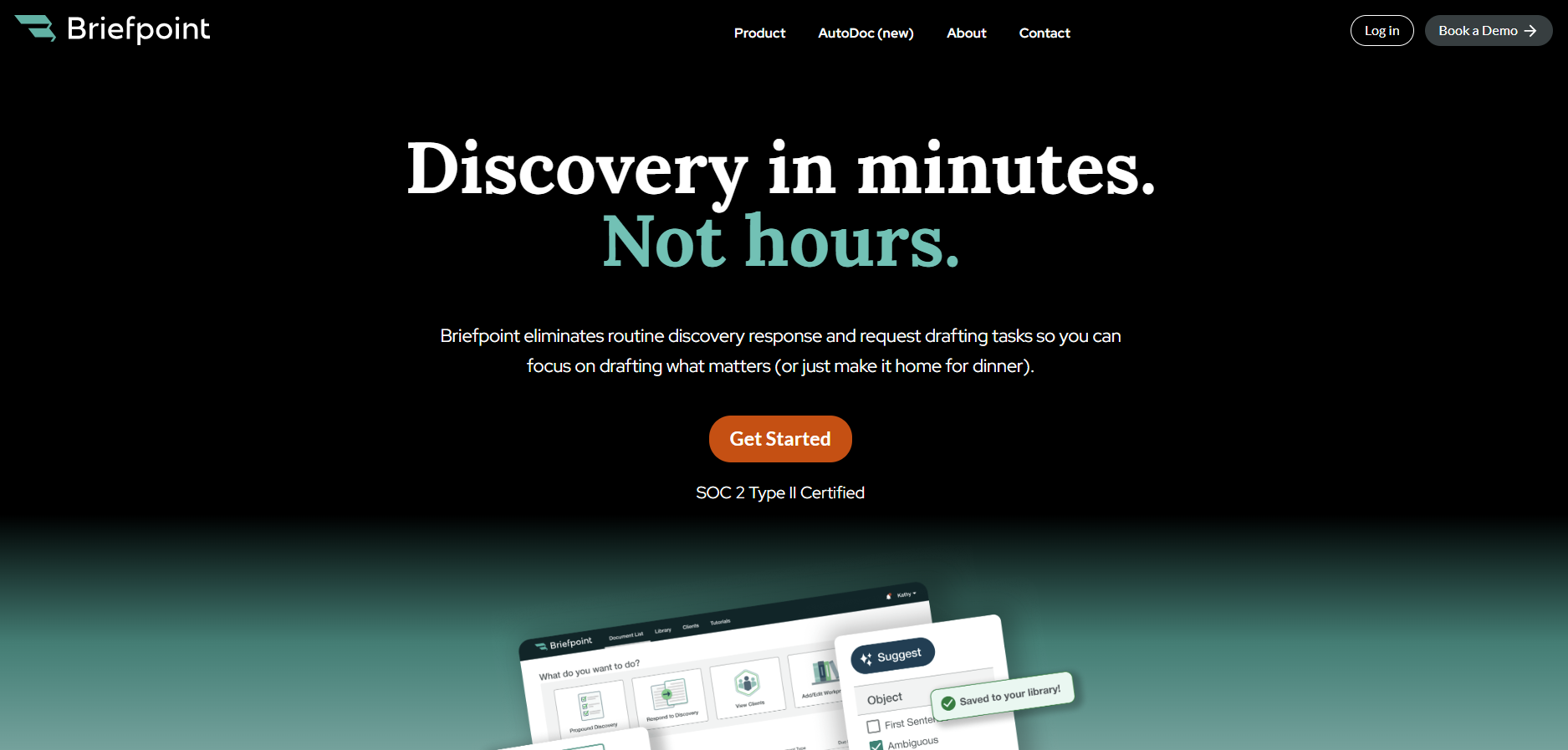
The value is easy to connect to the metrics above. Briefpoint boasts 95% faster discovery responses, with a typical 40-RFP set going from 30–40 hours to minutes through Autodoc.
Its processing time can be as quick as 3–10 seconds per request, 30+ hours saved per case, and around 70 targeted requests in under 3 minutes from a complaint.
Those time savings can lower the cost per document and reduce attorney review time. It can also help your team respond to clients faster, especially with client response collection that turns discovery questions into plain English or Spanish and sends answers back into Word-ready drafts.
As a result, ROI becomes easier to measure. You can compare the hours saved, the drop in manual drafting, the faster response cycle, and the effect on matter profitability.
If discovery takes up too much of your team’s week, Briefpoint gives you a practical way to turn automation into visible financial value.
