A Deeper Look Into the Legal Document Review Process
What Is Legal Document Review?
Legal document review means reading and checking legal documents with a clear purpose in mind. You may need to confirm what a document says, spot risk, protect privileged information, or decide what needs attention before the next step.
In practice, this work gives legal professionals a cleaner view of the details that can affect a case or internal decision.
Document review attorneys often review documents to check for:
- Accuracy
- Relevance
- Privilege
- Confidentiality
- Risk
- Compliance
Of course, the scope can change from one matter to the next. A quick review may only need a focused read-through. On the other hand, a larger review may call for review protocols, several reviewers, and quality checks.
Either way, the main goal is to make sure the document supports the legal work ahead.
What Types of Documents Need Legal Review?
Most documents tied to a legal matter can benefit from review, especially if they affect rights, obligations, or risk. A careful review helps you identify key documents and protect confidential information before the work moves forward.
Common documents that need legal review include:
- Contracts and agreements: Review these for obligations, deadlines, liability, and unclear language.
- Discovery documents: During the litigation process, teams review documents for relevance and privileged information.
- Privileged documents: These need careful handling to protect attorney-client communications and work product.
- Compliance records: Compliance document review checks policies and internal records against legal or regulatory requirements.
- Corporate documents: Board minutes, bylaws, and ownership records often need review during due diligence.
- Physical documents: Paper records may need scanning and review before use in a case, investigation, or transaction.
Step-by-Step of the Typical Legal Document Review Process
A legal document review process works best when each stage has a clear purpose. Here are the main steps most legal teams follow:
1. Gather the Documents
The first step in legal doc review is document collection. Before you can identify relevant information, you need a complete set of potentially relevant documents tied to the legal matter.
This may include digital files, paper records, emails, contracts, financial records, reports, pleadings, and other materials connected to legal proceedings. At this stage, the focus should stay broad enough to avoid missing anything important, but organized enough to keep the review manageable.
You may need to collect documents from:
- Client files
- Email accounts
- Shared drives
- Case folders
- Contract databases
- Financial records
- Physical records
- Third-party sources
After collection, you can start narrowing the set down to the most relevant documents for review.
2. Set the Review Scope
Before the review team starts reading, set clear boundaries for the work. The scope tells reviewers what to look for, which documents take priority, and how decisions should be made during document analysis.
This step usually includes the review criteria, date ranges, custodians, document types, and legal issues tied to the matter. At the same time, it helps the team organize documents in a way that supports a faster and cleaner review.
For example, in a contract dispute, the review scope may focus on emails, agreements, invoices, and amendments from a specific time period. Reviewers may look for relevant evidence tied to payment terms, delivery obligations, or breach allegations.
Remember: A clear scope keeps the review focused and helps everyone apply the same standard from the start.
3. Sort and Organize the Files
After collection, sort the files so the review team can work through them in a clear order. This step can help you streamline legal document review because reviewers spend more time examining documents instead of searching for them.
For instance, in a legal case involving a contract dispute, you may separate the signed agreement from related emails, invoices, and notes. From there, you can place the files in date order so the review shows how the issue developed.
Proper organization also supports a thorough document review. For starters, it keeps related records close together, makes key details easier to compare, and helps the team understand each document in the right context.
4. Review for Relevance and Risk
This is the point where the review becomes more judgment-based. The team needs to analyze documents with the scope in mind, but the work should still leave room for legal reasoning, context, and follow-up questions.
A strong review usually includes:
- First pass review: Conduct first pass reviews to separate documents that are relevant from files that have little or no connection to the issue.
- Risk review: Look for facts, clauses, dates, admissions, missing details, or obligations that may affect the legal position.
- Manual review: Use manual review for documents that need closer attention, especially if the meaning depends on surrounding facts or prior communications.
- Issue tagging: Mark documents tied to claims, defenses, contract terms, privilege concerns, or other review criteria.
- Second pass review: Use a second pass review for key documents before production, filing, negotiation, or final advice.
5. Flag Privileged and Confidential Information
Privilege review calls for extra care. One missed document can affect major elements of your case, like production, waiver issues, or client confidentiality.
As you work through the files, flag anything that may include attorney-client privilege, work product, sensitive data, or confidential business information.
For example, an email from outside counsel discussing litigation strategy may need to be withheld or logged. Or a payroll spreadsheet may need redactions before production if it includes Social Security numbers or bank details.
Watch for items such as:
- Attorney-client communications
- Legal advice from counsel
- Drafts prepared for counsel
- Litigation strategy notes
- Confidential business records
- Personal identifying information
- Financial account details
- Health or employment records
Tools like technology-assisted review can help you find likely privileged or sensitive material in larger document sets. Even then, privilege review still needs legal judgment, so confirm what gets withheld and what can move forward.
6. Add Notes, Edits, or Redlines
After you identify the main issues, record them in a way that the next reviewer can follow without having to guess at your reasoning. In many reviews, notes and redlines are what turn a flagged issue into something the team can actually act on.
For instance, document reviewers may flag unclear language, add a short comment where legal judgment is needed, or suggest a redline that brings the document closer to internal policy.
For in-house legal teams, this step also helps connect the review to legal standards and business risk.
Overall, a thorough review should leave a clear trail of what changed and what still needs input.
7. Run a Quality Check
Before the document moves forward, take time to check the review itself. This quality control step helps confirm that comments, redlines, privilege calls, and risk flags line up with the review scope and legal strategy.
Use a short checklist like this:
- Relevance: Confirm that key documents have been reviewed under the right criteria.
- Privilege: Check that privileged material has been flagged, withheld, logged, or redacted as needed.
- Sensitive information: Look for personal data, confidential business details, or financial information that needs protection.
- Redlines and notes: Make sure comments are clear, useful, and tied to a specific legal issue.
- Consistency: Compare similar documents so reviewers apply the same standard throughout the review.
- Final status: Confirm which documents are ready for production, filing, negotiation, or attorney review.
A quick quality check can save time later, especially when the document will affect a deadline, client decision, or opposing party response.
8. Prepare the Final Output
With the quality check complete, prepare the reviewed documents in the format needed for the next step.
In litigation, this may be a production set or privilege log. For contracts, it may be a clean draft with a redline. For internal review, it may be a short summary for the attorney, client, or business team.
Make sure the final version reflects the decisions made during review. For starters, redactions should be complete, comments should be resolved or assigned, and open issues should be easy to understand.
The final output should feel ready to use. The next person should be able to review, approve, file, produce, or negotiate from the document with relative ease.
Best Practices for a Better Legal Document Review Process
A smoother review starts before the first document gets opened. Give your team enough direction to make consistent calls, but keep the process practical so reviewers can move through the work without constant back-and-forth.
Use these tips as a guide:
Use the Right Legal Document Review Software for Your Process
Legal software can be worth adding when the review volume starts eating up too much attorney time. For law firms handling discovery review or litigation discovery, the right tool can make the process easier to control without taking judgment away from the legal team.
Look for features that match the work in front of you:
- AI-powered review: Helps bring likely relevant documents, repeated language, and priority files to the surface faster.
- Optical character recognition: Turns scanned PDFs and image-based files into searchable text, which helps when older records or physical documents are part of the set.
- Data processing tools: Helps you sort files, remove duplicates, preserve metadata, and keep document families together before review starts.
- Review platform controls: Makes managing review platforms easier with reviewer permissions, tagging rules, batches, and audit trails.
- Privilege and redaction tools: Helps your team flag privileged material, protect sensitive content, and prepare cleaner productions.
Start With Clear Review Criteria
Clear review criteria give your team a shared standard before the first document is opened. Without that direction, reviewers may make different calls on the same type of record, especially in e-discovery or when producing relevant documents for the other side.
Your criteria should explain what counts as responsive and what should be flagged for attorney review. Keep it practical so reviewers can apply it quickly while still using legal judgment.
For example, your criteria might cover:
- Date range
- Custodians
- Relevant issues
- Key terms
- Privilege indicators
- Confidential information
- Redaction rules
- Escalation points
Clear criteria also make quality control easier later. If a document gets challenged or needs a second look, the team can trace the decision back to the standard used during review.
Keep the Document Set Organized
The way you organize the document set will shape the rest of the review. As mentioned earlier, reviewers should not have to waste time looking for the right file or guessing how one record connects to another.
Keep related documents close together, use clear naming conventions, and separate files in a way that matches the review scope. If the matter involves a contract dispute, for example, the signed agreement, related emails, and notes should be easy to compare.
Good organization also helps with consistency. When reviewers can see the surrounding context, they can make cleaner calls on relevance, privilege, risk, and next steps.
Flag Privilege Early
Privilege issues are easier to manage when you catch them early in the review. If a privileged piece of information or attorney work product reaches opposing counsel by mistake, the team may have to deal with clawback requests or extra cleanup that could have been avoided.
Mark anything that may need privilege review as soon as you see it. That gives senior attorneys time to make the final call before documents move into production, negotiation, or regulatory compliance review.
This step is especially important for legal services teams handling large matters. Early privilege calls help protect the client and keep sensitive legal advice out of the wrong hands.
Make the Review Easier Before the Drafting Starts With Briefpoint
A clear legal document review process helps you move from a large set of files to the documents that actually support the next step in your process.
When discovery work is part of that process, Briefpoint can help reduce the manual steps that usually slow teams down.
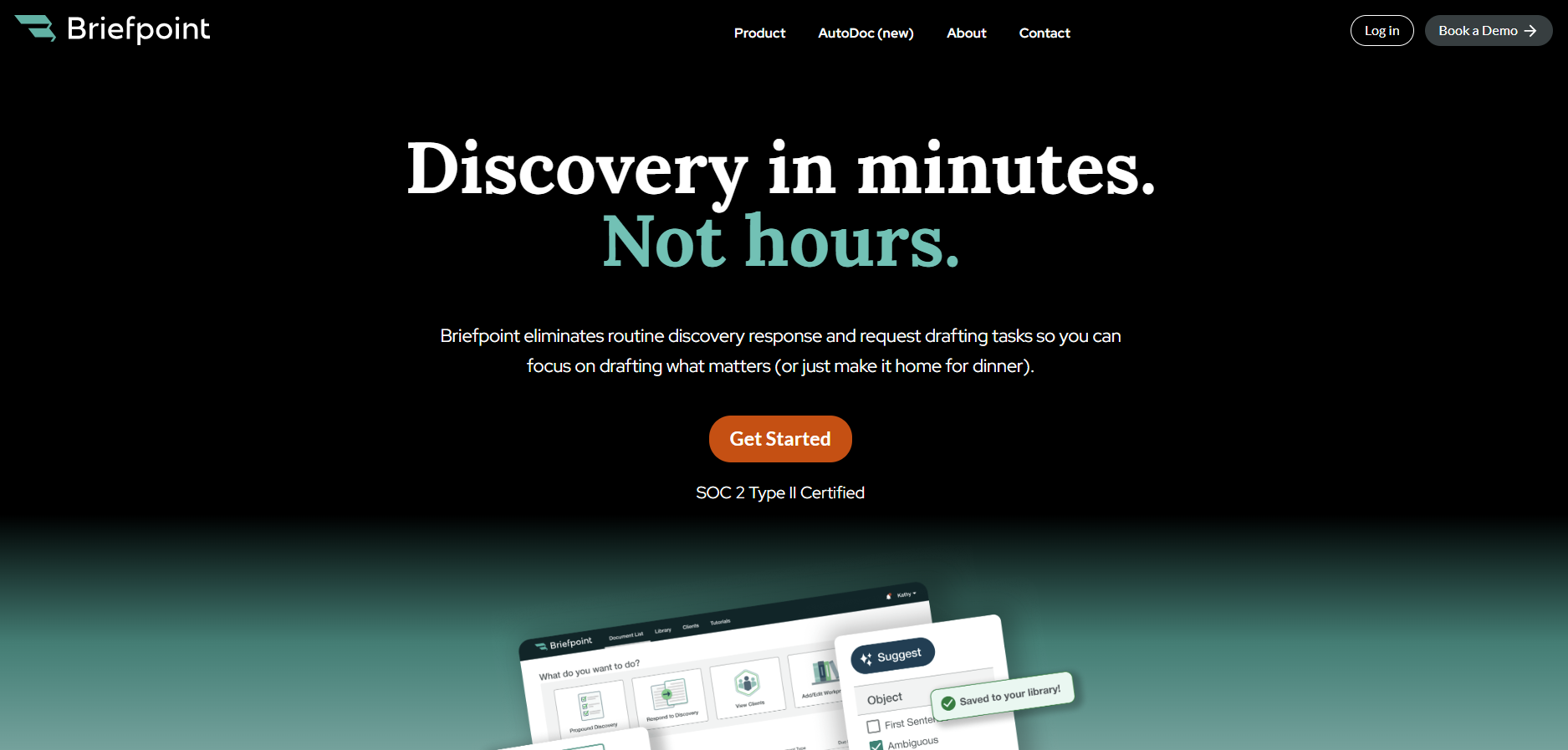
Briefpoint’s Autodoc can search case files and productions, identify responsive documents for RFPs, and generate Word-formatted discovery responses with Bates citations.
Meanwhile, the Client Doc Collection feature lets clients upload documents through Client Bridge, with files tied to the right RFP items from the start. For ongoing discovery, Supplemental Responses help you update responses while keeping earlier answers intact and easy to reference.
For attorneys handling discovery review, client document collection, and response drafting, Briefpoint gives the review process a cleaner handoff from documents to work product.
How to Measure Legal Document Automation ROI
Before You Measure
A strong ROI analysis starts with a tight measurement plan. Before implementing automation, define the workflow, the comparison period, and the critical metrics you’ll use to judge performance.
To start, you want to capture how legal professionals currently spend time on repetitive tasks, where drafting errors occur, and which bottlenecks affect cost or turnaround.
- Select one document workflow: Choose a high-volume process like discovery responses, intake forms, demand letters, or standard agreements. A focused workflow makes the ROI data easier to trust.
- Define the comparison period: Use a set timeframe, such as the last 30, 60, or 90 days. Match the same period after automation so the comparison stays fair.
- Document baseline metrics: Track average drafting time, review time, revision count, cost per document, and turnaround time before automation.
- Review drafting errors: Record formatting issues, missing fields, inconsistent language, and repeated corrections. These details help show quality gains after document automation.
- Identify patterns: Look for repeated clauses, common objections, duplicate questions, and recurring document types. These patterns show where automation efforts can have the strongest effect.
- Set implementation goals: Define what successful implementation means, such as shorter review cycles, lower cost per document, fewer revisions, or more staff capacity.
9 Key Metrics to Measure for Legal Document Automation
A useful ROI analysis needs numbers that reflect how your team drafts and reviews legal documents in real work.
Start with the metrics below:
1. Time Saved per Document
Time saved per document is one of the clearest ways to measure legal document automation ROI.
Start with the average time your team spends on routine tasks like drafting and preparing a document for document review, then compare it with the time needed after automated processes are in place.
This metric works well for high-volume work and complex documents, including discovery responses and legal contracts. If automation removes repeated manual drafting steps, you should see a significant reduction in the time spent on each document.
For example, say a paralegal usually spends 5 hours preparing a discovery response set. After automation, the same document takes 1.5 hours to prepare and send for attorney review. That’s 3.5 hours saved on one document.
To measure it, use this formula:
Manual document time – Automated document time = Time saved per document
Document automation unlocks the most value when the same savings repeat over dozens of documents each month.
2. Cost per Document
Cost per document shows how much your firm spends to produce one legal document before and after using a document automation tool.
When you measure it right, this metric turns time savings into measurable value because it connects drafting work to labor costs, review time, and overall cost reduction.
Use this formula:
Total labor costs + Software costs ÷ Number of documents produced = Cost per document
- Track time spent: Record how long attorneys, paralegals, and support staff spend on each document from first draft to final version.
- Apply hourly costs: Multiply the time spent by each person’s internal hourly cost (not the client billing rate) for a cleaner return on investment calculation.
- Compare pre-automation and post-automation costs: Look at the difference after automating repetitive tasks like formatting, clause insertion, discovery responses, or standard legal contracts.
- Account for quality gains: Higher quality documents can lower rework, reduce review cycles, and create cost savings beyond the first draft.
For example, if a document costs $240 in labor before automation and $90 after automation, your cost per document drops by $150. Across 100 documents, that creates $15,000 in savings.
3. Document Turnaround Time
Document turnaround time measures how long it takes to move a document from the first request to the final version. For legal departments and law firms, this is one of the key ROI metrics because slow documents can easily delay filings and client responses.
Make sure to track the full timeline, not only drafting time. For instance, a document might take one hour to draft, but sit for two days before review. That delay still affects ROI because it slows the work tied to the document.
Legal document automation helps reduce that gap by enabling legal teams to generate cleaner first drafts and route documents sooner.
For example, if a contract request usually takes five business days to reach a final draft and automation brings it down to two business days, the gain shows up in more than saved hours. It can support faster deal cycles and better business outcomes.
Basically, the shorter the turnaround, the easier it becomes to prove that automation is improving the way legal work moves.
4. Attorney Review Time
Attorney review time shows how much lawyer involvement a draft needs before it’s ready to use. This is a useful ROI metric for law firms because AI tools can reduce cleanup work while keeping human review where it belongs: legal judgment, strategy, and final approval.
Track review time before and after implementing AI, then compare the difference per document. If a draft previously needed 90 minutes of attorney review and now needs 35 minutes, you can quantify savings without relying on a rough estimate.
Measure:
- Average review time before automation
- Average review time after automation
- Number of attorney edits per document
- Time spent correcting formatting issues
- Time spent fixing repeated drafting errors
- Time returned to higher-value legal work
When attorney review time drops and document quality holds steady, the automation tool is helping attorneys spend less time cleaning up drafts and more time on work that requires legal expertise.
5. Error and Revision Rate
Error and revision rate measure how often a document needs correction after the first draft. This includes issues that add manual effort and slow the path to a final version, such as:
- Missing information
- Formatting problems
- Inconsistent language
- Wrong party names
- Outdated clauses
- Repeated attorney edits
This metric has real financial value because every correction adds time. A draft that moves through review with fewer errors gives you cleaner, measurable outcomes after automation. It also shows where continuous improvement is still needed, especially if the same issues keep showing up.
For example, say your team reviews 50 discovery responses in a month. Before automation, 30 needed revisions for missing responses or inconsistent discovery objections. After automation, only 12 need similar edits. That drop shows better draft quality and gives you a clearer case for ROI.
Remember: Track the percentage of documents that need revision before and after automation. If the revision rate falls while quality stays strong, your automation process is reducing rework.
6. Staff Capacity
Staff capacity measures how much work your team can handle after automation reduces repetitive drafting and cleanup.
It also captures the indirect benefits of giving attorneys, paralegals, and support staff more room for client communication, case preparation, and higher-value review.
You can track capacity in practical terms:
- Documents completed per person: Compare how many documents each team member can finish before and after automation.
- Hours returned to the team: Measure how much time automation gives back each week, then connect that time to work with higher value.
- Workload balance: Look at whether automation reduces pressure on the same people who usually handle drafting-heavy tasks.
- User adoption: Track how many team members use the tool regularly. Low adoption can hide the real ROI of your automation efforts.
- Training quality: Review attendance, comfort level, and follow-up questions after training sessions. Comprehensive training helps staff use the tool correctly and get stronger results from it.
7. Matter Profitability
Matter profitability shows how automation affects the financial return on a case, project, or transaction. You gain a bigger-picture view than time saved, since it connects document work to the actual margin on the work.
This metric is worth comparing with the other KPIs you track. Time saved can show a faster process, while error rate can show cleaner drafts. Matter profitability tells you if those gains are helping the firm protect its margins.
For example, a litigation matter may require dozens of discovery documents. If automation reduces drafting costs and cuts attorney review time, the matter becomes less expensive to handle.
In transactional work, faster contract prep can also help move deal closures along, which makes the value easier to explain to leadership.
Track a few practical numbers, such as labor cost per matter, write-offs, and fixed-fee margins. These figures can help with justifying continued investment because they show how automation affects the business side of legal work.
Over time, stronger matter profitability can become a competitive advantage. Your team can respond faster and take on more work without adding the same level of manual effort.
8. Client Response Time
Client response time is where automation starts to show up in the client experience. When a client sends answers or requested details, the next step should move quickly. If your team can turn that input into a revised draft sooner, the client feels the difference right away.
For ROI, this metric connects speed with trust. A faster reply can help contract management workflows move forward without long pauses between versions. In litigation, quicker document updates can give your team more time to prepare before a deadline.
It can also improve related metrics. Shorter response windows can reduce total turnaround time, while cleaner client input can cut down review time later. Both can support stronger legal outcomes because the team has more time to focus on the substance of the work.
A simple way to track it is to measure the average time between receiving client input and sending the next document version.
9. Client Satisfaction
Client satisfaction helps you see if faster document work actually feels better to the people receiving it. A client may not care which automation tool you use, but they will notice quicker responses and clearer communication.
Start by tracking this metric through simple feedback points:
- Client surveys: Ask short questions after major document milestones, such as how clear the process felt and how satisfied the client was with response speed.
- Client satisfaction scores: Use a simple rating scale to compare satisfaction before and after automation.
- Net promoter score: Ask how likely clients are to recommend your firm or legal department based on their experience.
- Stakeholder satisfaction: For in-house teams, collect feedback from sales, finance, operations, or other teams that depend on legal documents.
- Client retention rates: Review if faster, cleaner document workflows support stronger long-term relationships.
This metric also helps you compare automation results against client expectations. If satisfaction improves alongside faster turnaround and fewer revisions, your ROI story becomes much easier to defend.
What Is a Good ROI on Legal Document Automation Software?
A good ROI on legal document automation software depends on several factors, including document volume, labor costs, upfront costs, and fit with your existing systems. Those aren’t the only factors, but they give you a practical starting point for measuring return.
A good place to start is a 90-day review. During that period, track metrics like time saved, cost per document, document review time, and revision rates. From there, compare the savings against the cost of the software.
For example, say the software costs $12,000 per year and saves 25 hours per month.
If the average internal labor cost is $80 per hour, the firm saves $2,000 per month, or $24,000 per year.
After subtracting the software cost, the net gain is $12,000. That gives you a 100% ROI.
After that, look past the first-year number. For long-term success, legal document automation should also support revenue growth through better capacity, faster client response, and stronger matter profitability.
Briefpoint Turns Discovery Time Savings Into Measurable ROI
Briefpoint makes ROI easier to prove because its value shows up where discovery usually drains the most time: drafting, objections, client responses, and production prep.
The platform can generate objection-aware RFAs, RFPs, and interrogatories, create automatic objections, collect client responses, and produce Bates-numbered production packages with Word-formatted responses.
The value is easy to connect to the metrics above. Briefpoint boasts 95% faster discovery responses, with a typical 40-RFP set going from 30–40 hours to minutes through Autodoc.
Its processing time can be as quick as 3–10 seconds per request, 30+ hours saved per case, and around 70 targeted requests in under 3 minutes from a complaint.
Those time savings can lower the cost per document and reduce attorney review time. It can also help your team respond to clients faster, especially with client response collection that turns discovery questions into plain English or Spanish and sends answers back into Word-ready drafts.
As a result, ROI becomes easier to measure. You can compare the hours saved, the drop in manual drafting, the faster response cycle, and the effect on matter profitability.
If discovery takes up too much of your team’s week, Briefpoint gives you a practical way to turn automation into visible financial value.
Harvey AI vs. CoCounsel: Features, Uses, and Fit
What Is Harvey AI?
Harvey AI is a legal AI tool built for large law firms, in-house teams, and other organizations that deal with complex legal work every day.
It’s known for helping with research-heavy and document-heavy tasks like legal research, due diligence, contract analysis, compliance work, and litigation support.

Source: Harvey.ai
What sets Harvey apart is the market it goes after. The platform is not aimed at someone looking for quick answers to basic legal questions.
Instead, it’s geared toward firms and legal departments that want AI built into serious workflows, especially work that usually eats up attorney time but still needs careful review from human lawyers.
The audience reflects that focus. Harvey is used by major law firms and corporate legal teams, and public examples include A&O Shearman and HSBC’s legal function.
It has also gained traction among top U.S. firms, which helps explain why it often comes up in conversations about enterprise legal AI.
What Is CoCounsel?
CoCounsel is Thomson Reuters’ legal AI assistant for lawyers and legal operations teams who want help with core legal tasks inside tools they already use.
It brings legal research, drafting, and document analysis into one system, with links to Westlaw, Practical Law, Microsoft 365, and document management systems.
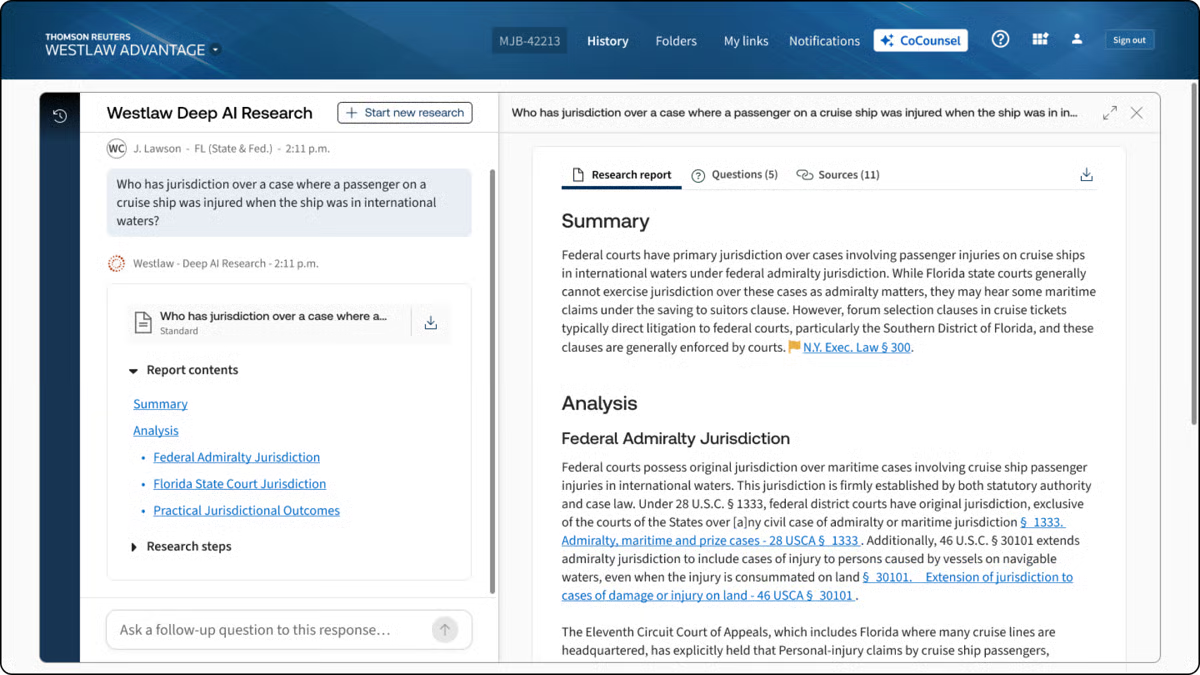
Source: G2
What gives CoCounsel a different feel from other AI tools is its connection to Thomson Reuters content. If you already rely on Westlaw or Practical Law, CoCounsel fits naturally into that workflow.
It is mainly designed for people who want answers and drafts tied to recognized legal sources rather than a general-purpose chatbot with a legal wrapper.
With all that in mind, CoCounsel works especially well for legal teams that want one assistant for everyday work, such as research, reviewing large document sets, drafting, and pulling insight from messy files.
What Is Briefpoint?
Briefpoint is an AI platform that helps litigators handle discovery drafting much faster.
You upload discovery requests and supporting files, and the software turns that material into editable responses for interrogatories, requests for production, and requests for admission.
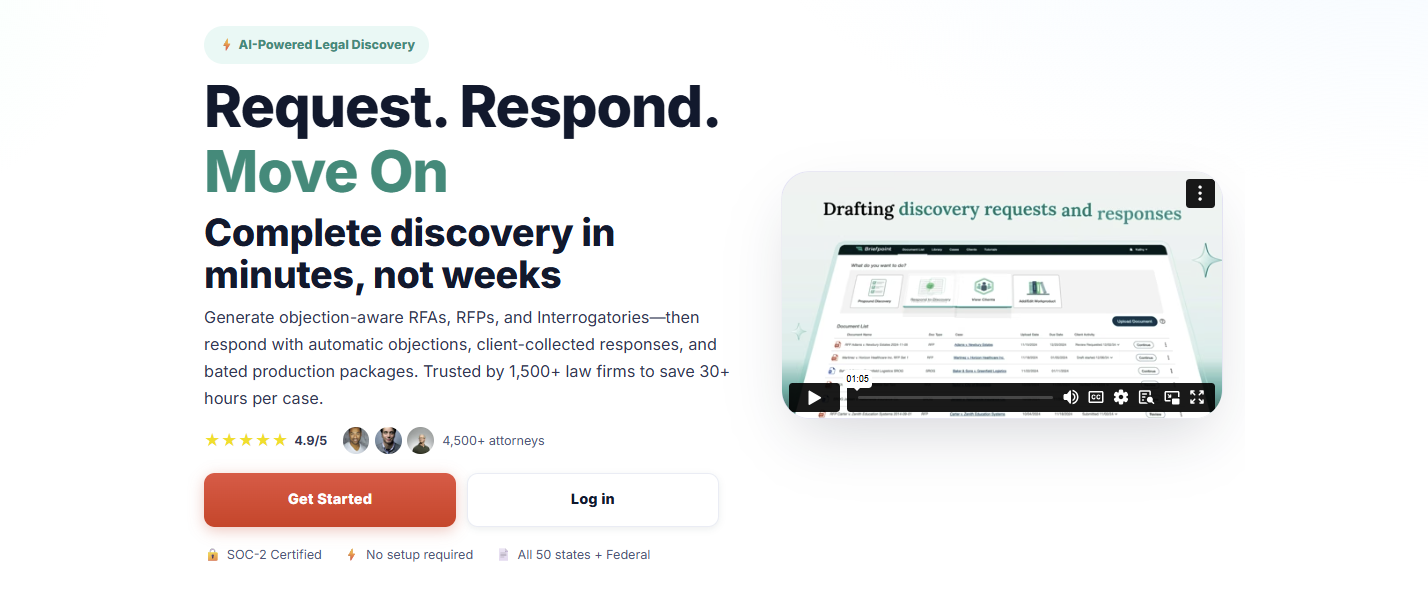
It also helps with production packages and Bates-numbered output, so you can move from raw case documents to polished work product without spending hours piecing everything together manually.
Another thing that makes Briefpoint stand out in this comparison is how focused it is. Harvey and CoCounsel cover a broader range of legal work.
On the other hand, Briefpoint goes straight at one of litigation’s biggest time drains, which is discovery drafting. If that is the work eating up your day, a specialized tool will usually feel a lot more useful than a general AI assistant.
It also has strong adoption in the legal market. Briefpoint is trusted by more than 1,500 law firms nationwide, which gives it real weight for firms that want software with a proven place in practice.
Harvey AI vs. CoCounsel vs. Briefpoint: What Are the Key Differences?
The differences make more sense when you look at what each one is meant to help you do. Here’s a closer look at their main purpose, legal applications, key features, and who each tool fits best.
Main Purpose
Harvey focuses on broad, high-value legal workflows for firms and in-house teams that need help with complex research, drafting, analysis, and document review inside a larger generative AI platform.
Harvey Assistant sits in that enterprise lane, so the goal is wider legal productivity rather than one narrow task.
CoCounsel has a broader day-to-day legal focus, but it feels more structured around the core work lawyers already do in the Thomson Reuters ecosystem.
Thomson Reuters describes CoCounsel Legal as one AI tool for research, drafting, and document analysis, and CoCounsel has also been framed around seven core legal tasks, which gives it a practical workflow angle for everyday use.
Briefpoint goes in a much narrower direction, and that is the point. Its main purpose is discovery drafting: generating and responding to RFAs, RFPs, and interrogatories, then helping you package production with objections and Bates-cited output.
So, while Harvey and CoCounsel aim to raise the lawyer baseline in a broad sense, Briefpoint is there to speed up one very specific part of litigation work that tends to eat up hours.
Legal Applications
We already covered the general purpose of each tool. Now, let’s get a little more specific and look at the legal work each one tends to fit into once you put it to use.
Harvey AI tends to suit broader legal projects that call for analysis, synthesis, and high-level support in demanding environments. Many legal professionals use it for:
- Transactional support
- Investigations
- Compliance projects
- Litigation prep
- Internal knowledge work
CoCounsel fits more naturally into everyday legal work, such as:
- Research tasks
- Drafting support
- Summarization
- Review workflows
Briefpoint has the narrowest application of the three, but that focus is also what makes it useful for firms that spend a lot of time handling discovery paperwork, including:
- Interrogatories
- Requests for production
- Requests for admission
- Objections and responses
- Production drafting
Key Features
Next, let’s look at the features each one brings to the table.
Harvey AI’s Key Features
- Assistant: Lets you ask questions, analyze legal documents, and draft work product in one place, with citations that make it easier to check the source material before you use the output.
- Knowledge sources: Pulls from uploaded files, Vault content, document management systems, premium legal databases, curated public sources, and web search, which gives you wider access to the legal text and case law behind an answer.
- Deep analysis: Handles multi-step reasoning and generates longer, structured outputs for complex legal questions, which is useful when a fast summary will not cut it.
- Vault: Stores and organizes up to 100,000 documents in a single vault, then helps teams compare, review, and analyze large datasets in a more structured way.
- Review tables: Extracts and compares key data points from thousands of legal documents at once, which is especially useful for due diligence and large-scale review projects.
- Workflow Agents: Creates custom legal workflows with natural language prompts, embedded examples, and flexible logic so teams can automate recurring work while keeping output more consistent.
CoCounsel’s Key Features
- Research tied to Thomson Reuters content: CoCounsel pulls from Westlaw and Practical Law, which gives you stronger information retrieval and makes the answers feel more grounded in legal authority rather than generic GenAI tools.
- Document analysis: You can upload large sets of legal files and ask detailed questions, compare documents, summarize content, and pull out the points that need attention. That makes it useful for due diligence review and other heavy review projects.
- Tabular analysis: CoCounsel can analyze thousands of documents at once and return results in a sortable table, which helps when you need data extraction from large batches of contracts or other records.
- Drafting support: It helps with drafting and revising legal work product using both Thomson Reuters content and your own documents, so the output has more legal context behind it.
- Guided workflows: CoCounsel Legal includes multi-step workflows for high-friction legal work, which makes the tool feel more structured than a basic chat assistant.
- Deep integration: It connects with Microsoft 365, document management systems, and Thomson Reuters products, so it fits more naturally into the legal software many legal teams already use.
Briefpoint’s Key Features
- Autodoc for discovery responses: Upload RFPs, complaint files, and productions, and Briefpoint turns them into Word-formatted responses with objections, answers, and page-level Bates citations.
- Ready-to-serve production packages: Briefpoint can generate a Bates-numbered production package alongside the response draft, which saves a huge amount of manual prep when you are dealing with large volumes of files.
- Trust-and-verify controls: The platform shows where the AI searched, lets you review the files it found, and gives you the option to confirm or deselect documents before anything goes out.
- Microsoft Word export: Briefpoint sends the final draft into Microsoft Word, so your team can make edits, finalize objections, and prepare documents for service in a format lawyers already use every day.
- Client response collection: For interrogatories, Briefpoint can send plain-English questions through a secure portal and flow the answers back into Word-ready drafts.
- Security and data controls: Briefpoint is SOC-2 certified, supports HIPAA compliance, encrypts data in transit and at rest, and keeps customer data siloed per account. Uploaded documents and other content are not used to train Briefpoint or third-party AI models.
Who It’s Best For
If you work at a large firm or in a legal department that handles complex projects, Harvey AI will likely make more sense. It fits teams that want broad AI support for research, analysis, drafting, and internal knowledge work, especially when the goal is to use one platform for a wide range of tasks.
CoCounsel feels like a better match for lawyers who want AI woven into familiar research workflows. If your team already leans on Thomson Reuters tools and values practical guidance tied to trusted legal sources, CoCounsel will probably feel like the more natural option for everyday use.
Briefpoint, on the other hand, is the strongest fit for litigators and litigation support teams buried in discovery work.
If your day involves drafting responses, handling production, and getting documents out the door fast, its narrower focus will likely be a plus. You also get editable Word output and full control over the final draft, which matters when you need to review everything closely before service.
How Law Firms and Legal Professionals Can Choose the Right Legal AI Tool
Choosing a legal AI tool starts with a simple question: what work is slowing your team down the most?
The best option usually depends on your actual workflow, your review standards, and how much risk your team is willing to take on (among other important factors).
- Pin down the main use case: Start with the task that eats the most time. That could be legal research, contract review, reviewing documents, discovery drafting, and more.
- Check how much human review is still needed: Tools built on large language models can move work faster, but legal output still needs attorney oversight before it goes to a client, court, or opposing counsel.
- Review security and AI governance: Look at how the platform handles client data, permissions, retention, and internal policies tied to AI use.
- Look at workflow fit: Common AI features, like natural language processing, can help, but the tool also needs to work well with Microsoft Word, collaboration tools, and the systems your team already uses.
- Compare the real cost: Per-user pricing, add-ons, admin controls, and training time can all affect the total costs more than the base price suggests.
- Think about risk tolerance: If your team wants tighter control, pick a tool that makes review, editing, and verification easy.
Briefpoint Brings Legal AI Back to the Work That Slows You Down
Briefpoint works well because it stays focused on discovery from start to finish. You can complete the discovery workflow in three simple steps: upload the request, add objections and responses, then open the finished draft in Word and serve.
Briefpoint’s whole workflow makes it easier to move work forward without getting pulled into a broader platform that tries to cover every legal task at once.
That focus also shows up in the speed. Briefpoint highlights 3–10 seconds per request for Autodoc, with lightning-fast processing that turns uploaded productions and case files into ready-to-serve responses with Bates-cited Word output and production packages.
You still keep control over the final work product, too. Briefpoint gives you review steps, editable Word output, and trust-and-verify controls, so the process moves faster without forcing you to give up careful attorney review.
9 Most Common Types of Legal Discovery
1. Interrogatories
Interrogatories are written questions one side sends to the other party during written discovery. They help legal teams get relevant information early, especially details that may influence the rest of the case.
Most interrogatories ask for facts, names, dates, explanations, or the basis for a claim or defense. The other party usually has to answer in writing and under oath, so the responses can be used later if their story changes.
For example, in a personal injury case, an interrogatory might ask:
“Identify everyone who witnessed the incident and describe what each person saw.”
The other party would then need to provide a written answer, usually under oath. That response can help confirm who may need to be contacted, deposed, or asked for more information later.
Interrogatories are helpful because they give you a clearer starting point. They can show what the other side knows, what they still need to support, and what you may need to follow up on through document requests, depositions, or other discovery tools.
2. Requests for Production
Requests for production ask the other side to produce documents or other evidence connected to the case. This part of the legal process helps both parties exchange information that may support a claim or challenge a defense.
These requests may cover:
- Paper records
- Digital files
- Emails
- Text messages
- Photos and videos
- Invoices and reports
- Medical records
The goal is to collect materials that help confirm facts or compare someone’s statement with the records.
For example, in a personal injury case, a request might say:
“Produce all medical records related to the injuries you claim were caused by the incident.”
The other side would then need to search for responsive records and produce the documents that fall within the request, unless they have a valid discovery objection. Those records can help show the nature of the claimed injuries and how the treatment relates to the incident.
Requests for production are especially useful when a case depends on proof that already exists in records. A document can confirm a date, support a timeline, or show what someone agreed to without relying only on memory.
3. Requests for Admissions
Requests for admissions ask the opposing party to admit or deny certain facts during the formal process of discovery. This discovery method helps the requesting party narrow the issues before trial preparation begins in full.
The request usually focuses on facts that should be clear, such as the date of an event or the authenticity of a document. If the opposing party admits the fact, both sides can treat it as settled. If they deny it, the issue may need more proof later.
For example, a request might say:
“Admit that you signed the agreement dated March 12, 2024.”
If the opposing party admits it, the requesting party usually does not need to prove that signature later. If they deny it, the issue may stay in dispute and require more evidence.
Requests for admissions can save time because they separate disputed issues from facts that no longer need argument. They also help legal teams prepare for trial with a cleaner view of what still needs to be proven.
4. Depositions
Depositions let one party question a witness under oath before trial. In civil discovery, they help legal teams collect sworn testimony, test witness statements, and learn how someone may explain the facts later in the lawsuit.
A deposition usually happens outside the courtroom, but it still carries weight. A court reporter records the testimony, and the answers can be used during trial preparation or later in the legal matter.
Common types include:
- Oral depositions: An attorney asks questions in person or through video, and the witness answers out loud under oath.
- Written depositions: The witness answers prewritten questions under oath, often used when live questioning is less practical.
- Expert depositions: An attorney questions an expert witness about their opinions and the records they reviewed.
Additionally, depositions can help with disclosure because they show how a witness remembers events. They can reveal where testimony is clear or where more follow-up may be needed.
5. Subpoenas
Subpoenas are court orders that require someone to provide records, give testimony, or appear at a specific time and place.
In the discovery process, they often come into play when important information is held by someone outside the lawsuit.
For example, a law firm may need records from a bank, employer, or medical office. Since those people or organizations are not directly involved in the case, a regular discovery request to the other side may not be enough. A subpoena gives the request legal force under civil procedure rules.
Subpoenas can also require a person to appear for testimony. If someone ignores a valid subpoena, the court may impose penalties or order them to comply.
Essentially, a subpoena gives legal teams a way to reach evidence outside either party’s direct control. It can pull in records or testimony from people and organizations with information the case may need.
6. Physical or Mental Examinations
Physical or mental examinations may be requested during the discovery period when a person’s condition is directly tied to the case. This often comes up in litigation involving injuries, medical claims, emotional distress, or questions about a person’s ability to work.
Unlike other types of discovery, this request involves an examination of a person rather than a document or statement.
However, courts usually treat it carefully because it can be personal and intrusive. The requesting side often has to show why the exam is needed and how it connects to the claims being made.
Common examples include:
- Physical examination: A medical professional evaluates an injury, limitation, or claimed physical condition.
- Mental examination: A qualified professional assesses a claimed emotional or psychological condition.
- Independent medical examination: A doctor chosen for the case reviews the person’s condition and may prepare a report.
These examinations can help clarify the extent of an injury or condition. Just as importantly, they can test whether the claimed condition lines up with the evidence already shared in discovery.
7. Electronic Discovery
Electronic discovery, often called eDiscovery, deals with electronically stored information used in a case. Since much of today’s communication happens through devices and online platforms, the eDiscovery process can involve a large volume of data.
The information requested may include:
- Emails
- Text messages
- Chat logs
- Cloud files
- Spreadsheets
- Databases
- Social media posts
- Metadata
- Audio or video files
One thing to note is that eDiscovery often needs more planning than standard document requests. Legal teams may have to preserve files, collect data in the right format, review privileged material, and decide what must be shared.
It can also raise questions about deleted files, duplicate records, search terms, or account access.
8. Expert Discovery
Expert discovery focuses on the expert witnesses who may testify in a civil case. These experts are usually brought in to explain topics that need specialized knowledge, such as medical issues or financial losses.
During expert discovery, one side may review the expert’s report and the opinions they plan to give. The other side can also question the expert through a deposition, which helps test the strength of the opinion before trial.
Expert discovery may involve:
- Expert reports: A written report that explains the expert’s opinions and the facts they relied on.
- Expert qualifications: Details about the expert’s education, training, and work experience.
- Expert depositions: Questioning under oath to examine the expert’s methods and conclusions.
- Supporting records: Documents, data, or materials the expert used to form their opinion.
For example, in a construction dispute, an engineering expert may explain why a structure failed. In a personal injury case, a medical expert may explain the extent of an injury.
9. Informal Discovery
Informal discovery is information gathering that happens outside the formal discovery process.
Here are common ways legal teams may gather information informally:
- Online research
- Public records searches
- Witness interviews
- Site visits
- Voluntary document exchanges
In comparison, formal discovery follows court rules and deadlines, especially in state courts where procedures can vary. Informal discovery gives legal teams a more flexible way to learn early facts before sending official requests or taking depositions.
In many cases, it can also be less time-consuming because it does not always require motions or court involvement.
For example, a lawyer handling a property dispute might review county records before asking the other side to produce documents. In another case, a legal team may speak with a willing witness before deciding if a subpoena is needed.
From there, the information obtained through informal discovery may help shape formal requests later. It can point legal teams toward useful records or facts that need closer review.
How These Types of Discovery Work Together
Each type of discovery gives you a different way to learn what the case really involves. You might start with written discovery, then use the answers to plan document production, prepare depositions, or decide what outside records you need.
Here’s how the pieces often connect:
- Interrogatories: You can use written questions to get names, dates, or facts that need support from records.
- Requests for production: Document production helps you collect emails, contracts, records, or other proof tied to the claims.
- Requests for admissions: You can narrow the dispute by asking the other side to admit facts they should not seriously contest.
- Depositions: You can use earlier discovery responses to question witnesses and test their sworn testimony.
- Objections and responses: You may need to object, respond, or craft responses based on federal rules, local rules, and case strategy.
The process may look different from one court to another, but the flow is practical. One response can lead to a document request, and one record can shape the next question you ask.
Simplify Your Discovery Responses With Briefpoint
Discovery responses take time because every answer needs care, support, and consistency.
Briefpoint helps legal teams draft, review, and update responses faster, while keeping the work organized from the first request through later supplements.
Autodoc handles the document-heavy side of discovery. It can process complaints, RFPs, productions, and case files, then generate Word responses with objections, substantive answers, Bates numbering, and page-level citations.
Your team can review the output, check the cited documents, and edit the response before service.
Briefpoint also has Supplemental Responses, which help you update discovery responses while keeping earlier answers intact and easy to reference. For active cases, that means less backtracking when new information comes in.
Client Doc Collection adds another useful layer. Clients can upload documents through Client Bridge, and those files stay connected to the right RFP items for attorney review.
Reduce manual drafting today. Book a Briefpoint demo.
What Are RFP Responses?
What Are RFP Responses?
RFP responses are the written answers a party gives after receiving a request for production in a lawsuit. A request for production asks for documents, electronically stored information, or other tangible items related to the case.
The response process usually involves reviewing each request, stating any objections, and saying what will be produced.
In most cases, an RFP response does a few things at once. It tells the other side if you will produce the requested materials, if you object to part of the request, or if you do not have anything responsive in your possession, custody, or control.
If documents will be produced, the response should make that clear. And if an objection applies, it should be specific and tied to the request.
What Is Typically Included in RFP Responses?
RFP responses usually follow a pretty standard structure, even though the details change from case to case. Here is what it usually includes:
Written Responses
Written responses are part of the RFP process, where you answer each request in writing. They tell the other side:
- If you will produce documents
- If you object
- If no responsive materials are available
Each response should match the request closely and reflect the facts tied to the specific client and case.
A written response can be simple, but it still needs to be clear. If documents will be produced, say so. If only some documents will be produced, that should be stated too. If nothing responsive exists, the response should say that plainly.
For example: “Responding party will produce nonprivileged documents responsive to this request that are in the party’s possession, custody, or control.”
That kind of language gives the other side a direct answer and creates a record of what will happen next.
Objections
Discovery objections are a part of an RFP response where you explain why a request goes too far, seeks protected material, or asks for something improper under the rules.
Strong objections connect to the actual wording of the request and give a clear basis for the response. When documents will still be produced in part, that should be stated plainly.
Common objections include:
- Relevance: The request seeks material that has little or no connection to the claims or defenses in the case.
- Overbreadth: The request sweeps too widely and reaches beyond what is reasonably needed for the dispute.
- Vagueness or ambiguity: The wording is unclear, which makes the scope of the request hard to pin down.
- Undue burden: A response would require unreasonable time, effort, or expense compared with the likely value of the material sought.
- Privilege: The request calls for protected information, such as attorney-client communications or attorney work product.
- Possession, custody, or control: The requested material is not within the responding party’s control.
Want a quicker way to draft objections? Check out Briefpoint’s discovery objections cheat sheet.
Document Production
Document production is where the requested materials are actually gathered and turned over.
After the written response is served, the producing party still has to locate responsive documents, review them, and submit the nonprivileged materials tied to each specific RFP.
Documents can include emails, contracts, invoices, internal records, photos, and other files kept by a business, company, or entity in question.
A typical document production usually includes a few key steps:
- Collection: Relevant documents are pulled from the places where they are stored, such as email accounts, shared drives, cloud platforms, and paper files.
- Review: The documents are checked for relevance, privilege, confidentiality, and completeness before production.
- Organization: Materials are arranged in a usable way, often to match the request numbers or categories listed in the discovery set.
- Redactions: Protected or private information may be blacked out when the rules allow it, while the rest of the document is still produced.
- Production format: Documents may be produced as PDFs, native files, spreadsheets, or other agreed formats.
- Supplementation: More documents may need to be produced later when new information is found.
Why Is a Good RFP Response Important?
A good RFP response can heavily influence the rest of the discovery. It helps you gather information, state your position clearly, and avoid problems that can drag the case out.
Since this part of litigation is often time-consuming, clear and complete responses can also save time later by cutting down on meet-and-confer fights, follow-up requests, and motion practice.
A strong response helps in a few important ways:
- Clarity: Clear answers tell the other side what documents will be produced, what objections apply, and where the response stands.
- Credibility: Careful responses show that the case is being handled thoughtfully, which can affect how opposing counsel approaches discovery.
- Efficiency: Organized responses reduce confusion and make it easier to manage deadlines, follow-ups, and document production.
- Accuracy: Good responses reflect the facts, the available records, and any technical details tied to the requests.
- Strategy: The response process can reveal weak spots, missing records, and other pain points that deserve more research.
- Risk reduction: Weak or sloppy responses can lead to disputes, motions to compel, or avoidable court involvement.
How Long Do You Have to Respond to RFPs?
Under the Federal Rules of Civil Procedure, most RFPs must be answered in writing within 30 days after service.
There is one common exception: when the request is delivered before the parties’ Rule 26(f) conference under Rule 26(d)(2), the response is due 30 days after that first Rule 26(f) conference.
The court can set a different deadline, and the parties can agree in writing to a shorter or longer time under Rule 29.
That said, the deadline for the entire response process can feel tighter than it looks. You still need time to:
- Review each request
- Gather documents
- Check for privilege issues
- Confirm facts with the client
- Prepare the actual submission
In a busy practice, especially when you are also handling work for other clients, those 30 days can move fast. That is one reason lawyers often start document collection and response drafting early.
How Lawyers Do the RFP Process
Lawyers usually prepare RFP responses in a fairly structured way, even though the exact workflow can vary from case to case.
The main goal is to review the requests carefully, gather the right materials, and draft responses that match the specified requirements of the case without wasting valuable time.
A general process often looks like this:
- Review the requests: Each request is read closely to understand what documents are being sought and how broad the language is.
- Identify issues early: Lawyers look for requests that may call for objections, privilege review, or follow-up questions for the client.
- Gather information and documents: The client helps collect records, emails, files, and other materials that may be responsive.
- Draft the written responses: Each response is prepared to state what will be produced, what objections apply, and what limits need to be stated.
- Review for accuracy and consistency: The full set is checked to make sure the answers line up with the facts, the case strategy, and prior responses.
- Finalize and serve: Once everything is complete, the responses and any production are prepared for service on the other side.
Done well, this process helps achieve a response that is clear, defensible, and easier to manage later in discovery.
How Technology Helps With RFP Responses
Technology can make RFP responses a lot less tedious. There are different types of RFP software, too. Some tools focus on document organization, some help with drafting, and some support the full workflow from intake to production.
For firms handling repeated objections, similar requests, and tight deadlines, it helps to use a system that keeps materials organized and makes past work easier to reuse.
Essentially, good software can speed up drafting, keep language consistent, and make it easier to support more clients without starting from scratch every time.
A few ways it can help:
- Faster legal drafting
- More consistent responses
- A centralized library
- A searchable content library
- Easier revisions
- Better team collaboration
- Cleaner organization
- A stronger technical approach
- Less repetitive work
- Simpler supplemental responses
Achieve a Smoother Finish for RFP Responses With Briefpoint
RFP responses can eat up hours from start to finish. First comes reviewing the request, then collecting documents, drafting responses, applying objections, organizing production, and cleaning everything up for service.
Briefpoint helps move that work along without forcing you to build each response set from scratch.
You can upload a request for production, work through the requests, and generate objection-aware responses in a structured workflow built for discovery.
Briefpoint also supports client-collected responses and Bates-ready production packages, which help keep the drafting and production sides connected in one place. It’s already used by more than 1,500 law firms nationwide.
Autodoc takes things further when the heavy lift is in the documents themselves. It can turn productions and case files into ready-to-serve discovery responses, with page-level Bates citations and production packages, which cuts down a lot of manual sorting and formatting.
And when new information comes in later, Supplemental Responses help you generate updated RFP responses while keeping prior answers intact and easy to reference.
Interrogatories Example and Common Types
What Are Interrogatories?
Interrogatories are written questions that the other side sends during the discovery process of a lawsuit. If you are the answering party, you have to respond in writing and do so carefully, since your answers can heavily influence how the case moves forward.
These written questions usually ask for facts tied to the dispute, such as:
- What happened
- Who was involved
- What injuries or losses are being claimed
- What facts support a claim or defense
In other words, they give the other party a way to learn your position before depositions or trial prep begin. They also give attorneys a chance to spot weak points, missing facts, or statements that may need follow-up later.
And since the answers become part of the case record, they need to be accurate, clear, and carefully worded.
What Does a Sample Interrogatory Look Like?
An interrogatory usually looks like a numbered written question followed by a space for the response. It is often included in a formal discovery document that one side will serve on the other.
For example, in a personal injury case, the plaintiff might send the defendant an interrogatory like this:
Interrogatory No. 3:
State all facts that support your contention that you were not negligent in the incident described in the complaint.
The response might look like this:
Response to Interrogatory No. 3:
Responding party states that the traffic signal was green at the time of entry into the intersection, that plaintiff entered against a red light, and that responding party exercised reasonable care at all relevant times. Investigation is ongoing, and responding party reserves the right to supplement this response.
This is the basic format. You get a numbered request, then a written answer or objection beneath it. Some responses also include objections before the answer.
Common Types of Interrogatories
Interrogatories can cover a lot of ground, but most of them fall into a few familiar categories. Here are five interrogatories common in the discovery process:
Background Interrogatories
Background interrogatories focus on basic information tied to the people, entities, and events in the case. They usually come early in discovery because the asking party wants a clearer picture of who is involved before moving into more detailed issues.
These questions often ask the opposing party to identify names, addresses, job titles, relationships, and other starting-point details. They can also ask about insurance, business roles, or the location of relevant resources and records.
Common examples include requests to identify:
- Full legal name
- Home or business address
- Date of birth
- Employer
- Job title
- Relationship to other parties
- Insurance coverage
- Business affiliations
- People with knowledge of the facts
- Locations of relevant documents
Fact-Based Interrogatories
Fact-based interrogatories focus on the facts behind a claim or defense.
They ask you to spell out what happened, who was involved, and what information supports your position. These questions help the other side test your proof, narrow disputes, and see how well your allegations are defined.
You will see them in many case types, including car accident claims, contract disputes, and medical malpractice cases. A question may ask for the facts supporting a denial of liability. Another may ask a party to explain what happened before, during, and after the event in dispute.
In a medical malpractice case, for example, one interrogatory might ask what conduct allegedly caused the injury and what facts help prove that claim.
Common examples include:
- Facts supporting each claim
- Facts supporting each defense
- Date, time, and place of the incident
- Actions taken before or after the event
- Names of people involved
- Facts supporting denial of liability
- Facts supporting causation
- Facts supporting claimed damages
Damages Interrogatories
Damages interrogatories focus on what a party says they lost and what they want to recover. If the case includes a demand for compensation, these questions push that claim into specifics. They ask for:
- Actual amounts
- Supporting facts
- The basis for each category of loss
These interrogatories may cover things like medical bills, missed work, property damage, future care, or emotional distress. They may also ask about insurance proceeds, reimbursements, settlements, or any other payment already made.
That gives the other side a clearer view of the damages claim and what documents or testimony may support it.
Typical requests include:
- Total amount of damages claimed
- Itemized medical expenses
- Lost wages
- Loss of earning capacity
- Property damage
- Repair costs
- Out-of-pocket expenses
- Future medical costs
- Emotional distress damages
- Date and amount of each payment received
- Insurance payments
- Documents supporting damages
Witness Interrogatories
Witness interrogatories are used to find out who may have information that could affect the case. Witnesses can include eyewitnesses, treating providers, company employees, investigators, or expert witnesses.
In some cases, the response may also need to identify people who gave statements or people with knowledge that could link a party to a key event, document, or defense.
These questions usually ask for names, contact details, and a short summary of what each person is believed to know. Once those details are disclosed, they can help the other side decide who they want to interview, depose, or otherwise obtain information from later.
If a response leaves out key witness details, the requesting party may try to compel a fuller answer.
You may also see questions aimed at who is responsible for keeping witness statements, recordings, or related records. Questions like these can become important before a hearing, during motion practice, or while preparing for trial.
Document-Related Interrogatories
Document-related interrogatories deal with the paper trail behind the case. Essentially, they are used to pin down what records exist, what they relate to, who has them, and how they support a claim or defense.
If documents are central to the dispute, this section of discovery can tell you a lot about what each side plans to rely on.
These interrogatories can be especially useful after an initial exchange of records leaves gaps or raises follow-up questions. For instance, a lawyer may use special interrogatories to ask for narrower details, or send a later set after production turns up new information.
Plus, document-related interrogatories can help narrow disputes over missing records, vague references, or claims that collection would create too much burden.
Some document-related interrogatories ask for details like these:
- Identify all documents that support your claims: State what records back up the factual or legal positions being asserted.
- Identify all communications about the incident: Cover emails, letters, text messages, memos, or other written exchanges.
- State who has custody of relevant documents: Clarify who holds the records and where they are kept.
- Identify documents tied to damages: Point to bills, invoices, estimates, receipts, or payment records.
- Describe any documents withheld: Show what was not produced and why.
How to Write Strong Interrogatory Responses
At the very least, a strong interrogatory response needs to be clear, accurate, and focused. These four steps can help you get there:
1. Read Each Question Carefully
Read the interrogatory slowly and break it into parts before you answer. Look for dates, names, time periods, definitions, and any wording that may limit or expand what one party is asking.
Another important step is to compare the question to the complaint, answer, and any other discovery already filed in the case. Doing so can help you catch wording that seems harmless at first but could box you into an incomplete or inconsistent response.
As you review it, make a note of anything vague, too broad, or built on an assumption that may need a discovery objection or a qualified answer.
2. Answer Only What the Question Asks
Keep your answer tied to the exact question and no more. If a request asks for a date, give the date. If it asks for facts supporting one allegation, respond to that allegation rather than giving a full case narrative.
Being concise helps keep the response complete without giving away additional information that the other side did not ask for.
This practice also helps when a question feels overly broad. In a limited civil case, for example, a party may still send a request that reaches farther than it should. A careful answer stays within the actual wording of the interrogatory and avoids filling gaps that the other side left open.
For instance, if the interrogatory asks you to identify the date of the incident, a focused response would state the date of the incident. It would not also volunteer a full description of the event, list witnesses, and summarize medical treatment unless the question asked for that too.
3. Check the Facts Before You Respond
Before you serve anything, make sure the facts line up with the records, the pleadings, and your client’s position.
Interrogatory answers are usually given under oath, so accuracy matters from the very start. A rushed answer can create problems later if it conflicts with documents, deposition testimony, or another response.
You also need to check the applicable rules before finalizing anything. Some objections are permitted, some answers need verification, and some responses may need to mention an agreement to produce more information later. You usually cannot simply refuse to answer without a valid basis.
Remember: If you are drafting interrogatory responses, take time to confirm names, dates, timelines, and supporting facts before anything goes out. That extra review can save you from corrections, disputes, or credibility issues later.
4. Use Objections Carefully and Clearly
Objections can protect your client, but they need to be specific and grounded.
A vague objection often creates more trouble than it solves. If a question is unclear, overly broad, seeks privileged material, or goes beyond what is allowed, say so plainly and explain the issue in a way that fits the request.
It also helps to know what type of discovery you are dealing with. Form interrogatories tend to follow standard language, while a custom or final set may raise narrower disputes.
Sometimes, you may also need to look at local rules on how many questions can be served or how discovery differs from requests for admissions.
After service, a weak objection can invite a meet-and-confer letter or a motion to compel. In contrast, a careful one gives notice of the problem while preserving your position.
This discovery objection cheat sheet can be a valuable resource when preparing these responses.
Briefpoint Can Speed Up Interrogatory Drafting
Reviewing a few sample interrogatories can help you understand the format, but real drafting still takes time. You still need to sort through facts, shape objections, keep responses consistent, and review supporting pages before anything goes out.
Briefpoint is an AI-powered tool that can cut down much of that workload. It supports interrogatories, RFAs, and RFPs, and it can generate objection-aware drafts much faster than starting from a blank page.
Its AutoDoc workflow also turns productions and case files into ready-to-serve responses with Bates citations and page-level citations, which is especially useful when the record is large or multiple other attorneys need to review the same set.
Briefpoint is used by 1,500+ law firms nationwide, and its platform has generated 637,000+ objections used by litigators.
If interrogatories are eating up too much time in your practice, it’s a clear sign that you need Briefpoint to help you draft faster and move discovery forward with less manual work.
How to Use AI for Legal Research
What AI Legal Research Means
AI legal research is the use of artificial intelligence to help legal professionals work through case law, statutes, rules, and other legal data more quickly.
In some industries, AI is used to answer customer questions, sort sales leads, or flag fraud. Legal work asks for something different.
For one, a research tool has to deal with jurisdiction, precedent, wording, and nuance. A small shift in facts or phrasing can affect how useful a case really is, so the margin for error is much smaller here than in many other fields.
Used well, AI can help you get to relevant authorities faster, pull key points from long opinions, and sort large volumes of legal data without spending hours on the first pass.
However, it works best as a research assistant rather than a final decision-maker. You still need to read the source, check the citation, and decide how much weight the authority carries.
In practice, that often means using AI to help with things like:
- Case law
- Statutes
- Regulations
- Opinion summaries
- Citation review
- Legal data sorting
The Benefits of Using AI for Legal Research
Legal research takes time, and much of that time goes into the first pass. For example, you have to sort through case law, pull legal data, narrow legal issues, and figure out which authorities deserve a closer read.
AI legal research tools can make that part of the process move faster.
That shift is already showing up in how the legal industry uses AI. Legal professionals commonly use general-purpose AI for research and document summaries, while legal-specific AI tools are used most often for legal research.
For instance, 58% of legal-specific AI users rely on those tools for legal research, which shows how central research has become in the legal industry’s use of AI.
Some of the biggest benefits include:
- Faster starting points: AI can accelerate legal research by helping you find relevant authorities and recurring themes sooner.
- Quicker review: Long opinions, statutes, and other legal data are easier to work through when key points show up early.
- Better issue spotting: AI can surface related legal issues that may need more attention.
- Less repetitive work: Routine research steps take less manual effort.
- More time for analysis: A shorter first pass leaves more room for careful legal judgment.
What AI Can Help You Do During Legal Research
Once the research question is clear, AI technology can help move the work forward in a few practical ways.
Essentially, it can sort information faster, surface patterns, and make large volumes of material easier to review. For legal researchers and law firms, this can be useful during the early stages of analysis, particularly when time is tight and the record is long.
Like legal research, no one should rely solely on AI systems for legal analysis. The output still needs review, and the potential risks are real when a tool misses context, misstates a case, or pulls the wrong authority.
Here are some of the main ways lawyers integrate AI into legal research and legal operations:
- Case matching: AI can help surface cases with similar facts, claims, or legal issues.
- Document review: It can sort through large sets of opinions, filings, or internal material more quickly.
- Summaries: AI can summarize documents so the first read takes less time.
- Issue clustering: It can group related authorities or arguments that belong together.
- Citation help: Some tools can flag citations, pull quoted language, or point to supporting authority.
- Research organization: AI can help structure notes, themes, and findings in a way that is easier to work from.
How to Use AI for Legal Research Step by Step
If you want useful results, it helps to follow a clear process. Here is one way to work through it:
1. Start With a Clear Legal Question
The quality of the answer usually depends on the quality of the question. If your prompt is too broad, AI solutions tend to give broad, generic responses. But if your question is specific, you are much more likely to get something useful for the legal research process.
That means defining the issue before you type anything in. Pin down the claim, the jurisdiction, the key facts, and the procedural posture.
Many legal research tools use natural language processing, so they can respond to natural language questions, but that does not mean every question will produce comprehensive answers.
A vague prompt like “What does premises liability law say?” leaves too much room for guesswork. A better prompt would be: “Under California law, what duty does a commercial property owner owe to a customer injured in a store aisle spill?”
That second version gives the tool something real to work with. It narrows the legal issue and gives you a better shot at relevant authorities and fewer useless results.
Before using AI, ask yourself:
- What is the legal issue?
- Which jurisdiction applies?
- Which facts actually matter?
- What am I trying to find?
2. Ask AI for a Research Starting Point
Ask for a starting list of cases, statutes, rules, or secondary sources tied to your issue. In legal practice, that can save time when you are trying to figure out where to begin.
The key is to treat the result as a launch point instead of a final answer. AI outputs can give you a rough map, but they still need to be checked against a legal database and reviewed in the right legal context.
For example, you might ask: “Under New York law, what cases and statutes should I review for a negligent hiring claim against an employer?” That prompt gives the tool a specific issue and jurisdiction, which makes the response far more useful than a broad question with no details.
A good response at this stage might point you toward the leading authority, recurring elements of the claim, and terms worth searching next. That can help you move into the real research faster.
Remember: What you want here is a starting list you can verify, narrow, and build on.
3. Use AI to Summarize What You Find
After you gather the sources, AI can help you get through them without feeling stuck in pages of dense text. That can be useful when you are reviewing court opinions, statutes, or other legal documents and need to understand what is worth your time first.
A summary will not do the reading for you, though. But it can help you get oriented, pull out the main point, and spot the parts you need to read closely on your own.
For example, you might ask: “Summarize this opinion’s holding, key facts, and reasoning in plain language.” You could also ask: “What rule did the court apply here, and why did that rule lead to this result?”
Doing this can give you a quicker read on the legal content in front of you, especially if you are comparing several cases tied to the same issue. It can also help when one opinion looks promising, but you need to confirm what it actually says before using it in your research.
The important part is what comes next. Go back to the source. Read the quoted language. Check that the summary lines up with the opinion.
4. Verify Every Citation and Legal Proposition
AI-generated legal research can point you in useful directions, but it can also give you bad citations or legal propositions that sound right and still fall apart once you check the source.
That is why every case, quote, rule, and citation needs to be confirmed in authoritative legal sources.
That may mean checking sources like Westlaw, Bloomberg Law, Lexis, court websites, or other reliable research platforms.
Here’s what to check before relying on anything:
- Citation accuracy: Confirm that the case, statute, or rule actually exists and is cited correctly.
- Quoted language: Make sure the quoted text matches the source word for word.
- Legal proposition: Check that the source really supports the point AI says it supports.
- Jurisdiction and date: Confirm the authority applies in the right court and is still good law.
- Context: Read the surrounding passage so a narrow statement is not pulled too far out of place.
5. Refine and Expand Your Research
The next step is to push the research further. This is where legal AI tools can be useful for follow-up questions, related theories, and gaps you may not have noticed on the first pass.
A good prompt at this stage can help surface key insights, but human judgment still has to guide the direction.
For example, you might ask AI to identify weaker points in your position or suggest terms that could lead to better database searches. That can be helpful for in-house counsel, litigators, and anyone trying to stress-test an argument before relying on it.
Machine learning can help spot patterns and related concepts, but human oversight is still what keeps the research grounded. AI is useful here because it helps widen the lens while still allowing legal professionals to decide which legal authorities carry real weight.
At this stage, you might use AI to look into:
- Related claims
- Counterarguments
- Distinguishing facts
- Stronger search terms
- Split authority
- Primary law sources
- Procedural issues
- Secondary sources
- Missing legal authorities
The Limitations of AI in Legal Research
AI can be useful in legal workflows, but it still has real limits. For example, large language models can sound confident even when the answer is incomplete, out of date, or flat-out wrong. That is a problem in legal research, where small details can change the value of a case or statute.
This is one of the biggest reasons human expertise still has to lead the process. The best AI tools can help you move faster, but they cannot replace close reading, legal judgment, or professional responsibility. That is also part of how legal professionals should think about AI ethics in practice.
Some of the main limitations include:
- Made-up or faulty citations: AI can produce authorities that do not exist or describe real cases inaccurately.
- Weak legal reasoning: A response may sound polished while missing nuance, procedural posture, or jurisdictional limits.
- Outdated information: AI may rely on stale material and miss newer authorities or changes in the law.
- Ethical concerns: Sensitive client data should never be entered carelessly, most especially in tools that are not approved by legal firms.
How Briefpoint Helps Legal Teams Incorporate AI Into Discovery Work
Using AI for legal research can give legal teams a real competitive edge, but research is only one part of the job. The work still has to turn into usable documents, consistent responses, and something your team can actually send out with confidence.
That is part of what makes Briefpoint useful. It helps legal teams incorporate AI into the discovery process in a practical way, especially when the workload starts piling up.
With Autodoc, you can upload discovery requests and generate draft responses faster, which cuts down manual drafting time. Supplemental Responses also help when a case keeps moving, and your answers need updates later.
The support that Briefpoint offers can make a real difference for client satisfaction, too. Faster turnaround, cleaner discovery documents, and more consistent work product all help your team stay responsive without burning time on repetitive tasks.
More than 1,500 law firms use Briefpoint, which says a lot about how common this problem is and how much time firms want back. If your goal is to use AI in a way that fits legal work, Briefpoint gives you a direct path from research and review to finished discovery documents.
8 Top Legal Research Tools for Legal Professionals
What are Legal Research Tools?
Generally speaking, legal research tools are digital resources that help legal professionals conduct legal research with speed and accuracy. They’re diverse, ranging from full-scale databases packed with case law and statutes to platforms that focus on legal news, analytics, or court rules.
While they serve different purposes, the general idea is to give users quick access to legal materials they can trust.
Most tools pull from both state and federal courts, along with commentary, practice guides, and regulatory updates. And because the law changes constantly, these platforms also make it easier to stay up to date on new rulings and legislative shifts.
Some of the common features you’ll find include:
- Searchable collections of legal materials such as cases, statutes, and regulations
- Coverage of opinions from state and federal courts
- Citation checkers to confirm the validity of cases
- Built-in legal news updates and analysis
- Filters by jurisdiction, topic, or practice area
- Resources tailored for specific legal fields
In general, legal research tools give professionals one reliable place to research, check, and track information that matters for their work.
8 Top Legal Research Tools For All Kinds of Law Professionals
There’s no single tool that fits every need. Some platforms focus on deep case law research, while others highlight legal news or analytics.
Below, you’ll find a mix of options to choose from:
1. LEGALFLY
LEGALFLY is one of the newer legal research platforms gaining traction with law firms and solo attorneys.
It acts like a modern law library that combines classic legal databases with AI support to speed up searches. Whether you’re reviewing federal and state cases, looking at Supreme Court decisions, or following pending legislation, LEGALFLY brings it all into one system.
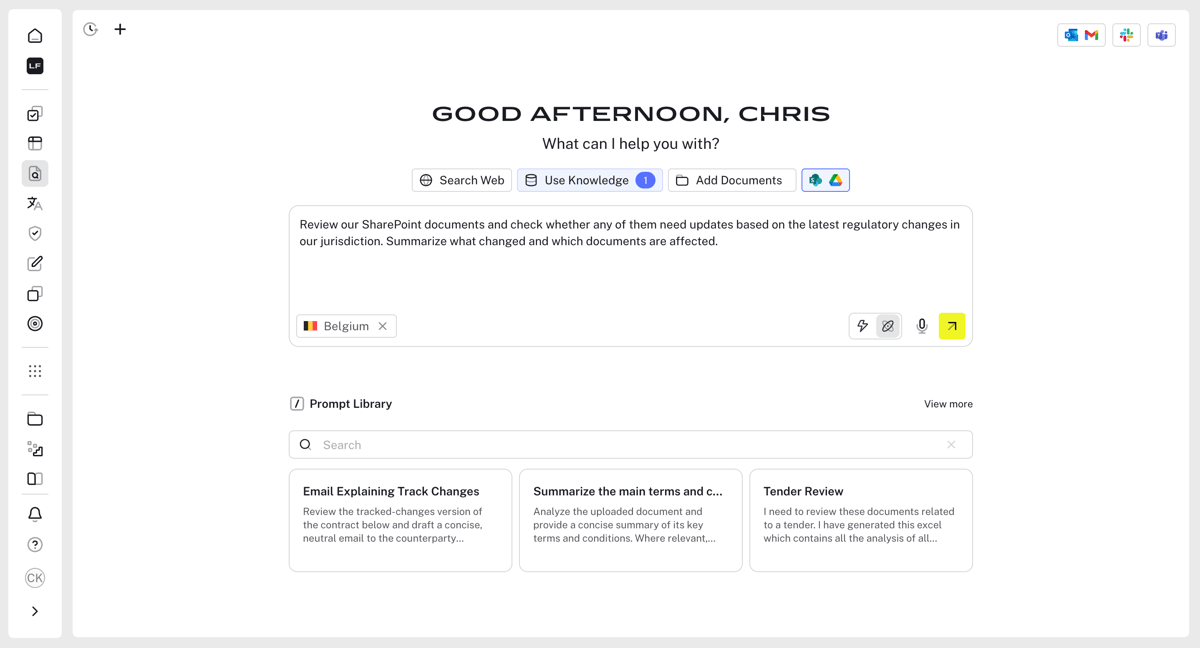
Source: G2
It also connects with state court websites to offer quick access to legal opinions and updates across jurisdictions.
Beyond case law, the platform provides legal journals, commentary, and information from administrative agencies, which makes it useful for both statutory research and practice-specific needs.
Best Features
- AI summaries: Breaks down lengthy opinions from federal appellate courts and the Supreme Court.
- Case law coverage: Access to federal and state cases across multiple jurisdictions.
- Statutory research: Tools for finding relevant statutes, rules, and regulations.
- Secondary sources: Integration with legal journals and commentary for deeper context.
- Legislative tracking: Updates on pending legislation and new rulings from administrative agencies.
Pros
- Saves time with clear summaries of cases and statutes
- Strong mix of statutory research, case law, and secondary sources
- Connects to both state court websites and federal rulings
- Fits the needs of both large law firms and smaller practices
2. Lex Machina
Lex Machina is designed for legal experts who need more than just case law. It provides litigation analytics that help shape strategy.
Source: LexisNexis.com
Rather than rifling through a basic searchable database, this platform digs deeper into trends. It can show how judges, courts, and even opposing counsel have handled similar legal issues in the past.
It’s especially valuable for firms that want to prepare with data. Alongside analytics, Lex Machina also gives access to case documents, statutes, and references like law review articles or notes from the Law Revision Counsel.
Best Features
- Litigation analytics: Detailed data on judges, lawyers, law firms, and case outcomes.
- Searchable database: Quick access to case law, filings, and related legal issues.
- Federal regulations: Coverage of statutes and rules that impact case outcomes.
- Secondary resources: References to law review articles and other commentary.
- Historical insights: Information from the Law Revision Counsel and long-term case patterns.
Pros
- Helps predict outcomes with data-backed insights
- Saves time preparing case strategies with detailed analytics
- Strong support for complex legal issues and multi-jurisdiction cases
- Widely used by large firms and litigation-focused attorneys
3. Bloomberg Law
Bloomberg Law is a well-known choice among legal experts and a go-to for both practitioners who want deeper insights.
Unlike free legal resources that only cover the basics, Bloomberg offers a vast mix of case law, statutes, and business-focused updates.
Source: BloombergLaw.com
You’ll find everything from Supreme Court opinions and case summaries to commentary pulled from legal blogs, practice guides, and even a built-in legal dictionary for quick reference.
While some platforms rely only on raw case law, Bloomberg combines traditional databases with news-driven updates to help professionals keep up with both legal and business trends. It also pulls from open-access journals, which gives researchers additional context alongside standard materials.
Best Features
- Comprehensive coverage: Access to statutes, Supreme Court opinions, and detailed case summaries.
- News integration: Ongoing updates that connect legal developments with business and finance.
- Secondary resources: Includes references from legal blogs, practice guides, and open-access journals.
- Research support: Built-in legal dictionary and tools designed for practicing attorneys and law students.
- Case tracking: Alerts on dockets, filings, and emerging case law.
Pros
- Strong mix of legal research and business intelligence
- Includes resources beyond traditional case law, like legal blogs and journals
- Helpful for both practicing attorneys and law students
- Reliable case summaries that speed up research
4. Legal Information Institute
The Legal Information Institute (LII), hosted by Cornell Law School, is one of the most trusted free legal research tools available online. It provides open access to a broad range of legal documents, including statutes, regulations, and U.S. Supreme Court decisions.
For many in the legal industry, this platform is the first stop when they need reliable information at no cost.
Source: Law.Cornell.edu
What sets LII apart is its focus on free legal research. Users can browse legislative materials, check congressional records, and search through an extensive collection of federal and state resources.
Sadly, it doesn’t have advanced analytics like paid platforms, but it’s a go-to for anyone who needs dependable and straightforward legal information.
Best Features
- Free access: Open-source platform for statutes, case law, and U.S. Supreme Court decisions.
- Extensive collection: Covers legislative materials, congressional records, and key rulings.
- Educational support: Simple guides and explanations for students and non-lawyers.
- Trusted source: Backed by Cornell Law School, respected across the legal industry.
- User-friendly design: Easy to search and navigate compared to many traditional systems.
Pros
- 100% free and accessible to anyone
- Broad coverage of cases, statutes, and legislative materials
- Respected academic source with a strong reputation
- Useful for both professionals and the general public
5. vLEx
vLex is a practical option for lawyers who want an affordable yet reliable research tool. Many state bar associations have long offered Fastcase as a member benefit, and with the shift to vLex, it remains one of the most widely available platforms for legal research.
Source: vLex.com
It gives attorneys access to an extensive database that covers decisions from federal and state courts, making it easier to search case law and find relevant precedents for the matters they’re handling.
On top of its broad coverage, vLex includes advanced search options that help users find useful rulings faster. It also offers visualization tools, which can help lawyers see how cases connect and support stronger legal analysis.
Best Features
- Federal cases: Broad coverage of rulings from across the country.
- Advanced search options: Filters and tools to refine case law research with precision.
- Visualization tools: Graphs and maps showing how cases are linked.
- Mobile access: Research from anywhere with mobile support.
- Practice tips: Contextual guidance that supports decision-making.
Pros
- Affordable option, with access often tied to bar memberships
- Easy-to-use design with mobile support
- Strong coverage across federal and state courts
- Helpful extras for finding relevant precedents and understanding case connections
6. Caselaw Access Project
The Caselaw Access Project (CAP) is one of the most ambitious free legal research resources available today. Backed by Harvard Law School, it gives open access to millions of U.S. court decisions, including historic rulings and modern opinions.
For researchers, law students, and legal scholars, CAP is a powerful way to study how the law has evolved over time.
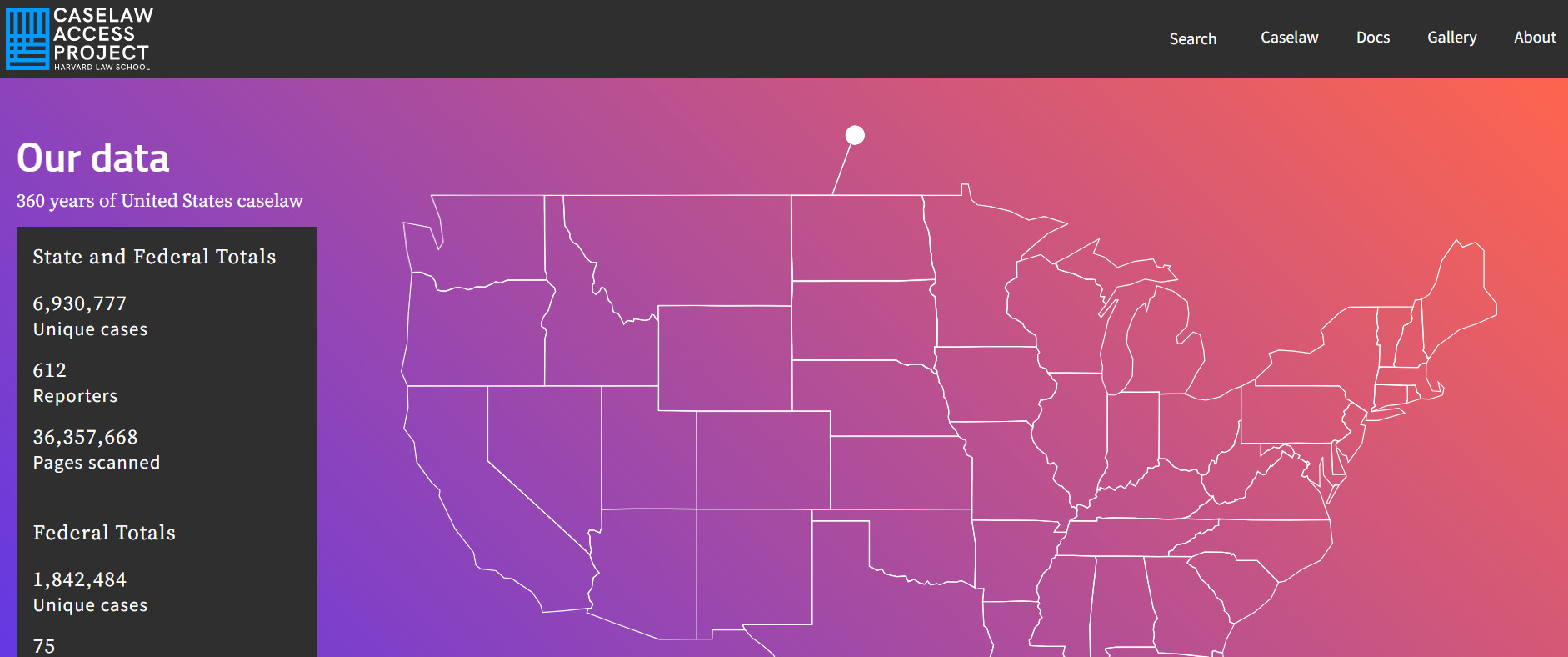
Source: Case.law
The database spans everything from U.S. Supreme Court decisions to state-level rulings, organized by report volume number for accuracy.
While the basic platform is free, CAP also offers paid desktop plans with additional features like bulk downloads and advanced search. It’s widely recognized by groups like the American Bar Association for its value to both academics and practitioners.
In addition to case law, the project gives access to session laws and related materials, which makes it a strong complement to other research tools.
Best Features
- Extensive coverage: Millions of cases, including U.S. Supreme Court decisions and state rulings.
- Reports volume number: Organized referencing for precise case identification.
- Free access: A strong choice among free legal research resources.
- Paid desktop plans: Options for bulk downloads and advanced research features.
- Legal scholarship support: Widely used for studies, journals, and academic work.
Pros
- Open access for researchers, lawyers, and students
- Valuable for legal scholarships and historical studies
- Endorsed by the American Bar Association as a trusted resource
- Combines free use with optional upgrades for professionals
7. Paxton AI
Paxton AI is an emerging tool built to support both attorneys and law firms with faster research powered by artificial intelligence.
Unlike traditional law library systems, Paxton uses natural language processing to interpret questions in plain English and deliver precise results from statutes, federal and state cases, legal opinions, and other court documents.

Source: Paxton.ai
What makes it stand out is how it combines traditional legal databases with newer features like real-time tracking of pending legislation and access to secondary sources such as legal journals and legal guides.
This mix makes it useful for practicing lawyers who want faster answers and for students who want a more approachable way to conduct legal research.
Best Features
- AI-powered search: Responds to plain language questions and provides targeted case law and relevant statutes.
- Federal and state coverage: Access to rulings from multiple jurisdictions, including appellate and trial courts.
- Pending legislation tracking: Alerts on proposed laws and regulatory changes.
- Secondary materials: References from legal journals, legal guides, and practice commentaries.
- Citation support: Tools to verify and cross-check legal opinions and court documents.
Pros
- Speeds up research with AI-generated responses
- Covers both federal and state cases in one platform
- Helpful for smaller law firms looking for cost-effective options
- Combines traditional research with real-time legislative updates
8. Westlaw
Westlaw is one of the most established legal research platforms used by law firms, in-house teams, and courts.
As cloud-based software, it gives users access to a broad collection of primary and secondary sources while also offering specialized tools for research, citation checking, drafting, and litigation analysis.
Thomson Reuters currently positions its lineup around Westlaw Edge, Westlaw Edge with AI-Assisted Research, and Westlaw Advantage.
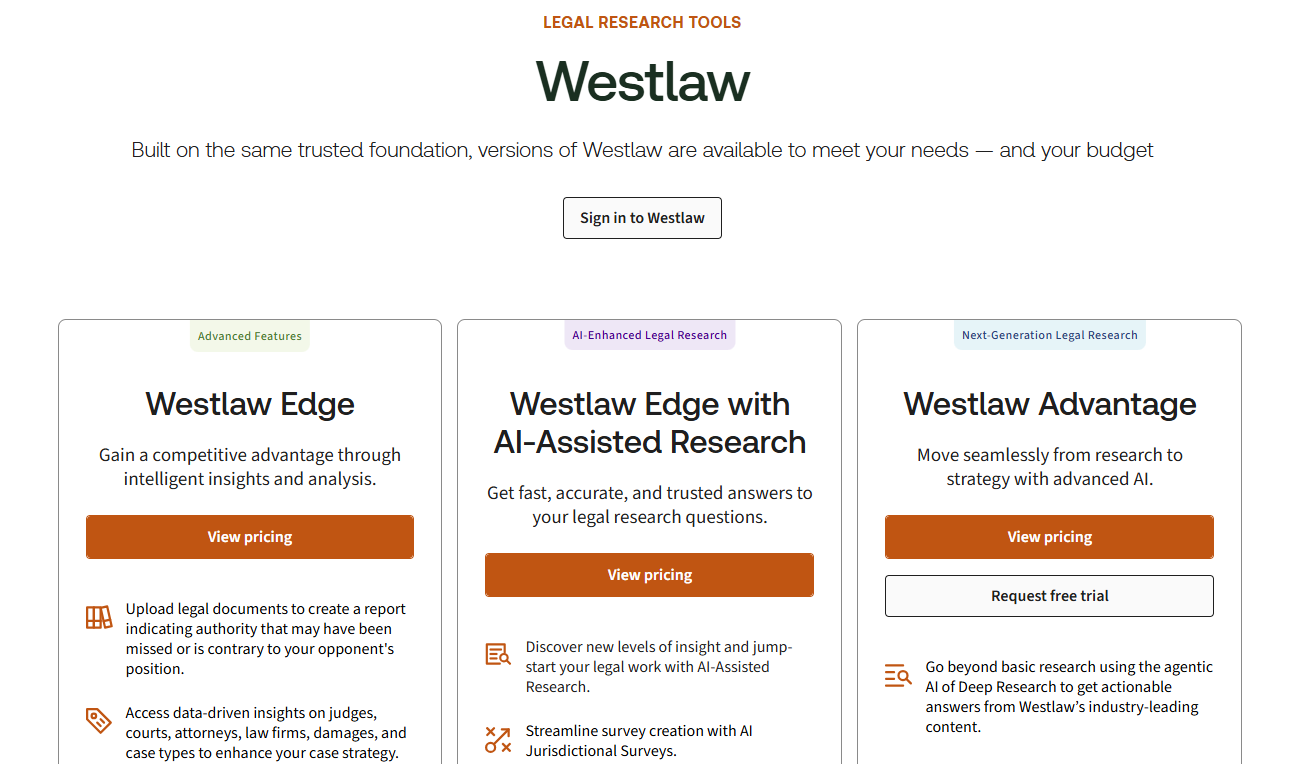
Source: Legal.ThomsonReuters.com
It’s especially useful for lawyers who need to find relevant case law quickly and work across different parts of the research process in one system.
Along with coverage across jurisdictions, Westlaw includes tools for validating authorities, reviewing litigation trends, and accessing practical resources written by attorney editors.
Best Features
- Diverse legal research tools: Advanced legal research with AI-supported tools designed to help users research faster and more accurately.
- KeyCite: Citation tool that helps verify if a case, statute, regulation, or administrative decision is still valid.
- Litigation analytics: Data on judges, courts, law firms, attorneys, damages, and case types across many practice areas.
- Practical law: Attorney-written practice notes, checklists, standard documents, and how-to resources.
- CoCounsel integration: AI-assisted research, drafting, and document analysis grounded in Westlaw and Practical Law content.
Pros
- Strong option for finding relevant case law across multiple jurisdictions
- Combines research, citation checking, practical guidance, and analytics in one platform
- Cloud-based software with multiple research tools for different legal workflows
- Helpful for lawyers who want to move from search to drafting with fewer gaps in the process
From Research to Ready-to-Serve Documents With Briefpoint
Legal research helps you find the right authority, but it does not finish the discovery work for you. You still need to draft responses, match documents to specific requests, format everything correctly, and make sure the final output is ready to serve. That part can take far more time than it should.
Briefpoint helps cut down that workload. Its core platform helps you draft and respond to requests for production, requests for admission, and interrogatories, while keeping formatting and objections consistent.
Autodoc takes things further by turning productions and case files into ready-to-serve responses with Bates-cited Word output and production packages in as little as 3 to 10 seconds per request.
For interrogatories, Briefpoint also supports Supplemental Responses and client response collection, which helps you gather answers faster and move them into Word-ready drafts.
Briefpoint is trusted by 1,500+ law firms nationwide and is built for firms that want to spend less time on repetitive discovery tasks and more time on the work that actually needs legal judgment.
How to Draft Interrogatories for Better Discovery
What Are Interrogatories?
Interrogatories are written questions one side sends to the other during the discovery process in a lawsuit. They are one of the most common discovery requests used to gather basic facts, pin down positions, and get details that the other side may rely on later.
When you serve interrogatories, the receiving party has to answer them in writing and under oath. Those answers usually cover names, dates, events, documents, damages, and other requested information tied to the claims or defenses in the case.
In some situations, interrogatories also ask a party to identify witnesses, describe how an incident happened, or explain the basis for certain allegations.
Attorneys often use interrogatories early in discovery to get a clearer picture of the case before depositions or other follow-up steps. They can help you sort out what the other side is claiming, what facts are still unclear, and which issues may need closer attention.
And unlike depositions, interrogatories happen in writing, so there is more time to prepare responses carefully. That makes them useful when you want direct answers you can review, compare, and use to build the rest of your discovery plan.
How to Draft Interrogatories Step by Step
If you want stronger answers, it helps to be deliberate with how you frame each question. Here are the steps that can help you draft interrogatories more clearly and strategically:
1. Review the Pleadings, Case Files, and Related Document Requests
Before you draft anything, take a close look at the pleadings and the case file.
To start, this gives you a better sense of what the case is really fighting over, what facts are still missing, and what the other side has already said on the record. It also keeps you from writing questions that are too broad or disconnected from the actual dispute.
From there, read through the complaint, answer, counterclaims, affirmative defenses, and any early disclosures or emails that help fill in the story. Look for vague allegations, missing dates, unclear timelines, and statements that raise follow-up questions.
It also helps to check your existing records at this stage. Some facts may already be sitting in the file, so there is no reason to spend interrogatories asking for them again.
At the same time, this review helps lawyers keep the scope of the questions tight. When your interrogatories line up with the actual claims and defenses, they are more useful and harder to attack.
What to review:
- Complaint
- Answer
- Counterclaims
- Affirmative defenses
- Initial disclosures
- Prior correspondence
- Key documents
- Existing records
- Missing facts
- Disputed issues
2. List the Facts You Still Need
Once you have reviewed the file, the next step is figuring out what facts are still missing. That means looking at the case from both sides and asking yourself what you still need to obtain before you can fully evaluate the claims, defenses, and timeline.
For example, the plaintiff may have alleged harm without giving much detail on timing or supporting documents. The defendant may have denied key allegations without explaining the factual basis for those denials. Gaps like those often point you toward the right interrogatories.
This is also a good time to focus on facts tied to knowledge and circumstances. Who knew what, when did they know it, and what was happening around the events in dispute?
Questions like that can help you narrow the issues and pull out additional information that has not shown up in the pleadings or disclosures.
Here are a few facts to identify during this step:
- Dates
- People involved
- Communications
- Events
- Decisions made
- Damages claimed
- Injuries alleged
- Documents referenced
- Basis for denials
- Basis for affirmative defenses
- Witness knowledge
- Surrounding circumstances
3. Group Questions by Topic
A grouped set is easier to process and easier for the responding party to answer. Plus, it makes it easier to determine if a question is too broad, repetitive, or out of place.
Organizing by topic can also make reviewing simpler on your end. You and your client can scan each section, spot what is missing, and decide where more detailed questions may be needed.
Common topic groups include:
- Parties and background: Names, roles, relationships, and other basic facts tied to the dispute.
- Timeline of events: Dates, sequence, and timing of key events.
- Communications: Emails, calls, texts, letters, and related exchanges.
- Witnesses: People with relevant knowledge and the subjects they know about.
- Documents: Records mentioned in the pleadings or tied to disputed issues.
- Damages: Claimed losses, amounts, and supporting facts.
- Defenses: Facts supporting denials and affirmative defenses.
- Policies or procedures: Internal rules or usual practices connected to the claims.
4. Write Clear and Specific Questions
It goes without saying that clear interrogatories tend to get better answers. When a question is vague or crammed with too many ideas, the other side has more room to object or respond in a way that tells you very little.
To avoid that, make sure to:
- Keep the wording simple
- Stay focused on one point at a time
- Ask for facts that the other side can actually give
As you draft, keep the bigger picture in mind. A strong interrogatory can pin down facts, point you to useful evidence, and show what a party making a claim or defense may rely on to prove it later at trial.
At the same time, you want to avoid asking for privileged information, since that usually leads to an objection you could have seen coming.
For example, in a medical malpractice case, a weak interrogatory might say, “Explain everything that happened during the plaintiff’s treatment.”
As written, that leaves far too much open. A better version would say, “Identify each person involved in the plaintiff’s treatment on March 3, 2025, and describe the care each person provided.”
From there, the difference becomes pretty clear. The second version asks for specific people, ties the question to a clear date, and zeroes in on facts that may help your case.
5. Keep Each Interrogatory Focused
A focused interrogatory asks one question and aims at one issue. Narrow questions are usually easier for a court to view as reasonable. They show that you are trying to get targeted facts, not push the other side into writing a full case summary in one response.
They also work well alongside document requests. You can use an interrogatory to pin down a fact or position, then ask the other side to produce the records that support it.
For example, a broad interrogatory might say, “Identify all facts, witnesses, and documents supporting your denial of the allegations in the complaint.” That asks for too much all at once.
A tighter version would say, “Identify all facts supporting your denial of paragraph 12 of the complaint.”
The second version is easier to answer and easier to evaluate. It sticks to one issue, points to one part of the pleading, and gives you a clearer way to measure whether the response is complete.
6. Avoid Compound or Confusing Wording
If the question mixes too many ideas or leaves key terms undefined, the other side may answer only part of it or object on multiple grounds. That can slow things down and make it harder to get a clean response you can actually use in court.
With that in mind, keep the wording direct and easy to follow. Each interrogatory should ask for one thing in a way that does not force the other side to guess what you mean.
You also want to avoid phrasing that calls for a pure legal conclusion, especially when the facts are what you really need. Questions built that way often create room for objections from opposing counsel and may fail to give you anything useful.
Here are a few examples of wording problems:
- “State all facts, witnesses, and documents supporting each denial in your answer”
- “Explain everything you did and why you did it”
- “Identify all people involved and all communications related to the incident and damages”
- “Admit that your conduct violated the law”
- “State why your defense does not fail under the contract”
- “Describe every act or omission that supports your position”
7. Check for Relevance and Proportionality
Relevance means the question connects to the claims or defenses in a real way. Proportionality asks something slightly different: is the question appropriately sized for the case, or does it ask for far more than the dispute calls for?
Courts look at things like the burden of answering, the importance of the issue, and the actual value of the information you are trying to get.
A quick review here can be really helpful. Some questions may relate to the case in a loose sense but still push past the practical limitations of written discovery. Tightening those questions gives you a better shot at getting useful answers without inviting easy discovery objections.
That point comes up a lot in wrongful death cases. For example, asking the defendant to identify every employee who had any contact with the decedent over a ten-year period would likely be too broad for the nature of the dispute.
A narrower interrogatory might ask the defendant to identify each employee who communicated with the decedent during the week before the incident and state the subject of each communication.
That version is far more grounded. It stays tied to the events at issue and asks for information with a clearer connection to the case.
8. Revise for Clarity and Strategy
Once the draft is done, give it one more pass before service. Revision is where you clean up wording, catch overlaps, and make sure the set works as a whole.
Strategy also comes into sharper focus during this step. You want the interrogatories to move in a logical manner, build a clear record, and push the other side to commit to facts you may later use in motion practice or at trial.
A tighter set is usually more compelling than a long one filled with questions that all blur together. Additionally, you’ll be able to spot anything that may need revision before the other side gets formal notice of what you are asking.
Use this quick checklist before serving:
- Clear wording
- One issue per interrogatory
- No duplicate questions
- No vague terms
- Dates and names included where needed
- Tied to claims or defenses
- Relevant and proportional
- No request for privileged material
- Consistent with the pleadings
- Ordered in a logical flow
- Strong enough to support follow-up discovery
- Ready for service
Common Mistakes to Avoid When Writing Interrogatories
A few common mistakes can make your questions easier to object to and harder to use once the answers come in. Here are some examples:
- Making questions too broad: An interrogatory that sweeps too widely often gets a vague response or a boilerplate objection.
- Combining too many asks: Packing facts, witnesses, documents, and explanations into one question can make the answer incomplete or hard to pin down.
- Using vague wording: Terms without clear limits can leave too much room for interpretation.
- Repeating the same point: Slightly reworded duplicates waste space and weaken the set overall.
- Asking for a pure legal opinion: Interrogatories work better when they target facts and not abstract legal argument.
- Ignoring the role of form interrogatories: Standard questions can cover basic information efficiently, so there is no reason to reinvent them every time.
- Overusing special interrogatories: Custom questions are useful, but they should fill real gaps rather than repeat what standard forms already cover.
- Skipping a final review: Small wording problems can turn into bigger issues once the other side starts drafting objections to interrogatories.
Briefpoint Can Help You Handle Discovery Requests Faster
Drafting interrogatories can take a surprising amount of time, especially when you are trying to keep every question clear, tight, and useful. Then you still have the rest of your discovery requests to deal with, plus revisions, follow-ups, and deadlines.
Briefpoint helps take some of that work off your plate. You can upload your discovery documents and get a draft in minutes, which makes it easier to move things forward. From there, you can review, edit, and tailor the language to fit the case.
It also helps when the work does not stop with one round of drafting. If you are handling interrogatories along with requests for production or requests for admission, Briefpoint gives you a faster way to prepare those documents without slowing down the rest of your day.
Then, Autodoc helps with drafting, and supplemental responses can be managed more easily when updates come up later.
If you want a smoother way to handle repetitive discovery work, Briefpoint can make the process a lot less time-consuming while still leaving you in control of the final product.
Legal Billing Software: What You Need to Know (+ 7 Best Options)
What Is Legal Billing Software?
Legal billing software helps manage billing, payments, trust accounts, and other parts of law firm financial management in one system.
Here are some things it can help you do:
- Track billable time: Record hours and tasks accurately, so your bills reflect the work completed and less time goes unbilled.
- Create professional invoices: Put together clear, client-ready bills with detailed entries, rates, and expenses tied to the right matter.
- Manage trust accounts: Keep client funds separate from operating funds and maintain cleaner records for compliance purposes.
- Handle expense management: Track filing fees, court costs, expert fees, and other matter-related expenses.
- Process payments: Accept online payments, reduce delays, and make it easier for clients to pay outstanding balances.
- Manage invoices: Review sent bills, monitor unpaid amounts, and keep billing activity organized in one place.
- Use batch billing: Generate multiple invoices at once to save time when your firm handles a large volume of matters.
- Support e-billing: Work with clients that require electronic billing formats and more structured submission processes.
- Review performance: Monitor collections, outstanding balances, and your firm’s financial performance more closely.
How Does It Differ From Regular Accounting Software?
Legal billing software is tailored specifically to the unique needs of law firms, while regular accounting software is more general and designed for businesses across various industries.
One major difference is time tracking. Legal billing software lets you track billable and non-billable hours accurately, which helps make sure your invoices reflect the work done for each client. This is something standard accounting software typically doesn’t offer.
Another key feature is trust accounting, which is critical for law firms to manage client trust funds and comply with legal regulations. Generic accounting tools usually aren’t equipped to handle this.
Additionally, legal billing software provides specialized reports, such as case-specific cost breakdowns and client expense summaries, which go beyond the standard financial reports found in regular tools.
Many legal billing platforms also integrate with case management systems to organize workflows in a way that generic software often can’t. These differences make legal billing software a much better choice for law firms.
Why Do Law Firms Need Legal Billing Software?
Legal billing software is essential for law firms aiming to stay organized, save time, and improve accuracy. Here’s why it’s worth the investment:
Accurate Billing
Tracking every billable minute manually can easily make room for error. For one, it’s easy to miss a few minutes here and there, and those small errors can add up to big losses over time. Plus, mistakes in the legal billing process can lead to client disputes, which can affect your bottom line overall.
Legal billing software takes the kinks out of the process. It tracks your time automatically, so you know exactly how many hours you’ve worked and can create accurate, detailed invoices.
For example, if you switch between different tasks throughout the day, the software can capture that time as you work, so those smaller tasks do not get left off the bill.
Clients appreciate clear, transparent billing, and you’ll avoid awkward conversations about charges that don’t add up. On top of that, you’ll get paid for every minute of the work you’ve done.
Time Savings
Billing can eat up more time than it seems like it should because it’s not only the invoice itself. It’s the time entries, the expenses, the follow-up, and all the manual data entry that pile up around the process.
Legal billing software solutions help cut that down. When you can track time and expenses in one place, there’s less catching up later and less time spent piecing everything together at the end of the month. A lot of the work that usually slows billing down becomes easier to manage.
That makes the entire billing cycle less of a drain on your day. You spend less time on billing admin and more time on actual legal work.
Better Cash Flow
Legal billing software can help your firm get paid faster by making the payment process easier to manage for both your team and your clients. Here are a few ways it helps:
- Automated reminders: The software sends reminders to clients automatically, which helps reduce delays.
- Online payment options: Clients can pay instantly through secure online portals, making the process faster and more convenient.
- Fewer overdue invoices: With clear invoices and easy payment methods, clients are less likely to miss deadlines.
- Faster invoice generation: Bills can go out sooner, which means less delay between finishing the work and requesting payment.
- Automated billing workflows: Recurring tasks like reminders, payment tracking, and follow-up take less manual effort.
- Custom payment plans: Some tools let firms offer structured payment options, which can help clients stay current on what they owe.
- Better billing data: You can review invoice status, payment activity, and outstanding balances without looking through separate records.
- Fewer billing errors: Cleaner records can reduce mistakes that slow down approvals or create billing disputes.
- Batch sending: Some platforms let you send multiple invoices at once, which helps keep billing on schedule.
Trust Account Management
Trust accounting has to be precise. Your firm needs to keep client funds separate from operating funds, record every deposit and withdrawal correctly, apply transactions to the right matter, and maintain a clear ledger for each client.
For modern law firms, that level of recordkeeping is hard to manage in the legal industry when too much of it depends on manual updates.
Legal billing software helps keep those requirements easier to manage. It gives your team one place to track trust activity, review balances, and keep records organized.
A lot of tools help with tasks like these:
- Separate trust and operating accounts
- Record deposits and withdrawals
- Match transactions to the correct matter
- Maintain client trust ledgers
- Review balances more easily
- Reduce commingling issues
- Support compliance recordkeeping
Detailed Reporting
Legal billing software takes the guesswork out of understanding your firm’s financial health by providing detailed reports.
These reports give you a clear breakdown of data like case expenses, client payments, and outstanding balances, all in one place. Instead of sifting through spreadsheets or scattered data, you can access organized insights with just a few clicks.
Whether you’re checking which clients have unpaid invoices or planning budgets, these reports make it easy to see where things stand. The ability to quickly pull up accurate financial information saves time and helps you make better decisions for your firm.
Our Top 7 Picks for Legal Billing Software
Choosing the right legal billing software can make a big difference in how efficiently your firm operates. With so many options available, it’s important to find a tool that fits your specific needs. Below, we’ve highlighted some of the best legal billing software options.
1. Clio
Clio is a versatile legal practice management platform that offers tools for case management, document organization, client communication, and more.
While it’s not primarily a billing software, Clio includes great billing features designed to simplify invoicing, time tracking, and trust account management.
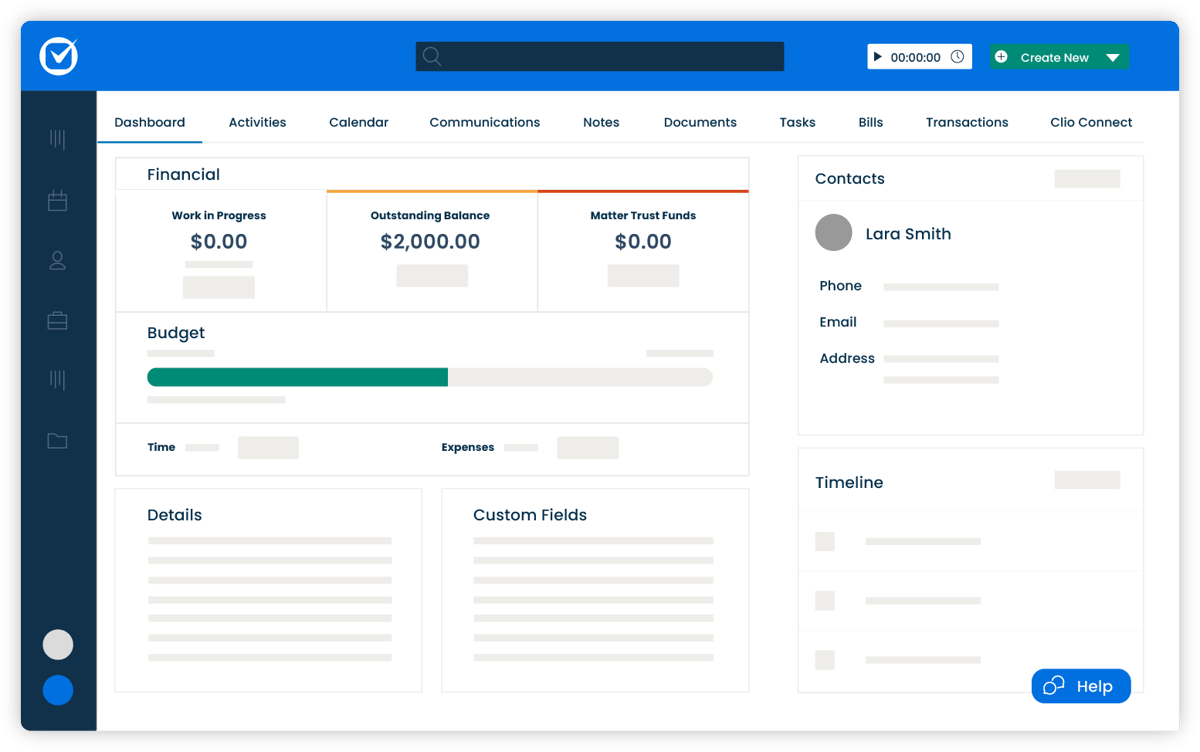
Source: G2
Key Features
- Time tracking and billing: Track billable hours precisely and generate detailed invoices tailored to your clients.
- Customizable invoice templates: Create professional, branded invoices that reflect your firm’s style and include all necessary details.
- Secure client portal access: Provide clients with a secure space to view invoices, share documents, and communicate directly with your firm.
- Trust accounting management: Keep client funds compliant and organized with tools to separate trust and operating accounts.
- Integration with popular tools: Sync with QuickBooks, Google Workspace, Zoom, and more to optimize your workflows.
Pros
- Easy to use, even for those new to legal billing software
- Excellent customer support for troubleshooting and setup
Pricing
Clio offers plans starting at $59 per user per month, which include a basic legal billing system with time tracking and client billing.
2. TimeSolv
TimeSolv is online legal billing software designed to help law firms easily manage their billing processes. This billing solution is particularly well-suited for smaller firms and solo practitioners as it balances affordability and functionality.
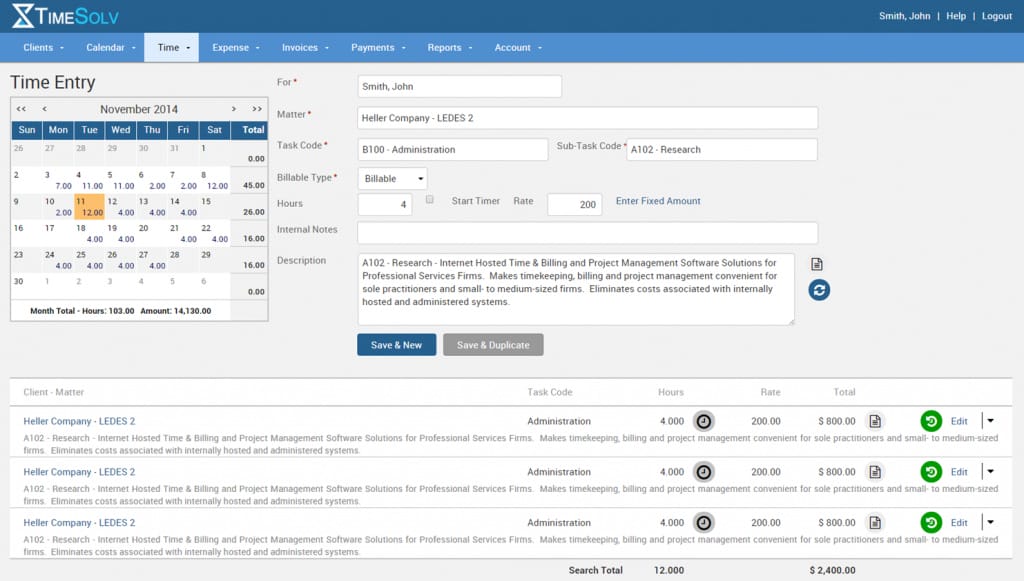
Source: G2
Key Features
- Cloud-based access: Work from anywhere with secure access to time tracking, billing, and client data, whether on a computer or mobile device.
- Advanced time tracking: Log billable and non-billable hours accurately with built-in timers and manual entry options.
- Split billing: Easily divide invoices between multiple clients or matters, which can make complex billing scenarios hassle-free.
- Trust accounting tools: Track client trust funds with tools to maintain compliance and keep funds organized separately from operating accounts.
- Detailed reporting: Generate reports on billing, payments, and firm performance to get a clear picture of your financial health.
Pros
- Affordable for smaller firms and solo attorneys
- Offers strong data security features
Pricing
TimeSolv’s pricing starts at $40 per user per month for TimeSolv Pro. The starting plan includes time tracking, billing, expense tracking, unlimited clients, and secure document storage.
3. Lawpay
Lawpay is a payment processing solution built specifically for law firms and focuses on making transactions easy and compliant.
It’s not complete legal office billing software, but it works seamlessly alongside your existing tools to simplify payment collection and trust accounting.
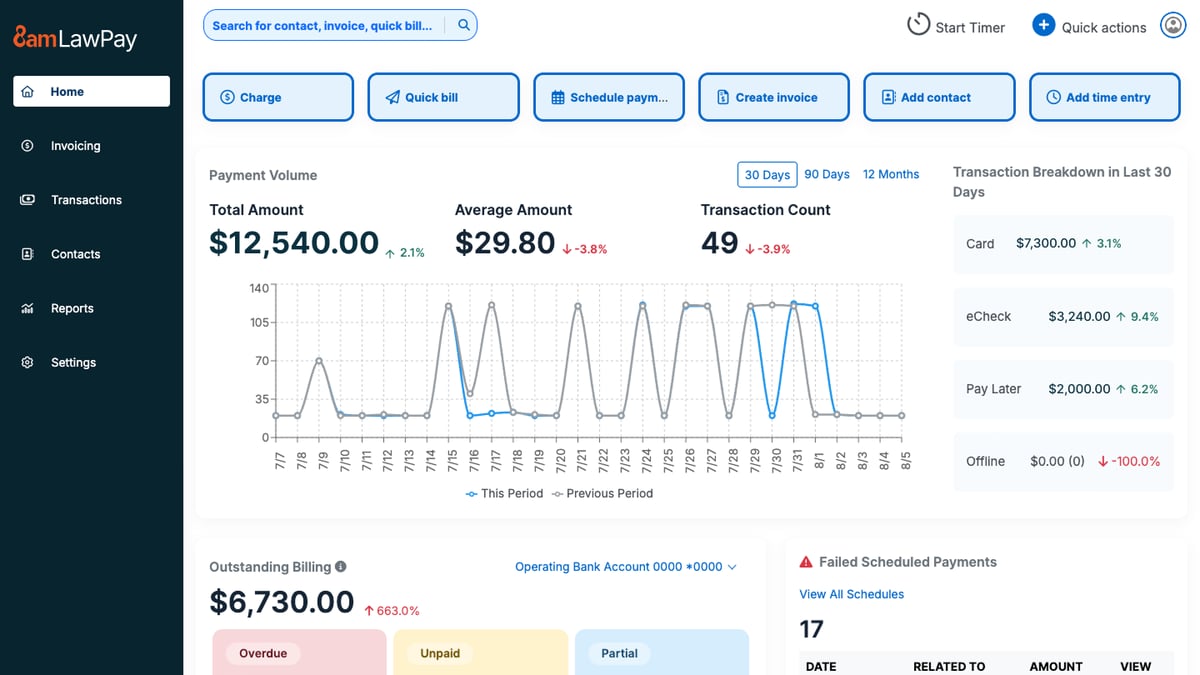
Source: G2
Key Features
- Secure payment processing: Accept credit card payments, ACH transfers, and eChecks, all while making sure client funds are handled securely.
- Trust account compliance: Automatically separates earned and unearned funds to help you meet trust accounting requirements without the risk of commingling.
- Customizable payment pages: Create branded payment pages for your website to provide a professional and convenient experience for clients.
- Recurring payment options: Set up recurring billing for ongoing matters, which reduces administrative tasks.
- Detailed transaction reporting: Track all payments and deposits in real time so it’s easier to manage finances and maintain accurate records.
Pros
- Simplifies trust accounting for compliance
- Easy to set up and use for legal professionals
Pricing
Lawpay’s monthly pricing is a flat fee of $19 per month, including features like trust account protection, unlimited users, and customizable website payment pages. There is also custom pricing for specialized plans.
4. Smokeball
Smokeball is a cloud-based legal practice management software that offers tools for billing, case management, and document automation.
While it’s known for its comprehensive features, its billing functionality stands out with automatic time tracking and pre-built templates.

Source: G2
Key Features
- Automatic time tracking: Captures all billable and non-billable hours without requiring manual input.
- Pre-built invoice templates: Create detailed and professional invoices quickly, with options to include time entries, expenses, and case-specific details.
- Case and matter management: Organize all case-related files, deadlines, and communications in one centralized platform.
- Document automation: Generate legal documents quickly with pre-built templates tailored for various practice areas.
- Trust accounting management: Easily handle client trust funds with tools designed to ensure compliance and accuracy.
Pros
- Great for small teams needing simple but powerful tools
- Intuitive interface that’s easy to navigate
Pricing
Smokeball’s pricing is not currently publicly available.
5. FreshBooks
FreshBooks is a popular accounting and invoicing platform ideal for solo attorneys and small law firms.
It’s not designed exclusively for legal professionals, but its intuitive interface and billing features make it a great option for those who need simple, straightforward tools for managing invoices, payments, and expenses.
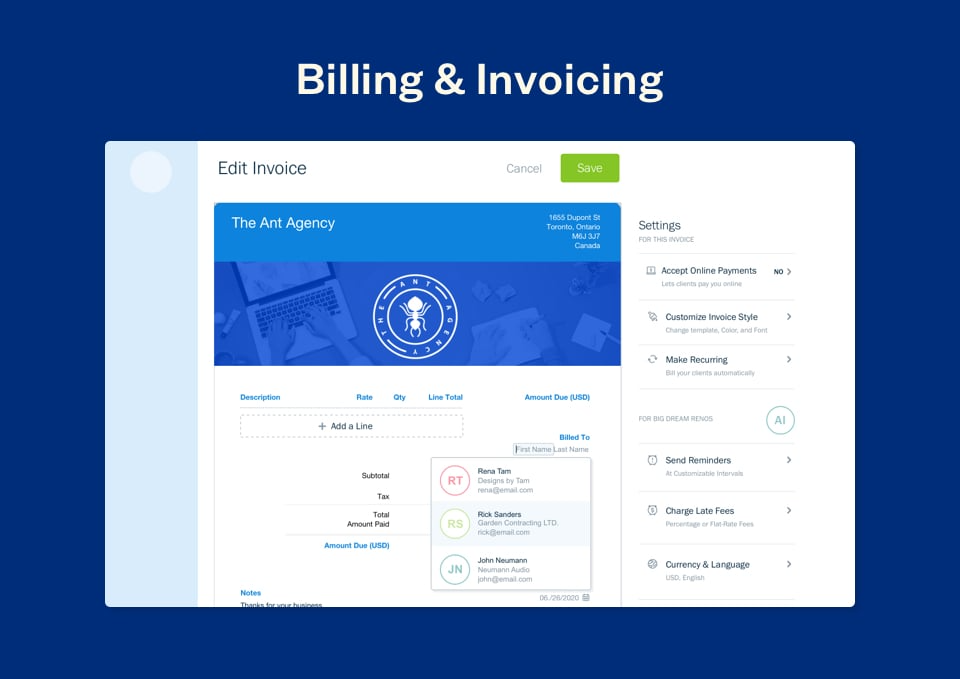
Source: G2
Key Features
- Expense tracking: Easily log billable hours and categorize firm expenses to keep your finances organized and track costs against budgets.
- Automated invoice reminders: Send friendly reminders to clients automatically to help you get timely payments without the need for manual follow-ups.
- Multi-currency and multi-language support: Perfect for firms with international clients because it offers flexibility in billing for different currencies and languages.
- Secure online payment options: Accept payments via credit cards, ACH transfers, or payment gateways, which makes it easy and convenient for clients to pay invoices.
- Detailed financial reporting: Provides insights into income, expenses, profit margins, and outstanding balances.
Pros
- Easy to use, even for those without accounting experience
- Affordable pricing plans for solo practitioners
Pricing
FreshBooks starts at $6.90 per month, offering a budget-friendly solution for small firms or solo attorneys looking for essential billing and invoicing features like expense tracking and invoices.
6. PointOne
PointOne is an AI-driven platform that automates timekeeping and billing for law firms. Its goal is to optimize efficiency and profitability by reducing administrative burdens and ensuring accurate time capture.
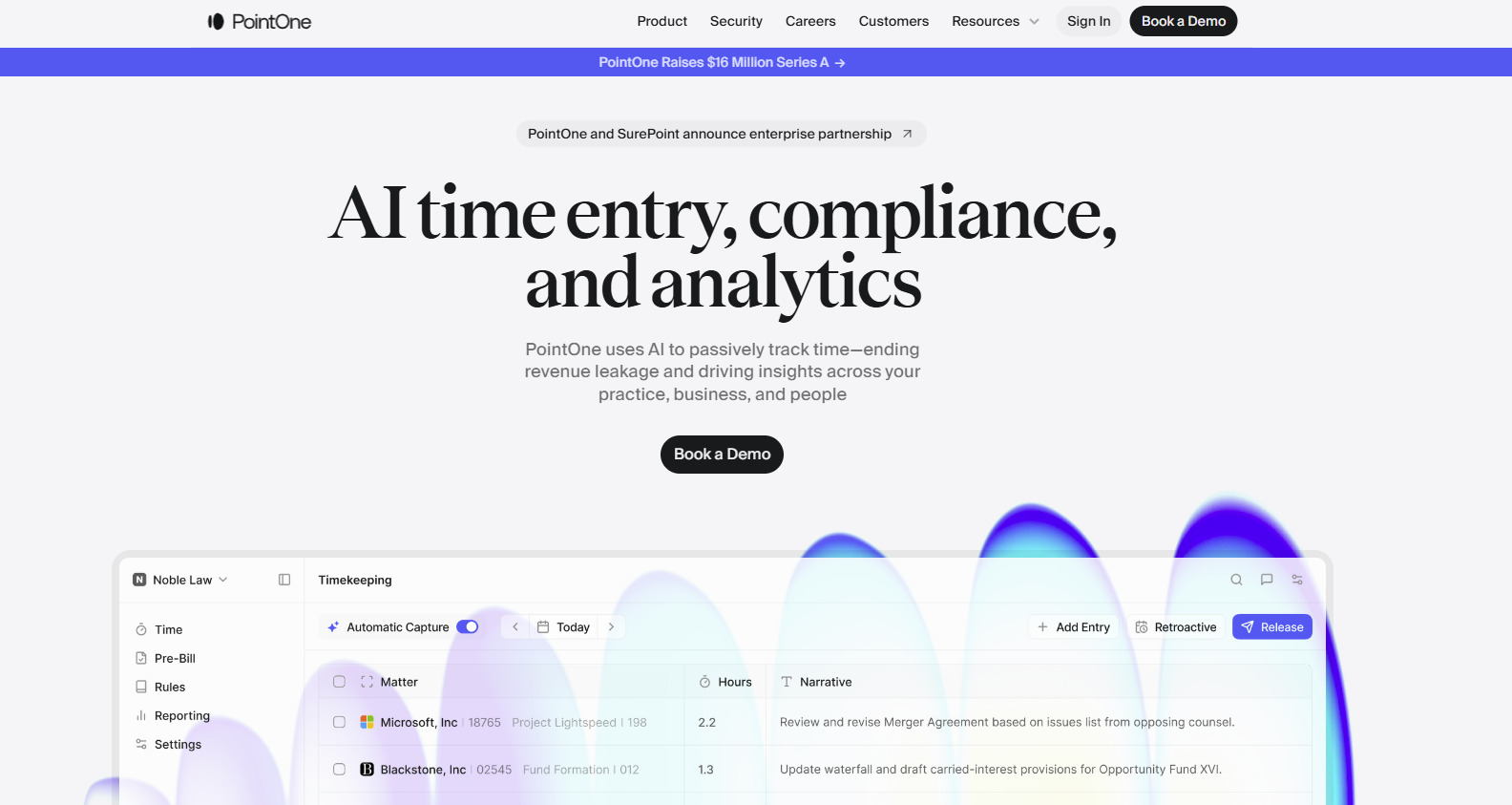
Source: Pointone.com
Key Features
- Automated time tracking: PointOne passively records all work activities, which helps reduce administrative tasks.
- AI-powered pre-bill review: The platform uses artificial intelligence to review pre-bills, suggesting edits to improve bill quality and compliance with client guidelines.
- Integration: PointOne integrates with existing billing software and practice management systems.
- Real-time collaboration: The platform offers features that allow team members to collaborate on billing matters for better alignment and transparency within the firm.
Pros
- Automates time capture, ensuring all billable activities are recorded
- AI-driven reviews help produce precise and compliant bills
- Frees up time by automating timekeeping and billing processes
Pricing
PointOne currently does not have its pricing publicly listed.
7. Billables AI
Billables AI helps lawyers keep up with timekeeping without having to stop and log everything by hand. It tracks work in the background and turns that activity into billable entries with the client, matter, and narrative details already filled in.

Source: Billables.ai
This platform can help when timekeeping tends to happen after the fact. With more of the activity captured as you work, there is less to piece together later and less reliance on memory when reviewing entries.
Key Features
- Automated timekeeping: Tracks workflows automatically while you work and generates billable activity reports.
- AI-generated time entries: Creates entries with clients, matters, and narrative descriptions included.
- Adaptive billing support: Learns from usage over time so the dashboard better matches how you bill.
- User-controlled review: Let users edit or delete billable records before anything is exported or shared.
- Workflow integrations: Connects with tools like email, calendar, docs, calls, Microsoft 365, Teams, Adobe, Chrome, Edge, and Zoom.
Pros
- Helps capture work that often gets missed in manual timekeeping
- Gives lawyers more control over reviewing and editing entries before export
- Strong integration focus for day-to-day legal workflows
- Reduces administrative workload surrounding billing
Pricing
Billables AI does not list public pricing on its website.
How to Choose the Right Legal Billing Software For Your Team
Looking at a list of popular tools can help you narrow things down, but that only tells you so much. Legal billing has its own demands, so the better question is whether a platform fits the way your team bills.
Here are a few things worth checking:
- Customizable billing templates: Your bills should be easy to format around your rates, time entries, and client expectations.
- Client management: It helps when client details, matter information, and payment records are easy to pull up during billing.
- Embedded payment links: Giving clients a direct way to pay from the invoice can make collections a little less drawn out and help improve cash flow.
- Billing history: A full record of invoices, payments, credits, and edits makes it easier to review past activity.
- Document management: Some teams need billing to connect closely with matter files, supporting records, or shared documents.
- Everyday workflow: The system should make billing easier to keep up with and not add more steps to it.
Automate Parts of Your Discovery Process With Briefpoint
Legal billing software helps your firm handle invoices and payments, but it does not do much for the discovery work that takes up so much time behind the scenes.
Briefpoint focuses on that part of the process. It helps with drafting discovery requests and responses, and Autodoc helps move that work into cleaner production-ready documents with Bates stamps and cited materials when needed.
That matters even more once a case starts to shift. Discovery responses rarely stay frozen. New facts come in, answers need updates, and your team ends up revisiting the same sets again.
Briefpoint now supports Supplemental Responses inside the same workflow, so you can create updates for RFPs, RFAs, and interrogatories while keeping prior answers intact and easy to reference.
If client input changes, Bridge can pull that into the process without forcing your team to manage everything outside the platform.
For firms dealing with ongoing discovery across multiple rounds, this can make the work easier to track and easier to update without losing the thread of what came before.
Want to see how it works?
Schedule a demo here and discover how Briefpoint can help your firm work smarter.