Inside an Efficient Bates Numbering System
What Is a Bates Numbering System?
Bates numbers are unique page identifiers added to legal documents, usually in a set sequence. They help attorneys, paralegals, courts, and opposing counsel refer to the exact same page easily.
For example, a document production might use numbers like ABC000001, ABC000002, ABC000003, and so on.
A Bates numbering system is the method used to apply those identifiers in a consistent format. That format may include a prefix, a fixed number of digits, and a suffix if needed.
Older firms used a Bates numbering machine to apply physical stamps to paper files, but most teams now use software for sequentially numbering pages in PDFs and other digital files.
Why You Need a Solid Bates Numbering System
Once every page has a clear label, the next step is making sure those labels stay consistent from start to finish. A good Bates system should help legal teams keep control of files during every step they have to go through.
Bates numbers serve a few practical purposes:
- Clear document references: You can point to one exact page quickly.
- Easier PDF document management: Bates stamping gives each page a fixed identifier, which helps legal professionals review and share large files with less confusion.
- Better document tracking: A consistent Bates numbering process makes it easier to track documents that have been produced, reviewed, or exchanged.
- Cleaner communication: Attorneys, clients, courts, and opposing counsel can reference legal documents using the same page labels.
- Fewer production issues: Following best practices for prefixes, digit length, and numbering order helps prevent duplicate numbers, missing pages, and messy productions.
What’s Inside an Efficient Bates Numbering System?
As you know by now, a good Bates numbering system keeps your documents clear, searchable, and easy to cite. The strongest setups usually come down to a few key parts, which include:
A Clear Numbering Format
A clear numbering format gives every page a predictable label. When you apply Bates numbering to digital documents, the format should make it easy to identify individual pages and point to a specific page.
Your format can be:
- Solely numeric
- Alphanumeric strings
- Prefix plus number
- Number plus suffix
- Prefix plus a fixed number of digits
- Matter name plus page number
- Production set plus page number
For example, a solely numeric format might look like 000001, 000002, 000003. An alphanumeric format might look like SMITH000001 or DEF-000245.
The best choice depends on how many files you need to produce and how easily your team needs to search or cite each page.
Consistent Prefixes and Suffixes
A long production can become hard to manage if every page label looks too generic. Prefixes or suffixes give your team a way to separate batches, parties, and document groups without changing the main numbering sequence.
Common prefix and suffix options include:
- Producing party initials
- Client or matter code
- Production batch
- Exhibit group
- Confidentiality tag
- Document category
- Revision marker
- Date code
Doing this helps you find the right document faster when multiple sets share similar page counts or file names. For example, DEF000145 can point to a defense production, while DEF000145-CONF can show that the page has a confidentiality label.
Consistent Bates labeling also gives your team a cleaner rule to follow. If one batch uses PLTF and another uses PLAINTIFF, searches and references can be very disorganized.
Automatic Sequential Numbering
Automatic sequential numbering keeps the page order clean from the first page to the final page. Each page gets the next reference number in the sequence, which helps your team uniquely identify every page without typing each label by hand.
A simple sequence might look like this:
- 0001
- 0002
- 0003
- 0004
You can also use a four-digit number with a prefix, such as:
- DEF0001
- DEF0002
- DEF0003
- DEF0004
The main goal is to avoid gaps, repeats, and manual errors. If two pages get the same number, your references can become unreliable.
Plus, automatically numbering documents also helps when you need to produce hundreds or thousands of pages, since the system assigns each label in order and keeps the sequence consistent.
Document-Level and Page-Level Tracking
Document-level and page-level tracking connect each Bates number to the right file, document type, and page position, which makes large document sets easier to work through.
A strong system should track:
- Document type: You can tag files as emails, contracts, invoices, exhibits, pleadings, or other records.
- Page count: You can quickly check how many pages belong to a specific document before you cite or produce it.
- Document boundaries: Digital tools can separate one document from the next inside large PDF sets.
- Unique page IDs: Each page gets unique identifiers, so you can cite the exact page with confidence.
- Production groups: You can group files by batch, party, issue, or matter to keep large volumes easier to sort.
Support for Large Document Sets
Naturally, large productions need batch processing and not one-file-at-a-time stamping. Luckily, modern electronic Bates software can scan the page count in each PDF file, assign the next number in the sequence, and save a stamped copy with the correct label placement.
Good Bates numbering software also keeps the numbering sequence active as it moves from file to file. For instance, if one PDF ends at BP000120, the next PDF starts at BP000121. That helps legal teams avoid repeated numbers without checking every page by hand.
The same tech can also support file naming rules, output folders, and searchable text for business documents. When you have the right setup, organizing documents takes less manual cleanup because the software handles numbering, placement, and export in one controlled process.
Searchable Labels and Metadata
Searchable labels and metadata make Bates-numbered files easier to find after production. The Bates number points to the page, while metadata adds critical information that helps with document retrieval in legal cases.
For example, a PDF might include a Bates range like DEF000450 to DEF000462, plus metadata such as:
- Document title
- Author
- Date
- Document type
- Producing party
- Confidentiality status
Those identifying elements give your team more ways to search beyond the Bates number alone.
This becomes useful when tracking large volumes of files. If you need every email from a certain date range or every contract marked confidential, metadata can narrow the search quickly.
Good labeling also helps reviewers connect each page to the larger document set, which keeps references clearer during discovery, deposition sessions, and trial prep.
Version Control for Updated Files
Version control keeps revised files from getting mixed up with earlier productions. Law firms often update important documents during review, so your Bates numbering system should make each version easy to identify.
A clean version control setup can show:
- Original file
- Revised file
- Production date
- Review status
- Bates range
- Confidentiality changes
- Replacement pages
With clear version records, your team can see which file was produced, which version changed, and which Bates numbers belong to each set. It helps reduce confusion when a document gets corrected, redacted, re-produced, or removed from a production batch.
Export-Ready Files for Sharing
Export-ready files make document review easier because the Bates labels stay fixed when the files leave your system. What you want is to create clean PDF files that other people can open, read, search, and cite without layout problems.
Most PDF tools used in the legal field let you apply Bates numbers, flatten stamps, rename files, and save production copies. Adobe Acrobat is a common example, though many legal document platforms have the same type of export features.
In most cases, a good export process should preserve the Bates number placement, page order, searchable text, redactions, and file naming rules.
Apart from that, it should also create a copy rather than overwrite the original file. That gives your team a clean production version while keeping the source document available for future review.
Audit Trails for Accountability
An audit trail shows what happened to each file during numbering, review, and production. It can record:
- Who added the Bates numbers
- When the file was stamped
- Which numbering range was used
- Which version went out for sharing
For instance, a production log might show that DEF000300 to DEF000420 was exported on March 12, reviewed by a paralegal, and shared with opposing counsel as part of the second production set.
So, if someone later asks for the relevant pages from that batch, your team can trace the exact reference documents without guessing.
A clear audit trail helps keep everyone accountable. It gives your team a record to check when questions come up around missing pages, duplicate labels, changed files, or disputed document references.
Make Document Management 10x Easier With Briefpoint
Proper Bates numbering gives legal professionals a reliable way to identify pages, cite records, and keep complex litigation files in order. It’s a small detail on the page, but it can easily affect how smoothly discovery, trial preparation, and production work move forward.
Briefpoint’s Autodoc helps with the work that usually surrounds Bates numbers.
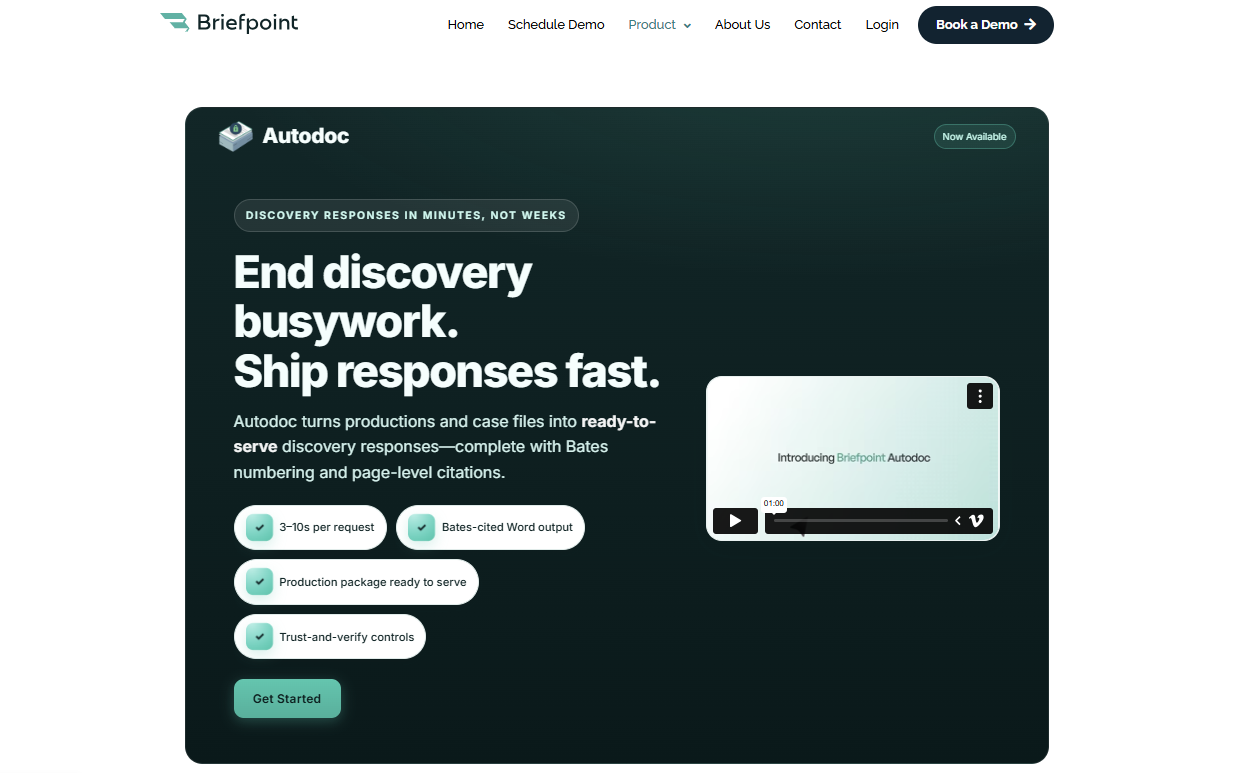
You can upload discovery requests and production materials, then use Autodoc to identify responsive documents, add Bates numbers, and create Bates-cited discovery responses.
It gives you the function of a Bates automatic numbering machine with extra support for drafting, citation, and legal document management.
Briefpoint can help your team prepare cleaner responses, organize production materials, generate page-level citations, and create Word-ready drafts with fewer manual steps.
For busy litigation teams, that means less time spent matching documents to requests and more time spent reviewing the substance of the case.
Book a Briefpoint demo and see how Autodoc can help your team prepare Bates-cited discovery responses faster.
