Florida Family Law Forms 12.902(b) and (c)
8 Best Legal Document Automation Software For 2026

What Is Document Automation?
Document automation simplifies the process of creating and managing documents by using technology to handle repetitive and manual processes.
That means instead of creating each document from scratch, you can rely on pre-built and reusable templates and logic to quickly produce accurate and professional results.
It’s especially useful for drafting contracts, NDAs, agreements, legal forms, and other essential documents that require precision and consistency.
By reducing manual work, document automation saves time, boosts productivity, minimizes errors, and ensures every document adheres to the firm’s standards.
8 Best Legal Document Automation Software Tools for 2026
Looking to simplify repetitive paperwork and improve efficiency at your law firm?
These top legal document automation software offer powerful features to help you generate accurate, professional documents faster, no matter the size of your practice.
1. Briefpoint
Briefpoint is one of the leading document automation software programs specifically designed for legal practices. Over 1,500 law firms currently trust it to streamline the drafting of routine discovery responses and request drafting tasks, which enables lawyers to save time and focus on higher-value tasks.
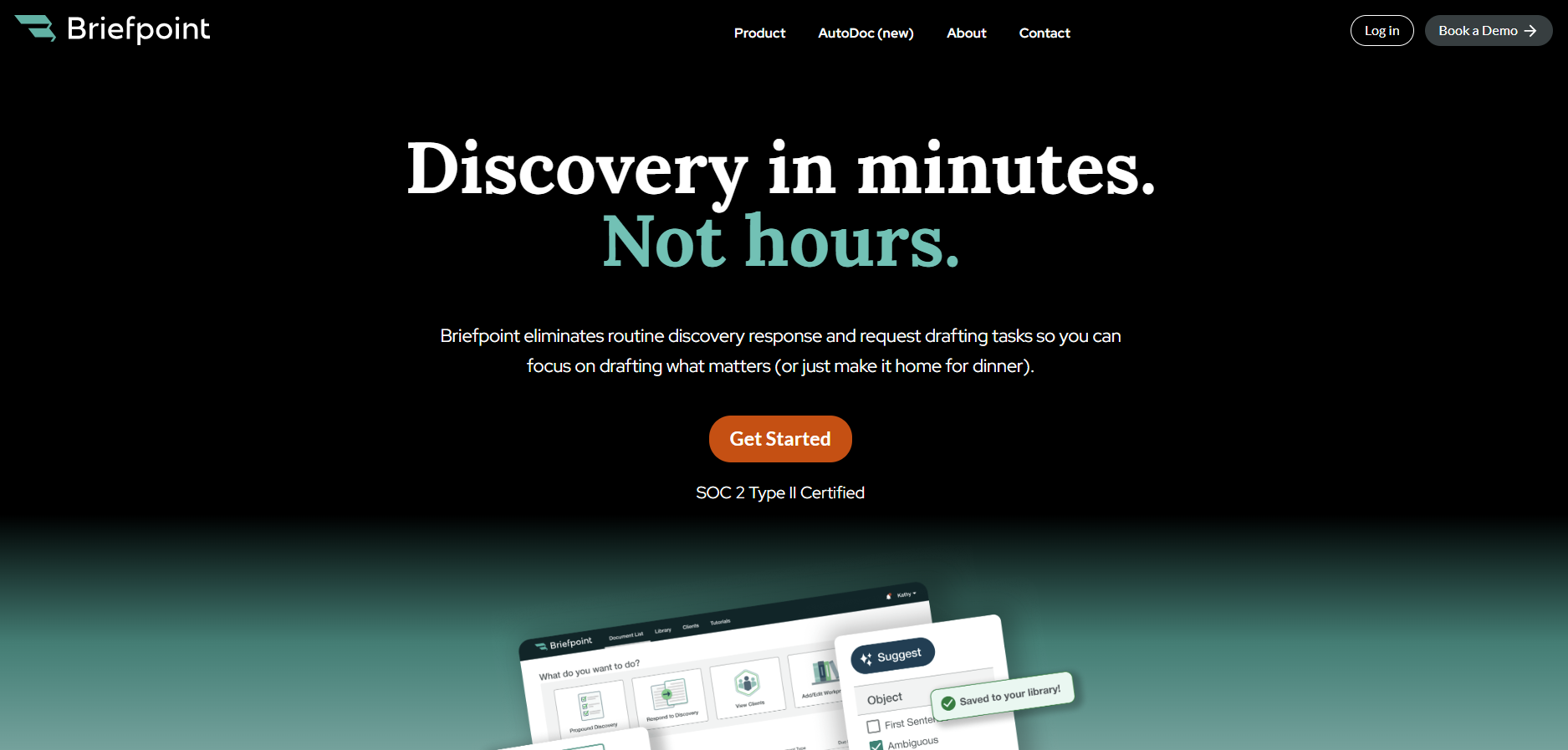
As a specialized solution for the legal sector, Briefpoint automates requests for admission, requests for production, and interrogatories. These complex legal documents are time-consuming, but the document automation tool automates the process using the power of machine learning.
Simply upload your document, select your objections, download your Microsoft Word document, and polish your draft off. Briefpoint’s AI will take care of the rest.
To simplify client communication, you can use Briefpoint Bridge, a feature that lets you collect client responses with ease.
It translates requests into plain English, sends them to your clients, and automatically integrates their responses into your discovery documents.
Beyond discovery drafting, Briefpoint also helps with document-intensive workflows through its Autodoc feature.
You can upload complaints, RFPs, productions, and case files, and Autodoc will search for responsive documents, generate a Word response with page-level Bates citations, and create a Bates-numbered production package organized for review and production.
Pros
- Briefpoint significantly reduces the time spent on drafting discovery responses and other repetitive legal documents, which allows attorneys to focus on higher-value tasks.
- Designed with legal professionals in mind, Briefpoint has a user-friendly interface that requires minimal training, so it’s accessible to users of all technical abilities.
- Briefpoint is tailored specifically for the legal industry, with features that automate complex documents like requests for admission, requests for production, and interrogatories.
- The platform leverages AI to scan and analyze documents and auto-populate information, which leads to fewer errors and minimizes manual input.
Pricing
Briefpoint offers flexible pricing depending on your firm’s size and needs.
By automating routine tasks, Briefpoint can lead to significant cost savings per attorney and improve the overall profitability of your practice.
Briefpoint lets you schedule a demo to test its software at your firm. The solution is great for people of all technical skills, with almost no learning curve, saving an average of 87% of time spent on each document.
2. Clio
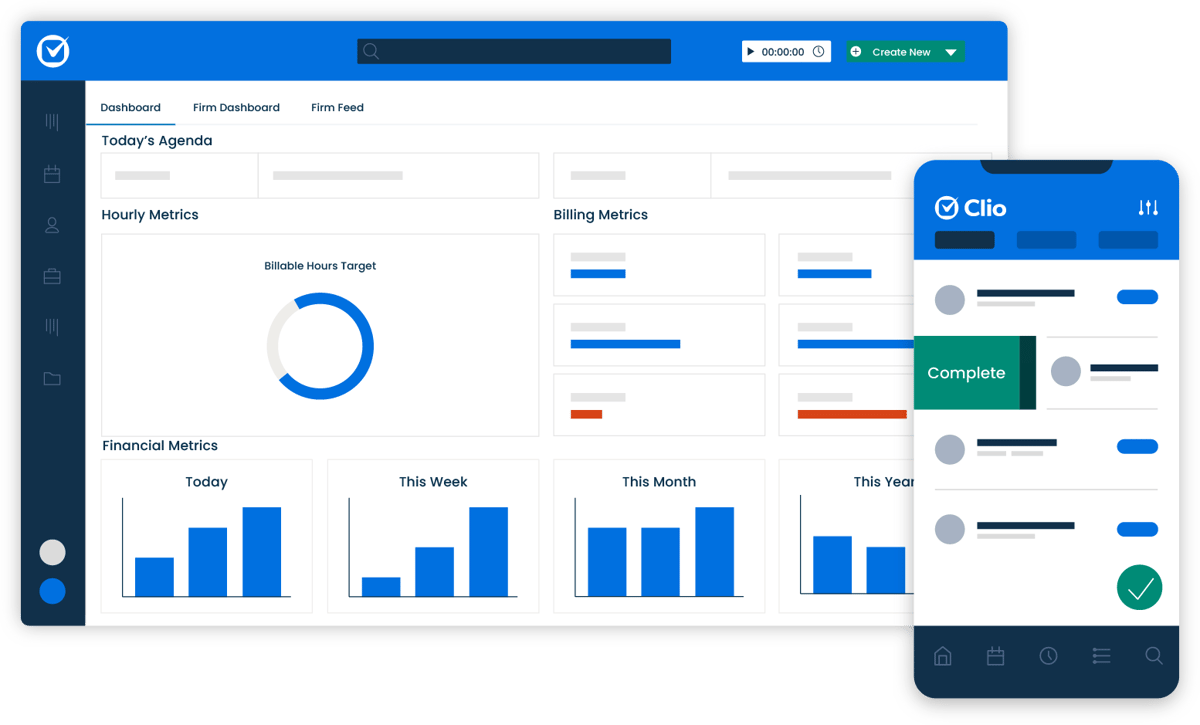
Clio is a market leader in law office management and offers various legal document automation features as part of a suite of services.
Source: G2
The platform provides a centralized dashboard for managing your practice without juggling other tools. It includes templates for letters, contracts, and pleadings, with a drag-and-drop editor that requires no technical skills.
Pros
- Clio combines document automation with case management, billing, and client relationship tools for an all-in-one solution.
- Cloud-based platform allows access from anywhere, suitable for remote work.
- Intuitive drag-and-drop interface is easy for all technical levels.
- Integrates with your existing tools like Google Workspace, Microsoft 365, and legal research software.
- Customizable templates simplify legal document creation, securely pulling client data into standardized documents.
Pricing
Clio no longer publicly displays its full tier list or complete fixed subscription rates on its primary web pages. However, the base EasyStart plan starts at $49/user.
3. DocuSign
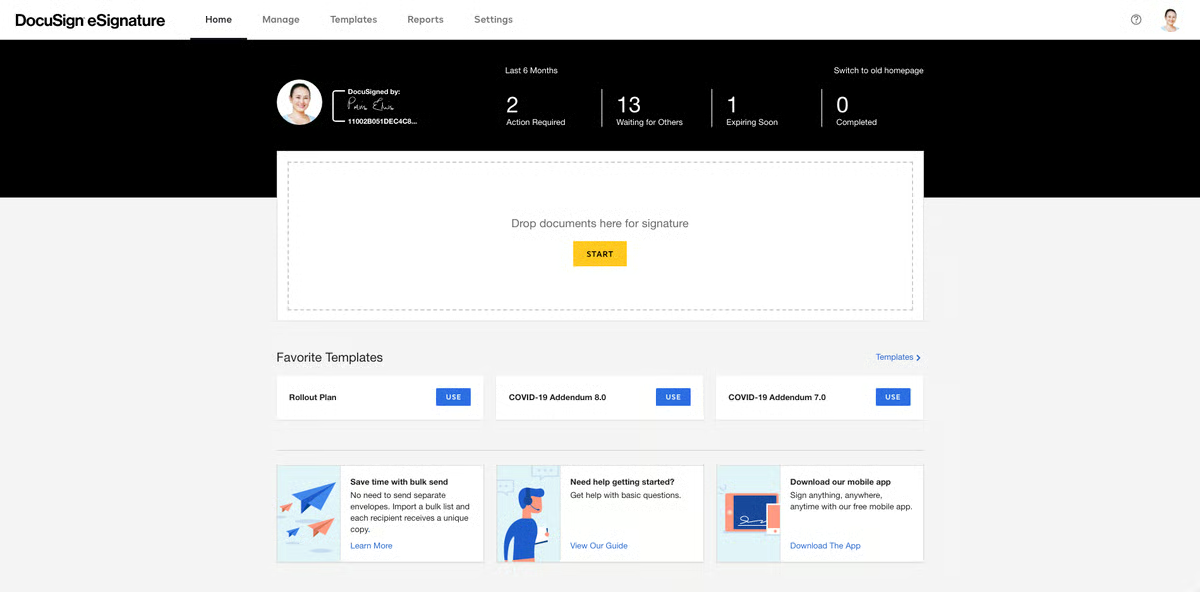
DocuSign Signature doesn’t quite fall into the category of legal document automation software, but law offices use it extensively as part of their daily tech stack, so it is worth mentioning here.
Teams find it helpful to enable attorneys and clients to sign documents and track their progress over time. As such, it saves time compared to conventional paper-based signing workflows, allowing lawyers to work faster.
Source: G2
Other benefits include its mobile-friendliness, integration across platforms, and reasonably advanced security.
Pros
- DocuSign is user-friendly, simplifying electronic signatures for legal professionals and clients to close out completed documents.
- Widely trusted and used globally, ensuring compatibility and familiarity.
- Mobile-friendly platform allows signing and tracking documents on the go.
- Connects seamlessly with Microsoft Office, Google Workspace, Salesforce, and legal tools, while offering flexible API integrations to connect other software.
Pricing
DocuSign offers the Personal plan for $15 per month for individuals with basic e-signature needs.
For teams, the Standard plan is $45 per user per month, while the Business Pro plan, with advanced features, is $65 per user per month.
4. PandaDoc
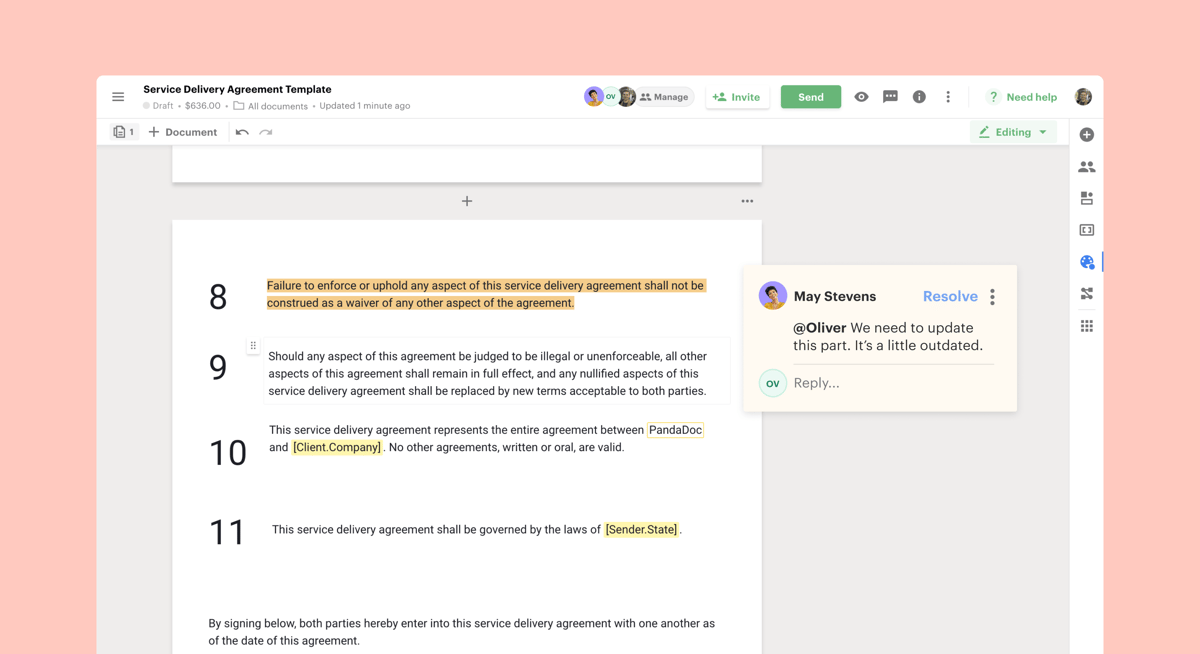
Another piece of legal document automation software is PandaDoc. Like Clio, it is an all-in-one platform, letting you generate documents, collect e-signatures, and leverage analytics.
Source: G2
PandaDoc isn’t built specifically for the legal industry, but it’s still a strong contender in this space. Its template library and drag-and-drop editor allow law firms to streamline legal document generation and reduce time spent on manually drafting routine files.
The platform also supports faster contract drafting and includes built-in commenting features that simplify collaboration and help legal teams finalize automated documents more efficiently, especially useful in commercial law workflows.
Pros
- PandaDoc combines document creation, e-signatures, and workflow automation.
- Offers customizable layouts to quickly create templates for professional business contracts.
- Supports real-time collaboration tools for simultaneous edits and negotiations.
- Drag-and-drop editor simplifies document management for all skill levels.
- Integrates with payment, productivity, and CRM systems like Salesforce, HubSpot, and Stripe.
Pricing
PandaDoc’s pricing begins with the Free plan for small businesses that need professional eSign. It includes 60 docs for free per year, a rich media drag-and-drop document editor, and real-time tracking.
For teams, the Starter plan is $19 per seat per month for quickly creating and signing forms and agreements.
Meanwhile, the Business plan, for sales proposals and integrated agreement workflows to help teams manage contracts, has a $49 monthly seat cost.
5. HotDocs
HotDocs is also a strong contender for best legal document automation software. The tool claims to enable law practices to process documents up to 90% faster than manual generation (including industry-standard cut-and-paste methods).
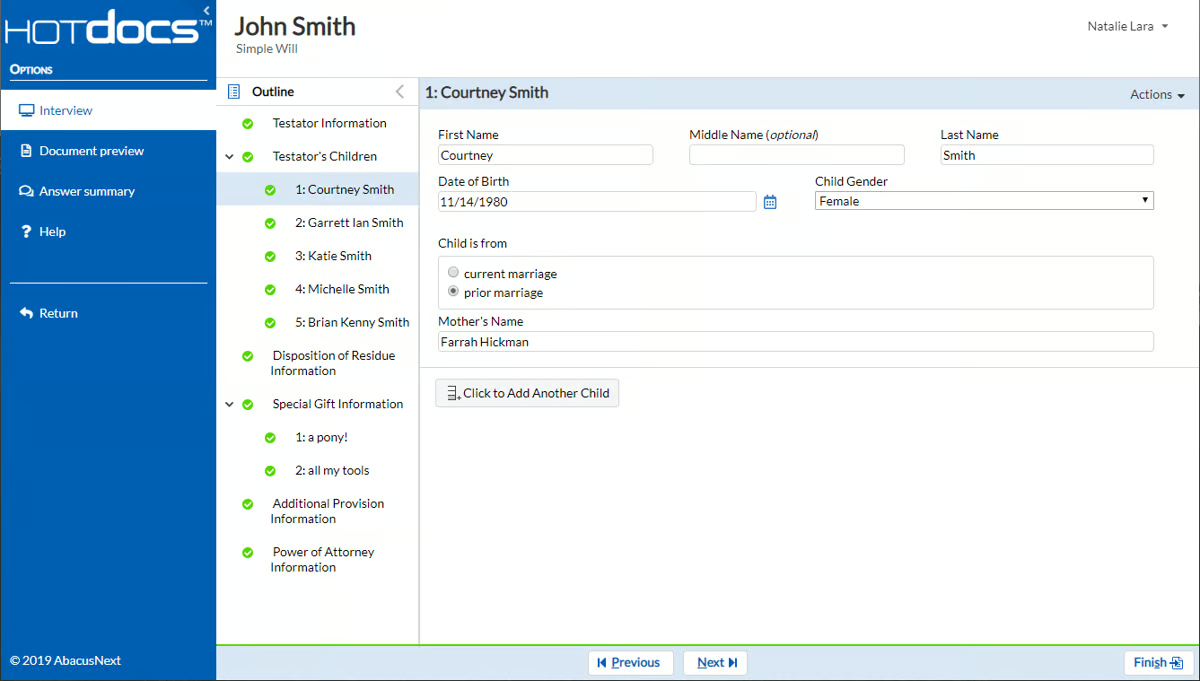
Source: G2
Again, the goal is to help you focus on your clients instead of creating tedious documents.
HotDocs is an established legal document automation software player with a proven track record and broad user base. Law offices use it for its hundreds of pre-built templates for various legal specialties and its flexibility.
The tool can also integrate with other legal software and CRMs, reducing implementation complexity. You can even use it offline, which is great for professionals on the subway or far from WiFi.
Pros
- HotDocs is a trusted document automation tool with a strong history of serving law firms, financial institutions, and government agencies.
- Offers a vast library of customizable templates for various legal documents.
- Automates complex documents using sophisticated templates with conditional logic.
- Integrates with legal and business software like case management systems and CRMs.
- Can be used offline, making it ideal for work without internet access.
Pricing
HotDocs offers customizable pricing tailored to the specific needs of each organization.
6. Bryter
Bryter goes even further, claiming users can save 95% of their time on manual work with its document assembly software. The solution helps law practices automate routine document drafting, remove errors, reduce risks, and get data-driven insights.
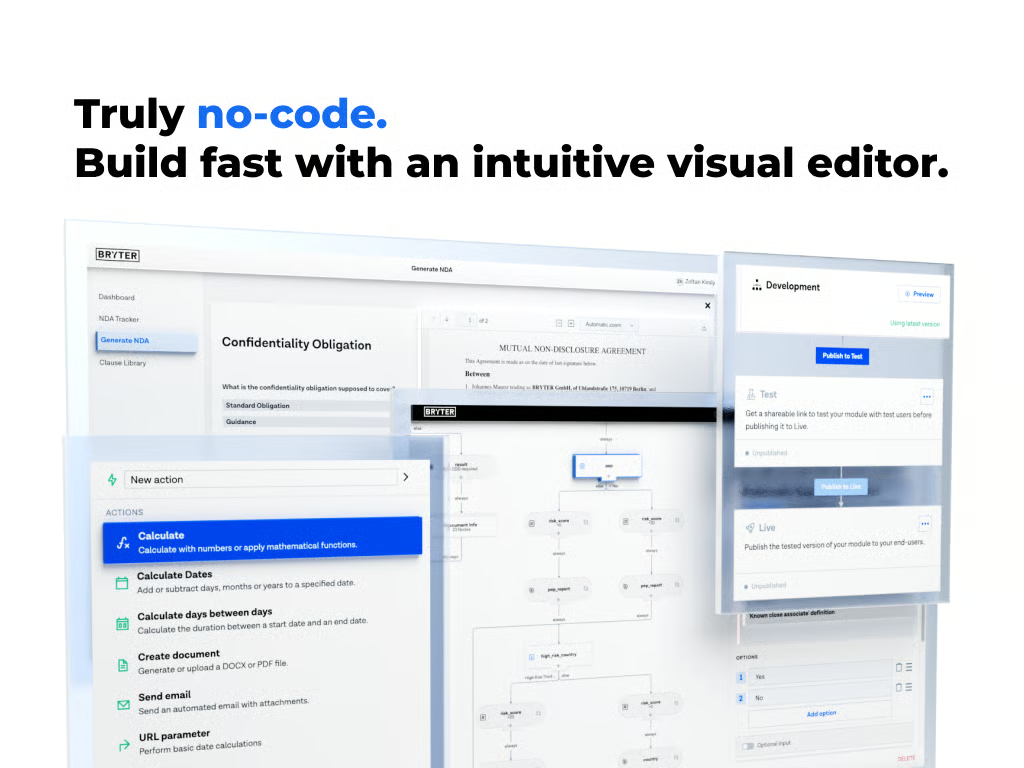
Source: G2
Systems prevent internal clients from generating inaccurate documents while eliminating mistakes with standardized templates.
Bryter’s main selling point is its no-code client portal approach. As such, it positions itself as the brand for the average law office. The intuitive decision-tree structure and user interface mean that most professionals with experience working on computers can use it.
Teamwork is also straightforward on the automation platform. Cloud-based collaboration features enable teams of any size to work together to process paperwork faster.
Pros
- Bryter is a no-code platform that helps legal professionals automate processes without programming skills.
- Features a decision-tree structure for easy creation and automation of documents and other document workflows.
- Supports automation of various legal tasks, from document assembly to client intake.
- Cloud-based collaboration allows teams to work together efficiently.
Pricing
Bryter offers different pricing plans for its no-code platform and Bryter Extract.
7. Formstack
Formstack is an established player that offers solutions that eliminate paperwork, automate client documents (including personalized contract agreements and NDAs), collect e-signatures, and improve collaboration.
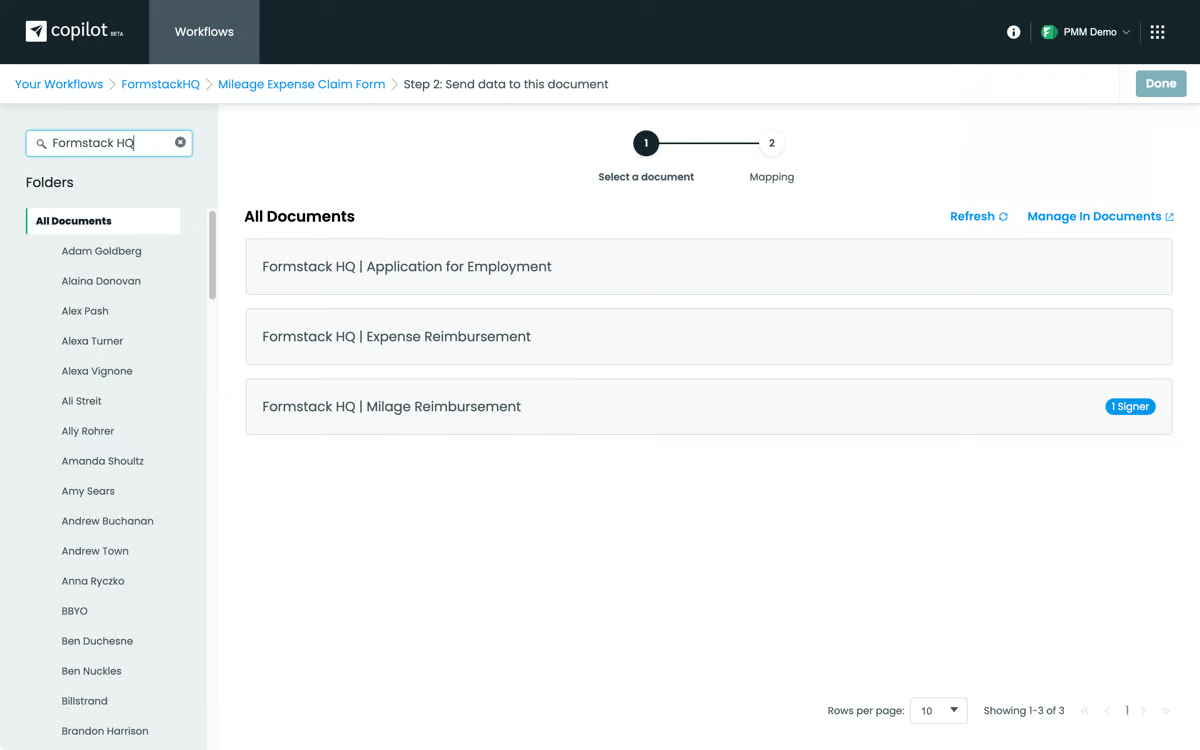
Source: G2
You also get security-related tools, such as controlling who can access paperwork via logic and routine tools. It also meets various legal standards, such as GDPR, PCI, and HIPAA, to ensure compliance with strict data privacy rules.
The software operates as a flexible form and document drafter that allows you to generate templates for recurring workflows.
Pros
- Formstack offers user-friendly form-building tools for legal document automation and client intake.
- Automates the creation of contracts, NDAs, and agreements to reduce manual tasks.
- Integrates with CRMs, payment processors, and email marketing platforms for seamless workflows.
- Mobile-optimized for creating, managing, and completing forms on any device.
Pricing
The Forms plan starts at $99 per month, focusing on form-building capabilities. The Suite plan, at $299 per month, includes forms, document generation, and e-signatures.
For larger organizations, customized Enterprise plans offer advanced security and tailored workflows.
8. Gavel
Gavel is a no-code platform that offers legal professionals a way to streamline document drafting without needing technical expertise. Gavel allows law firms to automate routine legal documents, such as contracts, court filings, NDAs, and client intake forms, focusing on simplicity and customization.
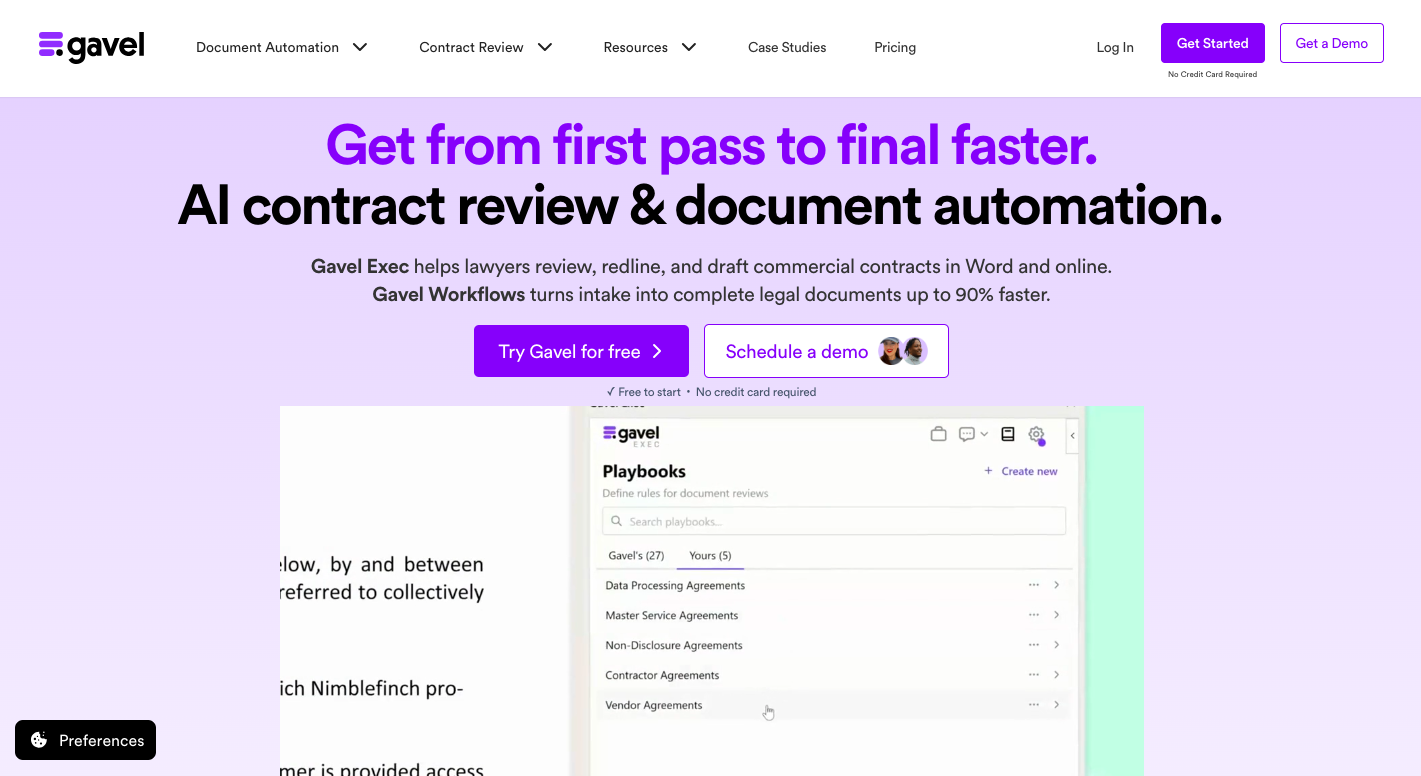
Source: Gavel.io
The platform shines with its drag-and-drop editor, which allows users to generate templates and create tailored workflows for a wide range of legal matters. Gavel also supports collaboration, allowing team members to work together in real time on reviewing and finalizing documents.
Its user-friendly design means that even those without technical knowledge can set up and run automated workflows with ease.
Pros
- Gavel enables document automation without coding skills and is accessible to all legal professionals.
- Allows creation and customization of document templates for contracts and client agreements.
- Supports real-time collaboration for efficient teamwork on documents.
- Drag-and-drop editor simplifies adoption and usage for teams.
- Complies with GDPR and HIPAA standards to ensure adherence to regulatory requirements.
Pricing
Gavel provides flexible pricing plans designed to meet various needs. The Lite plan starts at $99 per month, offering essential document automation features.
For growing firms, the Standard plan, priced at $250 per month, includes additional functionality. Then, the Pro plan costs $350 per month and adds legal templates, while the Scale plan starts at $417 per month and includes advanced tool connections.
The Advantages of Automating Legal Documents
Automation comes with many obvious benefits, such as time savings, reduced costs, and more efficient workflows. However, it’s still worth looking into each potential advantage to see the importance of finding a solution that works for you.
Let’s explore some of the key benefits of legal document automation:
Time Savings Through Automation
Automating your legal document creation process allows you to drastically cut down the time spent on repetitive tasks like drafting, reviewing, and revising.
Instead of manually creating each document from scratch, automation tools let you generate them in just a few clicks.
This efficiency frees up valuable hours, which allows attorneys and staff to focus on higher-value tasks like strategizing, client meetings, or case analysis.
Eliminating Human Error With Increased Accuracy
One of the biggest advantages of document automation is the reduction of human error. Automated systems make sure that documents are consistent and error-free, as they pull from pre-approved templates and standardized language.
This minimizes the risk of mistakes such as typos, omissions, or incorrect information during manual entry, which can be costly and time-consuming to correct.
Cutting Operational Costs For Greater Profitability
By speeding up the document creation process, automation helps reduce labor costs associated with manual drafting.
Fewer hours spent on routine paperwork translates to lower operational expenses, which can make your practice more profitable. This cost efficiency is especially beneficial for small and mid-sized firms looking to maximize their resources.
Improved Client Experience With Faster Service
With the time saved through automation, legal professionals can dedicate more attention to client needs.
Faster document turnaround times and reduced errors lead to a better client experience, improving satisfaction and potentially increasing client retention and referrals.
Maintaining Professional Consistency in Legal Documentation
Automation makes sure that all legal documents adhere to the same format, style, and standards. This consistency not only enhances the professionalism of your documents but also ensures compliance with legal requirements.
Standardized templates make it easy to maintain a uniform appearance across all your firm’s documents, reducing the need for constant oversight.
Better Security and Regulatory Compliance
Legal document automation tools often come with built-in security features like encryption, audit trails, and access controls.
These tools make sure that sensitive client information is protected and that your documents won’t cause compliance issues.
This added layer of security is a must for maintaining trust with clients and avoiding legal repercussions.
Scaling Operations With Adaptable Automation Tools
As your firm grows, the volume of documents you need to manage will also increase. Automation provides the scalability needed to handle this growth without overwhelming your team.
Additionally, many automation tools are flexible, which allows you to customize templates and workflows to suit specific practice areas or client needs.
The Best of Document Automation Tools
The legal world is changing fast, and adopting document automation software is becoming a must for law firms that want to streamline their work, cut costs, and focus more on clients.
The tools we’ve covered in this article are some of the top picks for 2026, each offering something different to meet various needs.
Whether you’re aiming to save time, maximize accuracy, or improve teamwork, there’s a solution out there that fits the bill. But with so many document automation platforms out there, finding the right one can feel overwhelming.
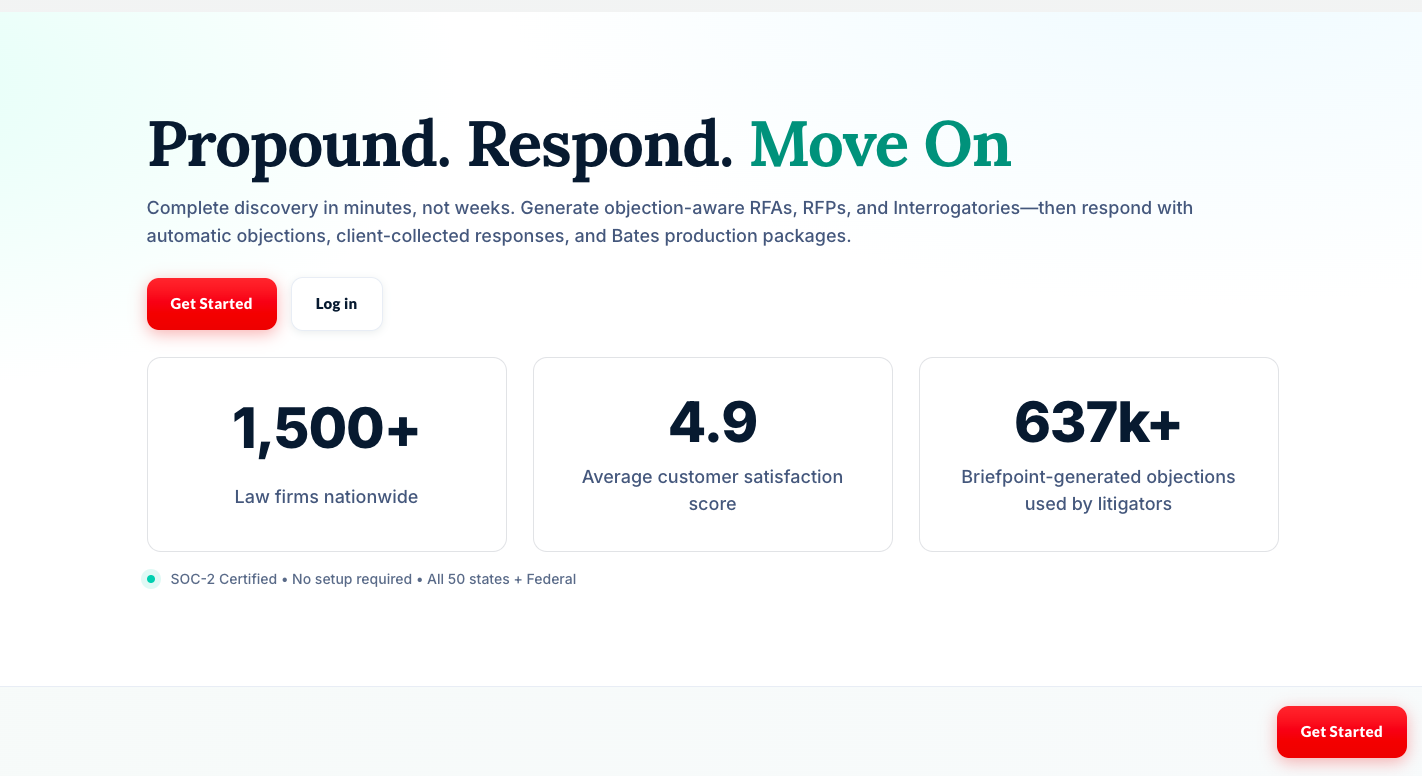
One tool that really stands out is Briefpoint. Designed specifically for legal professionals, Briefpoint takes care of the repetitive stuff, like discovery responses and requests for production, so you can save time and focus on what really matters: delivering great service to your clients.
Schedule a demo and find out how our document automation tech can help you save time, cut down on costs, and take your practice to the next level.
5 Legal Workflow Examples You Can Implement for Maximum Efficiency

What Is a Legal Workflow?
A legal workflow consists of a series of tasks and processes designed to accomplish a particular legal objective or outcome. It serves as the foundational blueprint that directs your team in managing cases, from the initial client intake to the final billing process.
What Is Legal Workflow Automation?
Legal workflow automation is the application of technology to simplify and automate time-consuming tasks within legal processes.
Legal automation technology allows law firms and legal departments to design, execute, and manage legal workflows.
More specifically, incorporating software tools and applications lets legal professionals automate various tasks, such as:
- Document drafting automation
- Client intake processes
- Case management
- Billing and invoicing
- Contract review
- Compliance checks
What Are the Benefits of Legal Workflow Automation?
Automating legal workflows can make life easier for everyone on your legal team in many ways. In turn, a more productive legal department contributes to a better bottom line. Here’s a closer look at how legal workflow automation benefits the legal industry:
Streamlining Operations
Automating the repetitive tasks that bog down your daily operations not only speeds things up but also lets your team focus on more valuable, more complex aspects of legal work.
Reduced Risk of Errors
Automation reduces the likelihood of human error in document creation, data entry, and other processes. By capturing key data points automatically, the system ensures higher accuracy and fewer errors within all files.
Improved Client Satisfaction
Automation can lead to faster response times and more consistent communication with clients. It means modern legal teams are always a step ahead, from seamless onboarding to timely updates, leading to higher satisfaction and retention rates.
Enhanced Collaboration
Legal workflow automation tools often come with features that improve communication and collaboration among team members. Shared access to documents, automated task assignments, and progress tracking help keep everyone aligned and informed.
Cost Savings
Automating legal workflows can result in significant cost savings over time. It takes the manual labor out of many non-billable tasks, allowing you to redirect your team’s efforts to areas that need human insight. In the long run, this strategic allocation of resources pays off.
Scalability
When your workload increases, automated systems can handle the extra demand without needing to proportionally increase your staff. This makes scaling up smoother and more manageable, letting you expand your business without the growing pains.
Data Security and Compliance
Many legal workflow automation tools incorporate advanced security features to protect sensitive information. Plus, by automating processes, you can enforce strict access controls to ensure your operations always line up with strict regulations.
Strategic Insight and Decision Making
Automation tools often include analytics and reporting capabilities, providing law firms with valuable insights into their operations. Using real-time dashboards, you can track workflow efficiency, spot areas for further improvement, and identify new opportunities for automation instantly.
5 Legal Workflow Examples You Can Replicate
You can apply automation to various administrative tasks to improve your overall efficiency and productivity. Below are five actionable legal workflow examples that you can easily emulate to harness the power of automation in your legal practice:
1. Client Intake/Onboarding
Legal teams can apply automation to the client intake and onboarding process to ensure a smooth and professional first impression. You can:
- Use online forms and document management systems to collect client information
- Automatically run conflict checks
- Generate onboarding paperwork
Here’s an example of an automated client intake process:
Step 1: Initial Contact
Clients start by filling out a detailed contact form on your law firm’s website. This form collects preliminary information, such as the client’s name, contact details, and a brief description of their legal issue.
Upon submission, the client immediately receives an automated email acknowledging receipt of their inquiry and outlining the next steps.
Step 2: Conflict Check
The information from the contact form is automatically fed into your firm’s conflict check system. If no conflicts are identified, the process moves to the next step.
If a conflict is found, an automated response informs the client that the firm cannot represent them due to a conflict of interest.
Step 3: Intake Questionnaire
Clients who pass the conflict check receive an email with a link to a more comprehensive intake questionnaire. This questionnaire is designed to gather detailed, relevant data to understand their case.
The questionnaire includes the ability to securely upload relevant documents.
Step 4: Consultation Scheduling
After submitting the questionnaire, clients are directed to an online scheduling tool integrated with the firm’s calendar. They can choose a convenient time for a consultation, either in person or virtually.
Once a consultation is scheduled, both the client and the attorney receive an automated confirmation email with the appointment details and a calendar invite.
Step 5: Onboarding Documents and Agreement
Based on the information provided in the intake questionnaire, the system automatically generates onboarding documents and a customized agreement.
Clients can review and e-sign the agreement and pay the initial retainer fee online through a secure payment gateway.
Step 6: Welcome Package
Upon completion of the onboarding process, clients receive a welcome email. This email includes an introduction to their legal team, what they can expect moving forward, and how to communicate with the firm.
The email also provides login details for a client portal where they can track the progress of their case, communicate with their attorney, and access documents.
Step 7: Internal Notification
Once a new client is successfully onboarded, relevant in-house teams are automatically notified through the firm’s internal communication system. This ensures that everyone involved is up to date and ready to start working on the case.
2. Client Communications
Automating client communications is an excellent approach to upgrading client engagement and satisfaction, ensuring consistent and timely interactions throughout the legal process. Here’s an illustrative process for automating client communications within your law firm:
Step 1: Automated Onboarding Messages
After a client is successfully onboarded, they receive an automated welcome message. This message outlines what they can expect in terms of communication and introduces them to their legal team.
Step 2: Case Updates
Set up a system to send automated updates on case progress at predetermined intervals or after specific milestones are achieved.
Step 3: Appointment and Deadline Reminders
Implement an automated reminder system that notifies clients of upcoming appointments, important dates, and deadlines via email or SMS.
Step 4: Automated Check-Ins
For long-duration cases or for clients with whom you wish to maintain a relationship, set up automated emails or messages that check in on them periodically. These communications can offer assistance, provide relevant legal updates, or share useful client advice.
Step 5: FAQ and Resource Sharing
Automate the distribution of FAQs, guides, and resources relevant to the client’s case or legal needs. This proactive approach can address common questions and concerns, reducing the need for direct inquiries.
Step 6: Billing and Payment Reminders
Automate billing reminders and payment confirmations to streamline the financial interactions with clients. This way, you can ensure transparency and reduce the administrative burden of managing payments.
3. Legal Document Automation
Legal document automation revolves around generative artificial intelligence (AI). This AI-powered subtype of legal tech is designed to automatically draft various legal documents, such as contracts and discovery documents, to cut down the manual processes involved in document generation.
These are the documents that legal professionals usually automate:
Discovery Response and Request Documents
Busy law firms can use generative AI to draft discovery responses and request documents (e.g., requests for production, requests for admission, interrogatories) that would otherwise take hours to make.
Contracts and Agreements
Legal workflow software quickly generates standard contracts, service agreements, lease agreements, non-disclosure agreements (NDAs), employment contracts, and partnership agreements with customized details for each party involved.
Legal Letters and Correspondence
Templates for letters of advice, demand letters, cease and desist letters, and other formal legal communications allow for quick customization for various scenarios.
Court Forms and Pleadings
Certain types of software can automate the inclusion of relevant case and party information in standard forms and pleadings for court filings, including complaints, motions, affidavits, and judgments.
Estate Planning Documents
Legal teams can customize wills, trusts, powers of attorney, and healthcare directives to fit the specific needs and circumstances of the client.
Real Estate Documents
Some legal practice management software can efficiently produce purchase agreements, deeds, closing documents, and landlord-tenant agreements, such as leases and eviction notices.
4. Law Firm Billing
Implementing automation in law firm billing practices can transform the management of financial transactions, improving the efficiency, accuracy, and transparency of billing operations.
Here’s a breakdown of how law firms can automate their billing process:
Step 1: Time Tracking Integration
Implement software that legal teams can use to track their time spent on different cases automatically. This helps ensure accurate billing and minimizes the chance of unbilled work.
Step 2: Generating Invoices
Based on the time tracked and the specific billing arrangements with clients, the system automatically generates detailed invoices for billable hours. These invoices can include descriptions of the services rendered, the time spent, and the applicable rates.
Step 3: Customization and Review
Allow for customization of invoice templates to meet the firm’s branding and clients’ preferences. Before sending, your team can put files through a legal review if necessary, ensuring accuracy and client satisfaction.
Step 4: Electronic Delivery
Use the billing system to email invoices directly to clients, reducing paper waste and speeding up the delivery process. Electronic delivery also makes it easier for clients to review and pay their invoices.
Step 5: Online Payment Options
Integrate online payment solutions that allow clients to pay their invoices via credit card, ACH transfer, or other online payment systems. This convenience can significantly shorten the payment cycle and improve cash flow.
Step 6: Payment Tracking and Reminders
The billing system should automatically track payments received and reconcile them with the corresponding invoices. For overdue invoices, the system can send out automated payment reminders to clients, encouraging timely payments.
Step 7: Financial Reporting
Utilize the billing software to automatically generate financial reports, providing insights into the firm’s financial health, productivity, and outstanding receivables. These reports are essential for effective financial management and planning.
5. Task Management
Workflow automation plays a big role in task management, involving the use of various types of software to streamline the planning, delegation, tracking, and completion of tasks and projects.
This technology helps law firms improve time management and accountability and ensure that critical deadlines are met without overwhelming manual oversight.
Here are several examples of automated processes for task management:
Case Intake and Assignment
A new case is entered into the firm’s case management system through an online form submission by a potential client.
The system automatically performs a conflict check and, if cleared, assigns the case to an attorney based on expertise and current workload. The assigned attorney receives an email notification about the new case.
Initial Review and Client Communication
The assigned attorney marks the case as “reviewed” in the system.
The system automatically generates an introductory email to the client, providing the attorney’s contact information and scheduling a kick-off meeting using a link to the attorney’s calendar.
Document Request and Collection
After the kick-off meeting, the attorney identifies the documents needed from the client.
The system sends an automated email to the client with a secure link to upload the required documents. A follow-up reminder is scheduled if the client does not respond within a specified timeframe.
Task Delegation and Monitoring
Documents are received from the client.
The system creates tasks for document review and analysis, assigning them to appropriate team members. Each team member receives a notification of their assigned tasks with deadlines.
For tricky matters, the software can route tasks to external counsel to assist the internal staff. The system can further track progress and send reminders as deadlines approach, so it’s easier to handle complex workflows without dropping the ball.
Billing and Time Tracking
Tasks related to the case are marked as completed.
The system logs billable hours associated with completed tasks and generates a draft invoice for the attorney’s review. Once approved, the system sends the invoice to the client with payment instructions.
Legal Workflow Automation Software Overview
These examples of legal workflow automation make the benefits of automation clear. Each automated workflow eases the burden on most legal teams, creating more room for more important legal matters and other strategic tasks. The cumulative result? More satisfied clients and increased law firm profitability.
Don’t know what legal workflow automation software to start with? Consider automating the most tedious part of litigation first, the discovery phase.
Briefpoint is a law firm automation tool that offers invaluable litigation support by automating discovery requests and response documents. With Briefpoint, you can save valuable time on these routine contracts and ensure consistency in all your documents, including but not limited to:
- Requests for Production
- Requests for Admission
- Interrogatories
- Bates Citations
- Client Response Collection
Take Advantage of Legal Automation with Briefpoint
Discovery is often one of the most repetitive parts of a legal workflow, which makes it a good place to start when looking for automation opportunities.
Briefpoint helps law firms automate discovery requests and responses, including requests for production, requests for admission, and interrogatories. Instead of spending hours drafting routine documents from scratch, attorneys can generate editable Word drafts in minutes and focus on higher-value legal work.
The platform also includes Briefpoint Bridge, which streamlines client response collection through a guided portal. Clients can answer questions and upload supporting documents, and their responses flow directly into your discovery drafts.
For document-heavy matters, Autodoc adds another layer of automation. Attorneys can upload complaints, productions, RFPs, and case files, and Autodoc will identify responsive documents, generate Word responses with page-level Bates citations, and create organized production packages.
Whether you’re building a more efficient discovery workflow or looking to reduce manual document work across your practice, Briefpoint helps your team move from request to response faster.
Book a demo and see it firsthand.
Best AI for Legal Documents: Top 7 Tools for 2026
Types of AI Tools for Legal Documents
First things first, let’s talk about the different types of AI tools for legal documents. Keep in mind that not all legal AI tools do the same thing.
Here are the main types of AI tools, per the process they cover:
- Legal document drafting: Creates pleadings, discovery documents, contracts, court filings, and other legal paperwork based on templates and case details. Generally, it expedites the drafting process while maintaining accuracy.
- Contract drafting: These tools help create agreements using legal document templates and user inputs.
- Document review: Speeds up analysis by identifying emerging legal risks, missing clauses, and inconsistencies, similar to how legal professionals review documents.
- Legal research: Finds relevant case law, statutes, and regulations quickly to cut down the time spent on legal research.
- E-signature and contract management: Simplifies contract signing, tracking, and storage to make sure deadlines aren’t missed.
- Litigation support: Assists with case analysis, summarizing legal documents, and predicting case outcomes in litigation workflows.
Top 7 AI Tools for Legal Documents
Below are some of the best AI tools for legal documents:
1. Briefpoint
Briefpoint is an AI-powered discovery platform designed for the part of litigation that tends to consume the most time, which is most often drafting and responding to discovery.
If your work involves propounding discovery requests, reviewing responses, and preparing Bates-numbered productions, Briefpoint brings those steps into one cohesive workflow that matches how discovery actually gets done.
Rather than drafting requests for admission, requests for production, and interrogatories from scratch or spending days organizing productions, you can let Briefpoint handle the repetitive structure while you stay focused on substance and strategy.
The platform applies jurisdiction-ready formatting, standard objections, and properly structured responses, so discovery keeps moving.
If discovery shows up often in your matters, Briefpoint is a game-changer, as it takes hours of repetitive work off your plate and replaces it with a review-first process you can rely on from case to case.
Key Features
- Propound discovery from a complaint: Upload a complaint, and Briefpoint automatically generates tailored interrogatories, RFAs, and RFPs. Each request is written to avoid common drafting issues like ambiguity or assuming facts.
- Automated discovery response drafting: Upload opposing counsel’s discovery requests, and Briefpoint identifies court details, parties, set numbers, and local formatting rules. Responses are structured automatically, with standardized objections applied where appropriate.
- Client response collection in plain English: Briefpoint Bridge converts interrogatories into plain-language questions and sends them to clients through a secure portal. Clients respond directly in their browser, and answers flow back into Word-ready drafts.
- Word-ready documents: All discovery responses export as properly formatted Word documents, complete with captions, numbering, and objections. Final review and edits happen where attorneys already work.
- Autodoc: Autodoc extends Briefpoint’s discovery workflow into document production. Upload RFPs and case files, and Autodoc locates responsive documents for each request and generates written responses with page-level Bates numbering.
- Security and compliance: Briefpoint is SOC-2 certified, encrypts data in transit and at rest, and keeps client data siloed per account. Uploaded materials are never used to train Briefpoint or third-party models.
Pros
- Handles both propounding and responding to discovery
- Produces jurisdiction-ready RFAs, RFPs, and interrogatories
- Cuts discovery drafting and production time from days to minutes
- Generates Bates-cited responses and ready-to-serve productions
- Keeps attorneys in control with Word-first editing and verification
If you want a full tour of Briefpoint, book your free demo today!
2. CoCounsel by Casetext
CoCounsel is an AI-powered legal document assistant that helps lawyers with research, contract review, and document analysis.
Developed by Casetext, it automates time-consuming legal tasks that would otherwise require significant manual effort.
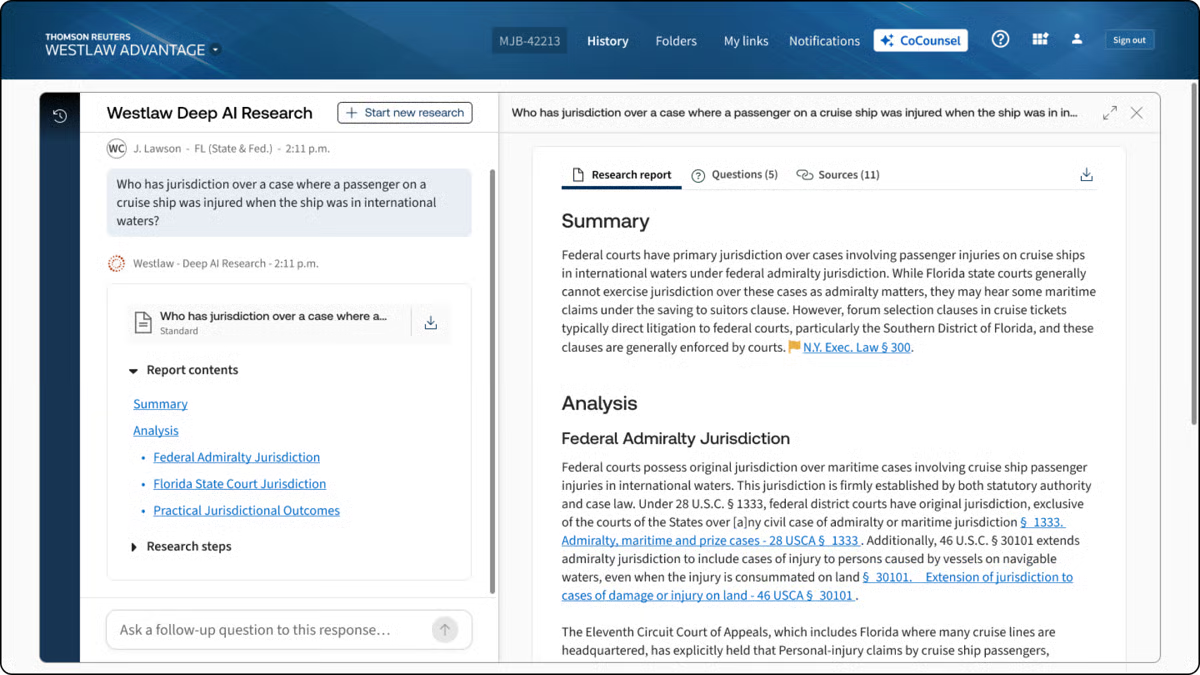
Source: G2
With features like document summarization, deposition preparation, and contract analysis, CoCounsel functions as an AI-powered document assistant trained on large language models designed for legal workflows.
It processes full transactional documents, reviews different document versions, and responds to legal questions while staying grounded in the legal context.
Key Features
- Legal research assistance: Quickly finds relevant case materials, law, statutes, and regulations while accounting for legal context and jurisdictional nuance.
- Contract review: Analyzes contracts, flags potential risks, and surfaces issues across full transactional documents.
- Deposition preparation: Helps attorneys organize key points, review testimony, and prepare outlines with less manual effort.
- Legal document summarization: Extracts critical details from lengthy documents and multiple document versions.
- Case analysis: Identifies trends, arguments, supporting evidence, and relevant precedents to support actionable intelligence.
Pros
- Finds case law and statutes faster than manual searches
- Flags risks and missing clauses with AI-powered insights
- Automates repetitive tasks, significantly reducing workload for legal teams
3. ChatGPT
ChatGPT isn’t designed specifically for law firms (or legal practice, for that matter), but many in the legal industry use it as a general-purpose AI for a wide range of legal-adjacent tasks.
From drafting emails and summarizing case law to generating legal arguments and reviewing long documents, it serves as a flexible AI-powered legal assistant.
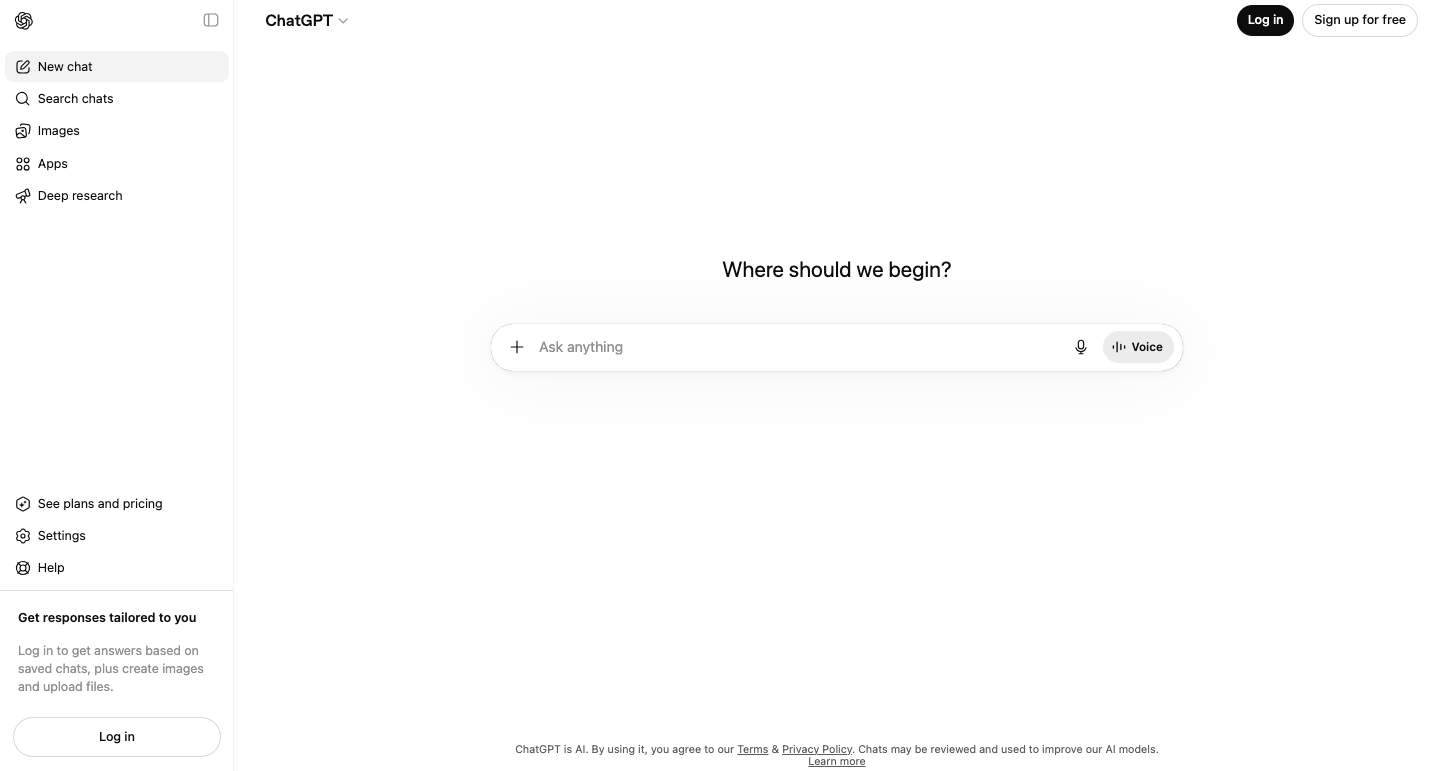
Source: ChatGPT.com
While it doesn’t replace specialized legal AI tools, lawyers often rely on ChatGPT to answer questions, produce first drafts, brainstorm ideas, and refine legal writing before final review.
Key Features
- Legal writing assistance: Helps draft contracts, emails, and legal memos with clear, structured language suitable for first drafts.
- Document summarization: Condenses case law, statutes, and long legal documents into digestible summaries.
- Legal research support: Helps locate case law, statutes, and legal concepts, though outputs require verification.
- General productivity support: Assists with scheduling, transcription, simple legal services, and other administrative tasks.
Pros
- Useful for research, writing, and general legal-adjacent tasks
- Quickly generates drafts, summaries, and contract reviews
- More accessible than many specialized legal AI apps or tools
- No complex setup or integrations required
4. ContractSafe
ContractSafe is a contract repository tool that helps teams store, search, and keep track of agreements in one place.
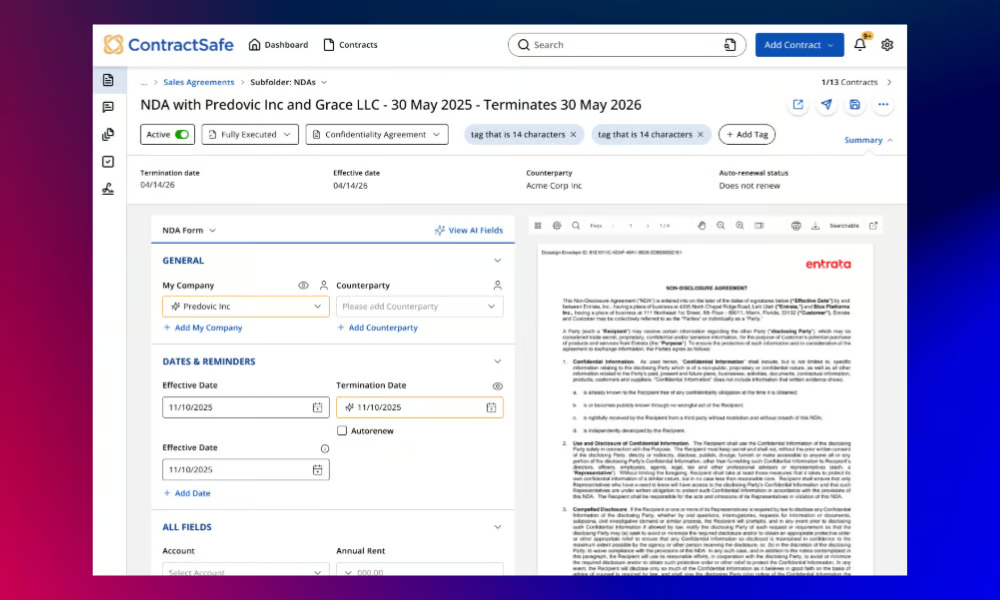
Source: G2
ContractSafe avoids the tediousness of having documents in separate places by giving contracts a single home. You can search documents the same way you would search briefs, pulling up specific clauses, names, or dates in seconds to gain real-time insights into your active legal files.
Behind the scenes, it organizes legal data on a vast database of agreements to help managers make informed decisions regarding active commitments. At the same time, automated reminders help teams stay on top of renewals and obligations, and secure storage keeps sensitive files protected.
It stays focused on organization and tracking rather than drafting or reviewing full contracts. For teams that need clarity around active agreements, deadlines, and responsibilities, ContractSafe offers a straightforward way to keep contract work moving without adding friction.
Key Features
- AI-powered search: Instantly locates contract terms, clauses, and key details within complex documents using simple keyword searches.
- Automated deadline reminders: Send alerts before renewals, expirations, or other important obligations tied to active agreements.
- Secure document storage: Keeps contracts centralized and searchable for faster attorney review.
- User permissions & access control: Controls who can view, edit, or download contracts across teams.
- Integrations with business tools: Connects with CRMs and document management platforms to fit into existing systems.
Pros
- Makes finding contracts quick and easy
- Prevents missed deadlines with automated reminders
- No complex setup or IT support needed
- Supports team collaboration with access controls
5. DocuSign
DocuSign makes signing and managing legal documents faster, more secure, and fully digital.
With legally binding e-signatures and automated workflows, it helps businesses and law firms move agreements forward without the friction of printing, scanning, or mailing documents back and forth.
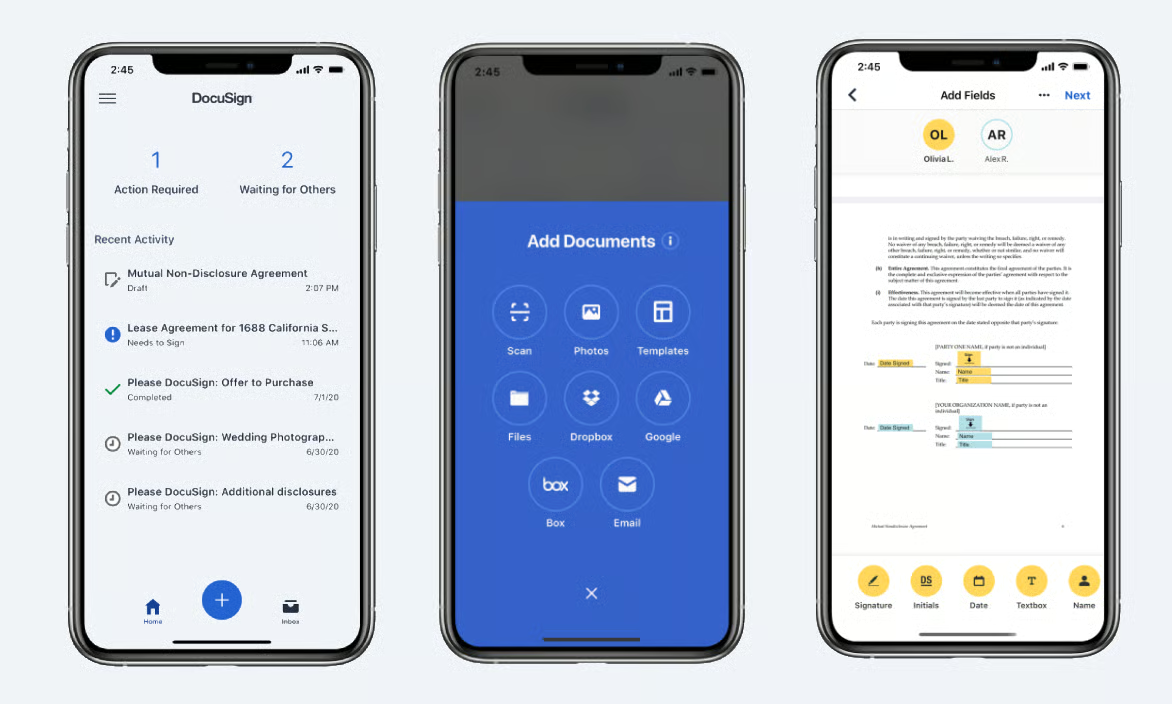
Source: G2
While DocuSign is best known for e-signatures, its platform has expanded to support broader legal document workflow automation used by transactional lawyers and corporate legal departments.
Tools like DocuSign Iris add AI capabilities that assist with due diligence, document review, and data extraction. These features help teams work through agreements more efficiently while staying aligned with client service expectations.
These features support agentic workflows and custom legal workflows that fit into existing processes, making DocuSign a fully integrated option for managing agreements from signature through storage and tracking.
Key Features
- Legally binding e-signatures: Allows users to sign documents securely from anywhere, across devices.
- Automated contract workflows: Supports custom workflows for sending, signing, approving, and finalizing agreements.
- AI-assisted review with Iris: Helps surface key terms and insights during due diligence and contract review.
- Audit trails & compliance tracking: Maintains a detailed activity record to support compliance and internal review.
- Secure cloud storage and integrations: Connects with legal CRM, document management, and legal systems to stay fully integrated.
Pros
- Speeds up contract signing with secure e-signatures
- Supports due diligence and review with AI-assisted tools
- Fits into custom, agentic workflows for different teams
- Accessible across devices for remote and distributed work
6. MyCase
MyCase simplifies document storage with a secure, cloud-based document management system built specifically for law firms.
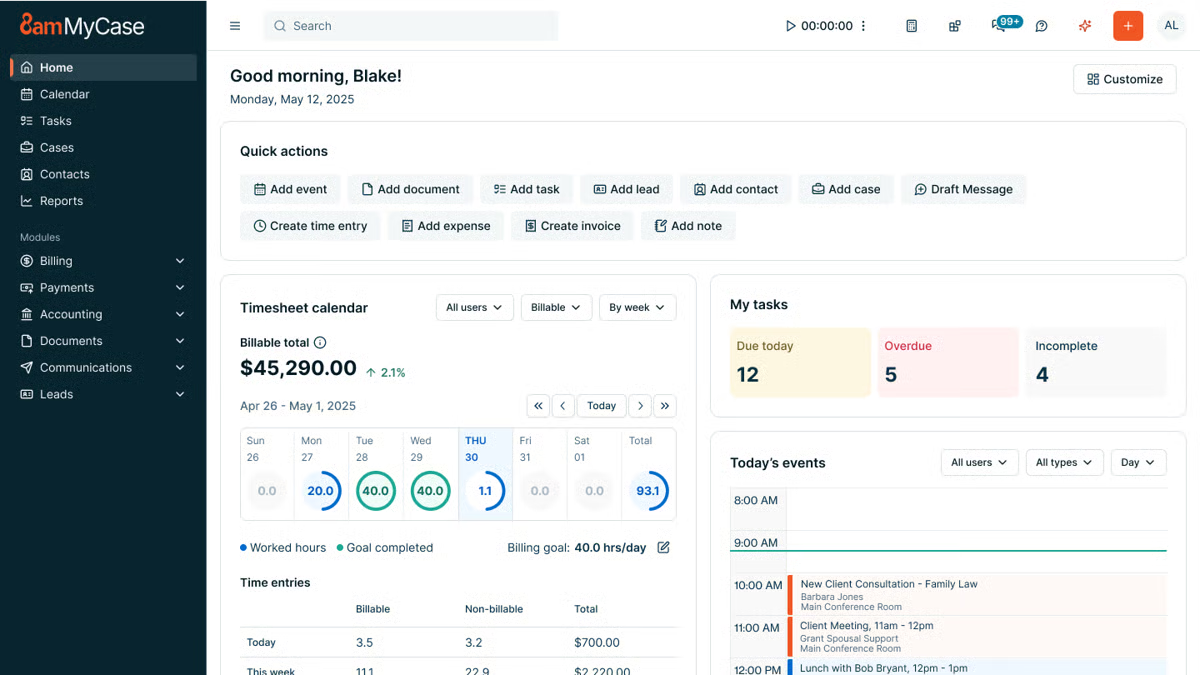
Source: G2
MyCase helps attorneys store, access, and manage case data in one centralized location to reduce the risk of lost files and version confusion. Documents stay connected to the right matters, clients, and deadlines, which supports consistency and data security across the firm.
While MyCase offers broader practice management tools, its document storage features focus on keeping sensitive client information protected, searchable, and easy to work with, whether files originate in Microsoft Word or are uploaded from other sources.
Having these records organized allows even a junior associate to answer complex questions quickly, which provides partners with real-time insights into active cases.
Overall, the platform is designed to support everyday workflows while helping firms ensure compliance with internal policies and security expectations.
Key Features
- Cloud-based document storage: Keeps legal files organized and accessible from any device.
- Advanced search & tagging: Uses filters and keyword searches to quickly locate legal content tied to specific cases.
- Role-based access control: Manages who can view, edit, or download documents containing sensitive client information.
- Client portal integration: Allows secure document sharing without email attachments.
- Automatic backups & security encryption: Protects case data and supports data security and compliance needs.
Pros
- Keeps all legal documents in one secure location
- Makes it easy to search and retrieve case files
- Allows controlled access for clients and team members
- Provides cloud-based access for remote work
7. Harvey AI
AI models are making legal work faster and more efficient, and Harvey AI is one of the newest tools built specifically for law firms.

Source: Harvey.ai
Designed to assist with legal research, contract review, and document analysis, Harvey AI helps lawyers process large amounts of information quickly while maintaining accuracy.
No type of artificial intelligence can be a total replacement for human legal expertise, of course. Nevertheless, many firms use Harvey AI to speed up repetitive tasks, analyze legal documents, and improve decision-making.
Key Features
- AI-powered legal research: Finds relevant case law, statutes, and legal precedents in seconds.
- Contract analysis & review: Identifies key clauses, missing terms, and potential damages or hidden risks in agreements.
- Litigation support: Assists with drafting briefs and legal arguments and summarizing case details.
- Document summarization: Extracts important points from long legal documents to save time.
- Natural language processing: Understands complex legal language and provides insights based on queries.
Pros
- Speeds up legal research by quickly retrieving relevant cases
- Helps identify risks and missing clauses in contracts
- Reduces the time spent summarizing lengthy legal documents
- Uses advanced AI to interpret legal language accurately
Why Should You Use Legal AI Tools for Legal Documents?
Aside from speeding up work, legal AI software improves accuracy, compliance, and overall efficiency.
Let’s go over why you should have them in the first place.
Speeds Up Document Drafting
Drafting legal documents takes time, but AI makes it a whole lot faster. Instead of starting from scratch every time, lawyers can generate complete, well-structured documents in minutes.
For instance, AI legal drafting tools can pull in key details, suggest relevant clauses, and format everything properly to cut down on repetitive work.
Take Briefpoint, for example. It automates legal drafting by pulling case details and structuring them into polished documents. That means less time spent on manual entry and more time focusing on the actual case.
Book a demo to see it firsthand!
Reduces Human Errors
Small mistakes in legal documents can create big problems. AI helps catch those issues early, before they turn into something you have to fix later.
When legal firms rely heavily on manual processes for writing legal documents, it’s easy to miss details. This happens most often with long agreements, repetitive discovery responses, or documents that go through multiple revisions.
Generative AI technology works like an added review layer. It scans legal information carefully and flags sections that don’t line up.
More specifically, AI can help spot issues like:
- Inconsistent terminology
- Missing key clauses
- Formatting mistakes
- Duplicate or conflicting sections
- Incorrect dates or names
- Ambiguous language
- Non-compliant contract terms
Remember: AI-generated output should always support your judgment, not replace it. The real value is speed and focus. Potential problems surface earlier, so your review time goes toward analysis and strategy rather than tracking down avoidable errors.
Improves Compliance With Legal Standards
Staying compliant in the legal field takes constant attention. Rules change, expectations shift, and even experienced teams can miss details when they’re working through documents quickly.
AI-powered tools help reduce that risk by acting as a steady backstop during review.
Many tools use machine learning trained on legal terminology to spot clauses, language, or structures that may fall outside current standards. They highlight areas worth a closer look, particularly in long contracts or documents that follow similar patterns.
For example, some contract management tools flag terms that don’t align with regulatory requirements or point out language that may need updating based on recent changes. That saves you from having to comb through every page, line by line, just to confirm compliance.
Again, you still stay in control of the final decision, but AI helps surface potential issues earlier.
Saves Costs on Administrative Tasks
Nobody wants to waste time on paperwork, and AI helps cut down on it. By handling routine tasks like legal drafting and data entry, AI lets law firms spend less on admin work and more on what really matters, reducing overhead expenses.
For example, AI can auto-fill forms, generate standard documents from templates, and organize case files without anyone having to do it manually.
That means fewer billable hours lost to repetitive work and more time for legal teams to focus on clients.
Supports Legal Research and Case Preparation
Research can quietly eat up half a day if you let it. Rifling through court documents, cross-checking citations, and making sure you’re not missing a key case takes real time.
Luckily, AI tools can easily shorten that process. Many use generative AI layered over large legal databases to sort through thousands of cases and regulations quickly. In the legal sector, that means less manual searching.
Picture this: you’re drafting a motion to compel and need recent decisions from a specific court that deal with a narrow procedural issue. An AI research tool can filter by jurisdiction, pull similar fact patterns, and return a short list of relevant cases with clear summaries.
Some platforms also include litigation analytics, which can give you insight into how certain judges have ruled in comparable situations.
All that changes how you prepare. You’re still responsible for checking the authority and shaping the argument, but you begin with organized results rather than a blank search bar.
The tool works like a focused personal assistant for research, gathering and sorting information so you can concentrate on analysis and positioning.
Keeps Documents Organized and Accessible
As matters grow, so does the paper trail. But without structure, even simple tasks like locating the latest draft or confirming a renewal date can slow everything down.
AI solutions help keep legal files organized by sorting, categorizing, and tracking documents automatically. Contracts, pleadings, and internal records stay connected to the right matter, client, or deadline, which makes retrieval much easier.
Many platforms also support document and contract analysis, so you’re not just storing files. You’re able to search inside them and surface key details in seconds.
An AI-powered organization often includes:
- Smart tagging based on keywords, client names, dates, or contract terms
- Full-text search across large volumes of documents
- Automated deadline and renewal reminders
- Version tracking to reduce confusion over edits
- Access controls that support data privacy and protect sensitive information
When documents are structured and searchable with AI software, your team spends less time hunting for files and more time acting on them. That clarity can create a real competitive edge, especially in fast-moving practices where quick access to information makes a difference.
Automate Your Biggest Bottleneck With Briefpoint
Discovery work tends to be the slowest, most repetitive part of litigation. Tedious tasks like drafting requests, organizing responses, and double-checking formatting can quietly consume days that could be spent on higher-value legal work.
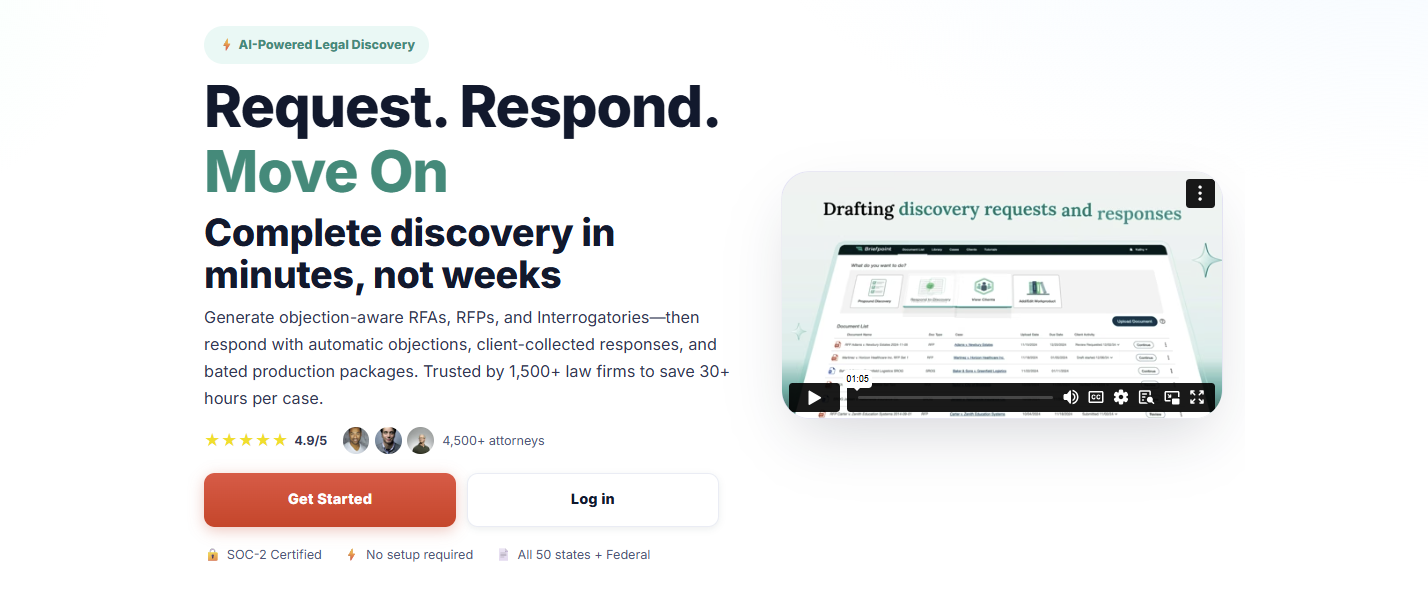
Briefpoint is an AI-powered tool that targets the bottleneck directly. It handles the repetitive structure and formatting of discovery while keeping attorneys firmly in control of review and strategy. Everything stays in Word, so the process feels familiar and easy to verify.
Autodoc extends that workflow into document production. It connects requests for production to the actual case files, identifies responsive documents, and generates written responses with page-level Bates numbering.
All of these capabilities mean less time matching documents to requests and fewer manual steps before serving a production.
8 Ways to Optimize Your Litigation Workflow

What Are the Biggest Litigation Bottlenecks Legal Teams Face?
If you’re managing a litigation process, you probably know the frustration of slowdowns that seem to pop up everywhere. Before we dive into fixes, let’s take a clear-eyed look at what’s really clogging your legal workflows.
Here are some of the most common culprits:
- Manual processes: Filing, sorting, and tracking paperwork by hand wastes time and increases the risk of human error. Every extra hour spent on admin work is time you’re not spending on strategy, client service, or case analysis.
- Discovery delays: Discovery shouldn’t feel like digging through a haystack. Yet, without the right legal technology, searching for key information or drafting discovery documents can turn into a tedious, drawn-out process that delays your entire workflow.
- Communication gaps: Missed messages, unclear updates, or siloed conversations? These gaps can lead to real consequences like missed deadlines, rework, and lost trust with clients. Effective communication is a core part of client satisfaction, and it’s often overlooked.
- Outdated methods: Relying on paper files, spreadsheets, or outdated systems slows down collaboration and makes finding information harder.
- Overburdened staff: When your team is buried in repetitive administrative work, they face intense daily pressure and have less time for high-impact legal tasks. That bottleneck adds up, hurting both your efficiency and client satisfaction.
These issues don’t just slow things down. They also create stress, frustration, and even client dissatisfaction.
The good news? Once you pinpoint these roadblocks, you’ll be in a stronger position to streamline tasks, strengthen communication, and adopt legal technology that truly supports your practice.
How to Maximize Your Litigation Workflow
Now that we have a clearer picture of the common roadblocks, it’s time to focus on how you can clear them and set your legal workflows up for long-term success.
Let’s walk through a few smart ways to tighten up your workflow, cut down on human error, and bring your legal technology up to speed.
1. Identify the Worst Roadblocks in Your Legal Workflow Automation
As mentioned, it’s important to figure out where your workflow gets stuck before you look for solutions.
Let’s say your firm still uses paper files. Sound familiar? Every time you need something, you’re digging through endless stacks of folders and wasting time that could be spent elsewhere.
Or take the discovery phase, as it’s one of the most time-consuming parts of the litigation workflow. Drafting similar documents over and over manually can eat up hours and leave room for mistakes.
Communication is another common issue. Imagine a client sends over crucial updates, but not everyone on the team gets the memo. Suddenly, deadlines are missed, and everything feels chaotic when trying to share updates with the other party. These communication breakdowns can also create issues when coordinating filings, responses, or document exchanges with the opposing party.
Then there’s the workload. Staff members are often juggling important casework with routine tasks like scheduling and data entry. For example, a paralegal might spend more time managing calendars than actually contributing to the case, which is why most people find manual workflows so frustrating.
Identifying these problem areas makes it easier to take action. The next challenge is finding the best ways to resolve them.
2. Use Legal Practice Management Software
Legal practice management software simplifies your legal workflow by consolidating essential tasks into one platform. Rather than using multiple tools or relying on outdated methods, you can manage everything more efficiently and focus on more value-adding work.
These tools are designed to handle a variety of tasks, including:
- Tracking case deadlines and tasks
- Managing client communication and case files
- Automating legal billing and invoicing processes
- Generating reports to monitor performance
- Storing and sharing documents securely
- Handling document review
The software’s centralized approach eliminates the back-and-forth between systems to save you time and reduce errors. Having all your data in one place gives your team a clear view of every active case.
For example, it’s easier to keep track of deadlines with built-in calendars and task lists. Features like automated billing also make invoicing quicker and more accurate, helping you get paid faster.
Collaboration becomes seamless, too. Whether you’re sharing updates with your team or accessing files remotely, everything is organized and easily accessible.
Many platforms also integrate with tools you already use, like email or cloud storage, which helps organize your workflow even further.
3. Automate Discovery Document Drafting
Drafting discovery documents is a tedious and time-intensive task for legal teams, but legal document automation tools like Briefpoint can make the process faster and more efficient.
Here’s how it works: You start by uploading your discovery request to Briefpoint. Its AI jumps in by scanning and pulling key details like the court name, case number, parties involved, and even the type of request. It also applies local formatting rules automatically to save you the hassle of doing it manually.
Once that’s done, the system creates a draft with the basics already filled out, including captions and routine information. From there, you can add objections or responses with just a few clicks, personalizing each request as needed.
When everything looks good, you can download the document, open it in Word, and make any final tweaks before filing.
Briefpoint can handle requests for production, requests for admission, and interrogatories, and it supports discovery work in all 50 U.S. states, D.C., and all 98 federal district courts. Trusted by 1,500 law firms, it helps you save up to 30 hours per case and generate up to 70 discovery requests in under 3 minutes.
4. Digitize As Much As You Can
Relying on paper files creates more headaches than it solves. Whether you’re handling a legal dispute or managing filings in district court, digitizing your workflow saves time and minimizes stress, especially when every minute counts.
Essentially, a strong legal workflow management system helps you work smarter and serve clients better. Here’s how going digital supports smoother workflow management:
- Relevant document access: Instead of sorting through paper files, you can gain access to the documents you need in seconds. This makes reviewing documents and responding to client needs much easier.
- Smoother collaboration: With digital files, your entire team can access and update the same documents in real time. This means no more version control headaches or wasted time on non-billable tasks.
- Streamlined client intake: Digital tools simplify the client intake process, which helps you gather information faster and kick off matters for the plaintiff without unnecessary back-and-forth.
- Centralized legal workflow management software: Using purpose-built legal workflow management software keeps everything organized.
- Future-ready federal court filings: As district courts continue moving toward electronic filings, having a digitized system ensures you stay compliant and competitive.
5. Offer Self-Service Options
Not every question needs a direct call or email. By offering self-service options like a knowledge base or blog, you give clients easy access to information while freeing up your team’s time.
These resources can be especially useful for answering common questions about topics like alternative dispute resolution, navigating the court system, or understanding civil procedure.
A well-organized knowledge base provides quick explanations of legal processes, which helps save clients from waiting for responses. For example, they could look up how arbitration works or what to expect during a civil procedure hearing.
Blogs, on the other hand, allow you to share insights on broader topics, like preparing for a district court appearance, handling settlement negotiations, or tips for managing legal disputes.
Aside from helping clients, these tools position your firm as knowledgeable and proactive. They can also cut down on repetitive inquiries so your team can focus on more pressing tasks.
6. Consider Outsourcing Administrative Tasks
Administrative tasks can pile up quickly and leave your team stretched thin. Outsourcing some of these responsibilities is a smart way to free up time and focus on core work like medical malpractice cases, civil litigation, or resolving disputes.
Reducing administrative work also gives attorneys more time to focus on client matters and productive billable hours.
Here are some common tasks you can outsource:
- Preparing defendant answers and other routine legal documents
- Managing data entry for civil litigation and criminal cases
- Scheduling meetings and managing calendars
- Organizing discovery files
- Handling client communication for non-urgent inquiries
For example, using a virtual legal assistant or legal outsourcing service can reduce workloads, lower administrative costs, and improve efficiency while making sure all tasks are handled properly.
7. Invest in a Good CRM Software
Client relationship management (CRM) software is a practical tool for organizing client information, managing interactions, and tracking case details. A well-chosen CRM keeps your team efficient while improving the overall client experience.
These platforms centralize important data such as contact information, case histories, and communication logs.
With everything in one place, finding the details you need becomes much easier. Setting reminders, tracking deadlines, and monitoring case progress also become seamless, reducing the risk of overlooked tasks in a complex lawsuit.
Integrations with tools like email and document systems further untangle your workflows. Many CRM solutions also include legal automation features, which help with tasks like sending client updates or creating detailed progress reports to better manage customer demands.
A reliable CRM sets you up for better communication, improved legal task management, and smoother operations. It’s a great investment, especially for many firms that use these systems to deliver exceptional service to their clients.
8. Switch to Legal Research Tools
If you’re still relying on traditional legal research methods, you’re probably spending more time than you need to and adding unnecessary administrative burdens to your legal workflows.
In contrast, shifting to automated systems and modern legal research tools transforms this formal proceeding into something faster, more precise, and far less tedious.
Faster research can be especially valuable when preparing arguments for a summary judgment motion or evaluating a case strategy.
By using research platforms built for law firms, you free up time for strategic tasks like case analysis and trial preparation. Here’s what modern legal research tools bring to your workflow:
- Advanced search capabilities: Cut through irrelevant results with tools that filter by jurisdiction, statute, case law, or topic, so you get exactly what you need without endless searching.
- Built-in citation analysis: Make sure every case you reference is valid and up-to-date, reducing the risk of relying on outdated information.
- Access to comprehensive legal databases: Whether you need federal regulations or state-specific laws, these tools keep everything in one place for easy access.
- Efficiency for large law firms and growing teams: Automated workflow features help scale research processes without overloading your staff.
These platforms can also help attorneys locate authorities and precedents needed for pre-trial motions without spending hours searching through multiple sources.
Pairing legal research tools with legal workflow automation software helps streamline the formal research process while keeping your team focused on high-impact, strategic tasks.
Overall, it’s a smart way to replace manual work with automated workflow systems that maximize both efficiency and the quality of your work.
Briefpoint Is the First Step to Upgrading Your Litigation Workflow
Improving your litigation workflow doesn’t have to feel like a huge challenge. While this isn’t an exhaustive list, it’s a great place to start. Tackling workflow clogs, digitizing processes, and using the right tools can make a big difference in how smoothly things run.
When it comes to simplifying repetitive tasks like drafting discovery documents, Briefpoint is an excellent choice. Its AI-powered system gives attorneys and law teams the ability to save time, reduce errors, and keep everything organized.
From requests for production to interrogatories, it handles a wide range of discovery documents with ease.
For document-heavy matters, Autodoc can identify responsive documents, generate Bates-cited responses, and create organized production packages from your case files and productions.
If you’re looking to make your workflow more efficient, schedule a demo with Briefpoint today and see how it can support your practice.
11 Best Legal Tech Companies of 2026
1. Briefpoint.ai
Briefpoint is a litigation-focused legal tech company built to take the most time-consuming parts of written discovery off your plate: discovery document preparation.
Drafting discovery responses, mapping productions, and managing Bates citations often eat up hours of attorney and paralegal time, even though much of the work follows repeatable patterns. And that’s just one part of the tedious discovery process.
Briefpoint addresses that problem with purpose-built automation designed specifically for real-world litigation workflows.
The platform includes features like Autodoc, which helps teams move from raw productions and discovery requests to cited, court-ready responses far faster than traditional manual review.
And with Briefpoint’s generative AI, legal teams can draft discovery response documents in minutes. These include, but are not limited to:
- Requests for admission
- Requests for production
- Interrogatories
Key Features
- Automated discovery drafting: Generates objection-aware requests for admission, requests for production, and interrogatories based on complaints and case details.
- Response drafting with built-in objections: Pre-fills consistent objections and response structures that firms can customize across matters and practice areas.
- Client response collection (Briefpoint Bridge): Sends plain-English questions to clients, collects answers securely, and inserts them directly into Word-ready discovery drafts.
- Autodoc production automation: Turns productions and case files into Bates-cited discovery responses and ready-to-serve production packages with page-level citations.
- Microsoft Word–first output: Produces fully captioned, editable Word documents for requests, responses, and productions.
- Firm-wide consistency controls: Helps standardize objections and drafting practices across teams and offices.
- Security and compliance: SOC 2 Type II certified with safeguards designed to protect confidential work product.
Briefpoint saves legal professionals thousands of dollars every year. More importantly, lawyers and paralegals can spend the extra time on more impactful and engaging work.
2. Clio
Clio has long been the answer for law firms and legal professionals looking for a simple yet effective practice management system.
Source: G2
Its comprehensive suite is remarkably user-friendly and accessible to a broad range of professionals, regardless of their technical expertise.
As a cloud-enabled solution, Clio also offers the flexibility required in today’s legal environment and allows work to be conducted from virtually anywhere. This adaptability is especially valuable given the increasing shift towards remote and flexible working arrangements.
Key Features
- Case management: Organizes client matters, documents, and communications in one centralized platform to help teams navigate high-stakes matters.
- Time tracking & billing: Tracks billable hours and generates invoices. Also, the platform integrates directly with payment processing tools.
- Document management: Stores, organizes, and shares legal documents securely with version control.
- Client intake & CRM: Streamlines client onboarding with customizable intake forms and contact management.
- Task and workflow automation: Automates routine legal workflows to improve efficiency and reduce administrative tasks.
- Secure communication: Provides encrypted messaging and client portals for confidential interactions.
- Integrations & API access: Connects with legal tech tools like QuickBooks, Microsoft 365, and Zoom.
3. Everlaw
Everlaw is a global leader in advanced discovery and litigation support solutions.
Its platform is known for merging cutting-edge technology with an intuitive design to manage the complexities of legal document analysis and case preparation efficiently for corporate legal teams.
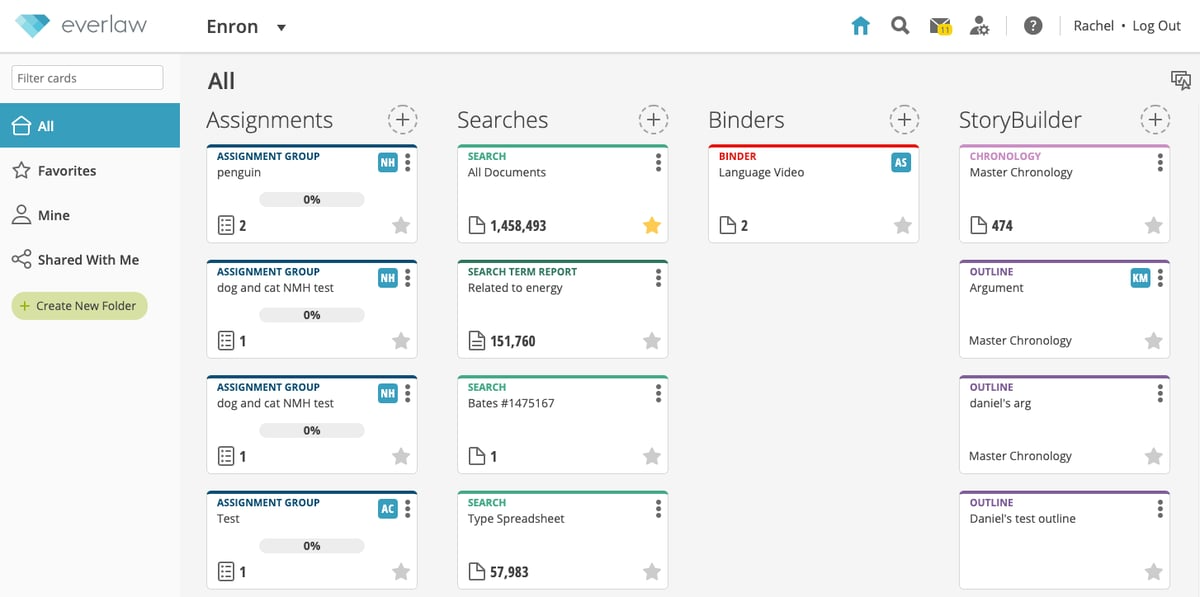
Source: G2
What’s also great about Everlaw is how it champions team collaboration. The platform includes tools for annotation, tagging, and sharing documents, which allows team members to work together regardless of their physical location.
Key Features
- Predictive coding: Uses machine learning to prioritize and categorize documents, speeding up the review process.
- AI-powered document review: Automates document analysis, which helps you quickly identify relevant information.
- Advanced search and filtering: Offers powerful search capabilities with Boolean operators, AI-driven suggestions, and natural language processing.
- Redaction and annotation tools: Allow users to highlight, redact, and comment on key information directly within documents.
- Case timeline visualization: Helps teams track case progress and connect key events through interactive timelines.
- Automated transcription: Converts audio and video files into searchable text for faster review to deliver innovative solutions for modern law practices.
4. LawVu
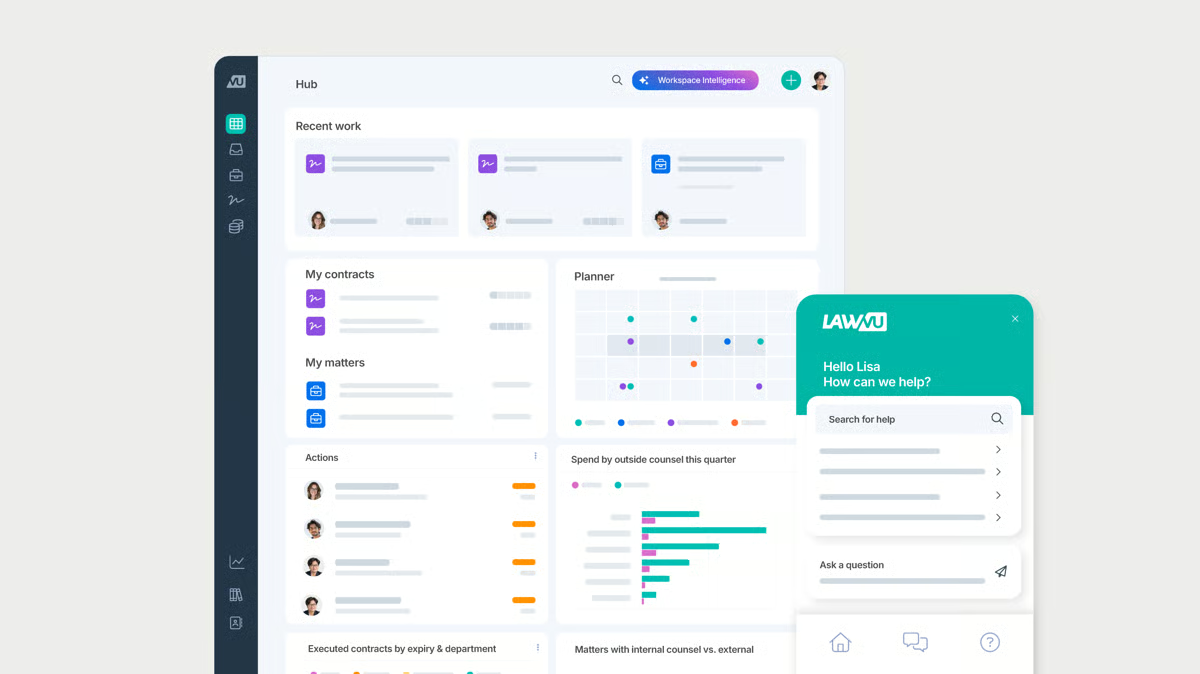
LawVu combines multiple aspects of legal operations into one convenient platform. This approach is meant to address the specific needs of in-house corporate legal departments and improve the efficiency, collaboration, and overall management of legal matters.
Source: G2
Plus, LawVu’s platform includes advanced analytics and reporting capabilities, which allow legal services to get a clear grasp of their operations, assess performance, and make data-driven decisions to improve their services.
Key Features
- Matter management: Centralizes all legal matters, documents, and communications in one platform.
- Contract lifecycle management: Tracks contracts from drafting to execution with automated workflows.
- Spend management: Monitors legal expenses, invoices, and budgets to control costs.
- Knowledge management: Stores and organizes legal documents, templates, and historical case data to transform daily knowledge work.
- Task & workflow automation: Streamlines legal processes with automated task assignments and approvals.
- Collaboration tools: Enable secure communication and collaboration between in-house teams and external counsel.
5. LeanLaw
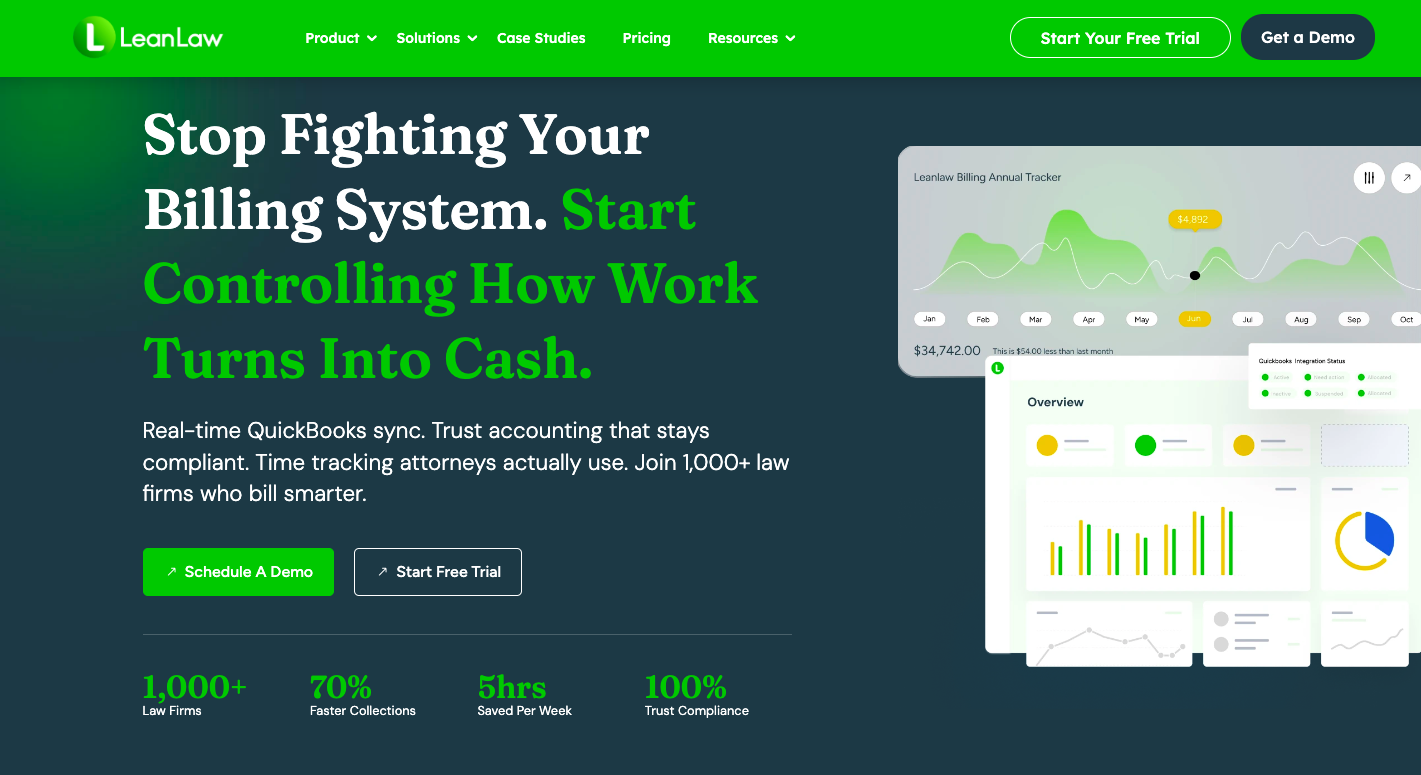
LeanLaw Billing Software is a smart solution for smaller and mid-sized law firms looking to mesh their legal practice needs with solid accounting in the legal industry.
Source: LeanLaw.co
By teaming up with QuickBooks Online, LeanLaw taps into powerful accounting tools and makes the whole financial side of running a law firm (from keeping track of billable hours to keeping an eye on the firm’s finances) a lot smoother and more straightforward.
LeanLaw also offers a package for organizing client details and internal resources, so everything you need is just a few clicks away.
Key Features
- Time tracking: Tracks billable hours with real-time timers and manual entry options to help firms in the legal profession meet growing demand without losing billable time.
- Automated legal billing & invoicing: Generates LEDES-compliant invoices and integrates with QuickBooks for accurate, consistent billing.
- Trust accounting: Manages client trust accounts with built-in compliance safeguards aligned with common accounting requirements.
- Expense tracking: Logs case-related expenses and links them directly to client invoices to improve overall operational outcomes.
- Revenue & compensation reports: Provides visibility into firm profitability and attorney compensation as workloads increase across the legal profession.
- Matter management: Organizes cases, documents, and client information in one centralized system.
6. Smokeball
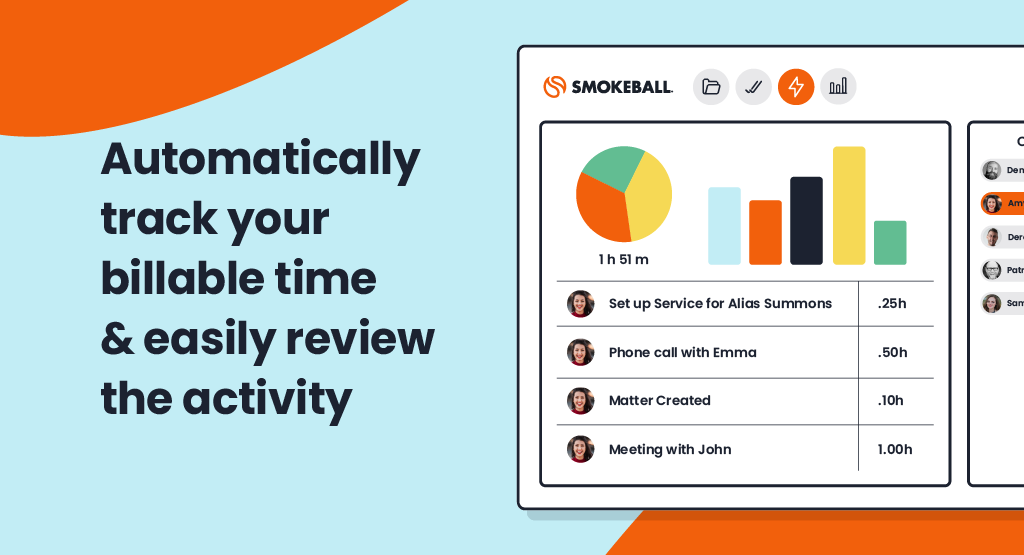
Smokeball is legal practice management software geared specifically towards small law firms and solo practitioners. It focuses on streamlining repetitive legal processes, which can reduce the time lawyers spend on administrative work.
Source: G2
Billing and time tracking are other areas where Smokeball excels. It automatically tracks time spent on each task and integrates it with its billing system, simplifying the invoicing process and ensuring that no billable hour goes unrecorded.
Key Features
- Case and matter management: Centralizes case files, client communications, and documents in one platform.
- Document automation: Generates legal documents quickly using customizable templates and client data.
- Task and workflow automation: Streamlines legal workflows with automated task assignments and reminders.
- Firm insights & reporting: Provides real-time analytics on firm performance, revenue, and law firm productivity to drive better business outcomes.
- Secure client communication: Offers a built-in client portal for messaging and document sharing to protect sensitive business content.
7. Ironclad
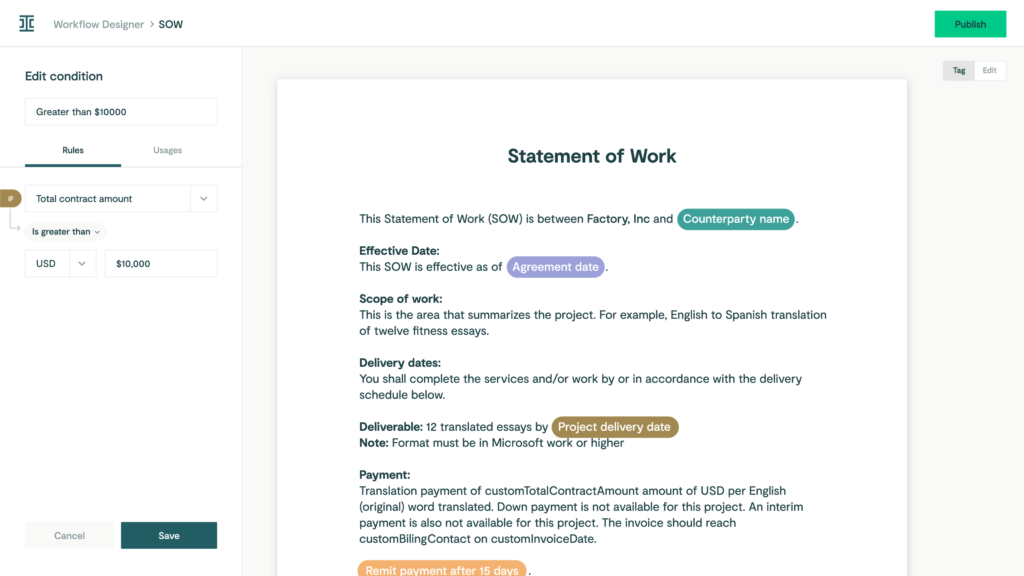
Ironclad is a complete and scalable solution for teams drowning in contracts and looking for a better way to get things done.
Source: G2
The contract management tool automates the creation, execution, and management of contracts. In addition, it can integrate with other tools you’re already using.
Its integration capabilities ensure that contract management becomes a cohesive part of the broader business ecosystem and leads to smoother workflows across departments.
Key Features
- AI-powered contract review: Uses artificial intelligence to analyze contracts, identify risks, and suggest edits.
- Automated contract generation: Creates contracts using templates and pre-approved clause libraries.
- E-signature integration: Integrates with DocuSign and other e-signature platforms for seamless contract execution.
- Real-time collaboration: Allows legal, sales, and procurement teams to collaborate on contracts within the platform.
- Contract repository & search: Stores all contracts in a secure database utilizing advanced information technology.
- Compliance & audit trails: Tracks all contract changes and approvals for compliance and reporting.
8. MyCase
MyCase is a legal practice management software that simplifies legal workflows and keeps them running smoothly. It tackles everything from case management and client communications to billing and time tracking into one neat platform.
Source: G2
This means lawyers can spend less time handling different tools and more time focusing on their clients’ needs. With MyCase, everything you need to run your law practice is right there in one easy-to-use interface.
MyCase is also great when it comes to keeping clients in the loop. It offers secure messaging, updates on case progress, and easy online payment options, which help law firms improve their client relationships.
Key Features
- Case management: Organizes case details, deadlines, and documents in a centralized system.
- Document automation: Creates, stores, and manages legal documents with customizable templates.
- Time tracking and billing: Logs billable hours, generates invoices, and integrates with online payment processing.
- Secure client messaging: Provides a built-in client portal for encrypted communication and case updates.
- Calendar and task management: Schedules meetings, tracks deadlines, and assigns tasks to team members.
- Online payment processing: Allows clients to pay invoices easily through credit cards or ACH transfers.
- Reporting and analytics: Offers insights into firm performance, revenue, and case progress.
- Mobile access: Enables lawyers to manage cases and communicate with clients on the go.
9. CoCounsel
CoCounsel, powered by Casetext, is another innovative legal tech tool. This AI legal assistant is groundbreaking for several reasons, notably its ability to offer legal support for a range of tasks that traditionally require hours of human expertise and effort.
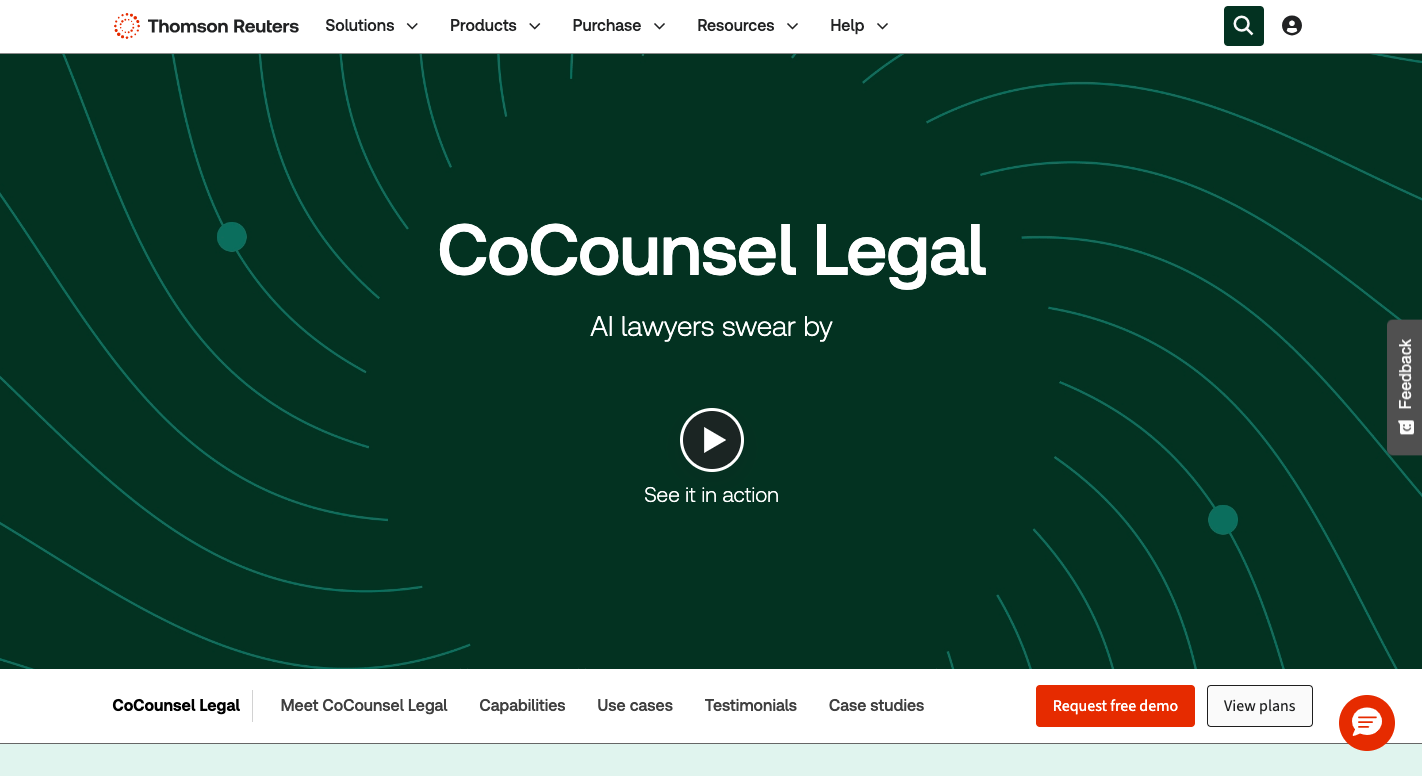
Source: Legal.ThomsonReuters.com
Powered by Casetext’s extensive legal database, it leverages the latest in AI legal technology to fine-tune its capabilities and offer more personalized and accurate assistance over time.
Key Features
- AI-powered legal research: Uses advanced legal AI to quickly find relevant case law, statutes, and legal precedents.
- Automated contract review: Analyzes contracts, flags risks, and suggests revisions to ensure compliance.
- Deposition preparation: Summarizes depositions, highlights key testimony, and extracts important details.
- Litigation strategy assistance: Provides AI-driven insights to help lawyers craft stronger legal arguments.
- Legal document analysis: Reviews legal documents for inconsistencies, missing clauses, and potential errors.
- Secure cloud-based storage: Keeps all legal research, documents, and case materials organized and accessible from anywhere.
- Real-time collaboration: Allows legal teams to work together on case analysis, research, and legal document review.
- Integration with legal tools: Connects with existing case management and document automation software.
10. UniCourt
UniCourt is a legal tech service that simplifies how law firms get their hands on and use legal data. It’s a go-to resource for law firms, businesses, and government agencies that need quick access to court records and insights into legal trends.
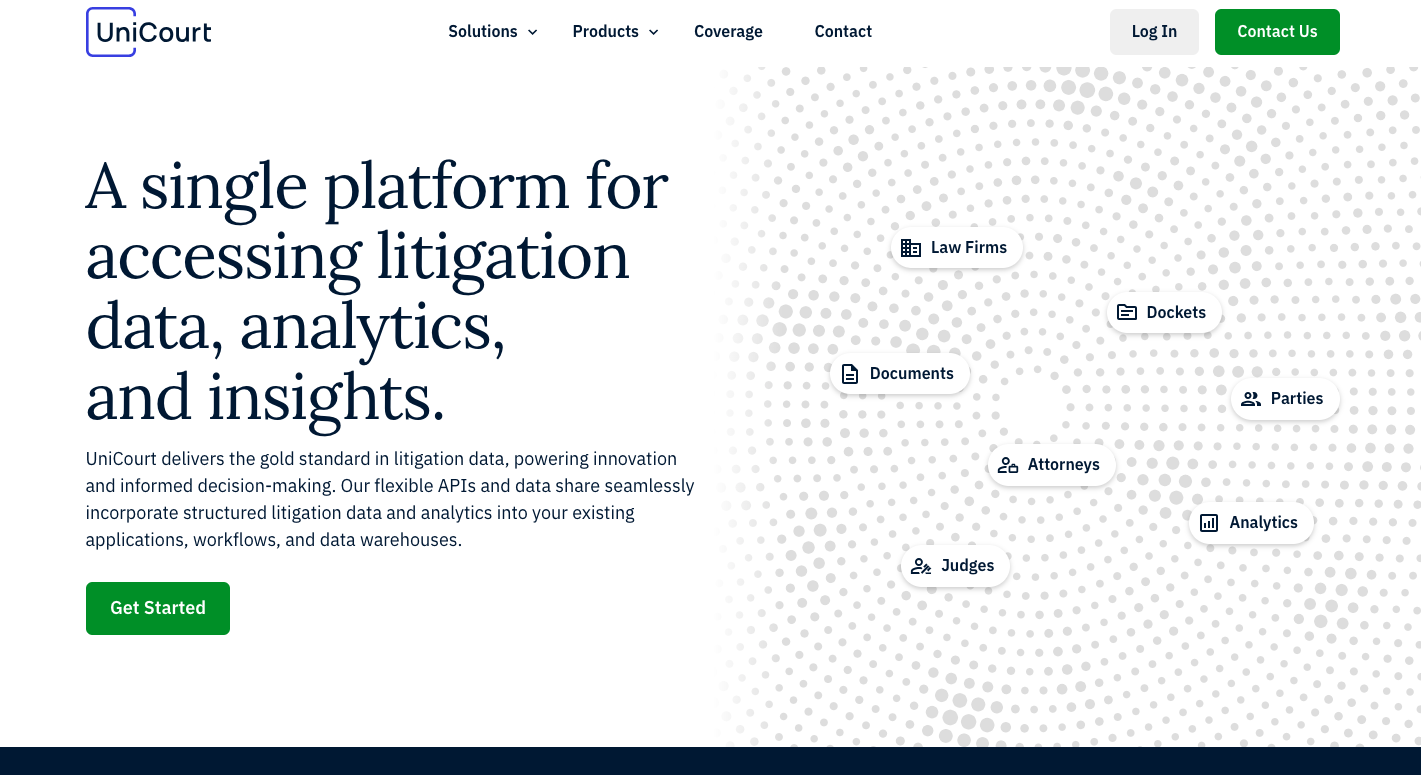
Source: UniCourt.com
The best feature of UniCourt is how it brings all kinds of legal data together under one roof. Whether you’re keeping tabs on a specific case or trying to spot trends in litigation, UniCourt lets you do it all without the need to jump between different databases.
Aside from accessing data, UniCourt helps you manage it better. You can set up alerts to track cases automatically, so you’re always in the loop with real-time updates without constantly checking in manually.
Key Features
- Automated court data access: Retrieves real-time case data from federal and state courts.
- Legal research & analytics: Provides AI-driven insights into case law, dockets, and litigation trends.
- Case tracking & alerts: Notifies users of case updates, filings, and procedural changes.
- API & data integration: Connects court records with legal and business intelligence platforms.
- Docket management: Centralizes court dockets for easy organization and access.
- Business & litigation intelligence: Identifies patterns in litigation to help firms assess risks and opportunities.
- Document retrieval: Automates access to pleadings, motions, and other legal filings.
11. Justpoint
Justpoint is a legal tech startup that combines AI and scientific research to spot harmful products and undisclosed adverse effects earlier, then helps people who may have been harmed understand their legal options.

Source: Justpoint.com
Victor Bornstein, the co-founder and CEO, trained in biomedical sciences, brings a research-first mindset to the company’s work, focusing on how data and science can surface risks tied to everyday consumer products sooner.
He co-founded Justpoint to apply innovation and an AI-driven solution to uncover harm earlier and help move people closer to justice.
Rather than selling a standalone tool to plaintiff law firms, Justpoint runs investigations, reviews records and research, and routes viable claims into litigation through Justpoint Law and partner law firms.
Key Features
- Legal AI-assisted risk detection: Uses large-scale analysis of research, safety signals, and real-world data to flag potential dangerous products (e.g., harmful drugs) and adverse effects.
- Medical record review and case viability screening: Evaluates medical records and related documentation to assess medical and legal viability.
- Scientist-led investigations: The company employs scientists and pairs AI output with reviews from experts across areas like toxicology, pharmacology, and epidemiology.
- Plaintiff intake and claim matching: Helps affected individuals submit information and get routed into an appropriate legal path.
- Litigation pathway through Justpoint Law and partners: Moves validated matters toward filing and case progression through its legal arm and partnered firms.
- No upfront fees for plaintiffs: Operates on a pay-only-if-you-win approach, covering case costs up front.
Why Briefpoint Sets the Standard for Discovery Automation
Legal discovery is often the most complex professional challenge and time-consuming part of litigation, not because it requires deep legal judgment at every step, but because the same tasks repeat again and again.
Drafting requests, preparing responses, tying productions to specific requests, and handling Bates numbers can quietly take over an entire case.
That’s the gap Briefpoint was built to address. It focuses on the work that slows teams down and clears it out of the way.
Briefpoint automates large portions of discovery drafting and production preparation so litigation teams can move faster and stay consistent across matters.
Reviews stay in human hands, timelines become easier to manage, and discovery stops feeling like the part of the case that throws everything off track, especially in matters with heavy document volume.
Curious what that looks like in practice?
Legal Drafting Tools Compared: 5 Picks for Discovery & More
Types of Legal Drafting Tools
Legal drafting tools come in many forms, and the right choice often depends on the kind of work your practice handles.
For example, some tools for legal tasks are built for transactional lawyers focused on contract creation, while others support litigation tasks like document review, discovery documents, or pleadings. Broadly, these tools can be grouped into a few categories:
- Template-based drafting platforms: These replace manual legal drafting with pre-set automated templates and relevant clauses libraries, which makes legal writing faster and ensures consistent formatting.
- Document automation systems: Useful for routine agreements, these tools let in-house legal teams set up document workflows where staff can generate complete legal documents by filling in key details.
- AI tools and generative AI assistants: Powered by large language models, these can suggest clauses, reword sections, interpret legal terminology, identify relevant precedents, or review drafts for risks and inconsistencies.
- Litigation support software: These help create legal briefs, discovery documents, motions, and responses with automated formatting and objections.
- Contract lifecycle platforms: Broader systems that combine drafting with approvals, collaboration, and storage in one place.
In short, tools for writing legal documents range from simple workflow automation to advanced AI assistants. The main difference is how much support you want.
5 Best Tools For Different Types of Legal Drafting
Now that we’ve covered the main categories, let’s look at some of the best tools in action. Each platform approaches drafting in its own way, but the key is matching the right AI tool to the type of drafting work your legal team handles most.
1. Briefpoint
Briefpoint is one of the best AI tools built specifically for litigation drafting. Fundamentally, it takes the repetitive, time-consuming work out of preparing discovery documents so you can focus on high-value work that holds more weight for your case.
Instead of spending hours in the MS Word environment cutting, pasting, and reformatting, you can upload discovery requests, apply objections, and download polished drafts in just a few minutes.
For many legal teams, this means better document quality, fewer errors, and a consistent voice across every case. It’s also a relief for transactional lawyers who occasionally face litigation, since the platform makes complex drafting tasks feel more manageable.
Briefpoint also offers Autodoc, which helps with document-heavy discovery workflows. By uploading RFPs, productions, complaints, and case files, attorneys can identify responsive documents, generate written responses with page-level Bates citations, and create organized production packages without manually matching documents to requests.
With SOC 2 certification, HIPAA compliance, and no data retention AI, you don’t have to worry about security either, since compliance is built into the process.
Key Features
- Automated discovery drafting: Upload requests for admission, requests for production, or interrogatories and get full drafts back in minutes.
- AI-driven objections and responses: Suggestions make it easier to maintain firm-wide consistency.
- Autodoc for document production: Upload case materials and productions to generate Bates-cited responses and production packages tied to responsive documents.
- Compliance built in: SOC 2 certification, HIPAA compliance, and secure infrastructure keep sensitive data protected.
- Customizable templates: Update language once and roll it out across your team instantly.
- Seamless integrations: Works with Clio, MyCase, and Smokeball to keep your document workflows connected.
If you’re ready to stop wasting time on manual drafting and start producing discovery documents at lightning speed, Briefpoint is the tool to try. Book a demo today and see how much time you can save.
2. Ironclad
Ironclad is a contract lifecycle management platform designed to help in-house teams manage every step of the contract process in one place.
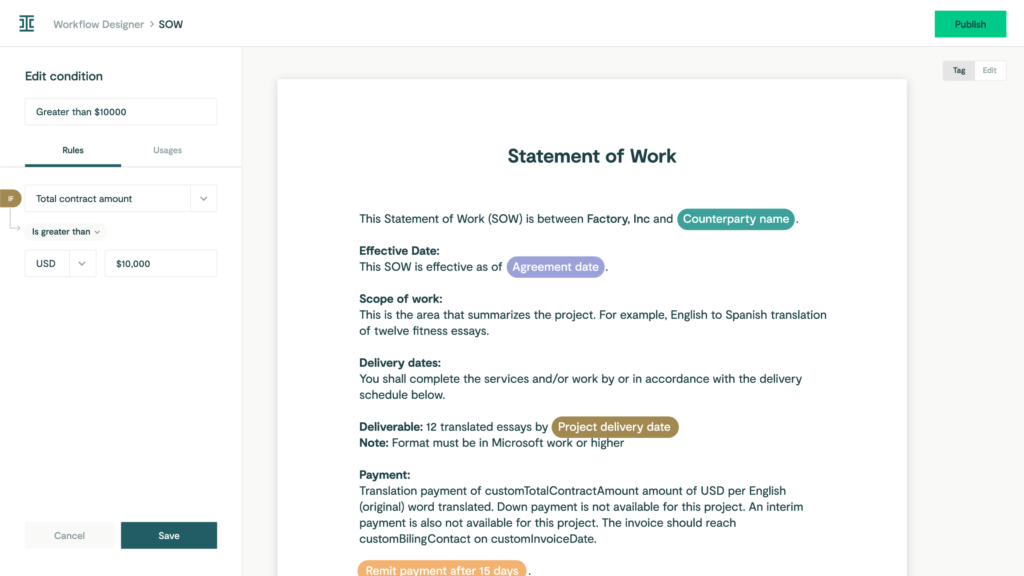
Source: G2
Contract drafting and approvals are the biggest time drains for many legal departments. Ironclad tackles that problem by pulling everything (document drafting, compliance checks, reviews, and storage) into a single workflow.
Key Features
- Clause and template libraries: Use automated templates to keep language consistent and cut drafting time.
- Automated workflows: Move contracts across teams without manual follow-ups to optimize your existing workflows.
- Compliance checks: Highlight risks early so agreements stay aligned with company policies and meet legal standards.
- Integrations with business tools: Connect with Salesforce, Google Drive, and more for smoother legal document management.
3. CoCounsel
CoCounsel is a legal AI assistant that helps with document drafting and review. Lawyers often deal with large volumes of documents, and keeping track of key information can be overwhelming.
But with CoCounsel, legal teams can handle that challenge more efficiently through draft reviews, risk checks, and clear editing suggestions in a tool built with enterprise-grade security.
Source: ThomsonReuters.com
It ensures accuracy in less time, so you save time. Multiple documents that once took hours to read through can be processed in minutes, and, in turn, this frees attorneys and in-house teams to spend more time on higher-level strategy, client communications, and deep legal research.
Key Features
- AI document review: Reads and analyzes drafts to highlight risks, gaps, and hidden jurisdictional nuances.
- Legal document drafting support: Generates clauses, legal briefs, and standard agreements when needed.
- Faster turnaround: Handles large volumes of text quickly without sacrificing accuracy.
- Focus on key information: Pulls out research summaries and the most relevant details for attorneys to act on.
4. PandaDoc
PandaDoc is a document management platform that helps legal teams and business departments handle drafting, approvals, and e-signatures in one place.
While it’s often used for sales contracts and proposals, it also supports legal workflows that require efficiency and clear compliance checks.
Source: G2
For lawyers, the main benefits come from building contracts faster through drag-and-drop templates and tracking documents once they’re sent out.
Automated processes reduce back-and-forth during the negotiation process, and built-in tools for contract analysis give you a better view of obligations after signing to maintain consistency.
Key Features
- Document automation: Create and edit contracts quickly with ready-to-use templates.
- Approval workflows: Route agreements through legal and business teams for faster reviews and secure version control.
- Compliance tools: Add audit trails and permissions to help ensure compliance.
- Contract analysis: Track terms, signatures, and obligations with real-time access.
- Integrations: Connects with CRMs, storage apps, and other business systems for smooth legal workflows.
5. Spellbook
Spellbook is an AI-powered drafting assistant that works directly inside Microsoft Word, which makes it a practical option for legal professionals who don’t want to switch to a new platform.
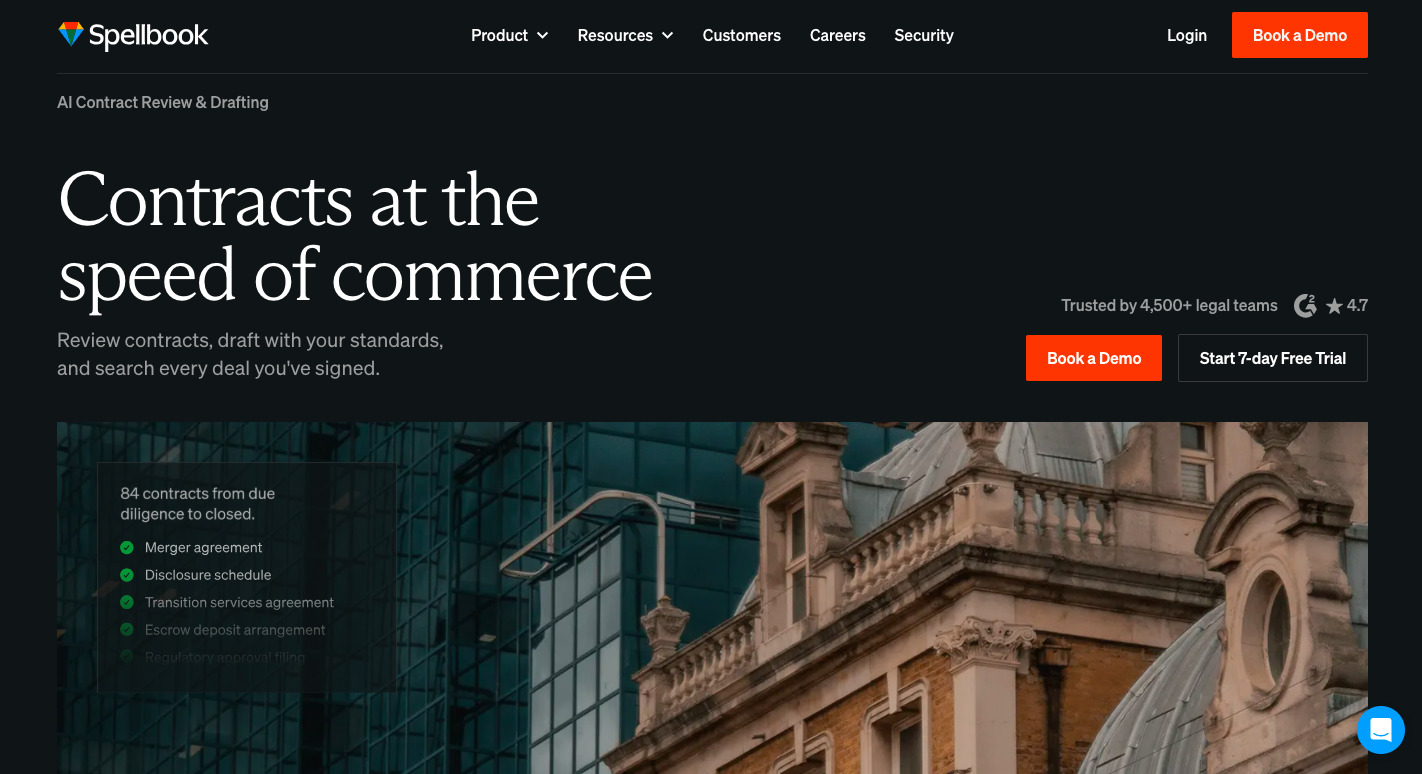
Source: Spellbook.Legal
It helps with legal work by using specialized AI for legal writing to suggest language, spot gaps, and flag inconsistencies while you draft. Firms that want to save time while maintaining document accuracy will find it a simple yet powerful add-on.
One of its strengths is how it supports data privacy and compliance within regulated industries. Drafts never leave Word, and AI legal suggestions are delivered in a way that lets attorneys stay in control of the final text.
This approach helps mitigate risk and fulfill ethical obligations while still giving lawyers the benefits of AI-driven legal documents.
Key Features
- Works inside Microsoft Word: No need to learn a new platform.
- Real-time drafting support: Suggests clauses, edits, and corrections as you write.
- Data privacy focus: Keeps sensitive information secure while you work.
- Risk reduction: Flags missing or inconsistent terms to help mitigate risk.
- Designed for legal professionals: Built specifically around the needs of the legal profession, lawyers, and contract drafters.
Briefpoint Rethinks How You Draft Discovery Documents
Legal drafting tools change the day-to-day reality of legal work. They cut down on manual drafting, improve accuracy, and help the legal industry keep documents consistent without draining hours.
The real advantage is simple: less time fixing multiple file types or rewriting the same language, and more time spent on the work to improve your legal arguments.
For litigators, discovery is where the workload can pile up fast. Briefpoint reduces that burden with AI-driven drafting that produces polished responses in minutes while maintaining compliance standards.
Of course, it’s not going to replace your work. Rather, it focuses on removing the parts that slow you down.
If you want a clearer way forward, book a demo today and see how much lighter discovery drafting can feel!
Make RFP Automation Work for Your Business

What Is RFP Automation?
RFP automation is the use of software to speed up and simplify the RFP response process.
Instead of building each proposal from scratch, automation tools help your proposal teams reuse your best content, assign tasks to the right people, and manage everything in one organized system.
RFP automation improves RFP response management by making it easier to find accurate answers, assign work to subject matter experts, and deliver polished proposals on time. These tools can also handle security questionnaires, which are often time-consuming and repetitive routine tasks.
Many platforms now use artificial intelligence and natural language processing to suggest the best content based on how a question is worded. That means you’re not just pulling canned replies but also getting tailored responses that sound like they were written for that specific request.
With RFP automation, you can:
- Speed up the response process with smart content suggestions
- Cut down manual work by using advanced automation technology to generate answers from a shared library
- Assign sections to subject matter experts with built-in workflows
- Improve consistency with approved, accurate answers
- Handle security and compliance questionnaires without last-minute stress
What Is RFP Automation Software?
An RFP software platform is a tool that helps proposal management teams respond to proposals faster by organizing content, assigning tasks, and reusing approved answers. It’s built to reduce the manual effort that usually goes into answering the same types of questions over and over during a busy procurement project.
The software keeps everything in one place, including your responses, team comments, deadlines, and drafts, so you’re not jumping between emails or files to piece things together. It also makes it easier to keep answers accurate and consistent across different proposals.
Some tools even suggest relevant answers based on prior responses to help you save time when you’re under pressure. With everyone working from the same system, the process runs more smoothly, and your proposals go out more quickly, which helps enhance productivity.
How Do You Automate RFP Responses?
Automating the RFP response process doesn’t mean handing everything over to a machine. It means cutting down on repetitive work, so your team can focus on writing strong, thoughtful answers.
With the right system in place, you can respond faster and reduce the stress that usually comes with tight deadlines. Here’s how you can set up a smart and efficient RFP response management process using automation tools:
1. Build a Central Content Library
The first step in automating your RFP response process is setting up a content library to improve internal knowledge management. This is where you store your past responses, company facts, product details, and other valuable resources in one organized place.
A good library makes it easy to find the right content quickly, which can help your team deliver accurate responses without wasting time. Some modern AI RFP software tools use machine learning to suggest the best answer based on the question’s context.
2. Use Natural Language Matching
Unlike legacy RFP tools, modern tools use natural language processing to understand how questions are asked, even if the wording changes. This helps the software suggest the most relevant answers from your library, so you’re always starting from a strong place.
3. Assign the Right People Automatically
One of the smartest things RFP response software can do is route each question to the right subject matter expert without you lifting a finger.
Legal questions go straight to legal. Product questions land with your technical team. Everyone gets notified, knows what to work on, and sees their deadlines upfront.
This keeps the entire process moving smoothly and avoids confusion or delays. You don’t have to waste time repeating the same steps or chasing proposal professionals for input. It also keeps your business development process in sync with your proposal efforts, so nothing falls through.
4. Generate Draft Responses
Let your software use its automation capabilities to take the first pass at answering questions. By pulling from your content library, the tool can generate draft responses that save time and reduce repetitive tasks for your team.
You’re still in control (every answer can be reviewed, edited, and approved), but you’re no longer stuck starting from zero.
This approach helps your sales team focus on strategy and personalization, not copy-paste work. Plus, it makes sure every approved response stays consistent without pulling random info from external websites or outdated files.
Here’s how it helps:
- Creates quick drafts for common RFP questions
- Cuts down the time spent on repetitive document creation
- Allows room for human intervention when needed
- Keeps messaging aligned with your brand and voice
- Helps your team stay focused on winning business rather than formatting responses
5. Manage Versions and Approvals
Keeping track of edits and approvals can be a mess when everything’s split across emails and shared drives. RFP automation tools fix that by giving your team one place to manage it all.
This means you can track changes, leave comments, and see who approved what, without dealing with five different versions of the same file.
For example, if you’re answering a set of due diligence questionnaires with input from legal, finance, and IT, the software pulls content from your central library and lets each expert review their section. That way, your winning responses include detailed information pulled from multiple sources, and it’s all up to date.
6. Use Automation Tools for Security Questionnaire Responses
Security questionnaires are often packed with detailed questions that tend to repeat across clients and industries. Automation tools help by pulling approved answers from your knowledge sources and previous RFPs, so your team isn’t stuck rewriting the same content.
Answers stay consistent, accurate, and up to date, even when requests come from different teams or departments. You’ll also get real-time notifications when something needs a second look or an updated response.
By cutting down the busywork, you’re speeding up the process and showing that your team is sharp, responsive, and ready to work with serious clients. That kind of professionalism can go a long way in boosting win rates and helping you stand out as an industry leader.
7. Export Final Proposals Fast
After all the reviews are done and the content’s locked in, the last thing you want is to spend hours reformatting everything. With RFP automation, you can export the entire proposal via Word, PDF, or even a custom layout.
If the client asked similar or the same questions as in past RFPs, there’s no need to do extra research or shuffle through Google Drive for old files. Everything’s already been pulled from approved content.
This document automation capability is a must-have feature for proposal managers who send out a significant number of proposals and want to ensure consistency across every submission.
Why Should You Automate Your RFP Workflow?
Manual RFP responses can drag down your team’s time, focus, and energy. When you’re answering the same questions again and again or trying to keep up with disorganized reviews, it’s easy to lose momentum.
Automated processes help you work faster, stay consistent, and respond with confidence. Here’s what you get out of it:
- Faster turnaround: Generate responses in minutes by pulling from a shared content library, so your team spends less time starting from scratch.
- Consistent, approved content: Use responses that have already been vetted by legal, finance, and subject matter experts.
- Fewer errors: Reduce copy-paste slip-ups and outdated answers with automatic suggestions based on current content.
- Stronger teamwork: Assign sections, set deadlines, and track progress without relying on endless email threads.
- Simpler reviews: Let reviewers edit and approve content in one place, with full visibility into changes and comments.
- Organized process: Keep everything in one system, not spread across docs and drives.
- Better results: Submit polished, accurate proposals that improve your chances of winning the deal.
Take Advantage of Automated Document Generation Today
You’ve probably spent more hours than you’d like pulling answers together, cleaning up formatting, and chasing final approvals, only to end up sending the proposal minutes before the deadline. It’s frustrating, and honestly, it pulls your focus away from the work that actually needs your attention.
As you can see, automated document generation helps fix that. You can organize your content, reuse what already works, and produce clean documents without jumping through hoops every single time.
And even if RFPs aren’t your main task, you’re likely still dealing with repetitive forms, client documents, or standard questionnaires.
Briefpoint was built to handle that kind of work. Originally made for legal teams, it simplifies structured document drafting, especially when the content is repetitive and requires input from different people. You don’t need to reinvent anything. Just make your process less painful.
For teams handling large volumes of files, Autodoc helps organize productions, identify supporting documents, generate Bates-cited responses, and prepare production packages without the manual work that often slows document-heavy matters.
If you’re tired of spinning your wheels on the same kinds of documents, Briefpoint is worth a look.
7 Best Legal Discovery Tools of 2026
Discovery work has become a mix of drafting, client communication, document review, production, legal holds, and data security.
The right tool can cut hours from the parts of the process that slow attorneys down most, but each platform serves a different purpose.
In this list, we’ll break down seven legal discovery tools worth considering in 2026, from AI-powered discovery drafting software to full eDiscovery platforms for large document sets.
1. Briefpoint
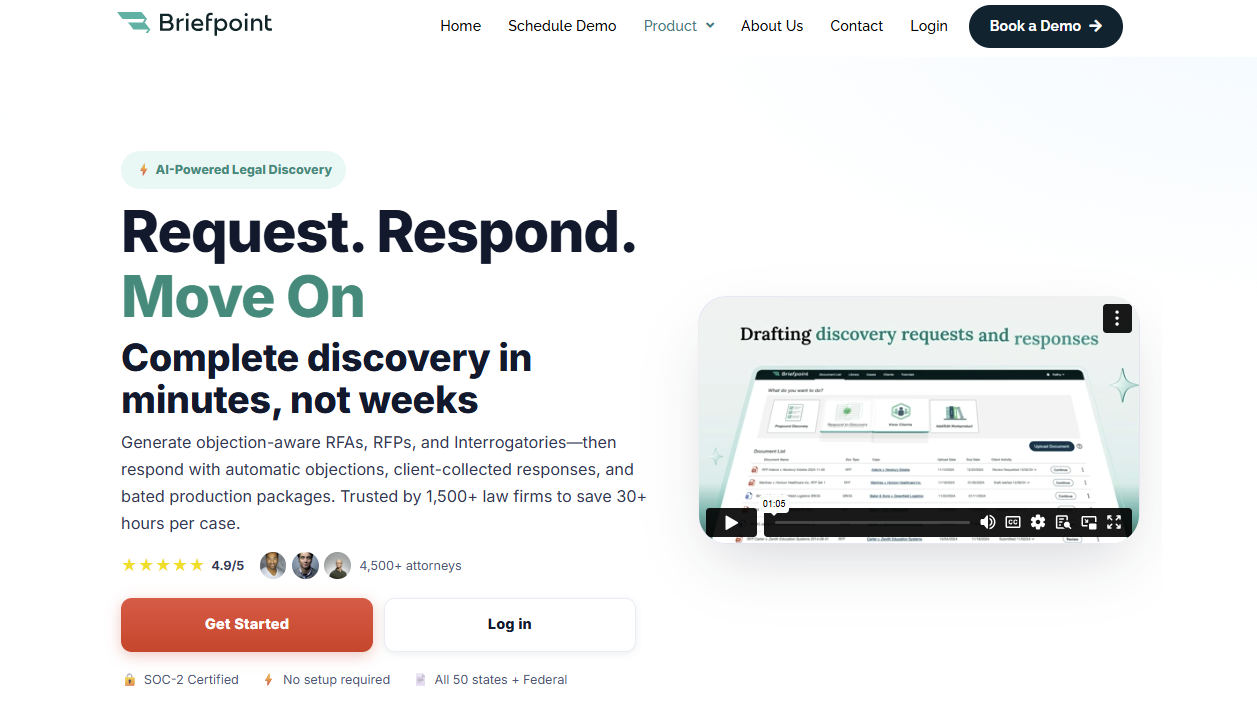
Briefpoint is an AI-powered legal discovery software that helps you draft, respond to, and manage RFAs, RFPs, and interrogatories faster.
If discovery still takes hours of manual work involving formatting, copying objections, and matching documents to requests, Briefpoint gives you a faster path from intake to review-ready work product.
You can use it to generate objection-aware discovery requests from a complaint, draft responses in Word format, and collect client input through Client Bridge.
Clients can answer questions in a secure portal, upload documents, and respond in plain English, which makes the process easier for both attorneys and clients.
For RFP responses, Briefpoint’s Autodoc feature adds stronger document-handling support.
You upload the complaint, RFPs, productions, and case files, then Autodoc searches for responsive documents, adds page-level Bates citations, and creates a Word response plus a Bates-numbered production package.
For legal teams and litigation teams, Briefpoint can reduce repetitive tasks while keeping attorney review in place. Its artificial intelligence speeds up the discovery process, while its trust-and-verify controls help you review and finalize everything before service.
Best Features
- Autodoc: Generates Word responses with Bates-stamped citations from productions and case materials, including page-specific references and a production package organized by Bates numbers.
- AI-powered discovery drafting: Generates RFAs, RFPs, and interrogatories from complaints, allegations, claims, dates, parties, and damages theories.
- Client Bridge: Lets clients answer interrogatories and upload documents through a secure portal, which reduces email back-and-forth and keeps files tied to the right request items.
- Supplemental responses: Helps legal teams create supplemental responses while keeping prior answers intact and easy to reference.
- Trust-and-verify controls: Shows where the AI searched, lets attorneys confirm or remove files, and keeps edits in Word before service.
- Privilege workflow: Allows users to tag privileged materials and create a privilege list that can support a privilege log.
Pros
- Helps legal teams cut down repetitive tasks in the discovery process.
- AI-powered drafting supports RFAs, RFPs, interrogatories, objections, and responses.
- Autodoc can help litigation teams produce documents with Bates citations and production packages faster.
- Client Bridge makes client response and file collection easier to manage.
- Advanced capabilities give firms a strategic advantage without taking attorney review out of the workflow.
2. RelativityOne
RelativityOne is a cloud-native eDiscovery platform that helps law firms collect, process, review, analyze, and produce electronic documents. It’s built for cases with large volumes of digital data, from emails and PDFs to chat messages, spreadsheets, and other electronic evidence.
Source: Relativity.com
This eDiscovery tool is a better fit for large-scale litigation, investigations, and regulatory work than basic discovery drafting.
For instance, if your team needs to find relevant documents in a massive data set, RelativityOne gives you search, analytics, AI-assisted review, privilege workflows, and production tools in one place.
Its main value shows up during document-heavy review. You can organize reviewers, run searches, tag documents, spot patterns in the evidence, and prepare productions without treating review as a separate side project.
Best Features
- End-to-end eDiscovery: Helps teams preserve, collect, process, review, and produce digital data in one platform.
- AI-assisted review: Uses AI tools to help prioritize relevant documents and speed up document review.
- Scalable processing: Handles large volumes of electronic evidence for complex litigation, investigations, and regulatory work.
- Production tools: Helps law firms prepare and produce electronic documents under tight discovery deadlines.
- Automated workflows: Reduce manual setup and repeat work during review and case preparation.
- Cloud-native platform: Gives teams secure access to eDiscovery workflows without relying on older on-premise systems.
Pros
- Well-known eDiscovery software trusted by many large law firms.
- Strong fit for complex cases with large volumes of electronic evidence.
- Covers the legal data lifecycle from collection through production.
3. Everlaw
Everlaw is a cloud-based eDiscovery platform that helps legal professionals manage electronically stored information for litigation, investigations, and regulatory compliance.
The tool is often a good fit for law firms and corporate legal departments that need to process complex data sets, review digital evidence, and produce electronically stored information from one central workspace.
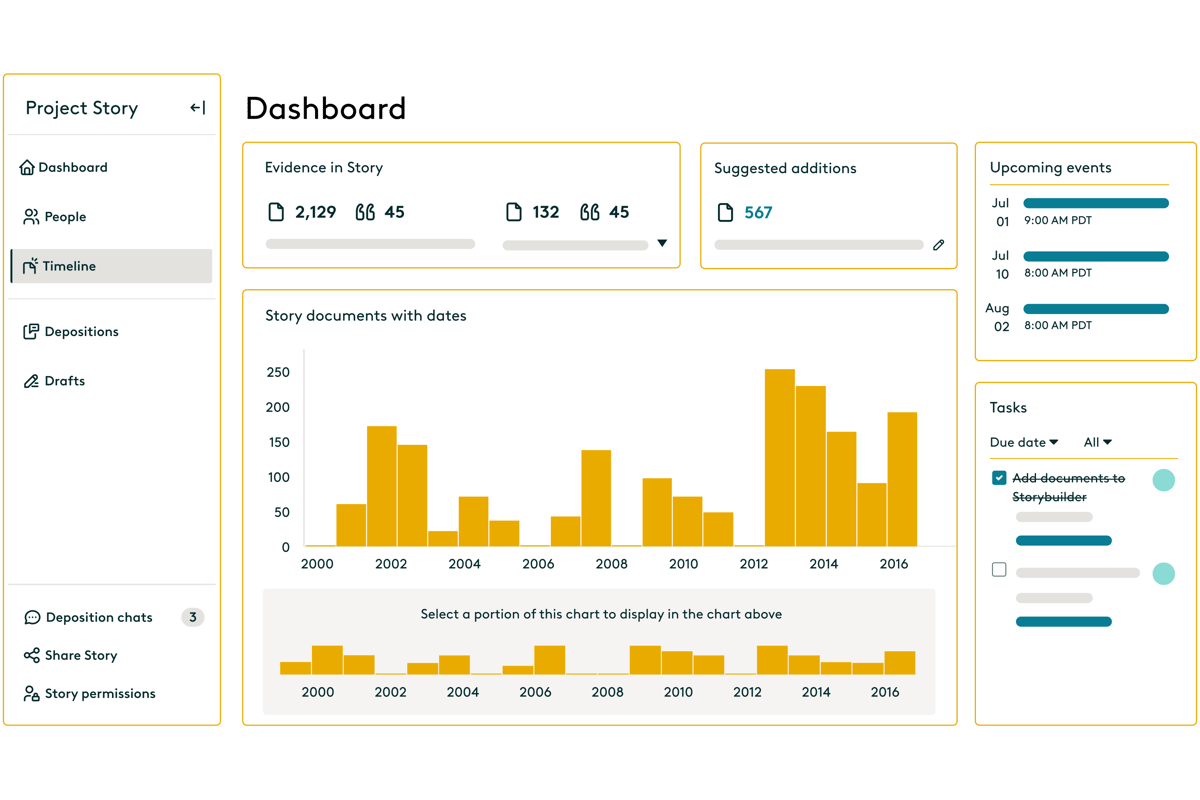
Source: G2
The platform covers key eDiscovery processes, including data ingestion, data processing, early case assessment, advanced search, document review tasks, workflow management, and production.
Everlaw’s interface also feels more approachable than many older review platforms, which can help teams move faster during high-pressure review projects.
Its strength shows up when you need to understand a document set quickly. You can upload data, search through communications, review relevant files, assign work, build timelines, and prepare productions in one place.
Plus, Everlaw includes AI, analytics, and collaboration features for teams that want to connect facts, documents, and case strategy as review work progresses.
Best Features
- Fast data ingestion: Uploads and processes electronically stored information so teams can begin review work sooner.
- Early case assessment: Helps legal professionals assess complex data sets, spot patterns, and understand the shape of a case early.
- Advanced search: Let reviewers search digital evidence quickly with filters, metadata, analytics, and AI-supported tools.
- Document review workflows: Supports coding, tagging, reviewer assignments, privilege review, and quality checks for document review tasks.
- Production tools: Helps teams produce electronically stored information in the right format for litigation or regulatory compliance.
- Storybuilder: Gives teams a place to organize facts, documents, timelines, and case narratives as legal processes move forward.
Pros
- Strong option for law firms and corporate legal departments handling complex discovery review.
- Covers data collection, processing, review, analysis, and production in one platform.
- Advanced search, analytics, and workflow management help teams work through large sets of digital evidence.
4. DISCO
DISCO is an electronic discovery platform that helps litigation teams search, review, and produce documents with less friction than many older review tools.
Many attorneys choose it because the interface feels easier to learn, while the platform still has the search capabilities needed for serious document review.
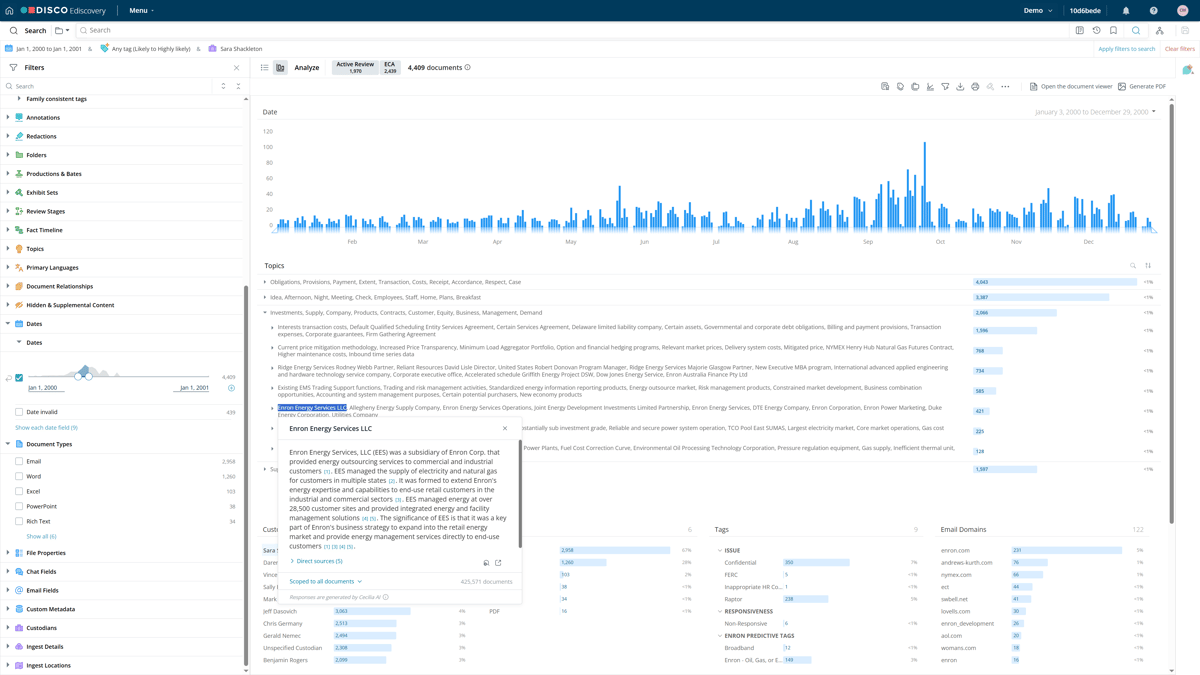
Source: G2
Speed is the main appeal. You can move through case documents with fast search, AI-supported review tools, and a workspace that keeps coding and production work close together.
That makes DISCO helpful when your team needs to find key evidence quickly and avoid a long ramp-up before review starts.
Administrators also get stronger oversight during review. Audit trails show activity inside a database, while access controls help limit permissions for reviewers, experts, co-counsel, and other users.
For firms that want capable review tools without a heavy enterprise feel, DISCO is one of the more familiar names in modern electronic discovery.
Best Features
- Fast search capabilities: Helps attorneys search emails, attachments, messages, and case files quickly when they need to find key evidence.
- AI-supported review: Prioritizes likely relevant documents and helps reduce time spent on lower-value review.
- Clean review workspace: Keeps document viewing, coding, tagging, and production work in a simple interface.
- Production tools: Helps teams prepare reviewed documents for production with the needed formatting and metadata.
- Audit trails: Tracks review activity so teams can check who viewed, changed, tagged, or produced documents.
- Access controls: Let administrators manage permissions for attorneys, reviewers, experts, and outside users.
Pros
- Easier to learn than many older electronic discovery platforms.
- Strong search capabilities help teams find key evidence faster.
- Audit trails and access controls make review easier to supervise.
5. Logikcull
Logikcull is cloud-based eDiscovery software that helps legal teams collect, search, review, and produce documents without a complicated setup.
Firms use it to simplify discovery workflows, especially for subpoenas, investigations, litigation, and document production.
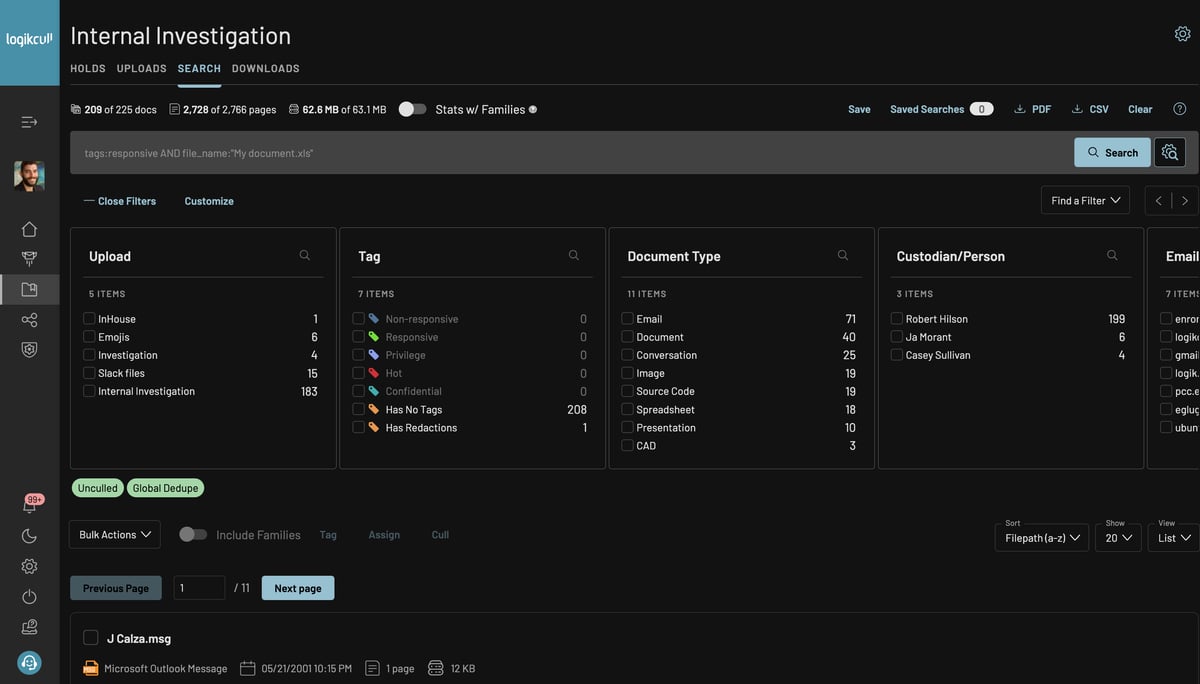
Source: G2
The platform focuses on self-service review. You can upload client data, process files, search through documents, tag responsive material, and prepare productions from one workspace.
Logikcull also uses AI systems and automation to reduce manual sorting. This can be a major advantage for teams that need faster review without a heavy enterprise platform.
Search is one of its stronger selling points. Natural language queries make it easier to look for key facts without building overly technical search strings, while natural language processing and AI-powered document review features help teams find useful records faster.
Best Features
- Self-service eDiscovery: Let teams upload, review, tag, and produce documents without relying on a large support team.
- Natural language queries: Helps users search client data with plain-language questions rather than complex search syntax.
- AI-powered document review: Uses AI systems to help sort, organize, and surface useful documents faster.
- Automated processing: Handles file processing, deduplication, indexing, and preparation for review.
- Production tools: Helps teams create productions with Bates numbering, metadata, redactions, and privilege controls.
- Legal workflow support: Supports subpoenas, investigations, litigation discovery, public records requests, and internal reviews.
Pros
- Easier to use than many enterprise eDiscovery software options.
- Natural language processing helps teams search documents with less technical effort.
- Strong fit for legal workflows that need fast upload, review, and production.
6. Casepoint
Casepoint is an eDiscovery platform that helps legal teams manage the full discovery lifecycle, from data collection and processing to production and case closeout.
Complex matters often come with large document volumes, strict compliance requirements, and sensitive information, so Casepoint gives teams a structured place to manage the work.
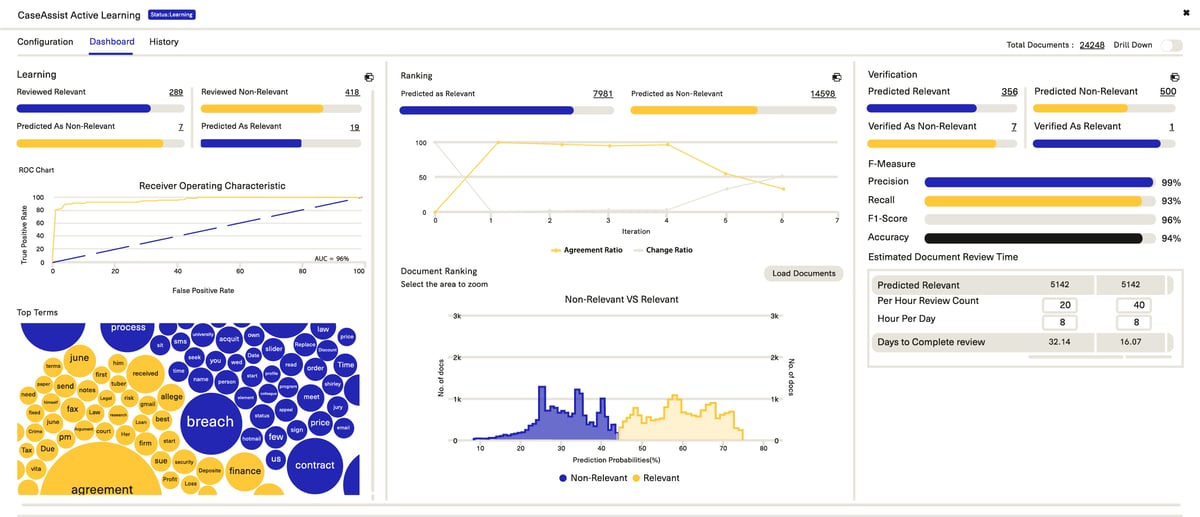
Source: G2
The platform combines customizable workflows, analytics, machine learning, and production tools in one system. You can route documents, assign review work, spot key information, apply redactions, and prepare productions without relying on a patchwork of separate tools.
Risk control drives much of Casepoint’s value. Its review, redaction, security, and compliance features help teams handle privileged documents, regulated data, and sensitive records with tighter oversight.
Teams comparing the best eDiscovery software options may place Casepoint high on the list when they need structured workflows, machine learning, and stronger control over demanding discovery projects.
Best Features
- Full discovery lifecycle: Supports data collection, processing, review, analysis, production, and case closeout in one platform.
- Customizable workflows: Let teams build review paths, assign tasks, manage productions, and match workflows to case requirements.
- Machine learning: Helps prioritize documents, identify patterns, and reduce time spent reviewing lower-value material.
- Compliance support: Helps with compliance requirements involving sensitive records, regulated data, and internal review standards.
- Risk management tools: Support redaction, privilege review, security controls, and tracking for mitigating risks during review.
- Production tools: Helps teams prepare documents with the right formatting, metadata, numbering, and review decisions.
Pros
- Covers the full discovery lifecycle for litigation, investigations, and regulatory work.
- Customizable workflows help teams manage complex matters with more structure.
- Machine learning and analytics can reduce manual review time.
7. Exterro
Exterro is an eDiscovery and legal data risk platform that helps organizations manage legal holds, preservation, collection, review, and production. It fits best in environments where discovery connects closely with compliance, privacy, investigations, and data governance.
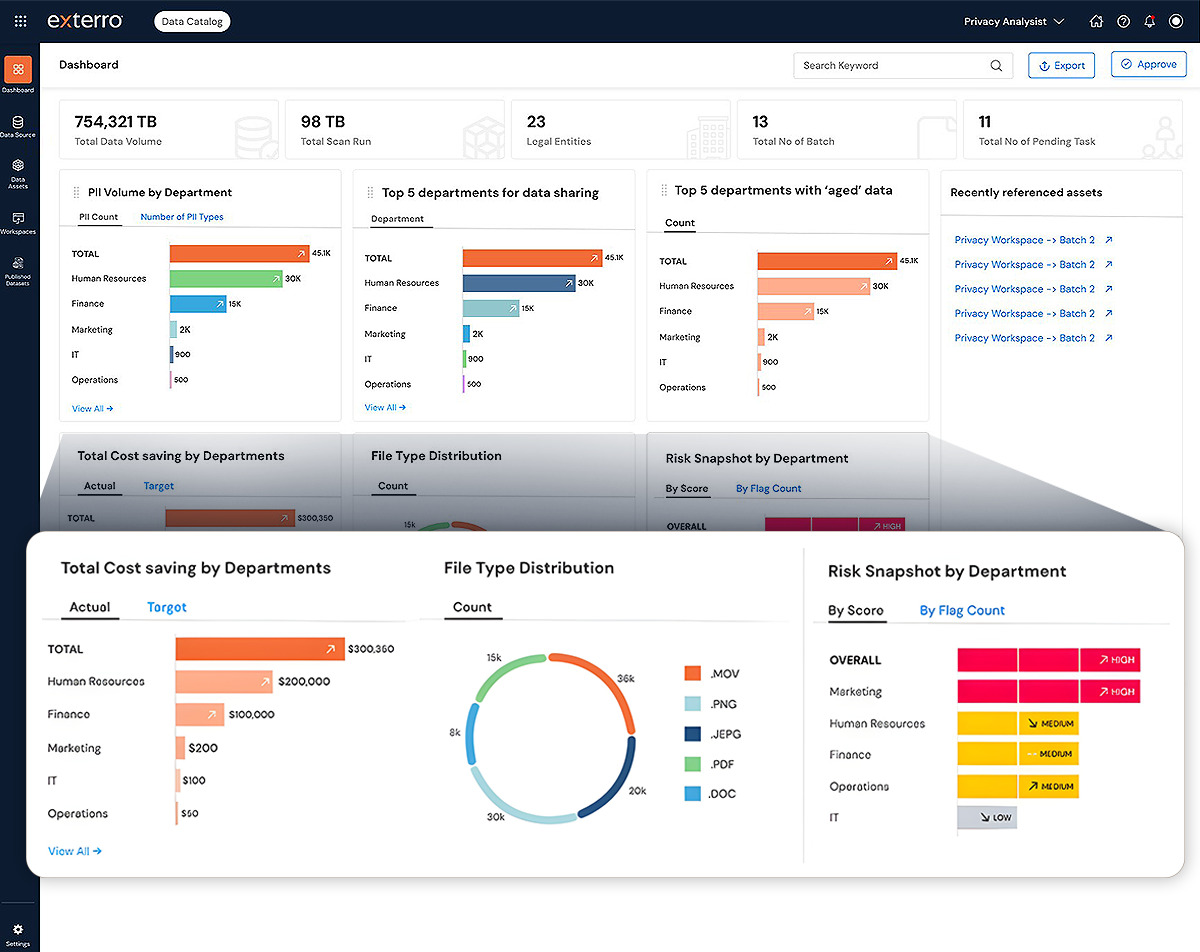
Source: G2
A lot of Exterro’s strength comes from how it handles data before review begins. The platform can connect to enterprise data sources, issue legal holds, track custodian responses, preserve information, and support defensible workflows from preservation through production.
Plus, Exterro promotes source-linked answers, audit-ready logs, and AI-powered eDiscovery workflows for teams that need clear records of how discovery decisions were made.
Security and governance are also big parts of the platform. Exterro is often used by corporations and government agencies that need enterprise-grade security, access control, and structured processes for sensitive data.
Best features
- Legal holds: Helps teams issue holds, track custodian acknowledgments, send questionnaires, and preserve relevant data.
- Data source connections: Connects with enterprise data sources such as email, cloud storage, and collaboration platforms.
- AI-powered eDiscovery: Supports source-linked answers, audit-ready logs, and defensible workflows from preservation through production.
- Enterprise-grade security: Gives organizations security, access control, and governance features for sensitive legal data.
- Workflow automation: Helps teams streamline workflows for legal hold, preservation, collection, review, and production.
- Government and enterprise support: Works for corporations, law firms, and government agencies with complex discovery and compliance needs.
Pros
- Strong legal hold and preservation features.
- Good fit for discovery work tied to compliance, privacy, and data governance.
- Enterprise-grade security and data source connections support larger organizations
How to Choose the Legal Discovery Tools Your Team Needs
You don’t need every discovery tool on the market. Instead, you need software your team can use often and leverage to improve the workflows that take the most time.
Look for these factors first:
- Learning curve: Choose a tool that your attorneys and staff can pick up without weeks of frustration. A powerful platform loses value if your team avoids it.
- AI-powered tools: Look for legal AI features that help with drafting, review, search, and document organization. Leveraging AI can reduce repeat work, but attorney review should stay part of the process.
- Security features: Prioritize encryption, access controls, audit logs, and clear data policies, especially if you handle client data, privileged files, or medical records.
- Workflow automation: Choose software that automates repetitive discovery tasks, such as response drafting, document routing, production prep, and client follow-ups.
- Training resources: Check for demos, help centers, onboarding, and support so your team can adopt the tool faster.
- Predictable pricing: Compare pricing models, user fees, storage costs, and service provider charges before you commit.
Briefpoint Brings Discovery Work Closer to Done
Legal discovery tools solve different problems, and the right choice depends on which part of the process slows you down most.
Briefpoint earns its place when the biggest pain is the actual discovery work attorneys deal with every day: drafting requests, building responses, collecting client input, matching documents, and preparing production-ready files.
Its strength lies in the practical parts of the discovery process. Briefpoint helps create RFAs, RFPs, and interrogatories, draft objection-aware responses, and turn client answers into Word-ready documents.
With Client Bridge, clients can answer questions and upload documents in a guided portal. And with Autodoc, attorneys can generate Bates-cited RFP responses and production packages from case files and productions.
If discovery feels too manual, Briefpoint gives you a cleaner way to move from request to response with less repetitive work and more control before service.
Full Guide to Document Review Automation for Lawyers
Document review generally takes a lot of time because every detail can affect the next step in a case. Even a small error can lead to significant consequences later, especially when the document set is large (which is often the case in most legal matters).
Document review automation for lawyers helps reduce the manual steps behind that process. With the right software, you can scan legal documents and pull out useful information without starting from a blank page.
As document volume grows, automation can make review work easier to manage while keeping the process organized.
In this guide, we’ll explain what document review automation means, why lawyers use it, and how the process works.
What Does Document Review Automation Mean for Lawyers?
Document review automation helps you review and prepare legal documents with less manual review. In practice, it uses document automation software to scan files, pull out key details, and organize lengthy documents before you check the final work.
For example, you might upload a set of discovery requests and let the software identify what each request asks for. After that, you can review the suggested language, adjust the discovery response, and decide what belongs in the final document.
This works best for tasks that follow a repeatable process. If you spend hours copying text from one file to another or formatting the same type of draft, automation can take some of that work off your plate.
Still, human review plays a major role. You need to check accuracy, legal strategy, privilege, and confidentiality before anything goes out. Having said that, the main goal of automation is to move faster while keeping your professional judgment in control.
Why Lawyers Are Automating Document Review
More and more lawyers are turning to automation because the review process can take up a large share of case work.
In a RAND research brief on electronic document production, review made up 73% of production costs in the large-volume cases studied, far ahead of processing and collection.
That cost pressure becomes harder to ignore as the sheer volume of legal documents keeps growing. If your team has to read lengthy documents one page at a time, review time can crowd out higher-value legal work.
With automated legal document review, you can get:
- Faster first-pass review: Automation can scan the entire document set and help surface key information earlier, so legal professionals can focus their attention sooner.
- Less repetitive manual work: Document review often involves the same checks, labels, and formatting steps. Automation helps reduce the hours spent on routine tasks.
- Better consistency: A clear automated workflow can help your team apply the same review standards from one document to the next.
- Stronger cost control: Practical considerations matter for clients and firms. Less manual review can mean fewer avoidable hours tied to sorting, searching, and preparing documents.
How Typical Document Review Automation Works
Most document review automation follows a simple path. The exact process depends on the tool, but it usually includes a few common steps:
1. Upload Your Legal Documents
The first step is to upload the legal documents you want the software to review. These might be discovery requests, contracts, pleadings, client records, or other relevant documents tied to the matter.
For better results, give the software enough context from the start. You can add the document category, case type, review goal, or any other resources that can help the tool understand what it needs to find.
2. Let the Software Scan the Content
After upload, the software scans the content and starts reading the document structure. It may identify:
- Requests
- Clauses
- Dates
- Names
- Repeated language
- Other details that can guide your review
Some tools also use optical character recognition (OCR) to read scanned files or PDFs without searchable text. This can help with complex documents, especially files with exhibits, mixed formatting, or handwritten annotations.
However, you should still check the results carefully because poor scans and hard-to-read notes can affect accuracy.
3. Review the Extracted Information
After the scan, you need to review what the software pulled from the documents. Many AI tools use natural language processing and machine learning to spot critical terms, names, dates, clauses, and other details that may affect the matter.
This step gives you a chance to catch errors before the information moves into a draft, summary, chart, or response. It’s especially important with sensitive documents because the software may flag sensitive data, but you still need to confirm what should stay or change.
More specifically, take the time to:
- Check for accuracy: Make sure the extracted details match the original document.
- Look for missing context: A term may look important on its own, but the surrounding language can change its meaning.
- Confirm sensitive data: Review personal details, privileged content, financial data, and other protected information before sharing or filing anything.
- Clean up errors: Fix incorrect names, dates, clauses, or document labels early so they don’t carry into the final output.
4. Apply Your Templates or Rules
After you review the extracted information, the software can apply your firm’s templates, rules, or preferred language. Doing this helps keep the output accurate and consistent, particularly if your team handles the same document types often.
For example, a litigation team may use approved objection language for discovery responses. A business attorney may use standard contract review rules for indemnity, renewal clauses, or governing law. A compliance team may set rules for sensitive data, retention language, or required disclosures.
Some systems also support technology-assisted review, which can help prioritize documents based on your review criteria.
As always, quality control remains important. At the very least, check that the software applied the right rule to the right document, used the correct template, and followed the strategy for the specific matter.
5. Edit the Draft Output
Once the legal document automation software creates a draft, your legal team should review it with the original documents close by. The draft may already include the right structure and key details, but it still needs a lawyer’s eye before it’s complete.
This step is where you refine the wording. You may need to remove language that feels too broad, add case-specific details, or adjust the tone for the reader.
For example, a discovery response may need stronger discovery objections, a contract summary may need clearer risk notes, or a document review chart may need cleaner issue labels.
Editing also helps you catch small problems before they become bigger ones. Check citations and defined terms carefully. Automation can definitely give you a strong starting point most of the time, but the final draft should still sound like it came from your legal team.
6. Finalize After Human Review
After the draft sounds right, take one last pass before you file, serve, or send it. At this stage, you want to catch anything that could create risk or extra cleanup later.
Pay close attention to sensitive information, privilege review calls, and red flags the software may have marked earlier.
Also, check the organization of the final document. The language should match the record, the formatting should be clean, and the final version should be easy for your team to track later.
Here are common final check items:
- Sensitive information
- Privileged content
- Red flags
- Names and dates
- Citations
- Formatting
- Case file references
- Final instructions
Common Use Cases for Document Review Automation in Law Firms
Document review automation can support several parts of your legal workflow, including tasks that involve large document sets or repeatable review steps.
Here are some of the most common ways law firms use it:
- Discovery review: Automation can help identify responsive documents, flag possible objections, and organize information for discovery responses.
- Contract review: Software can pull out key clauses, highlight missing terms, and help you compare language against your preferred standards.
- Privilege review: Automated review can flag attorney-client communications, work product, and other content that may need closer attention.
- Case file summaries: Your team can use automation to pull key facts from records and spend less time reading every file from scratch.
- Document production: Relevance ranking can help prioritize documents for review, so the legal team can start with the files most likely to matter.
- Deposition preparation: Automation can help surface important facts, names, and timeline details, freeing time for strategy and witness prep.
See How Briefpoint Gives Your Entire Team a Faster Review Solution
Document review automation works best when the solution gives your team speed without removing human oversight.
Briefpoint does that for litigation teams by helping them draft discovery, respond to requests, and turn case files into production-ready work.
With Briefpoint, your entire team can create objection-aware RFAs, RFPs, and interrogatories. Autodoc feature goes further by reviewing productions and case files, finding responsive documents for each RFP, and generating Word responses with objections, answers, and page-level Bates citations.
Briefpoint also creates Bates-numbered production packages, so your team spends less time assembling files by hand.
The platform includes trust-and-verify controls, which let you see where the AI searched, confirm or deselect files, tag privileged materials, and edit the final text before service. That gives you the power to move faster while keeping legal judgment in the review process.
If your practice needs an easy way to reduce discovery work, Briefpoint is built for exactly that workflow.