7 Top AI Discovery Drafting Software Options for 2026
7 Top AI Discovery Drafting Software Options for 2026
Discovery drafting has changed quickly as legal AI has become more useful for day-to-day litigation work. Firms now have software that can help turn case information into a workable draft before an attorney starts the deeper review.
AI discovery drafting software is built for that part of the process. It can help legal professionals prepare discovery responses and requests while working from the facts already available in the matter.
The category has expanded quickly too. Legal AI tools now range from highly focused discovery products to broader AI platforms that cover legal drafting, document review, research, and litigation prep.
So which one makes sense for your legal team?
Below, we look at the seven best tools for discovery drafting in 2026, starting with a platform built specifically around written discovery.
What Is AI Discovery Drafting Software?
AI discovery drafting software uses artificial intelligence to help law firms create written discovery documents from case information.
Depending on the platform, you may be able to upload discovery requests, pleadings, prior responses, or other case files. The software then analyzes the material and prepares a draft based on the facts available.
Modern AI systems often rely on large language models, natural language processing, and machine learning to interpret legal terminology and generate usable text. More specialized products can also connect answers to responsive documents or apply a firm’s established objection language.
Common uses include drafting:
- Interrogatories and responses
- Requests for production (RFPs) and responses
- Requests for admission (RFAs)
- Supplemental discovery responses
Legal judgment remains non-negotiable, of course. Attorney review is still needed before serving AI-generated responses on opposing counsel, especially when the work involves confidential client data or other high-stakes matters.
7 Best AI Discovery Drafting Tools in 2026
The best tools depend heavily on your legal practice. A personal injury firm answering discovery every week may want a different workflow from a large litigation team handling complex legal work.
Here are the top seven options in 2026.
1. Briefpoint
Briefpoint is built specifically for written discovery, so the platform stays focused on the part of legal work many litigation teams spend hours handling manually.
Law firms can upload incoming discovery and use the software to prepare discovery responses to interrogatories, RFAs, and RFPs with jurisdiction-appropriate objections. Attorneys can then review and edit the drafts in Microsoft Word before anything goes to opposing counsel.
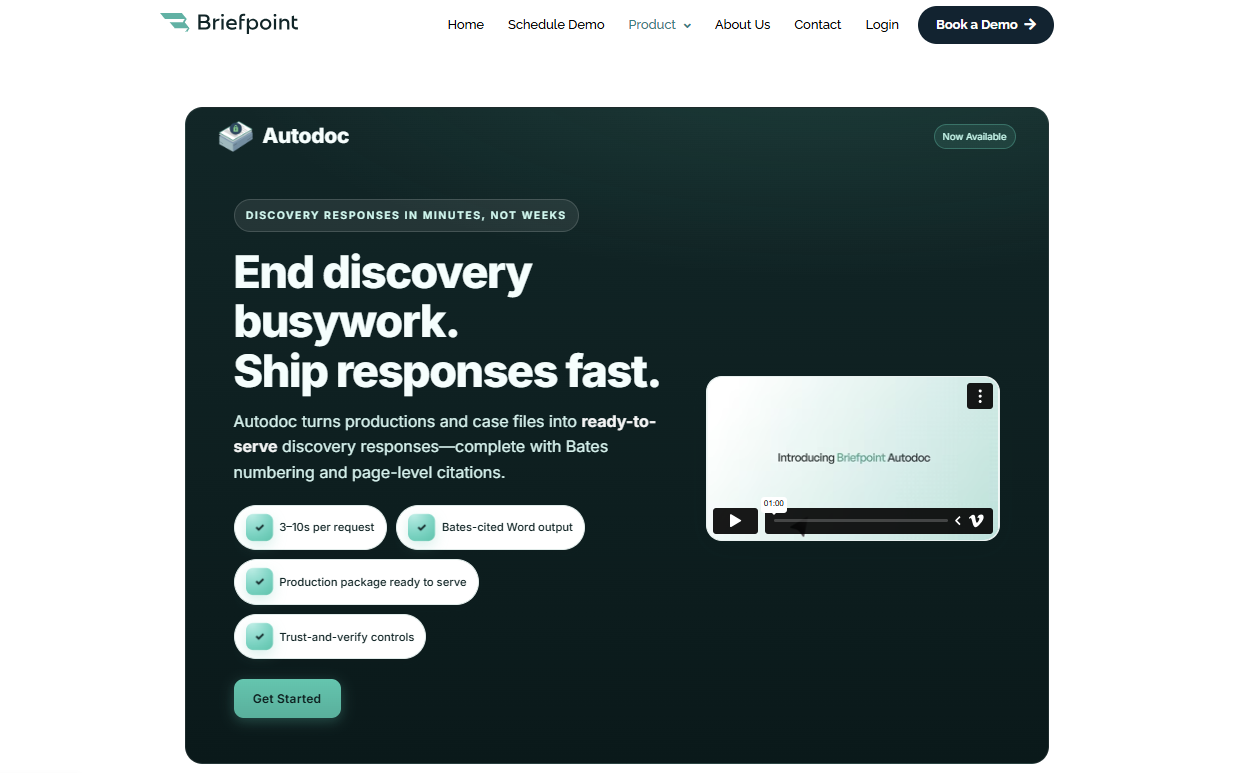
The platform also covers document-heavy discovery tasks. Autodoc can review case files, identify responsive documents for RFPs, add Bates numbers, and create Word responses that include Bates citations.
Client Bridge helps collect answers and files directly from clients through a secure link, which can reduce follow-up work and make it easier to keep client data secure.
For firms looking at AI discovery drafting software mainly for saving time on written discovery, Briefpoint offers a narrower learning curve than general-purpose tools. It can also leave attorneys with more room for legal judgment, case strategy, and client relationships.
Best Features
- Autodoc: Reviews uploaded case files, locates responsive documents, prepares Bates-numbered productions, and creates RFP responses with Bates citations.
- Client Bridge: Sends discovery questions to clients in plain English and gives them a secure place to submit answers and documents.
- Discovery drafting: Creates interrogatories, RFAs, RFPs, and discovery responses with objections suited to the relevant jurisdiction.
- Supplemental responses: Helps legal professionals update prior discovery responses when new client data or documents become available.
- Discovery playbooks: Lets firms apply preferred objection language and response strategies more consistently.
- Jurisdiction support: Supports all 50 states and 98 federal district courts for written discovery workflows.
Pros
- Purpose-built for written discovery
- Produces editable Microsoft Word drafts
- Handles responsive document identification and production
- Supports secure client information collection
- Works well for small firms and solo practitioners
- Can reduce repetitive manual work
2. Eve Legal
Eve Legal is an AI platform designed primarily for plaintiff firms, including personal injury firms that want discovery drafting connected to a broader litigation workflow.
Rather than treating each document as a separate task, Eve can work from information already stored in the case and use that context to prepare new drafts.

Source: Eve.Legal
For discovery, the platform can generate requests and responses using case files, firm materials, and prior work. Generated answers can be linked back to source documents, giving the legal team a clearer way to verify facts during manual review.
Eve can also learn from examples of previous drafting, which can help firms carry their preferred style into new document types.
The broader platform extends beyond discovery responses into other areas of litigation prep, including deposition preparation and motion drafting. That can make Eve attractive to firms that want one platform for a larger portion of their legal workflows.
Teams focused almost entirely on discovery may still find a more specialized AI legal product simpler.
Best Features
- Discovery drafting: Generates discovery requests and responses using facts already available in the case.
- Firm-specific objection style: Applies objection language based on examples of the firm’s prior responses.
- Source-linked drafting: Connects generated answers to supporting documents so attorneys can verify the underlying information.
- Drafting agents: Lets users create repeatable AI drafting workflows for different legal documents.
- Case-aware document creation: Uses information stored in the matter when creating new first drafts.
- Litigation support: Extends into work such as motion drafting and deposition preparation.
Pros
- Built for plaintiff-side legal practice
- Useful for personal injury workflows
- Works from existing case files
- Links generated content to source documents
- Can learn from prior firm work
- Supports several document types
- Covers discovery and broader litigation prep
3. Harvey
Harvey is a broader legal AI platform aimed at firms handling sophisticated and complex legal work.
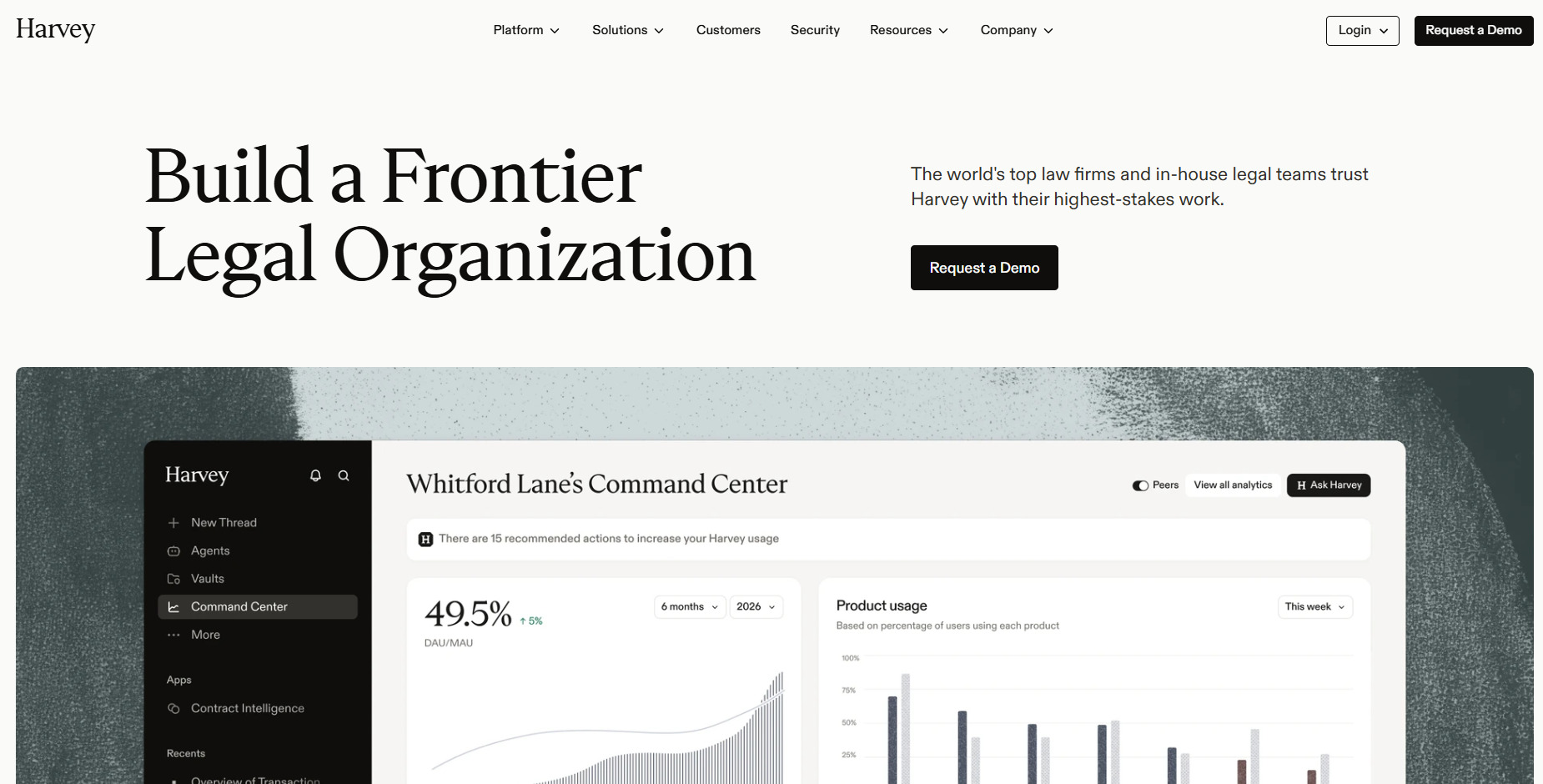
Discovery drafting is one part of a larger product that also supports legal research, document review, drafting, and other litigation tasks. That wider scope can appeal to large law firms that want to consolidate several AI tools into one platform.
Source: Harvey.ai
For discovery, Harvey can work from matter documents and relevant legal authorities to prepare interrogatories, RFPs, RFAs, responses, and discovery objections.
The platform can also analyze large document sets, which gives attorneys a way to connect drafting with the evidence already available in the case. Microsoft Word support keeps the editing process closer to the tools lawyers already use for legal drafting.
Harvey may be a stronger fit when a legal team wants AI systems that can assist with more than discovery. Firms that already rely on other tools for research, document management, or litigation support may want to compare that broader functionality with a more focused discovery product.
Best Features
- Discovery drafting: Creates interrogatories, RFPs, RFAs, responses, and objections from matter-specific information.
- Matter-grounded drafting: Uses relevant documents and legal authorities to support generated work.
- Document review: Analyzes large collections of legal documents and helps surface relevant information.
- Microsoft Word support: Lets attorneys work with AI drafting inside a familiar document environment.
- Legal research: Connects drafting with broader research capabilities for complex legal work.
- Litigation workflows: Supports tasks beyond discovery, including case assessment and litigation prep.
Pros
- Strong fit for large law firms
- Handles drafting and document review
- Works from matter-specific documents
- Supports Microsoft Word
- Covers a wide range of legal workflows
4. AI.Law
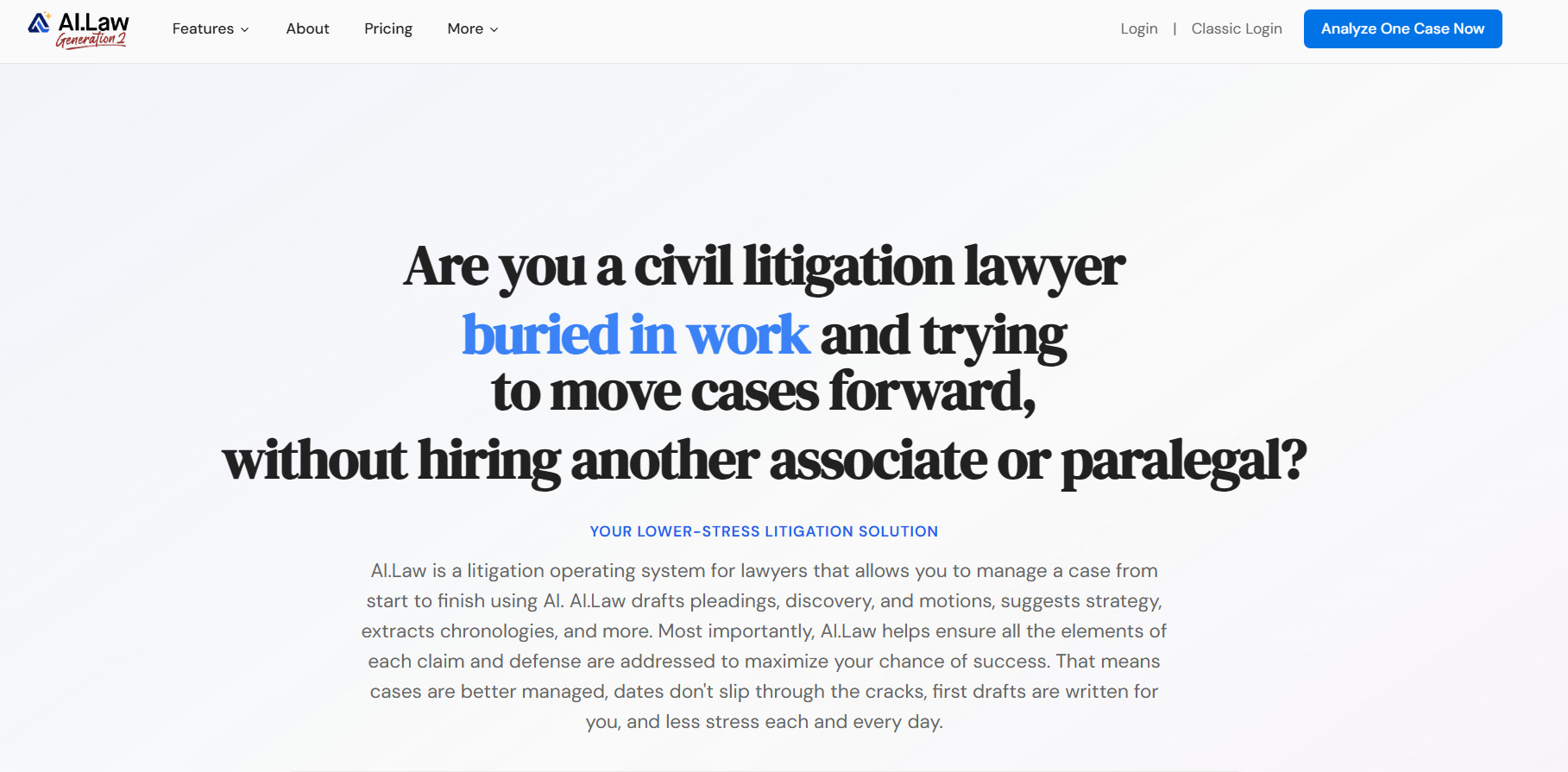
AI.Law focuses on civil litigation and gives attorneys dedicated tools for preparing discovery requests and discovery responses.
The platform is designed to work from case-specific information rather than asking lawyers to build every prompt from scratch, which may make it easier to use than general-purpose models for recurring litigation work.
Source: AI.Law
Attorneys can upload incoming discovery, enter client information in plain English, and generate formatted responses with objections and substantive answers.
Plus, the platform supports broader legal document creation, so firms can use it for work such as complaint drafting, motions, medical timelines, and deposition analysis.
Its War Room feature connects facts and evidence from a firm’s own cases to future drafting and discovery needs. AI.Law can also help with summarizing documents and case analysis before the drafting stage begins.
Best Features
- Discovery responses: Generates formatted responses using uploaded requests and client information supplied in plain English.
- Discovery requests: Helps attorneys prepare outgoing written discovery from case-specific information.
- War Room: Connects facts and evidence from the firm’s own cases to potential discovery and drafting needs.
- Legal document creation: Supports complaints, motions, medical timelines, and other litigation documents.
- Document analysis: Helps with summarizing documents and reviewing information before drafting.
- Word export: Moves generated legal documents into Microsoft Word for further attorney review.
Pros
- Built for civil litigation
- Offers dedicated discovery tools
- Works from case-specific information
- Supports broader legal drafting
- Includes document analysis
- Useful across several practice areas
5. Anytime AI
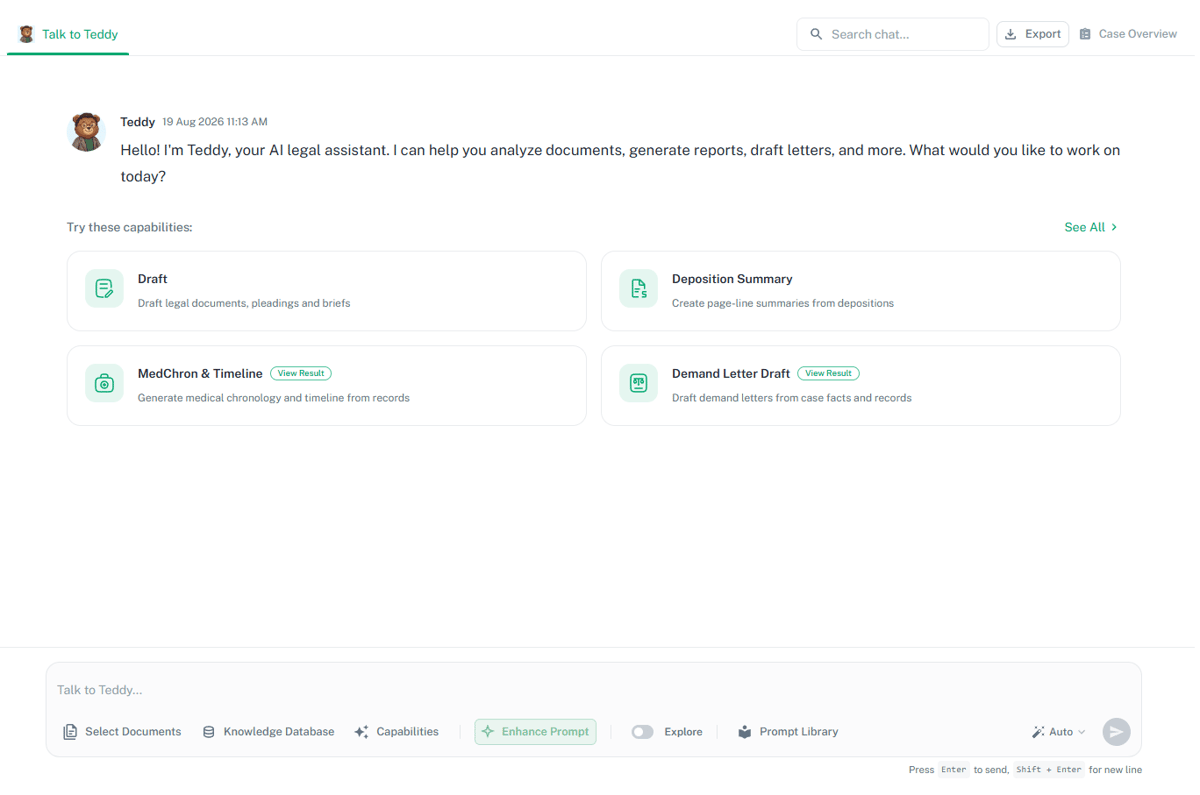
Anytime AI is built around plaintiff-side litigation and includes tools specifically for written discovery.
The platform can use case documents, firm templates, and prior responses to prepare new drafts, giving legal professionals a way to reuse established work without relying so heavily on manual copying and editing.
Source: G2
Its discovery response tool can generate interrogatory responses using information already in the file, along with existing objections and firm language. It extends into broader AI drafting for legal documents such as motions and demand letters.
For personal injury practices, medical records are a major part of the workflow, and Anytime AI can analyze those records and connect the information to other litigation tasks.
The wider platform also includes legal research and summarizing documents, which may be useful for firms that want several litigation functions together.
Personal injury teams may find that combination useful when discovery drafting needs to reflect medical history and other case facts. Firms focused narrowly on discovery may want to compare it with more specialized options.
Best Features
- Discovery responses: Generates interrogatory responses using uploaded case materials and existing objection language.
- Firm templates: Applies established drafting formats and language to new legal documents.
- Prior response use: Draws from previous responses to support greater consistency between matters.
- Medical record analysis: Reviews medical records and connects relevant information to personal injury litigation.
- AI drafting: Creates motions, demand letters, and other legal documents from case-specific information.
- Legal research: Supports research and summarizing documents as part of a broader litigation workflow.
Pros
- Built for plaintiff firms
- Strong fit for personal injury
- Includes dedicated discovery response tools
- Works from prior responses
- Supports firm templates
- Creates demand letters and other documents
6. CoCounsel
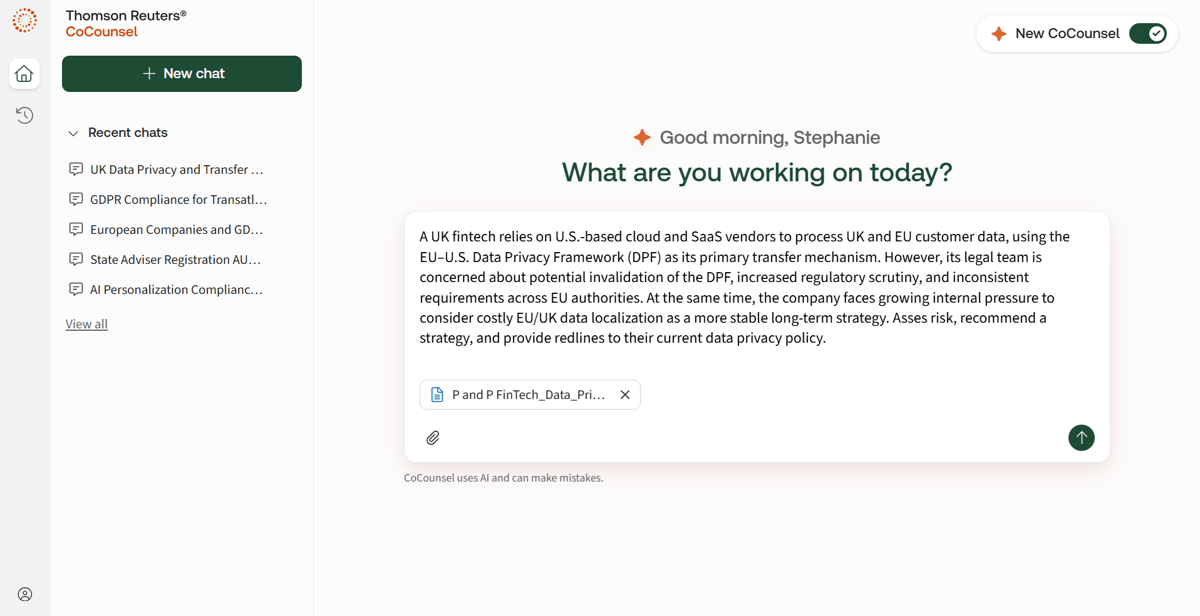
Thomson Reuters’ CoCounsel combines generative AI with legal research, legal drafting, and document review in one broader AI legal platform.
Discovery is one of the workflows it supports, which makes it relevant to firms that want help preparing written requests and responses while also using the same system for other forms of legal work.
Source: G2
CoCounsel can generate tailored interrogatories, requests for production, RFAs, and responses. Its Live Draft feature lets legal professionals revise an open document using natural-language instructions, which can make AI drafting feel closer to a normal editing process.
The platform can also analyze large groups of case files and other legal documents to surface relevant information for attorney reviews.
Best Features
- Discovery drafting: Generates interrogatories, requests for production, RFAs, and discovery responses.
- Live Draft: Lets attorneys revise an open document using natural-language instructions.
- Document review: Analyzes large collections of legal documents, discovery materials, and case files.
- Contract review: Helps examine specific clauses and identify missing clauses in legal documents.
- Legal research: Connects AI-assisted drafting with Thomson Reuters research tools.
- Document analysis: Surfaces relevant information from larger document sets for attorney review.
Pros
- Includes legal research
- Strong document review capabilities
- Works with large document sets
- Supports several legal workflows
- Reduces the need for multiple AI tools
- Fits firms looking for one tool for broader legal work
7. Supio
Supio is a legal AI platform focused heavily on personal injury, so it’s relevant when discovery drafting depends on medical records and other detailed case information.
Its AI drafting tools can use the underlying facts in a matter to prepare written discovery rather than creating generic language from a blank page.

Source: Supio.com
The platform can generate discovery requests and interrogatory responses while cross-referencing client data and documents already associated with the case.
Supio can flag potential objections for attorney review to give lawyers a starting point while leaving final legal judgment with the legal professional handling the matter.
Firms can upload prior legal documents so the system can follow their preferred structure and writing style in future drafts. Supio’s broader AI systems also process medical records and other case materials to support litigation prep.
For personal injury firms, keeping drafting connected to the underlying evidence can make the platform useful well beyond a single discovery task.
Best Features
- Discovery drafting: Creates written discovery requests and interrogatory responses using underlying case information.
- Case-aware drafting: Cross-references client data and case materials when generating new documents.
- Objection suggestions: Flags potential objections for attorney review during the drafting process.
- Firm-style learning: Uses prior legal documents to follow the firm’s preferred structure and writing style.
- Medical record analysis: Processes medical records and other personal injury case materials.
- Litigation support: Connects drafting with broader case analysis and litigation prep.
Pros
- Works from case-specific information
- Supports discovery requests and responses
- Uses prior firm documents
- Connects drafting to source materials
- Supports attorney review
- Useful for document-heavy personal injury cases
Choose Discovery Software That Fits the Work You Actually Do
AI can give your firm a much better starting point than a blank page, but legal drafting still needs attorney oversight. The best tools help you spend less time assembling first drafts while keeping legal judgment firmly with the lawyer.
Broad platforms such as Harvey and CoCounsel can make sense when your legal practice needs AI for many types of work. Plaintiff-focused products such as Eve, Anytime AI, and Supio connect drafting with wider personal injury workflows.

Briefpoint takes a more concentrated approach.
The platform is built around written discovery, from drafting requests and discovery responses to gathering client information and preparing responsive documents for production. Its Bates-cited RFP workflow also brings drafting and production together in one platform.
If discovery is consuming too many attorney or staff hours, Briefpoint gives you a focused way to automate manual work while keeping final review in your hands.
