5 Best Legal Operations Software for Modern Legal Teams
What Are Legal Operations?
Legal operations, or legal ops, is the business side of running a legal team. It covers the work that supports lawyers without being legal work itself. In modern legal departments, that often includes:
- Budgets
- Vendors
- Tech tools
- Data
- Reporting
- Internal processes
The goal is to take repetitive, non-legal tasks off the lawyers’ plates so they can focus on actual legal work. Legal ops helps teams work more efficiently, make better decisions, and stay on top of deadlines, legal spend, and department performance.
This area has grown into its own field, with legal operations professionals focused on improving how legal departments function. They often handle strategy, process improvement, financial oversight, vendor management, and technology adoption.
Legal operations also help departments prove their value. With stronger processes and legal ops software, teams can track workloads, measure performance, and show how their work supports the broader goals of the business.
In short, legal ops keeps the business side of legal organized so lawyers can spend more time on high-value work.
What Is Legal Operations Software?
Legal operations software is built to support the day-to-day work of legal departments. It helps manage contracts, budgets, vendors, legal spend, documents, eSignatures, compliance tasks, and more without relying on spreadsheets or outdated systems.
Most tools help reduce manual effort by handling routine tasks such as drafting discovery responses, routing contracts for review, tracking approvals, or organizing matter data.
Some also use legal AI to flag risks, surface key information, or help legal ops professionals create more efficient processes across the department.
As client demands increase, legal teams are expected to deliver faster results with fewer resources. Legal operations software helps by improving how legal work is organized, tracked, and delivered.
It’s also useful for reporting. Legal ops tools can show how much you’re spending, which vendors are performing well, and where delays are slowing work down. Essentially, this software helps legal departments run with more structure, better visibility, and less repetitive admin work.
With all this in mind, let’s take a look at some of the best tools for legal operations teams and corporate legal departments.
5 Best Legal Operations Tools Per Category
Legal operations cover a lot of ground, so there’s no one-size-fits-all tool. The best approach is to pick software that’s built for specific tasks, whether it’s drafting documents, managing contracts, or tracking billing.
Below are the top tools in each category that legal teams rely on to get things done faster and with less hassle.
1. Discovery Document Drafting: Briefpoint
Drafting discovery documents can slow everything down. It’s repetitive, detailed work that takes up valuable time you could spend on strategy, case prep, or higher-value legal work.
Briefpoint helps reduce that manual work by auto-generating clean, formatted discovery drafts in minutes. This AI-powered tool handles interrogatories, requests for admission, and requests for production across all U.S. states and federal districts.
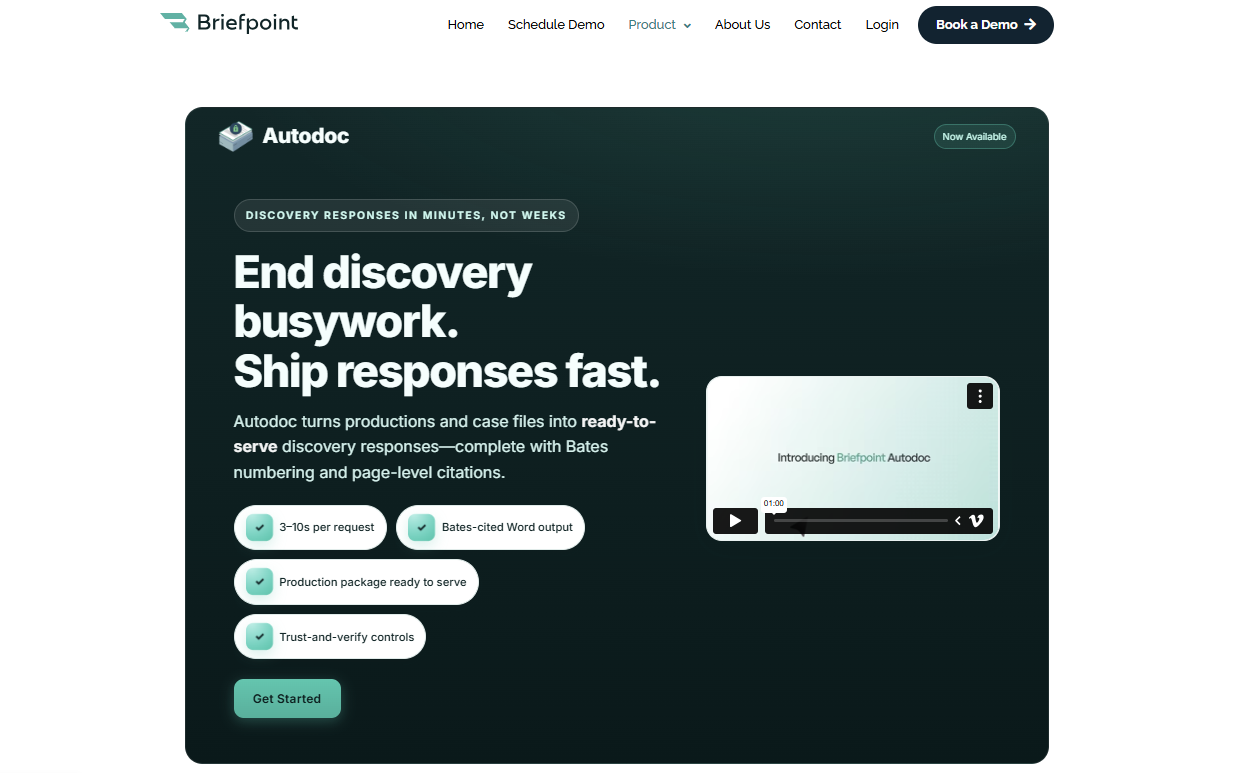
The process is simple: upload your PDF, select your objections, review the draft, and download a ready-to-edit Word file. Briefpoint also supports supplemental responses, so you can update prior discovery responses without rebuilding the document from scratch.
Autodoc takes things further by helping turn productions and case files into Bates-cited Word responses with page-level citations and a Bates-numbered production package.
That makes it especially useful when your team needs to connect supporting documents to specific discovery responses with less manual review.
Best Features
- Propound & respond support: Drafts and responds to requests for admission, requests for production, and interrogatories across all U.S. jurisdictions.
- Fast document generation: Upload a PDF and get a mostly completed draft in minutes.
- Click-to-add objections: Add objections to each request with a simple interface.
- Autodoc: Turns productions and case files into Bates-cited Word responses with page-level citations and a Bates-numbered production package.
- Supplemental responses: Helps you update prior discovery responses while preserving the original structure.
- Editable Word downloads: Export fully formatted documents for final edits or filing.
- Court-specific formatting: Detects court information to apply local rules.
- Private and secure: Uses end-to-end encryption and does not store or train on client data.
Briefpoint can help you draft legal documents in minutes instead of hours.
Find out more about the platform and book your demo today!
2. Contract Lifecycle Management: Ironclad
Contract lifecycle management, or CLM, is the process of creating, reviewing, approving, signing, storing, and tracking contracts from start to finish.
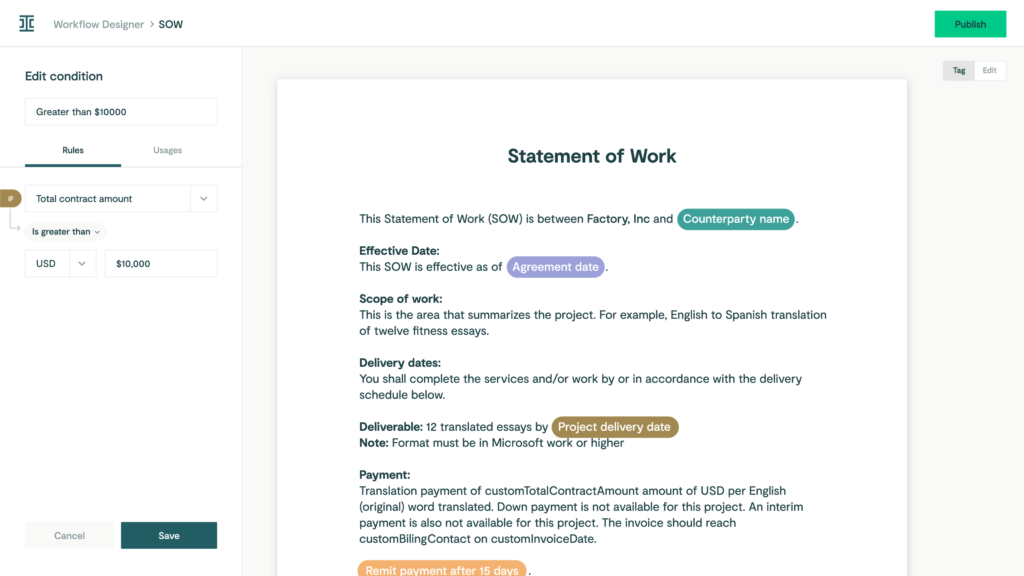
Ironclad brings that process into one central platform, which helps with contract management, document organization, and collaboration across departments.
It reduces scattered edits, long email threads, and tracking problems that often slow down vendor contracts and other high-volume agreements.
Source: G2
With Ironclad, legal teams can work with sales, finance, procurement, and other business teams using the same language and the same contract process.
Teams can set up automated approval flows, comment on documents in real time, and keep full visibility into every contract from request to signature.
Best Features
- Full contract workflow: Manages everything from drafting to signature and storage.
- Live collaboration tools: Help teams streamline collaboration with real-time editing and comments.
- Automated approvals: Routes contracts through the right steps without manual follow-up.
- Audit trail and version control: Tracks every edit, comment, and approval.
- Central contract library: Supports document organization with filters, tags, and search.
- Vendor contract support: Helps manage vendor contracts, sales agreements, NDAs, and other routine business contracts.
- Integrates with key platforms: Works with Salesforce, Slack, DocuSign, and more.
3. Collaborative eDiscovery: Everlaw
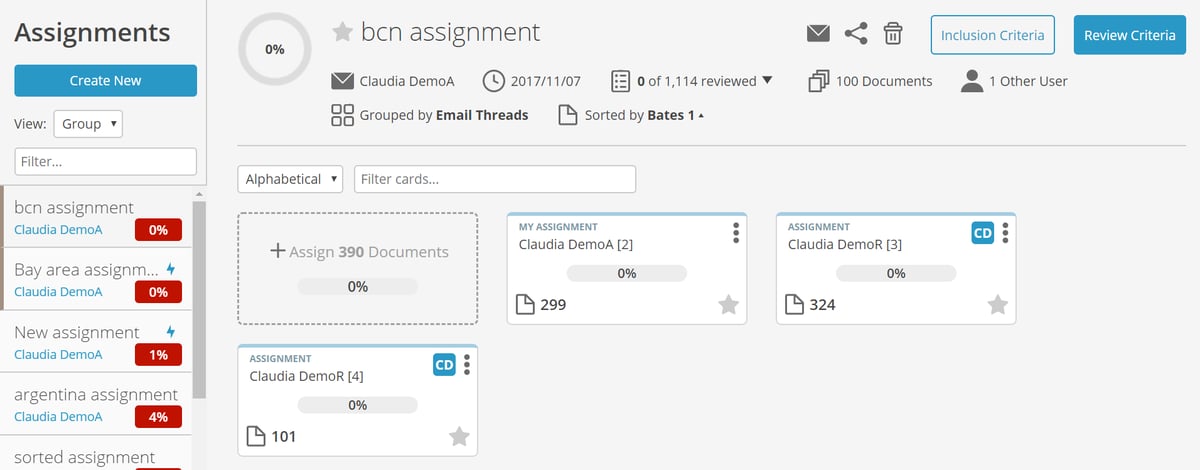
Everlaw is a cloud-based electronic discovery platform that helps legal teams review, organize, and share case documents in one secure place.
It’s designed for collaboration, which makes it easier for teams to manage internal investigations, litigation, and external matters without getting buried in files or email threads.
Source: G2
As part of modern legal operations management, Everlaw supports business processes tied to large-scale document review.
Teams can highlight key data, leave notes, assign tasks, and build case timelines within the same platform. It reduces back-and-forth communication and gives everyone easy access to the documents and context they need.
Used by law firms and in-house counsel, Everlaw fits well into a broader legal software setup. It gives legal professionals a clearer way to manage discovery, track important facts, and understand the strategic impact of the information inside their case files.
Best Features
- Cloud-based access: Review discovery documents anytime, from anywhere.
- Team collaboration tools: Comment, tag, and assign tasks within your team.
- Powerful search options: Find the right documents quickly with smart filters.
- Timeline builder: Map out events, facts, and evidence in one organized view.
- Secure document sharing: Control who sees what, inside or outside your team.
- Seamless integration: Connects with your other legal tools and systems.
4. Electronic Signatures: DocuSign
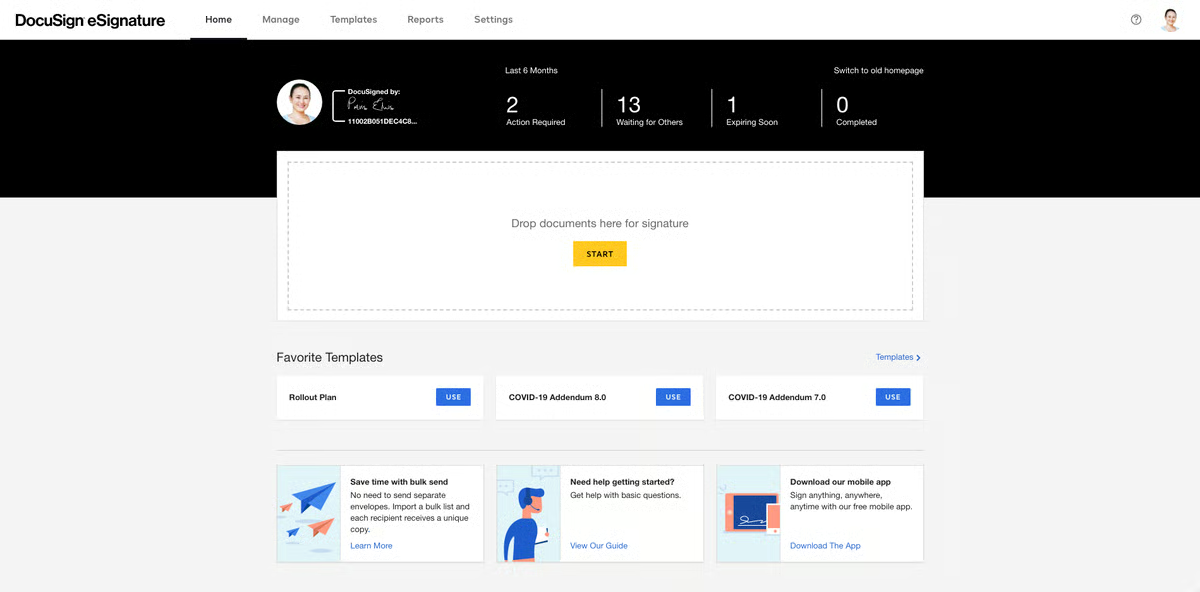
DocuSign is an electronic signature tool that allows legal teams to send, sign, and manage documents digitally. It replaces printing, scanning, and mailing paperwork, which helps speed up approvals and keep signatures organized in one place.
Source: G2
For in-house legal teams managing contracts, agreements, or filings, DocuSign is a key part of modern legal workflows. It helps reduce delays, improves accuracy, and makes it easier to track who signed what and when.
Everything is timestamped and stored securely, which is especially helpful when working with outside counsel, business partners, or teams across different departments.
DocuSign also supports integrations with other tools, which help the legal ops team manage legal data, document status, and signature workflows with fewer extra steps.
Best Features
- Legally binding eSignatures: Secure and accepted in courts and across industries.
- Audit trails: Track every step in the signing process for transparency.
- Reusable templates: Save time on documents you send frequently.
- Mobile-friendly signing: Send and sign documents from any device.
- Real-time notifications: Get alerts when documents are viewed or signed.
- Data privacy controls: Supports secure document handling for sensitive legal and business documents.
- Tool integrations: Works with contract tools, CRMs, and cloud storage apps.
5. Legal Accounting: LeanLaw
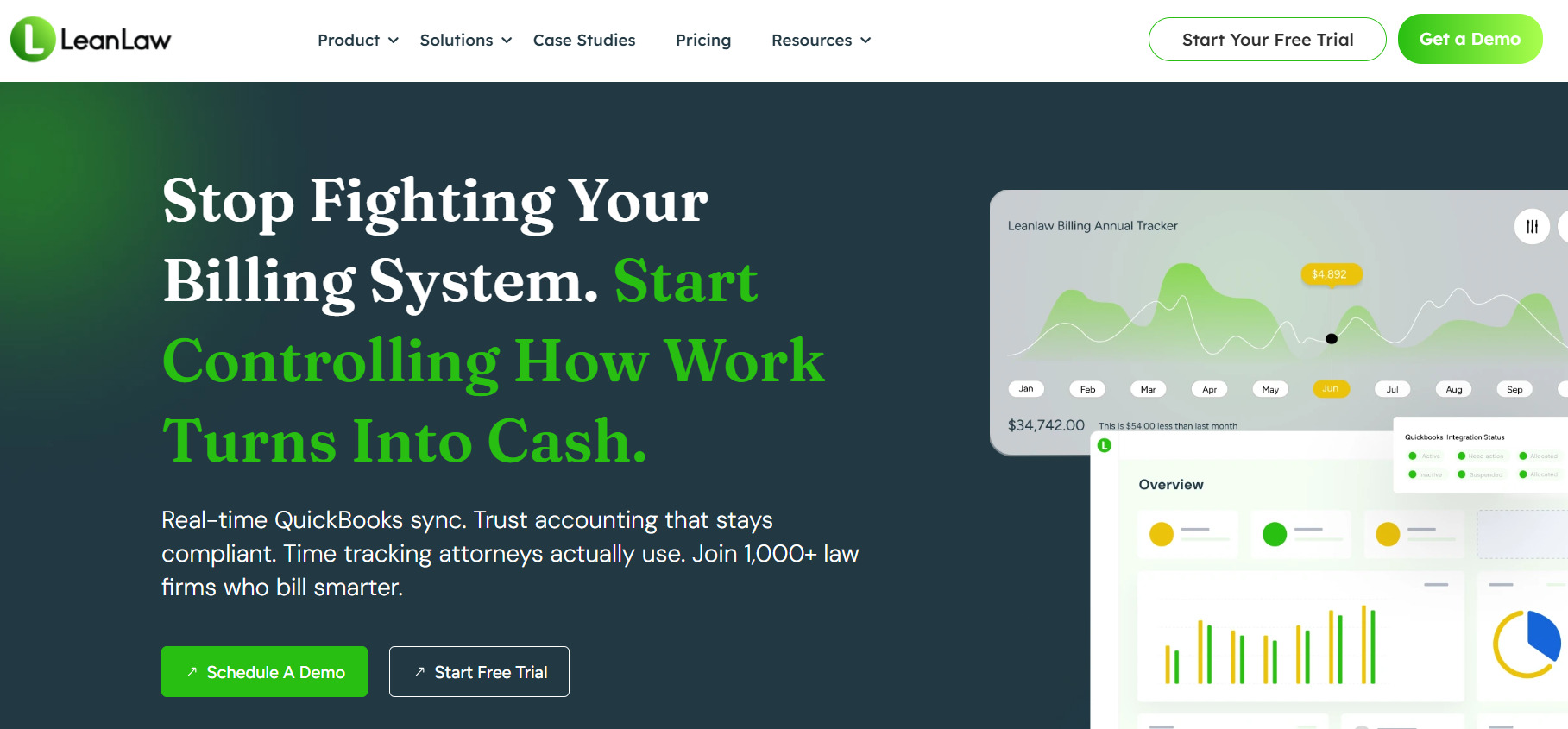
LeanLaw is a legal-specific accounting and billing tool built for law firms and in-house teams. It helps manage time tracking, invoicing, trust accounting, expense reporting, and financial management while syncing directly with QuickBooks Online.
Source: LeanLaw.co
It’s designed to simplify billing and give legal leaders better visibility into legal costs without relying on scattered spreadsheets. Teams can track budgets, review outside costs, monitor billing guidelines, and make more data-driven decisions based on real financial activity.
LeanLaw also helps legal teams stay organized with detailed reporting and data analytics, which makes it easier to monitor budgets, understand performance metrics, and improve resource allocation.
It supports internal tracking needs and offers features that work well alongside legal tracker support systems used in larger departments.
Best Features
- QuickBooks Online integration: Syncs billing and accounting in real time.
- Time tracking tools: Track billable hours by client, matter, or user.
- Trust accounting: Manage client funds in compliance with legal standards.
- Detailed reporting: Review legal spend, performance metrics, and budget activity.
- Invoice automation: Generate and send polished invoices with a few clicks.
- Vendor management: Track outside costs tied to legal work and billing guidelines.
- Resource allocation support: Helps legal leaders understand where time, money, and effort are going.
- Financial visibility: Supports clearer reporting so teams can deliver measurable improvements over time.
Briefpoint Eliminates One of the Most Tedious Parts of Legal Operations
Legal operations platforms can help with contracts, billing, eSignatures, reporting, and team coordination. But even with strong systems in place, discovery drafting can still take up hours of valuable time.
Briefpoint helps reduce that workload by handling one of the most repetitive parts of legal work: drafting and responding to discovery requests. You can upload a PDF, select objections, review the output, and download a ready-to-edit Word draft in minutes.
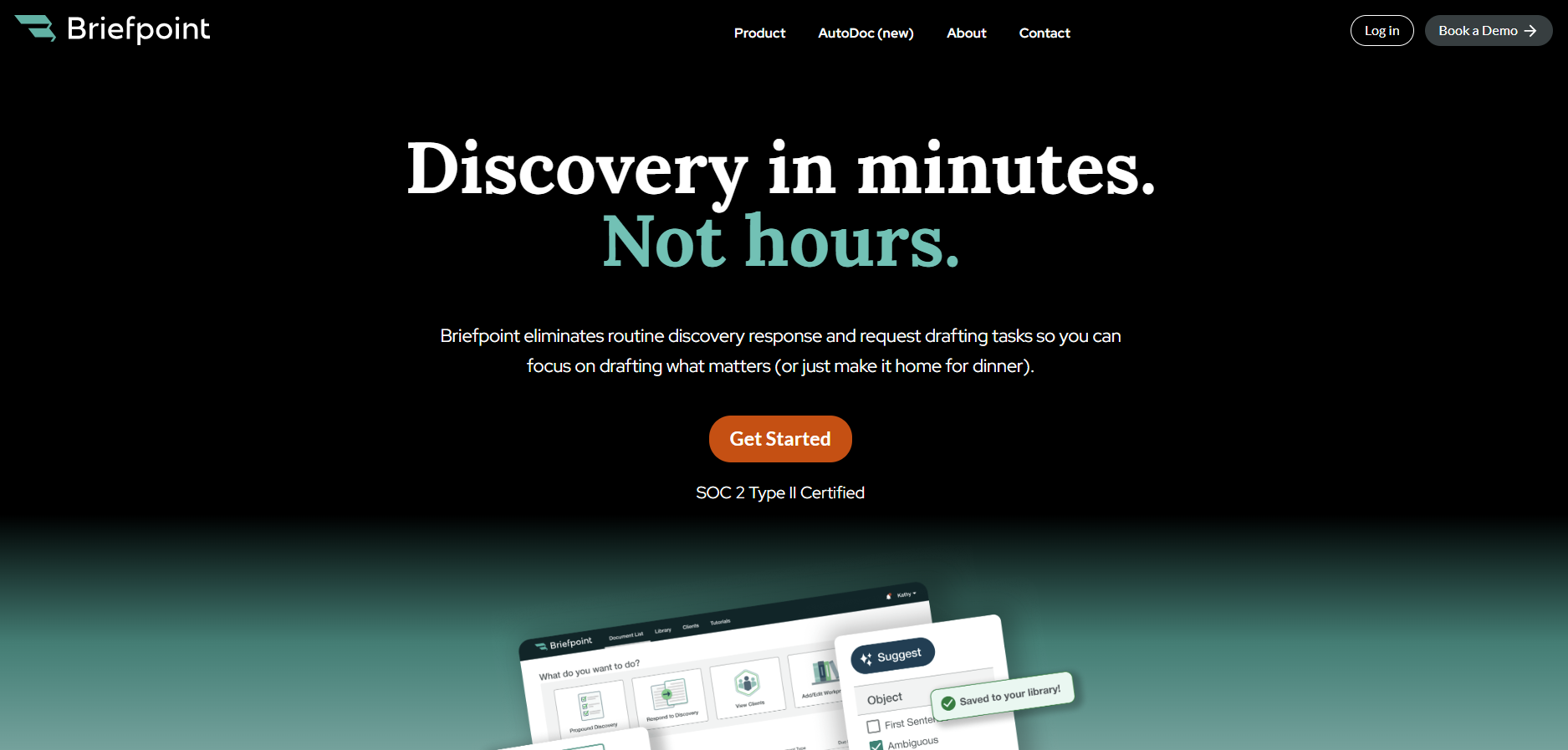
Briefpoint handles interrogatories, requests for admission, and requests for production across all U.S. jurisdictions.
It also supports supplemental responses and Autodoc, which helps turn productions and case files into Bates-cited Word responses with page-level citations and a Bates-numbered production package.
You still apply your legal expertise and make the final call. Briefpoint simply takes on the formatting, structure, and repetitive drafting work so you can focus on higher strategic value.
If your team already uses tools to manage contracts, track spend, or collect signatures, adding Briefpoint can make your legal operations toolkit more complete.
Book a demo and find out how much time you could save.
