
How Legal Technology Software Supports Your Everyday Work
What Is Legal Technology Software?
Legal technology software covers a wide mix of tools that help law firms and legal professionals handle everyday work with less friction. It’s a broad category because legal processes vary so much from team to team.
One group may need help organizing matters, another may focus on legal document automation, and others may put more emphasis on research, communication, or billing. All of these fall under the same umbrella.
Most teams use legal tech software to keep daily tasks moving without relying on scattered systems or long manual steps. It gives you a clearer system for things like tracking information, storing documents, sharing updates, and handling the work that fills a typical day.
Some platforms are also built specifically for legal teams, while others come from general business software that adapts well to legal workflows. Either way, the common goal is to make it easier to manage information and stay organized.
As more legal work shifts online, these tools help create a setup that feels steady and predictable. They bring together the pieces of your practice in a way that lets you focus on the work that needs your attention, not the tools slowing you down.
Why Legal Tech Matters for Today’s Workflows
It’s hard to stay on top of everything when legal work keeps expanding, so it helps to have tools that take some pressure off your plate.
Here’s how modern legal tech tools support smoother workflows and give you more room to focus on the parts of legal practice that need your expertise.
Fewer Repetitive Tasks Slowing You Down
A lot of legal work gets eaten up by steps that feel small on their own but add up fairly quickly. Luckily, tools powered by generative AI can draft outlines, summarize long sections, or spot key language in legal documents so you don’t have to start from scratch.
A good example would be using an AI assistant to pull main deadlines from a contract before you dive into the fine print yourself.
Better Organization Across Your Files and Matters
Strong document management helps you keep everything in one platform rather than spread across emails and folders.
Here’s where you gain the most:
- Faster access to files when you need them
- Clearer version history
- Less time spent searching
For corporate legal departments or busy litigation teams, that clarity makes a noticeable difference during high-volume periods.
Improved Security for Sensitive Information
Many platforms now come with robust security features like encryption, access controls, and detailed audit logs. This makes it easier to protect client information while keeping your team’s workflow steady.
Smoother Collaboration and Higher Client Satisfaction
Quick updates, shared workspaces, and easier communication help clients feel informed and supported.
When your team can work from the same information and update each other without delay, the overall experience becomes more consistent.
Tools That Handle the Heavy Lifting Behind the Scenes
Some tasks benefit from automation running quietly in the background. Billing entries, reminders, signature tracking, and document routing can all operate with minimal oversight. You get cleaner records and fewer chances for mistakes without extra effort.
Core Categories of Legal Technology Software
Legal tech software comes in many shapes, and each category solves a different kind of problem you deal with every week.
Here’s a simple breakdown to help you understand what each one brings to your workflow.
- Practice management: Helps you organize matters, track legal tasks, manage calendars, and keep client communications in one place. Many platforms also include a client portal and options to help clients sign documents without extra steps.
- Document management and automation: Keeps important files organized and gives you easy access to drafts, versions, and shared folders. Some tools use artificial intelligence and machine learning to handle repetitive formatting or generate quick summaries.
- Contract management: Supports legal drafting, edits, approvals, and contract review in a single system. These tools help you see where an agreement stands and move it forward without losing track of changes.
- Legal billing and accounting: Designed for accurate billing, billable hours tracking, generating invoices, and expense tracking. Many tools also help you get paid faster through built-in payment options.
- Communication and collaboration: Helps your team coordinate tasks, share updates, and keep clients informed. Messaging, video calls, shared calendars, and client-facing spaces all fall here.
- eDiscovery and research: eDiscovery tools for reviewing data collections and finding relevant case law without wading through countless files on your own.
How These Tools Work Together
Once you start seeing these categories side by side, it becomes clear how much smoother things feel when they support each other. Legal tech works best as a connected setup, not a group of isolated tools.
Take a look at how the pieces can fit together in a typical legal workflow.
A Steady Path From Client Intake to Case Details
Practice management tools collect client intake information, store case details, and keep everything organized from the start. When paired with document tools, you can upload new client materials immediately and link them to the right matter without digging around for folders.
For example: A new client fills out an intake form online, and their responses automatically appear in your system alongside the documents they upload.
Cleaner, Faster Document Review in Complex Legal Work
Document management systems and eDiscovery software work well together during heavy document review. A cloud-based platform gives you a central place to sort, tag, and search through large data sets, while research tools help you check authorities during analysis.
A few benefits you’ll notice:
- Less backtracking between systems
- A clearer view of what still needs attention
- Easier collaboration when multiple reviewers step in
Smoother Communication and Collaboration Across Your Team
Communication tools connect everything by helping your team share updates and stay aligned. When your messages, files, and tasks all live within connected systems, there’s less room for confusion and fewer duplicate efforts.
Think of a scenario where your team flags a contract issue directly inside your contract management tool, then discusses it in your collaboration app without losing the context.
A More Predictable Workflow for Busy Teams
When your tools share information, your workload feels steadier and easier to manage. Tasks flow from one stage to the next without as many pauses.
A few things become noticeably smoother:
- Assigning tasks based on real-time case details
- Moving documents from review to approval without extra uploading
- Keeping everyone aligned during fast-moving matters
For example, a contract routed for approval in your contract management tool can automatically trigger a task in your practice management system, which then gives the right person a clear next step.
This kind of connected workflow helps teams stay efficient during busy periods and reduces the friction that normally shows up during complex legal work.
How to Choose the Right Legal Tech for Your Needs
The easiest way to choose legal tech is to look at what actually slows you down and match tools to those gaps. A good setup should support the whole process, feel cost-effective, and give you back time that can be spent practicing law rather than dealing with manual tasks.
Here’s a simple way to work through the selection:
- Pinpoint the tasks that take too long or pull you away from real legal work
- Note the time-consuming and repetitive steps you want to reduce
- Look for tools built to solve those specific issues
- Consider software with AI technology
- Compare options that fit your budget and firm size
- Test each platform through a demo or trial to see how natural it feels
- Make sure it connects smoothly with the tools you already use
- Review the vendor’s training resources and support
- Confirm that the tool helps you improve law firm efficiency
As you evaluate different options, focus on how each one will actually fit with the way you already practice. The right choice should remove friction, save valuable time, and make your overall process feel more manageable.
A Smarter Way to Support Litigation Work With Briefpoint
Legal technology works best when each tool handles a part of your workload that normally feels slow or repetitive.
Practice management, research platforms, billing systems, and eDiscovery tools all play a role, but litigation teams often need something extra — a way to move through discovery documents without sinking hours into formatting and repetitive drafting.
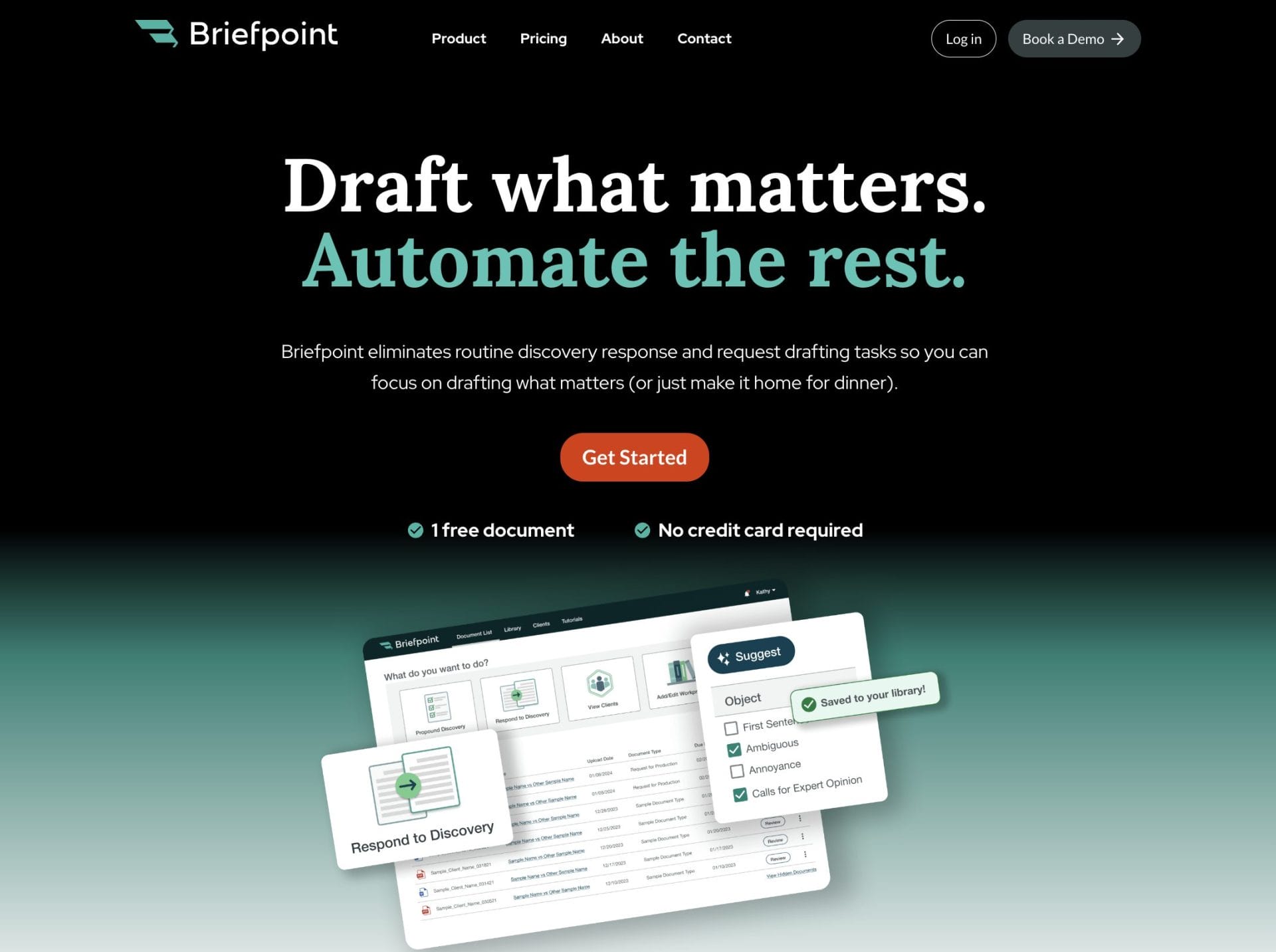
That’s where Briefpoint fits naturally into your setup. With Autodoc, which helps handle formatting tasks and document cleanup, Briefpoint gives you the automation power you need during discovery.
It automates the creation of discovery documents with AI-powered precision to give you a smoother path through tasks that usually take far too long. You get clean, ready-to-use drafts, consistent formatting, and fewer manual steps pulling you away from real legal work.
If you’re building a more modern, efficient workflow, Briefpoint is one of the easiest upgrades you can make. It supports the tools you already use, takes pressure off your schedule, and gives your team more room to focus on case strategy rather than routine drafting.
