Legal Drafting Tools Compared: 5 Picks for Discovery & More
Types of Legal Drafting Tools
Legal drafting tools come in many forms, and the right choice often depends on the kind of work your practice handles.
For example, some tools for legal tasks are built for transactional lawyers focused on contract creation, while others support litigation tasks like document review, discovery documents, or pleadings. Broadly, these tools can be grouped into a few categories:
- Template-based drafting platforms: These replace manual legal drafting with pre-set automated templates and relevant clauses libraries, which makes legal writing faster and ensures consistent formatting.
- Document automation systems: Useful for routine agreements, these tools let in-house legal teams set up document workflows where staff can generate complete legal documents by filling in key details.
- AI tools and generative AI assistants: Powered by large language models, these can suggest clauses, reword sections, interpret legal terminology, identify relevant precedents, or review drafts for risks and inconsistencies.
- Litigation support software: These help create legal briefs, discovery documents, motions, and responses with automated formatting and objections.
- Contract lifecycle platforms: Broader systems that combine drafting with approvals, collaboration, and storage in one place.
In short, tools for writing legal documents range from simple workflow automation to advanced AI assistants. The main difference is how much support you want.
5 Best Tools For Different Types of Legal Drafting
Now that we’ve covered the main categories, let’s look at some of the best tools in action. Each platform approaches drafting in its own way, but the key is matching the right AI tool to the type of drafting work your legal team handles most.
1. Briefpoint
Briefpoint is one of the best AI tools built specifically for litigation drafting. Fundamentally, it takes the repetitive, time-consuming work out of preparing discovery documents so you can focus on high-value work that holds more weight for your case.
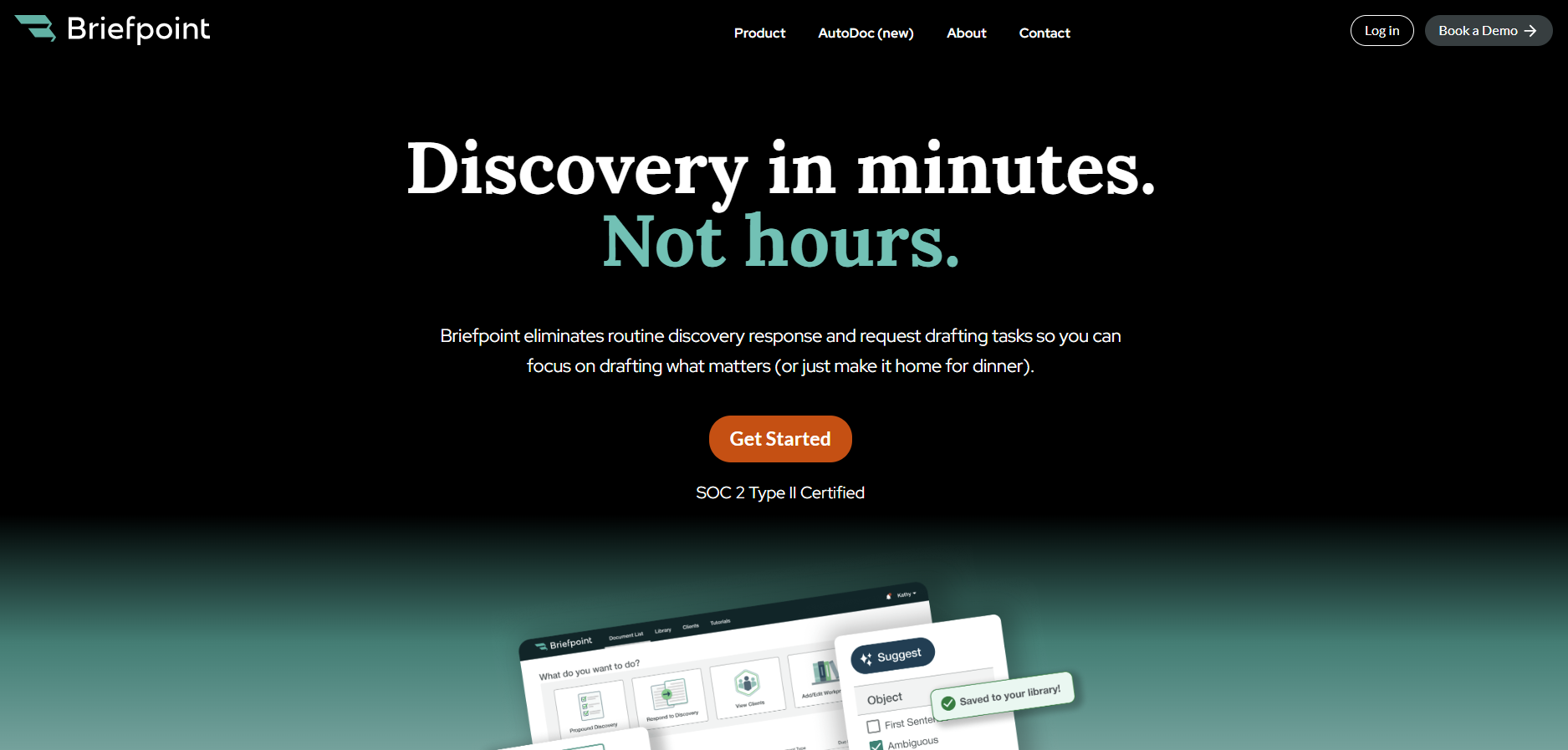
Instead of spending hours in the MS Word environment cutting, pasting, and reformatting, you can upload discovery requests, apply objections, and download polished drafts in just a few minutes.
For many legal teams, this means better document quality, fewer errors, and a consistent voice across every case. It’s also a relief for transactional lawyers who occasionally face litigation, since the platform makes complex drafting tasks feel more manageable.
Briefpoint also offers Autodoc, which helps with document-heavy discovery workflows. By uploading RFPs, productions, complaints, and case files, attorneys can identify responsive documents, generate written responses with page-level Bates citations, and create organized production packages without manually matching documents to requests.
With SOC 2 certification, HIPAA compliance, and no data retention AI, you don’t have to worry about security either, since compliance is built into the process.
Key Features
- Automated discovery drafting: Upload requests for admission, requests for production, or interrogatories and get full drafts back in minutes.
- AI-driven objections and responses: Suggestions make it easier to maintain firm-wide consistency.
- Autodoc for document production: Upload case materials and productions to generate Bates-cited responses and production packages tied to responsive documents.
- Compliance built in: SOC 2 certification, HIPAA compliance, and secure infrastructure keep sensitive data protected.
- Customizable templates: Update language once and roll it out across your team instantly.
- Seamless integrations: Works with Clio, MyCase, and Smokeball to keep your document workflows connected.
If you’re ready to stop wasting time on manual drafting and start producing discovery documents at lightning speed, Briefpoint is the tool to try. Book a demo today and see how much time you can save.
2. Ironclad
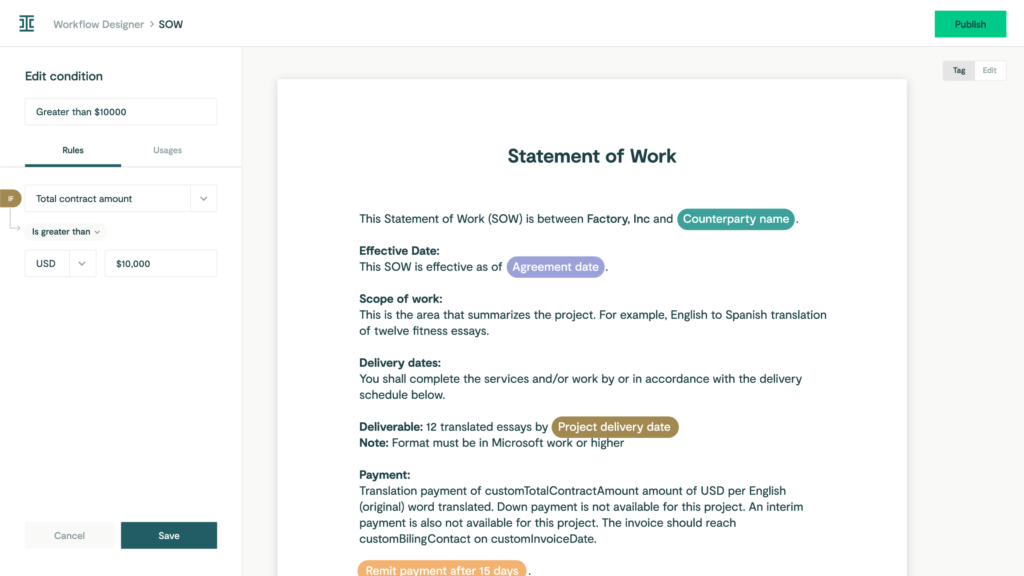
Ironclad is a contract lifecycle management platform designed to help in-house teams manage every step of the contract process in one place.
Source: G2
Contract drafting and approvals are the biggest time drains for many legal departments. Ironclad tackles that problem by pulling everything (document drafting, compliance checks, reviews, and storage) into a single workflow.
Key Features
- Clause and template libraries: Use automated templates to keep language consistent and cut drafting time.
- Automated workflows: Move contracts across teams without manual follow-ups to optimize your existing workflows.
- Compliance checks: Highlight risks early so agreements stay aligned with company policies and meet legal standards.
- Integrations with business tools: Connect with Salesforce, Google Drive, and more for smoother legal document management.
3. CoCounsel
CoCounsel is a legal AI assistant that helps with document drafting and review. Lawyers often deal with large volumes of documents, and keeping track of key information can be overwhelming.
But with CoCounsel, legal teams can handle that challenge more efficiently through draft reviews, risk checks, and clear editing suggestions in a tool built with enterprise-grade security.
Source: ThomsonReuters.com
It ensures accuracy in less time, so you save time. Multiple documents that once took hours to read through can be processed in minutes, and, in turn, this frees attorneys and in-house teams to spend more time on higher-level strategy, client communications, and deep legal research.
Key Features
- AI document review: Reads and analyzes drafts to highlight risks, gaps, and hidden jurisdictional nuances.
- Legal document drafting support: Generates clauses, legal briefs, and standard agreements when needed.
- Faster turnaround: Handles large volumes of text quickly without sacrificing accuracy.
- Focus on key information: Pulls out research summaries and the most relevant details for attorneys to act on.
4. PandaDoc
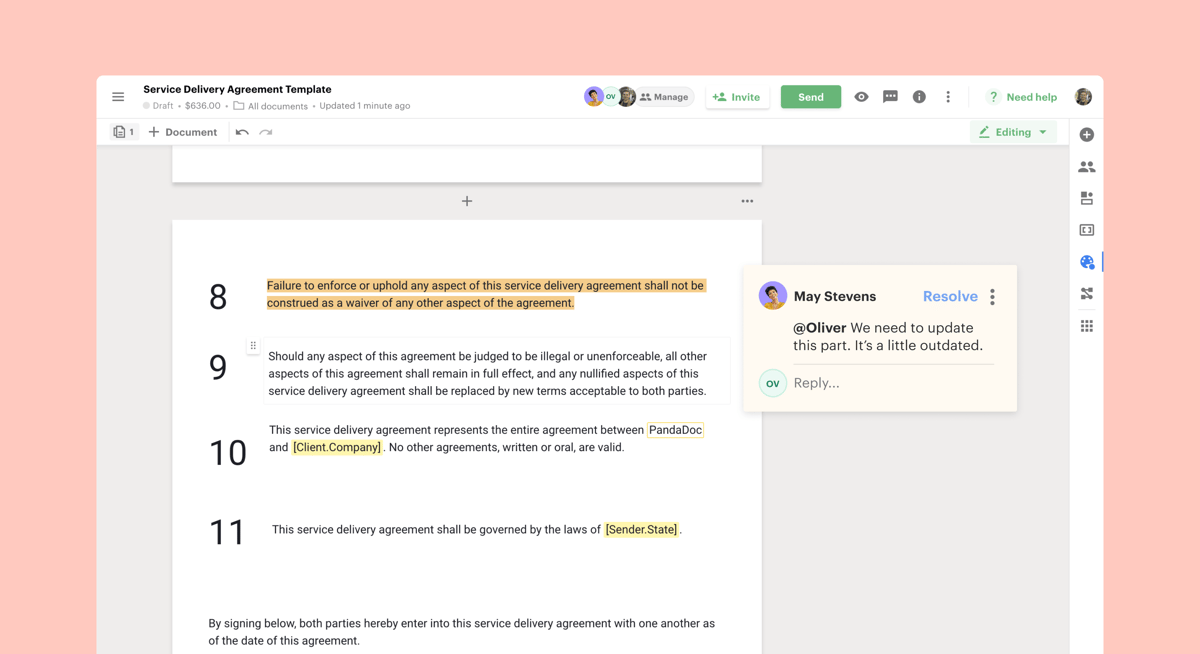
PandaDoc is a document management platform that helps legal teams and business departments handle drafting, approvals, and e-signatures in one place.
While it’s often used for sales contracts and proposals, it also supports legal workflows that require efficiency and clear compliance checks.
Source: G2
For lawyers, the main benefits come from building contracts faster through drag-and-drop templates and tracking documents once they’re sent out.
Automated processes reduce back-and-forth during the negotiation process, and built-in tools for contract analysis give you a better view of obligations after signing to maintain consistency.
Key Features
- Document automation: Create and edit contracts quickly with ready-to-use templates.
- Approval workflows: Route agreements through legal and business teams for faster reviews and secure version control.
- Compliance tools: Add audit trails and permissions to help ensure compliance.
- Contract analysis: Track terms, signatures, and obligations with real-time access.
- Integrations: Connects with CRMs, storage apps, and other business systems for smooth legal workflows.
5. Spellbook
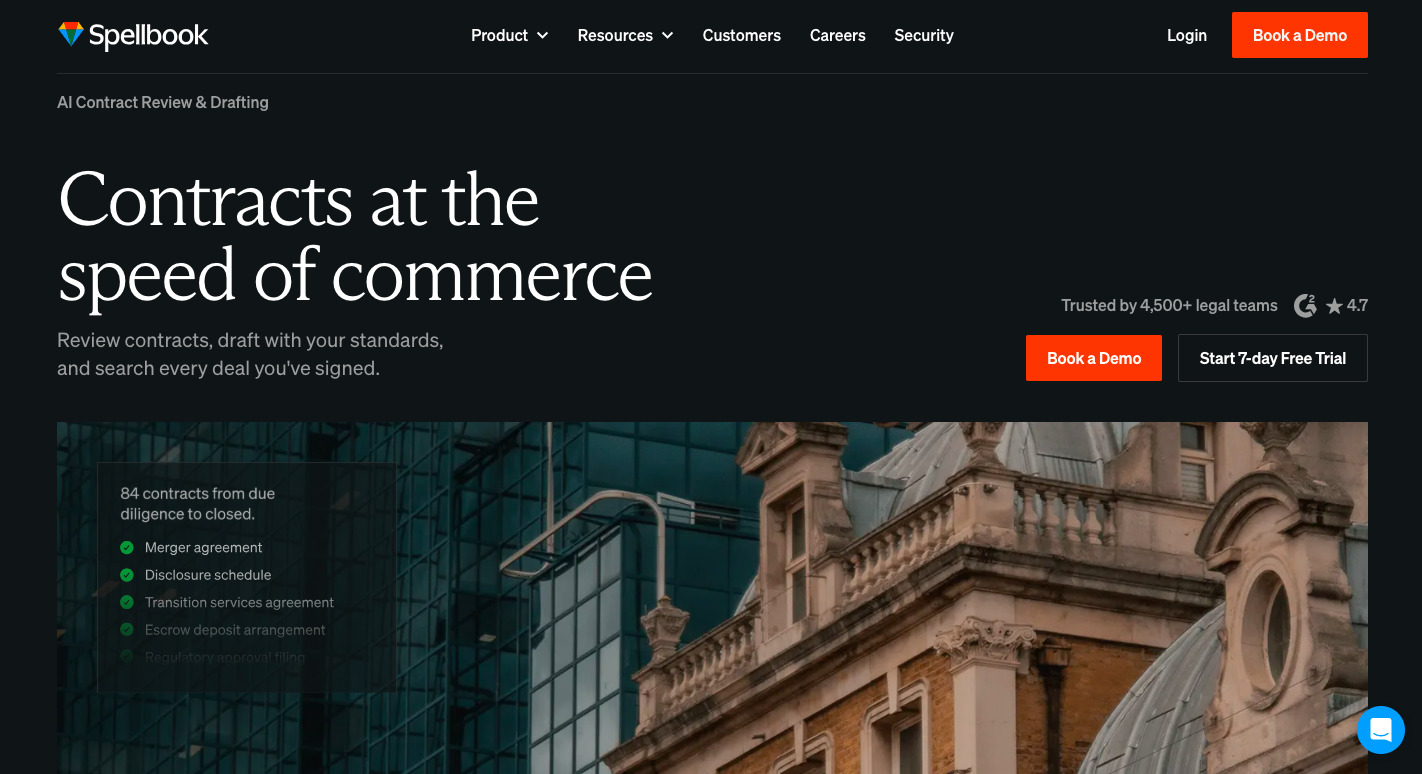
Spellbook is an AI-powered drafting assistant that works directly inside Microsoft Word, which makes it a practical option for legal professionals who don’t want to switch to a new platform.
Source: Spellbook.Legal
It helps with legal work by using specialized AI for legal writing to suggest language, spot gaps, and flag inconsistencies while you draft. Firms that want to save time while maintaining document accuracy will find it a simple yet powerful add-on.
One of its strengths is how it supports data privacy and compliance within regulated industries. Drafts never leave Word, and AI legal suggestions are delivered in a way that lets attorneys stay in control of the final text.
This approach helps mitigate risk and fulfill ethical obligations while still giving lawyers the benefits of AI-driven legal documents.
Key Features
- Works inside Microsoft Word: No need to learn a new platform.
- Real-time drafting support: Suggests clauses, edits, and corrections as you write.
- Data privacy focus: Keeps sensitive information secure while you work.
- Risk reduction: Flags missing or inconsistent terms to help mitigate risk.
- Designed for legal professionals: Built specifically around the needs of the legal profession, lawyers, and contract drafters.
Briefpoint Rethinks How You Draft Discovery Documents
Legal drafting tools change the day-to-day reality of legal work. They cut down on manual drafting, improve accuracy, and help the legal industry keep documents consistent without draining hours.
The real advantage is simple: less time fixing multiple file types or rewriting the same language, and more time spent on the work to improve your legal arguments.
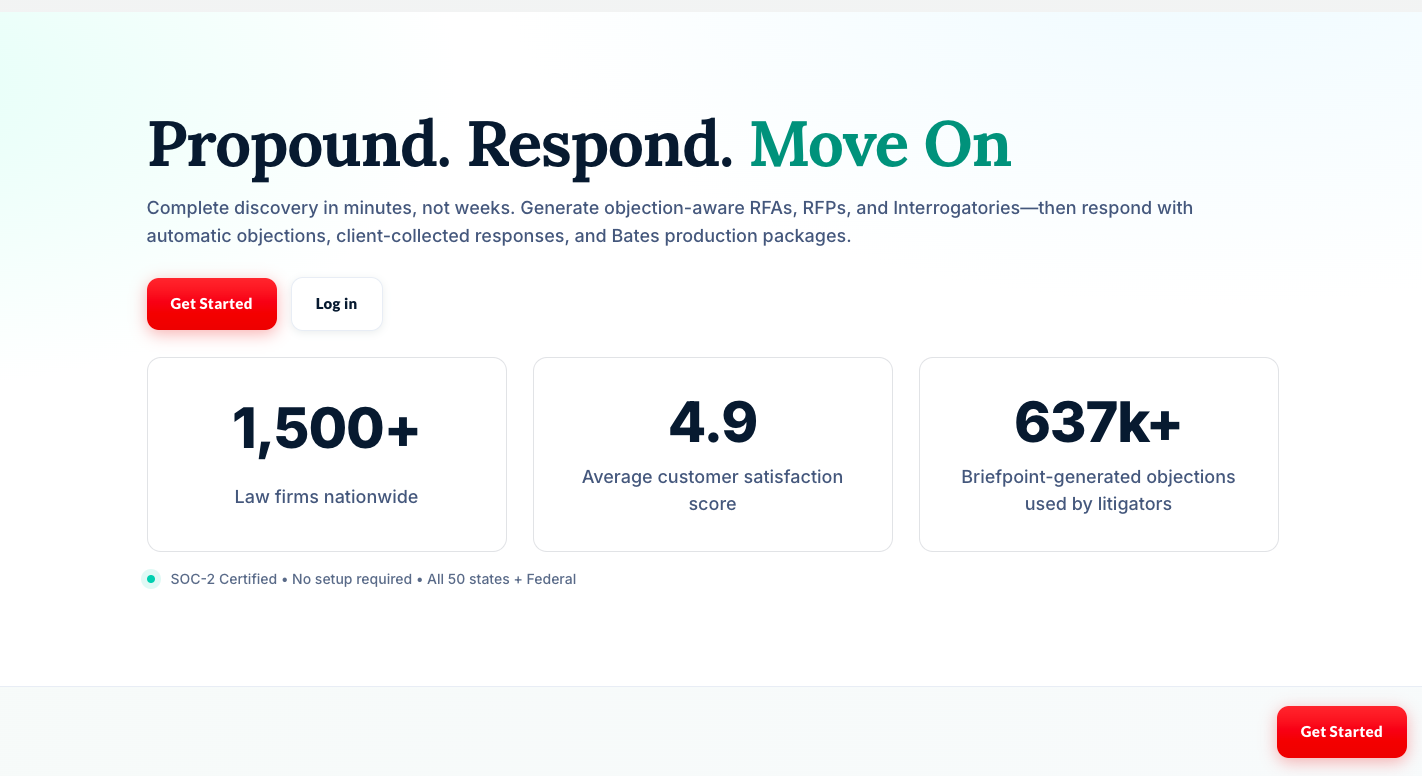
For litigators, discovery is where the workload can pile up fast. Briefpoint reduces that burden with AI-driven drafting that produces polished responses in minutes while maintaining compliance standards.
Of course, it’s not going to replace your work. Rather, it focuses on removing the parts that slow you down.
If you want a clearer way forward, book a demo today and see how much lighter discovery drafting can feel!
