Top 7 AI Legal Drafting Software Options in 2026
Legal drafting software has changed quickly, and the number of AI tools available can make the search feel harder than expected.
Many platforms promise faster drafting, but they differ widely in the type of legal work they support and how closely they fit into an existing workflow.
The right choice depends on what tends to take up the most time in your practice. You may need help with written discovery, contract work, court forms, or research-backed drafting. Each area calls for a different level of automation and legal context.
In this guide, we’ll look at how AI legal drafting software works and compare 7 leading platforms for 2026. You’ll see what each tool does well, where it may fit, and which features deserve a closer look before you make a decision.
What Is AI Legal Drafting Software?
AI legal drafting software helps legal professionals prepare documents with support from artificial intelligence. Essentially, it can review the information you provide, suggest relevant language, and create a first draft based on the document type or legal context.
Traditional drafting software generally relies on fixed templates and manual data entry. Those systems can speed up legal document creation, but you still need to select the right language and build much of the document yourself.
In contrast, AI tools take a more responsive approach. For example, they can work with case details, instructions, or source files to produce text that fits the request more closely.
For law firms, legal AI software can reduce the time spent on routine drafting and give attorneys a stronger starting point for review. Of course, the final document still needs legal oversight, especially when accuracy, local rules, or client-specific details affect the wording.
Ultimately, the best platform depends on the work you handle. Some tools focus on contracts, while others support discovery documents, court forms, or research-based writing.
How Does AI Apply to Legal Drafting Software?
AI applies to legal drafting software by helping you move from source material to a usable draft with fewer manual steps. An AI-powered drafting tool can interpret the information you provide and generate language that reflects the document’s purpose and legal context.
Common uses include:
- Draft generation: The software creates a first draft from case details, prompts, templates, or uploaded files.
- Clause and language suggestions: Legal AI tools can recommend wording based on the surrounding text and document type.
- Document review: Some platforms flag missing details, inconsistent terms, or language that may need closer attorney review.
- Natural language search: You can use natural language queries to find relevant clauses, prior documents, or supporting material without exact keywords.
- Revision support: Drafting tools can shorten sections, adjust tone, or rewrite language based on your instructions.
General tools may offer basic writing support, while legal drafting software is usually built around legal workflows and specific document types.
7 Best AI Legal Drafting Software Platforms
The right platform depends on the documents you prepare and how well the software fits your current process. The seven options below support different areas of legal drafting, so you can compare their features and find the best match for your practice:
1. Briefpoint
Written discovery can consume a large share of the time available for case strategy. Briefpoint helps move that work forward by turning case information and discovery materials into attorney-ready drafts.
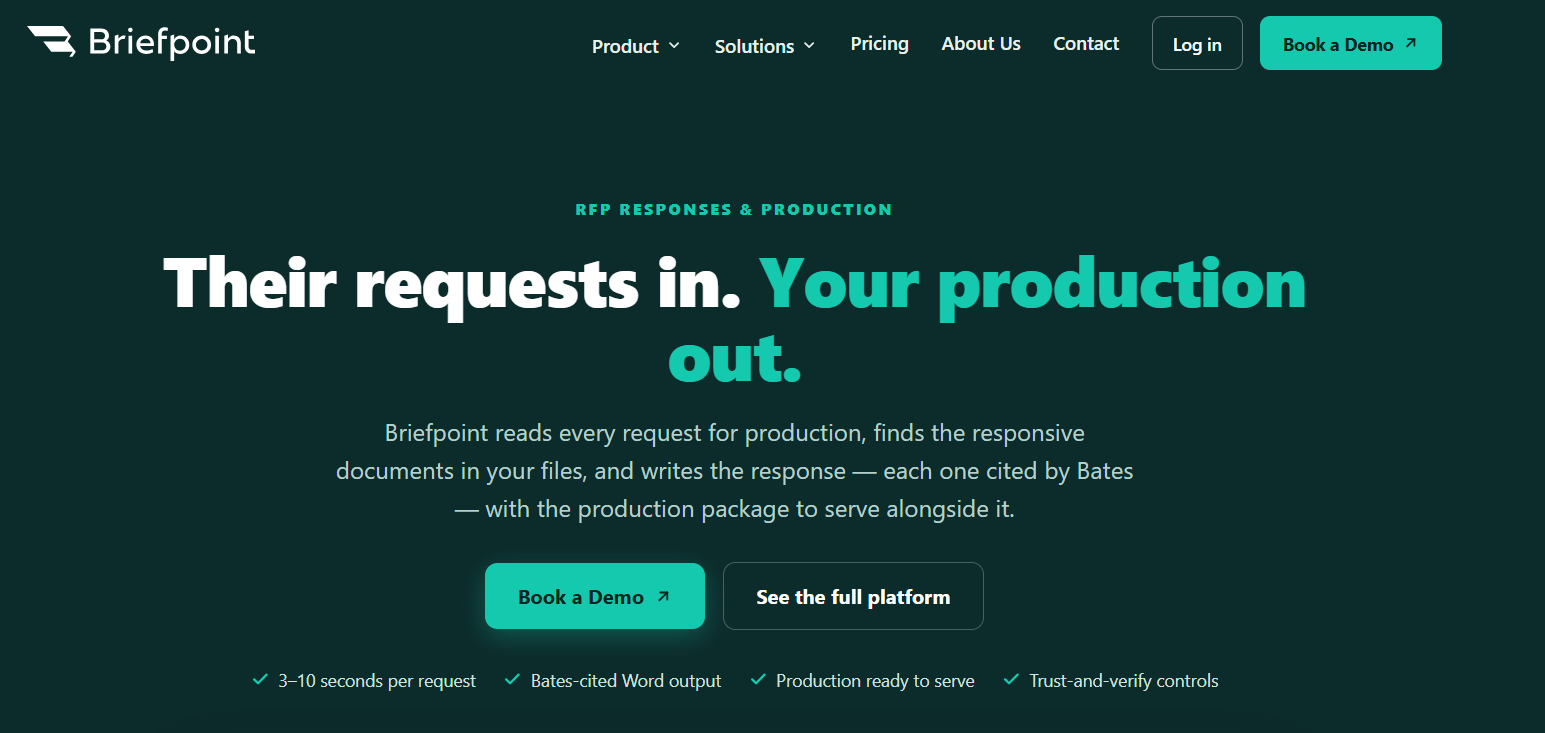
The platform focuses specifically on litigation discovery rather than general legal writing. You can use it to prepare interrogatories, requests for admission, requests for production, and discovery responses in the correct jurisdictional format.
Briefpoint can also apply your preferred objections and response language, which gives most firms a familiar starting point without rebuilding routine documents for every matter.
Its support continues after the first draft. Client Bridge collects answers and files through a secure link, while the document identification tools connect responsive materials to the relevant requests. Briefpoint can then add Bates citations and prepare an organized production package for review.
Since the drafts open in Microsoft Word, you can revise complex legal language and make case-specific changes before serving documents on opposing counsel. This approach reduces repetitive document drafting while keeping the attorney responsible for the final work.
Best Features
- Discovery document drafting: Draft interrogatories, requests for admission, and requests for production from the complaint and case information.
- AI-generated responses: Prepare discovery responses with relevant objections and client-provided details.
- Client Bridge: Send clients a secure link where they can answer questions and upload discovery materials from any device.
- Document identification: Review uploaded files and locate documents that respond to specific production requests.
- Bates-cited drafts: Add page-level Bates references directly to Word-formatted responses.
- Production packages: Prepare organized, Bates-numbered files that can accompany the completed responses.
- Discovery Playbooks: Apply your firm’s preferred objection and response approach consistently throughout each case.
Pros
- Supports written discovery in all 50 states and federal district courts
- Covers the workflow from initial drafting through document production
- Reduces time spent preparing routine documents
- Keeps drafts editable in Microsoft Word
- Offers SOC 2 Type II certification, HIPAA compliance, and zero-retention AI
2. Spellbook
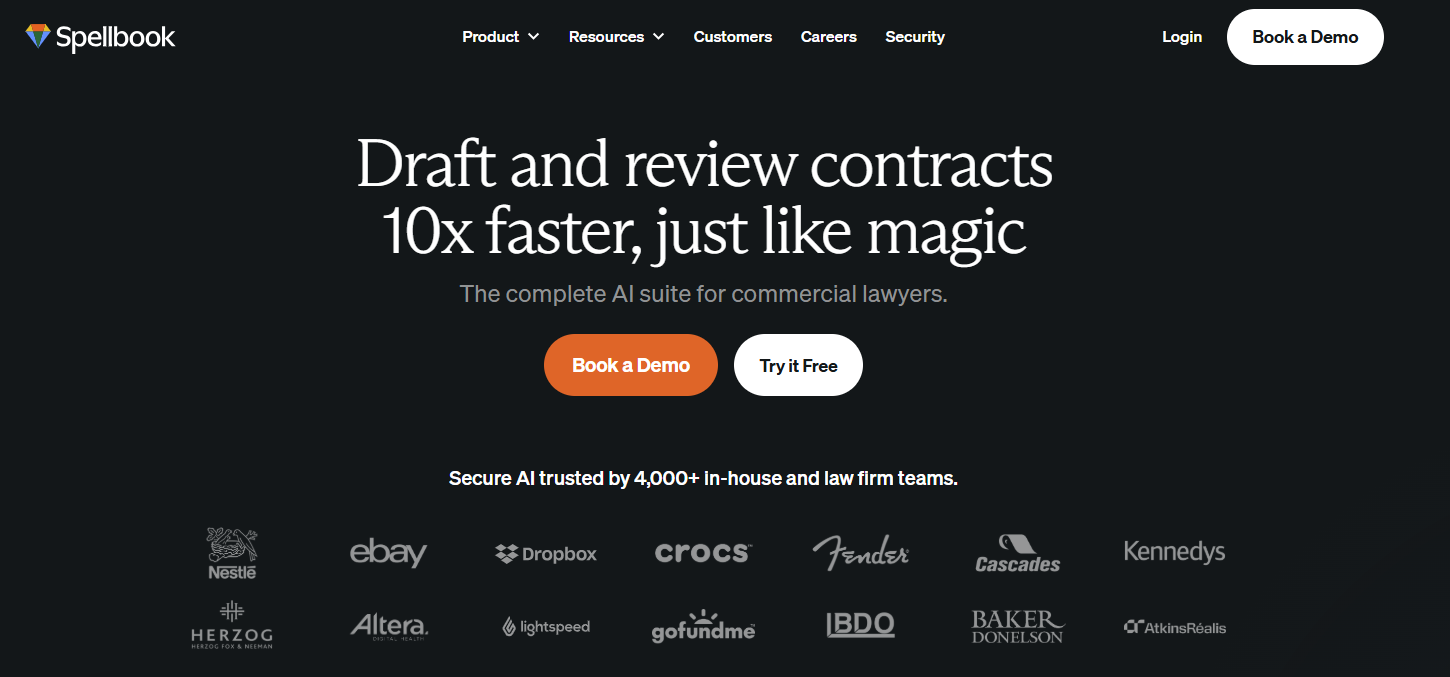
Spellbook brings AI-assisted contract drafting and review directly into Microsoft Word and Google Docs. That familiar setup makes it a practical option for lawyers who spend much of their day working on transactional documents and prefer to stay inside their existing editor.
Source: Spellbook.com
You can ask Spellbook to draft a clause, create a full document, or pull approved language from your firm’s clause library. During contract review, the platform can examine the agreement from your client’s position and suggest tracked changes directly in the file.
Plus, Spellbook can take the deal context and selected jurisdiction into account, giving you a more relevant starting point for contract analysis.
Best Features
- Clause drafting: Generate new contract language from written instructions or retrieve precedent clauses from your library.
- Full-document drafting: Create a new agreement or template from a blank document.
- Comprehensive review: Flag legal risks and place suggested edits or comments directly in the document.
- Playbooks: Apply your preferred review rules and required language to future agreements.
- Benchmarks: Check term coverage against standards for the relevant contract type.
- Deal context: Give Spellbook added information about the transaction and client before it begins contract review.
Pros
- Works within Microsoft Word and Google Docs
- Supports contract drafting and contract analysis in one workspace
- Applies revisions through tracked changes
- Lets firms reuse their own precedent language
- Fits naturally into many transactional work processes
3. Gavel
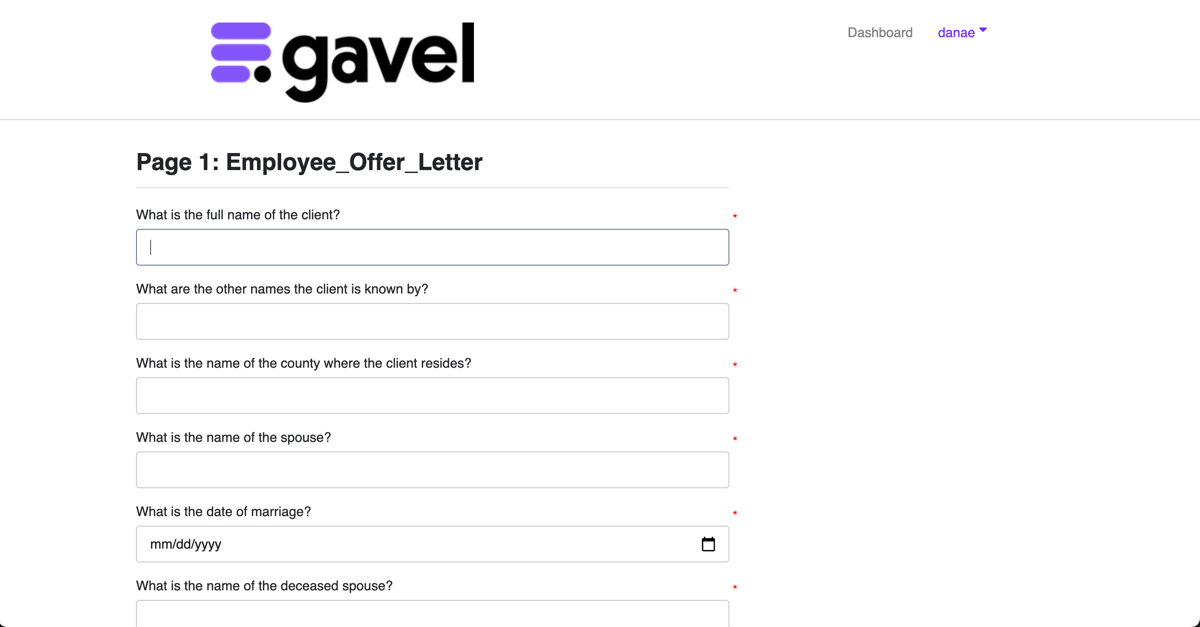
Gavel offers two connected products for legal drafting. Gavel Exec supports AI contract review and drafting, while Gavel Workflows turns intake data into completed legal documents.
Together, they give legal teams options for both one-off drafting tasks and repeatable document processes.
Source: G2
Gavel Exec works in Microsoft Word and online, which makes it a natural fit for transactional lawyers and in-house counsel who want to keep their existing workflows.
You can draft new clauses, rewrite language, or review an agreement against your own standards. Suggested redlines and comments appear directly in the document, which helps keep the review process familiar.
Gavel Workflows is better suited to routine work built around reusable templates. It can collect information through custom intake forms and use the answers to generate documents such as agreements or draft correspondence. This approach works well when the same document structure appears regularly in your case files.
Best Features
- AI contract drafting: Draft or rewrite clauses directly in Microsoft Word or online.
- Contract review: Compare agreements against built-in standards or firm-specific playbooks.
- Redlines and comments: Add suggested revisions and negotiation comments within Word.
- Automated workflows: Turn client intake answers into completed legal documents.
- Custom templates: Apply your preferred language and formatting to repeatable documents.
- Data Manager: Store client answers and generated work product within each workflow.
Pros
- Combines AI drafting with rules-based document automation
- Fits into familiar Word-based workflows
- Supports custom playbooks and precedent language
- Works for law firms, in-house counsel, and other legal teams
- Offers tools for both transactional work and routine document generation
4. Clio Draft
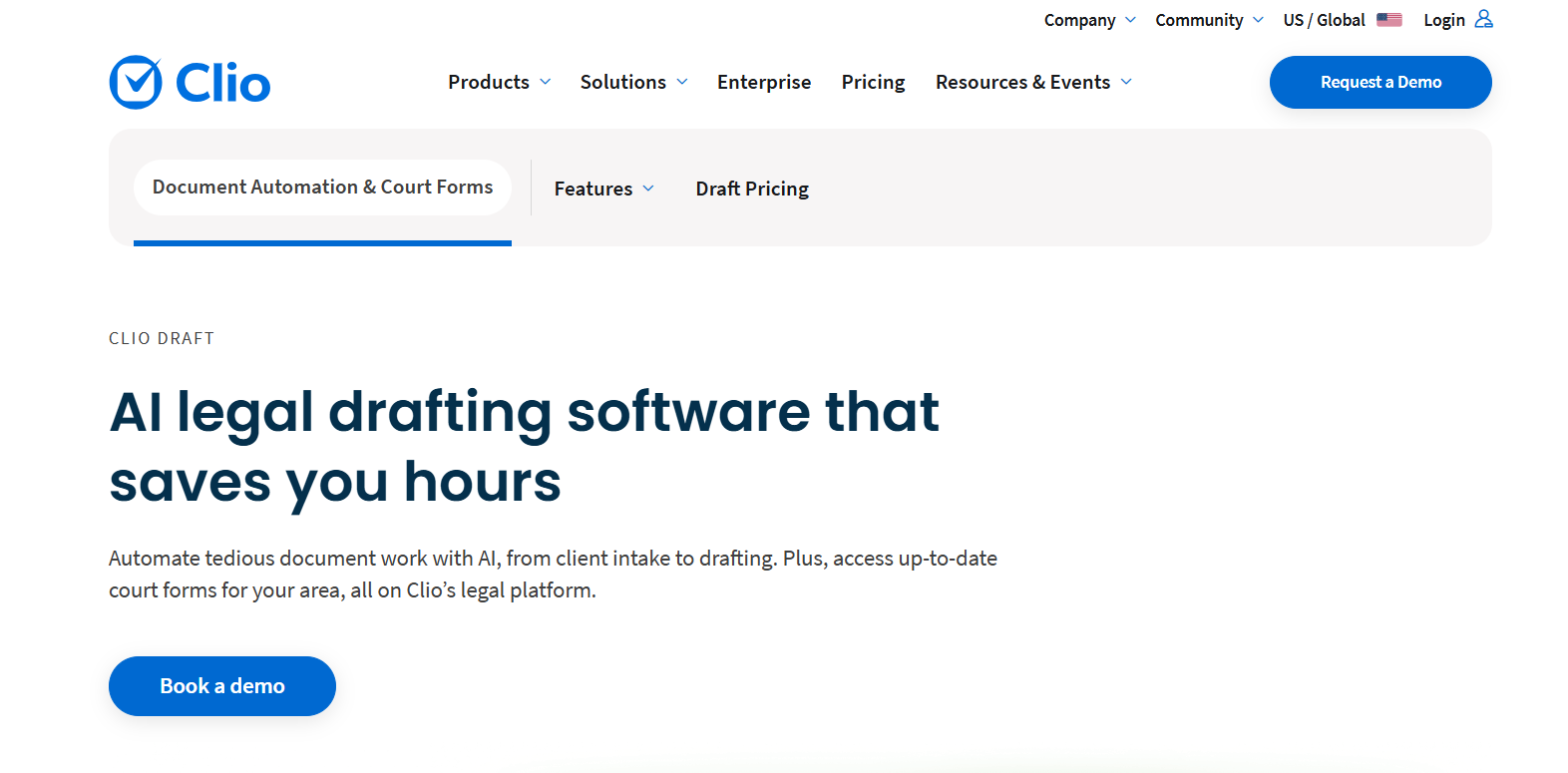
Clio Draft is a document automation platform for firms that regularly prepare court forms or Word-based legal documents. It connects with Clio Manage, which allows client data and matter information from the practice management system to populate documents automatically.
Source: Clio.com
The platform works really well for documents built from a repeatable structure. You can convert existing Word files into reusable templates, create sets of documents commonly prepared together, and access a library of court forms.
Its AI Template Builder can also turn existing legal documents into automation-ready templates, which reduces the setup required for routine correspondence and other recurring work.
Clio Draft is closely tied to Clio’s case management environment, so it may appeal most to firms already using Clio Manage. In-house legal teams that do not use the wider Clio platform may find less benefit from the integration.
Best Features
- AI Template Builder: Converts existing Word documents into reusable automated templates.
- Court form library: Provides current fillable forms for supported jurisdictions and practice areas.
- Clio Manage integration: Pulls client and matter data directly into new documents.
- Document sets: Groups forms and templates that are commonly prepared together.
- Conditional logic: Adjusts document content based on the information entered.
- Electronic signatures: Sends completed documents for signature within the drafting process.
Pros
- Fits naturally into Clio-based practice management workflows
- Reduces repeated entry of client data
- Supports both Word templates and court forms
- Makes existing firm documents easier to reuse
- Allows documents to be prepared individually or as reusable sets
5. CoCounsel Legal
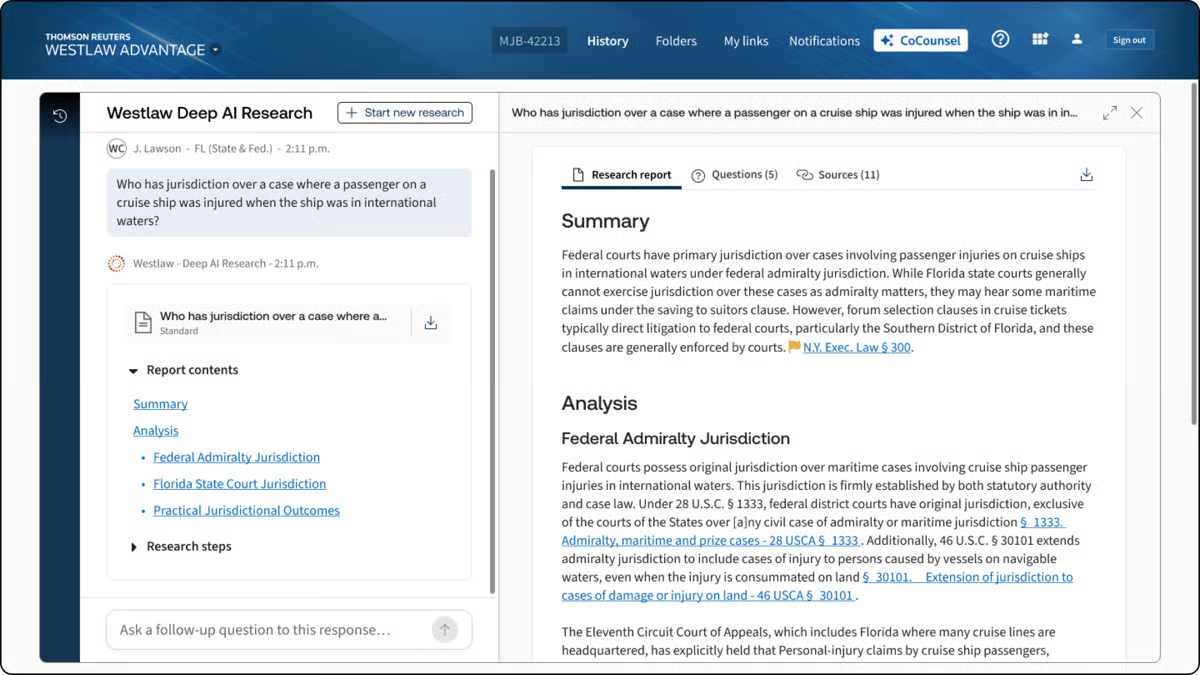
CoCounsel Legal is an AI assistant from Thomson Reuters that connects drafting with legal research and document analysis.
It draws from Westlaw case law, Practical Law guidance, and an organization’s own knowledge, which can give legal professionals stronger source material as they develop a draft.
Source: G2
You can describe the legal work in plain language and ask CoCounsel to prepare a document based on the relevant case materials.
The platform can generate first drafts from internal precedents or Practical Law Standard Documents, then add supporting citations where the document requires them.
It also works within Microsoft Word and other familiar systems, making it suitable for law firms and in-house teams that want drafting support inside their current workflow.
Best Features
- End-to-end drafting: Produces a first draft from a prompt, trusted precedent, or Practical Law template.
- Legal research: Answers legal questions using authoritative Westlaw content with supporting citations.
- Document analysis: Reviews case files and other legal text to surface relevant details.
- Knowledge Search: Finds useful prior work within connected document systems.
- Microsoft Word integration: Drafts and revises legal language inside Word.
- Citation tools: Adds links, citation lists, and KeyCite flags to supported documents.
Pros
- Combines drafting with legal research in one platform
- Grounds work in Westlaw and Practical Law
- Can draw from a firm’s internal knowledge
- Supports litigation and transactional legal work
- Works within familiar Microsoft 365 tools
6. Harvey
Harvey is a broad legal AI platform built for firms and corporate legal departments that want drafting connected with research, review, and internal knowledge.
Its Assistant can generate legal documents from written instructions, while the Draft Editor lets you revise the text directly or ask Harvey to change selected passages.

Source: Harvey.ai
For contract work, Harvey can review agreements, compare language against a playbook, and prepare revisions based on the standards you provide. Vault adds support for larger document collections, so you can ask questions about uploaded files or create a draft grounded in the source materials.
Harvey can also work alongside contract lifecycle management software. The CLM remains the system used to manage the agreement process, while Harvey supports the analysis and drafting work within that process.
Best Features
- Assistant: Drafts legal documents from prompts and uploaded materials.
- Draft Editor: Lets you revise generated text directly with AI support.
- Vault: Reviews large document sets and creates drafts grounded in the selected files.
- Workflow Agents: Runs repeatable legal processes based on saved instructions.
- Contract playbooks: Applies preferred positions during contract review.
- Word and Outlook add-ins: Brings Harvey into familiar workspaces.
Pros
- Supports a broad range of legal drafting work
- Connects drafting with document review and research
- Can work with internal precedents and uploaded files
- Fits alongside existing contract lifecycle management systems
- Offers tools designed for larger firms and corporate legal departments
7. Lexis+ with Protégé
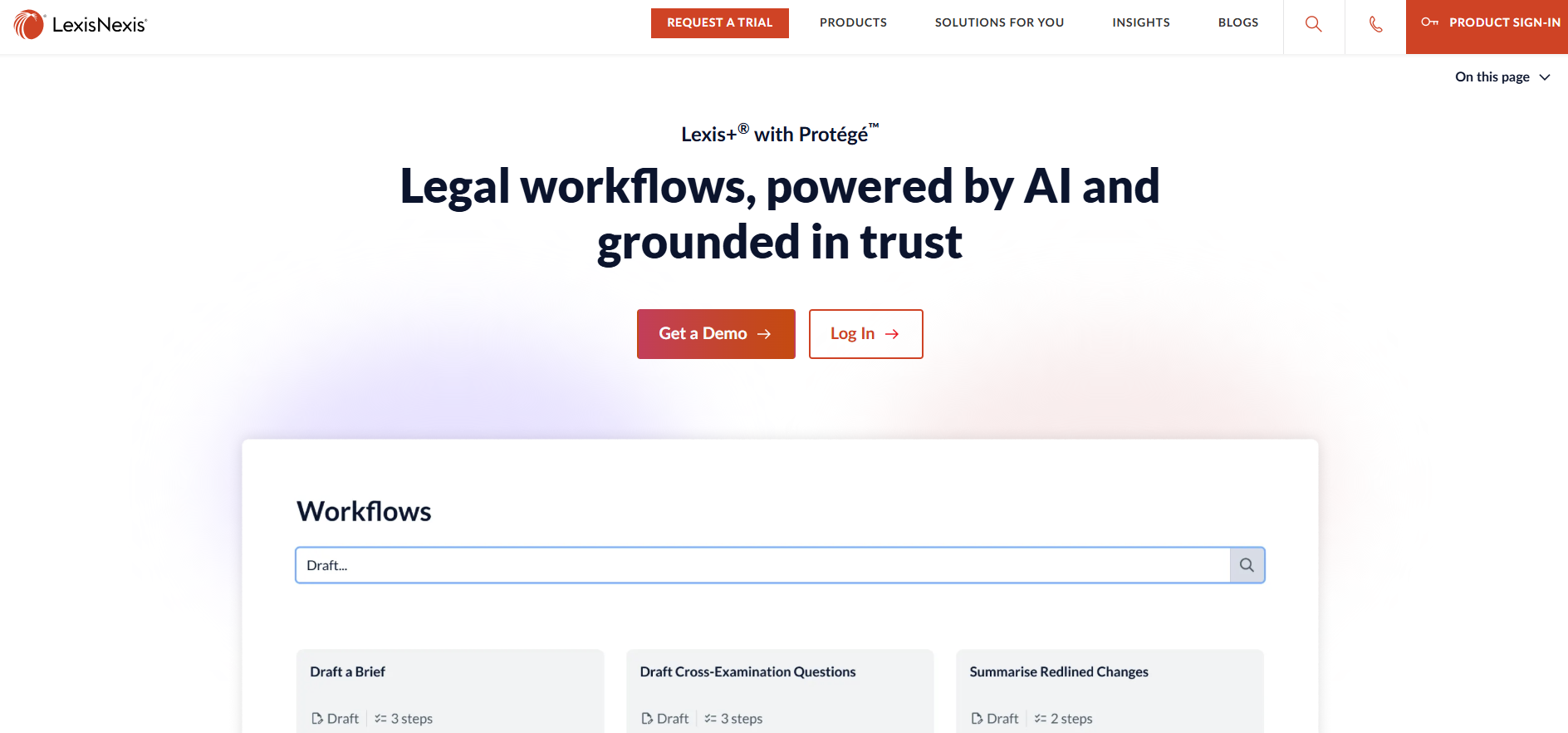
Lexis+ with Protégé combines AI drafting with the legal research capabilities of LexisNexis. You can use it to prepare litigation or transactional documents from a prompt, uploaded materials, or content stored in a connected document management system.
Source: LexisNexis.com
Unlike many general-purpose tools, its legal responses can draw from primary law, Practical Guidance, and your organization’s own knowledge.
The platform can draft work such as court filings and regulatory filings, then help you refine the language in Microsoft Word through Lexis Create+. It also checks supporting authorities through Shepard’s Citation Service, which can help you review citation status and treatment before finalizing the document.
There may be a learning curve if you plan to use its broader research and workflow features, though legal professionals already familiar with LexisNexis may find the setup easier to follow.
Best Features
- Legal drafting: Creates litigation and transactional documents from prompts or source materials.
- Grounded research: Draws from LexisNexis primary law and Practical Guidance.
- Citation verification: Uses Shepard’s tools to check legal authorities and citation treatment.
- Lexis Create+: Supports drafting and revision directly in Microsoft Word.
- Document integration: Works with uploaded files and connected firm knowledge.
- Legal terminology support: Explains terms of art and applies legal context during research and drafting.
Pros
- Connects document drafting with authoritative legal research
- Supports several legal document types, including court and regulatory filings
- Provides tools for reviewing citation formats and authority
- Can use both LexisNexis content and internal firm documents
- Offers legal-specific support beyond many general-purpose tools
How to Choose the Best AI Legal Drafting Software for Your Workflow
The best legal AI software should fit the documents you already prepare and the way your team reviews them. A feature list can look impressive, but the practical questions usually come down to key factors like fit, security, and how much attorney oversight the platform still requires.
Consider these points before choosing:
- Primary use case: Match the software to your work, such as discovery drafting, contract review, personal injury matters, or medical records analysis.
- Review process: Check how the platform supports first-pass review and leaves room for legal reasoning or judgment calls.
- Confidentiality controls: Review data retention, encryption, access permissions, and policies related to client confidentiality.
- Workflow compatibility: Look for integrations with the systems your team already uses, especially Word, case management software, or document storage tools.
- Cost and scale: Solo practitioners and small firms may need simpler pricing, while larger teams may care more about administration and shared knowledge.
- Source reliability: Research-based tools should make citations easy to verify and help you spot emerging legal risks.
Reduce Drafting Work Without Losing Control
AI legal drafting software can give you a stronger starting point, but the right choice depends on the work you handle most often. Contract teams may prefer a platform built around agreements, while litigation practices may need deeper support for discovery or court-ready documents.
Briefpoint is designed for written discovery. It helps you draft requests and responses, collect client input through Client Bridge, identify responsive files, and prepare Bates-cited production packages for attorney review.

And since the platform focuses on a specific part of litigation, it can reduce the routine work that takes up billable hours without changing how you handle the final legal review.
Book a demo to see how Briefpoint can fit into your discovery workflow.
