5 In-House Legal Software Every Legal Department Should Use
Types of Software In-House Legal Teams Need
Most legal departments use several specialized tools rather than relying on a single system for every type of work.
The best setup depends on your workload, the business systems you already use, and the areas where your in-house teams spend the most time.
Here are five categories that can make a noticeable difference in a legal workflow.
1. Document Generation Tools
Creating legal documents can consume a surprising amount of attorney time when every draft starts with manual formatting, copied language, or information pulled from several files.
Document generation software automates parts of that process. Templates and structured inputs can help legal professionals prepare recurring documents faster while maintaining more consistent formatting and language.
Some products work inside Microsoft Word, while others connect with document management systems or broader legal workflow automation software.
For an in-house legal department, document automation can be useful for work such as:
- Standard notices
- Internal legal forms
- Discovery documents
- Routine agreements
- Correspondence
The strongest products still leave room for attorney review, which is important whenever the document involves legal judgment, intellectual property, or significant risk management decisions.
Top Pick: Briefpoint
Briefpoint focuses specifically on written discovery.
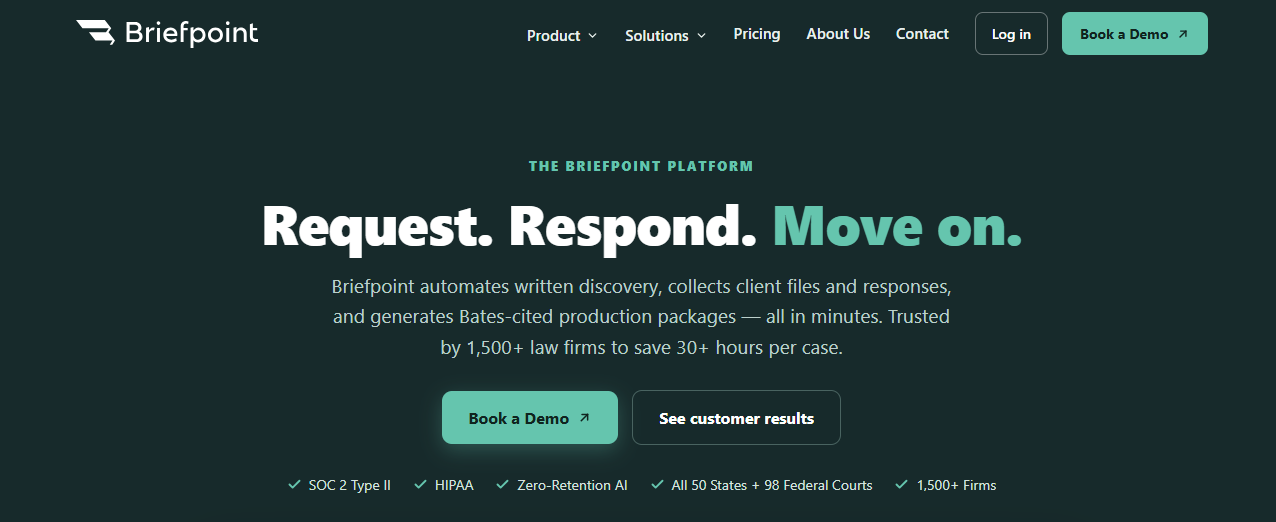
Lawyers can upload discovery documents, draft and respond to interrogatories, RFAs, and RFPs, apply preferred objections, and export editable documents to Word.
Its discovery response workflow is designed to reduce the administrative tasks surrounding written discovery while keeping the attorney in control of the final work product.
Briefpoint Bridge helps collect client responses through a secure questionnaire written in plain language. Those answers can then be brought back into the discovery workflow instead of being gathered through a long chain of emails.
Autodoc supports document-heavy RFP work by helping identify responsive files and prepare production materials.
For in-house lawyers managing litigation or coordinating with outside counsel, that can free up more time for strategic legal work and substantive case decisions.
You can schedule a demo here.
2. Contract Management Software
Contract management is one of the largest software categories within corporate legal operations.
A contract lifecycle management system can bring drafting, negotiation, approvals, signatures, storage, and post-signature tracking into a more connected process.
Instead of managing contracts through shared drives and inboxes, the legal team gets a central workspace for managing contracts and their contractual obligations.
Common features include:
- Version control for tracking edits
- Automated reminders for key dates
- Approval routing
- Secure contract storage
- Search and reporting
- Audit trails
- Workflow automation
A mature CLM system can also connect with other enterprise systems such as CRM, procurement, finance, or e-signature platforms.
That can give corporate teams better visibility into contract performance while reducing the amount of manual coordination required from legal.
Some products position themselves as an all-in-one platform for the contract lifecycle, while others focus on particular stages such as drafting or repository management.
Top Pick: Ironclad
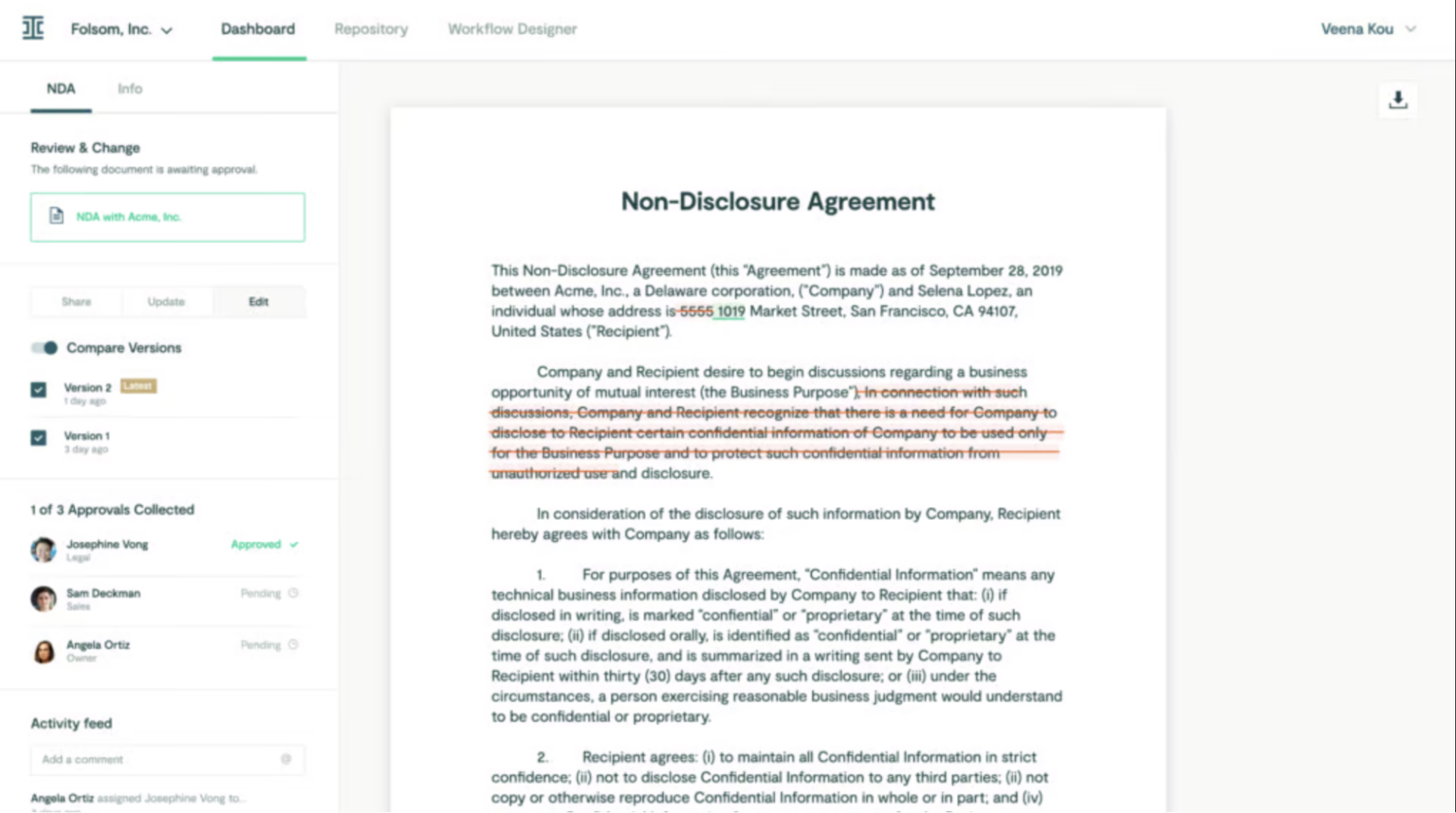
Ironclad is a contract lifecycle management platform built to manage agreements from creation through execution and post-signature management.
Source: G2
Its workflow tools allow a legal department to route approvals, assign ownership, and track the signing process. Reporting features can surface contract data such as turnaround times, renewal activity, and other information tied to contract performance.
Ironclad can also connect legal with business teams that participate in contracting, which gives corporate counsel a more organized process for reviewing requests and keeping agreements moving.
For larger corporate legal departments, those features can make it easier to standardize how contracts enter and move through legal.
3. Document Management Systems
Legal operations generate a large amount of sensitive information, so document management deserves more attention than simply deciding where files should be stored.
Document management systems provide structured storage, search, permission controls, version histories, and collaboration tools for legal documents.
A good system can help in-house counsel retrieve documents faster while reducing the risk of people working from the wrong version. It can also preserve institutional knowledge by keeping important files and their histories easier to locate after employees change roles or leave the company.
Security features may include encryption, permission controls, retention settings, and audit trails. Those controls can help legal teams maintain compliance when handling confidential legal matters.
Some systems connect with Microsoft Word and other collaboration tools, which makes them easier to incorporate into an existing legal workspace.
Top Pick: NetDocuments
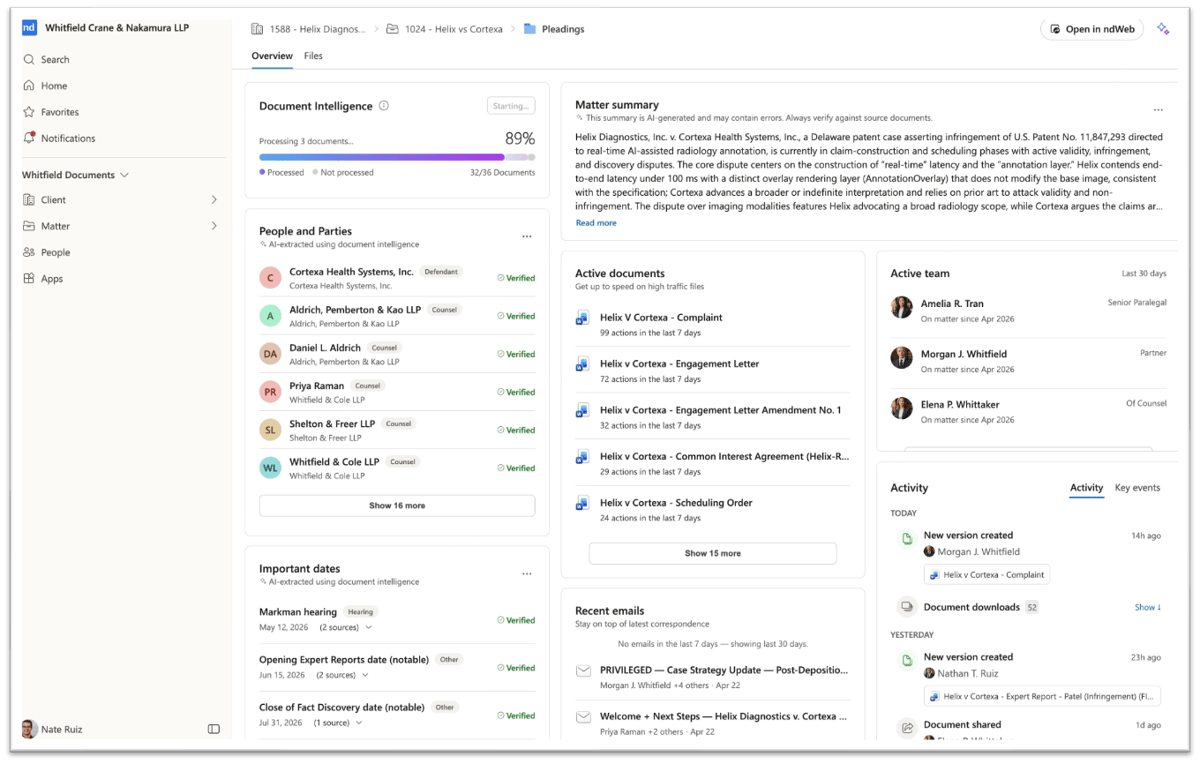
NetDocuments is a cloud-based document management platform developed for legal work.
Source: G2
It provides centralized document storage, search, access controls, and collaboration features for legal professionals who need to work with large collections of files.
The platform can be particularly useful when a department needs a controlled repository for legal records while allowing multiple people to collaborate on the same matters.
For organizations handling sensitive information, its security and governance features can support internal data protection requirements and document retention policies.
4. Matter Management Software
Matter management software gives a legal department a central place to track legal matters instead of spreading information among inboxes, spreadsheets, calendars, and shared folders.
A matter can include documents, deadlines, communications, budgets, responsible attorneys, business stakeholders, and outside counsel. Matter management software connects those pieces so legal teams can see the status of a matter without reconstructing the history manually.
It can support:
- Legal intake
- Matter assignment
- Deadline tracking
- Budget tracking
- Document storage
- External counsel coordination
- Reporting
Some enterprise legal management platforms combine matter management with legal spend management, which can give legal leaders a broader view of workload and counsel spend.
A legal front door can complement this setup by giving employees one place to submit legal requests. Requests can then be routed to the right person based on the issue, department, or business rules.
Better matter data can eventually support legal analytics and more data-driven decisions about staffing, budgets, and recurring areas of risk.
Top Pick: Clio
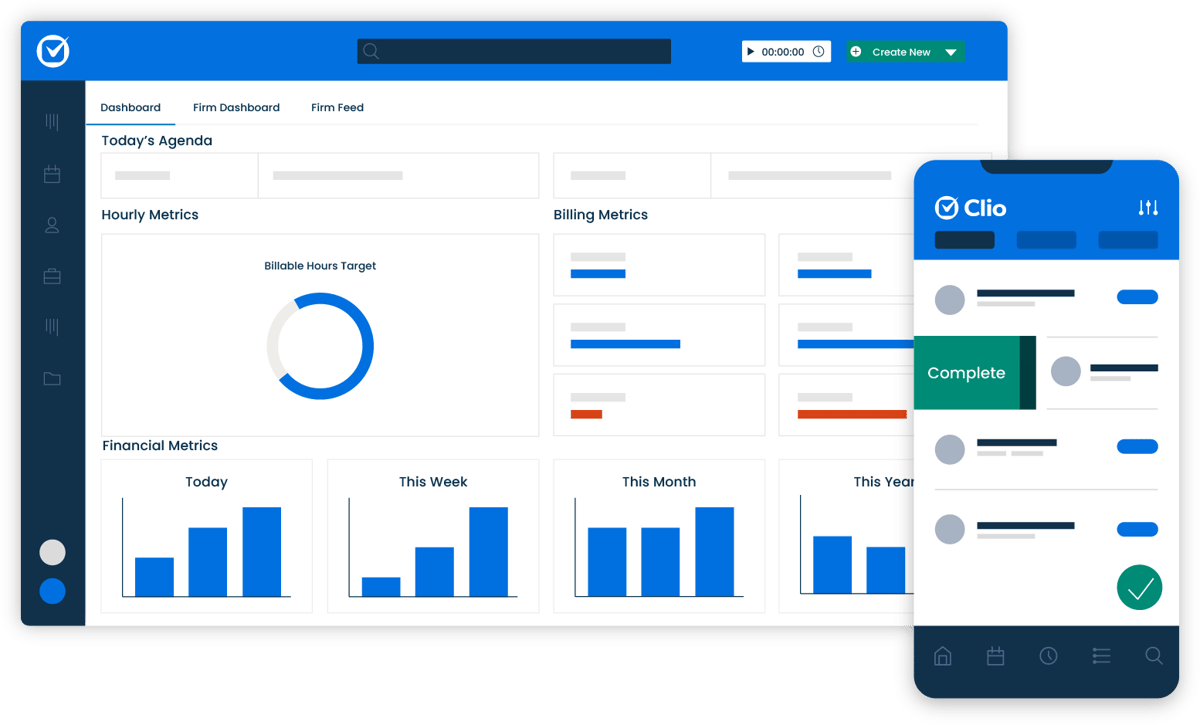
Clio is a cloud-based legal practice management platform with matter management, billing, document organization, scheduling, and client communication features.
Source: G2
Its tools are particularly well known among law firms, where users can manage cases, record time, organize documents, and track client activity in one system.
Clio also includes legal intake and reporting tools that help users understand workload and law firm performance.
For a corporate legal department, a dedicated matter management or enterprise legal management system may provide a closer fit than traditional law firm software. The underlying idea is the same: create one reliable place to see what is happening with each matter.
5. Legal Spend Management Tools
Legal spend can become difficult to control when invoices arrive from several law firms, and every matter has a different budget, billing arrangement, or set of billing guidelines.
Legal billing and spend management software gives in-house legal teams a more structured way to review invoices, monitor budgets, and understand outside counsel costs.
Typical features include:
- Invoice review
- Billing guideline enforcement
- Budget tracking
- Matter-based spend reporting
- Counsel spend analysis
- Outside counsel rate tracking
The resulting data can help legal operations identify unusual charges, compare counsel costs, and understand where the department’s budget is going.
Spend management can be particularly valuable when legal works with a large panel of external counsel. Instead of relying on individual invoices to understand costs, legal leaders can review spending by matter, firm, practice area, or other category.
That complete visibility can make conversations about budgets and outside counsel selection more concrete.
Top Pick: QuickBooks
Lawyers can use QuickBooks to track time, generate invoices, record expenses, and manage general accounting information.

Source: G2
For smaller practices, those features can cover many basic financial needs. QuickBooks can also support general accounting tasks such as payroll and financial reporting.
Corporate legal teams with more complex spend requirements may need specialized legal spend software instead. Dedicated platforms can provide features such as automated invoice review, billing guideline enforcement, matter-level budgets, and detailed reporting on external counsel.
The right choice depends on how much control and analysis the legal department needs.
Other Legal Software Worth Considering
The five categories above cover a large portion of day-to-day legal operations, but they are not the only software solutions available.
Depending on the department, other useful tools may include:
- Legal research platforms for case law, regulations, and tax research
- Entity management software for tracking corporate entities
- Intellectual property management systems
- E-signature tools
- Compliance software
- Legal analytics platforms
- Knowledge management systems
Larger organizations may eventually want several of these functions connected through a broader enterprise legal management strategy.
Integration becomes increasingly important as the legal tech stack grows. Data should be able to move between legal software and other business systems where appropriate, rather than forcing employees to enter the same information repeatedly.
There is rarely one platform that contains all the tools a sophisticated department needs. The better question is how well each product supports a particular process and how easily it fits into the rest of your technology environment.
How Legal Departments Can Choose the Right Software
Start with the problems your legal department actually wants to solve.
A new platform can add very little value if the underlying workflow is unclear. Map how work enters the department, who handles it, which systems are involved, and where people lose the most time.
Then look for software that directly improves those points.
For example, a department struggling with contract volume may prioritize CLM. One receiving hundreds of internal legal requests may benefit more from intake and matter management software. A department spending heavily on external counsel could start with legal spend management.
It is also worth looking at how a product handles reporting. Reliable legal data can help leaders understand workload, response times, spending patterns, and the legal department’s efficiency over time.
The most useful technology should make everyday work easier while giving legal better information for larger operational decisions.
Upgrade Your Productivity With the Right In-House Legal Software
The right in-house legal software can remove a significant amount of repetitive work from your legal department.
Contract systems can organize agreements and deadlines. Matter management gives legal a clearer record of active work. Spend tools help control external counsel costs, while document systems keep important information easier to find.
Discovery is another area where a focused tool can make a large difference.

Briefpoint helps lawyers prepare written discovery, collect client responses through Bridge, use Discovery Playbooks for preferred language, and handle document-heavy RFP workflows with Autodoc. Drafts remain editable, so attorneys can review and revise the final work before it goes out.
For legal teams dealing with recurring discovery work, that can mean less time spent preparing documents manually and more time available for the legal decisions that need their attention.
Schedule your demo today and see how Briefpoint can fit into your discovery process.
7 Best Legal Software for Small Firms in 2026
Top 7 Legal Tools for Small Law Firms
The best software depends on your practice area, firm size, and the processes creating the most friction.
Some small law firms need stronger case management. Others need document automation, trust accounting, or better client communication. Mid-sized firms may need more advanced reporting and workflow automation as their caseload grows.
Here are seven options that cover different parts of firm operations.
1. Briefpoint: Discovery Document Automation
Briefpoint is built specifically for written discovery, one of the more time-consuming parts of litigation.
Requests for production, requests for admission, interrogatories, and responses often follow familiar structures, yet drafting legal documents manually can still consume hours.
Briefpoint reduces much of that setup work. Upload a discovery request, and the software extracts relevant information to prepare an editable draft. Attorneys can add objections and responses, review the language, and finish the document in Microsoft Word.
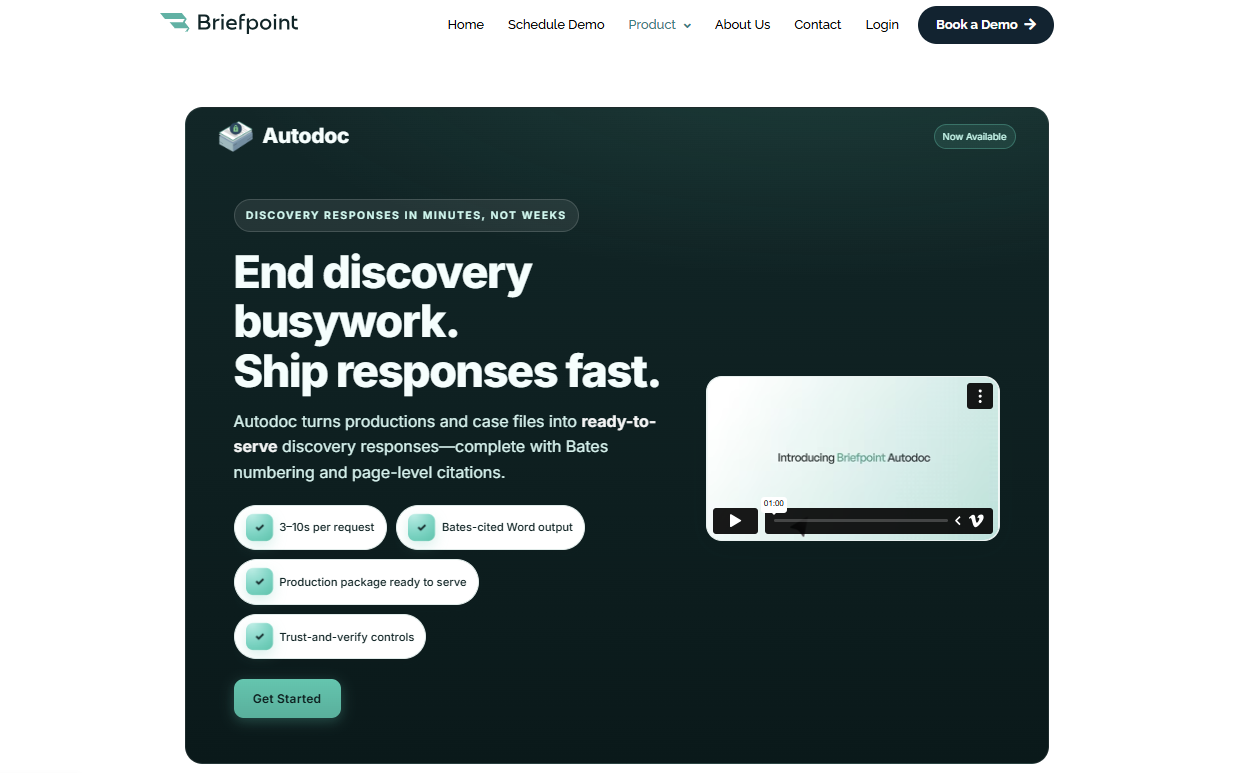
Bridge helps with client intake for discovery. Clients receive plain-language questions through a secure form, submit their answers online, and those responses can be brought back into the working document.
Autodoc supports document-heavy RFP responses by helping identify responsive files and prepare Bates-numbered production materials.
For firms handling frequent discovery, document automation can save time while keeping attorney review in the workflow.
Key Features
- Discovery drafting: Prepare interrogatories, RFAs, RFPs, and responses faster.
- Bridge: Collect client information through plain-language questionnaires.
- Discovery Playbooks: Apply preferred firm language more consistently.
- Autodoc: Support RFP responses and production workflows involving responsive documents.
- Microsoft Word compatibility: Review and finalize drafts in a familiar environment.
- Document generation: Reduce repetitive formatting and setup work.
- Editable outputs: Keep control of the final legal documents before service.
Pros
- Reduces repetitive discovery work
- Useful for litigation-heavy practices
- Helps standardize recurring language
- Keeps client responses connected to the drafting process
- Can save hours on document preparation
Test Briefpoint yourself by scheduling a demo here.
2. Clio: Legal Practice Management Software
Clio is one of the better-known legal practice management software platforms and supports firms of several sizes.
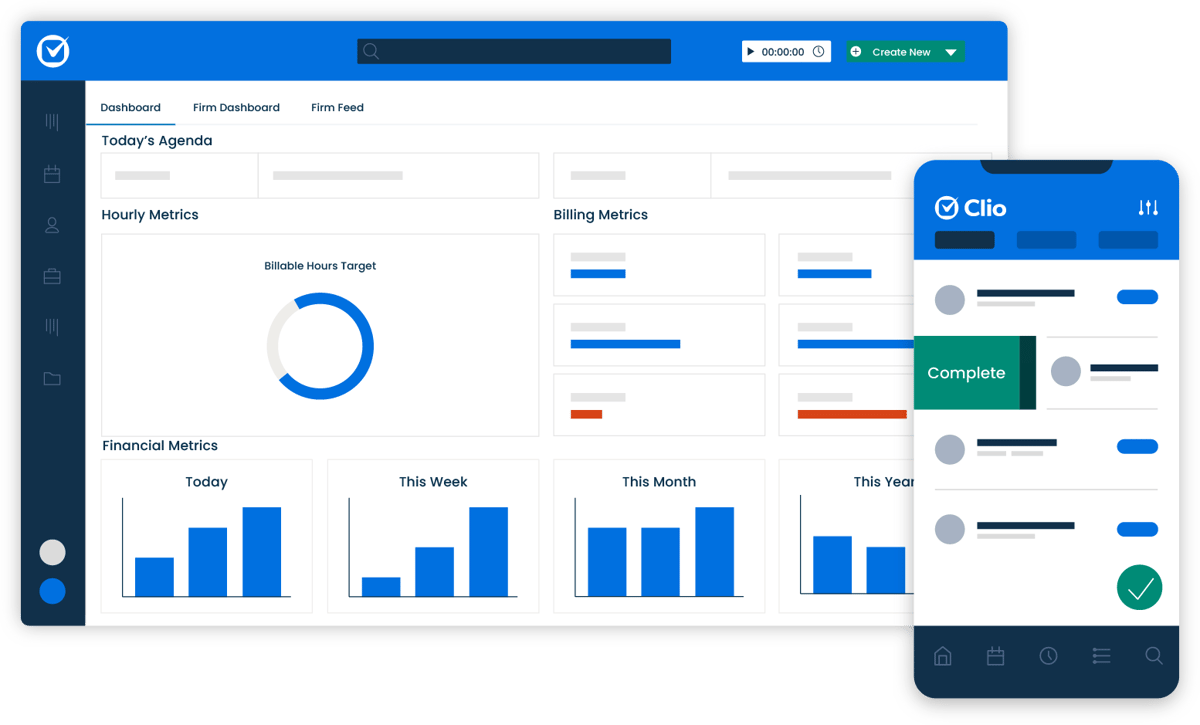
A legal practice management system brings core administrative work into one system. Clio includes matter management, billing, scheduling, document storage, time tracking, and client communication features.
Source: G2
Its cloud-based solution makes case information available from laptops, phones, and tablets, which can be useful for attorneys who work outside the office regularly.
The platform also offers third-party integrations with tools such as Google Calendar and Microsoft Office. Those connections reduce the need to recreate information in separate systems.
For small and medium-sized firms that want an all-in-one platform, Clio can cover a substantial portion of everyday practice management.
Key Features
- Case management: Track matters, notes, contacts, deadlines, and case progress.
- Time tracking: Record billable hours and connect entries to the correct matter.
- Billing: Prepare invoices and monitor the billing cycle.
- Client portal: Share updates and files through a secure space.
- Deadline tracking: Keep court and internal dates visible.
- Third-party integrations: Connect calendars, productivity software, and other tools.
- Activity logs: Review actions taken within a matter.
Pros
- Brings several firm functions into one platform
- Supports remote work
- Offers onboarding support and training resources
- Connects with common business applications
- Can scale beyond very small practices
3. MyCase: Legal Case Management Software
MyCase is legal case management software designed to centralize matter information and everyday administrative work.
The platform includes case tracking, task management, billing, document management, and client communication. A built-in client portal lets firms share updates and documents while helping keep clients informed.

Source: G2
MyCase can be useful when a firm wants a relatively intuitive interface and does not want staff switching constantly between unrelated applications.
Its client management features keep messages, case files, events, and payments connected to the relevant matter. That can improve the client experience because staff have easier access to current information when someone calls or sends a question.
For smaller practices, reducing the number of systems people have to check each day can make a noticeable difference in operational efficiency.
Key Features
- Case tracking: Follow case progress from one dashboard.
- Document management: Store and organize matter files.
- Task management: Assign work and track completion.
- Client portal: Provide secure access to messages and documents.
- Client intake: Capture information before opening a matter.
- Billing tools: Track time, invoices, and payments.
Pros
- Straightforward interface
- Keeps case information centralized
- Supports secure client service
- Reduces manual entry between separate tools
- Useful for small and mid-sized law firms
4. CosmoLex: Billing and Accounting Software
CosmoLex combines billing and accounting functions in a platform designed for law firms.
That distinction is important because a general accounting system may not address requirements such as client trust accounts or legal-specific reconciliation.
Source: G2
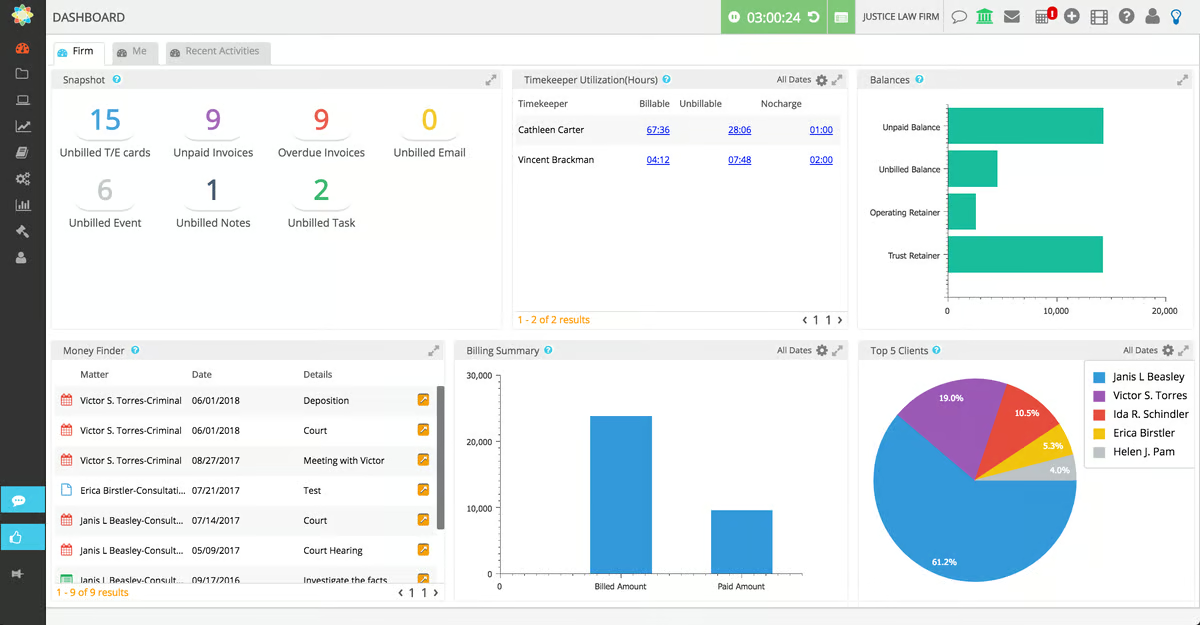
This tool combines time tracking, invoicing, expense management, trust accounting, and financial reporting in a single system. Firms can tie financial activity to specific matters and keep an eye on outstanding invoices throughout the billing cycle.
Trust accounting is one of its stronger features. Keeping operating funds separate from client trust funds is a core responsibility in legal practice, and errors tend to become serious quickly when those accounts are handled poorly.
For small firms that want financial management and practice management software closer together, CosmoLex can reduce the need to maintain several separate accounting tools.
Key Features
- Legal billing: Generate invoices and accept payments.
- Trust accounting: Manage client trust accounts within the platform.
- Time tracking: Capture billable hours against individual matters.
- Expense tracking: Record costs and assign them appropriately.
- Financial reports: Review revenue, expenses, and other firm metrics.
- Matter-level accounting: Connect financial records with active legal work.
Pros
- Built specifically for legal financial workflows
- Reduces dependence on a separate accounting system
- Supports trust compliance
- Gives firms clearer financial reporting
- Can reduce manual reconciliation work
5. NetDocuments: Document Management Software
NetDocuments is document management software designed for legal professionals who need secure, searchable access to case materials.
For smaller practices, document storage can become disorganized surprisingly quickly. Matter folders spread across local drives, inboxes, and cloud storage make it harder to know which version is current.
NetDocuments provides centralized document management with permissions, version histories, search, and collaboration capabilities.
Source: G2
The platform can help staff locate case files, review prior versions, and work within a more reliable system. Its Microsoft Word integration is useful for firms that already create and edit most documents through Microsoft Office.
Document management becomes even more important in a high-volume case environment where attorneys and staff may be handling medical records, pleadings, correspondence, and discovery materials for multiple matters at once.
Key Features
- Secure document storage: Keep matter files in a controlled repository.
- Advanced search: Find documents using metadata, keywords, or full-text search.
- Version control: Track revisions and recover earlier copies.
- Access controls: Limit sensitive files to appropriate users.
- Microsoft Word integration: Work with documents through familiar software.
Pros
- Helps organize large collections of documents
- Supports remote access
- Makes prior work easier to locate
- Reduces duplicate or outdated files
- Useful for firms with complex document workflows
6. CloudLex: Matter Management Software
CloudLex focuses heavily on matter management and is particularly relevant to personal injury practices.
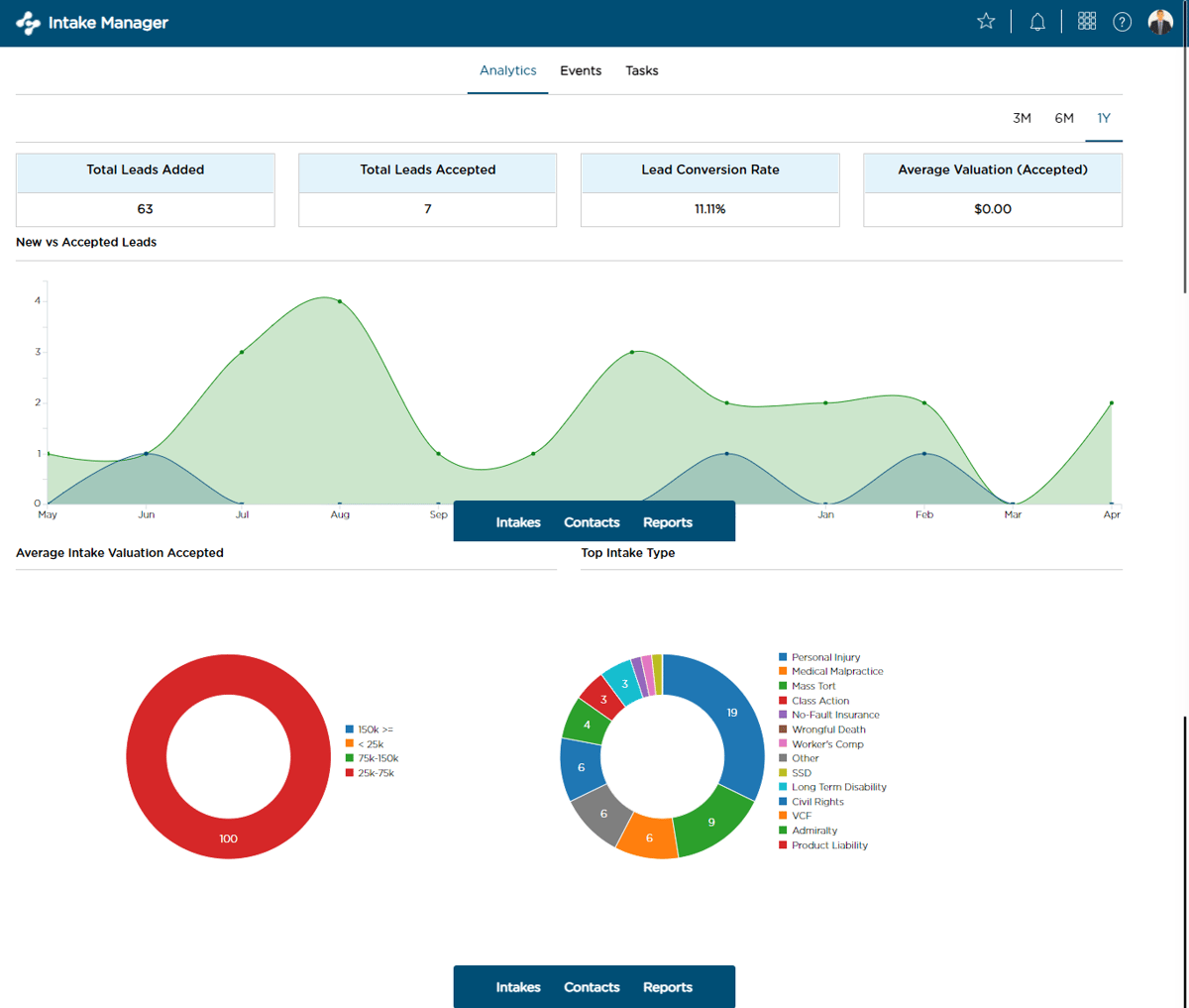
The platform helps firms track matters, documents, deadlines, contacts, and communications from intake through resolution.
Its structure can be useful for practices handling a high-volume caseload where each file may contain medical records, correspondence, settlement information, and numerous deadlines.
Source: G2
CloudLex includes collaboration features, task management, and a client portal. Firms can share case information internally while giving clients a more controlled way to receive updates.
Matter management software can also improve case tracking because staff has a clearer record of what has happened, what is coming next, and who is responsible for each task.
For firms where several people touch the same matter, having case information in one system can reduce confusion.
Key Features
- Matter management: Track case details from intake through resolution.
- Task management: Assign work and monitor completion.
- Document tools: Keep matter-related files accessible.
- Client portal: Share updates and documents securely.
- Deadline tracking: Monitor important dates.
- Collaboration: Give staff access to current case information.
- Case progress tracking: See where each matter stands.
Pros
- Strong fit for personal injury workflows
- Supports high-volume case management
- Helps keep case information centralized
- Reduces time spent looking for updates
- Gives staff better visibility into active matters
7. Docusign: Electronic Signature Tool
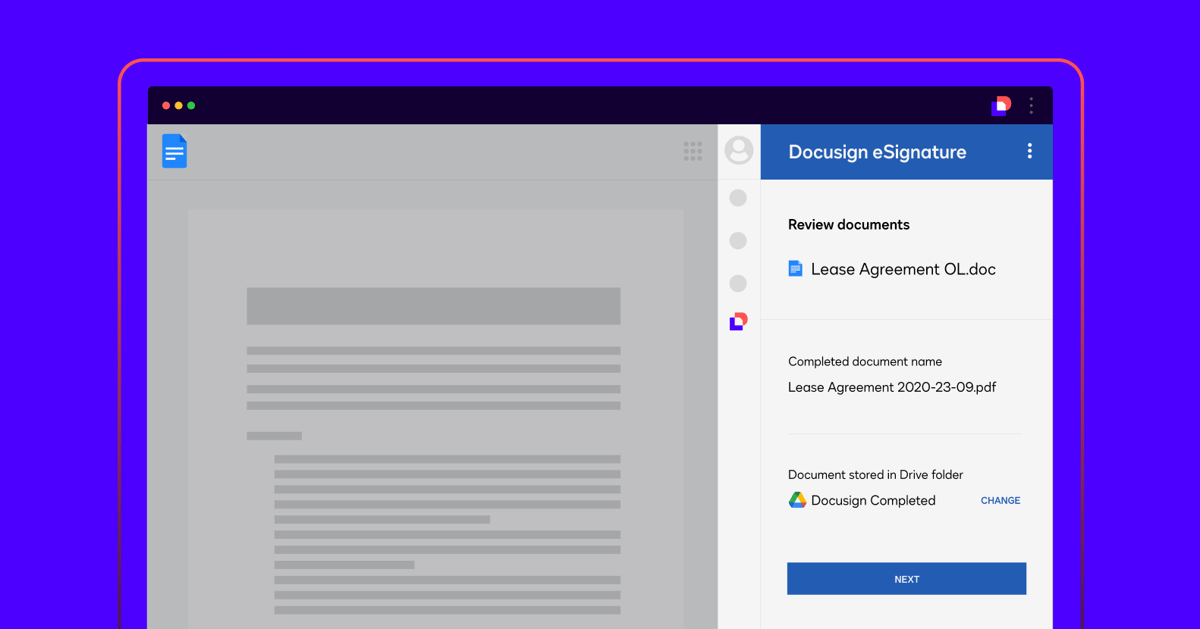
Docusign handles one specific part of the legal workflow: signatures.
Small firms regularly send engagement letters, releases, settlement documents, authorizations, and other agreements for signature. A digital signing process can move those documents faster than printing, mailing, scanning, or waiting for clients to visit the office.
Source: G2
Docusign lets users send documents electronically and monitor their status through activity logs. Clients can generally sign from a computer, tablet, or phone.
The platform works alongside other tools rather than replacing practice management or case management software. That makes it a useful example of a specialized product that solves one recurring problem well.
Key Features
- Electronic signatures: Send documents for legally recognized electronic execution.
- Templates: Reuse frequently signed forms.
- Status tracking: See whether a document has been opened or completed.
- Activity logs: Maintain a record of signature-related events.
- Cloud access: Retrieve completed documents online.
- Integrations: Connect with Microsoft Word and other common applications.
Pros
- Speeds up routine signing
- Easy for most clients to use
- Reduces printing and scanning
- Makes follow-up easier
- Fits into existing digital workflows
Factors to Consider When Choosing Legal Tools for a Small Firm
Choosing the right legal technology software starts with understanding your firm’s specific problems.
Even the best software can become another expense if nobody uses it or if it solves a problem your firm does not actually have. Software fails most often when the purchase comes before a clear look at the workflow.
Consider these factors:
- Practice area: A personal injury practice may prioritize medical records and high-volume case tracking, while another law practice may have completely different needs.
- Firm size: Solo attorneys, small firms, and medium-sized firms will not necessarily need the same depth of functionality.
- Ease of use: An intuitive interface can reduce the learning curve and make software daily use more realistic.
- Core features: Identify the key features tied directly to your biggest operational problems.
- Integrations: Look at connections with email, Google Calendar, Microsoft Office, accounting software, and other tools you already rely on.
- Security: Client information needs appropriate access controls, backups, and encryption.
- Support: Training resources and onboarding support can make adoption easier.
- Price: Compare software costs with the staff time and administrative work the product can realistically remove.
- Scalability: Make sure the system can support the firm if matter volume or staffing increases.
- Free trials: When available, free trials can help you see how a product performs with real workflows before committing.
Why Small Firms Benefit From Better Legal Software
Small practices often have less room for inefficient processes because there are fewer people available to absorb extra work.
A reliable system can improve several parts of firm operations at once. Better client intake can reduce repeated questions. Automated reminders can keep deadlines visible. Document generation can shorten routine drafting. A client portal can improve client communication while reducing inbox traffic.
Legal practice management can also give firm leaders a better view of workload and finances. Reports on billable hours, outstanding invoices, and matter activity support more informed decisions about staffing and resources.
The result is often less time spent on administration and more time available for legal work and client service.
Technology is only part of the equation, though. Firms still need clear processes, staff training, and consistent use of the system they choose.
Build Your Tech Stack With the Right Law Firm Software
Finding the best legal software is less about collecting as many features as possible and more about fixing the parts of your workflow that consume unnecessary time.
Practice management software can organize firm operations. Case management tools can keep active matters visible. Document management provides a dependable home for case files, while billing and trust accounting software can make financial administration easier.
Discovery deserves the same attention.
Briefpoint helps small law firms draft and respond to written discovery, collect client responses through Bridge, apply preferred language with Discovery Playbooks, and handle document-heavy RFP work with Autodoc.
Those tools can reduce routine discovery preparation and leave more time for substantive review and case strategy.
Ready to see how Briefpoint fits into your workflow? Schedule a demo and take a closer look.
8 Best Legal Document Automation Software For 2026

What Is Document Automation?
Document automation simplifies the process of creating and managing documents by using technology to handle repetitive and manual processes.
That means instead of creating each document from scratch, you can rely on pre-built and reusable templates and logic to quickly produce accurate and professional results.
It’s especially useful for drafting contracts, NDAs, agreements, legal forms, and other essential documents that require precision and consistency.
By reducing manual work, document automation saves time, boosts productivity, minimizes errors, and ensures every document adheres to the firm’s standards.
8 Best Legal Document Automation Software Tools for 2026
Looking to simplify repetitive paperwork and improve efficiency at your law firm?
These top legal document automation software offer powerful features to help you generate accurate, professional documents faster, no matter the size of your practice.
1. Briefpoint
Briefpoint is one of the leading document automation software programs specifically designed for legal practices. Over 1,500 law firms currently trust it to streamline the drafting of routine discovery responses and request drafting tasks, which enables lawyers to save time and focus on higher-value tasks.
As a specialized solution for the legal sector, Briefpoint automates requests for admission, requests for production, and interrogatories. These complex legal documents are time-consuming, but the document automation tool automates the process using the power of machine learning.
Simply upload your document, select your objections, download your Microsoft Word document, and polish your draft off. Briefpoint’s AI will take care of the rest.
To simplify client communication, you can use Briefpoint Bridge, a feature that lets you collect client responses with ease.
It translates requests into plain English, sends them to your clients, and automatically integrates their responses into your discovery documents.
Beyond discovery drafting, Briefpoint also helps with document-intensive workflows through its Autodoc feature.
You can upload complaints, RFPs, productions, and case files, and Autodoc will search for responsive documents, generate a Word response with page-level Bates citations, and create a Bates-numbered production package organized for review and production.
Pros
- Briefpoint significantly reduces the time spent on drafting discovery responses and other repetitive legal documents, which allows attorneys to focus on higher-value tasks.
- Designed with legal professionals in mind, Briefpoint has a user-friendly interface that requires minimal training, so it’s accessible to users of all technical abilities.
- Briefpoint is tailored specifically for the legal industry, with features that automate complex documents like requests for admission, requests for production, and interrogatories.
- The platform leverages AI to scan and analyze documents and auto-populate information, which leads to fewer errors and minimizes manual input.
Pricing
Briefpoint offers flexible pricing depending on your firm’s size and needs.
By automating routine tasks, Briefpoint can lead to significant cost savings per attorney and improve the overall profitability of your practice.
Briefpoint lets you schedule a demo to test its software at your firm. The solution is great for people of all technical skills, with almost no learning curve, saving an average of 87% of time spent on each document.
2. Clio
Clio is a market leader in law office management and offers various legal document automation features as part of a suite of services.
Source: G2
The platform provides a centralized dashboard for managing your practice without juggling other tools. It includes templates for letters, contracts, and pleadings, with a drag-and-drop editor that requires no technical skills.
Pros
- Clio combines document automation with case management, billing, and client relationship tools for an all-in-one solution.
- Cloud-based platform allows access from anywhere, suitable for remote work.
- Intuitive drag-and-drop interface is easy for all technical levels.
- Integrates with your existing tools like Google Workspace, Microsoft 365, and legal research software.
- Customizable templates simplify legal document creation, securely pulling client data into standardized documents.
Pricing
Clio no longer publicly displays its full tier list or complete fixed subscription rates on its primary web pages. However, the base EasyStart plan starts at $49/user.
3. DocuSign
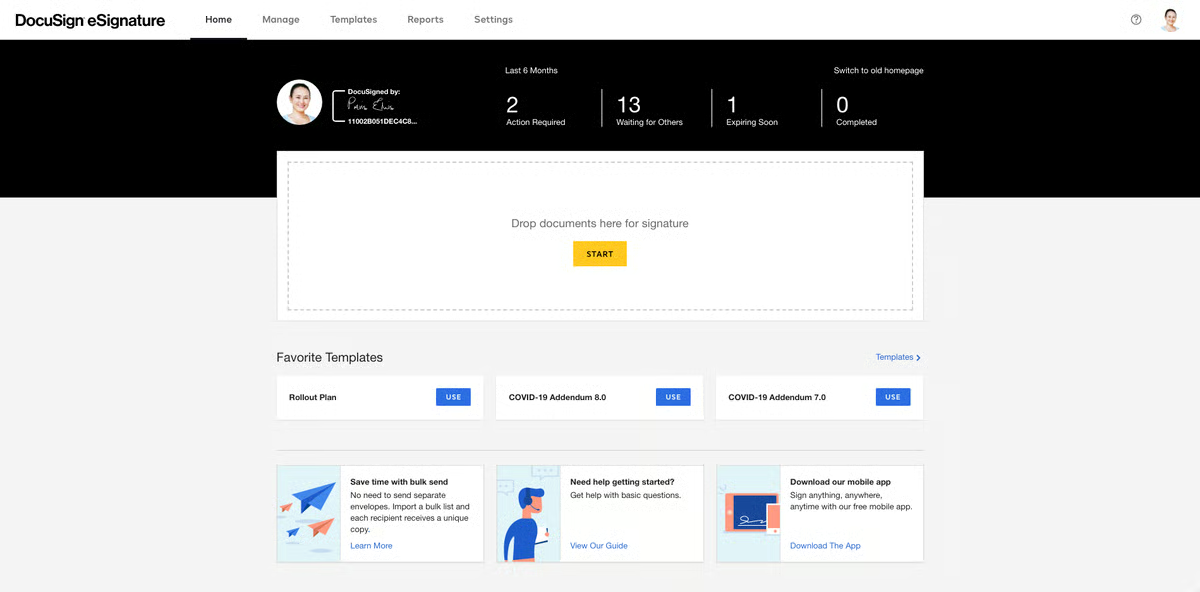
DocuSign Signature doesn’t quite fall into the category of legal document automation software, but law offices use it extensively as part of their daily tech stack, so it is worth mentioning here.
Teams find it helpful to enable attorneys and clients to sign documents and track their progress over time. As such, it saves time compared to conventional paper-based signing workflows, allowing lawyers to work faster.
Source: G2
Other benefits include its mobile-friendliness, integration across platforms, and reasonably advanced security.
Pros
- DocuSign is user-friendly, simplifying electronic signatures for legal professionals and clients to close out completed documents.
- Widely trusted and used globally, ensuring compatibility and familiarity.
- Mobile-friendly platform allows signing and tracking documents on the go.
- Connects seamlessly with Microsoft Office, Google Workspace, Salesforce, and legal tools, while offering flexible API integrations to connect other software.
Pricing
DocuSign offers the Personal plan for $15 per month for individuals with basic e-signature needs.
For teams, the Standard plan is $45 per user per month, while the Business Pro plan, with advanced features, is $65 per user per month.
4. PandaDoc
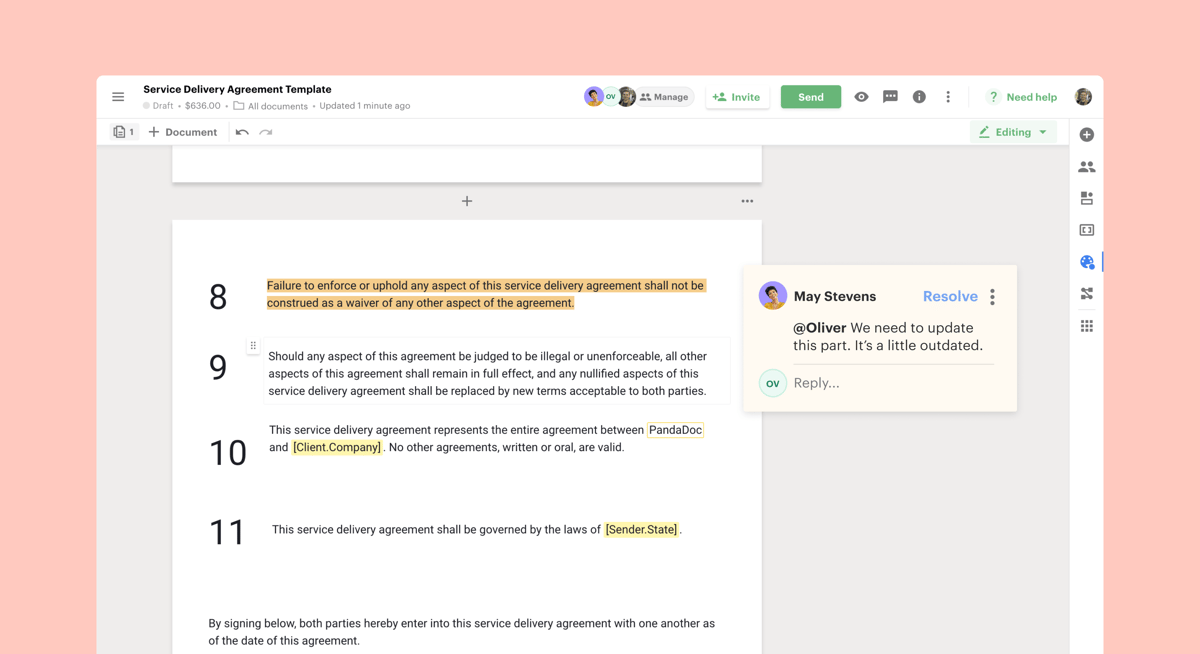
Another piece of legal document automation software is PandaDoc. Like Clio, it is an all-in-one platform, letting you generate documents, collect e-signatures, and leverage analytics.
Source: G2
PandaDoc isn’t built specifically for the legal industry, but it’s still a strong contender in this space. Its template library and drag-and-drop editor allow law firms to streamline legal document generation and reduce time spent on manually drafting routine files.
The platform also supports faster contract drafting and includes built-in commenting features that simplify collaboration and help legal teams finalize automated documents more efficiently, especially useful in commercial law workflows.
Pros
- PandaDoc combines document creation, e-signatures, and workflow automation.
- Offers customizable layouts to quickly create templates for professional business contracts.
- Supports real-time collaboration tools for simultaneous edits and negotiations.
- Drag-and-drop editor simplifies document management for all skill levels.
- Integrates with payment, productivity, and CRM systems like Salesforce, HubSpot, and Stripe.
Pricing
PandaDoc’s pricing begins with the Free plan for small businesses that need professional eSign. It includes 60 docs for free per year, a rich media drag-and-drop document editor, and real-time tracking.
For teams, the Starter plan is $19 per seat per month for quickly creating and signing forms and agreements.
Meanwhile, the Business plan, for sales proposals and integrated agreement workflows to help teams manage contracts, has a $49 monthly seat cost.
5. HotDocs
HotDocs is also a strong contender for best legal document automation software. The tool claims to enable law practices to process documents up to 90% faster than manual generation (including industry-standard cut-and-paste methods).
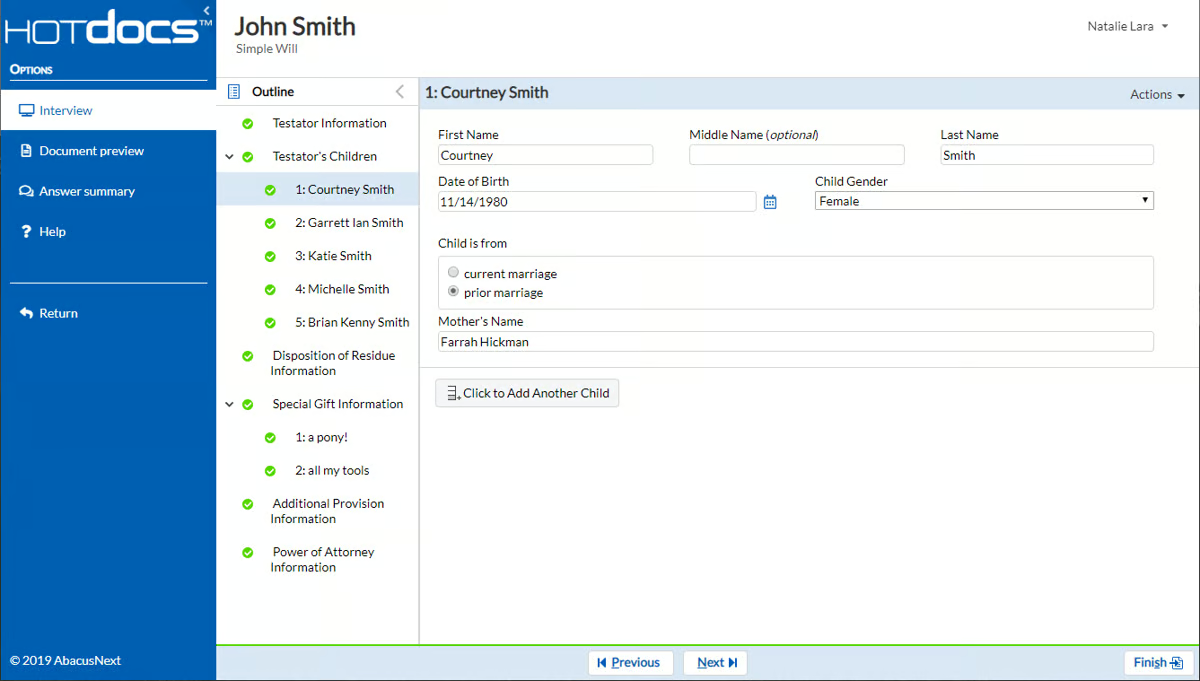
Source: G2
Again, the goal is to help you focus on your clients instead of creating tedious documents.
HotDocs is an established legal document automation software player with a proven track record and broad user base. Law offices use it for its hundreds of pre-built templates for various legal specialties and its flexibility.
The tool can also integrate with other legal software and CRMs, reducing implementation complexity. You can even use it offline, which is great for professionals on the subway or far from WiFi.
Pros
- HotDocs is a trusted document automation tool with a strong history of serving law firms, financial institutions, and government agencies.
- Offers a vast library of customizable templates for various legal documents.
- Automates complex documents using sophisticated templates with conditional logic.
- Integrates with legal and business software like case management systems and CRMs.
- Can be used offline, making it ideal for work without internet access.
Pricing
HotDocs offers customizable pricing tailored to the specific needs of each organization.
6. Bryter
Bryter goes even further, claiming users can save 95% of their time on manual work with its document assembly software. The solution helps law practices automate routine document drafting, remove errors, reduce risks, and get data-driven insights.
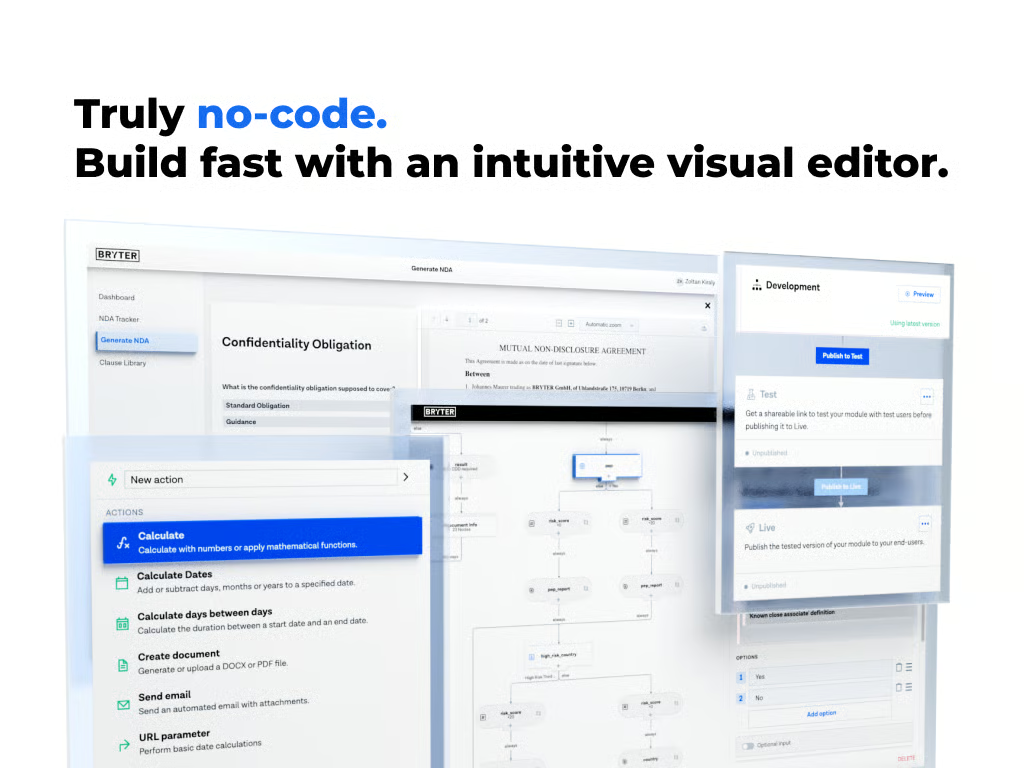
Source: G2
Systems prevent internal clients from generating inaccurate documents while eliminating mistakes with standardized templates.
Bryter’s main selling point is its no-code client portal approach. As such, it positions itself as the brand for the average law office. The intuitive decision-tree structure and user interface mean that most professionals with experience working on computers can use it.
Teamwork is also straightforward on the automation platform. Cloud-based collaboration features enable teams of any size to work together to process paperwork faster.
Pros
- Bryter is a no-code platform that helps legal professionals automate processes without programming skills.
- Features a decision-tree structure for easy creation and automation of documents and other document workflows.
- Supports automation of various legal tasks, from document assembly to client intake.
- Cloud-based collaboration allows teams to work together efficiently.
Pricing
Bryter offers different pricing plans for its no-code platform and Bryter Extract.
7. Formstack
Formstack is an established player that offers solutions that eliminate paperwork, automate client documents (including personalized contract agreements and NDAs), collect e-signatures, and improve collaboration.
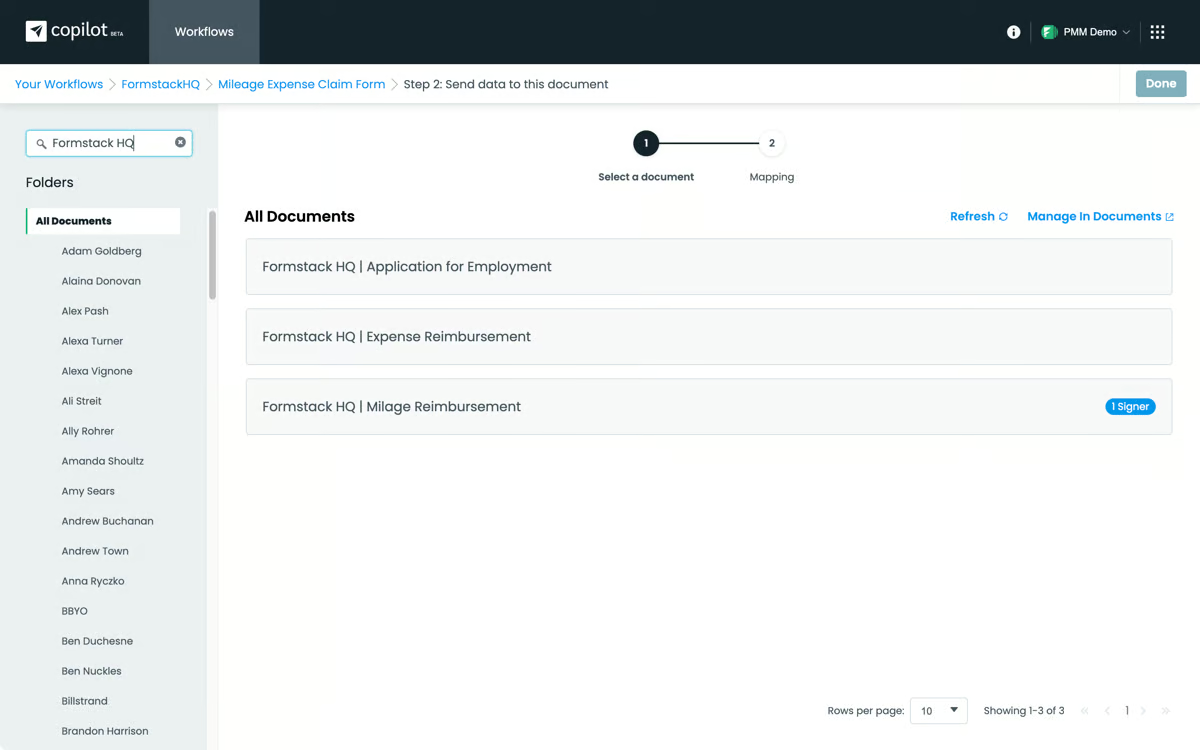
Source: G2
You also get security-related tools, such as controlling who can access paperwork via logic and routine tools. It also meets various legal standards, such as GDPR, PCI, and HIPAA, to ensure compliance with strict data privacy rules.
The software operates as a flexible form and document drafter that allows you to generate templates for recurring workflows.
Pros
- Formstack offers user-friendly form-building tools for legal document automation and client intake.
- Automates the creation of contracts, NDAs, and agreements to reduce manual tasks.
- Integrates with CRMs, payment processors, and email marketing platforms for seamless workflows.
- Mobile-optimized for creating, managing, and completing forms on any device.
Pricing
The Forms plan starts at $99 per month, focusing on form-building capabilities. The Suite plan, at $299 per month, includes forms, document generation, and e-signatures.
For larger organizations, customized Enterprise plans offer advanced security and tailored workflows.
8. Gavel
Gavel is a no-code platform that offers legal professionals a way to streamline document drafting without needing technical expertise. Gavel allows law firms to automate routine legal documents, such as contracts, court filings, NDAs, and client intake forms, focusing on simplicity and customization.
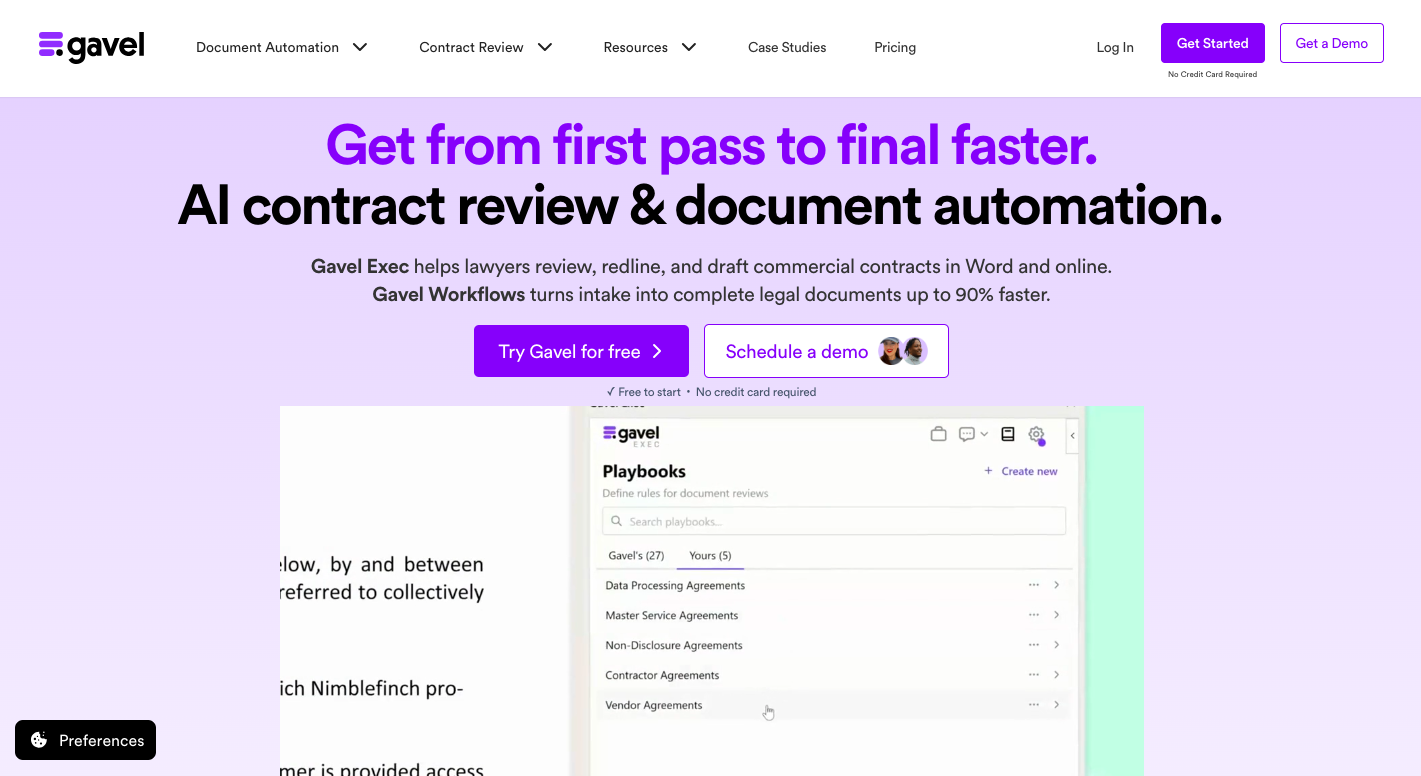
Source: Gavel.io
The platform shines with its drag-and-drop editor, which allows users to generate templates and create tailored workflows for a wide range of legal matters. Gavel also supports collaboration, allowing team members to work together in real time on reviewing and finalizing documents.
Its user-friendly design means that even those without technical knowledge can set up and run automated workflows with ease.
Pros
- Gavel enables document automation without coding skills and is accessible to all legal professionals.
- Allows creation and customization of document templates for contracts and client agreements.
- Supports real-time collaboration for efficient teamwork on documents.
- Drag-and-drop editor simplifies adoption and usage for teams.
- Complies with GDPR and HIPAA standards to ensure adherence to regulatory requirements.
Pricing
Gavel provides flexible pricing plans designed to meet various needs. The Lite plan starts at $99 per month, offering essential document automation features.
For growing firms, the Standard plan, priced at $250 per month, includes additional functionality. Then, the Pro plan costs $350 per month and adds legal templates, while the Scale plan starts at $417 per month and includes advanced tool connections.
The Advantages of Automating Legal Documents
Automation comes with many obvious benefits, such as time savings, reduced costs, and more efficient workflows. However, it’s still worth looking into each potential advantage to see the importance of finding a solution that works for you.
Let’s explore some of the key benefits of legal document automation:
Time Savings Through Automation
Automating your legal document creation process allows you to drastically cut down the time spent on repetitive tasks like drafting, reviewing, and revising.
Instead of manually creating each document from scratch, automation tools let you generate them in just a few clicks.
This efficiency frees up valuable hours, which allows attorneys and staff to focus on higher-value tasks like strategizing, client meetings, or case analysis.
Eliminating Human Error With Increased Accuracy
One of the biggest advantages of document automation is the reduction of human error. Automated systems make sure that documents are consistent and error-free, as they pull from pre-approved templates and standardized language.
This minimizes the risk of mistakes such as typos, omissions, or incorrect information during manual entry, which can be costly and time-consuming to correct.
Cutting Operational Costs For Greater Profitability
By speeding up the document creation process, automation helps reduce labor costs associated with manual drafting.
Fewer hours spent on routine paperwork translates to lower operational expenses, which can make your practice more profitable. This cost efficiency is especially beneficial for small and mid-sized firms looking to maximize their resources.
Improved Client Experience With Faster Service
With the time saved through automation, legal professionals can dedicate more attention to client needs.
Faster document turnaround times and reduced errors lead to a better client experience, improving satisfaction and potentially increasing client retention and referrals.
Maintaining Professional Consistency in Legal Documentation
Automation makes sure that all legal documents adhere to the same format, style, and standards. This consistency not only enhances the professionalism of your documents but also ensures compliance with legal requirements.
Standardized templates make it easy to maintain a uniform appearance across all your firm’s documents, reducing the need for constant oversight.
Better Security and Regulatory Compliance
Legal document automation tools often come with built-in security features like encryption, audit trails, and access controls.
These tools make sure that sensitive client information is protected and that your documents won’t cause compliance issues.
This added layer of security is a must for maintaining trust with clients and avoiding legal repercussions.
Scaling Operations With Adaptable Automation Tools
As your firm grows, the volume of documents you need to manage will also increase. Automation provides the scalability needed to handle this growth without overwhelming your team.
Additionally, many automation tools are flexible, which allows you to customize templates and workflows to suit specific practice areas or client needs.
The Best of Document Automation Tools
The legal world is changing fast, and adopting document automation software is becoming a must for law firms that want to streamline their work, cut costs, and focus more on clients.
The tools we’ve covered in this article are some of the top picks for 2026, each offering something different to meet various needs.
Whether you’re aiming to save time, maximize accuracy, or improve teamwork, there’s a solution out there that fits the bill. But with so many document automation platforms out there, finding the right one can feel overwhelming.
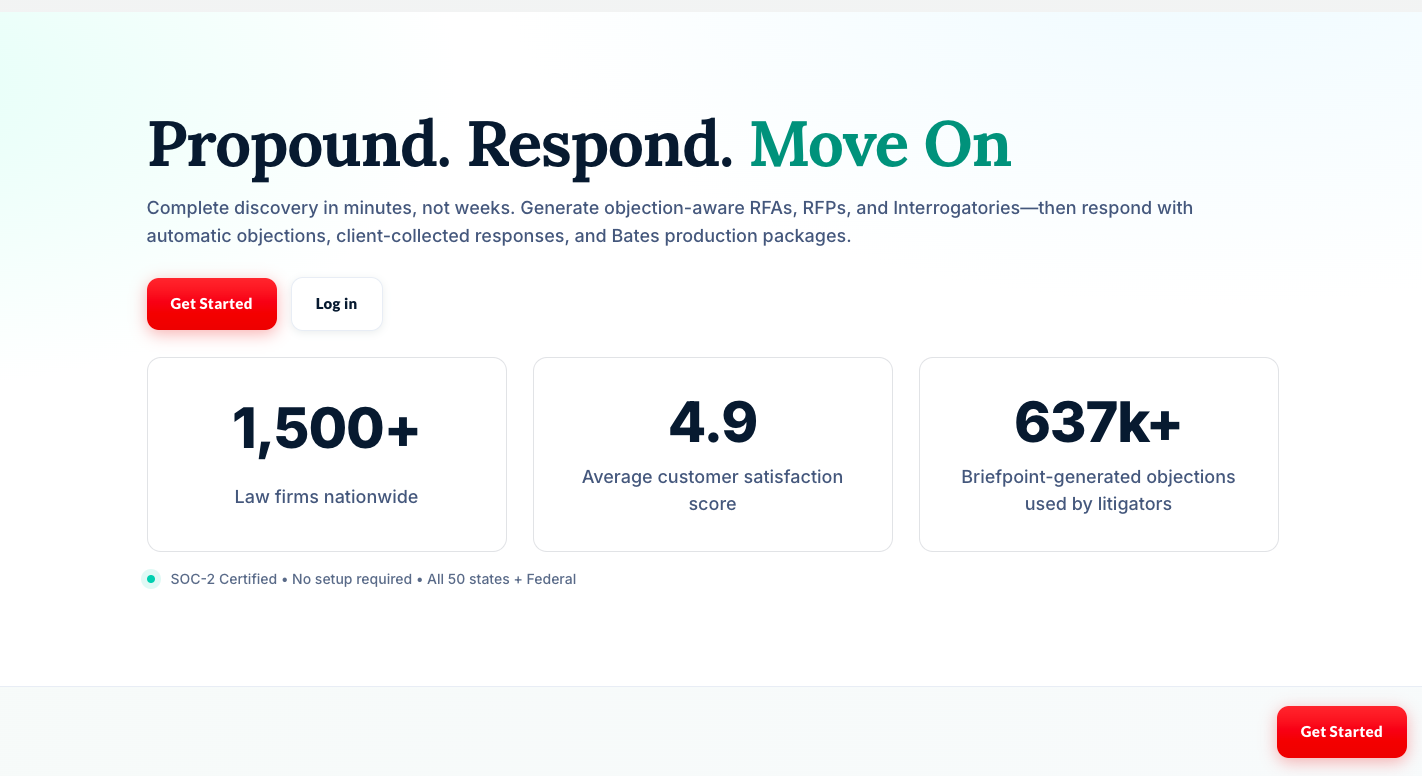
One tool that really stands out is Briefpoint. Designed specifically for legal professionals, Briefpoint takes care of the repetitive stuff, like discovery responses and requests for production, so you can save time and focus on what really matters: delivering great service to your clients.
Schedule a demo and find out how our document automation tech can help you save time, cut down on costs, and take your practice to the next level.
11 Best Legal Tech Companies of 2026
1. Briefpoint.ai
Briefpoint is a litigation-focused legal tech company built to take the most time-consuming parts of written discovery off your plate: discovery document preparation.
Drafting discovery responses, mapping productions, and managing Bates citations often eat up hours of attorney and paralegal time, even though much of the work follows repeatable patterns. And that’s just one part of the tedious discovery process.
Briefpoint addresses that problem with purpose-built automation designed specifically for real-world litigation workflows.
The platform includes features like Autodoc, which helps teams move from raw productions and discovery requests to cited, court-ready responses far faster than traditional manual review.
And with Briefpoint’s generative AI, legal teams can draft discovery response documents in minutes. These include, but are not limited to:
- Requests for admission
- Requests for production
- Interrogatories
Key Features
- Automated discovery drafting: Generates objection-aware requests for admission, requests for production, and interrogatories based on complaints and case details.
- Response drafting with built-in objections: Pre-fills consistent objections and response structures that firms can customize across matters and practice areas.
- Client response collection (Briefpoint Bridge): Sends plain-English questions to clients, collects answers securely, and inserts them directly into Word-ready discovery drafts.
- Autodoc production automation: Turns productions and case files into Bates-cited discovery responses and ready-to-serve production packages with page-level citations.
- Microsoft Word–first output: Produces fully captioned, editable Word documents for requests, responses, and productions.
- Firm-wide consistency controls: Helps standardize objections and drafting practices across teams and offices.
- Security and compliance: SOC 2 Type II certified with safeguards designed to protect confidential work product.
Briefpoint saves legal professionals thousands of dollars every year. More importantly, lawyers and paralegals can spend the extra time on more impactful and engaging work.
2. Clio
Clio has long been the answer for law firms and legal professionals looking for a simple yet effective practice management system.
Source: G2
Its comprehensive suite is remarkably user-friendly and accessible to a broad range of professionals, regardless of their technical expertise.
As a cloud-enabled solution, Clio also offers the flexibility required in today’s legal environment and allows work to be conducted from virtually anywhere. This adaptability is especially valuable given the increasing shift towards remote and flexible working arrangements.
Key Features
- Case management: Organizes client matters, documents, and communications in one centralized platform to help teams navigate high-stakes matters.
- Time tracking & billing: Tracks billable hours and generates invoices. Also, the platform integrates directly with payment processing tools.
- Document management: Stores, organizes, and shares legal documents securely with version control.
- Client intake & CRM: Streamlines client onboarding with customizable intake forms and contact management.
- Task and workflow automation: Automates routine legal workflows to improve efficiency and reduce administrative tasks.
- Secure communication: Provides encrypted messaging and client portals for confidential interactions.
- Integrations & API access: Connects with legal tech tools like QuickBooks, Microsoft 365, and Zoom.
3. Everlaw
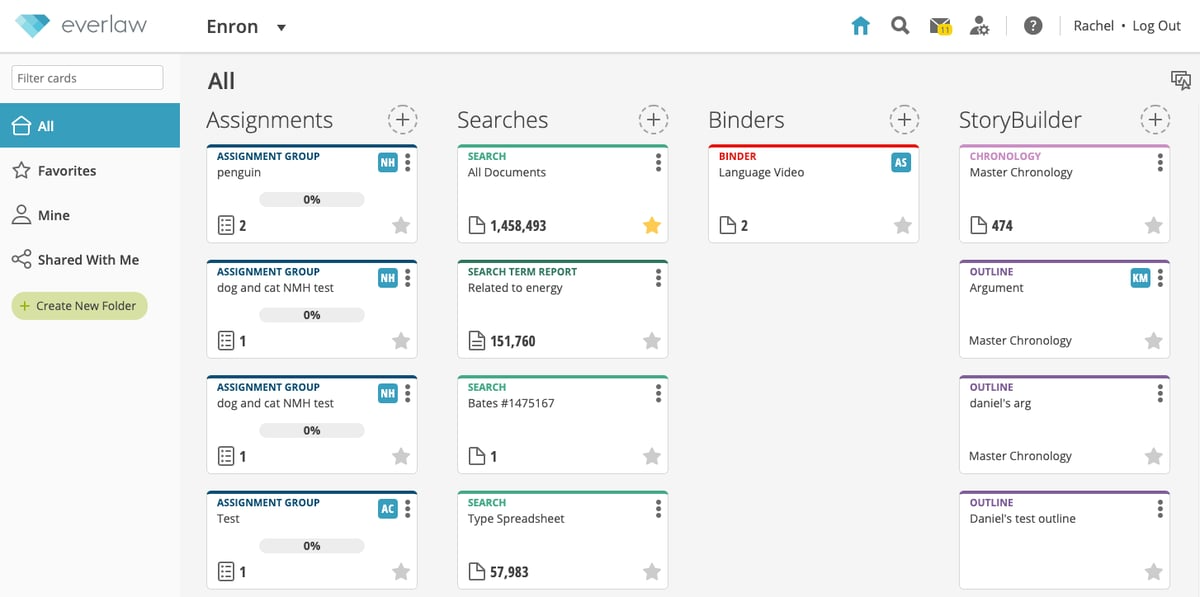
Everlaw is a global leader in advanced discovery and litigation support solutions.
Its platform is known for merging cutting-edge technology with an intuitive design to manage the complexities of legal document analysis and case preparation efficiently for corporate legal teams.
Source: G2
What’s also great about Everlaw is how it champions team collaboration. The platform includes tools for annotation, tagging, and sharing documents, which allows team members to work together regardless of their physical location.
Key Features
- Predictive coding: Uses machine learning to prioritize and categorize documents, speeding up the review process.
- AI-powered document review: Automates document analysis, which helps you quickly identify relevant information.
- Advanced search and filtering: Offers powerful search capabilities with Boolean operators, AI-driven suggestions, and natural language processing.
- Redaction and annotation tools: Allow users to highlight, redact, and comment on key information directly within documents.
- Case timeline visualization: Helps teams track case progress and connect key events through interactive timelines.
- Automated transcription: Converts audio and video files into searchable text for faster review to deliver innovative solutions for modern law practices.
4. LawVu
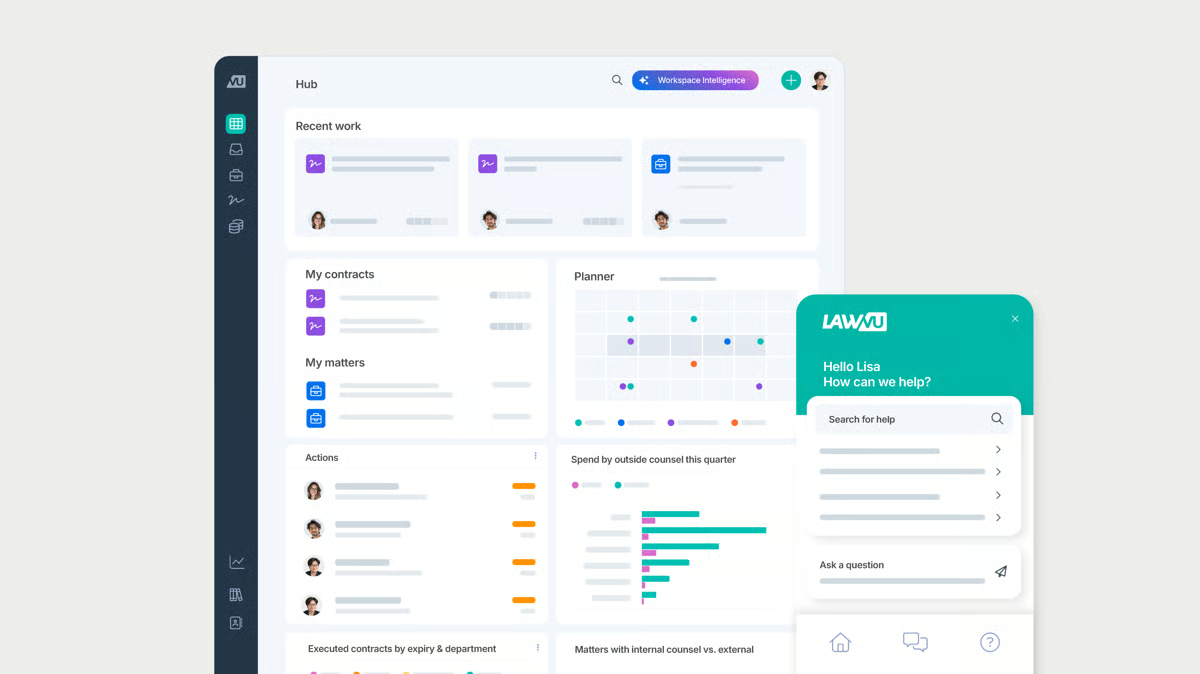
LawVu combines multiple aspects of legal operations into one convenient platform. This approach is meant to address the specific needs of in-house corporate legal departments and improve the efficiency, collaboration, and overall management of legal matters.
Source: G2
Plus, LawVu’s platform includes advanced analytics and reporting capabilities, which allow legal services to get a clear grasp of their operations, assess performance, and make data-driven decisions to improve their services.
Key Features
- Matter management: Centralizes all legal matters, documents, and communications in one platform.
- Contract lifecycle management: Tracks contracts from drafting to execution with automated workflows.
- Spend management: Monitors legal expenses, invoices, and budgets to control costs.
- Knowledge management: Stores and organizes legal documents, templates, and historical case data to transform daily knowledge work.
- Task & workflow automation: Streamlines legal processes with automated task assignments and approvals.
- Collaboration tools: Enable secure communication and collaboration between in-house teams and external counsel.
5. LeanLaw
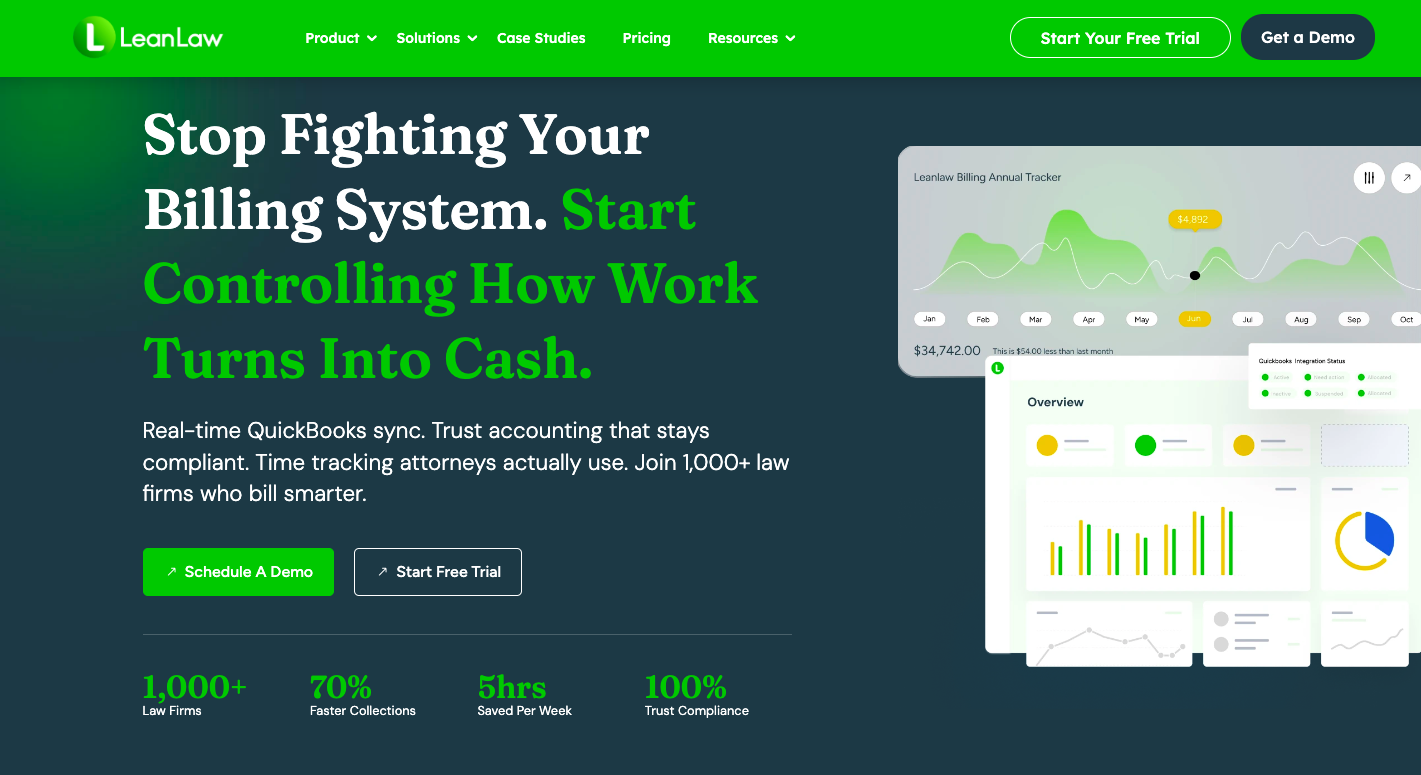
LeanLaw Billing Software is a smart solution for smaller and mid-sized law firms looking to mesh their legal practice needs with solid accounting in the legal industry.
Source: LeanLaw.co
By teaming up with QuickBooks Online, LeanLaw taps into powerful accounting tools and makes the whole financial side of running a law firm (from keeping track of billable hours to keeping an eye on the firm’s finances) a lot smoother and more straightforward.
LeanLaw also offers a package for organizing client details and internal resources, so everything you need is just a few clicks away.
Key Features
- Time tracking: Tracks billable hours with real-time timers and manual entry options to help firms in the legal profession meet growing demand without losing billable time.
- Automated legal billing & invoicing: Generates LEDES-compliant invoices and integrates with QuickBooks for accurate, consistent billing.
- Trust accounting: Manages client trust accounts with built-in compliance safeguards aligned with common accounting requirements.
- Expense tracking: Logs case-related expenses and links them directly to client invoices to improve overall operational outcomes.
- Revenue & compensation reports: Provides visibility into firm profitability and attorney compensation as workloads increase across the legal profession.
- Matter management: Organizes cases, documents, and client information in one centralized system.
6. Smokeball
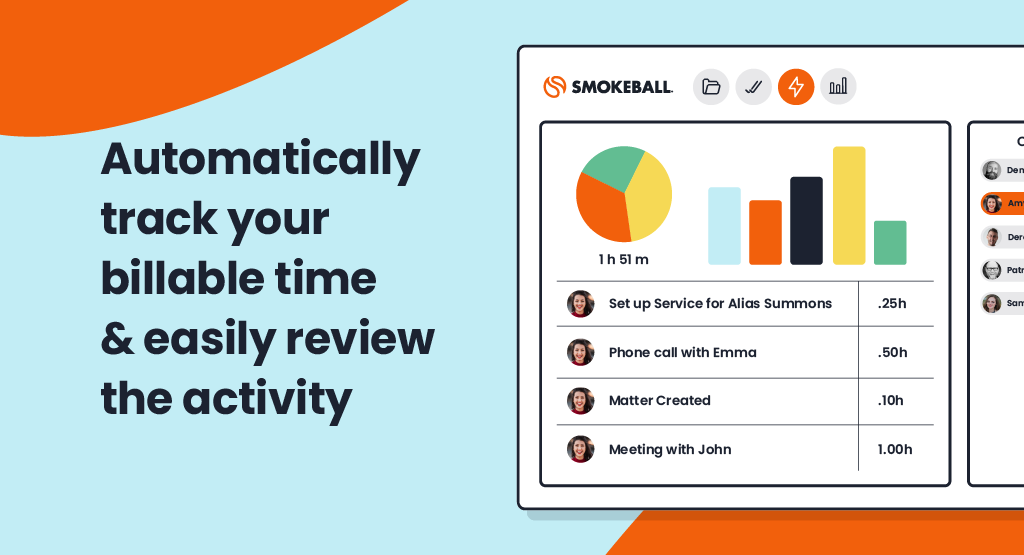
Smokeball is legal practice management software geared specifically towards small law firms and solo practitioners. It focuses on streamlining repetitive legal processes, which can reduce the time lawyers spend on administrative work.
Source: G2
Billing and time tracking are other areas where Smokeball excels. It automatically tracks time spent on each task and integrates it with its billing system, simplifying the invoicing process and ensuring that no billable hour goes unrecorded.
Key Features
- Case and matter management: Centralizes case files, client communications, and documents in one platform.
- Document automation: Generates legal documents quickly using customizable templates and client data.
- Task and workflow automation: Streamlines legal workflows with automated task assignments and reminders.
- Firm insights & reporting: Provides real-time analytics on firm performance, revenue, and law firm productivity to drive better business outcomes.
- Secure client communication: Offers a built-in client portal for messaging and document sharing to protect sensitive business content.
7. Ironclad
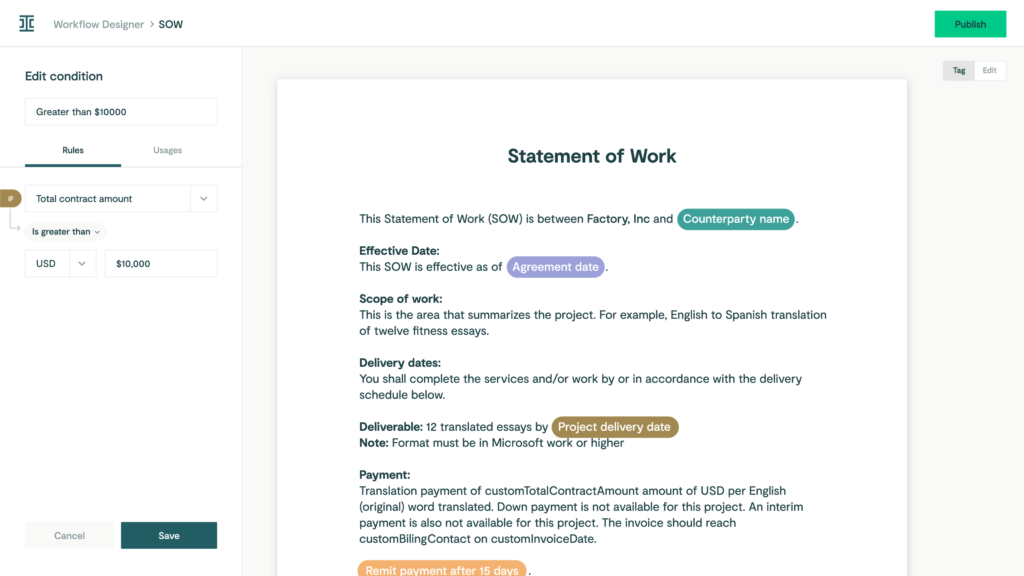
Ironclad is a complete and scalable solution for teams drowning in contracts and looking for a better way to get things done.
Source: G2
The contract management tool automates the creation, execution, and management of contracts. In addition, it can integrate with other tools you’re already using.
Its integration capabilities ensure that contract management becomes a cohesive part of the broader business ecosystem and leads to smoother workflows across departments.
Key Features
- AI-powered contract review: Uses artificial intelligence to analyze contracts, identify risks, and suggest edits.
- Automated contract generation: Creates contracts using templates and pre-approved clause libraries.
- E-signature integration: Integrates with DocuSign and other e-signature platforms for seamless contract execution.
- Real-time collaboration: Allows legal, sales, and procurement teams to collaborate on contracts within the platform.
- Contract repository & search: Stores all contracts in a secure database utilizing advanced information technology.
- Compliance & audit trails: Tracks all contract changes and approvals for compliance and reporting.
8. MyCase
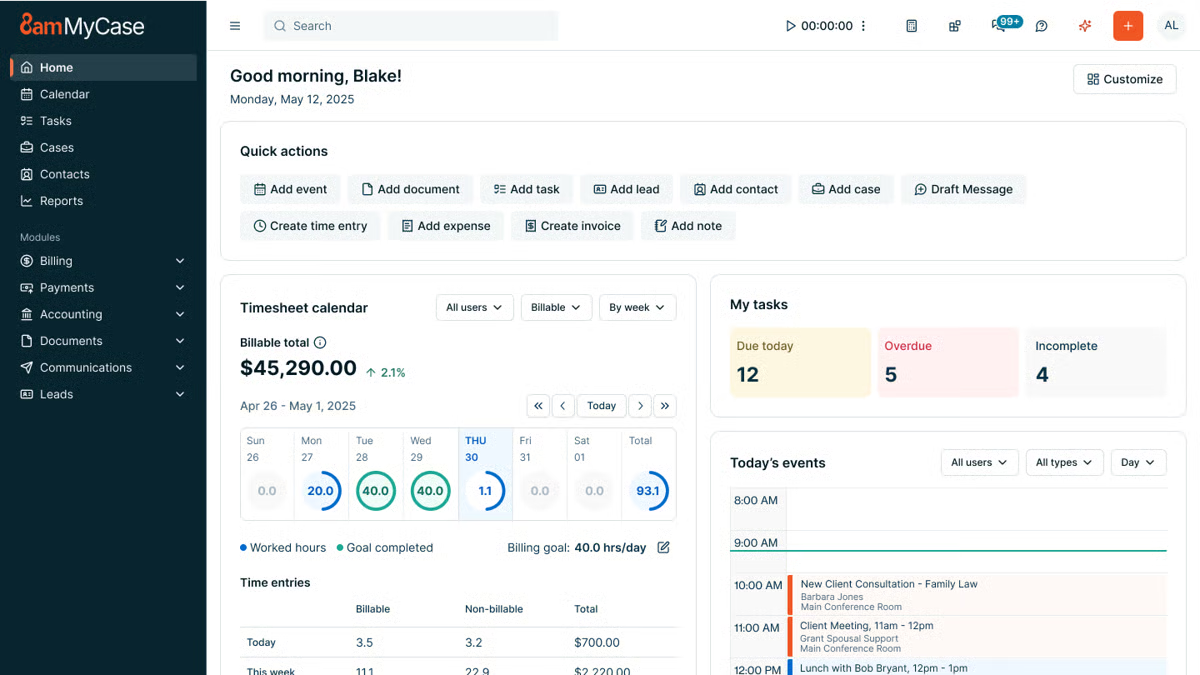
MyCase is a legal practice management software that simplifies legal workflows and keeps them running smoothly. It tackles everything from case management and client communications to billing and time tracking into one neat platform.
Source: G2
This means lawyers can spend less time handling different tools and more time focusing on their clients’ needs. With MyCase, everything you need to run your law practice is right there in one easy-to-use interface.
MyCase is also great when it comes to keeping clients in the loop. It offers secure messaging, updates on case progress, and easy online payment options, which help law firms improve their client relationships.
Key Features
- Case management: Organizes case details, deadlines, and documents in a centralized system.
- Document automation: Creates, stores, and manages legal documents with customizable templates.
- Time tracking and billing: Logs billable hours, generates invoices, and integrates with online payment processing.
- Secure client messaging: Provides a built-in client portal for encrypted communication and case updates.
- Calendar and task management: Schedules meetings, tracks deadlines, and assigns tasks to team members.
- Online payment processing: Allows clients to pay invoices easily through credit cards or ACH transfers.
- Reporting and analytics: Offers insights into firm performance, revenue, and case progress.
- Mobile access: Enables lawyers to manage cases and communicate with clients on the go.
9. CoCounsel
CoCounsel, powered by Casetext, is another innovative legal tech tool. This AI legal assistant is groundbreaking for several reasons, notably its ability to offer legal support for a range of tasks that traditionally require hours of human expertise and effort.
Source: Legal.ThomsonReuters.com
Powered by Casetext’s extensive legal database, it leverages the latest in AI legal technology to fine-tune its capabilities and offer more personalized and accurate assistance over time.
Key Features
- AI-powered legal research: Uses advanced legal AI to quickly find relevant case law, statutes, and legal precedents.
- Automated contract review: Analyzes contracts, flags risks, and suggests revisions to ensure compliance.
- Deposition preparation: Summarizes depositions, highlights key testimony, and extracts important details.
- Litigation strategy assistance: Provides AI-driven insights to help lawyers craft stronger legal arguments.
- Legal document analysis: Reviews legal documents for inconsistencies, missing clauses, and potential errors.
- Secure cloud-based storage: Keeps all legal research, documents, and case materials organized and accessible from anywhere.
- Real-time collaboration: Allows legal teams to work together on case analysis, research, and legal document review.
- Integration with legal tools: Connects with existing case management and document automation software.
10. UniCourt
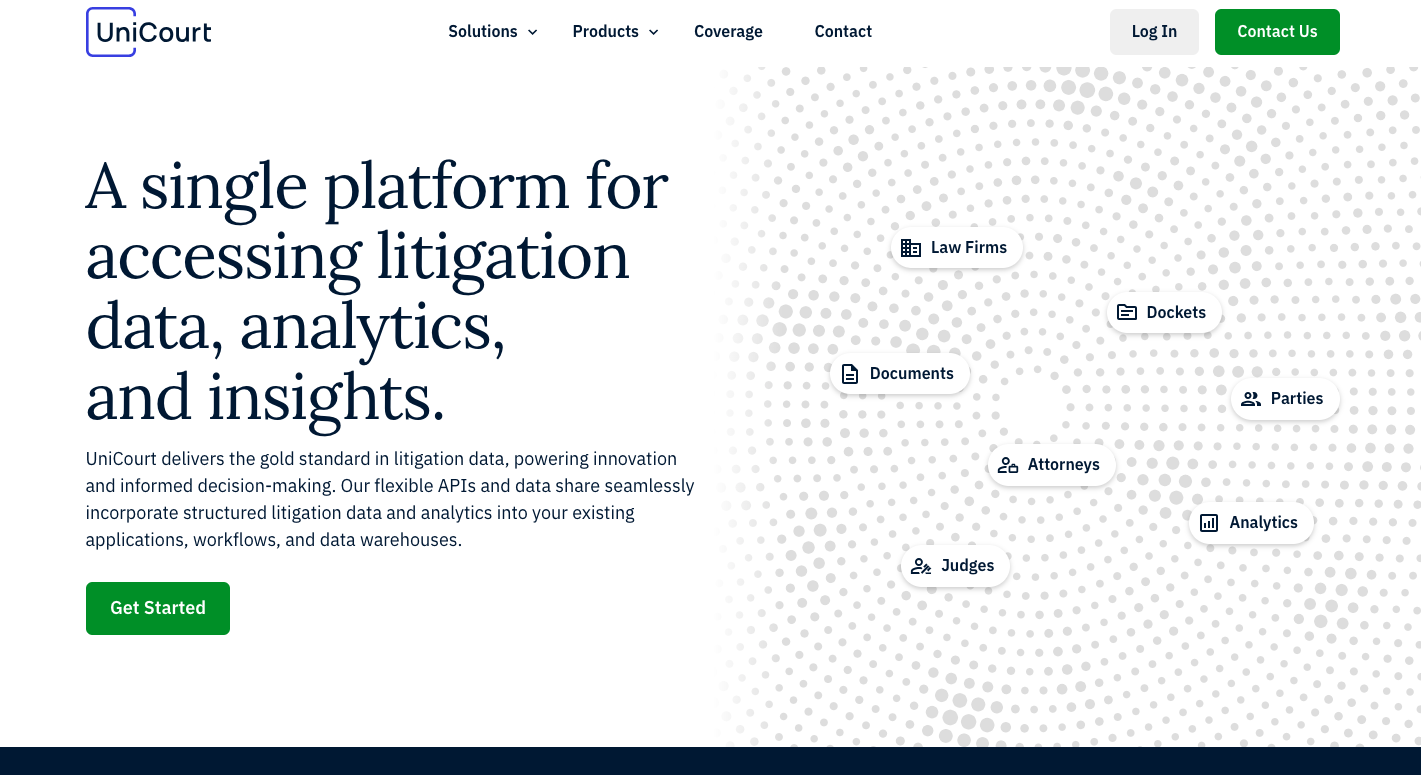
UniCourt is a legal tech service that simplifies how law firms get their hands on and use legal data. It’s a go-to resource for law firms, businesses, and government agencies that need quick access to court records and insights into legal trends.
Source: UniCourt.com
The best feature of UniCourt is how it brings all kinds of legal data together under one roof. Whether you’re keeping tabs on a specific case or trying to spot trends in litigation, UniCourt lets you do it all without the need to jump between different databases.
Aside from accessing data, UniCourt helps you manage it better. You can set up alerts to track cases automatically, so you’re always in the loop with real-time updates without constantly checking in manually.
Key Features
- Automated court data access: Retrieves real-time case data from federal and state courts.
- Legal research & analytics: Provides AI-driven insights into case law, dockets, and litigation trends.
- Case tracking & alerts: Notifies users of case updates, filings, and procedural changes.
- API & data integration: Connects court records with legal and business intelligence platforms.
- Docket management: Centralizes court dockets for easy organization and access.
- Business & litigation intelligence: Identifies patterns in litigation to help firms assess risks and opportunities.
- Document retrieval: Automates access to pleadings, motions, and other legal filings.
11. Justpoint
Justpoint is a legal tech startup that combines AI and scientific research to spot harmful products and undisclosed adverse effects earlier, then helps people who may have been harmed understand their legal options.

Source: Justpoint.com
Victor Bornstein, the co-founder and CEO, trained in biomedical sciences, brings a research-first mindset to the company’s work, focusing on how data and science can surface risks tied to everyday consumer products sooner.
He co-founded Justpoint to apply innovation and an AI-driven solution to uncover harm earlier and help move people closer to justice.
Rather than selling a standalone tool to plaintiff law firms, Justpoint runs investigations, reviews records and research, and routes viable claims into litigation through Justpoint Law and partner law firms.
Key Features
- Legal AI-assisted risk detection: Uses large-scale analysis of research, safety signals, and real-world data to flag potential dangerous products (e.g., harmful drugs) and adverse effects.
- Medical record review and case viability screening: Evaluates medical records and related documentation to assess medical and legal viability.
- Scientist-led investigations: The company employs scientists and pairs AI output with reviews from experts across areas like toxicology, pharmacology, and epidemiology.
- Plaintiff intake and claim matching: Helps affected individuals submit information and get routed into an appropriate legal path.
- Litigation pathway through Justpoint Law and partners: Moves validated matters toward filing and case progression through its legal arm and partnered firms.
- No upfront fees for plaintiffs: Operates on a pay-only-if-you-win approach, covering case costs up front.
Why Briefpoint Sets the Standard for Discovery Automation
Legal discovery is often the most complex professional challenge and time-consuming part of litigation, not because it requires deep legal judgment at every step, but because the same tasks repeat again and again.
Drafting requests, preparing responses, tying productions to specific requests, and handling Bates numbers can quietly take over an entire case.
That’s the gap Briefpoint was built to address. It focuses on the work that slows teams down and clears it out of the way.
Briefpoint automates large portions of discovery drafting and production preparation so litigation teams can move faster and stay consistent across matters.
Reviews stay in human hands, timelines become easier to manage, and discovery stops feeling like the part of the case that throws everything off track, especially in matters with heavy document volume.
Curious what that looks like in practice?
Legal Drafting Tools Compared: 5 Picks for Discovery & More
Types of Legal Drafting Tools
Legal drafting tools come in many forms, and the right choice often depends on the kind of work your practice handles.
For example, some tools for legal tasks are built for transactional lawyers focused on contract creation, while others support litigation tasks like document review, discovery documents, or pleadings. Broadly, these tools can be grouped into a few categories:
- Template-based drafting platforms: These replace manual legal drafting with pre-set automated templates and relevant clauses libraries, which makes legal writing faster and ensures consistent formatting.
- Document automation systems: Useful for routine agreements, these tools let in-house legal teams set up document workflows where staff can generate complete legal documents by filling in key details.
- AI tools and generative AI assistants: Powered by large language models, these can suggest clauses, reword sections, interpret legal terminology, identify relevant precedents, or review drafts for risks and inconsistencies.
- Litigation support software: These help create legal briefs, discovery documents, motions, and responses with automated formatting and objections.
- Contract lifecycle platforms: Broader systems that combine drafting with approvals, collaboration, and storage in one place.
In short, tools for writing legal documents range from simple workflow automation to advanced AI assistants. The main difference is how much support you want.
5 Best Tools For Different Types of Legal Drafting
Now that we’ve covered the main categories, let’s look at some of the best tools in action. Each platform approaches drafting in its own way, but the key is matching the right AI tool to the type of drafting work your legal team handles most.
1. Briefpoint
Briefpoint is one of the best AI tools built specifically for litigation drafting. Fundamentally, it takes the repetitive, time-consuming work out of preparing discovery documents so you can focus on high-value work that holds more weight for your case.
Instead of spending hours in the MS Word environment cutting, pasting, and reformatting, you can upload discovery requests, apply objections, and download polished drafts in just a few minutes.
For many legal teams, this means better document quality, fewer errors, and a consistent voice across every case. It’s also a relief for transactional lawyers who occasionally face litigation, since the platform makes complex drafting tasks feel more manageable.
Briefpoint also offers Autodoc, which helps with document-heavy discovery workflows. By uploading RFPs, productions, complaints, and case files, attorneys can identify responsive documents, generate written responses with page-level Bates citations, and create organized production packages without manually matching documents to requests.
With SOC 2 certification, HIPAA compliance, and no data retention AI, you don’t have to worry about security either, since compliance is built into the process.
Key Features
- Automated discovery drafting: Upload requests for admission, requests for production, or interrogatories and get full drafts back in minutes.
- AI-driven objections and responses: Suggestions make it easier to maintain firm-wide consistency.
- Autodoc for document production: Upload case materials and productions to generate Bates-cited responses and production packages tied to responsive documents.
- Compliance built in: SOC 2 certification, HIPAA compliance, and secure infrastructure keep sensitive data protected.
- Customizable templates: Update language once and roll it out across your team instantly.
- Seamless integrations: Works with Clio, MyCase, and Smokeball to keep your document workflows connected.
If you’re ready to stop wasting time on manual drafting and start producing discovery documents at lightning speed, Briefpoint is the tool to try. Book a demo today and see how much time you can save.
2. Ironclad
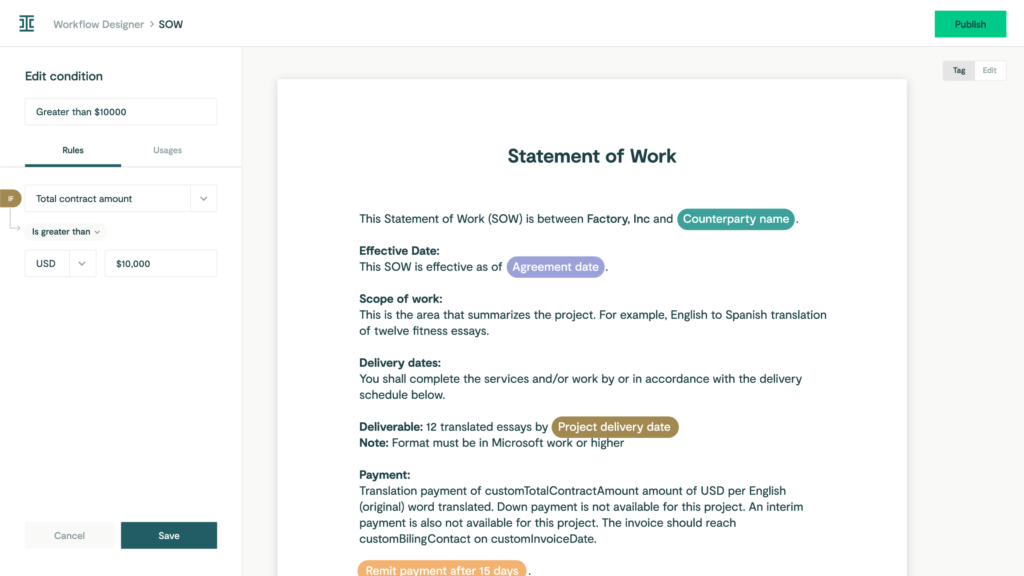
Ironclad is a contract lifecycle management platform designed to help in-house teams manage every step of the contract process in one place.
Source: G2
Contract drafting and approvals are the biggest time drains for many legal departments. Ironclad tackles that problem by pulling everything (document drafting, compliance checks, reviews, and storage) into a single workflow.
Key Features
- Clause and template libraries: Use automated templates to keep language consistent and cut drafting time.
- Automated workflows: Move contracts across teams without manual follow-ups to optimize your existing workflows.
- Compliance checks: Highlight risks early so agreements stay aligned with company policies and meet legal standards.
- Integrations with business tools: Connect with Salesforce, Google Drive, and more for smoother legal document management.
3. CoCounsel
CoCounsel is a legal AI assistant that helps with document drafting and review. Lawyers often deal with large volumes of documents, and keeping track of key information can be overwhelming.
But with CoCounsel, legal teams can handle that challenge more efficiently through draft reviews, risk checks, and clear editing suggestions in a tool built with enterprise-grade security.
Source: ThomsonReuters.com
It ensures accuracy in less time, so you save time. Multiple documents that once took hours to read through can be processed in minutes, and, in turn, this frees attorneys and in-house teams to spend more time on higher-level strategy, client communications, and deep legal research.
Key Features
- AI document review: Reads and analyzes drafts to highlight risks, gaps, and hidden jurisdictional nuances.
- Legal document drafting support: Generates clauses, legal briefs, and standard agreements when needed.
- Faster turnaround: Handles large volumes of text quickly without sacrificing accuracy.
- Focus on key information: Pulls out research summaries and the most relevant details for attorneys to act on.
4. PandaDoc
PandaDoc is a document management platform that helps legal teams and business departments handle drafting, approvals, and e-signatures in one place.
While it’s often used for sales contracts and proposals, it also supports legal workflows that require efficiency and clear compliance checks.
Source: G2
For lawyers, the main benefits come from building contracts faster through drag-and-drop templates and tracking documents once they’re sent out.
Automated processes reduce back-and-forth during the negotiation process, and built-in tools for contract analysis give you a better view of obligations after signing to maintain consistency.
Key Features
- Document automation: Create and edit contracts quickly with ready-to-use templates.
- Approval workflows: Route agreements through legal and business teams for faster reviews and secure version control.
- Compliance tools: Add audit trails and permissions to help ensure compliance.
- Contract analysis: Track terms, signatures, and obligations with real-time access.
- Integrations: Connects with CRMs, storage apps, and other business systems for smooth legal workflows.
5. Spellbook
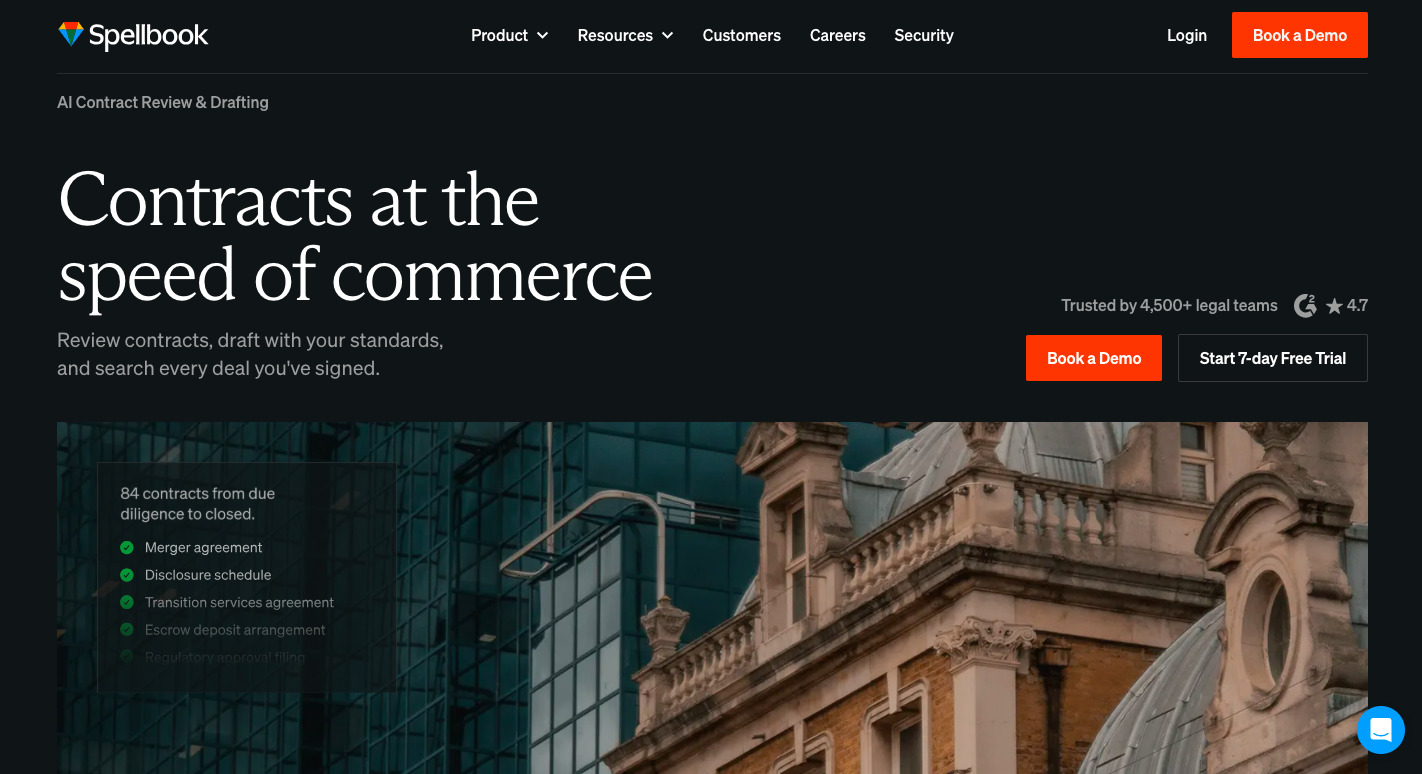
Spellbook is an AI-powered drafting assistant that works directly inside Microsoft Word, which makes it a practical option for legal professionals who don’t want to switch to a new platform.
Source: Spellbook.Legal
It helps with legal work by using specialized AI for legal writing to suggest language, spot gaps, and flag inconsistencies while you draft. Firms that want to save time while maintaining document accuracy will find it a simple yet powerful add-on.
One of its strengths is how it supports data privacy and compliance within regulated industries. Drafts never leave Word, and AI legal suggestions are delivered in a way that lets attorneys stay in control of the final text.
This approach helps mitigate risk and fulfill ethical obligations while still giving lawyers the benefits of AI-driven legal documents.
Key Features
- Works inside Microsoft Word: No need to learn a new platform.
- Real-time drafting support: Suggests clauses, edits, and corrections as you write.
- Data privacy focus: Keeps sensitive information secure while you work.
- Risk reduction: Flags missing or inconsistent terms to help mitigate risk.
- Designed for legal professionals: Built specifically around the needs of the legal profession, lawyers, and contract drafters.
Briefpoint Rethinks How You Draft Discovery Documents
Legal drafting tools change the day-to-day reality of legal work. They cut down on manual drafting, improve accuracy, and help the legal industry keep documents consistent without draining hours.
The real advantage is simple: less time fixing multiple file types or rewriting the same language, and more time spent on the work to improve your legal arguments.
For litigators, discovery is where the workload can pile up fast. Briefpoint reduces that burden with AI-driven drafting that produces polished responses in minutes while maintaining compliance standards.
Of course, it’s not going to replace your work. Rather, it focuses on removing the parts that slow you down.
If you want a clearer way forward, book a demo today and see how much lighter discovery drafting can feel!
Harvey AI vs. CoCounsel: Features, Uses, and Fit
What Is Harvey AI?
Harvey AI is a legal AI tool built for large law firms, in-house teams, and other organizations that deal with complex legal work every day.
It’s known for helping with research-heavy and document-heavy tasks like legal research, due diligence, contract analysis, compliance work, and litigation support.

Source: Harvey.ai
What sets Harvey apart is the market it goes after. The platform is not aimed at someone looking for quick answers to basic legal questions.
Instead, it’s geared toward firms and legal departments that want AI built into serious workflows, especially work that usually eats up attorney time but still needs careful review from human lawyers.
The audience reflects that focus. Harvey is used by major law firms and corporate legal teams, and public examples include A&O Shearman and HSBC’s legal function.
It has also gained traction among top U.S. firms, which helps explain why it often comes up in conversations about enterprise legal AI.
What Is CoCounsel?
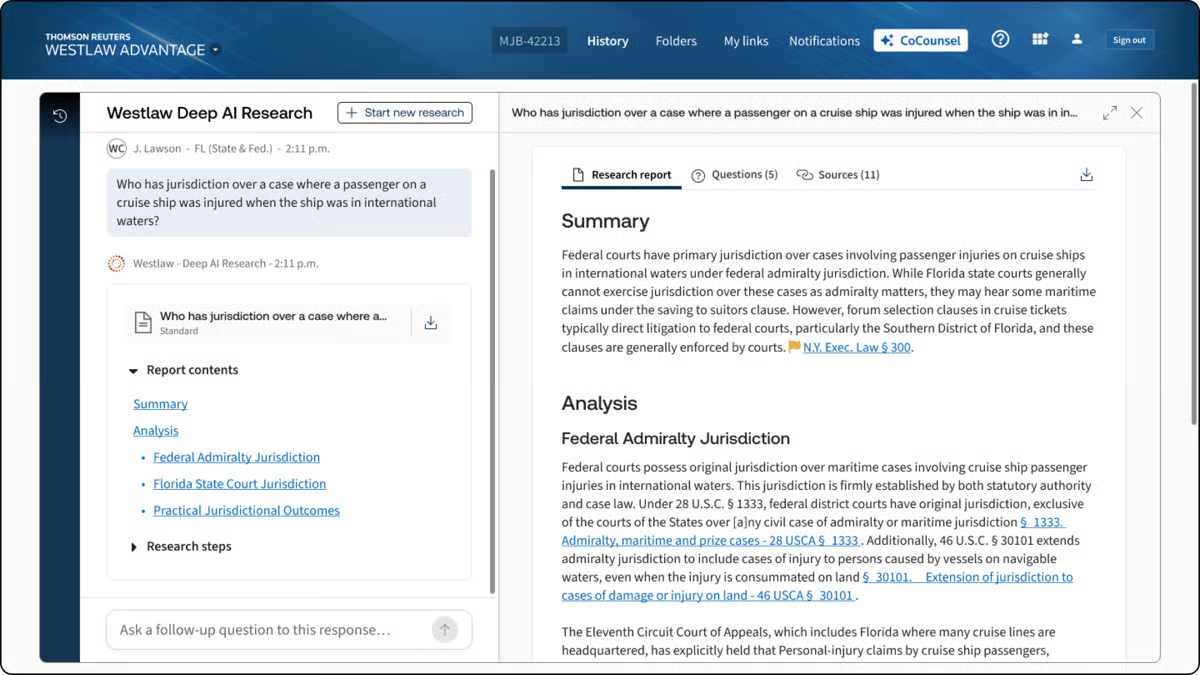
CoCounsel is Thomson Reuters’ legal AI assistant for lawyers and legal operations teams who want help with core legal tasks inside tools they already use.
It brings legal research, drafting, and document analysis into one system, with links to Westlaw, Practical Law, Microsoft 365, and document management systems.
Source: G2
What gives CoCounsel a different feel from other AI tools is its connection to Thomson Reuters content. If you already rely on Westlaw or Practical Law, CoCounsel fits naturally into that workflow.
It is mainly designed for people who want answers and drafts tied to recognized legal sources rather than a general-purpose chatbot with a legal wrapper.
With all that in mind, CoCounsel works especially well for legal teams that want one assistant for everyday work, such as research, reviewing large document sets, drafting, and pulling insight from messy files.
What Is Briefpoint?
Briefpoint is an AI platform that helps litigators handle discovery drafting much faster.
You upload discovery requests and supporting files, and the software turns that material into editable responses for interrogatories, requests for production, and requests for admission.
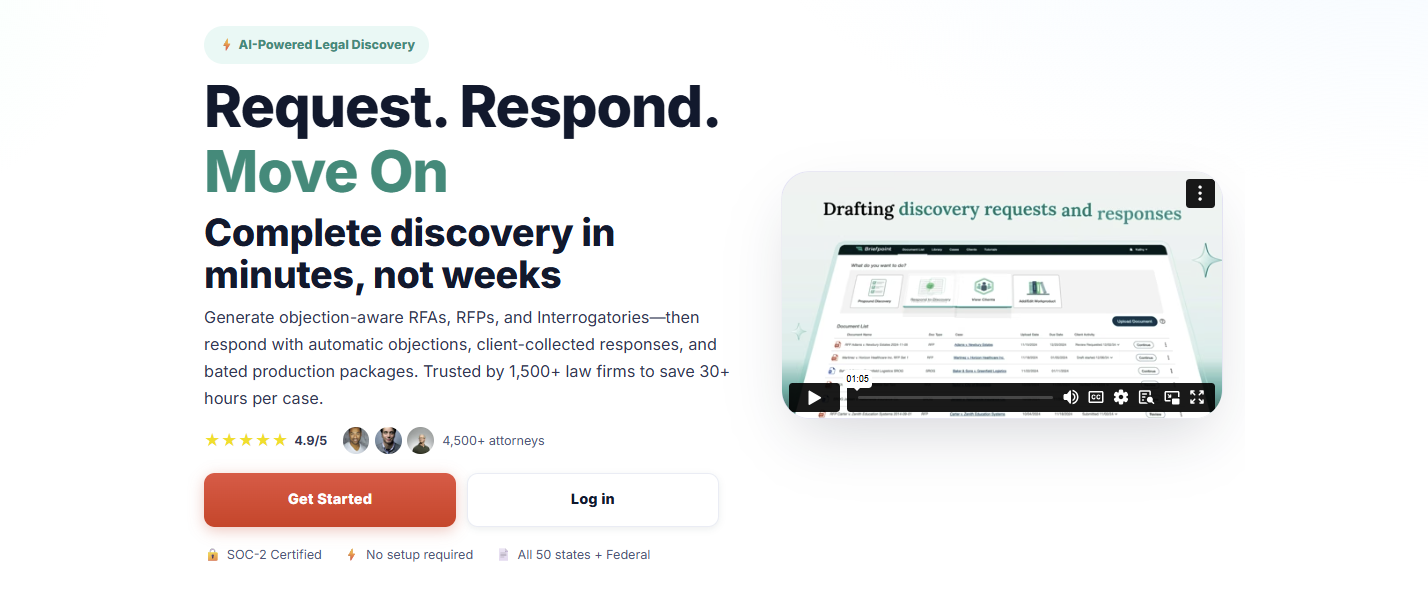
It also helps with production packages and Bates-numbered output, so you can move from raw case documents to polished work product without spending hours piecing everything together manually.
Another thing that makes Briefpoint stand out in this comparison is how focused it is. Harvey and CoCounsel cover a broader range of legal work.
On the other hand, Briefpoint goes straight at one of litigation’s biggest time drains, which is discovery drafting. If that is the work eating up your day, a specialized tool will usually feel a lot more useful than a general AI assistant.
It also has strong adoption in the legal market. Briefpoint is trusted by more than 1,500 law firms nationwide, which gives it real weight for firms that want software with a proven place in practice.
Harvey AI vs. CoCounsel vs. Briefpoint: What Are the Key Differences?
The differences make more sense when you look at what each one is meant to help you do. Here’s a closer look at their main purpose, legal applications, key features, and who each tool fits best.
Main Purpose
Harvey focuses on broad, high-value legal workflows for firms and in-house teams that need help with complex research, drafting, analysis, and document review inside a larger generative AI platform.
Harvey Assistant sits in that enterprise lane, so the goal is wider legal productivity rather than one narrow task.
CoCounsel has a broader day-to-day legal focus, but it feels more structured around the core work lawyers already do in the Thomson Reuters ecosystem.
Thomson Reuters describes CoCounsel Legal as one AI tool for research, drafting, and document analysis, and CoCounsel has also been framed around seven core legal tasks, which gives it a practical workflow angle for everyday use.
Briefpoint goes in a much narrower direction, and that is the point. Its main purpose is discovery drafting: generating and responding to RFAs, RFPs, and interrogatories, then helping you package production with objections and Bates-cited output.
So, while Harvey and CoCounsel aim to raise the lawyer baseline in a broad sense, Briefpoint is there to speed up one very specific part of litigation work that tends to eat up hours.
Legal Applications
We already covered the general purpose of each tool. Now, let’s get a little more specific and look at the legal work each one tends to fit into once you put it to use.
Harvey AI tends to suit broader legal projects that call for analysis, synthesis, and high-level support in demanding environments. Many legal professionals use it for:
- Transactional support
- Investigations
- Compliance projects
- Litigation prep
- Internal knowledge work
CoCounsel fits more naturally into everyday legal work, such as:
- Research tasks
- Drafting support
- Summarization
- Review workflows
Briefpoint has the narrowest application of the three, but that focus is also what makes it useful for firms that spend a lot of time handling discovery paperwork, including:
- Interrogatories
- Requests for production
- Requests for admission
- Objections and responses
- Production drafting
Key Features
Next, let’s look at the features each one brings to the table.
Harvey AI’s Key Features
- Assistant: Lets you ask questions, analyze legal documents, and draft work product in one place, with citations that make it easier to check the source material before you use the output.
- Knowledge sources: Pulls from uploaded files, Vault content, document management systems, premium legal databases, curated public sources, and web search, which gives you wider access to the legal text and case law behind an answer.
- Deep analysis: Handles multi-step reasoning and generates longer, structured outputs for complex legal questions, which is useful when a fast summary will not cut it.
- Vault: Stores and organizes up to 100,000 documents in a single vault, then helps teams compare, review, and analyze large datasets in a more structured way.
- Review tables: Extracts and compares key data points from thousands of legal documents at once, which is especially useful for due diligence and large-scale review projects.
- Workflow Agents: Creates custom legal workflows with natural language prompts, embedded examples, and flexible logic so teams can automate recurring work while keeping output more consistent.
CoCounsel’s Key Features
- Research tied to Thomson Reuters content: CoCounsel pulls from Westlaw and Practical Law, which gives you stronger information retrieval and makes the answers feel more grounded in legal authority rather than generic GenAI tools.
- Document analysis: You can upload large sets of legal files and ask detailed questions, compare documents, summarize content, and pull out the points that need attention. That makes it useful for due diligence review and other heavy review projects.
- Tabular analysis: CoCounsel can analyze thousands of documents at once and return results in a sortable table, which helps when you need data extraction from large batches of contracts or other records.
- Drafting support: It helps with drafting and revising legal work product using both Thomson Reuters content and your own documents, so the output has more legal context behind it.
- Guided workflows: CoCounsel Legal includes multi-step workflows for high-friction legal work, which makes the tool feel more structured than a basic chat assistant.
- Deep integration: It connects with Microsoft 365, document management systems, and Thomson Reuters products, so it fits more naturally into the legal software many legal teams already use.
Briefpoint’s Key Features
- Autodoc for discovery responses: Upload RFPs, complaint files, and productions, and Briefpoint turns them into Word-formatted responses with objections, answers, and page-level Bates citations.
- Ready-to-serve production packages: Briefpoint can generate a Bates-numbered production package alongside the response draft, which saves a huge amount of manual prep when you are dealing with large volumes of files.
- Trust-and-verify controls: The platform shows where the AI searched, lets you review the files it found, and gives you the option to confirm or deselect documents before anything goes out.
- Microsoft Word export: Briefpoint sends the final draft into Microsoft Word, so your team can make edits, finalize objections, and prepare documents for service in a format lawyers already use every day.
- Client response collection: For interrogatories, Briefpoint can send plain-English questions through a secure portal and flow the answers back into Word-ready drafts.
- Security and data controls: Briefpoint is SOC-2 certified, supports HIPAA compliance, encrypts data in transit and at rest, and keeps customer data siloed per account. Uploaded documents and other content are not used to train Briefpoint or third-party AI models.
Who It’s Best For
If you work at a large firm or in a legal department that handles complex projects, Harvey AI will likely make more sense. It fits teams that want broad AI support for research, analysis, drafting, and internal knowledge work, especially when the goal is to use one platform for a wide range of tasks.
CoCounsel feels like a better match for lawyers who want AI woven into familiar research workflows. If your team already leans on Thomson Reuters tools and values practical guidance tied to trusted legal sources, CoCounsel will probably feel like the more natural option for everyday use.
Briefpoint, on the other hand, is the strongest fit for litigators and litigation support teams buried in discovery work.
If your day involves drafting responses, handling production, and getting documents out the door fast, its narrower focus will likely be a plus. You also get editable Word output and full control over the final draft, which matters when you need to review everything closely before service.
How Law Firms and Legal Professionals Can Choose the Right Legal AI Tool
Choosing a legal AI tool starts with a simple question: what work is slowing your team down the most?
The best option usually depends on your actual workflow, your review standards, and how much risk your team is willing to take on (among other important factors).
- Pin down the main use case: Start with the task that eats the most time. That could be legal research, contract review, reviewing documents, discovery drafting, and more.
- Check how much human review is still needed: Tools built on large language models can move work faster, but legal output still needs attorney oversight before it goes to a client, court, or opposing counsel.
- Review security and AI governance: Look at how the platform handles client data, permissions, retention, and internal policies tied to AI use.
- Look at workflow fit: Common AI features, like natural language processing, can help, but the tool also needs to work well with Microsoft Word, collaboration tools, and the systems your team already uses.
- Compare the real cost: Per-user pricing, add-ons, admin controls, and training time can all affect the total costs more than the base price suggests.
- Think about risk tolerance: If your team wants tighter control, pick a tool that makes review, editing, and verification easy.
Briefpoint Brings Legal AI Back to the Work That Slows You Down
Briefpoint works well because it stays focused on discovery from start to finish. You can complete the discovery workflow in three simple steps: upload the request, add objections and responses, then open the finished draft in Word and serve.
Briefpoint’s whole workflow makes it easier to move work forward without getting pulled into a broader platform that tries to cover every legal task at once.
That focus also shows up in the speed. Briefpoint highlights 3–10 seconds per request for Autodoc, with lightning-fast processing that turns uploaded productions and case files into ready-to-serve responses with Bates-cited Word output and production packages.
You still keep control over the final work product, too. Briefpoint gives you review steps, editable Word output, and trust-and-verify controls, so the process moves faster without forcing you to give up careful attorney review.
8 Top Legal Research Tools for Legal Professionals
What are Legal Research Tools?
Generally speaking, legal research tools are digital resources that help legal professionals conduct legal research with speed and accuracy. They’re diverse, ranging from full-scale databases packed with case law and statutes to platforms that focus on legal news, analytics, or court rules.
While they serve different purposes, the general idea is to give users quick access to legal materials they can trust.
Most tools pull from both state and federal courts, along with commentary, practice guides, and regulatory updates. And because the law changes constantly, these platforms also make it easier to stay up to date on new rulings and legislative shifts.
Some of the common features you’ll find include:
- Searchable collections of legal materials such as cases, statutes, and regulations
- Coverage of opinions from state and federal courts
- Citation checkers to confirm the validity of cases
- Built-in legal news updates and analysis
- Filters by jurisdiction, topic, or practice area
- Resources tailored for specific legal fields
In general, legal research tools give professionals one reliable place to research, check, and track information that matters for their work.
8 Top Legal Research Tools For All Kinds of Law Professionals
There’s no single tool that fits every need. Some platforms focus on deep case law research, while others highlight legal news or analytics.
Below, you’ll find a mix of options to choose from:
1. LEGALFLY
LEGALFLY is one of the newer legal research platforms gaining traction with law firms and solo attorneys.
It acts like a modern law library that combines classic legal databases with AI support to speed up searches. Whether you’re reviewing federal and state cases, looking at Supreme Court decisions, or following pending legislation, LEGALFLY brings it all into one system.
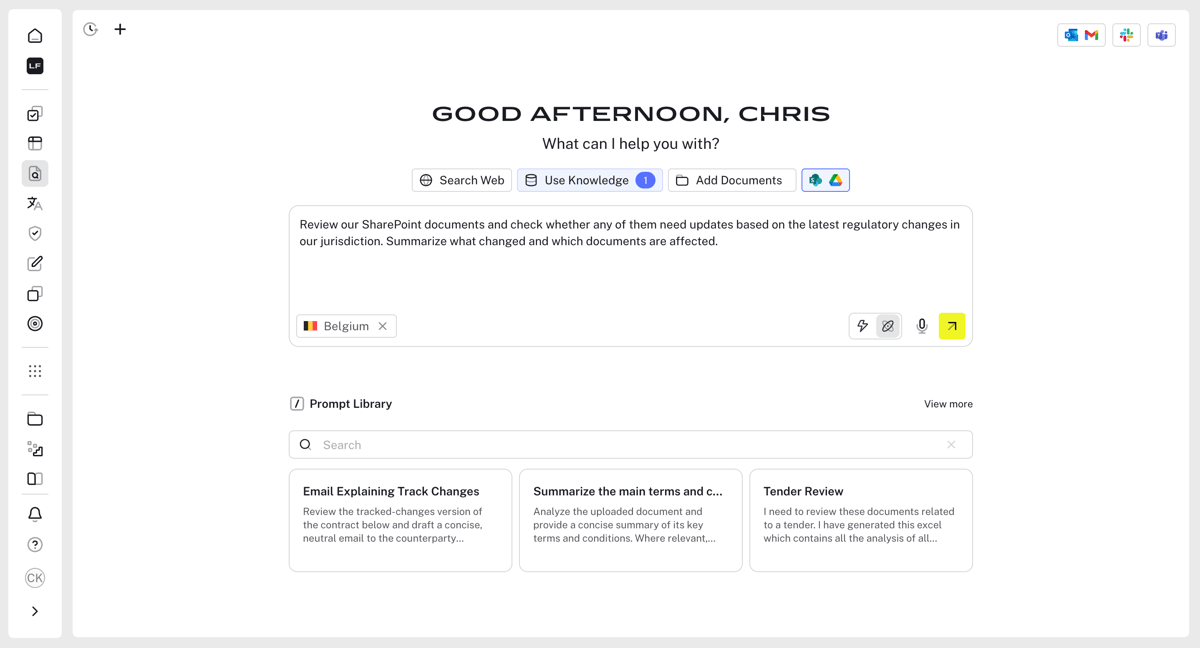
Source: G2
It also connects with state court websites to offer quick access to legal opinions and updates across jurisdictions.
Beyond case law, the platform provides legal journals, commentary, and information from administrative agencies, which makes it useful for both statutory research and practice-specific needs.
Best Features
- AI summaries: Breaks down lengthy opinions from federal appellate courts and the Supreme Court.
- Case law coverage: Access to federal and state cases across multiple jurisdictions.
- Statutory research: Tools for finding relevant statutes, rules, and regulations.
- Secondary sources: Integration with legal journals and commentary for deeper context.
- Legislative tracking: Updates on pending legislation and new rulings from administrative agencies.
Pros
- Saves time with clear summaries of cases and statutes
- Strong mix of statutory research, case law, and secondary sources
- Connects to both state court websites and federal rulings
- Fits the needs of both large law firms and smaller practices
2. Lex Machina
Lex Machina is designed for legal experts who need more than just case law. It provides litigation analytics that help shape strategy.
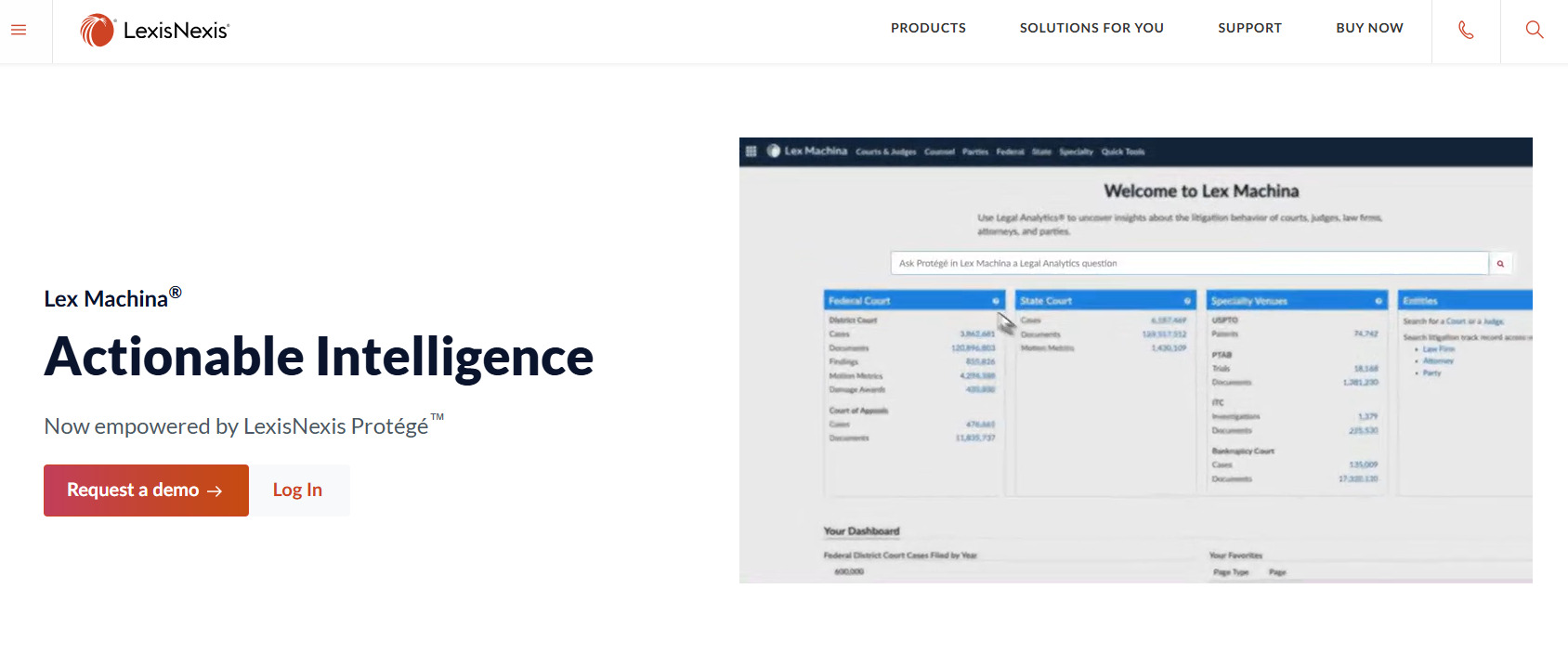
Source: LexisNexis.com
Rather than rifling through a basic searchable database, this platform digs deeper into trends. It can show how judges, courts, and even opposing counsel have handled similar legal issues in the past.
It’s especially valuable for firms that want to prepare with data. Alongside analytics, Lex Machina also gives access to case documents, statutes, and references like law review articles or notes from the Law Revision Counsel.
Best Features
- Litigation analytics: Detailed data on judges, lawyers, law firms, and case outcomes.
- Searchable database: Quick access to case law, filings, and related legal issues.
- Federal regulations: Coverage of statutes and rules that impact case outcomes.
- Secondary resources: References to law review articles and other commentary.
- Historical insights: Information from the Law Revision Counsel and long-term case patterns.
Pros
- Helps predict outcomes with data-backed insights
- Saves time preparing case strategies with detailed analytics
- Strong support for complex legal issues and multi-jurisdiction cases
- Widely used by large firms and litigation-focused attorneys
3. Bloomberg Law
Bloomberg Law is a well-known choice among legal experts and a go-to for both practitioners who want deeper insights.
Unlike free legal resources that only cover the basics, Bloomberg offers a vast mix of case law, statutes, and business-focused updates.
Source: BloombergLaw.com
You’ll find everything from Supreme Court opinions and case summaries to commentary pulled from legal blogs, practice guides, and even a built-in legal dictionary for quick reference.
While some platforms rely only on raw case law, Bloomberg combines traditional databases with news-driven updates to help professionals keep up with both legal and business trends. It also pulls from open-access journals, which gives researchers additional context alongside standard materials.
Best Features
- Comprehensive coverage: Access to statutes, Supreme Court opinions, and detailed case summaries.
- News integration: Ongoing updates that connect legal developments with business and finance.
- Secondary resources: Includes references from legal blogs, practice guides, and open-access journals.
- Research support: Built-in legal dictionary and tools designed for practicing attorneys and law students.
- Case tracking: Alerts on dockets, filings, and emerging case law.
Pros
- Strong mix of legal research and business intelligence
- Includes resources beyond traditional case law, like legal blogs and journals
- Helpful for both practicing attorneys and law students
- Reliable case summaries that speed up research
4. Legal Information Institute
The Legal Information Institute (LII), hosted by Cornell Law School, is one of the most trusted free legal research tools available online. It provides open access to a broad range of legal documents, including statutes, regulations, and U.S. Supreme Court decisions.
For many in the legal industry, this platform is the first stop when they need reliable information at no cost.
Source: Law.Cornell.edu
What sets LII apart is its focus on free legal research. Users can browse legislative materials, check congressional records, and search through an extensive collection of federal and state resources.
Sadly, it doesn’t have advanced analytics like paid platforms, but it’s a go-to for anyone who needs dependable and straightforward legal information.
Best Features
- Free access: Open-source platform for statutes, case law, and U.S. Supreme Court decisions.
- Extensive collection: Covers legislative materials, congressional records, and key rulings.
- Educational support: Simple guides and explanations for students and non-lawyers.
- Trusted source: Backed by Cornell Law School, respected across the legal industry.
- User-friendly design: Easy to search and navigate compared to many traditional systems.
Pros
- 100% free and accessible to anyone
- Broad coverage of cases, statutes, and legislative materials
- Respected academic source with a strong reputation
- Useful for both professionals and the general public
5. vLEx
vLex is a practical option for lawyers who want an affordable yet reliable research tool. Many state bar associations have long offered Fastcase as a member benefit, and with the shift to vLex, it remains one of the most widely available platforms for legal research.
Source: vLex.com
It gives attorneys access to an extensive database that covers decisions from federal and state courts, making it easier to search case law and find relevant precedents for the matters they’re handling.
On top of its broad coverage, vLex includes advanced search options that help users find useful rulings faster. It also offers visualization tools, which can help lawyers see how cases connect and support stronger legal analysis.
Best Features
- Federal cases: Broad coverage of rulings from across the country.
- Advanced search options: Filters and tools to refine case law research with precision.
- Visualization tools: Graphs and maps showing how cases are linked.
- Mobile access: Research from anywhere with mobile support.
- Practice tips: Contextual guidance that supports decision-making.
Pros
- Affordable option, with access often tied to bar memberships
- Easy-to-use design with mobile support
- Strong coverage across federal and state courts
- Helpful extras for finding relevant precedents and understanding case connections
6. Caselaw Access Project
The Caselaw Access Project (CAP) is one of the most ambitious free legal research resources available today. Backed by Harvard Law School, it gives open access to millions of U.S. court decisions, including historic rulings and modern opinions.
For researchers, law students, and legal scholars, CAP is a powerful way to study how the law has evolved over time.
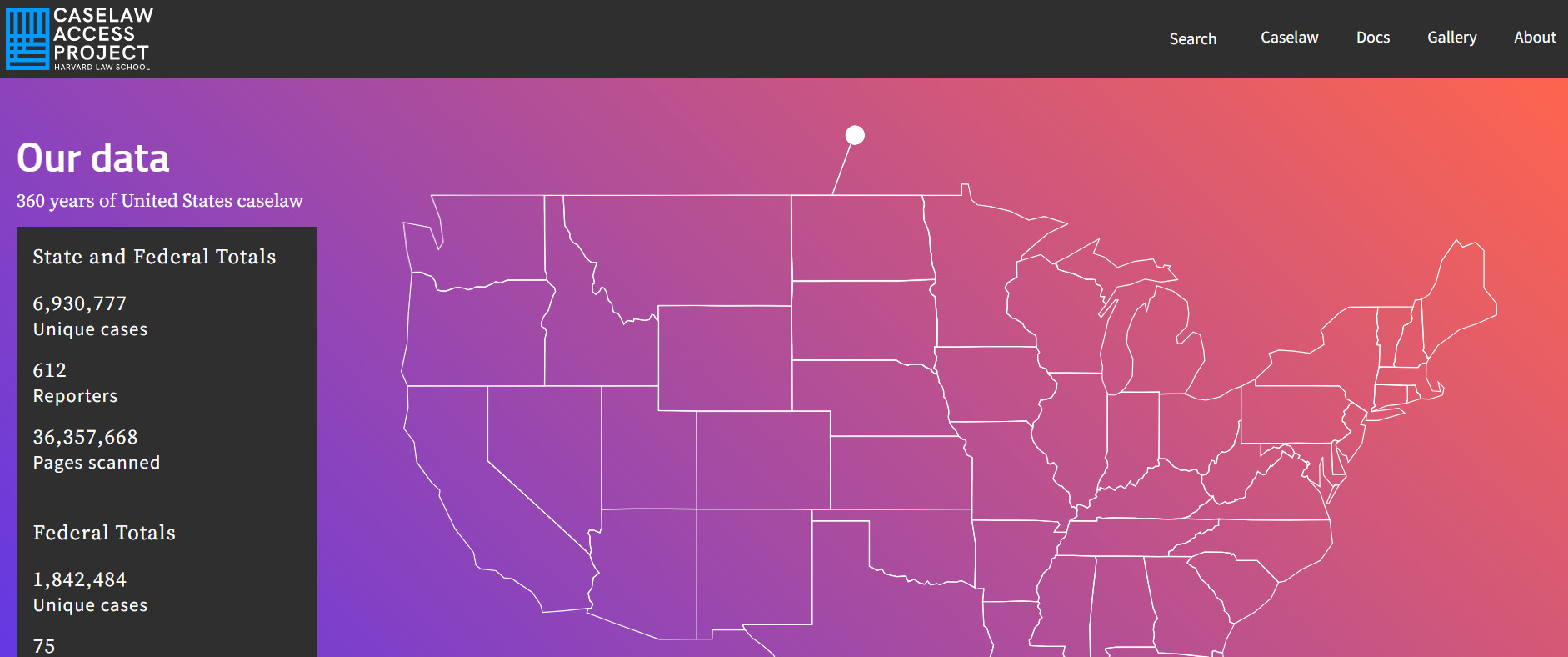
Source: Case.law
The database spans everything from U.S. Supreme Court decisions to state-level rulings, organized by report volume number for accuracy.
While the basic platform is free, CAP also offers paid desktop plans with additional features like bulk downloads and advanced search. It’s widely recognized by groups like the American Bar Association for its value to both academics and practitioners.
In addition to case law, the project gives access to session laws and related materials, which makes it a strong complement to other research tools.
Best Features
- Extensive coverage: Millions of cases, including U.S. Supreme Court decisions and state rulings.
- Reports volume number: Organized referencing for precise case identification.
- Free access: A strong choice among free legal research resources.
- Paid desktop plans: Options for bulk downloads and advanced research features.
- Legal scholarship support: Widely used for studies, journals, and academic work.
Pros
- Open access for researchers, lawyers, and students
- Valuable for legal scholarships and historical studies
- Endorsed by the American Bar Association as a trusted resource
- Combines free use with optional upgrades for professionals
7. Paxton AI
Paxton AI is an emerging tool built to support both attorneys and law firms with faster research powered by artificial intelligence.
Unlike traditional law library systems, Paxton uses natural language processing to interpret questions in plain English and deliver precise results from statutes, federal and state cases, legal opinions, and other court documents.

Source: Paxton.ai
What makes it stand out is how it combines traditional legal databases with newer features like real-time tracking of pending legislation and access to secondary sources such as legal journals and legal guides.
This mix makes it useful for practicing lawyers who want faster answers and for students who want a more approachable way to conduct legal research.
Best Features
- AI-powered search: Responds to plain language questions and provides targeted case law and relevant statutes.
- Federal and state coverage: Access to rulings from multiple jurisdictions, including appellate and trial courts.
- Pending legislation tracking: Alerts on proposed laws and regulatory changes.
- Secondary materials: References from legal journals, legal guides, and practice commentaries.
- Citation support: Tools to verify and cross-check legal opinions and court documents.
Pros
- Speeds up research with AI-generated responses
- Covers both federal and state cases in one platform
- Helpful for smaller law firms looking for cost-effective options
- Combines traditional research with real-time legislative updates
8. Westlaw
Westlaw is one of the most established legal research platforms used by law firms, in-house teams, and courts.
As cloud-based software, it gives users access to a broad collection of primary and secondary sources while also offering specialized tools for research, citation checking, drafting, and litigation analysis.
Thomson Reuters currently positions its lineup around Westlaw Edge, Westlaw Edge with AI-Assisted Research, and Westlaw Advantage.
Source: Legal.ThomsonReuters.com
It’s especially useful for lawyers who need to find relevant case law quickly and work across different parts of the research process in one system.
Along with coverage across jurisdictions, Westlaw includes tools for validating authorities, reviewing litigation trends, and accessing practical resources written by attorney editors.
Best Features
- Diverse legal research tools: Advanced legal research with AI-supported tools designed to help users research faster and more accurately.
- KeyCite: Citation tool that helps verify if a case, statute, regulation, or administrative decision is still valid.
- Litigation analytics: Data on judges, courts, law firms, attorneys, damages, and case types across many practice areas.
- Practical law: Attorney-written practice notes, checklists, standard documents, and how-to resources.
- CoCounsel integration: AI-assisted research, drafting, and document analysis grounded in Westlaw and Practical Law content.
Pros
- Strong option for finding relevant case law across multiple jurisdictions
- Combines research, citation checking, practical guidance, and analytics in one platform
- Cloud-based software with multiple research tools for different legal workflows
- Helpful for lawyers who want to move from search to drafting with fewer gaps in the process
From Research to Ready-to-Serve Documents With Briefpoint
Legal research helps you find the right authority, but it does not finish the discovery work for you. You still need to draft responses, match documents to specific requests, format everything correctly, and make sure the final output is ready to serve. That part can take far more time than it should.
Briefpoint helps cut down that workload. Its core platform helps you draft and respond to requests for production, requests for admission, and interrogatories, while keeping formatting and objections consistent.
Autodoc takes things further by turning productions and case files into ready-to-serve responses with Bates-cited Word output and production packages in as little as 3 to 10 seconds per request.
For interrogatories, Briefpoint also supports Supplemental Responses and client response collection, which helps you gather answers faster and move them into Word-ready drafts.
Briefpoint is trusted by 1,500+ law firms nationwide and is built for firms that want to spend less time on repetitive discovery tasks and more time on the work that actually needs legal judgment.
Paralegal Drafting Documents: Roles, Rules, and Real Limits
What Is A Paralegal And What Do They Do?
A paralegal is a legal professional who works under the supervision of a lawyer to support legal tasks. They’re not licensed to practice law, but they’re trained to handle a variety of responsibilities that help law firms, corporations, and government agencies run smoothly.
From legal research to document prep, paralegals are trusted with a big part of the workload. They must follow strict rules and can’t provide legal advice, but they still play a key role in legal services by taking care of the behind-the-scenes work that keeps cases moving forward.
Common Tasks Paralegals Handle
Paralegals juggle a mix of duties that keep legal teams organized and efficient. Here’s what they typically do:
- Draft legal documents like contracts, discovery responses, and pleadings.
- Research laws and case history to help lawyers build their arguments.
- Organize case files and maintain document management systems.
- Handle client communication under supervision, such as scheduling or updates.
- File paperwork with courts and agencies on time.
- Prepare trial materials like summaries, timelines, and exhibit lists.
- Review documents for accuracy and completeness.
Can Paralegals Draft Legal Documents?
Yes, paralegals can draft legal documents, but there are clear boundaries. They’re allowed to prepare documents as long as a licensed attorney supervises and approves the final versions.
This means paralegals can take on much of the initial drafting work, which saves a lot of time. However, they can’t act independently or offer legal advice during the process. Every document they prepare must ultimately be reviewed and signed off by the supervising attorney.
The rules vary slightly depending on the state or country, but the general idea is the same. Paralegals can assist with document preparation, but can’t replace a lawyer’s judgment or authority.
Drafting contracts, pleadings, affidavits, and other legal materials is part of their regular legal workflow, especially in busy law firms. Still, it’s important to remember that clients can’t rely solely on paralegals for legal documents without lawyer involvement.
At the end of the day, lawyers are held responsible for the legal accuracy and quality of all documents that come out of their office, even if a paralegal does the bulk of the work behind the scenes.
What Kind of Documents Can Paralegals Draft?
Paralegals are trained to support lawyers by preparing various legal documents that play a big role in legal proceedings. They often rely on legal research databases to gather accurate information and ensure the documents are complete and well-informed.
Plus, the drafting process involves using templates, reviewing past cases, and double-checking facts to create legally sound documents.
Here are some of the most common types of legal documents paralegals draft:
- Contracts: Employment agreements, service contracts, non-disclosure agreements.
- Pleadings: Complaints, answers, motions, and other court filings.
- Discovery documents: Interrogatories, requests for production, and responses.
- Affidavits and declarations: Written statements sworn to be true under oath.
- Wills and trusts: Basic estate planning documents prepared under lawyer supervision.
- Settlement agreements: Used to resolve disputes before or during legal proceedings.
- Legal correspondence: Letters to clients, opposing counsel, or court personnel.
- Case summaries and timelines: Used to support trial prep and presentations.
What Is The Role of Document Automation?
How often does drafting start with opening an old document, saving it under a new name, and carefully combing through it to make sure nothing from the last matter slipped in?
It’s a common habit, and it works. But it also eats up time and leaves room for small, avoidable mistakes.
Document automation reworks that process.
Many documents in your practice follow a familiar structure. Contracts, pleadings, and even legal briefs tend to rely on the same framework, with the facts changing from case to case.
Automation builds your firm’s legal knowledge directly into structured templates. You input the case-specific details, and the system assembles the draft using approved language and formatting rules.
You still control the final product. What changes is how the first draft comes together. Instead of reconstructing the same document again and again, you start with a version that already reflects your team’s standards.
That shift frees up time for closer review, sharper analysis, and better decision-making. These are the parts of drafting that actually call for your attention.
What Are The Benefits of Legal Document Automation?
Legal document automation turns a task that used to take hours into one that can now be done in minutes.
For paralegals, especially, it means spending less time on repetitive tasks and more time on work that actually needs their input. So, how does this shift affect the way you work?
Here are a few prominent benefits:
Saves Time on Repetitive Tasks
Automation tools take care of the busywork by using pre-built templates and pulling info from sources like forms, legal databases, or past cases.
Instead of typing out the same clauses, headings, and legal terms over and over, you simply enter the case-specific details, and the system handles the rest.
That means you can spend less time on formatting and more time reviewing the final product or conducting legal research when needed. It also makes legal writing faster and less tiring, particularly when working under tight deadlines, ultimately reducing paralegal burnout.
Here’s how it helps:
- Fills in standard legal language automatically
- Pulls client data directly from legal databases
- Reduces time spent rewriting the same documents
- Keeps formatting and structure consistent across drafts
Cuts Down on Errors
Even skilled paralegals run into small drafting mistakes from time to time. When you’re editing line by line, it’s easy to miss a date that wasn’t updated, inconsistent legal terminology, or a section that didn’t carry over correctly.
Those details might look minor, but poorly drafted documents can create real problems, especially when you’re handling complex legal issues.
Document automation helps steady that process. Rather than relying on repeated manual edits, it uses approved templates that already contain the right structure and language. You enter the case information once, and the system places it everywhere it belongs.
Picture a discovery response with the client’s name, case number, and defined terms scattered throughout. Updating each reference manually leaves room for one to slip past you. Automation applies the change across the entire document in one step.
However, that does not replace careful review. The legal profession still depends on attention to detail.
What it does is remove the repetitive mechanics that lead to avoidable errors, so skilled paralegals can focus on things like thorough legal research and making sure the substance of the document holds up.
Keeps Work Organized
Staying organized is one of the biggest challenges in a busy legal practice. When you’re handling several matters at once, it’s not hard for things to get scattered. Unfortunately, these small issues can quickly slow things down or lead to mistakes.
Document automation helps avoid that by keeping everything in one place. Templates, drafts, and final versions are easy to find, clearly labeled, and tied to the right case. You can see who last made edits, what’s been changed, and what still needs review.
Here’s how it helps:
- Keeps documents organized and easy to track
- Connects each draft to the right matter automatically
- Reduces back-and-forth between team members
- Makes sure each document reflects the most up-to-date information
Remember: A great organization goes a long way. By keeping the drafting process clear and structured, automation helps you stay on top of the details and support more successful legal outcomes.
Improves Consistency Across the Board
The legal landscape demands clear, consistent communication. Whether one person or several are involved in drafting, every document needs to match in tone, structure, and formatting.
Document automation helps maintain consistency by using shared templates that apply the same standards across the board.
For example, if two legal assistants draft similar pleadings without legal process automation, one might include case law references while the other skips them. That inconsistency can be confusing or even lead to legal disputes.
Automation keeps everything aligned, which makes it easier to present polished, professional documents every time.
5 Document Automation Best Practices for Paralegals
If you’re a paralegal looking to get the most out of automation tools, there are a few simple habits that can make a big difference:
1. Start With Clean, Approved Templates
One of the most essential skills in legal document drafting is knowing where to start, and that means using the right template. Whether you’re drafting pleadings, contracts, or discovery responses, always begin with a template that’s been reviewed and approved by your legal team.
These templates follow firm-specific formatting, use the correct legal language, and stay in line with procedural rules. Using an outdated or unofficial version can lead to errors that take extra time to fix.
If there’s any doubt, check with a supervising attorney or senior paralegal to make sure you’re working from the most current version.
What approved templates should include:
- Correct court caption and jurisdiction details
- Up-to-date legal terminology and standard clauses
- Clearly marked placeholders for case-specific information
- Consistent formatting for headings, numbering, and spacing
- Required procedural language based on local rules
- Removal of internal notes or outdated references
2. Review Every Output Before It Leaves Your Desk
Document automation software can assemble a draft quickly, but the responsibility for accuracy still sits with you. In legal work, details matter. Formatting must align with court rules, citations must be correct, and the document has to reflect the specific facts of the case.
Before anything moves forward, read the draft closely. Confirm names, dates, defined terms, and headings.
Make sure the structure supports the legal arguments being presented and that nothing feels out of place. Even strong systems can’t fully account for context the way a trained professional can.
Paralegals assist in building the foundation of a document, but part of that role includes spotting inconsistencies and flagging issues early. If a section feels incomplete or a reference doesn’t line up, pause and address it before sending it for review.
3. Don’t Skip the Legal Review
No matter how advanced the software is, an automated draft is never the final version. It still needs a lawyer’s approval before it’s ready to go.
Even if the document looks complete, a supervising attorney needs to confirm that it meets legal standards and serves its purpose. Your role is to make sure the draft is clean, accurate, and easy to review.
This mindset reflects the kind of professionalism that law school teaches and supports your long-term professional development. A careful review can make all the difference in a document’s effectiveness.
4. Stay Updated on the Tools You Use
Legal technology keeps moving. Features get refined, templates improve, and new integrations roll out quietly in the background. In the legal field, those updates can make a noticeable difference in how smoothly your work flows.
It’s easy to keep using a tool the same way you did six months ago. But taking a little time to see what’s new can save you effort later.
Many platforms now connect more closely with other software, like legal research tools, and adapt to shifting legal trends, which means the system may be doing more than you realize.
Briefpoint, for example, regularly adds improvements that support faster drafting and cleaner formatting. We also share short blogs and cheat sheets that walk through ways to use the platform more effectively.
Simple ways to stay current:
- Skim update announcements when they’re released
- Test new drafting or formatting options
- Review short help guides or tips
- Join quick training sessions if your team offers them
5. Use Notes and Comments When Needed
Not every draft will be perfect on the first try, especially when it involves key aspects of a case that require legal interpretation or specialized knowledge.
If you’re unsure about a clause, a date, or how to phrase something specific to the parties involved, don’t guess. Add a clear comment or note for the reviewing attorney.
This kind of communication shows you’re paying attention and thinking through the details. Experienced paralegals know that leaving helpful notes not only speeds up the document review process but also builds trust with attorneys who rely on clean, thoughtful drafts.
Briefpoint Helps Paralegals Be Even More Efficient
Paralegals don’t need another tool that adds steps. They need something that clears bottlenecks.
Briefpoint is built specifically for discovery. It helps you propound and respond to interrogatories, requests for admission, and requests for production in minutes rather than weeks. More than 1,500 law firms use it to cut 30+ hours of drafting time per case.

Uploading a complaint? Briefpoint can generate tailored, objection-aware RFAs, RFPs, and interrogatories based on the allegations.
Responding to discovery? Upload the request, add objections and answers, and export a properly formatted Word document that’s ready for final review and service. It supports all 50 states and federal formatting, with no setup required.
And when production gets heavy, Autodoc takes over the busiest part of the workflow.
Autodoc turns productions and case files into ready-to-serve discovery responses, complete with Bates numbering and page-level citations. Upload your RFPs and production files, let Autodoc identify responsive documents, then download:
- Captioned Word responses with objections and Bates citations
- A Bates-numbered production package ready to serve
- Transparent search controls so you can verify every step
What used to take 30–40 hours can now take minutes.
Want to see it in action? Book a demo.
5 Top RFP Automation Tools for Legal Teams
What Are Requests for Production?
In most lawsuits, a big part of discovery comes down to requests for production. These are formal legal requests asking one party to provide documents, records, or other evidence that relate to the case.
Essentially, they help both sides understand the facts before going to trial. You might see RFPs asking for things like:
- Contracts or business agreements
- Internal emails or written communications
- Financial statements and transaction records
- Reports, memos, or other supporting documents
If you’re managing a case, you’ll need to review every request carefully, gather the right files, and make sure nothing confidential slips through. Each page has to be labeled and sometimes redacted before it’s shared with opposing counsel.
This process is one of the most time-consuming parts of discovery. It requires close attention to detail and a clear litigation workflow to stay organized. When handled properly, RFPs help both sides exchange evidence fairly and keep the case moving toward resolution.
What Is RFP Automation?
RFP automation uses technology to manage the RFP response process from start to finish with less manual effort. It replaces repetitive administrative work with smart automation software that supports accuracy, speed, and collaboration across legal teams.
RFP automation often includes:
- Automated document drafting: Templates generate responses that follow required formats and case standards.
- Workflow automation: Tasks like review, approval, and version tracking move through the process without delays.
- Artificial intelligence review: AI checks for missing details, detects inconsistencies, and helps improve response quality.
- Centralized collaboration: Teams can review and update documents together, keeping every edit in one place.
This approach reduces human error, organizes large document sets, and keeps discovery work consistent across cases. Additionally, legal teams gain a structured process that keeps everything on track.
Briefpoint brings this approach to life with tools designed specifically for law firms managing discovery and document production.
Book a demo with Briefpoint to experience how automated RFP workflows can save time and support better accuracy in your legal practice.
What Are the Benefits of Using RFP Automation Tools?
After understanding what RFP automation is and how it works, the next question is simple: What difference does it actually make?
Below are some of the main benefits that legal teams see when using RFP automation tools:
Consistent Formatting and Compliance
One of the most overlooked risks in the RFP process is inconsistent formatting. When teams pull content from old files or past submissions, it’s easy to end up with errors like mismatched fonts, broken citations, or incomplete responses.
Luckily, a strong RFP automation platform can solve this by applying formatting rules automatically across each RFP document.
With built-in templates and a central content library, legal teams don’t have to start from scratch or guess what structure to follow. The platform makes sure that every clause, exhibit, and reference is placed in the right order, using the right layout.
It also helps with compliance. By guiding teams through required steps and flagging missing elements during document creation, automation reduces the chance of skipping key details or violating rules for discovery documents.
Smarter Workload Management
Managing RFPs often turns into a long list of repetitive tasks, such as copying old responses, fixing formatting issues, updating document versions, and chasing feedback. These steps might seem small, but they add up quickly and take time away from legal review and strategy.
With RFP automation software, much of that work gets handled in the background. For starters, it means:
- Standard language drops in automatically
- Documents stay organized
- Version tracking happens without extra effort
The process becomes more structured, and progress is easier to follow. Instead of reacting to every task as it comes in, you get a legal workflow that keeps things clear, repeatable, and less stressful.
Improved Team Collaboration
The RFP process often involves input from multiple people, like attorneys, paralegals, and subject matter experts. Without the right tools, this can lead to version confusion, duplicate work, or missed updates. Everyone ends up working in their own silo, which slows things down.
Modern collaboration tools built into RFP automation platforms fix this by letting users work together in real time. Edits, comments, and updates all happen in one shared space, so nothing gets lost.
For example, a senior attorney can review a draft while a paralegal updates dates and attachments. They don’t have to email back and forth, nor do they have to struggle with a version mismatch.
This kind of setup also supports knowledge management, which makes it easier to reuse strong content across cases without starting from scratch.
Working together across the entire RFP process becomes smoother, with fewer gaps and better communication at every step.
Better Accuracy Through AI
Manual review has limits, especially when teams are under pressure or handling large volumes of documents. That’s where artificial intelligence helps improve consistency.
Many RFP automation tools now use natural language processing (NLP) to read and understand written text. This allows the software to suggest relevant answers, spot missing information, and flag inconsistent language before anything is submitted.
The result is high-quality responses that require fewer rounds of edits and reduce the chance of errors slipping through. For firms handling similar requests across matters, AI can even suggest language based on past responses.
That said, AI is not a replacement for legal review. It supports the process but still requires a human to check the final content. Used carefully, though, it can raise the overall quality of every response.
Faster Client Turnaround
The last (but perhaps the most important) benefit of RFP automation is how much faster you can deliver work to clients. When deadlines are tight and expectations are high, speed matters.
Automating repetitive tasks like formatting and organizing attachments removes the bottlenecks that usually slow things down. With AI automation reviewing content in real time, there’s no need for multiple revision cycles or last-minute fixes.
The difference shows up in your delivery. Clients receive accurate, polished responses without delays or excuses. Such a level of consistency builds trust and gives your team more breathing room to handle urgent matters without falling behind.
Best RFP Software on the Market Today
Not all RFP tools are built for legal work, and choosing the right one can make a big difference. Let’s take a look at a few standout options you can consider for your tech stack:
1. Briefpoint
Briefpoint is purpose-built for automating discovery responses and drafting across the full range of civil litigation.
It focuses on requests for production, interrogatories, and requests for admission, supporting both propounding and responding across all U.S. state and federal courts.
What sets it apart is its ability to generate high-quality, jurisdiction-ready documents in just a few minutes, using the details of a complaint or discovery request as the starting point.
Instead of spending hours drafting, formatting, and reviewing responses, legal teams use Briefpoint to cut down manual tasks, speed up turnaround, and maintain consistent quality across every case.
Whether you’re handling one RFP or an entire set of discovery requests, Briefpoint handles the heavy lifting with built-in formatting, objection-aware phrasing, and ready-to-edit templates that follow court rules.
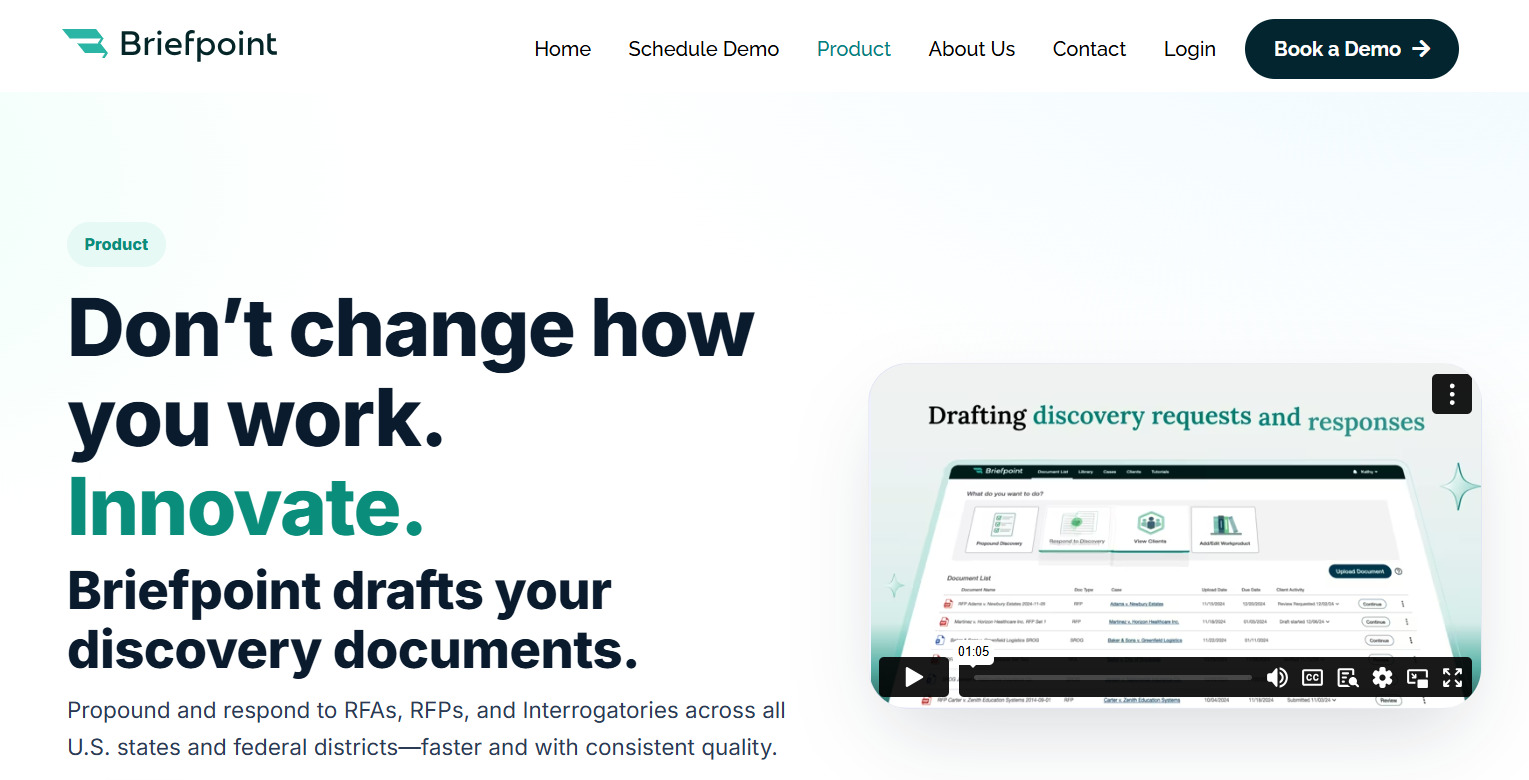
Best Features
- Automated document drafting: Upload a complaint and generate up to 70 tailored RFPs, RFAs, and Interrogatories in under 3 minutes.
- Jurisdiction-ready output: Built-in support for state and federal formatting, captions, numbering, definitions, and timeframes.
- Objection-aware language: Avoids ambiguity, compound structure, and vague phrasing by default.
- Full-cycle coverage: Supports both propounding and responding, so you can manage the entire process in one place.
- Standardized templates: Apply your firm’s preferred language and regenerate content with consistent formatting across matters.
- AI-assisted objections: Draft stronger responses using suggested language and firm-approved objections.
- Integration with Word: Export finished documents directly to Word for final review, signature, and service.
- Secure by design: SOC 2 certified, HIPAA-compliant, and never uses your data for model training.
Want to see how you can automate your RFP documents and discovery responses with consistency and control? Book a demo today!
2. Clio Draft
Clio Draft (formerly known as Lawyaw) is part of the Clio ecosystem and focuses on automating document creation for law firms.
It’s suitable for firms already using Clio’s project management or contract management tools, helping keep documents connected to case data and client records.
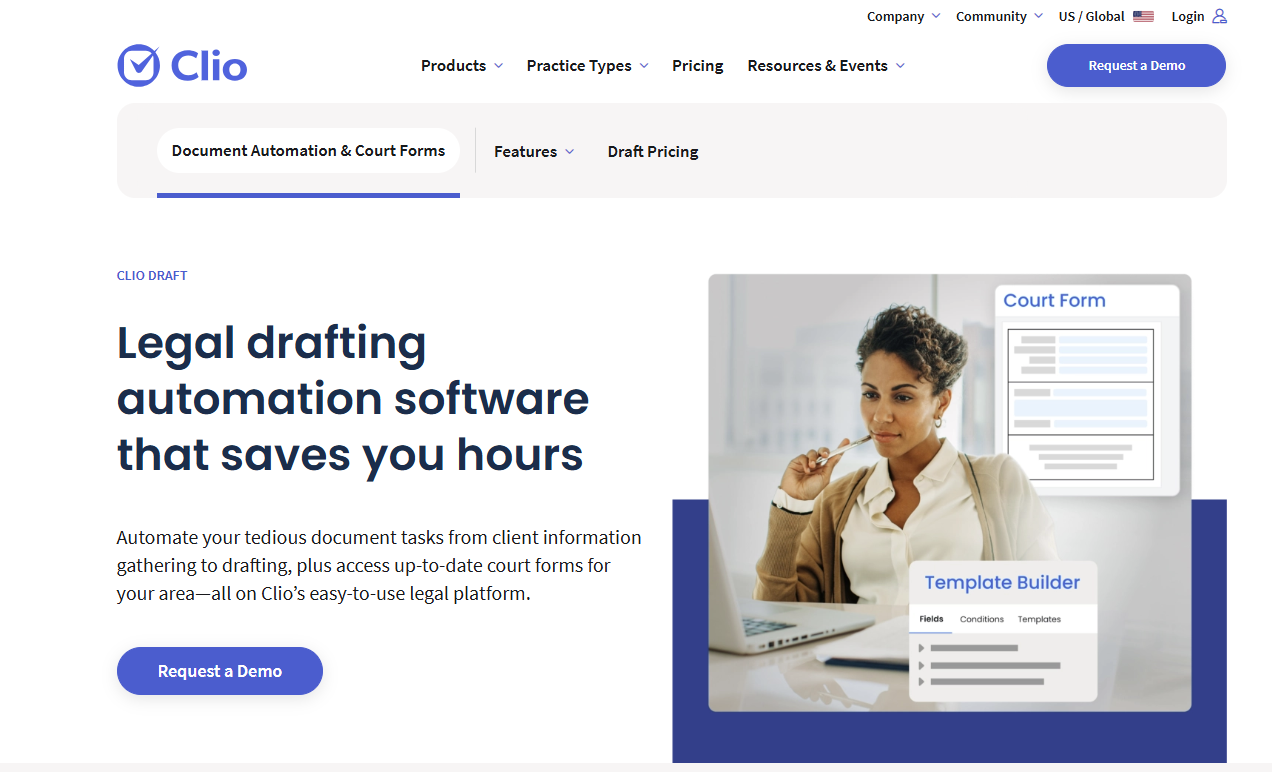
Source: Clio.com
With customizable templates and built-in logic, Clio Draft supports automated workflows that generate legal documents based on answers to simple form fields. This reduces the need for repetitive editing and keeps files up to date with the latest case information.
It also helps standardize common documents across a firm, which means less guesswork and fewer errors in formatting. While it’s not designed specifically for RFPs, Clio Draft can be useful for building initial responses or handling related correspondence as part of a larger discovery process.
Best Features
- Custom template builder: Create reusable forms with conditional fields to speed up drafting.
- Case data integration: Pulls information directly from Clio case files to auto-fill documents.
- Cloud-based editing: Draft and update documents from anywhere with an internet connection.
- Clio platform sync: Works with Clio Manage and Clio Grow to connect documents with your full client lifecycle.
- Team collaboration: Share templates and drafts with colleagues for real-time input.
- Status tracking: Monitor document progress and make sure each one stays aligned with project timelines.
3. Noloco
Noloco is a no-code platform that helps legal teams build internal tools for document tracking, task coordination, and client-facing workflows. It’s not built specifically for RFPs, but it can be configured to support the document management and review process behind them.
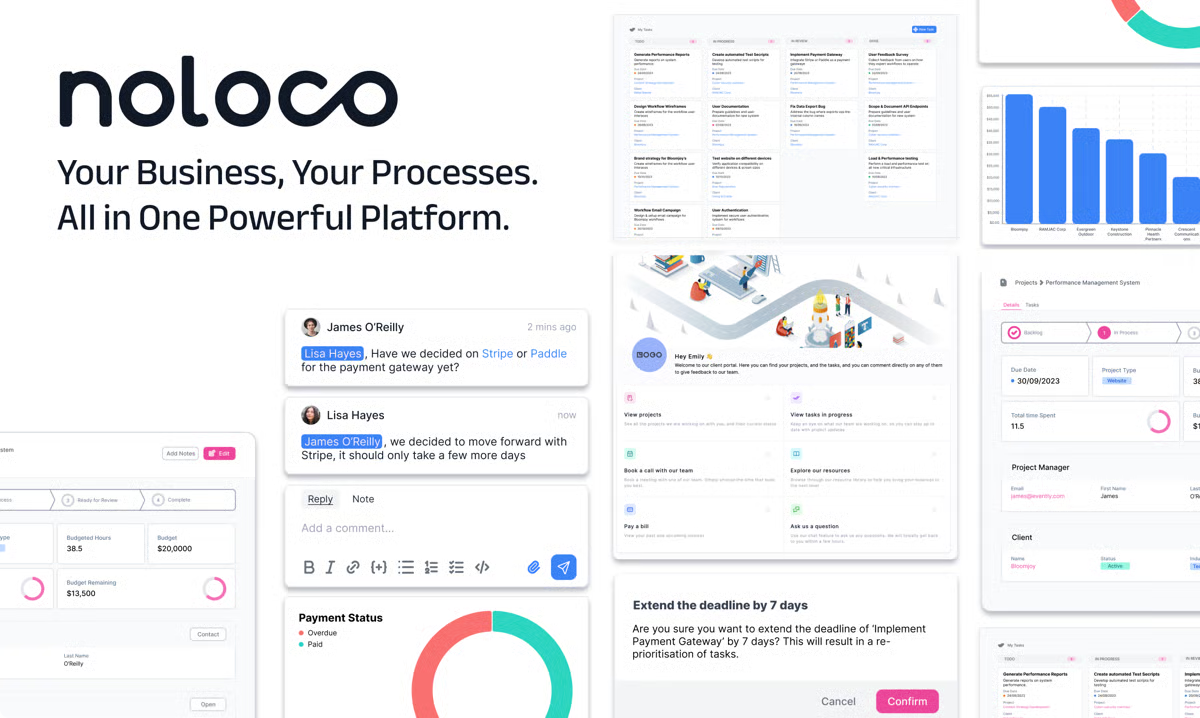
Source: G2
What makes Noloco stand out is its ability to pull data from existing systems (like spreadsheets, forms, or CRMs) and organize it into a centralized platform. This makes it easier to manage document requests, deadlines, and status updates across multiple matters or departments.
Teams can also build custom apps to handle workflows related to RFP tracking or intake. And with its growing library of AI-powered features, users can add smarter filtering and automation tools to improve consistency over time.
Best Features
- Custom app builder: Design internal tools without code for document tracking, workflows, or intake.
- Data syncing: Pulls live data from sources like Airtable, Google Sheets, or PostgreSQL.
- Centralized dashboard: View tasks, timelines, and document updates in one place.
- Access controls: Set permissions by user or role to protect sensitive case data.
- AI tools: Add logic for document tagging, workflow triggers, or status updates.
- Scalable setup: Adjust layouts and fields easily as team needs grow or future projects shift.
4. Mitratech Legal Document Automation
Mitratech Legal Document Automation is built for legal departments and firms handling high-volume document work. It’s part of Mitratech’s larger suite of legal operations software, which offers scalable support for drafting, collaboration, and approvals.
While it’s often used for contracts and compliance-related tasks, it can also support structured automated processes involved in preparing and managing RFP responses.
Source: Mitratech.com
Mitratech allows team members to collaborate on documents through shared templates and controlled workflows. It pulls relevant content from pre-approved language libraries and adapts it to the context of each matter, which can help teams avoid drafting errors and stay consistent.
Designed with enterprise needs in mind, the platform also includes advanced security features like permission controls, audit trails, and encryption.
Best Features
- Clause library: Store and reuse pre-approved language across different document types.
- Workflow management: Assign tasks and approvals to specific team members with status tracking.
- Template control: Keep templates locked and editable only by authorized users.
- Version tracking: Monitor document changes and restore prior versions as needed.
- Advanced security: Protect sensitive data with built-in encryption and audit logs.
- Enterprise integration: Connects with other Mitratech products and third-party systems for seamless operation.
5. Rally
Rally is a legal workflow platform designed to support document creation, task management, and collaboration within law firms and legal departments.
Although not built exclusively for RFPs as well, its flexible automation features make it a useful option for firms that want to manage document-heavy processes with more structure.
Source: RallyLegal.com
Rally works well for large enterprises looking to unify legal operations across multiple teams. It integrates with existing tools like email, document storage systems, and CRM systems, which helps centralize case and client information.
For firms that handle recurring requests or complex workflows, Rally provides visual builders to map out processes from start to finish.
One of its key strengths is detailed analytics. Users can track time spent on documents, identify bottlenecks, and monitor overall workflow performance. These insights are useful for teams managing RFP timelines across multiple matters.
Best Features
- Workflow builder: Create custom workflows for approvals, drafting, and client communication.
- CRM integration: Connect client data directly to legal projects and document templates.
- Collaboration tools: Assign tasks, leave comments, and track updates in real time.
- Document automation: Populate templates using form-based inputs and conditional logic.
- Analytics dashboard: Monitor time, output, and team performance across matters.
- Cloud-based access: Work securely from any location, with support for remote teams.
The Right Tool for RFP Documents Starts with Briefpoint
Legal work moves fast, and RFP responses leave little room for mistakes. You’ve seen how legal automation can help organize workflows, reduce errors, and speed up delivery, but not every tool is made for discovery.
Many platforms try to cover everything, but fall short when it comes to the details attorneys care about: formatting, objections, and jurisdiction-specific rules.
Briefpoint was built with those details in mind. It’s not a general-purpose automation tool. It’s focused on drafting and responding to discovery documents, including RFPs, with speed and structure that match legal standards across all U.S. states and federal courts.
From objection-aware phrasing to jurisdiction-ready formatting, every part of the process reflects how legal professionals actually work.
If you’re spending too much time reviewing templates, rewording vague requests, or fixing formatting errors, there’s a better way.
Book a demo with Briefpoint and see how much easier discovery becomes when the tool is designed for it.
13 Practical Lawyer Tools for Everyday Legal Work

Best Legal Document Tools
Legal paperwork can eat up hours if you’re not using the right tools. Here are a few that help you draft, send, and manage documents faster while keeping everything accurate and organized.
1. Briefpoint
Briefpoint is a legal drafting tool that automates the creation of discovery documents for litigators. It isn’t trying to replace the lawyer, but it’s definitely getting the boring parts out of your way.
Built specifically for litigators, this tool uses AI and machine learning to take care of the repetitive, time-draining work of drafting discovery requests and responses. It helps you prepare interrogatories, requests for admission, and requests for production in just a few clicks.
The best part? It actually works the way you do.
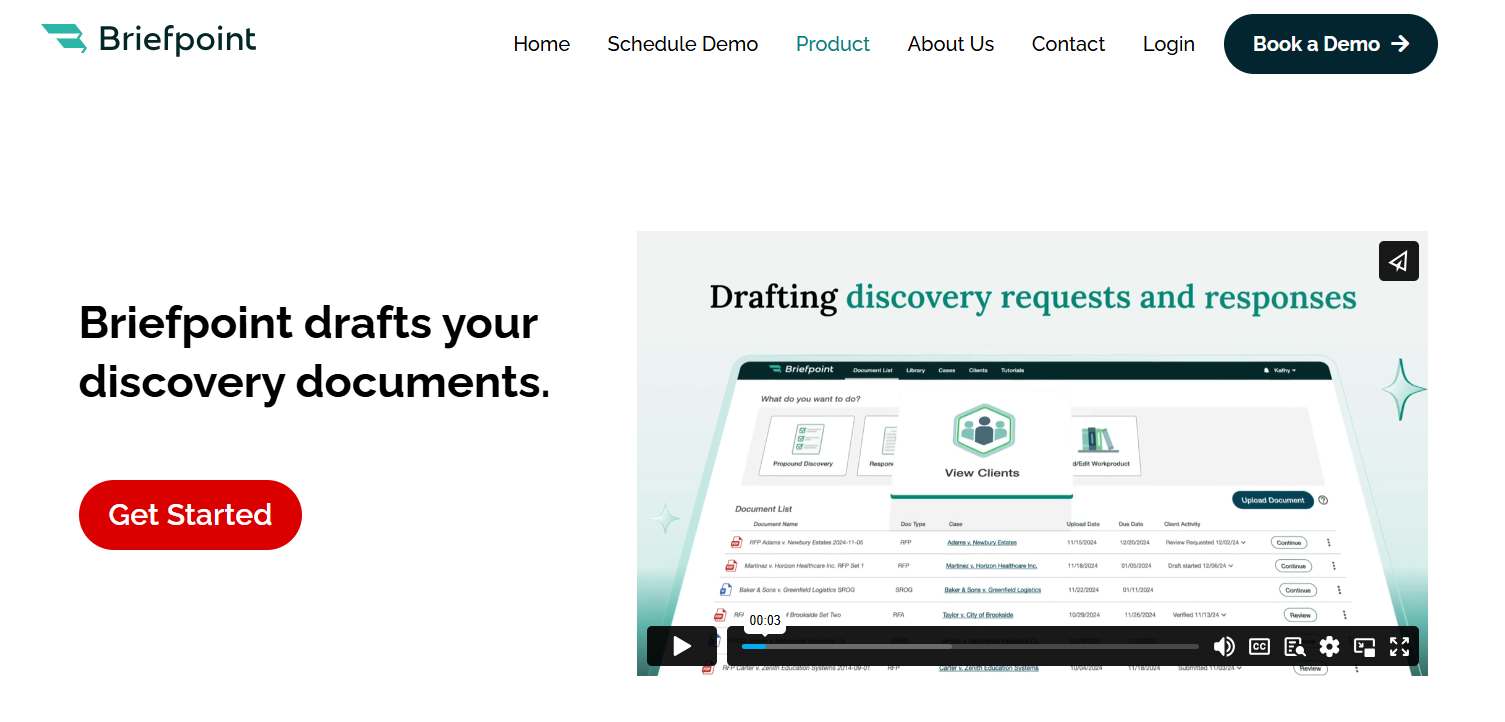
Upload a complaint or an opposing counsel’s request, and Briefpoint generates a polished Word doc with local formatting, objections, and everything else you’d expect from a solid first draft. You can customize it as needed or send it straight out.
It’s fast, easy to learn, and backed by real-world feedback from attorneys who use it every day.
Best Features
- Built for speed: Drafts full sets of RFAs, RFPs, and interrogatories in minutes, not hours.
- Smart response builder: Upload opposing counsel’s PDFs and generate complete, objection-ready responses.
- Data pulled automatically: Pulls key info like party names, court name, and case number straight from your PDFs.
- Custom objections: Pick objections from a list and apply them with a click to keep everything consistent firmwide.
- Word output ready to go: Download a court-formatted Word doc you can review, sign, and serve.
- Privacy built in: Your data is encrypted, siloed, and never used to train any AI system.
- Big time-saver: Cuts drafting time by up to 87% so you can focus on the work that matters (or make it home for dinner).
Briefpoint helps you draft smarter, move faster, and keep your evenings free. Book a demo today.
2. DocuSign
DocuSign is an e-signature tool that lets you send and sign legal documents online. Law firms trust it for a reason; it makes signing paperwork fast, simple, and secure. You don’t need to print, scan, or chase down physical signatures anymore.
Source: G2
It’s especially useful for client agreements, contracts, and any document that needs a quick turnaround. Plus, everything is tracked and time-stamped, so you always know who signed what and when.
Best Features
- Legally binding e-signatures: Valid in all 50 states and backed by strong security standards.
- Mobile-friendly: Clients can sign from their phone, tablet, or desktop.
- Audit trails: Every step of the signing process is tracked and stored.
- Fast turnaround: Speeds up client onboarding and contract approvals.
3. MyCase
MyCase is an all-in-one legal practice management platform built to help law firms stay organized. It brings your cases, documents, messages, and billing into one place so you don’t have to juggle different systems.
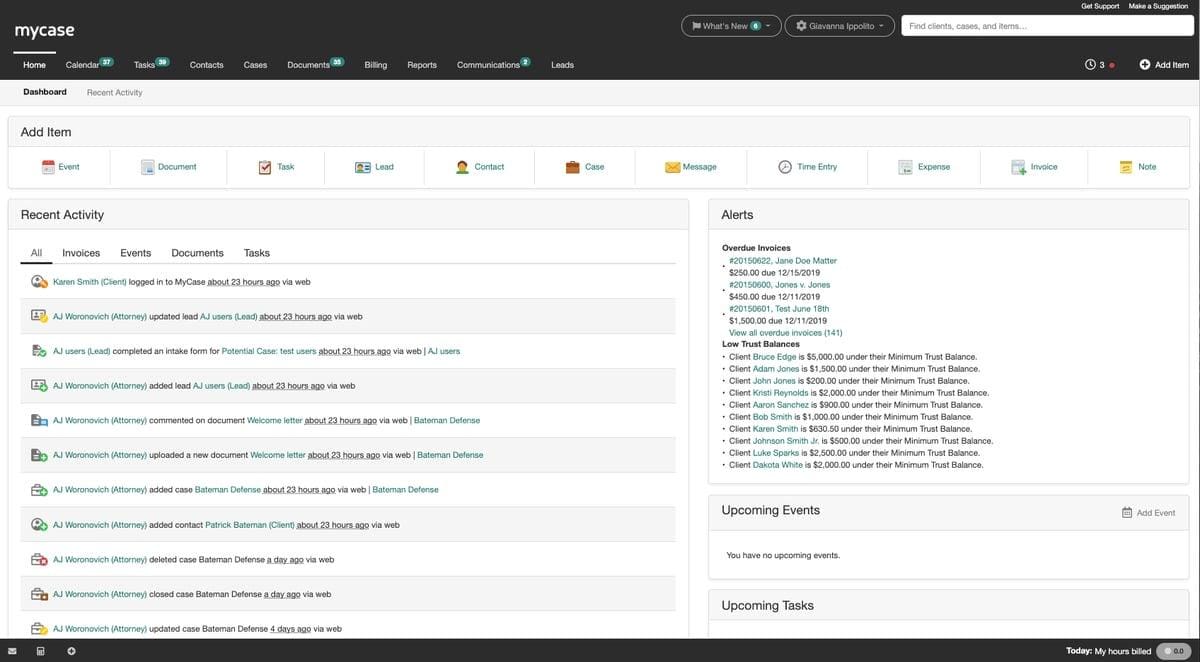
Source: G2
MyCase is especially helpful for small to mid-sized firms that want a simple way to manage client files, track time, send invoices, and communicate—all without leaving the dashboard.
Best Features
- Centralized document management: Store, share, and access files securely from anywhere.
- Built-in client portal: Clients can view documents, messages, and invoices in one place.
- Integrated time tracking: Log hours as you work and apply them directly to invoices.
- Automated billing: Create and send professional invoices with a few clicks.
Best Productivity Tools for Lawyers
Keeping everything on track gets tricky when you’re managing deadlines, documents, and daily chaos. Productivity tools help you organize work, get more done, and cut down on the back-and-forth while you handle the actual legal work.
4. Clio
Clio is legal software built to help legal professionals run their practice more efficiently. It brings together case management, billing, calendaring, and secure communication into one platform.
Source: G2
Whether you’re managing a solo practice or a midsize firm, Clio helps you cut down on routine tasks and stay organized.
Used across the legal services industry, Clio supports everything from time tracking to document storage, giving legal professionals more control over how they work. It’s a solid piece of legal technology that keeps things moving without the mess.
Best Features
- Full practice management: Keep cases, tasks, and contacts organized in one place.
- Time tracking and billing: Record hours and send invoices directly through the platform.
- Calendar and deadline tools: Stay on schedule with built-in reminders and synced calendars.
- Client messaging and file sharing: Communicate securely through the client portal.
- Cloud access: Work from anywhere, whether you’re in the office or on the go.
- Integrations with other legal tools: Works smoothly with platforms like QuickBooks, LawPay, and Zoom.
5. Microsoft Office
Microsoft Office remains one of the most widely used document management tools in the legal profession. Even with newer platforms out there, many legal departments and firms still rely on Word, Excel, Outlook, and PowerPoint to handle everyday tasks.

Source: G2
Microsoft Word is often the go-to for drafting motions, contracts, and letters. Excel helps track billable hours, manage budgets, and organize case data. Outlook keeps emails and scheduling under control.
These tools may not be flashy, but they’re reliable and familiar, which makes a big difference when you’re working under pressure.
Best Features
- Word processing for legal docs: Draft contracts, pleadings, and templates with advanced formatting.
- Spreadsheet tracking: Use Excel for time logs, budget planning, and case summaries.
- Email and calendar sync: Outlook helps manage communication and deadlines in one place.
- File sharing and storage: Store and organize case documents with OneDrive and SharePoint.
- Trusted across the industry: Common in legal departments and firms of all sizes.
- Boosts law firm efficiency: Keeps daily workflows simple and consistent across teams.
6. Zapier
Zapier is a no-code automation tool that connects your favorite apps to reduce manual work across law firm operations. It’s not legal software in the traditional sense, but it pairs perfectly with practice management software to make things run smoother behind the scenes.
Source: G2
Legal teams can use Zapier to connect apps like Clio, Google Sheets, Outlook, and Slack. For example, you can automatically create calendar events when new tasks are added or get a Slack alert when a client fills out a form.
It’s also helpful for integrating AI tools into your workflow without needing a developer.
Best Features
- Works with legal tools: Connects with popular practice management software like Clio or MyCase.
- No-code automation: Set up workflows without writing a single line of code.
- Supports law firm operations: Handles repetitive admin tasks so your team can focus on real work.
- Customizable triggers and actions: Automate emails, reminders, and file uploads with ease.
- AI integration ready: Combine with AI tools to create smarter, faster processes.
- Ideal for legal teams: Helps streamline collaboration and task management across departments.
Best Accounting and Billing Tools for Law Firms
Staying on top of billing and finances is just as important as handling your cases. Hourly billing, flat fees, or contingency arrangements all need a system that helps track time and collect payments.
We’ve compiled some tools that can help your firm handle billing with less stress and more accuracy.
7. QuickBooks
QuickBooks is accounting software that helps law firms handle financial tasks while staying organized. It’s used across many industries, but legal professionals—especially at personal injury firms—often rely on it to manage expenses and keep their books in order.
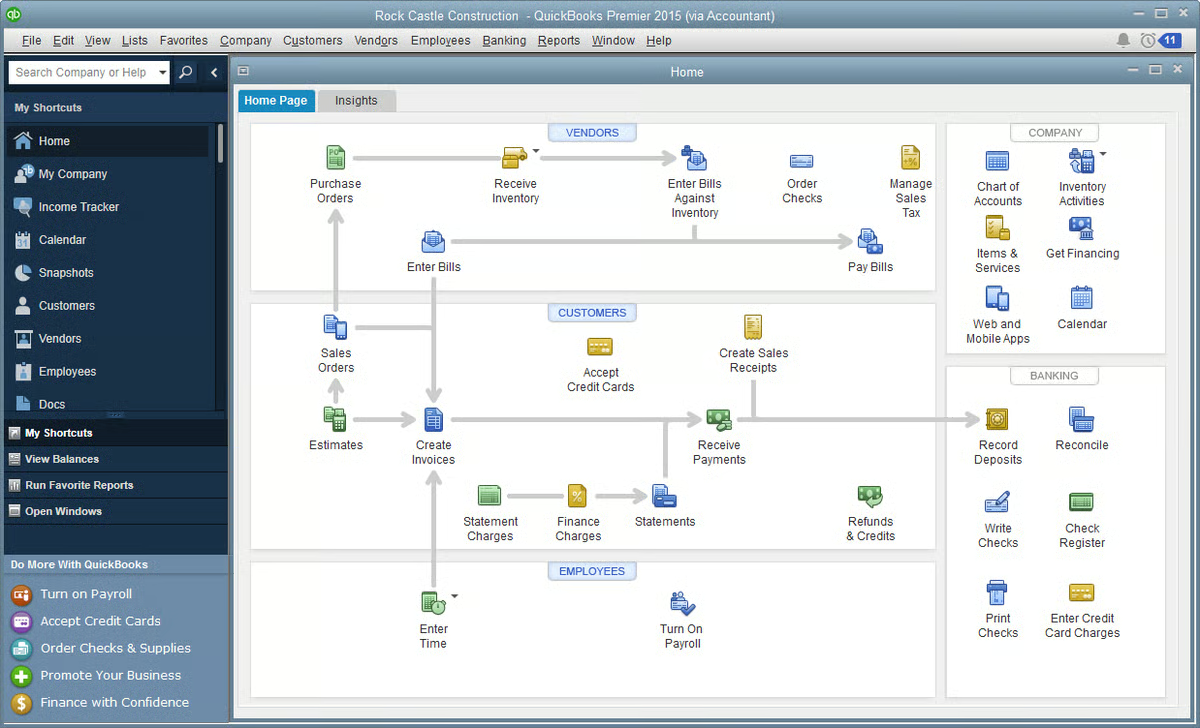
Source: G2
QuickBooks also works well with time tracking software and other legal tools, which helps make it easier to manage everything from billable hours to payroll. For firms juggling legal tasks and financial records, this platform keeps things clear without adding extra steps.
Best Features
- Expense tracking: Categorize spending and monitor law firm expenses in real time.
- Invoicing tools: Create, send, and track professional invoices for client matters.
- Bank syncing: Connect business accounts to see accurate balances and transactions.
- Time tracking integration: Works with time tracking software for precise billing.
- Custom reports: Build financial reports for monthly reviews or audits.
- Built for flexibility: A solid fit for personal injury firms, small practices, and growing legal teams.
8. LawPay
LawPay is payment processing software built specifically for law firms. It lets you accept credit card and ACH payments while staying compliant with legal and accounting rules.
LawPay is approved by bar associations across the country, which is why it’s a trusted option for handling sensitive client data securely.
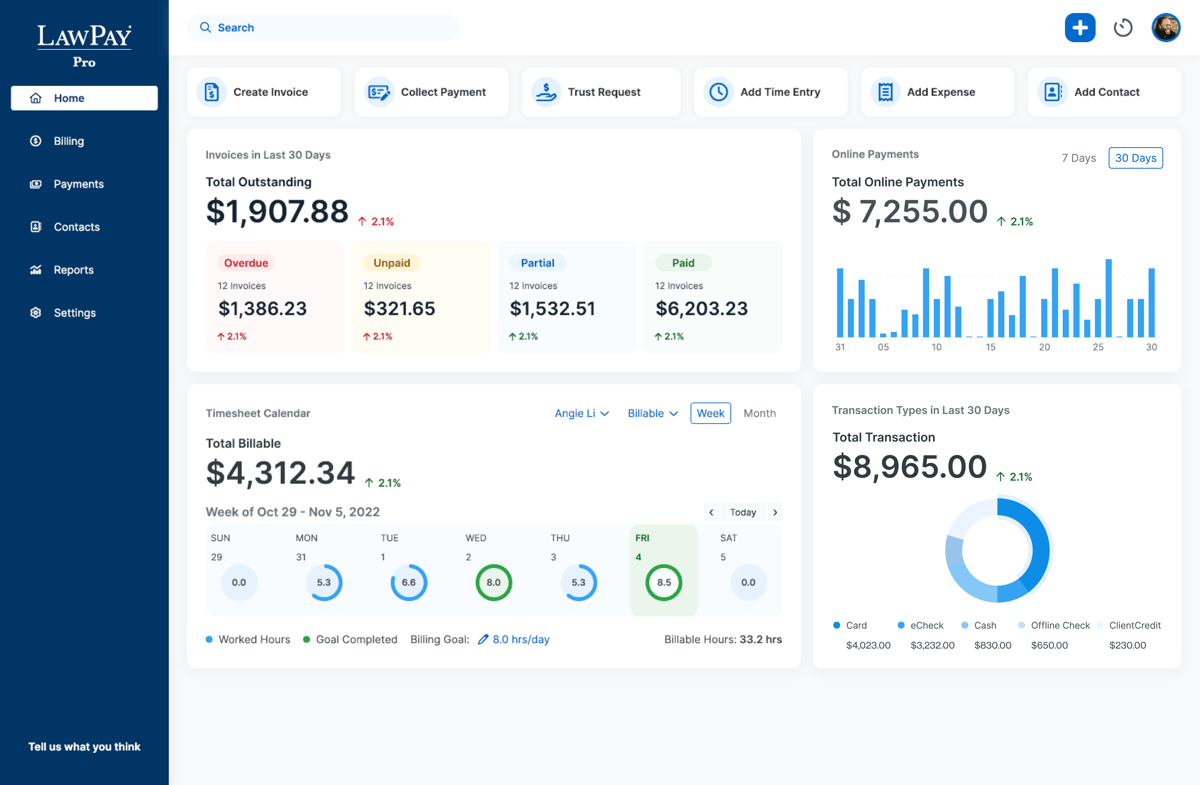
Source: G2
It integrates with multiple tools that legal professionals already use, including practice management systems and accounting software. If you’re already using such software, adding LawPay can help complete your billing setup with little to no hassle.
Best Features
- Legal-specific payment processing: Keeps operating and trust accounts separate.
- Secure handling of sensitive client data: Built to protect payment details and client trust.
- Bar-approved compliance: Meets the rules for professional conduct and trust accounting.
- Works with multiple tools: Integrates with platforms like Clio, MyCase, and QuickBooks.
- Flexible payment options: Accepts credit cards and ACH transfers with ease.
- Simple setup: Get started quickly and start receiving payments faster.
Best Communication Tools for Lawyers
Keeping everyone in the loop takes more than just email. Clients expect timely updates, your team needs quick answers, and there’s always something that needs your attention.
Take a look at these tools that can help you manage conversations and stay on top of things.
9. Slack
Slack is a messaging platform that helps legal teams communicate quickly and stay organized. Many firms use it to replace traditional methods like long email threads and scattered group texts.
Source: G2
With Slack, everything stays in one place, such as messages, files, and updates, so you can spend less time digging through inboxes.
It’s also a helpful way to access documents, share case updates, and automate routine tasks through integrations with legal tools, calendars, and AI assistants.
Best Features
- Organized channels: Create dedicated spaces for cases, departments, or projects.
- Real-time messaging: Chat with your team instantly, without clogging your inbox.
- Easy document sharing: Access documents and files right in the conversation.
- Searchable history: Find messages, attachments, and case info fast.
- Works with many tools: Integrates with calendars, task apps, and legal software.
- Supports firm workflows: Helps automate routine and complex tasks and streamline updates across your team.
10. Zoom
As you probably know by now, Zoom is a video conferencing tool that makes virtual meetings simple for law firms. It’s widely used to meet with clients, hold team check-ins, and even attend remote hearings.
Thanks to high-quality video and easy screen sharing, Zoom helps legal professionals communicate clearly and keep meetings on track.
Source: G2
Using Zoom can improve productivity by cutting down on travel and scheduling delays. It also helps firms meet with more clients (no matter where they are) and streamline workflows by bringing face-to-face conversations online.
Best Features
- Reliable video meetings: Host secure, high-quality calls with clients and colleagues.
- Screen sharing: Review documents and presentations in real time.
- Meeting recordings: Save sessions for internal review or follow-up.
- Calendar integrations: Sync meetings with Outlook, Google Calendar, and more.
- Flexible scheduling: Book and join meetings from anywhere, on any device.
- Increases efficiency: Helps legal teams improve productivity and streamline client communication.
Best Legal Research Tools
Legal research can take up a big chunk of your day, especially when you’re juggling multiple cases. The right tools help you find case law, statutes, and legal opinions faster and with more accuracy. Here are a few of our suggestions:
11. CoCounsel (Casetext)
CoCounsel (formerly Casetext) is a legal research platform that helps you find relevant case law quickly and accurately. It uses AI to scan your arguments and match them with supporting cases, cutting down the time you’d usually spend digging through databases.
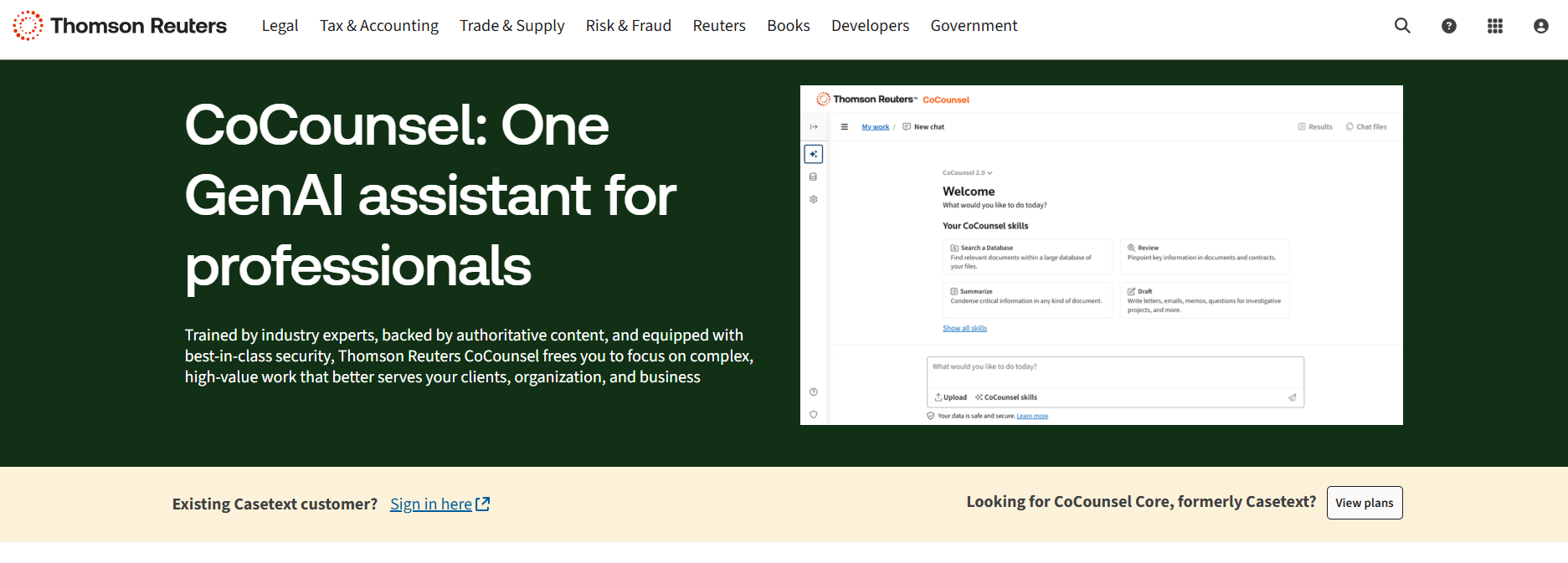
Source: ThomsonReuters.com
CoCounsel isn’t just a search tool. It’s built to support modern legal operations by connecting legal data, key documents, and arguments in one place. It also works alongside e-discovery tools, which can help you prepare stronger briefs with less back-and-forth.
Best Features
- AI-powered research: Analyze your writing and get case law suggestions that match your arguments.
- Search by concept: Go beyond keywords and search by legal ideas or outcomes.
- Works with key documents: Upload briefs or memos to find supporting cases instantly.
- Access to legal data: Explore statutes, regulations, and court opinions in one place.
- Supports legal operations: Speeds up research for teams working on multiple matters.
- Integrates with ediscovery tools: Helps connect research with your broader case preparation process.
12. LexisNexis
LexisNexis is one of the most well-known legal research tools used by firms, legal departments, and solo attorneys.

Source: LexisNexis.com
It gives you instant access to a massive database of case law, statutes, regulations, and legal commentary. Designed to increase productivity, it helps you find the information you need without jumping between different sources.
LexisNexis also includes AI capabilities and natural language processing, so it’s easier to search in plain English. You don’t have to think like a database; you just type your question or phrase, and it brings up relevant legal materials fast.
Best Features
- Comprehensive legal database: Access case law, statutes, and secondary sources in one place.
- Natural language search: Find legal content using everyday language instead of complex queries.
- AI capabilities: Smart filters and recommendations help you refine results quickly.
- Instant access to legal content: Search from anywhere with cloud-based tools.
- Practical guidance: Includes checklists, forms, and how-to materials for different practice areas.
- Productivity-focused tools: Built-in tools help legal teams research faster.
13. Fastcase
Fastcase is another legal research tool that gives lawyers access to a large database of case law, statutes, regulations, and court rules. It can help legal professionals find answers quickly and stay focused on the task at hand.
Source: Fastcase.com
Many bar associations offer Fastcase for free to their members, which makes it a smart option for solo attorneys and small firms. It’s designed with speed in mind and includes features that let you search by keyword, citation, or natural language.
Best Features
- Extensive legal database: Search case law, statutes, court rules, and more.
- Natural language search: Type in questions or phrases to find relevant results fast.
- Data visualization tools: Spot trends and citation relationships at a glance.
- Mobile app access: Use it on the go from your phone or tablet.
- Bar association access: Included with membership in many state bar organizations.
- Budget-friendly legal research: A solid alternative for firms looking to cut research costs.
Start Building Your Tech Stack With Briefpoint
Every firm has its own way of working, but the right tools can make a big difference, especially when you’re handling multiple documents, juggling deadlines, and managing client expectations. Briefpoint gives you a head start by taking care of the repetitive tasks that slow you down.
While other firms are still stuck formatting templates and typing out objections, you could already be on to the next case. Building your tech stack doesn’t have to be overwhelming. Start with one tool that makes a clear impact.
Briefpoint is that tool. Book a demo today and see how much time you can get back.