Top Features of Litigation Document Management Software
What Are Litigation Document Management Tools?
Litigation document management tools are software platforms built to help legal professionals organize, store, search, and share documents tied to lawsuits and other legal work.
Unlike general file storage apps, these tools are made for law firms, so they handle things like case-based organization, secure access, and version control right out of the box.
They make it easier to keep discovery files, motions, court forms, transcripts, exhibits, scanned documents, and other important legal documents sorted by matter.
Most tools also include search filters, tagging, and audit trails, which help you retrieve documents quickly and stay compliant. Some even come with AI features for drafting and tools for collaboration. In practice, they’re designed to support how litigation teams actually work without adding more steps to the day.
What Can Litigation Document Management Tools Do?
Litigation document management tools aren’t just digital filing cabinets; they’re built to handle the back-and-forth of real legal work.
Take a look at what they can actually do for your practice:
1. Organizing Case Files Across Multiple Matters
Managing documents for several cases at once takes more than a set of folders and file names. Without a clear system, it’s easy to mix things up or waste time searching for the right draft.
Legal document management software like NetDocuments helps keep everything in order. It’s a document management system built specifically for legal teams, with tools that let you organize files by matter, tag them by document type, and search by keywords or metadata.
It also adds structure to your legal document workflows. Each case stays separate, access can be limited by user or role, and audit trails track who viewed or changed a document. That’s especially useful when dealing with sensitive documents or working across teams.
Since NetDocuments is cloud-based, you’re not tied to your office computer. You can log in from anywhere with full access to your case files.
For teams managing multiple matters, it creates a single, reliable source of truth. That means no more back-and-forth trying to confirm which version is current or where something was last saved.
2. Drafting Legal Documents With AI
Drafting discovery requests and responses is tedious, repetitive, and time-consuming. Most of it follows a predictable format, but it still eats up valuable hours. That’s where Briefpoint, a legal document management software designed for litigators, makes a difference.
Briefpoint automates the drafting of requests for production, requests for admission, and interrogatories, both for propounding and responding. It works across all U.S. states and federal districts, applying local formatting rules automatically.
Here’s how the process works:
- Propound: Upload a .pdf of your Complaint or Petition
- Respond: Upload opposing counsel’s requests/interrogatories
- Customize: Select discovery objections, add responses
- Download: Get a Microsoft Word doc ready to review, sign, and serve
The AI extracts case details like court name, parties, request type, and more. From there, you can easily select objections, add responses, and download a clean draft, ready to finalize and send out.
Briefpoint doesn’t just save time; it helps teams stay consistent across cases and attorneys. You also don’t have to worry about security, as none of your data is used to train AI, and everything is encrypted.
If you’re still drafting discovery by hand, Briefpoint may be the smart shift you’ve been waiting for. Book a demo today.
3. Real-Time Collaboration on Case Documents
In the legal industry, collaboration is constant. Partners, associates, paralegals, and clients often need to weigh in on the same legal files, especially when deadlines are tight.
Without a solid system in place, you’re stuck emailing drafts back and forth, losing track of who made what change, and hoping the version you’re editing is the latest one.
A legal document management system built for collaboration can help solve that. With cloud-based document management, multiple people can review, comment on, and update documents at the same time. Changes are tracked automatically, and version histories keep everything transparent.
In other words, you know exactly who did what and when.
Let’s say you’re finalizing a motion. One attorney updates the language, another reviews citations, and a third adds exhibits.
With traditional tools, that can mean three separate versions to manage. With the right system, it’s one file, everyone works in it together, and you stay in sync.
Real-time collaboration has become a basic expectation in legal document management solutions. When paired with your law practice management software, it supports efficient document management, cuts down on errors, and keeps the whole team moving in the same direction.
4. Automating Document Version Control
Version mix-ups can derail even the most organized legal teams. When multiple people touch the same file, it’s easy to lose track of edits, or worse, send out the wrong draft. That’s why version control is one of the most valuable features in today’s document automation tools.
With the right system in place, every change is tracked. You can review previous versions, compare edits side-by-side, and restore older drafts if needed. This saves time, prevents mistakes, and avoids that awkward moment when someone realizes the wrong motion got filed.
Tools like NetDocuments and Worldox offer version control built into their platforms. But the real benefit is how these systems fit into your workflow. Only authorized personnel can make changes, while others can access documents in view-only mode. That keeps the process clean and prevents accidental edits.
Say you’re drafting a settlement agreement with multiple reviewers. Instead of juggling five versions with tracked changes in email, you’ve got one clean document, and every update is recorded automatically.
5. Secure Sharing With Co-Counsel or Experts
Legal teams often need to bring in outside help, such as co-counsel, expert witnesses, and consultants. Sharing client documents should not mean giving up control. With cloud-based legal document management software, you can give access to the right people while keeping everything else protected.
Legal tech platforms built for this purpose usually include advanced security features that general cloud drives may not offer. You can choose which files to share, limit access to only authorized users, and track activity across every document.
Here’s what secure file sharing typically includes:
- Share specific documents only with no full-folder access
- Set view-only, no-download, or time-limited access
- Track views, downloads, and changes
- Remove access instantly when needed
- Protect files with encryption at rest and in transit
For firms with complex security requirements, enterprise-grade security matters. These tools function as both knowledge management software and secure document sharing systems.
For example, if an expert needs deposition exhibits, you can send the exact files with read-only access and see when they open them.
6. Ensuring Compliance With Court Orders and Retention Policies
Legal work also involves keeping a close eye on deadlines, document retention rules, and privacy obligations. Courts often require firms to retain or delete files on specific timelines.
Failing to do that can lead to unnecessary risks, especially when client confidentiality and regulatory compliance are involved.
Basic file storage platforms don’t cut it here. They might hold your files, but they rarely provide the tools to manage timelines, flag records for deletion, or track compliance actions. A proper system does more than store. It monitors, logs, and reminds.
With a good legal document management setup in place, your firm can track how long each file should be kept, restrict access based on staff roles, and automatically apply retention policies across the system. This helps prevent accidental deletions or holding on to sensitive files longer than allowed.
Data security is baked into the process. Files are encrypted, access is limited, and audit trails are recorded. When someone questions how your law firm’s documents were handled, you’ve got the logs to show it.
7. Tracking Review Progress and Reviewer Activity
When you’re dealing with hundreds or thousands of files, staying organized plays a big role in keeping the case on track. Without the right system, human error can creep in, and important documents can get missed.
Modern document management software makes it easier to keep reviews moving. You can assign documents, track who’s working on them, and see key details like status, reviewer notes, tags, and deadlines in one place.
For example, here’s what these tools help you manage:
- Assign documents to specific reviewers
- Track progress by user, tag, or status
- Get real-time updates on completed work
- Avoid duplicate work with activity logs
- Support seamless document sharing between reviewers and case teams
They also help automate routine tasks like routing documents and sending reminders. Instead of chasing updates, you can focus on strategy, deadlines, and communication.
One of the key benefits is visibility. When everyone knows what they’re responsible for and when it’s due, your team can work with fewer delays and deliver more consistent results.
8. Quick Retrieval of Critical Docs During Depositions or Hearings
During a deposition or court hearing, every second counts. You can’t afford to pause the conversation while you scroll through folders or search your inbox for the right file. You need to be able to find the document fast and know that it’s the correct version.
A strong legal document management software makes that possible. These systems let you categorize documents by matter, document type, or keyword so they’re easy to find when the pressure’s on.
You can search using case numbers, file names, or even tags your team created. That cuts down on administrative tasks and helps you focus on the moment in front of you.
Imagine you’re in a deposition and opposing counsel refers to a set of interrogatories from six months ago. With a proper legal DMS solution, you can pull up that document in seconds and respond with confidence. There’s no fumbling with printed binders or digging through old emails.
Beyond speed, these systems also support enhancing security. Every file is protected, access is controlled, and all activity is recorded. You get fast access to what you need without compromising privacy or compliance.
9. Linking Documents to Case Chronologies and Facts
Keeping your case facts and documents in sync can be a challenge, especially when you’re working across multiple teams, timelines, and legal issues.
A well-structured legal document management system makes it easier to connect the dots between key events and supporting materials. This is where integration between case management software and your document system becomes incredibly helpful.
Rather than juggling spreadsheets and folders, you can build a case timeline and link every relevant document directly to each event. You’re not just storing all your files in one place; you’re creating context around them so your team sees the full picture.
This setup can improve your workflow in many ways:
- View and edit documents while reviewing facts or timelines
- Access multiple records or document collections side-by-side
- Update case notes and supporting documents simultaneously
- Stay organized across multiple users and deadlines
Tools like CaseFleet and FactBox offer features like this, but any system that supports timeline integration adds real value. You’re not forced to switch between platforms to see the evidence that backs your narrative.
A leading provider will let you connect everything with minimal setup, which can help your team stay aligned from intake through resolution.
Must-Have Features of a Litigation Document Management System
A reliable litigation document management system should do more than hold files. It should support how your firm works, communicates, and protects sensitive information.
When evaluating options, focus on features that improve how your team handles client files, deadlines, document filing, and document access. The best document management system keeps everything in one place, reduces manual data entry, and works with the tools you already use.
Based on our clients’ experiences, here are the features that matter most:
- Robust security: Keeps data protected with encryption, user authentication, and access controls.
- Secure client portal: Lets clients safely upload and view documents without relying on email.
- Centralized document storage: Stores case files in one place so everyone can work from the latest version.
- Seamless integration: Connects with your calendar, email, billing, and case management software.
- Smart search and tagging: Helps you find documents fast using filters, keywords, or matter-specific tags.
- Role-based access: Controls who can view or edit certain files.
- Audit trails and compliance tools: Tracks access, edits, downloads, and retention activity.
- Electronic signatures: Help teams sign and finalize documents faster when approval or execution is needed.
Make Litigation Painless With Briefpoint
Litigation is already demanding. Your document process should help you move faster and protect more time for high-value legal work.
Briefpoint helps automate discovery drafting for requests for production, requests for admission, interrogatories, and responses. It pulls key details from your documents, applies court-specific formatting, and lets you add objections and responses before you download a Word-ready draft.
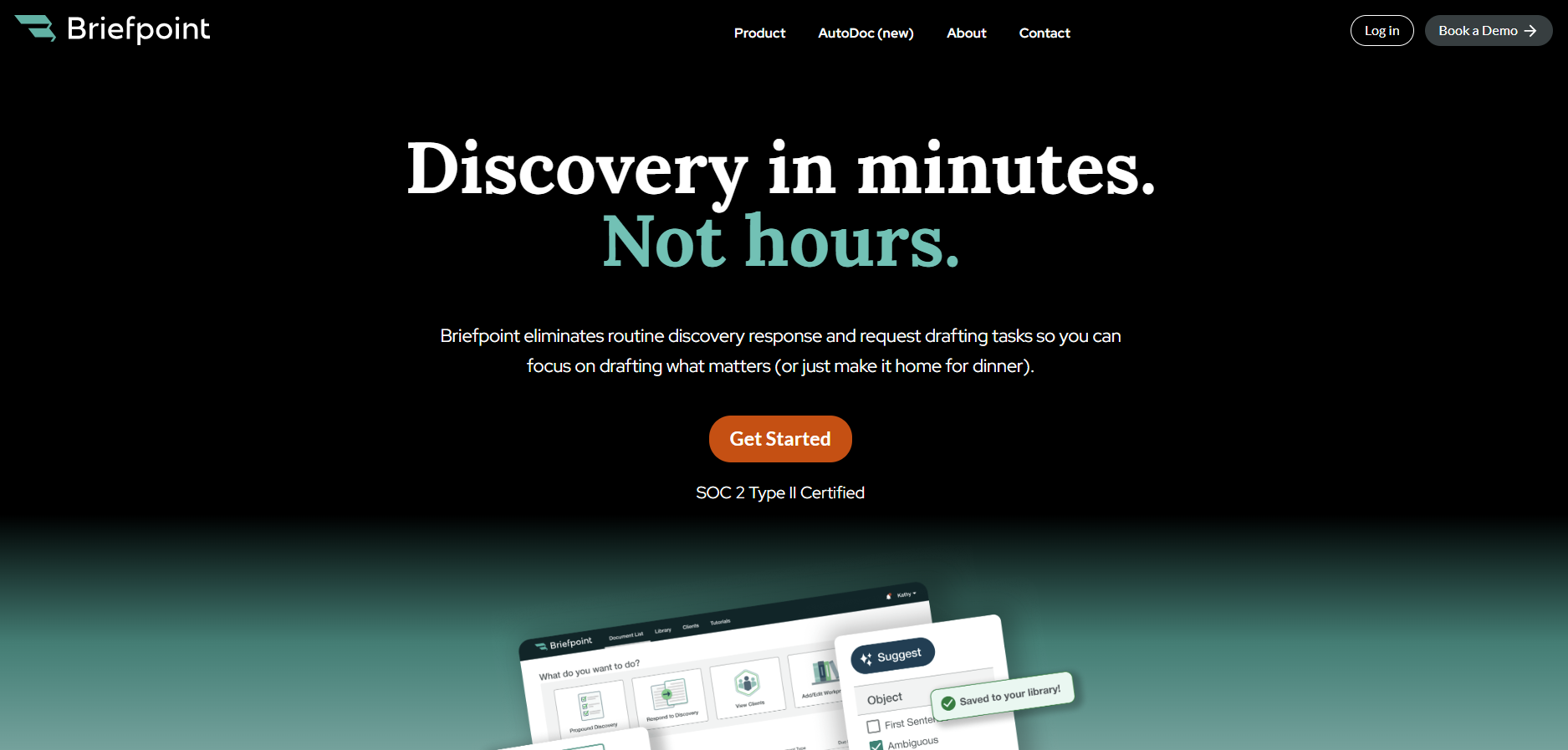
With Autodoc, Briefpoint can also turn productions and case files into Bates-cited Word responses with page-level citations and a Bates-numbered production package.
Bridge helps collect client responses through a secure portal, while supplemental responses make it easier to update earlier answers without starting from scratch.
Briefpoint fits into your existing infrastructure, so you can improve discovery workflows without changing how your whole firm works.
