Overview of Common Discovery Objections

Overview of Common Discovery Objections

Discovery objections can be repetitive, but reading them well still takes care. Similar wording shows up across cases, yet the meaning can shift based on the request, the response, and what the other side may be trying to limit.

That is part of what makes a strong list of common objections useful. It gives you a practical reference for the objections that appear most often, so you can read responses with better context and a better sense of what to look for.

Briefpoint’s Discovery Objections Cheat Sheet fits that role well because it pulls together the common objections people are most likely to see in actual discovery work. A list like this can save time during review and make it easier to spot patterns, narrow language, and possible gaps in a response.

In this article, we’ll pick up from there and focus on the next step: how to read those objections once they show up in discovery responses.

What Are Discovery Objections?

Discovery objections are formal reasons a party gives for refusing to fully answer a discovery request. You’ll usually see them in responses to interrogatories, requests for production, and requests for admission during the discovery process.

Their purpose is to show that a request goes too far, asks for protected material, or seeks information that does not relate closely enough to a party’s claim or defense.

Some objections come up again and again, which is why it helps to know the common ones:

  • Relevance: Argues the request does not seek relevant information tied to the claims or defenses in the case.
  • Privilege: Says the material is protected under the attorney-client privilege or another legal protection.
  • Overbreadth: Claims the request is too broad in scope, time period, or subject matter.
  • Unduly burdensome: Says the request would take too much time, effort, or cost to answer.
  • Vague or ambiguous: Points out that the wording is unclear, which makes a proper response difficult.
  • Not reasonably calculated to lead to admissible evidence: Older wording still seen in some responses, even though modern rules focus more on relevance and proportionality.

The Importance of Reading Discovery Objections Closely

Reading objections closely may sound obvious, but it matters more than many people expect. In a legal matter, an objection can change the meaning of a response, limit what the responding party plans to give, or signal a dispute that may come up again later.

If you only skim discovery responses, you can miss what the other party is actually saying. In contrast, a careful read helps you spot things like:

  • Limits on the information sought: An objection may narrow the scope of what opposing counsel is willing to produce or answer.
  • Hidden gaps in discovery responses: A response may sound complete at first glance, even though it leaves out part of the information sought.
  • Disputes over burden: References to undue burden can show that the responding party is pushing back on scope, timing, or effort.
  • Questions about relevance: Some common objections are meant to argue that the request will not lead to relevant evidence tied to the case.
  • Signals for next steps: Close reading helps you decide if the response needs a follow-up, a meet and confer, or a deeper review under civil procedure rules.

How to Read Discovery Objections in Context

You cannot read a discovery objection on its own and expect to get the full picture. The real meaning usually comes from the request, the wording of the response, and what the responding party seems to be trying to limit.

To see what an objection is really doing, it helps to break the response down piece by piece. Here’s what you should do:

1. Start with the Discovery Request

Start with the written discovery request itself. Before you try to interpret the objection, look at what the party seeking discovery actually asked for. That gives you the baseline. 

Without it, it is easy to overread the objection or miss what the response is pushing back on.

2. Read the Objection and the Answer Together

Read the objection and the answer as one unit. The objection tells you what the responding party is resisting, but the answer shows what that party intends to give you anyway.

If you separate the two, you can miss important limits or assume nothing is being provided when some information still is.

For example, a response might object on the ground that a request calls for privileged information, then say the responding party will produce nonprivileged documents that are responsive to the request.

That is very different from a response that objects and says nothing else. In the first case, the party intends to produce something. In the second, the objection may be doing all the work.

The distinction is very important because many responses are written to sound broader or narrower than they really are. An objection may seem aggressive at first, but the answer may still give useful material.

On the flip side, a partial answer can make a response look cooperative even though key information is still being held back. Reading both parts together gives you a more accurate view of what the response actually means.

3. Look for Limits on Scope

Scope limits can quietly narrow a response, so this is a powerful tool to watch for when you read objections.

A request may look broad on its face, and the response may try to cut it down through time period, subject matter, custodians, search terms, or the types of materials covered. That often happens when the responding party views the request as overly broad or too expensive to answer as written.

The key is to compare the full request with the narrowed response. Ask yourself what got cut, what stayed in, and how that change affects the information you may receive. Keep in mind that small limits can have a big effect on what ends up produced.

To spot that kind of narrowing, check for limits in areas like these:

  • Time period
  • Subject matter
  • Definitions used in the request
  • Named people or custodians
  • Types of documents or data
  • Locations searched
  • Search terms or filters
  • Claims or defenses tied to the request
  • Materials the response excludes
  • Language that narrows “all” to something less

4. Check What the Response Still Gives You

After you read the objection, look at what the response still gives you. In litigation, a response may object to part of a request but still agree to produce some requested information.

Focusing only on the objection can lead to missing useful material that the responding party is still willing to provide under the Federal Rules.

For example, a party might object that a request seeks documents protected by attorney work product protection, then state that it will produce nonprotected communications and business records responsive to the request.

That tells the propounding party two things at once: some material is being withheld, but some material is still coming. That is very different from a response that objects and offers nothing further.

This part of the response helps you see how much of the request remains in play. It also shows how the responding party is drawing the line between what will be produced and what will be withheld. A partial response may still move discovery forward, even when the objection sounds broad at first.

5. Watch for Missing Details

Missing details can tell you as much as the objection itself. A response may sound polished on the surface but still leave out information that would help you understand what is actually being withheld, what will be produced, or what may need further discovery.

Gaps like that can make it harder to assess the response and decide what to do next, so remember to watch for missing details like these:

  • What part of the request the objection applies to
  • Whether anything will still be produced
  • What information or documents are being withheld
  • How the responding party interpreted key terms
  • Any time limits or subject-matter limits being applied
  • Whether the response is based on burden, privilege, or some other ground
  • Facts supporting a claim of improper purpose
  • An explanation for why the request allegedly calls for a legal conclusion
  • Whether the party plans to supplement later
  • What remains open for further discovery

6. Pay Attention to Qualified Language

Qualified language is wording that softens, narrows, or conditions a response without fully refusing it.

In discovery, that kind of language can look harmless at first, but it often changes what the response really means. A party may appear to answer while quietly limiting the scope of what will be produced, reserving room to withhold material, or avoiding a clear commitment.

That is one reason this section deserves close attention. Some responses rely on phrases that sound routine, especially when they are paired with boilerplate objections, but the real effect may be much narrower than it seems.

A response may object under the law, refer to burden, privilege, or proportionality, and then give a partial answer that leaves unclear what was excluded.

You may also see wording tied to an attorney’s impressions or other protected mental impressions, which can signal that part of the response rests on protected analysis rather than a full factual explanation.

Careful reading helps you spot when a response is doing more than it first appears. It can also help you see when wording may needlessly increase confusion or leave room for later disagreement.

If the language feels hedged or overly general, that is often a sign to slow down and read it as a court would.

7. Compare the Objection to the Request

Compare the objection to the request line by line. That is often the fastest way to see if the objection actually fits what was asked. A response may claim a request is too broad, confusing, or improper, but the request itself may be much narrower than that language suggests.

As you compare the two, focus on a few things in the wording. Check the scope and ask if the request really reaches as far as the objection claims. Look at the structure and see if the request truly contains compound questions or if that label is doing more work than the text supports.

Review the subject matter, too, especially if the request is limited to a specific issue, document set, or designated discovery topic.

Side-by-side reading also helps you spot objections that feel overstated. A response may suggest the request creates a burden or risks unfair prejudice, even though the request reads as focused and clear. 

When the objection and the request do not line up, that gap can tell you a lot about how the response is being framed.

The discovery objections cheat sheet can help here, but only as a reference point. The real takeaway comes from checking how a familiar objection is being used in the actual request in front of you.

8. Notice Patterns Across Responses

Looking at one objection in isolation can help, but patterns across multiple responses often tell you more. Repeated wording can show how the plaintiff or responding party is approaching discovery as a whole.

It can also help you spot where objections are being used routinely, where discovery responses feel thin, or where the same limits keep showing up.

Watch for patterns like the following:

  • Repeated use of the same objection: The same language appears over and over, even when the requests ask for different things.
  • The same narrow qualifiers: Responses keep limiting scope through the same time frames, custodians, or subject areas.
  • Frequent references to privilege: Repeated mentions of privilege or the work product doctrine may show a consistent withholding position.
  • Similar partial answers: Responses appear to answer, but each one leaves out key details in a similar way.
  • Objections that do not seem tied to the request: Some other objections may look copied and pasted rather than tailored to the specific wording.
  • Gaps that keep showing up: You may notice the same kinds of missing details, which can suggest the response strategy is falling short or has failed to address the requests clearly.

9. Flag Anything That May Need Follow-Up

Some objections deserve a second look right away. If the wording is vague, incomplete, or hard to square with the request, flag it for follow-up while you review.

Doing so gives you a clearer record of what may need a meet and confer, revised discovery, legal research, or later motion practice before trial.

For instance, a response might object broadly, then never say if anything is being withheld. Another might promise documents “subject to” objections without explaining what will actually be produced.

You might also see a response to contention interrogatories that gives a thin answer and leaves out the factual basis you expected.

As you read, flag issues like:

  • Unclear withholding language
  • Partial answers with no clear limit
  • Objections that do not match the request
  • Repeated boilerplate across multiple responses
  • Missing dates, names, or document categories
  • Claims of burden with no real explanation
  • Privilege claims with little detail
  • Responses that suggest a possible failure to fully answer

How Briefpoint Can Help You Move Faster With Discovery Objections

As you can see, reading discovery objections takes more attention than it may seem at first. Familiar wording can still hide a narrowed scope, partial answers, and limits that affect what the response really gives you.

Even with a solid grasp of common objections, it still takes time to review the language closely, compare it to the request, and figure out what needs a follow-up.

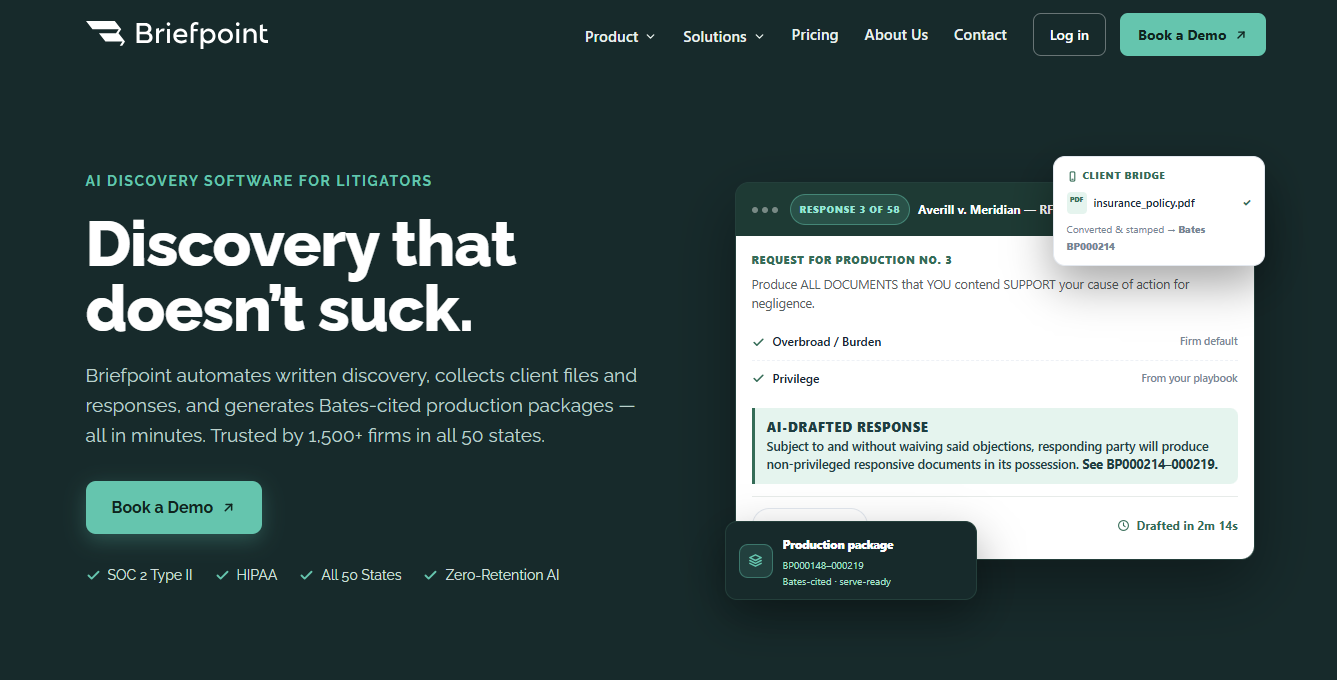
Briefpoint helps make that process easier. The platform is built to cut routine discovery drafting work, so more time can go to strategy and review.

briefpoint

It helps litigators generate objection-aware requests and responses, collect client answers in plain English, and create Word-ready drafts that are easier to review and serve.

And with Autodoc, productions can also be turned into Bates-cited responses and production packages without all the usual manual work.

That kind of support can make a real difference when discovery starts piling up. Less repetitive drafting. More consistency across responses. Faster turnaround on RFPs, RFAs, interrogatories, and productions.

Want to see how Briefpoint works?

Book a demo now.

FAQs About Common Discovery Objections

What makes a discovery objection valid?

A discovery objection is usually valid when it points to a real problem with the request, such as overbreadth, privilege, lack of relevance, or burden. The key is that the objection should connect to the actual wording of the request and explain the issue in a way that makes sense in the context of the case.

How does attorney-client privilege come up in discovery objections?

Attorney-client privilege often comes up when a request seeks confidential communications between a client and counsel made for legal advice. When that happens, the responding party may object to producing those communications while still producing nonprivileged material that falls within the same request.

Can discovery objections apply to sensitive information?

Yes. Objections can come up when a request reaches into sensitive material without a clear connection to the claims or defenses in the case. That can include things like medical records, financial documents, or private communications, depending on what the request asks for and how broad it is.

Why do some objections sound broad or repetitive?

Some objections use standard language because similar issues come up often in discovery, including concerns tied to expert witnesses or arguments that a request may cause unwarranted annoyance. Even so, the wording still needs a close read, since routine language can carry different weight depending on the request.

READ MORE


How to Write an RFP Response During Litigation

How to Write an RFP Response During Litigation

A lot of discovery problems start in the response. A request for production may look straightforward on its face, but the real work starts once you have to decide what the request covers, what documents are responsive, what objections apply, and how to phrase the answer properly.

That is why RFP responses take more care than they often get.

A well-written response does two things at once. It answers the request clearly, and it protects your client from giving up more than the rules require.

To get there, you need a process that helps you read closely, prepare thoroughly, and draft with precision. This guide walks through each step and also covers how to use AI for RFP responses, so your drafts are easier to put together and easier to stand behind later.

What Is an RFP Response?

In litigation, an RFP response is your written answer to a request for production. When an RFP arrives, the other side is asking you to produce documents, electronically stored information, or tangible items tied to the case.

Your response might cover things like:

  • What you will produce
  • What you object to
  • What you are withholding
  • Any limits on the production

So, the RFP response process is not just sitting down and typing out a reply. You need to read each request closely, figure out what it is really asking for, check what documents actually exist, and decide whether any objections apply.

From there, you write a response that clearly says what the other side will get and what they will not.

That matters more than it may seem at first. A vague response can create confusion, spark discovery fights, or make your position harder to defend later. A clear one helps you stay consistent, protect your client, and move discovery forward without creating extra problems for yourself.

What to Do Before You Start Writing

Before you draft anything, take a step back and sort out what the request is really asking for. A more effective RFP response usually starts with careful review, so make sure to do the following:

  • Read each request carefully: Look at the exact wording. Some requests seem straightforward until you notice broad phrasing, vague terms, or definitions that quietly expand the scope.
  • Break down the request: Separate the parts if needed. Pay attention to date ranges, categories of documents, and any instructions that affect how you need to respond.
  • Review the case facts: Your response should match the claims, defenses, and the legal documents your side actually has or can access.
  • Spot objections early: It is easier to flag issues like privilege, overbreadth, burden, or ambiguity before you start writing than to fix the response after the draft is already taking shape.
  • Check the rules and deadlines: The RFP process has timing, formatting, and service requirements, so make sure you know what applies before you finalize anything.

How to Prepare for an RFP Response

Once you understand the requests, the next step is getting your materials and decisions in order before you draft.

Good preparation makes the response clearer, more consistent, and easier to defend later. It also helps you catch key points before they get buried in the wording.

Here’s what to do:

  • Gather responsive documents: Pull together the files, emails, messages, and other records that may answer each request. Keep them organized so you can match documents to the right request number.
  • Review for gaps and problem areas: Check what is missing, what may need follow-up from the client, and what raises privilege or confidentiality concerns. This is also the time to flag unusual technical details, like metadata, file formats, or data pulled from different systems.
  • Match documents to the requests: It helps to connect each set of materials to the exact request it may respond to.
  • Check objections and scope limits: Before drafting, decide where objections may apply and where partial compliance makes more sense.
  • Confirm rules for production: Look at any court rules, discovery rules, or compliance guidelines that affect timing, formatting, and how documents need to be produced.

How to Structure an RFP Response

Once you have gathered the documents, flagged problem areas, and figured out where objections may apply, the next step is putting the response into a format that is clear and easy to follow.

Preparation gives you the substance, and structure helps you present it in a way that makes sense on the page.

  • Start with the request number: Answer each request for production separately, so your response tracks the other side’s numbering and stays easy to review.
  • State objections clearly: If a request calls for an objection, say so directly and connect it to the actual issue, such as overbreadth, privilege, or vagueness.
  • Say what will be produced: After the objection, make clear whether documents will still be produced in full, in part, or not at all.
  • Add any limits or qualifications: If production is limited by date range, custody, scope, or privilege, spell that out so your position is easy to understand.
  • Keep the wording consistent: Similar requests should follow a similar format. That helps the whole set read as careful and organized and not patched together.

Step-by-Step Guide to Writing an RFP Response

You have reviewed the requests, gathered the documents, and mapped out how the responses should be structured. Now it is time to put that preparation to work and move through the drafting process step by step.

1. Start with the Request Language

Begin with the exact wording of the request before you write a single line of your response. That helps you stay grounded in what the other side actually asked for instead of what you assume they meant.

Keep in mind that a small wording choice can change the scope in a big way, especially if the request uses broad definitions, vague phrases, or stacked categories of documents.

With that in mind, read the request slowly and break it into parts. Look at the date range, the types of materials requested, and any defined terms that expand the reach of the request.

Pay attention to words like “all,” “any,” “relating to,” or “concerning,” since they often make a request broader than it first appears.

2. Draft Any Objections

After you understand what the request is asking for, the next move is deciding if any part of it calls for an objection. The key is to keep discovery objections specific. Generic objections tend to look weak and do very little to protect your position if the issue comes up later.

Common objections include:

  • Overbreadth: The request is too wide in scope
    Example: “Produce all documents relating to your business operations for the past 10 years.”
  • Vagueness or ambiguity: The wording is unclear
    Example: “Produce all documents concerning the incident,” when “incident” is never clearly defined.
  • Undue burden: The request would take too much time or effort compared with its likely value
    Example: A request that calls for years of archived files with no reasonable limit.
  • Privilege: The request seeks protected material
    Example: Emails between client and counsel about legal advice.

If you are objecting, say what the problem is and keep the language tied to the request. If responsive documents will still be produced in part, say that clearly, too.

Want a faster way to spot and phrase common objections? Check out our discovery objection cheat sheet.

3. State What Will Be Produced

After any objections, say clearly what documents will actually be produced.

This part of the response should leave as little room for guesswork as possible. If documents are being produced in full, say that. If production is partial, explain the limit in plain terms. A response that spells this out clearly is usually more useful than one filled with vague qualifiers or recycled language.

Keep the wording tied to the actual request and your client’s file. That makes the response easier to defend and closer to the RFP requirements at issue. It also helps your tailored responses feel grounded in the facts rather than boilerplate.

For example: “Responding party will produce non-privileged emails, invoices, and internal reports from January 2023 through June 2024 that relate to the contract identified in Request No. 4.”

That kind of wording gives a more detailed breakdown of what the other side can expect and keeps the scope tied to the client’s specific records.

4. Add Necessary Limits

Limits are the boundaries you place on production, so your response reflects what you are actually agreeing to produce. They help define the scope in a way that is clear, reasonable, and tied to the request.

Common limits include:

  • Date range limits: Narrow production to the time period that actually relates to the claims or defenses
    Example: documents from January 2023 through June 2024 only
  • Subject matter limits: Keep production tied to the issue raised in the request
    Example: communications about the contract at issue, not every communication between the parties
  • Custodian limits: Identify whose files or accounts were searched
    Example: documents collected from the project manager and in-house counsel
  • Privilege limits: Make clear that privileged or protected material will not be produced
    Example: attorney-client communications and attorney work product are withheld
  • Possession, custody, or control limits: Clarify that production covers what your side actually has access to

5. Keep the Wording Precise

Use clear, exact language in every response. If you object, say what the objection is. If documents will be produced, say that plainly. Or if production is limited, spell out the limit so the other side does not have to guess what you mean.

For example, “Responding party will produce non-privileged emails and invoices from January 2024 through March 2024 relating to the purchase order identified in Request No. 6” is much stronger than “Responding party will produce documents related to the matter.”

The first version tells the reader what is being produced, the time frame, and the subject. The second leaves too much open.

It also helps to keep similar responses phrased in a similar way, which makes the full set easier for your legal team members to review and helps the key elements stay consistent from one request to the next.

6. Check for Consistency Across Responses

Before you finalize anything, read the full set of responses together. You want the wording, objections, and production statements to line up from one request to the next.

If one response says documents will be produced and another uses narrower language for a similar request, that inconsistency can create confusion.

This is also a good time to compare your draft against any previous RFP responses in the case, if there are any. Doing so helps you catch shifts in wording, scope, or position that may need to be explained or fixed.

Look closely at repeated objections, date ranges, defined terms, and references to withheld documents. The tighter those pieces line up, the easier the full response set will be to defend.

7. Finalize the Verification and Service

Before you send anything out, make sure the response package is complete and lines up with the position your side is taking. This final check helps catch missing signatures, mismatched production references, and service issues that can create avoidable problems.

  • Confirm the final draft is accurate: Make sure the objections, production language, and scope limits match the documents and decisions reflected in the response set.
  • Check the verification page: If verification is required, confirm it is complete and signed by the right person.
  • Match the production to the responses: If the draft says documents will be produced, make sure the production set is actually ready and matches the request numbers or descriptions in the responses.
  • Review service requirements: Double-check the deadline, method of service, and any formatting rules that apply to the case.
  • Do one last full read: Read the responses as a set before serving them so you can catch small issues and grammatical errors while there is still time to fix them.

How AI Can Help Write RFP Responses

RFP responses can eat up a surprising amount of time once the document review, drafting, formatting, and production prep start piling up.

Legal AI helps cut down that workload by speeding up the parts that tend to slow everything down, while still leaving the legal calls in your hands.

It can help with things like:

  • First-pass drafts
  • Objection suggestions
  • Document matching
  • Bates-ready output
  • Word formatting

Briefpoint is a strong example of what that looks like in litigation. It is built specifically for discovery work, so it goes far beyond generic AI writing help.

You can use it to propound and respond to RFPs, RFAs, and interrogatories, and its Autodoc feature is especially useful for RFP responses.

It searches productions and case files, matches responsive documents to each request, and generates Bates-cited Word responses along with a production package ready to serve.

All that is a big deal because the slow part of RFP work often comes from sorting documents, linking them to the right requests, and getting everything into final form.

Briefpoint helps move that process along much faster while still letting you review, revise, and stay in control of the final response.

Write Faster RFP Responses With Briefpoint

As you can see, Briefpoint gives you a faster way to handle RFP responses without losing control over the final language.

briefpoint

Briefpoint also supports Supplemental Responses, so updated RFP responses can be managed in the same workflow while prior answers stay intact and easy to reference.

The result is a cleaner way to handle new information and later rounds of discovery without adding extra confusion.

Book a demo today.

FAQs About How to Write an RFP Response

What should an RFP response include?

An RFP response should answer each request clearly, state any objections that apply, explain what documents will be produced, and note any limits on that production. It should also stay consistent from one response to the next.

Can you object and still produce documents?

Yes. An RFP response can include objections while still stating that responsive, non-privileged documents will be produced subject to those objections. That often happens when only part of a request creates a problem.

How can law firms save time when writing RFP responses?

Law firms can save time by using a repeatable process, organizing documents before drafting, keeping objection language consistent, and reviewing responses as a full set before service. Good prep usually cuts down on revisions and follow-up disputes.

Can RFP response software help with discovery drafting?

Yes. RFP response software and other RFP automation tools can help with drafting, formatting, document matching, and organizing new responses, though legal review still matters before anything is served.

The information provided on this website does not, and is not intended to, constitute legal advice; instead, all information, content, and materials available on this site are for general informational purposes only. Information on this website may not constitute the most up-to-date legal or other information.

This website contains links to other third-party websites. Such links are only for the convenience of the reader, user or browser. Readers of this website should contact their attorney to obtain advice with respect to any particular legal matter. No reader, user, or browser of this site should act or refrain from acting on the basis of information on this site without first seeking legal advice from counsel in the relevant jurisdiction. Only your individual attorney can provide assurances that the information contained herein – and your interpretation of it – is applicable or appropriate to your particular situation. Use of, and access to, this website or any of the links or resources contained within the site do not create an attorney-client relationship between the reader, user, or browser and website authors, contributors, contributing law firms, or committee members and their respective employers.

READ MORE


7 Litigation Tools for Different Stages of a Case

7 Litigation Tools for Different Stages of a Case

Litigation covers a lot of ground. A case can move from intake to pleadings, into discovery, through motion practice, and sometimes all the way to trial. Along the way, the type of work shifts, and so do the tools that support it.

Because of that, one platform rarely handles everything well. A system that’s great for written discovery may not be ideal for research. A strong case management tool might not solve document review.

Most law firms end up using a combination, choosing tools that fit specific stages rather than forcing one solution to cover the entire process.

With that in mind, the list below highlights seven litigation tools designed for different parts of a case. Each one plays a distinct role, helping you build a setup that matches how you actually practice.

1. Briefpoint – Best for Drafting Discovery Responses Fast

Briefpoint is an AI-powered discovery drafting platform built for litigators who are tired of spending entire afternoons on formatting and discovery objections. It focuses squarely on written discovery and does it with precision.Briefpoint

In litigation, a single set of interrogatories or requests for production rarely stays simple for long. What begins as a draft quickly turns into checking court rules, standardizing objections, organizing document management, and correcting formatting issues. Before you know it, the day is gone.

That’s the gap Briefpoint addresses. It tightens the process while keeping lawyers in control of strategy and final language.

To do that, the platform uses advanced AI shaped around real legal practice. It generates clean, jurisdiction-ready drafts that open directly in Word, so legal teams can revise naturally within a familiar workflow.

What you get is formatting that remains consistent, objections that stay uniform, and more attention goes toward case preparation rather than repetitive edits.

Autodoc extends that structure to large productions. When you upload vast amounts of documents, it connects responsive materials to each request and produces Bates-cited responses alongside a ready-to-serve production package.

With that kind of organization built in, discovery feels contained and predictable instead of sprawling and open-ended.

Key Features

  • AI-powered discovery drafting: Generate interrogatories, requests for admission, and requests for production from a complaint or draft structured responses to incoming requests in minutes.
  • Objection-aware response generation: Apply consistent, defensible objections aligned with court rules in all 50 states and federal courts to help improve accuracy firm-wide.
  • Autodoc production packages: Upload productions and receive Word responses with page-level Bates citations plus a ready-to-serve, Bates-numbered production set.
  • Client response collection portal: Send questions in plain English to clients through a secure link and receive Word-ready drafts that flow directly into your responses.
  • Word-first editing workflow: Review, revise, and finalize documents in Word, so lawyers stay in control of tone, strategy, and final language.
  • Secure infrastructure: SOC 2 Type II certified with encrypted data handling, which supports secure document management for legal teams.

Book a demo today.

2. Clio – Best for Litigation Case Management

Clio is a case management platform used by law firms to organize litigation matters in one place. It connects case information, tasks, deadlines, documents, billing, and communication so attorneys can see what’s happening directly inside each file.

clio Source: G2

In an active litigation process, details move quickly. New filings come in, hearings get scheduled, discovery deadlines approach, and routine tasks need follow-up. When that coordination lives in separate sources, manual tasks increase, and visibility drops.

Clio creates a structured environment where legal teams can track progress in real time and keep work tied directly to the correct matter.

It isn’t built specifically for drafting discovery responses, but it supports the larger framework of a legal practice. From client intake to ongoing task management, it gives attorneys a clearer operational view of their cases.

Key Features

  • Matter and case information management: Store legal documents, contacts, notes, and communication within each matter so all case information stays organized and searchable.
  • Task and deadline tracking: Assign tasks with due dates, monitor progress, and receive real-time updates as responsibilities shift between team members.
  • Client intake workflows: Capture new client details through structured forms and convert them into active matters without duplicating data.
  • Time tracking and billing tools: Record billable time inside each case and generate invoices tied directly to matter activity.
  • Built-in AI tools: Assist with legal drafting and note summaries while helping reduce routine manual tasks for attorneys.

3. Everlaw – Best for eDiscovery and Document Review

Everlaw is a cloud-based e-discovery software platform built for reviewing electronically stored information in litigation. Law firms use it to organize, search, and analyze large collections of legal documents to make sure attorneys can identify relevant evidence quickly and confidently.

Everlaw

Source: G2

The platform focuses on document review and case analysis rather than drafting. Legal teams can upload productions, filter data, tag documents, and track review progress inside a structured workspace.

Everlaw also supports collaboration. Attorneys can review files simultaneously, leave notes, apply coding decisions, and monitor how the review is progressing in real time. That visibility matters in complex cases involving large volumes of important information.

If your workflow centers on reviewing electronically stored information and preparing it for production, deposition, or trial, Everlaw plays a central role in how legal teams manage that stage of discovery.

Key Features

  • Advanced search and filtering: Run keyword searches, apply metadata filters, and narrow down large data sets to locate relevant evidence efficiently.
  • Document coding and tagging: Mark documents for responsiveness, privilege, and issue categories to keep review decisions consistent.
  • Collaborative review tools: Allow attorneys to work together inside the same case database with shared notes, highlights, and tracking.
  • Visual analytics and timelines: Map communication patterns and activity timelines to better understand how key events unfolded.
  • Secure cloud access: Store and access legal documents in a centralized environment designed for law firms handling sensitive information.

4. LexisNexis – Best for Legal Research

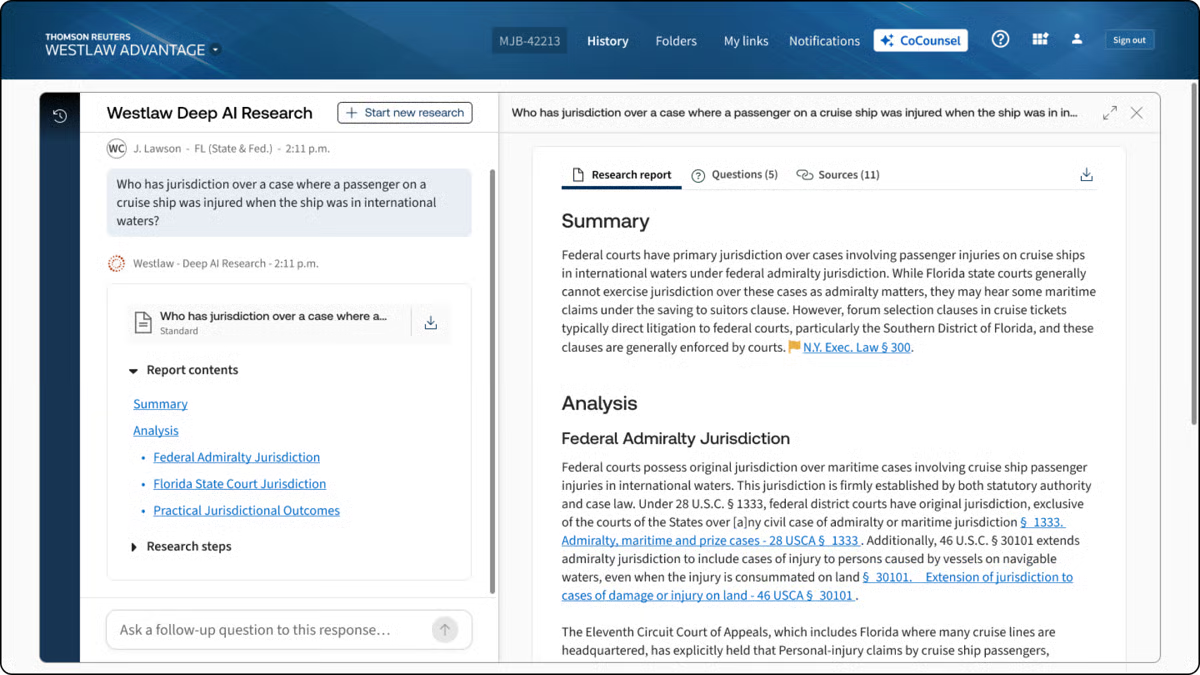
LexisNexis is a legal research platform used by legal professionals to locate case law, statutes, regulations, and secondary sources in one searchable database.

When your focus shifts to building arguments and shaping case strategy, this is the type of tool that supports that work.

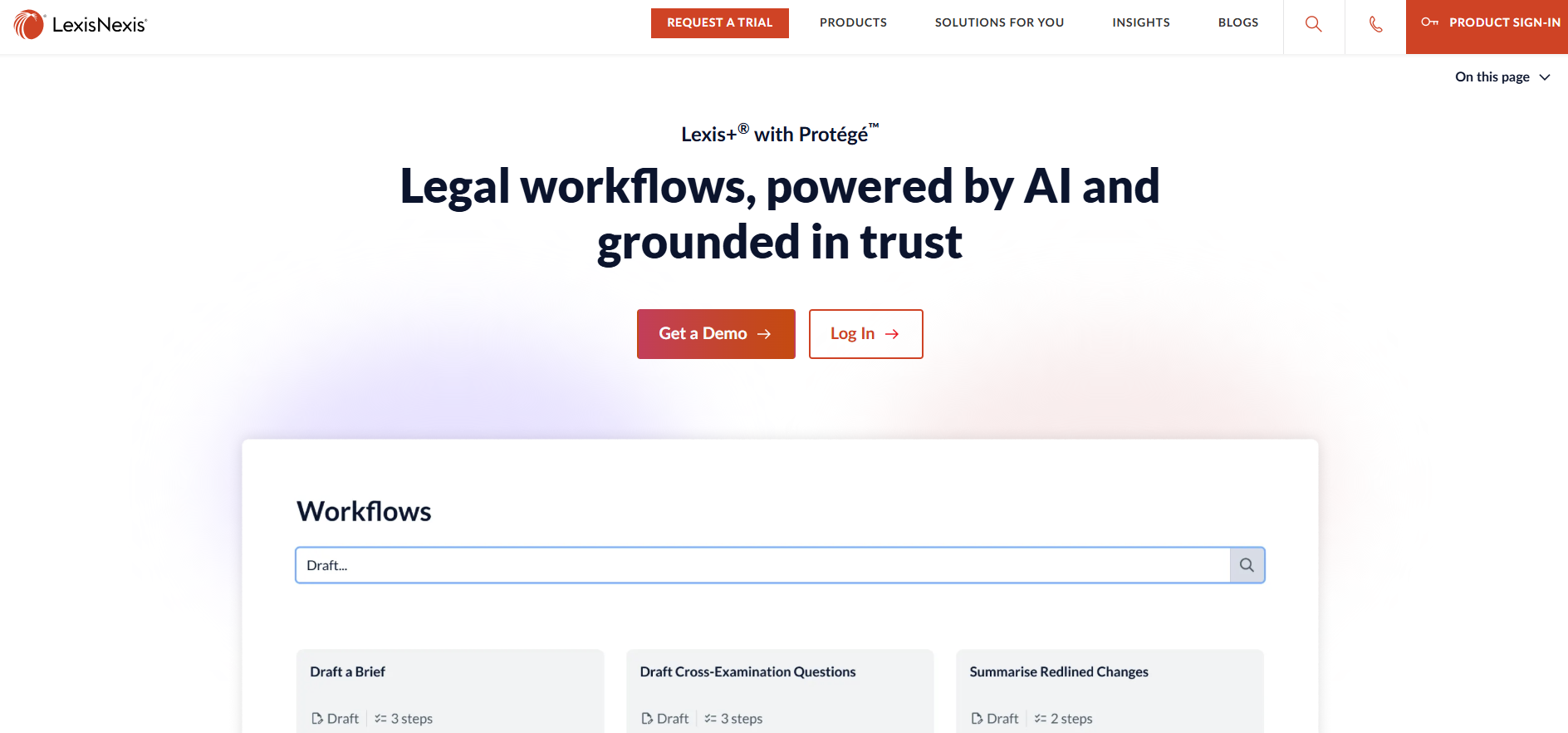
LexisNexis

Source: LexisNexis.com

Instead of spending hours digging through scattered sources, attorneys can access thousands of cases, court opinions, and legal materials in seconds.

Search filters, citation tools, and headnotes reduce manual effort and help narrow results to the most relevant authority. That efficiency cuts down time spent on research and leaves more room for analysis.

LexisNexis also includes practical tools that help evaluate how courts have treated specific issues over time. For litigators, that insight strengthens motion practice and supports stronger cases built on verified precedent.

Beyond traditional research, the platform offers access to news archives, public records, and certain demographic data that can inform background research and litigation planning.

Key Features

  • Comprehensive legal database: Access thousands of cases, statutes, regulations, and secondary sources in one platform.
  • Citation and validation tools: Check how courts have treated specific opinions to refine case strategy.
  • Advanced search filters: Narrow results using jurisdiction, date ranges, practice area, and keyword combinations.
  • Practical guidance resources: Review analytical content and commentary to support argument development.
  • Public records and data access: Pull background information, including select demographic data, to supplement litigation research.

5. Filevine – Best for Litigation Workflow Tracking

Filevine is a legal practice and case management platform that helps firms track litigation matters from intake through resolution.

It isn’t limited to one phase of a case. Instead, it supports the full case lifecycle by keeping tasks, deadlines, documents, and communication connected inside structured case files.

Filevine

Source: G2

For litigation teams, visibility is everything. Key information, such as pleadings, deposition transcripts, discovery materials, and internal notes, needs to stay tied to the correct matter.

So, Filevine centralizes those moving parts so attorneys can see what’s been completed, what’s pending, and what requires attention next.

The platform is highly customizable, which allows firms to shape workflows around their services and practice areas. Automated triggers reduce repetitive tasks, while dashboards give leadership a clear view of workload and case progress.

As matters develop, updates stay attached to the file rather than scattered across separate systems.

Key Features

  • Customizable case workflows: Design litigation workflows that reflect how your firm handles each stage of the case lifecycle.
  • Centralized case files: Keep deposition transcripts, legal documents, notes, and communication organized within each matter.
  • Task automation: Reduce repetitive tasks with automated reminders and milestone-based assignments.
  • Reporting dashboards: Track workload, deadlines, and progress through visual reporting tools.
  • Collaboration tools: Share updates and manage internal communication directly within the case file.

6. Lex Machina – Best for Litigation Analytics

Lex Machina is a legal analytics platform that uses court data to help attorneys evaluate trends, judges, opposing counsel, and case outcomes. Rather than focusing on drafting or document storage, it delivers insight drawn from large sets of real court decisions.

Lex Machina

Source: LexisNexis.com

For litigators working on case strategy, that type of data can influence how arguments are framed, how risks are assessed, and how trial preparation unfolds.

The platform analyzes patterns in rulings, motion outcomes, damages awards, and timing, giving attorneys a clearer view of how similar matters have played out.

Lex Machina also supports targeted document analysis tied to specific courts or judges. You can review how particular motions were handled, how long cases lasted, or how often certain claims succeeded.

That kind of context helps legal professionals ground their decisions in measurable trends rather than assumptions.

While it doesn’t replace legal expertise, it works as a powerful tool that supplements it. When paired with strong advocacy and thorough review of case materials, analytics can sharpen litigation strategy and support more informed decision-making.

Key Features

  • Judge and court analytics: Review historical ruling patterns, motion outcomes, and case timelines tied to specific judges.
  • Attorney and law firm insights: Examine the opposing counsel’s track records and litigation history.
  • Outcome and damages data: Analyze trends in settlements, awards, and case resolutions.
  • Motion and timing analysis: Study how frequently certain motions succeed and how long cases typically proceed in particular courts.
  • Searchable litigation database: Access structured court data to support strategic planning and trial preparation.

7. Smokeball – Best for Automatic Time Tracking

Smokeball is a legal practice management platform known for its automatic time tracking capabilities.

Litigation firms that bill hourly often struggle with capturing every billable minute, especially when the day fills up with short, menial tasks. Smokeball addresses that gap by recording work activity in the background as it happens.

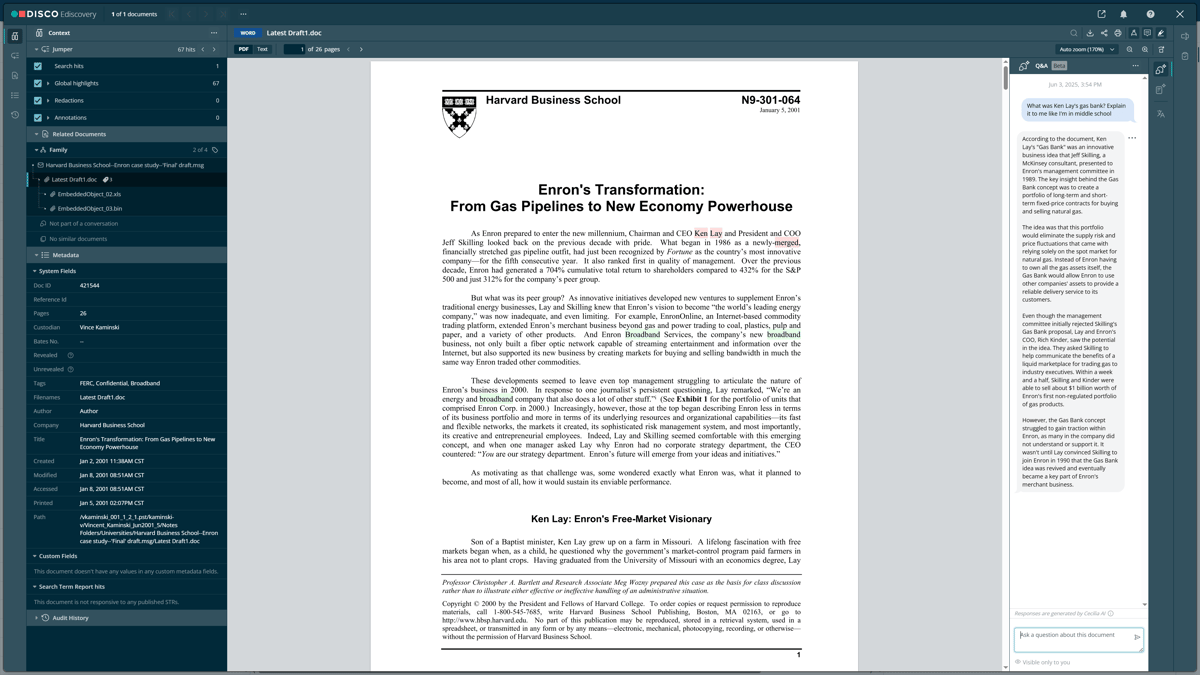
smokeball

Source: G2

As attorneys draft documents, send emails, or update matters, the system logs that activity automatically. This reduces the manual effort involved in reconstructing your day and helps prevent lost revenue. Over the life of a case, those small entries can make a measurable difference.

Beyond time tracking, Smokeball includes broader case management features that keep tasks, documents, and communication organized within each matter. Its standout strength, however, remains automatic billing capture that runs quietly without interrupting workflow.

Litigation practices looking to tighten billing accuracy without adding more repetitive tasks often find this type of built-in tracking especially useful.

Key Features

  • Automatic time capture: Records document edits, emails, and file activity so billable time reflects actual work performed.
  • Integrated billing system: Convert tracked activity into invoices directly within each matter.
  • Matter and document management: Store case files, pleadings, and communication in a centralized platform.
  • Productivity reporting: Review time usage and staff workload insights to support operational oversight.
  • Workflow tools: Track tasks and deadlines while keeping billing data tied to case activity.

Factors to Consider When Choosing the Best Litigation Tool

Selecting the right litigation software depends on how your cases actually move through the system. You would want to choose platforms that support your workflow and strengthen results.

Consider the following:

  • Alignment with your firm’s practice areas: Make sure the tool fits the types of matters you handle, whether that includes personal injury files with heavy medical records or complex commercial disputes in state courts.
  • Depth of functionality: Some platforms focus on drafting, others on analytics or litigation management software. Clarify whether you need research support grounded in practical law, structured case tracking, or document review capabilities.
  • Support for artificial intelligence: Consider how AI adoption fits into your workflow. Tools that use artificial intelligence or agentic AI can reduce repetitive steps, but attorney oversight should remain central.
  • Document organization: Strong systems should keep pleadings, discovery, transcripts, and medical records searchable and tied to the correct matter.
  • Ease of use and reporting: Clear dashboards and simple workflows build confidence across the team and reduce friction during active litigation.

How Legal Teams Can Build a Smarter Tech Stack With Briefpoint

Every stage of litigation brings its own demands. Research shapes your arguments. Analytics can sharpen case strategy. Case management tools keep tasks and deadlines visible.

But written discovery is often the part that quietly drains the most time. Drafting responses, standardizing objections, formatting documents, organizing productions, and double-checking court rules can take over your calendar before you realize it.

When that workflow tightens up, everything else feels more manageable.

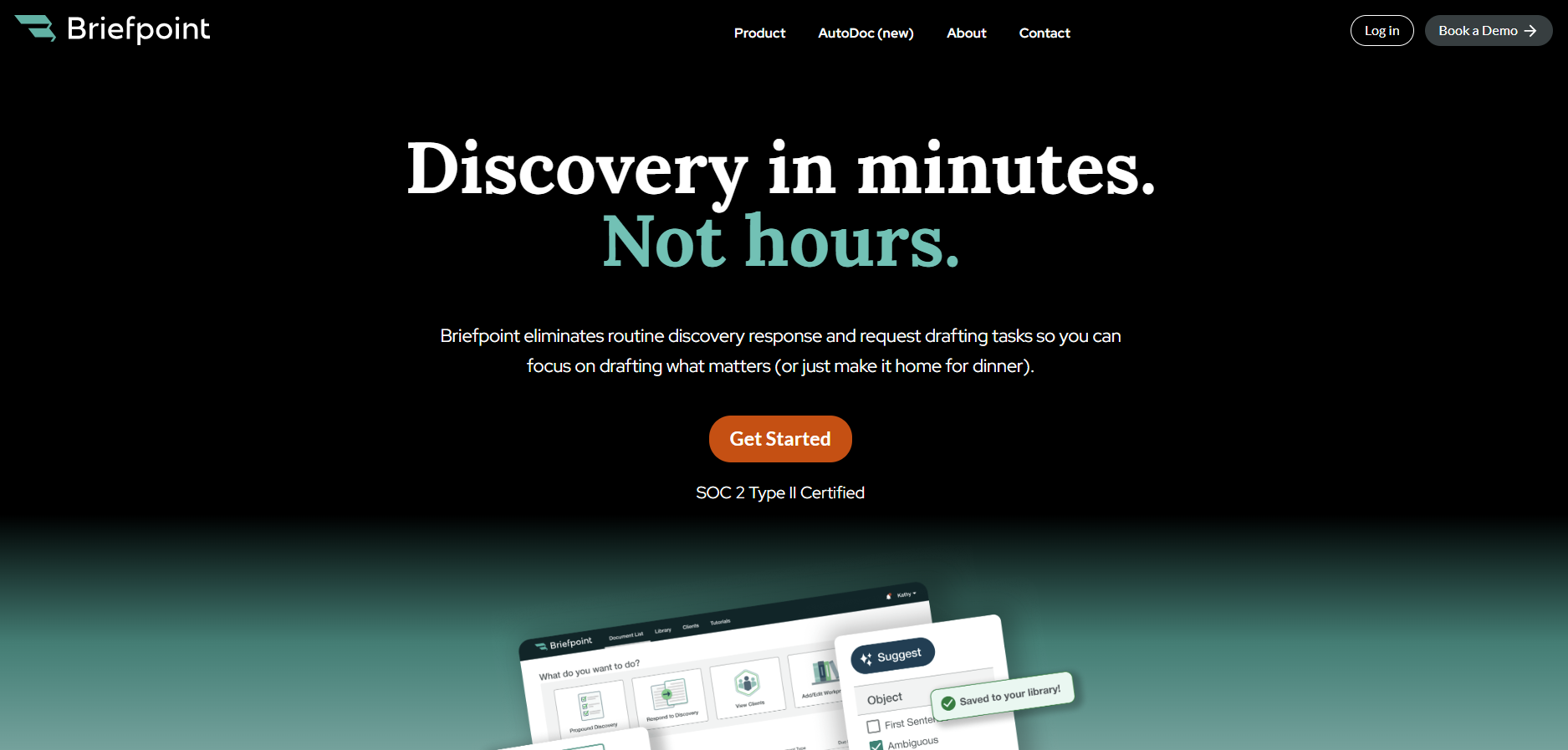
Briefpoint AI Homepage

That’s one reason more than 1,500 law firms already use Briefpoint. It focuses specifically on written discovery and helps litigation teams complete responses in a fraction of the time, without giving up control over strategy or language.

Plus, Autodoc extends that support to production packages, so the process from draft to service feels more structured and predictable.

If discovery has become the bottleneck in your cases, it may be time to look at a different approach.

Book a demo with Briefpoint and see how it can fit into your practice.

FAQs About Litigation Tools

How do law firms decide which litigation tools to invest in?

Law firms usually start by identifying where delays or inefficiencies occur during a case. Some prioritize research and analytics, while others focus on drafting support or workflow visibility. The right mix depends on case volume, complexity, and how the team prefers to operate day to day.

Why is document management important in litigation?

Strong document management keeps pleadings, discovery, transcripts, and evidence organized and easy to retrieve. When materials are structured and searchable, attorneys can prepare expert witnesses more effectively and avoid wasting time looking for key files.

Are litigation tools used outside private practice?

Yes. Many government agencies rely on similar platforms for case tracking, research, and data review. While the scale and structure may differ, the underlying need for organization and efficiency remains the same.

How do modern litigation tools maintain quality control?

Many platforms now include AI-assisted drafting and analytics, but attorney editors still review final outputs before anything is filed or served. Technology can accelerate repetitive processes, yet professional oversight remains central to protecting accuracy and strategy.

The information provided on this website does not, and is not intended to, constitute legal advice; instead, all information, content, and materials available on this site are for general informational purposes only. Information on this website may not constitute the most up-to-date legal or other information.

This website contains links to other third-party websites. Such links are only for the convenience of the reader, user or browser. Readers of this website should contact their attorney to obtain advice with respect to any particular legal matter. No reader, user, or browser of this site should act or refrain from acting on the basis of information on this site without first seeking legal advice from counsel in the relevant jurisdiction. Only your individual attorney can provide assurances that the information contained herein – and your interpretation of it – is applicable or appropriate to your particular situation. Use of, and access to, this website or any of the links or resources contained within the site do not create an attorney-client relationship between the reader, user, or browser and website authors, contributors, contributing law firms, or committee members and their respective employers.

READ MORE


Product Update: Supplemental Responses

Product Update Discovery workflows
v2026.02 Rollout starts Feb 4, 2026

Supplemental Responses: End-to-End Support for Ongoing Discovery

Discovery doesn't stop after the first response. With Supplemental Responses, Briefpoint supports you through ongoing updates—so changes are easy to manage, track, and produce without rework.

Create supplements directly in Briefpoint (RFP, RFA, Interrogatories) Preserve prior answers—always referenceable, never overwritten Structured workflow + Bridge client input for faster finalization

At a glance

  • What's new: Supplemental Responses are now fully supported—generate and manage supplements inside Briefpoint instead of tracking updates manually outside the platform.
  • Who it helps: Litigators managing ongoing discovery updates, and clients responding through Bridge when new information becomes available.
  • Why it matters: Continuity and efficiency. Preserve response history, reduce inconsistency, and avoid confusion as cases evolve.

What changed

Briefpoint now fully supports Supplemental Responses, enabling litigators to efficiently manage and prepare updated discovery responses as new information becomes available. Rather than editing prior work or tracking supplemental responses manually outside the platform, you can generate a new supplemental document directly in Briefpoint—while keeping prior responses intact and referenceable.

  • Prior responses remain intact and referenceable
  • New or updated information can be added easily
  • Supplemental Responses follow a familiar & structured workflow

How to use it

  • From the Document List, open the context menu on the originating document and choose Supplement.
  • Select the specific items to supplement and begin adding responses.
  • Reference the original response, and any previous supplemental responses in the center column and easily get more information from your client via theclient Bridge, when you're ready; open in Word to finalize.

Notes

Supplementals are created from an originating document (not from other supplementals). All previously created supplemental rounds are visible during drafting for the relevant items. Manually uploading documents to RFPs will be supported shorly. Documents uploaded by clients will be available in Supplemental Response workflows by the end of the month.

FAQ

Can I supplement a supplemental response?
At launch, you create supplements from the original document. When you start a new supplemental round, Briefpoint shows the full history of prior supplements for the relevant items so you can build on what's already been served.
How are supplemental documents organized on the Document List?
Supplemental Response documents appear nested under their originating document. When you sort the list, the originating document and its supplemental "block" move together—while child documents keep their relative order to preserve accurate nesting.
What can clients provide through Bridge?
At launch:
RFAs, Interrogaries & RFPs support text-based responses. Attorneys can review and include the client response with the supplemental response set.

By March 2026 - RFPs support uploaded documents and/or an attestation that they don't have documents (with optional context).
Note: For RFPs, manual document upload inside the supplemental workflow is not included at launch; client documents are collected via Client Doc Upload tasks.
READ MORE


Litigation Management Software: A Practical Guide

Litigation Management Software: A Practical Guide

Litigation runs on information, deadlines, and steady coordination, so having software that keeps everything in one place can make a real difference in how your week feels.

Litigation management software gives you a reliable way to manage documents, track what’s happening in each matter, and keep your team aligned as cases move forward.

It’s not a single tool, but a mix of platforms that support different parts of litigation like drafting, discovery, collaboration, task tracking, and everything in between. When those pieces work together, the workflow becomes easier to follow, and updates are much simpler to manage.

The sections below break down what litigation management software includes and how each type of tool fits into a litigation team’s day-to-day work.

What Is Litigation Management Software?

Litigation management software gives legal professionals a structured way to run civil litigation cases without bouncing between disconnected tools and systems.

It’s a broad category of legal software, not one single type of tool. Different platforms cover different parts of the litigation workflow, so the term works as an umbrella for anything that helps organize case details, documents, deadlines, and administrative tasks tied to active matters.

Some firms rely on general practice management systems that handle billing, calendars, client communication, and basic document storage.

Those help with everyday operations but don’t always offer the deeper support litigation teams need once legal discovery, drafting, or document-heavy review begins.

Litigation-focused tools go further by offering features built for structured responses, document production, collaboration during discovery, and tools that keep long matters moving in a predictable rhythm.

In short, litigation management software brings the moving parts of a case into one coordinated experience. It supports the practical work legal teams deal with every day while giving them more control over timelines and essential tasks tied to criminal or civil litigation.

5 Main Types of Litigation Management Software

Some litigation tools handle one specific task really well, and others cover several parts of a case at once. However, even the most feature-packed platforms usually leave a few gaps, so most firms rely on a mixture of software to cover everything that happens during a matter.

Let’s walk through the main categories you’ll see and how each one supports the work involved in active litigation.

1. Discovery Document Automation

Discovery document automation simplifies the parts of litigation that usually depend on hours of drafting, revising, and formatting.

Essentially, these tools help legal professionals move through the discovery process with less manual work, especially when preparing legal documents tied to key litigation events.

Tasks like building interrogatories, requests for admission, and requests for production (RFPs), or turning production sets into court-ready responses, become far more manageable when the heavy lifting happens automatically.

Many platforms now use artificial intelligence to organize structure, apply formatting rules, and generate clean drafts that follow jurisdiction-specific expectations.

Briefpoint is a leading example, giving teams a full discovery workflow that supports both propounding and responding. It drafts objection-aware requests, turns client responses into Word-ready documents, and keeps everything consistent across a matter.

Autodoc adds another layer of speed for the document creation stage. It maps productions to each request, identifies responsive documents, adds page-level Bates citations, and produces a ready-to-serve package. So, a workflow that once took days can move forward in minutes.

Book a demo today!

2. Case and Matter Management

Case and matter management tools give your team one centralized platform to keep the litigation process organized from the moment a case opens.

A strong litigation management system brings documents, deadlines, notes, assignments, and other essentials into a single, predictable workflow so routine tasks feel easier to manage.

Instead of hopping between folders, emails, and spreadsheets, everything is centralized, so you can track case progress and see what needs attention.

These platforms help legal professionals manage tasks tied to motions, discovery, hearings, and client communication. They also support task tracking for critical deadlines to make sure nothing gets overlooked during a busy period.

Most tools also offer clear views of upcoming responsibilities, who owns each assignment, and how far along each step is.

Common features include:

  • Calendars that show all case-related dates in one place
  • Task management tools that help teams manage tasks efficiently
  • Document storage with search and version control
  • Contact and client information tied directly to each matter

A good case management setup keeps your team aligned and reduces the friction that tends to build up during long civil litigation cases. It also creates a smoother path for onboarding new team members who need quick access to case details and outstanding work.

3. Discovery Support

Discovery support tools help teams handle the heavier parts of document review, production prep, and data organization that appear throughout civil litigation practice.

They’re essential for firms managing large sets of case documents, especially in complex cases where identifying relevant documents can take a significant amount of valuable time.

These platforms give you a clear way to sort, categorize, and search through materials pulled from email, shared drives, uploads, or client-provided records.

Strong document management features make it easier to group files, apply tags, highlight key passages, and keep everything organized as the matter grows. Many tools also surface patterns or connections that provide valuable insights during early strategy discussions.

Common examples of discovery support tools include:

  • eDiscovery software that handles large volumes of files and maintains consistent search results.
  • Document review tools with tagging, commenting, and filtering to speed up attorney and paralegal workflows.
  • Production preparation tools that assemble organized sets for service.
  • Analytics features that help identify themes, timelines, or communication trails.

With the right discovery support tools in place, teams gain a clearer path through large data sets and a more reliable way to organize discovery documents throughout litigation.

4. Communication and Collaboration

Law firm communication and collaboration tools make your day a lot easier when you’re working through an active case.

You probably deal with a heap of emails, quick side conversations, and documents passed around in different formats. Bringing all of that into one platform helps you stay organized and gives your team a clearer picture of what’s going on.

If you work in a larger firm or legal department, this becomes even more helpful since multiple people may touch the same matter at different points.

These tools let you share updates, talk through strategy, and keep conversations connected to the right case file. Clients benefit too, since communication feels more structured and easier for them to follow.

When everyone can find the information they need without digging through old messages, managing cases feels smoother, and you save time throughout the week.

Key features you might find useful include:

  • Secure messaging that keeps matter-related conversations in one spot
  • Shared document spaces so you don’t hunt for files
  • Tags or @-mentions that quickly loop in the right people
  • Client portals that make communication easier to track
  • Activity logs that show what’s been updated

5. Billing and Time Tracking

Legal billing and time-tracking tools help law firms stay on top of billable work without relying on spreadsheets or generic accounting software.

While general billing systems can handle invoices and basic bookkeeping, they rarely match the way legal teams record time, tag tasks, or capture work tied to specific matters.

On the other hand, legal tools built into litigation support software take those needs into account. They give you a clearer picture of your hours and the value of the work you’re doing.

Time-tracking software designed for litigation lets you record work as it happens, associate each entry with the right matter, and keep an accurate record of everything from drafting to discovery preparation.

You don’t have to guess what you worked on at the end of the day, and you’re less likely to miss billable work that should have been captured.

On the billing side, legal-specific systems help produce invoices that match client expectations, matter structures, and standard formats for litigation work. They also make it easier to review entries, organize them by matter, and send polished invoices with fewer edits.

What Are the Benefits of Litigation Management Software?

You can probably tell what the main advantages look like after seeing all the different types of tools a litigation management system can include. Still, it helps to step back and look at the overarching benefits that show up once everything sits in one coordinated place.

Here are some of the benefits you’ll notice:

  • Less admin work: Routine steps take less time, which leaves you with more hours for legal analysis and client needs.
  • Better oversight of deadlines: Every important date stays visible, and each matter has a clear timeline you can rely on.
  • Stronger support for complex matters: Large volumes of documents and moving parts stay organized, which can help you keep steady progress.
  • Faster access to information: Key notes and case documents appear quickly, so you can make earlier, more informed decisions.
  • Smoother collaboration: Attorneys, paralegals, and staff work from the same information without extra back-and-forth.
  • More consistent work product: Templates and structured workflows help your team produce aligned and reliable documents.

Once everything fits together, the workflow feels lighter, and your attention shifts naturally toward the work that drives case outcomes.

What to Consider Before Choosing a Platform

Choosing the right platform gets easier once you’ve seen what these tools can do and how the benefits line up with your daily work. All that’s left are a few practical considerations to help narrow the list and point you toward a setup that fits your team’s needs:

Ease of Use and Learning Curve

Choose software that your team can understand without long training sessions. A smoother learning curve means everyone can start using the core features quickly, which keeps the transition from disrupting your cases.

If a platform feels intuitive from the start, adoption tends to go faster, and fewer questions pile up later.

Primary Functions Your Team Relies On

Every litigation team handles tasks a little differently, so pay attention to the features your workflow depends on. Some tools focus on case organization while others revolve around discovery or document creation.

Picking a platform that supports your daily responsibilities makes the system feel like a natural extension of your work.

Cloud-Based Storage and Mobility

Access to key documents across devices helps you stay productive even as you move between the office, home, and court.

Secure cloud-based legal software also reduces the risk of misplaced files and keeps important materials within reach whenever you need them.

Team Collaboration Needs

If multiple people contribute to a matter, look for features that keep everyone aligned.

Tools that connect comments, tasks, updates, and documents in one space help reduce confusion and keep the whole team moving in the same direction.

Scalability and Future Growth

Your needs today may not be the same a year from now. A platform that grows with your caseload or team size gives you more stability over time.

Plus, it saves you from switching systems later when your practice becomes busier or more specialized.

Security and Compliance Requirements

Legal work depends on trust, so data protection matters. Choose software that treats security as a priority, with safeguards that protect sensitive files and keep your practice aligned with professional standards.

How Briefpoint Fits Into a Modern Litigation Workflow

Litigation management software gives your team a clearer, more organized way to handle the moving parts of a case, from document handling to collaboration.

When it comes to drafting court documents and keeping work aligned with court rules, Briefpoint stands out as one of the best options for teams looking to modernize their workflow.

Briefpoint

Briefpoint is a specialized tool designed to take the most repetitive steps off your schedule, which means you can focus on valuable work that moves a case forward.

With features that support discovery drafting, client response collection, and automated formatting, Briefpoint helps you maintain consistency and keep documents ready for review and service.

For teams that want a faster, more predictable process across multiple matters, it brings the kind of support that pairs naturally with your existing systems.

If you’re ready to upgrade the way you handle litigation tasks, Briefpoint makes the transition easy.

Book a demo today.

FAQs About Litigation Management Software

How does litigation management software help civil litigators stay organized?

Most platforms bring documents, tasks, notes, and timelines into one place so you’re not switching between scattered tools. This helps you stay on top of court dates, filing deadlines, and updates throughout the case lifecycle.

Can this type of software support case strategy, or is it mainly administrative?

It does both. By automating routine tasks and reducing time-consuming steps, you get more space for case analysis and higher-value work. Clearer access to information also gives you a better foundation for early planning and decision-making.

Does litigation software improve team communication?

Yes. Many systems offer shared workspaces, comments, and matter-specific messaging that help everyone stay on the same page. This leads to more seamless collaboration and fewer missed updates, especially when multiple people touch the same file.

Is a cloud-based platform important for litigation work?

A secure platform on the cloud can make a big difference. A cloud setup keeps court documents, electronically stored information, and key notes accessible wherever you’re working, which helps with improved efficiency and stronger client relationships. Case management software with reliable cloud access also makes civil litigation software easier to use during busy periods or while working remotely.

The information provided on this website does not, and is not intended to, constitute legal advice; instead, all information, content, and materials available on this site are for general informational purposes only. Information on this website may not constitute the most up-to-date legal or other information.

This website contains links to other third-party websites. Such links are only for the convenience of the reader, user or browser. Readers of this website should contact their attorney to obtain advice with respect to any particular legal matter. No reader, user, or browser of this site should act or refrain from acting on the basis of information on this site without first seeking legal advice from counsel in the relevant jurisdiction. Only your individual attorney can provide assurances that the information contained herein – and your interpretation of it – is applicable or appropriate to your particular situation. Use of, and access to, this website or any of the links or resources contained within the site do not create an attorney-client relationship between the reader, user, or browser and website authors, contributors, contributing law firms, or committee members and their respective employers.

READ MORE


Litigation vs. Arbitration: Use Cases, Differences & Benefits

Litigation vs. Arbitration: Use Cases, Differences & Benefits

Disputes don’t all end up the same way. Some go through the courts with judges and juries, while others are handled privately in front of a neutral decision-maker.

That’s the core difference between litigation and arbitration. Both are methods of dispute resolution, but the setting, process, and outcomes can look very different.

It’s also worth noting that technology now plays a role in both approaches. For example, many firms use litigation software to manage case files, track deadlines, and prepare documents, while arbitration often relies on digital platforms to organize hearings and evidence.

These tools don’t change the nature of the process itself, but they make handling disputes a lot more manageable.

In this guide, we’ll walk through what litigation and arbitration mean, how they compare, and the situations where one might make more sense than the other.

What Is Litigation?

Litigation is the traditional method of resolving legal disputes through the court system. It’s what most people picture when they think of court cases: judges, lawyers, and sometimes juries. The litigation process follows strict rules and results in court judgments that are legally binding.

A few key points about litigation:

  • It takes place within the court system under established laws and procedures.
  • The goal is to resolve legal disputes through a final decision, usually in the form of a court judgment.
  • Traditional litigation is often public, which means filings and hearings are generally part of the public record.
  • Cases can range from small civil matters to large, complex disputes.

Litigation can take time, sometimes months or even years, depending on the complexity of the case. While the process may feel slow, it provides structure and the chance for appeals. For many individuals and businesses, it remains the standard path for resolving legal disputes.

Since litigation is document-heavy, having the right support matters. Briefpoint helps legal teams draft discovery documents quickly and with consistent quality. 

Book a demo today to see how Briefpoint can cut hours of drafting into just minutes.

What Is Arbitration?

Arbitration is a private method of resolving disputes that takes place outside the court system.

Unlike court cases, the arbitration process is less formal and typically faster. The parties involved agree (often through arbitration clauses in contracts or a separate arbitration agreement) to let a neutral third party decide the outcome.

Here’s what you need to remember about this alternative dispute resolution method:

  • Unlike litigation, arbitration proceedings are usually private and not part of the public record.
  • The neutral third party, known as an arbitrator (or a panel of arbitrators), listens to both sides and makes a binding decision.
  • The arbitration process is more flexible than traditional litigation, with fewer rules and shorter timelines.
  • Appeals are very limited, so the arbitrator’s ruling is often the final word.

Arbitration is common in business contracts, employment agreements, and commercial disputes where both sides prefer a private, quicker resolution. Essentially, it offers a practical alternative to lengthy court battles.

Key Differences Between Litigation and Arbitration

Litigation and arbitration both aim to settle disputes, but they go about it in very different ways. Let’s see the key differences between arbitration and litigation to see which option might fit a particular situation better.

Main Purpose

When you’re caught up in a dispute, the first question is usually: where will this get resolved? That’s where the purpose of each process really stands out.

With litigation, the goal is to settle legal issues through formal court proceedings. Everything follows strict court rules and civil procedure, ending in a court judgment. These judgments can even set legal precedent, meaning they influence how similar cases are handled down the road.

If you want your case to be part of the public record and have the option to appeal, litigation is the path.

Arbitration, on the other hand, is built around speed and privacy. Arbitration offers a way to sidestep drawn-out court battles. 

The parties agree to have a neutral third party hear both sides and issue an arbitration award. That award is binding, and unlike court rulings, appeals are extremely limited.

To put it simply:

  • Litigation aims for a structured, public decision that can influence future cases.
  • Arbitration aims for a quicker, private resolution where the decision is final.

Think of it as choosing between the formality of the courtroom and the flexibility of a private decision-maker.

People Involved

Another big difference between litigation and arbitration is who actually takes part in the decision-making process. The people involved shape how each method works and how the outcome is reached.

In litigation, you’ll often see:

  • Judge: Oversees the case and makes rulings based on the law.
  • Jury: In some court cases, a jury decides the facts and outcome.
  • Attorneys: Represent each side and argue their positions.
  • Clerks and court staff: Handle filings, scheduling, and records.
  • Witnesses:  Provide testimony to support either party.

In arbitration, the group is usually smaller:

  • Arbitrator (or panel): Acts as the neutral party and makes arbitration decisions.
  • Parties involved: Present their evidence and arguments.
  • Attorneys: May be present to guide each side, but the setting is less formal.

Because arbitration involves fewer people, the decision-making process tends to be quicker and more focused compared to traditional litigation.

Process

The way each method unfolds is another key difference. Litigation follows a strict path through the courts, while arbitration is more flexible but still guided by agreements and procedures. Let’s look at how each process works in practice.

The Litigation Process

Litigation can be complex, and the way it plays out often depends on the type of case, the issues raised, and the court handling it. But in general, here’s how the process usually unfolds.

  • Filing the case: The process starts when one party files a complaint in court. This outlines the legal issues involved and sets the stage for the case.
  • Pre-trial procedures: Legal discovery, motions, and hearings take place under strict procedural rules. Each side exchanges evidence, and judges may rule on preliminary matters.
  • Court schedules: Dates are set by the court, which often leads to lengthy proceedings. Delays are common, especially in busy jurisdictions.
  • Trial: Both sides present arguments and evidence before a judge, and sometimes a jury. The court decides the outcome using established legal principles.
  • Appeals: After a judgment, the losing party can appeal to a higher court. Appeals extend the case but allow further review of the decision.

Litigation provides structure and the chance for appeals, but it can be slow and costly, especially if the matter drags through multiple levels of the court system. For this reason and others, many law firms use litigation support software to make the workload lighter.

The Arbitration Process

Same with litigation, the arbitration process can vary based on the agreement and the nature of the dispute. But in general, here’s what it looks like.

  • Arbitration agreement: Disputes usually go to arbitration because of an agreement or an arbitration clause in a contract. This commits both parties to resolve issues outside the court system.
  • Selection of arbitrator: The parties choose a neutral third party, or sometimes a panel, who has expertise in the area. This can make the process better suited to specialized disputes.
  • Arbitration hearing: Both sides present their arguments and evidence. While it resembles a trial, the setting is less formal, with fewer procedural barriers.
  • Arbitration decisions: The arbitrator issues a final ruling, called an award. These awards are binding in most cases and can be enforced through the courts if needed.
  • Limited appeals: Unlike litigation, appeals are rare and only possible under specific conditions, such as proof of bias or misconduct by the arbitrator.

Because arbitration avoids court schedules, it usually wraps up much faster than litigation. That speed, plus the privacy of the process, makes it attractive to businesses and individuals who want quicker dispute resolution without the public nature of court trials.

Key Benefits

Both litigation and arbitration serve the same goal of resolving disputes, but the advantages of each process look different.

Some of these benefits overlap with points we’ve already touched on, but here they’re laid out more clearly so you can see what each option offers.

Benefits of Litigation

  • Court enforcement: Court judgments carry the full weight of the law. Once a judge rules, that decision is backed by the state, and parties must comply.
  • Appeal options: If one side believes a legal error affected the outcome, there’s usually an option to appeal. This layer of review is built into the legal process and provides extra protection.
  • Legal precedent: Decisions made under established rules can set guidance for future cases, offering predictability in how similar disputes may be resolved.
  • Transparency: Proceedings and outcomes are public. This openness creates accountability but can also expose sensitive details.
  • Cost structure: While litigation can mean higher court fees and legal fees, the public system doesn’t require paying one or more arbitrators directly.

Benefits of Arbitration

  • Privacy: Arbitration proceedings are not part of the public record, which helps parties avoid negative publicity.
  • Speed: With streamlined procedures and fewer formalities, arbitration often wraps up faster than court trials. Limited discovery also helps reduce delays.
  • Expertise: Parties can select one or more arbitrators who have direct experience in the field, making the arbitrator’s decision more informed on technical issues.
  • Finality: Arbitration decisions are binding, and since appeals are very limited, the dispute ends sooner without dragging through higher courts.
  • Cost flexibility: While arbitrator fees are an added expense, arbitration can lower overall legal costs by avoiding lengthy court schedules and prolonged discovery.
  • More control: Parties often have greater say over timelines, location, and even some of the procedures. This can make the process more manageable compared to traditional litigation.

Enforceability

Enforceability is one of the most important factors to think about. As mentioned, court decisions in litigation carry the authority of the state.

When a judge issues a ruling or a summary judgment, the outcome is binding and can be enforced through the court system. This gives parties confidence that the decision will be carried out, though it can take additional time if appeals are filed.

Arbitration works a little differently. The arbitrator’s decision, also called an award, is usually final and binding, but appeals are only possible under specific circumstances, such as misconduct or bias by the arbitrator.

For many, this finality is one reason they prefer arbitration. It avoids drawn-out appeals and brings closure more quickly. However, enforcement sometimes requires taking the award to court to have it recognized, especially in cross-border disputes.

In short, litigation offers the weight of the legal system and broader options for challenging a decision, while arbitration provides faster closure with fewer opportunities to contest the result.

Common Use Cases

Litigation is often chosen for complex legal matters that require a formal record and the ability to appeal. Courts are also the natural venue for cases where public accountability is important. Examples include:

  • Intellectual property cases: Patents, copyrights, and trademarks often involve high stakes and detailed arguments that benefit from a structured court setting.
  • Large contract disputes: When millions of dollars are on the line, parties may prefer the formal protections and court decisions that litigation provides.

Arbitration, on the other hand, is typically private and is used where speed and confidentiality are priorities. Common examples include:

  • Business disputes: Companies often rely on arbitration to settle disagreements without the delays of court.
  • Consumer agreements: Many service providers include arbitration clauses so customer disputes can be resolved outside the courtroom.
  • International agreements: Arbitration is popular for cross-border contracts since it avoids navigating multiple national court systems.

Litigation often fits when public rulings and appeals matter, while arbitration is more common in contracts and industries where privacy and legal efficiency are valued.

Litigation or Arbitration? Briefpoint Can Help With Both

Litigation and arbitration may take very different paths, but they share one thing: both depend heavily on solid document preparation. 

Whether it’s pleadings filed in court or evidence presented in an arbitration hearing, the quality of the paperwork can make or break the outcome.

Briefpoint

Which brings us to a tool built to handle discovery for you. Briefpoint drafts your discovery documents automatically, so you don’t waste hours formatting, editing, or double-checking details. You can:

  • Upload a complaint and get up to 70 targeted requests, including interrogatories, requests for admission, and requests for production, in just minutes.
  • Rely on objection-aware generation, with phrasing rewritten to avoid ambiguity, compound questions, or overbroad requests.
  • Get discovery documents that are jurisdiction-ready for all U.S. states and federal districts, complete with captions, definitions, and instructions.
  • Keep your standards consistent across cases, regenerate variants, and export to Word whenever you need.

It doesn’t stop at propounding discovery; Briefpoint also helps you respond to discovery. Upload discovery requests, add objections and responses with AI-assisted suggestions, and export a finished brief that’s ready to serve.

If you’re dealing with litigation or arbitration, document prep doesn’t need to slow you down. Book a demo with Briefpoint today!

FAQs About Litigation vs. Arbitration

What is the difference between arbitration and litigation?

Litigation takes place in the public court system, following strict rules and procedures, while arbitration is a private alternative where a neutral third party makes the final decision. Both are used to settle disputes, but the formality, costs, and level of control are different.

Who usually wins in arbitration?

There isn’t a clear trend for who wins more often in arbitration. Outcomes depend on the evidence, witness statements, and how well each side presents its case. Unlike a court, the decision rests with one or more arbitrators rather than a judge or jury.

Does arbitration come before litigation?

It depends on the agreement. Many contracts require arbitration first, making it the primary step in arbitration vs litigation. If arbitration is binding, it usually replaces the court altogether.

What is the difference between arbitration and a lawsuit?

A lawsuit is a formal case filed in court with filing fees, litigation expenses, and possible appeals. Arbitration, by contrast, tends to involve lower attorney fees and overall cost, though parties must still pay arbitrator fees.

Which is better for my situation?

That depends on your priorities. If you want appeals, precedent, and a public record, litigation may fit better. If you want speed, privacy, and more control, arbitration could be the better path. Either way, a thorough understanding of both processes helps you make an informed decision.

The information provided on this website does not, and is not intended to, constitute legal advice; instead, all information, content, and materials available on this site are for general informational purposes only. Information on this website may not constitute the most up-to-date legal or other information.

This website contains links to other third-party websites. Such links are only for the convenience of the reader, user or browser. Readers of this website should contact their attorney to obtain advice with respect to any particular legal matter. No reader, user, or browser of this site should act or refrain from acting on the basis of information on this site without first seeking legal advice from counsel in the relevant jurisdiction. Only your individual attorney can provide assurances that the information contained herein – and your interpretation of it – is applicable or appropriate to your particular situation. Use of, and access to, this website or any of the links or resources contained within the site do not create an attorney-client relationship between the reader, user, or browser and website authors, contributors, contributing law firms, or committee members and their respective employers.

READ MORE


What Is Litigation? (Definition, Process, Benefits & More)

What Is Litigation? (Definition, Process, Benefits & More)

Disagreements can happen between businesses, employers, and employees, or even family members. Most of the time, people sort things out on their own. But when talks break down and no one’s willing to budge, the courts step in.

That process is called litigation, and it’s been the standard way of resolving disputes for centuries.

Litigation isn’t always fast or simple, but it brings something other options can’t: structure, fairness, and a binding outcome that both sides must follow. Whether you’re dealing with a contract fight or a personal claim, litigation gives you a clear path through the legal system.

Today, we’ll break down what litigation means, why it matters, the steps involved, and some best practices that make the process more manageable, including the use of litigation software.

Litigation Defined

Litigation is the formal process of resolving disputes through the court system. When people or businesses can’t reach an agreement on their own, the legal system provides a structured way to settle the issue.

In other words, litigation means filing a case, following set procedures, and receiving a decision from a judge that carries legal weight.

Unlike informal talks or private negotiations, litigation follows a formal process with rules that both sides must respect. Each party can present its arguments and evidence, knowing the outcome will be a binding judgment.

This type of legal action often comes up in contract conflicts, employment matters, personal claims, or business disagreements. While it may take time, the litigation process gives both sides an equal chance to be heard and offers a final resolution that can be enforced by law.

To cut down on the time spent drafting discovery documents, try Briefpoint. Book a demo today!

The Key Benefits of Litigation

Litigation isn’t always quick or simple, but it does bring real advantages that other methods of resolving disputes can’t always match.

Because it runs through the legal system, the process has structure, fairness, and authority built in. For many individuals and businesses, that level of formality and finality makes litigation worth pursuing.

Let’s explore some of the biggest benefits:

Legally Binding Outcomes

One of the main benefits of the process called litigation is that the outcome is legally binding. In civil litigation cases, once a judge makes a decision, both sides are required to follow it. Essentially, it’s a ruling backed by the public court system and enforced through civil procedure rules.

Take contract disputes as an example. If one party fails to deliver goods or services they promised, the other side can bring the matter to court. With the help of a legal team, the case is heard, evidence is weighed, and a judgment is issued.

That judgment protects the legal rights of the party who was wronged, and it can even require the other side to pay damages or perform their obligations.

Because of this, litigation gives parties confidence that the resolution is final and enforceable, not just a handshake agreement.

Fair and Structured Process

Another key advantage of litigation is the fairness built into its structure. From the moment litigation begins, there are clear steps that guide the parties involved.

Unlike private talks that may feel unbalanced, the court provides rules so both sides know how the dispute will move forward.

Here’s how it generally goes:

  • The plaintiff files a complaint, which officially starts the case.
  • The other party responds, either admitting or denying the claims.
  • Both sides enter the discovery process, where they share evidence and information.
  • Pre-trial motions may be filed to settle some issues early.
  • A judge can issue summary judgment if there’s no dispute over key facts.
  • If needed, the case goes to a full trial, where a jury determines the outcome or a judge rules.
  • If either side believes court decisions were wrong, they can appeal to a higher court.

This step-by-step path helps manage legal challenges in a predictable way. Each stage gives both sides an opportunity to present their case and defend their position under the same set of rules.

Transparency Through the Court System

One of the things that sets litigation apart is how open the process usually is. When you file a civil lawsuit in a civil trial court, much of what happens becomes part of the public record. That means the way courts handle disputes isn’t hidden. It’s available for anyone to see.

Say you’re involved in a property dispute or a personal injury case. The legal documents, hearings, and rulings connected to your matter are generally accessible, so you can understand not just the outcome but also how the judge got there.

Such a level of openness helps both sides feel the process is fair and keeps the legal system accountable.

Right to Appeal Decisions

Litigation doesn’t always end when a jury decides or a judge issues a ruling. Because litigation includes the right to appeal, the losing party can ask a higher court to review what happened.

Appeals are an important safeguard in both civil cases and criminal matters, giving people a chance to challenge errors that may have changed the outcome.

In civil action, especially, appeals are guided by federal rules or state rules, depending on where the case is heard. Federal courts and state courts alike allow appeals, but only for certain reasons.

Common reasons for appeal include:

  • The judge misapplied the law
  • Evidence was admitted or excluded incorrectly
  • The jury instructions were flawed
  • The verdict wasn’t supported by the evidence presented

An appeal isn’t a second trial. The higher court doesn’t hear new testimony or evidence.

Instead, it reviews the record to see if mistakes were made. This process gives parties confidence that serious legal errors won’t go unchecked and that the system has a way to correct them.

Public Accountability

Litigation adds a layer of accountability that other forms of dispute resolution may not provide.

Since the process takes place in open court, both sides know their arguments, evidence, and conduct are part of the public record. Visibility keeps the process fair and helps prevent behind-the-scenes pressure.

Take a case where two parties are in a contract dispute with an insurance company. By taking legal action, the matter is presented to a judge who issues a binding decision.

Since it happens through the court, the reasoning and outcome are available for review, which means the company can’t quietly avoid responsibility.

This openness builds trust in the legal system and makes sure that everyone involved is accountable to the court and the broader public.

An Overview of the Litigation Process

Litigation follows a series of steps designed to keep things fair and predictable. While cases can vary, most legal disputes move through a similar path before reaching a final decision. Here’s a closer look at each stage.

Filing the Complaint

The process usually begins when one party files a complaint in court. This document lays out the claims and starts the official courtroom process.

In personal injury claims or business cases, the complaint explains what happened and what relief the filer is asking for.

The Response

The other side has the chance to answer the complaint. They may deny the allegations, agree with parts of them, or bring counterclaims.

At this point, both sides are officially part of the case.

Discovery Phase

This is often the longest stage. During the discovery process, both sides exchange information and evidence. Lawyers may send written questions, request documents, or take depositions.

The goal is to avoid surprises at trial and let each side understand the case fully.

Pre-Trial Motions

Before trial, parties can file motions to resolve issues early. A judge may dismiss parts of the case, rule on evidence, or even issue summary judgment if no facts are in dispute.

These trial preparations can narrow what will be argued later.

Trial

At trial, both sides present their arguments, call witnesses, and show evidence. Lawyers guide the process, question witnesses, and provide advice to their clients along the way.

The trial may involve a jury or just a judge, depending on the type of case.

Final Decision and Appeals

After hearing everything, the judge or jury delivers a final decision. If one side believes errors were made, they can appeal to a higher court.

Appeals give the legal system another chance to review the case and confirm fairness.

Other Forms of Resolution

Not all litigation ends with a full trial. Many cases settle through negotiation or mediation.

These other forms of resolution can save time and money, but the structure of litigation ensures a backup path to judgment if talks fail.

Best Practices for More Efficient Litigation

Litigation can be demanding, but the way it’s managed often determines how smoothly things move along. From business litigation to personal cases, smart practices can reduce delays and make litigation management less overwhelming.

Here are five ways to improve efficiency without sacrificing fairness.

  • Invest in document automation software: Drafting motions and filings by hand takes time. Platforms like Briefpoint automate much of this work, which allows legal teams to focus on strategy instead of paperwork.
  • Explore settlement early: Many cases settle before trial, and for good reason. Talking through options early can cut litigation costs and shorten disputes, especially when both parties want to avoid years in court.
  • Use alternative dispute resolution: Mediation or arbitration gives parties another path to closure. These methods often resolve issues faster than trial while still keeping the process structured.
  • Focus on communication: Clients want to know where their case stands. Regular updates reduce confusion and build trust, which can be just as important as the outcome itself.
  • Leverage collaboration tools: Litigation usually involves several professionals. Shared digital tools like litigation management software help keep everyone aligned, helping avoid mix-ups that can stall progress.

Of course, these practices won’t eliminate the demands of litigation, but they can make the process smoother and more predictable for all involved.

The Best Way to Prepare for Litigation Is With Briefpoint

Litigation can feel like a marathon, but it serves an important role in keeping the legal system balanced. 

Disputes don’t always end with quick talks or informal agreements. Sometimes you need a structured process that gives both sides a fair hearing and produces a result that holds up in court.

Briefpoint

That said, anyone who’s been through a case knows the paperwork can pile up fast. Drafting and responding to discovery often eats up valuable hours.

Briefpoint changes that by automating the drafting of interrogatories, requests for admission, and requests for production in minutes. It’s fast, consistent, and built to match state and federal requirements.

If you want to spend less time buried in documents and more time focusing on strategy, book a demo with Briefpoint and see how it can simplify your discovery work.

FAQs About What Is Litigation?

What does litigation mean in law?

In law, litigation refers to the process of resolving disputes through the court system. It covers everything from filing a lawsuit to trial and appeals.

Does litigate mean argue?

Not exactly. To litigate means to take legal action through the courts. While lawyers do argue in a courtroom, litigation is broader. It includes filings, motions, hearings, and sometimes appeals.

What is the difference between a litigator and a lawyer?

A lawyer is a general term for someone licensed to practice law. A litigator is a type of lawyer who focuses specifically on representing clients in court cases, often in county courts or higher courts.

What is the other meaning of litigation?

Outside of strict legal use, litigation can sometimes be used more loosely to describe any drawn-out dispute. For example, a family member might say they’re “in litigation” with a defendant over an inheritance issue, even before the case reaches trial.

The information provided on this website does not, and is not intended to, constitute legal advice; instead, all information, content, and materials available on this site are for general informational purposes only. Information on this website may not constitute the most up-to-date legal or other information.

This website contains links to other third-party websites. Such links are only for the convenience of the reader, user or browser. Readers of this website should contact their attorney to obtain advice with respect to any particular legal matter. No reader, user, or browser of this site should act or refrain from acting on the basis of information on this site without first seeking legal advice from counsel in the relevant jurisdiction. Only your individual attorney can provide assurances that the information contained herein – and your interpretation of it – is applicable or appropriate to your particular situation. Use of, and access to, this website or any of the links or resources contained within the site do not create an attorney-client relationship between the reader, user, or browser and website authors, contributors, contributing law firms, or committee members and their respective employers.

READ MORE


5 Main Types of Litigation Documents

5 Main Types of Litigation Documents

Every lawsuit runs on documents. From the first filing to the last appeal, court papers define the issues, record what each side is asking for, and give the judge a clear track of the case as it moves forward.

To put it another way, they are the framework that keeps a lawsuit organized from start to finish.

With that in mind, it helps to break litigation down into its core filings. Some documents get the case started, others are used to gather evidence, and later filings shape what happens in the courtroom or on appeal.

Below, you’ll find the five main types of litigation documents and how each one fits into the bigger picture.

1. Pleadings

Pleadings are the first court documents filed in a lawsuit, and they set the stage for everything that follows. Essentially, they tell the court and the other side:

  • What the dispute is about
  • Who the parties are
  • What the lawsuit is asking for

In both state and federal courts, these filings show up as docket documents tied to a docket number, which makes it easy to follow the progress of a particular case on the court’s record.

The exact forms can vary by jurisdiction, but the idea is the same everywhere: put the claims and defenses in writing so the case can move forward.

Most lawsuits begin with a complaint, where the plaintiff explains their allegations, the legal basis for the claims, and what they want the court to do.

The defendant then files an answer, admitting or denying each point and possibly raising defenses or even counterclaims.

In some situations, a writ or other specialized forms may be used to start the process. However it begins, pleadings are the foundation of litigation or the official starting point that frames the case for the court and everyone involved.

2. Discovery Documents

Discovery documents play a central role in litigation because they give attorneys the tools to uncover facts long before a trial begins.

Additionally, they let the parties gain access to records, testimony, and evidence that the court will eventually rely on to decide the case. Each filing becomes part of the proceedings, tracked in the docket, and sometimes tied to page references or petitions in the case database.

The discovery stage is where much of the legal battle happens, because it’s the process that creates the evidence each side will later present.

Some common types of discovery documents are:

  • Interrogatories: Formal questions that must be answered under oath.
  • Requests for production: Demands for specific documents, files, or records.
  • Requests for admission: Statements designed to confirm or deny facts and narrow disputes.
  • Depositions: Sworn testimony recorded outside of court but with the same weight as in-court evidence.
  • Subpoenas: Court orders requiring third parties to provide records or appear for testimony.

Because discovery can involve thousands of pages, responding quickly is no small task. Briefpoint’s Autodoc helps attorneys manage this load by auto-generating Bates-cited responses from productions and petitions in seconds.

In other words, it turns what once took weeks into a streamlined step in the proceedings. Join the waitlist today!

3. Motion Practice

Motion practice covers the many requests attorneys file to ask the court to take specific action during a case. These court documents are required to move certain issues forward and can shape the availability of evidence, the scope of discovery, or even whether a claim survives.

Each motion becomes part of the docket to give the judge an account of what each party is asking the court to accomplish. Attorneys often research prior rulings to support their position, since motions rely heavily on legal authority.

Some common examples of motions include:

  • Motion to dismiss: Argues that the case should be thrown out due to legal deficiencies.
  • Motion to compel discovery: Requests that the court order the other party to provide documents or testimony that have been withheld.
  • Motion for summary judgment: A request asking the court to decide in favor of one party without holding a trial, on the grounds that there are no real disputes about the important facts.
  • Motion in limine: Seeks to limit or exclude certain evidence before the trial begins.
  • Motion for protective order: Attempts to restrict discovery to prevent undue burden or exposure of sensitive material.

Through motion practice, attorneys use the court’s authority to accomplish procedural and strategic goals that can significantly affect how a case proceeds.

4. Trial Documents

Trial documents are the materials attorneys prepare and file once a case moves from discovery into the courtroom. They help organize the presentation of evidence, guide the judge or jury, and create a record that can later be reviewed on appeal.

These filings, along with transcripts of the proceedings, often appear on the Public Access to Court Electronic Records (PACER) system in federal courts or in county dockets at the local level, which makes them part of the public record.

Attorneys rely on these documents to keep track of witnesses, exhibits, and arguments, and to make sure the case is presented clearly and consistently.

Some common trial documents include:

  • Trial briefs: Written arguments submitted to the court that outline legal issues and positions.
  • Witness lists: Names of individuals each party intends to call to testify.
  • Exhibit lists: Catalogs of the documents, photos, or objects that will be introduced into evidence.
  • Jury instructions: Proposed guidance for jurors on how to apply the law.
  • Transcripts: Official records of everything said during trial, often signed and certified by the court reporter.

Together, these documents help the court find clarity in the case, give the parties a structured way to present evidence, and maintain a record that supports fairness in the proceedings.

5. Post-Trial and Appellate Documents

Post-trial and appellate documents give attorneys a way to challenge the outcome, ask for changes, or take the fight to a higher court. These filings are carefully arranged on the docket, and anyone following the case can search for them to find key information about what’s happening next.

They also give the parties a record to use if they need assistance from an appellate court to review the trial judge’s decision.

Some common examples include:

  • Notice of appeal filed to start the review process
  • Post-trial motions asking for a new trial or judgment changes
  • Appellate briefs that explain the legal arguments to a higher court

These documents shape what happens after the trial and can determine whether a judgment stands, gets modified, or is overturned on appeal.

Litigation Documents Made Easier With Automation

As you can see, the litigation process runs on documents that all drive the case forward. The challenge is the sheer volume of paperwork that eats up attorney time.

That’s why document automation has become such a real breakthrough for busy litigators. It takes the repetitive work off your plate so you can focus on strategy and client advocacy.

Briefpoint

Briefpoint is already proving the impact of this shift, with 96k+ documents automated by attorneys across the country. Instead of spending hours drafting the same forms over and over, you can get polished, jurisdiction-ready documents in minutes.

See it for yourself. Book a demo with Briefpoint and find out how document automation can make your litigation practice faster, simpler, and more effective.

FAQs About Litigation Documents

What is litigation documentation?

Litigation documentation refers to the court documents created and filed during a lawsuit, from pleadings and discovery to motions, trial filings, and appeals. These papers make up the official record of the case.

What does litigation mean in court terms?

In court terms, litigation is the process of resolving disputes through the legal system. It involves filing, responding, and managing documents while following the rules of procedure in the chosen jurisdiction.

What are litigation forms?

Litigation forms are standardized templates used to create filings like complaints, answers, motions, or subpoenas. Courts often provide these forms to make sure the required information appears in the right section.

What is the document that starts litigation?

Most cases begin with a complaint, which is entered into the court record to officially start proceedings. It outlines the claims, parties involved, and the relief requested.

How can you locate and view docket documents in federal courts?

You can use PACER, the database for federal courts, to locate docket documents. After creating an account, you can enter the docket number and view court filings tied to a particular case.

Are all court documents part of the public record?

Many court documents are public, but some, such as sealed filings or privileged materials, are restricted. Always note the rules of the jurisdiction before assuming availability.

The information provided on this website does not, and is not intended to, constitute legal advice; instead, all information, content, and materials available on this site are for general informational purposes only. Information on this website may not constitute the most up-to-date legal or other information.

This website contains links to other third-party websites. Such links are only for the convenience of the reader, user or browser. Readers of this website should contact their attorney to obtain advice with respect to any particular legal matter. No reader, user, or browser of this site should act or refrain from acting on the basis of information on this site without first seeking legal advice from counsel in the relevant jurisdiction. Only your individual attorney can provide assurances that the information contained herein – and your interpretation of it – is applicable or appropriate to your particular situation. Use of, and access to, this website or any of the links or resources contained within the site do not create an attorney-client relationship between the reader, user, or browser and website authors, contributors, contributing law firms, or committee members and their respective employers.

READ MORE


5 Litigation Management Software Options For Busy Teams

5 Litigation Management Software Options For Busy Teams

Legal work isn’t always spent in courtrooms or client meetings. A surprising amount of time goes to chasing down documents, reformatting drafts, or juggling deadlines across tools that don’t talk to each other.

According to Clio’s Legal Trends Report, lawyers bill just 2.9 hours out of an 8-hour day on average. That’s only 37% of the workday spent on billable tasks—an efficiency gap that adds up fast.

Some of that is inevitable. But a lot comes down to how legal teams manage the day-to-day of litigation. Without the right systems in place, it’s easy to lose valuable time on process instead of progress.

In this guide, we break down the tools built to change that. From discovery automation to centralized case tracking, these litigation management software platforms help legal teams stay organized, meet deadlines, and spend more time on the work that actually matters.

What is Litigation Management Software?

Litigation management software covers a broad category of tools built to help legal teams stay organized during litigation. Some focus on tracking deadlines and filings. Others specialize in automating routine tasks or generating discovery documents.

Depending on the tool, it might support civil litigation cases, internal legal teams, or full-service firms handling dozens of matters at once.

What they all have in common is the goal: making litigation case management less chaotic and more controlled.

Here’s what these tools often include:

  • Calendaring for key litigation events and deadlines
  • Centralized document and evidence storage
  • Progress tracking and task management
  • Discovery drafting or automation features

Depending on the needs of your legal team, you might use a tool that handles the entire litigation process or one that focuses on a specific phase like discovery or case tracking. Each type is designed to make legal work more manageable and efficient.

Best Software For Litigation Management

Not sure where to start? We’ve compiled tools that support various aspects of litigation, so you can find the right fit for how your team works.

1. Briefpoint

Briefpoint is a specialized tool designed to help legal professionals reclaim valuable time during the most tedious parts of the litigation process.

Built for busy law firms, it focuses on automating the discovery process—drafting interrogatories, RFAs, and RFPs in a fraction of the time it would take manually.

briefpoint

It’s not a general-purpose platform trying to do everything. It’s built for one thing: helping you get through discovery faster, while still aligning with court rules and filing deadlines.

By removing the need to copy and paste from templates, manually format citations, or triple-check procedural rules, Briefpoint gives litigation teams the ability to focus on strategy. 

It’s ideal for in-house teams and law firms that want efficiency without sacrificing accuracy or professionalism.

Best Features

  • Automated discovery drafting: Generate tailored interrogatories, requests for admission, and requests for production from complaints in under three minutes.
  • Jurisdiction-ready formatting: Automatically applies proper formatting, captions, numbering, and instructions for all U.S. states and federal courts.
  • Objection-aware language: Uses artificial intelligence to avoid ambiguity, compound questions, assumptions, and overbroad phrasing when propounding or responding.
  • Response drafting assistance: Upload opposing counsel’s discovery and generate consistent, defensible responses using firm-standard objections and suggestions.
  • Editable and exportable output: Customize drafts, regenerate variants, and export clean Word files ready for review, signature, and service.
  • Secure and private platform: SOC 2 certified, HIPAA compliant, and designed to keep sensitive legal data siloed and protected.

Pros

  • Purpose-built for the discovery process
  • Saves hours of manual drafting and formatting
  • Helps reduce the risk of procedural mistakes
  • Keeps litigation teams on track with filing deadlines
  • Used by hundreds of firms handling high volumes of discovery
  • Makes trial preparation more focused and less administrative
  • Gives legal professionals a simple, effective way to manage discovery without learning a whole new platform

See how Briefpoint works today.

2. Filevine

Filevine is a legal software platform designed to support litigation teams, especially at larger firms, managing complex cases. It brings together tools for communication, case tracking, and document management on one centralized platform.

FileVine

Source: G2

With built-in discovery management features, Filevine helps legal teams stay on top of court documents, deadlines, and ongoing communication. It also reduces time spent on administrative tasks by automating intake, task assignments, and progress tracking.

Best Features

  • Document management: Store, organize, and access court documents and evidence securely from one place.
  • Case progress tracking: Monitor deadlines, assignments, and outcomes across teams and matters.
  • Seamless integration: Connects easily with tools like Outlook, Google Drive, and Dropbox to fit into existing workflows.
  • Reporting tools: Built-in dashboards provide valuable insights into performance and workloads.

Pros

  • Designed for litigation-heavy practices and larger firms
  • Handles large volumes of data and files
  • Custom workflows help teams adapt to different case types

3. Clio

Clio is an essential tool for litigation teams looking to manage case files, deadlines, and client communications in one place. Designed for legal professionals across practice areas, it helps firms stay organized and responsive throughout the litigation case lifecycle.

clio

Source: G2

From tracking court dates to managing electronically stored information (ESI), Clio brings together critical details that matter most during litigation. It also offers automated reminders to keep teams aligned on timelines and deliverables.

Best Features

  • Case file management: Keep documents, notes, and court records organized and accessible.
  • Automated reminders: Reduce the risk of missed court dates or critical deadlines with smart alerts.
  • Client communication tools: Secure messaging and client portals help manage conversations and expectations.
  • Calendar and task tracking: Visual tools to assign responsibilities and follow litigation workflows.

Pros

  • Easy to use and quick to implement
  • Cloud-based access for on-the-go litigation teams
  • Helps reduce administrative overload with automation

4. Smokeball

Smokeball is a cloud-based legal software designed to help litigation teams streamline daily operations and improve visibility into active matters. 

It combines document automation, time tracking, and matter management to deliver greater efficiency without adding to your team’s workload.

Smokeball

Source: Smokeball.com

With built-in tools to track case progress and manage legal documents securely, Smokeball supports seamless collaboration across staff, even when dealing with sensitive information. Its intuitive interface also helps reduce the learning curve for new users.

Best Features

  • Automatic time tracking: Capture time spent on emails, documents, and tasks without manual entry.
  • Legal document automation: Create and manage frequently used documents faster using pre-built templates.
  • Matter management: Monitor deadlines, communications, and billing activity in one place.
  • Expense and legal spend tracking: Get visibility into case-level costs to manage budgets and client reporting.

Pros

  • Streamlines repetitive tasks to free up legal teams
  • Helps maintain compliance when handling sensitive files
  • Built for smaller firms that want legal automation without complexity

5. Lex Machina

Lex Machina is a litigation analytics platform that helps lawyers make smarter, data-driven decisions. 

Essentially, it mines millions of court documents to extract key case information, patterns, and outcomes, which can give you a strategic edge when evaluating how to approach a case or assess risk.

Lex Machina

Source: LexisNexis.com

Instead of spending valuable time manually reviewing dockets, legal teams can instantly see how judges have ruled in similar cases, how opposing counsel tends to litigate, and which arguments have historically worked. That means more time for billable work and better preparation across the board.

Best Features

  • Analytics for case outcomes: Review win rates, timing, and damages awarded across jurisdictions.
  • Judge and opposing counsel profiles: Gain insight into tendencies and litigation history.
  • Customizable filters: Zero in on relevant data for specific parties, courts, or case types.
  • Visual dashboards: Present complex trends in a clear, easy-to-understand format.

Pros

  • Helps lawyers focus efforts where they’re most likely to succeed
  • Saves research time and supports a stronger litigation strategy
  • Suitable for firms handling complex or high-stakes civil litigation cases

Better Litigation Outcomes Start With Smarter Document Management

When you’re deep into a litigation case, the last thing you need is to waste time repeating the same drafting steps or double-checking formatting rules.

Every minute counts, and so does every document. From tracking deadlines to managing court filings, you need tools that actually help you move things forward.

Briefpoint

Briefpoint was built with that in mind. It handles the heavy lifting during discovery, turning complaints into well-structured RFAs, RFPs, and interrogatories in minutes. You stay in control while it takes care of the formatting, phrasing, and local rules.

If discovery still feels like a time sink, it doesn’t have to. Book your Briefpoint demo now and see how much easier litigation management can be.

FAQs About Litigation Management Software

What is the best legal case management software?

The best legal case management software depends on your firm’s size, practice area, and workflow needs. Some attorneys prioritize tools with strong intake process support and document automation, while others look for real-time updates and seamless collaboration tools. Choosing the right litigation management software means identifying a solution that fits your caseload and helps your team stay organized without extra administrative work.

What is legal management software?

Legal management software is a digital platform designed to help attorneys and legal teams handle core tasks such as scheduling, case tracking, document storage, and communications. The key features often include deadline management, client information databases, and collaboration tools that help streamline the litigation workflow from intake to resolution.

What is the most common legal software?

Common legal software includes platforms like Clio, Filevine, and PracticePanther, which cover a wide range of case management needs. These systems offer tools for calendaring, document management, billing, and secure communication, all built to help attorneys save time and reduce risk while managing litigation more efficiently.

Do law firms use case management software?

Yes, most law firms use case management software to centralize files, automate routine tasks, and coordinate across teams. These platforms offer real-time updates, secure access, and features that help attorneys stay focused on legal work without losing track of critical details. Security, scalability, and flexibility are major factors when selecting a solution.

The information provided on this website does not, and is not intended to, constitute legal advice; instead, all information, content, and materials available on this site are for general informational purposes only. Information on this website may not constitute the most up-to-date legal or other information.

This website contains links to other third-party websites. Such links are only for the convenience of the reader, user or browser. Readers of this website should contact their attorney to obtain advice with respect to any particular legal matter. No reader, user, or browser of this site should act or refrain from acting on the basis of information on this site without first seeking legal advice from counsel in the relevant jurisdiction. Only your individual attorney can provide assurances that the information contained herein – and your interpretation of it – is applicable or appropriate to your particular situation. Use of, and access to, this website or any of the links or resources contained within the site do not create an attorney-client relationship between the reader, user, or browser and website authors, contributors, contributing law firms, or committee members and their respective employers.

READ MORE


8 Ways to Optimize Your Litigation Workflow

8 Ways to Optimize Your Litigation Workflow

Deadlines are piling up, client updates are coming in nonstop, and your team is struggling to keep up with the workload. It’s a common scenario for legal professionals, where managing litigation feels more like putting out fires than following a structured process.

The reality is, inefficiencies in your workflow don’t just slow your law firm down; they add unnecessary stress and make it harder to deliver the best results for your clients. But there’s a better way.

This article offers practical strategies to optimize your litigation workflow, from identifying problem areas to adopting tools that save time and effort. Keep reading!

Lawyer using a tablet and laptopt

What Are The Biggest Litigation Bottlenecks?

If you’re managing a busy litigation practice, you probably know the frustration of slowdowns that seem to pop up everywhere. Before we dive into fixes, let’s take a clear-eyed look at what’s really clogging your legal workflows.

Here are some of the most common culprits:

  • Manual tasks: Filing, sorting, and tracking documents by hand waste time and increase the risk of human error. Every extra hour spent on admin work is time you’re not spending on strategy, client service, or case analysis.
  • Discovery delays: Discovery shouldn’t feel like digging through a haystack. Yet, without the right legal technology, searching for key information or drafting discovery documents can turn into a tedious, drawn-out process that delays your entire workflow.
  • Communication gaps: Missed messages, unclear updates, or siloed conversations? These gaps can lead to real consequences like missed deadlines, rework, and lost trust with clients. Effective communication is a core part of client satisfaction, and it’s often overlooked.
  • Outdated methods: Relying on paper files, spreadsheets, or outdated systems slows down collaboration and makes finding information harder.
  • Overburdened staff: When your team is buried in repetitive administrative work, they have less time for high-impact legal tasks. That bottleneck adds up, hurting both your efficiency and client satisfaction.

These issues don’t just slow things down. They also create stress, frustration, and even client dissatisfaction.

The good news? Once you pinpoint these roadblocks, you’ll be in a stronger position to streamline tasks, strengthen communication, and adopt legal technology that truly supports your practice.

How to Maximize Your Litigation Workflow

Now that we’ve called out the common roadblocks, it’s time to focus on how you can clear them and set your legal workflows up for long-term success.

Let’s walk through a few smart ways to tighten up your workflow, cut down on human error, and bring your legal technology up to speed.

1. Identify Your Worst Roadblocks

As mentioned, it’s important to figure out where your workflow gets stuck before you look for solutions.

Let’s say your firm still uses paper files. Sound familiar? Every time you need something, you’re digging through endless stacks of folders and wasting time that could be spent elsewhere.

Or take the discovery phase, as it’s one of the most time-consuming parts of the litigation workflow. Drafting similar documents over and over manually can eat up hours and leave room for mistakes.

Communication is another common issue. Imagine a client sends over crucial updates, but not everyone on the team gets the memo. Suddenly, deadlines are missed, and everything feels chaotic.

Then there’s the workload. Staff members are often juggling important casework with routine tasks like scheduling and data entry. For example, a paralegal might spend more time managing calendars than actually contributing to the case.

Identifying these problem areas makes it easier to take action. The next challenge is finding the best ways to resolve them.

2. Use Legal Practice Management Software

Legal practice management software simplifies your legal workflow by consolidating essential tasks into one platform. Rather than using multiple tools or relying on outdated methods, you can manage everything more efficiently and focus on more value-adding work.

These tools are designed to handle a variety of tasks, including:

  • Tracking case deadlines and tasks
  • Managing client communication and case files
  • Automating legal billing and invoicing processes
  • Generating reports to monitor performance
  • Storing and sharing documents securely
  • Handling document review

The software’s centralized approach eliminates the back-and-forth between systems to save you time and reduce errors.

For example, it’s easier to keep track of deadlines with built-in calendars and task lists. Features like automated billing also make invoicing quicker and more accurate, helping you get paid faster.

Collaboration becomes seamless, too. Whether you’re sharing updates with your team or accessing files remotely, everything is organized and easily accessible. 

Many platforms also integrate with tools you already use, like email or cloud storage, which helps organize your workflow even further.

3. Automate Discovery Document Drafting

Drafting discovery documents is a tedious and time-intensive task for legal teams, but legal document automation tools like Briefpoint can make the process faster and more efficient.

Here’s how it works: You start by uploading your discovery request to Briefpoint. Its AI jumps in by scanning and pulling key details like the court name, case number, parties involved, and even the type of request. It also applies local formatting rules automatically to save you the hassle of doing it manually.

Once that’s done, the system creates a draft with the basics already filled out, including captions and routine information. From there, you can add objections or responses with just a few clicks, personalizing each request as needed.

When everything looks good, you can download the document, open it in Word, and make any final tweaks before filing.

Briefpoint can handle a range of documents, including requests for production, requests for admission, and interrogatories, and it works for all U.S. state courts. It’s an efficient way to cut down on busy work and focus on the bigger picture!

Book a demo to learn more.

4. Digitize As Much As You Can

Relying on paper files creates more headaches than it solves. Whether you’re handling a legal dispute or managing filings in district court, digitizing your workflow saves time and minimizes stress, especially when every minute counts.

Essentially, a strong legal workflow management system helps you work smarter and serve clients better. Here’s how going digital supports smoother workflow management:

  • Faster document access: Instead of sorting through paper files, you can pull up the documents you need in seconds. This makes reviewing documents and responding to client needs much easier.
  • Smoother collaboration: With digital files, your entire team can access and update the same documents in real time. This means no more version control headaches or wasted time on non-billable tasks.
  • Streamlined client intake: Digital tools simplify the client intake process, helping you gather information faster and kick off matters without unnecessary back-and-forth.
  • Centralized legal workflow management software: Using purpose-built legal workflow management software keeps everything organized.
  • Future-ready court filings: As district courts continue moving toward electronic filings, having a digitized system makes sure you stay compliant and competitive.

5. Offer Self-Service Options

Not every question needs a direct call or email. By offering self-service options like a knowledge base or blog, you give clients easy access to information while freeing up your team’s time.

These resources can be especially useful for answering common questions about topics like alternative dispute resolution, navigating the court system, or understanding civil procedure.

A well-organized knowledge base provides quick explanations of legal processes, which helps save clients from waiting for responses. For example, they could look up how alternative dispute resolution works or what to expect during a civil procedure hearing.

Blogs, on the other hand, allow you to share insights on broader topics, like preparing for a district court appearance or tips for managing legal disputes.

Aside from helping clients, these tools position your firm as knowledgeable and proactive. They can also cut down on repetitive inquiries so your team can focus on more pressing tasks.

6. Consider Outsourcing Administrative Tasks

Administrative tasks can pile up quickly and leave your team stretched thin. Outsourcing some of these responsibilities is a smart way to free up time and focus on core work like medical malpractice cases, civil litigation, or resolving disputes.

Here are some common tasks you can outsource:

  • Preparing defendant answers and other routine legal documents
  • Managing data entry for civil litigation and criminal cases
  • Scheduling meetings and managing calendars
  • Organizing discovery files
  • Handling client communication for non-urgent inquiries

For example, using a virtual legal assistant or legal outsourcing service can reduce workloads and improve efficiency while making sure all tasks are handled properly.

7. Invest in a Good CRM Software

Client relationship management (CRM) software is a practical tool for organizing client information, managing interactions, and tracking case details. A well-chosen CRM keeps your team efficient while improving the overall client experience.

These platforms centralize important data such as contact information, case histories, and communication logs.

With everything in one place, finding the details you need becomes much easier. Setting reminders, tracking deadlines, and monitoring case progress also become seamless as they reduce the chance of overlooked tasks.

Integrations with tools like email and document systems further untangle your workflows. Many CRM solutions also include legal automation features, which help with tasks like sending client updates or creating detailed progress reports.

A reliable CRM sets you up for better communication, improved legal task management, and smoother operations. It’s a great investment for any legal practice aiming to stay organized and deliver exceptional service to its clients.

8. Switch to Legal Research Tools

If you’re still relying on traditional legal research methods, you’re probably spending more time than you need to and adding unnecessary administrative burdens to your legal workflows.

In contrast, shifting to automated systems and modern legal research tools transforms this formal process into something faster, more precise, and far less tedious.

By using research platforms built for law firms, you free up time for strategic tasks like case analysis and trial preparation. Here’s what modern legal research tools bring to your workflow:

  • Advanced search capabilities: Cut through irrelevant results with tools that filter by jurisdiction, statute, case law, or topic, so you get exactly what you need without endless searching.
  • Built-in citation analysis: Make sure every case you reference is valid and up-to-date, reducing the risk of relying on outdated information.
  • Access to comprehensive legal databases: Whether you need federal regulations or state-specific laws, these tools keep everything in one place for easy access.
  • Efficiency for large law firms and growing teams: Automated workflow features help scale research processes without overloading your staff.

Pairing legal research tools with legal workflow automation software helps streamline the formal research process while keeping your team focused on high-impact, strategic tasks.

Overall, it’s a smart way to replace manual work with automated workflow systems that maximize both efficiency and the quality of your work.

Briefpoint Is the First Step to Upgrading Your Litigation Workflow

Improving your litigation workflow doesn’t have to feel like a huge challenge. While this isn’t an exhaustive list, it’s a great place to start. Tackling workflow clogs, digitizing processes, and using the right tools can make a big difference in how smoothly things run.

Briefpoint

When it comes to simplifying repetitive tasks like drafting discovery documents, Briefpoint is an excellent choice. Its AI-powered system helps you save time, reduce errors, and keep everything organized.

From requests for production to interrogatories, it handles a wide range of discovery documents with ease.

If you’re looking to make your workflow more efficient, schedule a demo with Briefpoint today and see how it can support your practice.

FAQs About Litigation Workflow

What is a legal workflow?

A legal workflow is the step-by-step process that guides how legal work moves through your practice, from client intake forms to document preparation and case resolution. It covers everything from task creation and document generation to monitoring progress and ensuring consistent communication. Legal workflow software helps automate tasks, streamline operations, and reduce the manual processes that slow you down.

What is the lifecycle of a litigation case?

The lifecycle of a litigation case usually includes client intake, case evaluation, discovery, pleadings, trial preparation, trial, and post-trial motions or appeals. Each stage involves specific tasks like document creation, legal document automation, and document management. Legal workflow automation tools can simplify the entire process, helping legal teams refine processes, automate time-consuming tasks, and track completed tasks more efficiently.

How many phases are there during litigation?

Litigation typically involves five key phases:

  1. Investigation and client intake
  2. Pleadings and initial filings
  3. Discovery and evidence gathering
  4. Pre-trial motions and trial preparation
  5. Trial and post-trial motions

Using legal automation and workflow tools during each phase reduces bottlenecks and supports timely payments by making your billing process and document handling more efficient.

What does litigation work consist of?

Litigation work includes everything from investigating a claim and drafting pleadings to managing discovery, preparing for trial, and handling appeals. It also involves a lot of document preparation, communication, and managing deadlines.

What are the key benefits of using legal workflow automation tools?

Some of the biggest benefits include reducing time-consuming tasks, increasing billable hours, improving document management, and ensuring timely payments. Legal workflow automation tools also make it easier to refine processes, monitor progress, and maintain consistent communication across teams, whether you’re handling personal injury cases or corporate litigation.

How does legal document automation support litigation workflows?

Legal document automation speeds up document creation by using templates and automated processes. This cuts down on manual work and ensures relevant documents are prepared quickly and accurately. It also improves client satisfaction by reducing errors and keeping cases moving forward.

Why is integrating software tools into existing systems important for law firms?

Bringing in software tools like legal workflow software, task management software, billing software, or document management platforms helps large law firms and smaller practices alike. Integration means you can streamline operations, eliminate duplicate data entry, and ensure seamless task creation and document handling.

The information provided on this website does not, and is not intended to, constitute legal advice; instead, all information, content, and materials available on this site are for general informational purposes only. Information on this website may not constitute the most up-to-date legal or other information.

This website contains links to other third-party websites. Such links are only for the convenience of the reader, user or browser. Readers of this website should contact their attorney to obtain advice with respect to any particular legal matter. No reader, user, or browser of this site should act or refrain from acting on the basis of information on this site without first seeking legal advice from counsel in the relevant jurisdiction. Only your individual attorney can provide assurances that the information contained herein – and your interpretation of it – is applicable or appropriate to your particular situation. Use of, and access to, this website or any of the links or resources contained within the site do not create an attorney-client relationship between the reader, user, or browser and website authors, contributors, contributing law firms, or committee members and their respective employers.

READ MORE