Smokeball vs. Clio: Which is the Best Option?
What Is Briefpoint?
Briefpoint is an AI-powered discovery automation platform built for law firms. It helps you prepare discovery requests and responses faster, with less time spent on manual drafting, formatting, and document assembly.
You start by uploading a discovery request. Briefpoint pulls out key details such as the court, case number, and party names, then uses that information to build the first draft.
From there, you can add objections, review each response, and export the document to Word for final edits.
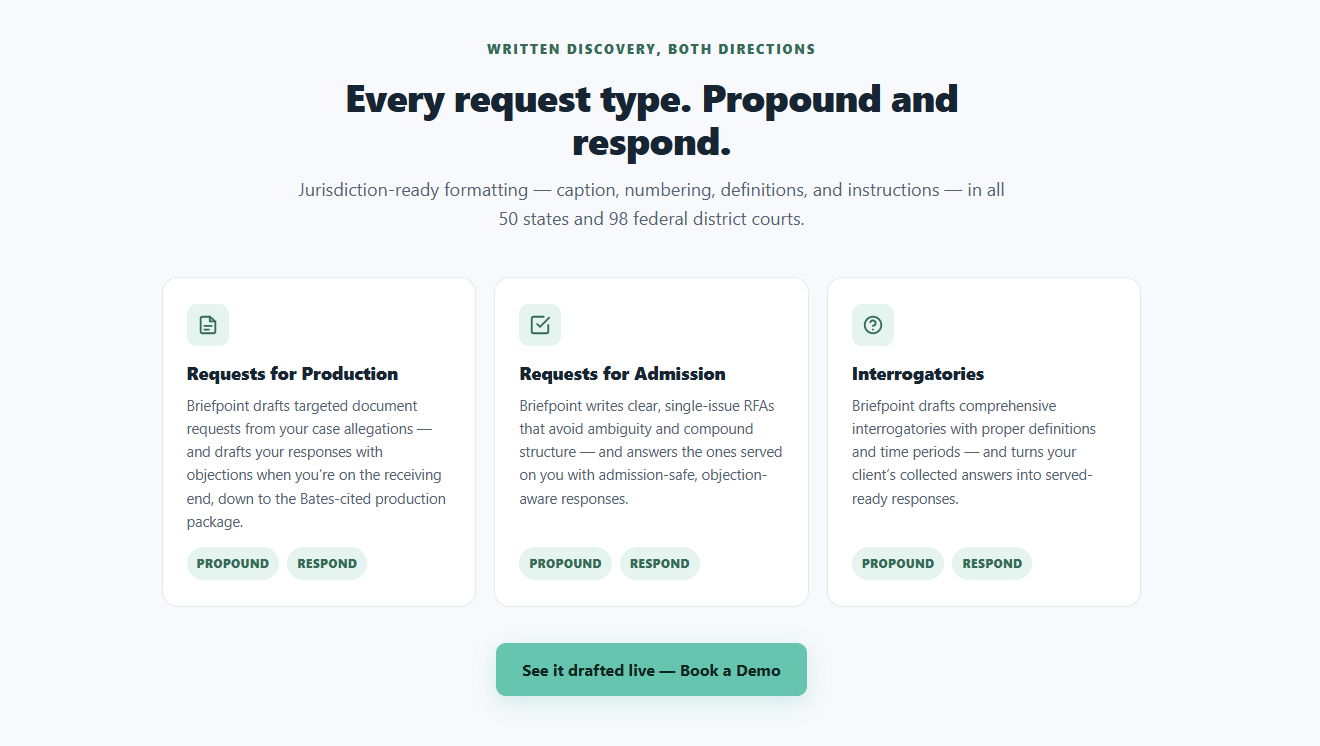
Its core features cover several parts of the discovery process. Briefpoint Bridge sends clients a secure questionnaire that rewrites legal requests in plain language. After the client responds, their answers are placed into the relevant sections of the draft.
Then, Autodoc helps with document-heavy RFP responses. It reviews uploaded files for responsive material, creates page-level Bates citations, and prepares a Bates-numbered production package for attorney review.
Essentially, Briefpoint keeps the process moving while giving attorneys full control over the final work product.
Schedule a demo to see how it works.
What Is Smokeball?
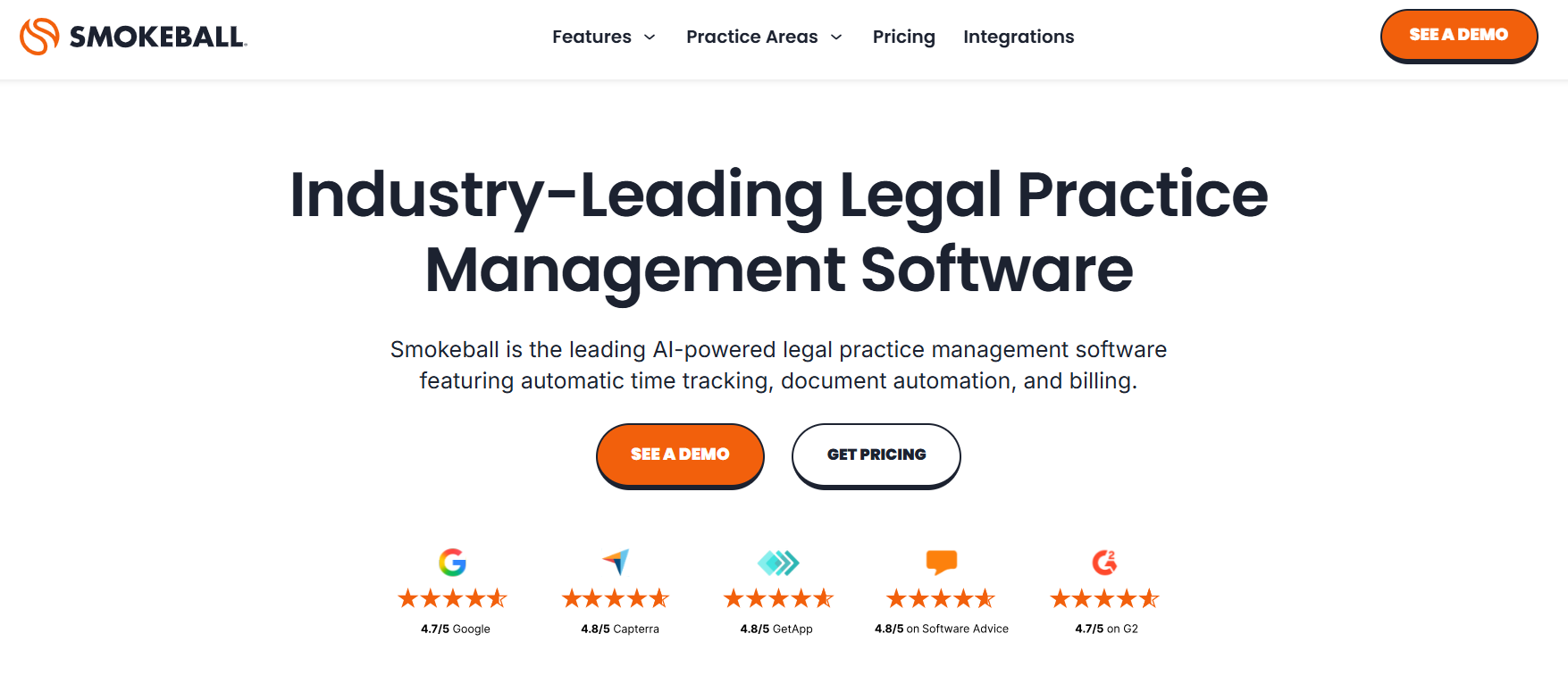
Smokeball is a cloud-based legal software built to simplify the day-to-day tasks of running a small law firm.
It takes care of things like case management, document drafting, and time tracking, so you can redirect that energy toward more valuable things like meaningful interactions with clients or drilling down into the nuances of your cases.
Source: Smokeball.com
One of its main selling points is automatic time tracking, which quietly logs your hours behind the scenes and makes sure every minute gets captured without you lifting a finger.
Plus, Smokeball keeps all your client information in one spot while whipping up detailed reports and keeping sensitive documents safe and at your fingertips.
What Is Clio?
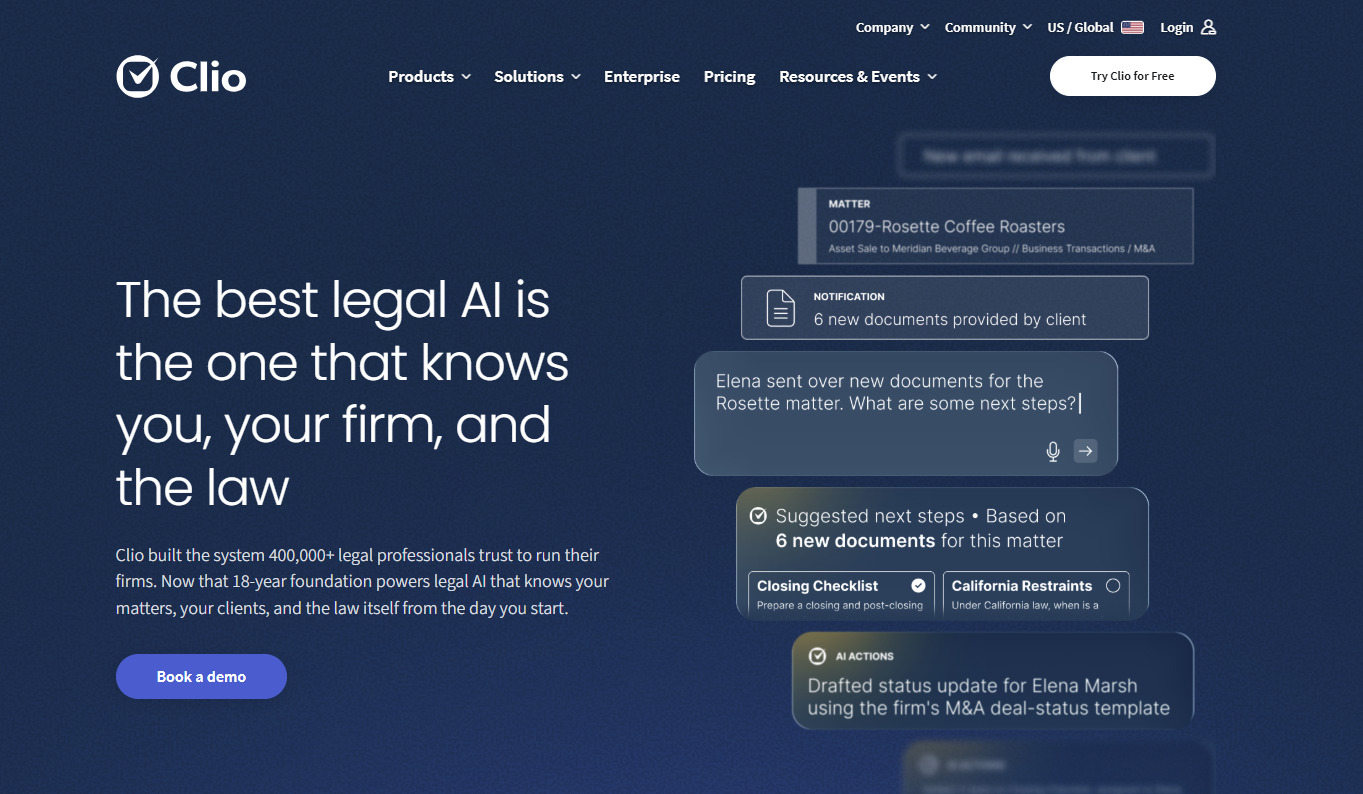
Clio is a cloud-based legal practice management software that helps law firms manage their operations more efficiently.
This powerhouse solution handles case management, billing, and client intake with ease, regardless of the size of your operation.
Source: Clio.com
What makes Clio special is its simplicity and flexibility. You can easily customize it to suit your workflow, integrate it with other tools, and even handle online payments with ease.
Clio adapts to the needs of your firm, which makes it incredibly easy to track time, generate invoices, and get real-time insights into your firm’s performance.
It’s basically an all-in-one solution for law firms looking to stay organized, improve client communication, and save valuable time.
Clio vs Smokeball: Features Comparison
Anyone practicing law has likely crossed paths with these two big-hitters who dominate the industry landscape. However, the right choice depends on your firm’s specific needs.
Whether you’re just starting out or already established, choosing the right solution depends on understanding the key differences between these two options.
Case Management
Both platforms cover the core features legal professionals expect from case management software, but the experience feels different once you start using them.
To start, Smokeball leans heavily on automation. It tracks case activity, captures billable time, and keeps matter management moving with less manual input. As a result, smaller firms can improve operational efficiency while keeping routine work in one system.
Clio takes a more flexible approach. For example, you can customize workflows, assign tasks, and shape the platform around the way your team already works. Because of that, firms that want Clio to manage a wider range of processes may prefer the extra control.
Ultimately, the better fit comes down to how much structure you want built in. Smokeball handles more in the background, while Clio gives you more room to adjust the setup.
Document Automation
Document automation is another important feature for law firms looking to cut down on repetitive tasks. Smokeball stands out here with a large library of legal forms and tools for automatic document generation.
Clio offers document automation, too, though it has fewer built-in templates. If you rely on ready-made documents, Smokeball may have the edge. However, Clio gives you more freedom to build tailored document workflows when customization is a priority.
Meanwhile, Briefpoint focuses specifically on discovery document automation, which can take up a large portion of litigation work.
With Briefpoint, you can prepare documents in minutes. Its machine-learning tools pull in routine case information, build the initial draft, and leave you with less manual work before review.
Client Intake
Clio may have the edge when it comes to client intake. Its customizable intake forms can be embedded directly into your website, which makes onboarding easier for new clients. These client-facing features help firms collect important information early and create a smoother client experience from the first interaction.
Clio Manage can also keep that intake data connected to the rest of the matter, which is useful for firms that want more of the process handled in one place. While it may not offer full automation for every step, it can reduce the manual work tied to bringing in new legal services clients.
Smokeball has client intake tools as well, but they offer less customization and fewer website integration options. That may be a drawback for firms focused on improving how prospective clients move from inquiry to active matter.
Billing and Invoicing
Billing is a high-priority task for any law firm, and both Clio and Smokeball offer solid billing features. Smokeball’s automatic time capture makes invoicing easier because it records billable activity in the background and turns it into time entries with less manual work.
Clio is not as automated in this area, but it still gives you reliable tools for time tracking, invoicing, and online payments.
If your firm wants billing to require less hands-on effort, Smokeball may be the stronger fit. Clio gives you more flexibility if you prefer to manage billing through a broader practice management setup.
Reporting and Analytics
For keeping tabs on your firm’s performance, both Clio and Smokeball offer useful reporting tools.
Smokeball provides detailed reports that cover case activity, staff productivity, and financials to give you a clear overview of your firm’s day-to-day operations.
Clio, on the other hand, offers more customizable reports to let you focus on the specific metrics that matter most to you. When it’s all about teasing out the subtleties in your data, Clio’s advanced features kick in, giving you a level of precision you won’t find elsewhere.
Document Management
Both Clio and Smokeball offer solid options for document management, but they do things a little differently. As mentioned, Smokeball boasts a built-in library of document templates and automatic document creation.
It organizes and stores your documents in the right client files without you having to do much and comes with access controls for better data security. So, if you’re looking to save time and avoid digging through files, Smokeball makes it easy.
Clio also offers great document management, but focuses more on flexibility. What sets this tool apart is its incredible flexibility when it comes to document management, which means you’re not limited to a one-size-fits-all approach.
One of Clio’s biggest perks is its seamless integration with popular cloud storage platforms like Google Drive, Dropbox, and OneDrive, which makes it easy to grab the files you need.
Calendar Management
Smokeball automatically logs important dates and case activities into your calendar, so you don’t have to worry about missing anything. Any law practice handling a multitude of cases simultaneously will find this particularly useful.
Clio gives you more control over your schedule. You can sync it with Google Calendar or Outlook and set custom reminders for important tasks. So, if you need that extra flexibility and want everything synced with your existing calendars, Clio might be the better fit.
Clio vs Smokeball: Key Differences
Each software caters to different needs. To pick the right one, you should know who they are for, how much they cost, and how easy they are to use.
Target Market
Smokeball is designed with small law firms and solo practitioners in mind. Its automation features are ideal for firms looking to streamline daily tasks without dedicating a lot of time to manual work.
On the other hand, Clio is more versatile. It works well for firms of all sizes, from solo lawyers to large practices, because it’s highly customizable and can scale as your firm grows.
If you’re a smaller firm focused on saving time, Smokeball could be a great fit, while Clio may appeal more to firms that need flexibility and room to expand.
Key Features
We’ve covered the broader differences between the two platforms, so now it helps to look at the features that may shape your day-to-day experience:
Smokeball
- Automatic time tracking: Smokeball records billable activity in the background and turns it into time entries, which can reduce missed time and make invoicing easier.
- Document automation: Built-in templates support faster document generation for common legal forms and routine filings.
- Matter management: Case details, documents, tasks, and client data stay connected in one platform, giving your team a clearer view of each matter.
- Compliance tracking: Smokeball can help firms monitor activity and maintain records that support internal review requirements.
Clio
- Customizable workflows: Clio gives you more control over how matters move through the firm, from intake through billing.
- Integrations: The platform connects with tools such as Google Drive and popular accounting software, so you can keep using systems your team already knows.
- Reporting: Clio provides data-driven insights into areas like billing performance, productivity, and case activity.
- AI features: Clio continues to add AI-supported tools that help legal professionals find information, manage routine work, and work more efficiently.
Ease of Use
Smokeball’s strength lies in its simple, easy-to-use interface. Since much of the routine work is automated, small firms can usually get started with minimal setup.
Features like automatic time tracking and document creation require little training, which can make the move from existing tools feel more manageable.
Clio is user-friendly too, though its wider range of customization options may take more time to learn. Setting up workflows, reports, or integrations can involve a steeper learning curve, but the extra flexibility may be worth it for larger firms.
Both providers offer migration support to help transfer client and case information. Still, the ease of data migration will depend on your current setup and how Clio operates alongside the software your firm already uses. A well-planned rollout can create a smoother transition for your team.
Pricing
Smokeball’s billing model is known for being a bit pricier, largely because of its comprehensive automation features. It doesn’t offer as many pricing tiers, so firms with smaller budgets might find it a bit steep. Plus, the pricing isn’t publicly available.
Clio, on the other hand, has more flexible pricing options. With multiple tiers, Clio allows firms to choose a plan that best fits their budget and needs, starting at $49 per user per month for the most basic plan. If cost is a major factor, Clio may be the more affordable option, especially for larger teams.
Which One Is the Best Option?
The best option between Clio and Smokeball ultimately depends on your firm’s specific needs. If you’re a smaller firm looking for automation and simplicity, Smokeball might be the better choice. However, if you need flexibility, customization, and the ability to scale, Clio could be a better fit.
Automate Your Discovery Document Process With Briefpoint
Discovery can take hours away from client work and case strategy. Briefpoint helps you move through it faster while keeping attorneys in control of every draft.
Upload a discovery document, and Briefpoint pulls out the case details, organizes the requests, and prepares a Word-ready draft. You can use it to propound or respond to requests for admission, requests for production, and interrogatories in state and federal matters.

Briefpoint Bridge handles client input through a secure questionnaire. It rewrites discovery questions in plain language, collects the client’s answers and files, then places their responses into the correct parts of your document.
For document-heavy RFPs, Autodoc reviews uploaded case files for responsive material and creates Bates-cited responses with page-level references. It can also prepare a Bates-numbered production package for attorney review.
Briefpoint works alongside Clio or Smokeball, so you can improve your discovery workflow while keeping your existing tech stack and enjoying a seamless transition.
More than 1,500 law firms use the platform, with users reporting savings of over 30 hours per case. Want to be one of them?
