9 Law Firm Productivity Metrics Legal Teams Should Track
1. Billable Hours
Billable hours show how much time legal professionals spend on billable work for clients. It’s one of the most common KPIs because it connects directly to revenue, staffing, workload, and law firm profitability.
For many firms, this key metric also says a lot about efficiency. If lawyers spend too many hours on repetitive, manual tasks, billed hours can drop even when the team feels busy all day.
Small tracking gaps can create a real revenue problem, too. For example, missing just 10 minutes a day can add up to around 40 hours a year. At $350 per hour, that’s $14,000 in unbilled revenue for a lawyer aiming for 1,800 billable hours.
Track billed hours by lawyer, practice area, client, and task type. Then compare the planned time against the actual time. This helps you spot where work slows down, where time gets missed, and where automation or better workflows could help your team protect more revenue.
2. Utilization Rate
Utilization rate shows how much of a staff member’s total hours go toward billable client work.
Billable hours tell you the raw number of hours billed. Meanwhile, the utilization rate gives that number context, which makes it one of the more useful law firm KPIs for operational efficiency.
For example, two legal professionals may each bill 30 hours a week. However, if one worked 40 total hours and the other worked 55, their productivity story looks very different. The first has a 75% utilization rate, while the second has a much lower rate.
Track this metric through a few simple data points:
- Total hours worked: The total time a staff member spends on the firm’s operations, including billable and non-billable work.
- Billable hours: The portion of time tied to client work that can be billed.
- Non-billable time: Admin work, internal meetings, training, and other tasks that affect capacity.
Utilization rate helps measure success in a more balanced way. It can also support efficient resource allocation because you can see who has room for more work, who is stretched thin, and where non-billable tasks may be hurting output.
3. Realization Rate
Realization rate shows how much of your billable hours worked turn into actual revenue. It compares the value of recorded time with the amount the firm bills or collects, which is why it’s an essential KPI for firm performance.
For example, say a lawyer records 20 hours at $300 per hour. That time is worth $6,000. If the client is billed $5,400 after write-downs, the billing realization rate is 90%. If the firm later collects $4,800, the collection realization rate drops to 80%.
This metric helps you see where revenue gets reduced after the work is done. A low realization rate may indicate problems such as heavy discounts, billing disputes, or accounts receivable issues.
Track data by lawyer, client, practice area, and task type. Over time, those patterns help you identify areas where pricing, staffing, time entry, or client communication needs work.
A strong realization rate can also raise average revenue because the firm captures more value from the time already spent.
4. Collection Rate
The collection rate shows how much billed work turns into money received. Billable hours show the time your team records, and realization rate shows how much of that time gets billed.
Collection rate takes the next step and tells you how much of the invoice the client actually pays.
For example, if your firm sends $80,000 in invoices for the month and receives $72,000, your collection rate is 90%. If that number keeps falling, the issue may sit in payment follow-ups, invoice clarity, client service, payment terms, or accounts receivable habits.
This is one of the business metrics that deserves a regular spot in KPI reports monthly. A strong collection rate helps the firm protect cash flow and understand the estimated average value of billed work after payment delays, discounts, and unpaid balances.
Use this metric to review payment patterns by client, practice area, invoice age, and responsible attorney. It can show you vital information like which clients pay quickly, which invoices need better detail, and which billing steps slow down revenue after the legal work has already been completed.
5. Matter Cycle Time
Matter cycle time measures how long it takes to move a legal task from intake to completion. While billable hours show the time spent on the work, matter cycle time shows how long the full process takes from the client’s point of view.
For example, a discovery response may take 18 days from request to final draft. If the work only needed 6 billable hours, the time entry alone won’t explain the delay.
In many cases, the gap comes from problem areas like waiting on client details, manual drafting, attorney review, or back-and-forth revisions.
To make this easier to review, track it in your KPI dashboard with a few simple checkpoints:
- Start date: The date the work opens or gets assigned.
- Completion date: The date the final version is sent, filed, or approved.
- Delay points: The steps where work pauses, such as client review, document prep, or internal approval.
From there, this metric gives you a better understanding of slow handoffs and repeat bottlenecks. It also gives your team a practical way to improve workflows and finish legal work faster while keeping quality high.
6. Revenue per Lawyer
Revenue per lawyer shows how much income each lawyer contributes over a set period. Essentially, it can help you understand the link between workload and the law firm’s success.
Here’s another way to look at it. If one lawyer brings in 40 clients with an average fee of $5,000, that lawyer generates $200,000.
Another lawyer may bring in 25 clients at an average fee of $8,000 and reach the same total. The client number differs, but the revenue result is equal.
This metric can support decisions around partner compensation and business success. A lawyer with a smaller caseload may still bring strong value if the average fee is high.
Another lawyer may handle a higher average number of clients but produce lower revenue because the work has thinner margins.
However, it’s important to use revenue per lawyer as a planning tool and not a simple scoreboard. It works best with the utilization rate and collection rate. Together, those metrics show how much work gets done and how much revenue comes in.
7. Administrative Time per Matter
Administrative time per matter tracks how much time goes into non-billable work for each case. This may include routine tasks like intake, scheduling, legal drafting, status updates, or file organization.
It’s a useful metric because high admin time can lower capacity even when the team’s case number looks healthy.
For instance, if each case takes three hours of admin work and the firm handles 100 cases a month, that’s 300 hours tied to non-billable tasks. A small process fix can free up a lot of time over the year.
Track this metric with a few focused details:
- Admin hours per case: The total time spent on non-billable tasks tied to one file.
- Task type: The category of admin work taking up the most time, such as intake, scheduling, or document prep.
- Repeat admin tasks: The work that shows up often, such as template drafting, client follow-ups, or status updates.
Administrative time per matter helps you find practical places for strategic improvements. It can also help your firm streamline workflows, reduce repetitive work, and give legal staff more time for client-facing tasks.
8. Lead-to-Client Conversion Rate
Lead-to-client conversion rate shows how many inquiries become signed clients. It’s one of the more practical marketing KPIs because it tells you if your intake process turns interest into real business.
For example, if your firm receives 120 qualified leads in a month and 30 become clients, your lead-to-client conversion rate is 25%. If the consultation appointment number is high but signed clients stay low, you may have a problem with follow-up speed, consultation quality, pricing clarity, or lead fit.
A typical conversion path may look like this:
- Website visit
- Contact form or phone inquiry
- Initial intake
- Consultation booked
- Consultation completed
- Engagement agreement sent
- Client signed
This metric helps you see where the potential clients converted in this process and where they dropped off before signing.
Plus, it gives your team a better way to judge marketing results because traffic alone won’t tell the full story. A lower conversion rate may mean the firm needs clearer website copy, faster intake responses, or a stronger consultation process.
9. Cost per New Client
A growing client base can look healthy on paper, but the cost behind each new client matters. Cost per new client helps you see if your marketing spend is paying off or quietly eating into profit.
The formula is simple: total marketing spend divided by new clients signed during the same period. If the firm spends $7,500 in a month and adds 15 new clients, the cost per new client is $500.
You can review this number by channel, such as:
- Google Ads
- Organic search
- Referrals
- Social media
- Local events
The useful part comes from comparing the cost with client quality. A channel may bring a lower cost per client, but those clients may need more follow-up or have lower case value. Another channel may cost more but bring better-fit clients and stronger client satisfaction.
Use this metric to make informed decisions on budget, intake, and follow-up. In a few weeks or months, it can give you actionable insights into which efforts help grow your client base and which ones you should revisit.
How to Choose the Right Productivity Metrics for Your Firm
Not every law firm should focus on the same set of KPIs. For instance, a firm trying to improve cash flow will need different numbers than a firm trying to reduce admin time or raise employee satisfaction.
The right metrics should help you make better decisions and not bury your team in reports. Start small, then add more once tracking KPIs becomes part of your normal review process.
A few useful filters can help:
- Match metrics to firm goals: Use billable hours, realization rate, or collection rate if increasing revenue is the priority.
- Look at daily pain points: Track admin time or matter cycle time if work feels slow or repetitive.
- Balance financial and people metrics: Include employee satisfaction so productivity gains don’t come at the cost of burnout.
- Review data regularly: Analyzing data monthly helps you spot trends early and adjust before small issues grow.
- Turn numbers into action: Use the findings to make strategic improvements in staffing, workflows, and client communication.
What you should focus on is tracking numbers your team can actually use. A smaller set of meaningful KPIs will usually do more for the firm than a long report nobody reads.
Improve Your Most Important Productivity Metrics With Briefpoint
Tracking productivity metrics gives you a clearer view of where time, money, and energy go. The next step is reducing the work that keeps those numbers lower than they should be.
For many litigation practices, discovery drafting is one of the biggest time drains because it frequently pulls attention away from higher-value legal work.
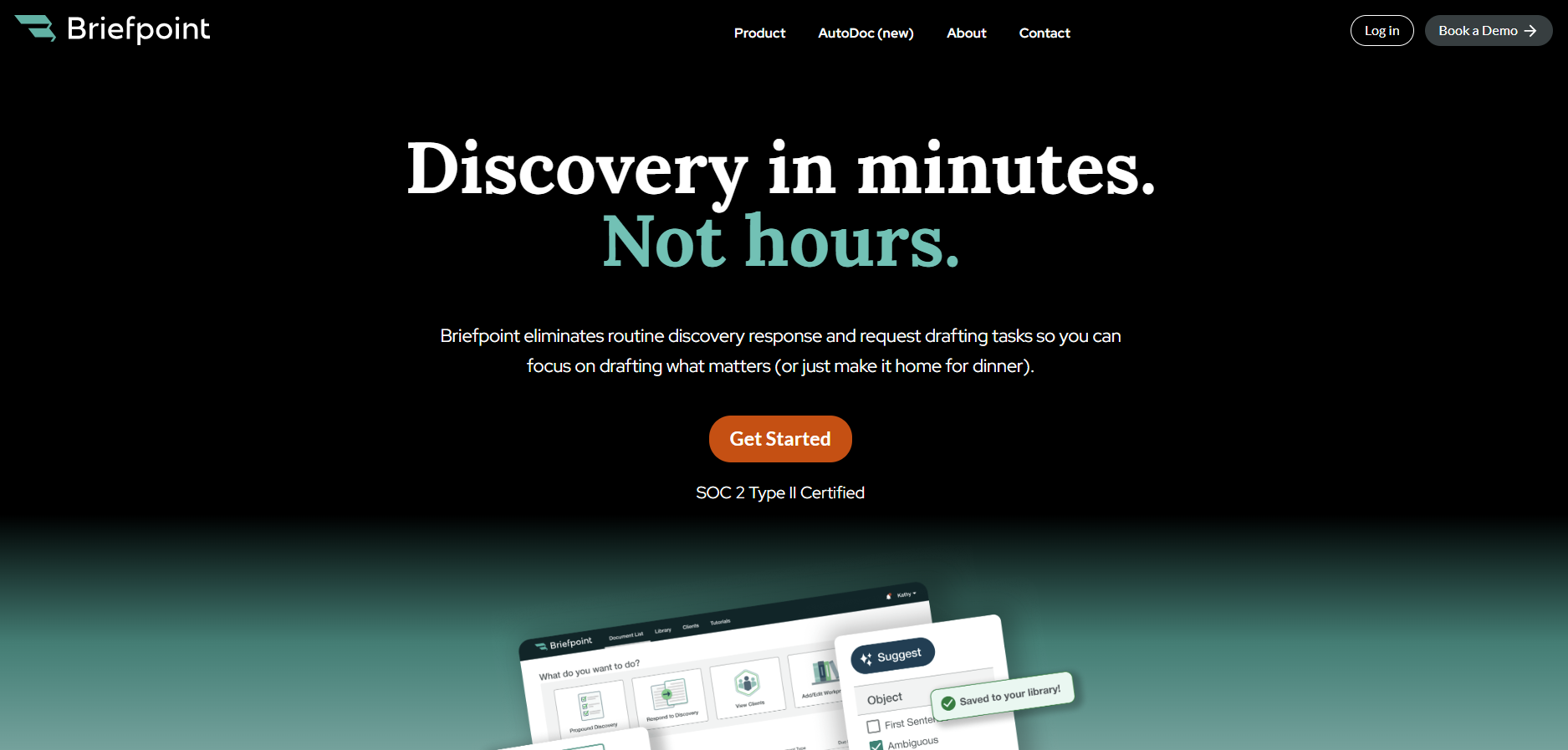
Briefpoint helps you handle that work faster. Its Autodoc feature drafts discovery responses, including responses to requests for admission, requests for production, and interrogatories.
It can support supplemental responses as well, so you can update prior discovery responses with less manual drafting.
All of Briefpoint’s features can help improve KPIs tied to law firm efficiency, especially matter cycle time and administrative time per matter.
You spend less time formatting, copying, and drafting from scratch. As a result, you can move discovery work forward faster and keep more working hours focused on legal strategy.
Do you want to finally reduce discovery busywork?
