5 Best AI Discovery Drafting Tools of 2026
What Is Discovery Drafting?
Discovery drafting is the process of preparing the written requests and responses exchanged during the information-gathering stage of a lawsuit.
These legal documents may cover work such as:
- Asking the opposing party to answer written questions
- Requesting records connected to the claims or defenses
- Seeking admissions about disputed facts
- Preparing answers and objections to incoming requests
For litigation attorneys, the work involves much more than filling in a standard form. Each request needs to fit the claims and defenses at issue, follow the applicable court rules, and use language that is clear enough to get a useful response (for starters).
Drafting discovery responses brings another layer of judgment, since attorneys must evaluate objections, protect privileged information, and decide how much detail the record requires.
What Are AI Discovery Drafting Tools?
AI discovery drafting tools are legal software platforms that use artificial intelligence to prepare written discovery requests or responses from case information.
Depending on the product, you may upload a pleading, add matter details, or provide existing discovery documents for the system to analyze before it creates a draft.
There are still relatively few tools built specifically for AI discovery drafting. Most legal AI platforms cover broader work, such as research or general document creation, and treat discovery as one feature within a larger system.
Briefpoint is one of the more specialized options, while platforms like Eve and AI.Law include discovery drafting alongside other litigation tasks.
The level of support can vary quite a bit. A tool may help you draft interrogatories and requests for production, while another can prepare responses with proposed objections or pull facts from client intake.
In general, these tools help you reach a strong first draft much faster and give you a clearer starting point for review. You can then refine the language and finalize the document with less time spent building everything from scratch.
What to Look For in AI-Powered Discovery Drafting Software
The best legal AI software should fit the way your team already handles discovery. A polished interface helps, but the real test is how well the platform turns case information into useful, review-ready work.
Look for features such as:
- Discovery-specific drafting: General-purpose AI tools can produce legal language, but software built for legal discovery is usually better equipped to handle interrogatories, requests for admission, requests for production, and responses.
- Case-aware outputs: Strong AI drafts should reflect the pleadings, facts, and issues you provide rather than returning generic language that needs heavy rewriting.
- Simple document intake: Legal professionals should be able to upload existing files or enter case details through a clear workflow. Some platforms use natural language processing to interpret the material and organize it for drafting.
- Flexible editing and export: Legal teams need room to revise objections, adjust wording, and export finished work into familiar document formats.
- Practical workflow support: The right legal tools should assist attorneys beyond the first draft, including client input collection or production preparation when those features are relevant.
For plaintiff attorneys and other litigation teams, the strongest option is usually the one that reduces repetitive work while keeping the final document easy to review and control.
Top 5 Tools For AI Discovery Drafting
AI discovery drafting is still a fairly specialized category, so the strongest choices range from purpose-built discovery platforms to broader legal AI tools with useful drafting capabilities.
Here are five options worth looking at and how each one approaches the work:
1. Briefpoint
Briefpoint is one of the few AI legal writing platforms built specifically for written discovery.
While general AI tools may help with broad legal document creation, Briefpoint gives law firms a structured workflow for propounding and responding to interrogatories, RFAs, and RFPs.
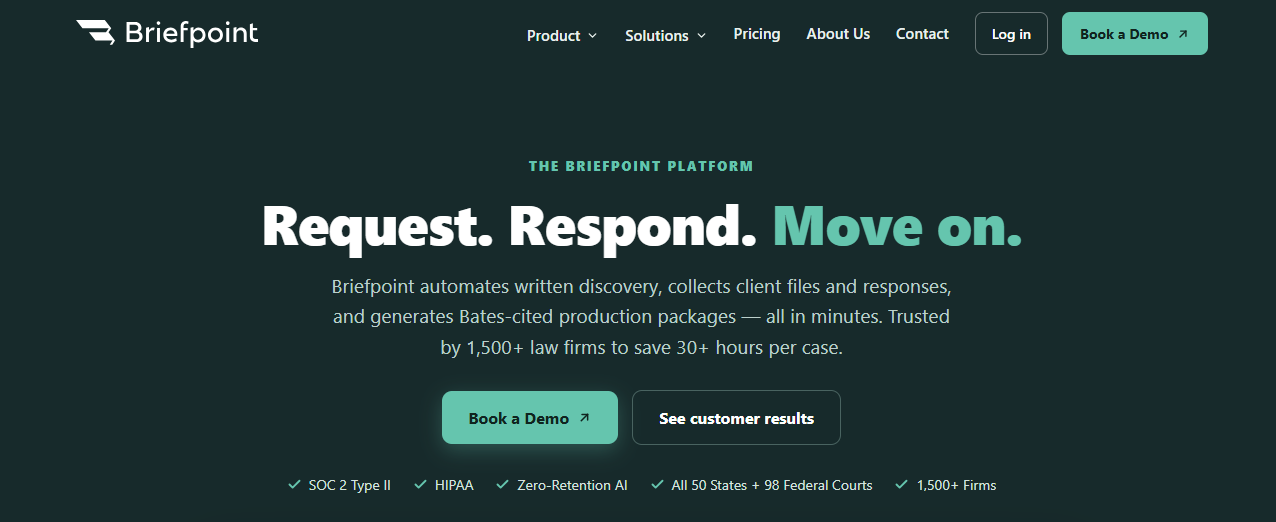
You can upload a complaint or incoming discovery set, review the proposed language, apply objections, and download a Word-ready draft formatted for the relevant jurisdiction.
Briefpoint supports all 50 states and 98 federal district courts, which makes it practical for legal teams handling matters in different venues.
The platform goes further than document drafting. Client Bridge collects answers and files through a secure link in English or Spanish, then maps the information back into the response workflow.
Autodoc handles document review for RFPs, finds responsive materials in uploaded case files, and generates Bates-cited responses with a production package.
Best Features
- Discovery drafting in both directions: Generate objection-aware requests or prepare responses to incoming discovery.
- Client Bridge: Send clients plain-language questions through a mobile-friendly link and bring their answers directly into the draft.
- Autodoc production workflow: Locate responsive documents, add page-level Bates citations, and prepare the accompanying production.
- Supplemental responses: Create updated responses from the original set while preserving the prior answers for reference.
- Jurisdiction-ready formatting: Download Word documents with the appropriate caption, numbering, and local formatting.
Pros
- Purpose-built for drafting legal documents during discovery
- Supports interrogatories, RFAs, and RFPs
- Saves law firms an average of 30 or more hours per case
- Includes SOC 2 Type II security and zero-retention AI
- Integrates with legal practice platforms such as Clio and Smokeball
2. Eve Legal
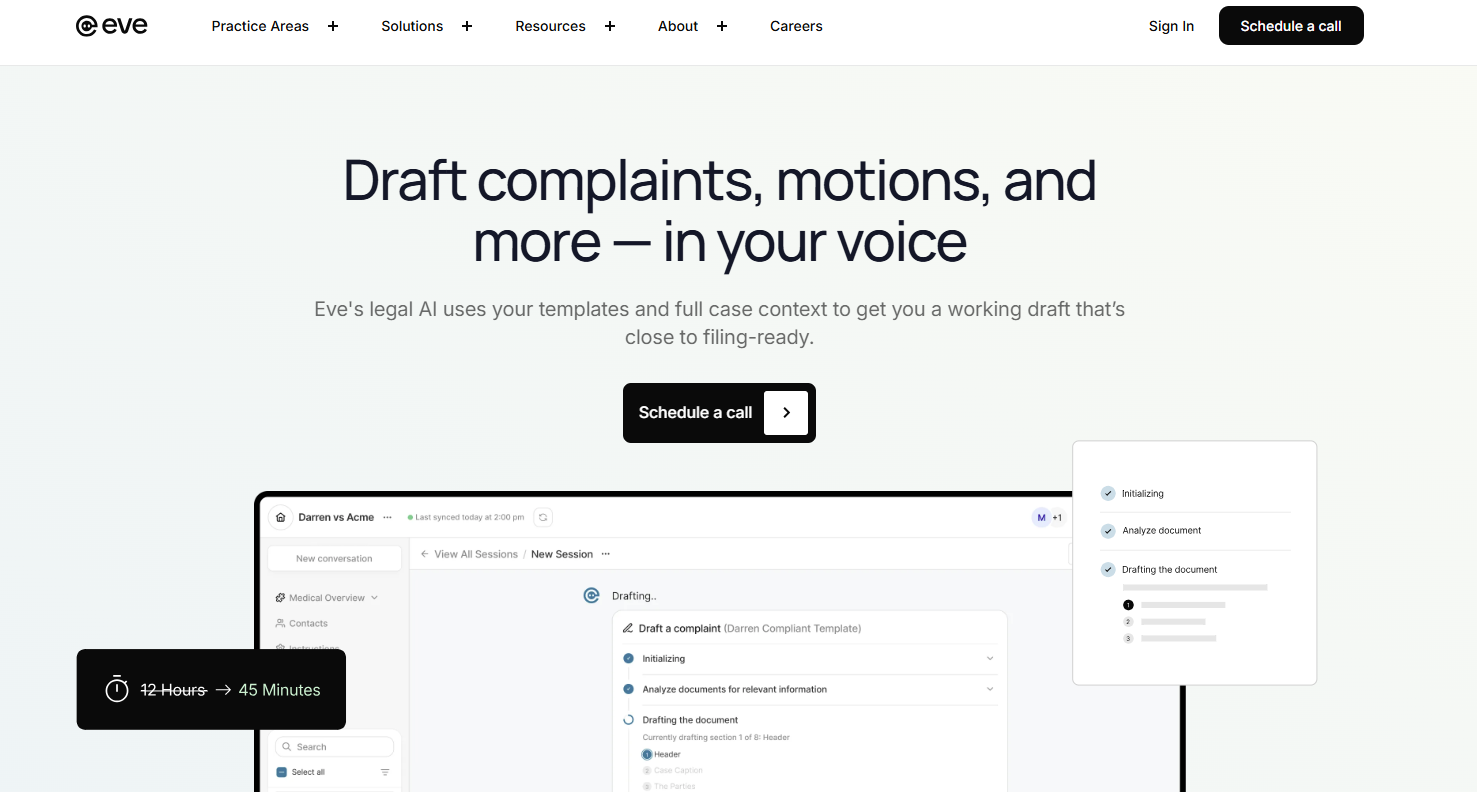
Eve Legal, now positioned as EveOS, is an AI legal assistant built for plaintiff law firms. Its discovery tools support both propounding requests and preparing responses, with drafts shaped around the facts already stored in the platform.
Source: Eve.Legal
The software is particularly relevant for personal injury practices and other plaintiff-side teams that want one system covering a wider portion of the case lifecycle.
Along with discovery, Eve can help draft court filings and other litigation documents in the firm’s preferred style. Firms can provide completed examples so the platform learns their formatting and language patterns.
Best Features
- Propounding discovery: Creates case-specific questions and can format them to match the firm’s captions, structure, and pleading paper.
- Responding to discovery: Uses selected case documents to prepare initial answers, which helps reduce repetitive copying and manual data entry.
- Firm-style drafting: Learns from existing work product and applies those patterns to discovery and other legal documents.
- Broader case support: Extends into areas like client communications, intake, medical record analysis, and litigation drafting.
Pros
- Strong fit for plaintiff-side litigation practices
- Brings discovery drafting into a broader case workflow
- Works well for personal injury matters
- Adapts drafts to the firm’s existing style
- Reduces repetitive intake and document preparation work
3. Harvey
Harvey is a broad AI legal tool built for law firms and corporate legal departments, with litigation support covering research, document review, drafting, and trial preparation.
For discovery work, it can use relevant case files and legal authorities to prepare requests or responses grounded in the record.

Source: Harvey.ai
This makes Harvey a better fit for teams looking for one platform that supports several stages of a matter. Attorneys can work through lengthy documents, develop legal briefs or memos, and create other generated documents from the same case materials.
Harvey also integrates with Word, which gives lawyers a familiar place to revise drafts as the work develops.
Best Features
- Case-grounded discovery drafting: Prepares discovery requests and responses using selected litigation files and relevant legal authority.
- Document analysis: Reviews large sets of legal data and helps surface useful facts for drafting or case strategy.
- Legal research support: Connects drafting with case law research so attorneys can develop arguments from the same workspace.
- Custom workflows: Lets firms build reusable processes for complex litigation tasks through configurable Workflow agents.
- Microsoft integrations: Brings Harvey into tools like Microsoft Word, Outlook, and SharePoint.
Pros
- Covers discovery within a much wider litigation workflow
- Well suited to large firms and enterprise legal teams
- Helpful for document-heavy cases
- Connects research directly to drafting
- Extends into transactional work such as contract drafting and analysis
4. AI.Law
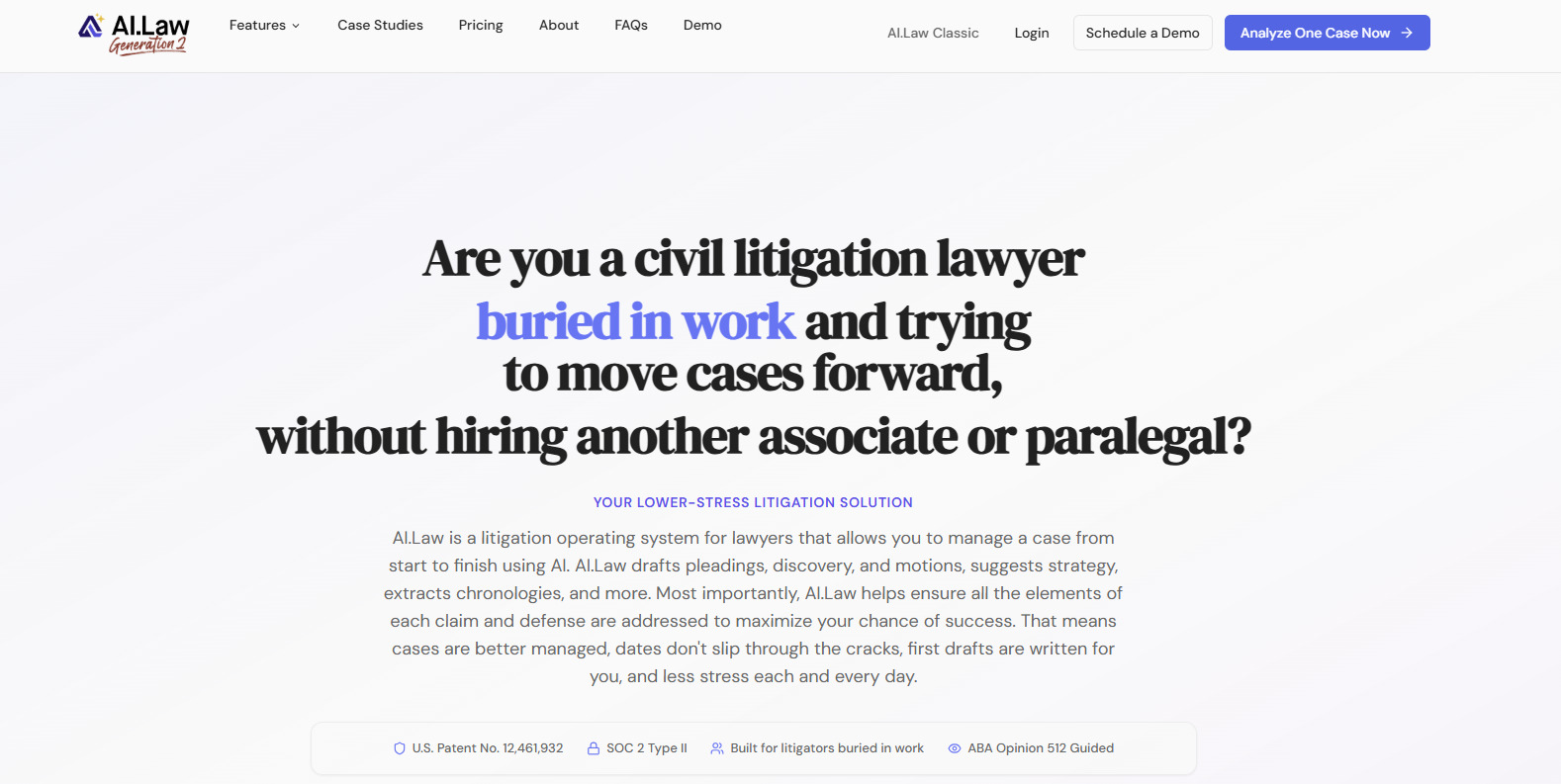
AI.Law is a litigation-focused platform that combines discovery drafting with broader case management and document automation.
Its discovery tools can prepare interrogatories, RFAs, RFPs, and full response sets using the facts, documents, and legal issues already stored in the matter.
Source: AI.Law
For responses, the platform reviews each incoming request, proposes request-specific objections, and drafts substantive answers based on the case file.
Attorneys can compare the original request with the suggested response side by side, make edits, and export the completed set with jurisdiction-aware formatting.
AI.Law may appeal to firms looking for a wider litigation workspace rather than a standalone drafting product. The same system can help organize productions, compare deposition testimony with prior discovery answers, and build future legal workflows from the evidence in the file.
Best Features
- Case-based drafting: Uses uploaded records and matter facts during initial drafting rather than relying on a blank prompt.
- Request-specific objections: Suggests objections based on the language of each request, including proportionality and privilege concerns.
- Side-by-side review: Displays the request next to the AI draft so attorneys can revise responses in context.
- Client discovery portal: Explains requests in plain language, gathers follow-up details, and returns structured answers for review.
- Connected litigation tools: Links discovery work with production organization, case strategy, and document analysis.
Pros
- Gives smaller litigation teams a broad set of AI-assisted workflows
- Keeps drafting connected to the wider case record
- Offers guided client input for discovery responses
- Supports both outgoing requests and incoming response sets
5. Anytime AI
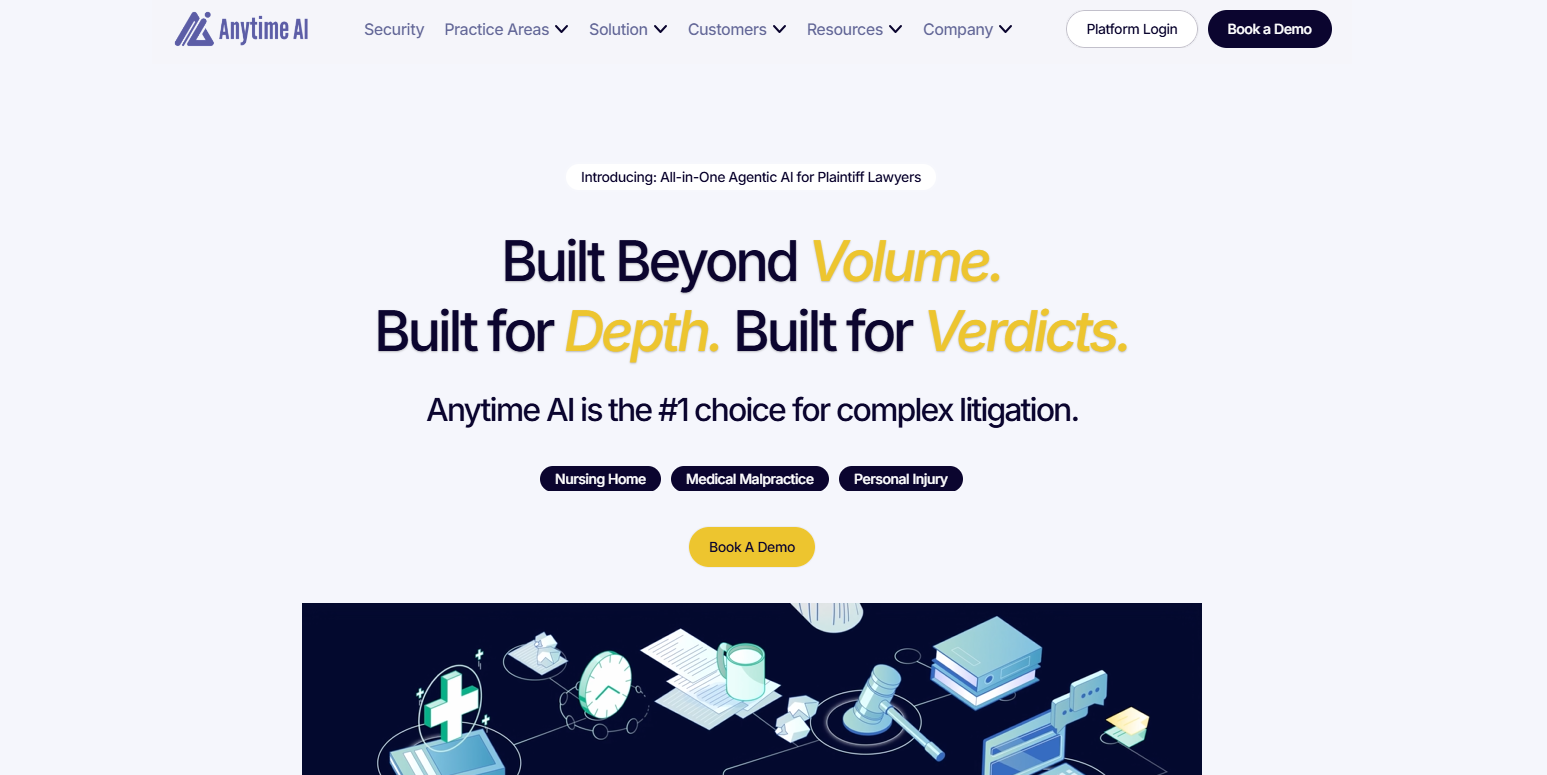
Anytime AI is an AI assistant built for plaintiff law practices handling complex litigation. Its discovery response tool pulls from uploaded case files to draft answers to interrogatories, Bills of Particular, and requests for production, with each response tied back to the underlying record.
Source: Anytime.AI
The platform can match a firm’s preferred formatting and language from an uploaded example, which helps keep generated work consistent with existing templates.
For RFPs, Anytime AI prepares the written responses while attorneys select the files that belong in the final production. It can also support court filings, document analysis, and other litigation work through the same case data.
Best Features
- Case-grounded responses: Uses medical records, intake information, prior responses, and other uploaded materials to prepare discovery answers.
- Source-linked drafting: Connects responses to supporting case documents through built-in citation tables.
- Template matching: Follows the firm’s established formatting and writing style from a sample document.
- RFP response support: Drafts the written portion of production responses while leaving final document selection with the legal team.
- Broader litigation drafting: Creates work product such as motions, complaints, and demand letters from synced case information.
Pros
- Geared toward medical-heavy plaintiff litigation
- Grounds discovery answers in the existing case file
- Preserves familiar firm templates and language
- Fits into a wider case preparation platform
- Useful for firms managing a high volume of complex claims
Are AI Discovery Drafting Tools Reliable?
AI discovery drafting tools can be reliable, much like any other AI tool applied to legal work, when you use software built for the task and review the output carefully. Leveraging AI can give you a solid first draft much faster while keeping legal judgment in your hands.
A few factors make the biggest difference:
- Quality of your source material: Clear case files and accurate client data give the platform stronger information to work from.
- Legal-specific design: AI tools built for discovery usually handle objections, formatting, and legal arguments better than general-purpose platforms.
- Your review process: You still need to check the reasoning, refine the wording, and confirm that each response fits the case.
- Security controls: Any legal technology you use should have clear protections for client confidentiality and sensitive information.
- Jurisdictional fit: Before treating a draft as court-ready, confirm that it reflects the applicable rules and any relevant case law.
Make Discovery Drafting Easier With the Right AI Tool
AI adoption in the legal profession is making discovery work faster and far less repetitive. The best legal AI tools can help you prepare stronger first drafts, organize case information, and move toward court-ready documents with less manual effort.
The right choice depends on how much of the process you want the software to handle. Some platforms support broad litigation work, while Briefpoint focuses closely on written discovery, including requests, responses, client input, and production preparation.

If your firm wants to spend less time formatting documents and more time preparing for opposing counsel, Briefpoint is the best place to start. It keeps client data secure while giving your team a clearer, more efficient discovery workflow.
