
7 Litigation Tools for Different Stages of a Case
1. Briefpoint – Best for Drafting Discovery Responses Fast
Briefpoint is an AI-powered discovery drafting platform built for litigators who are tired of spending entire afternoons on formatting and discovery objections. It focuses squarely on written discovery and does it with precision.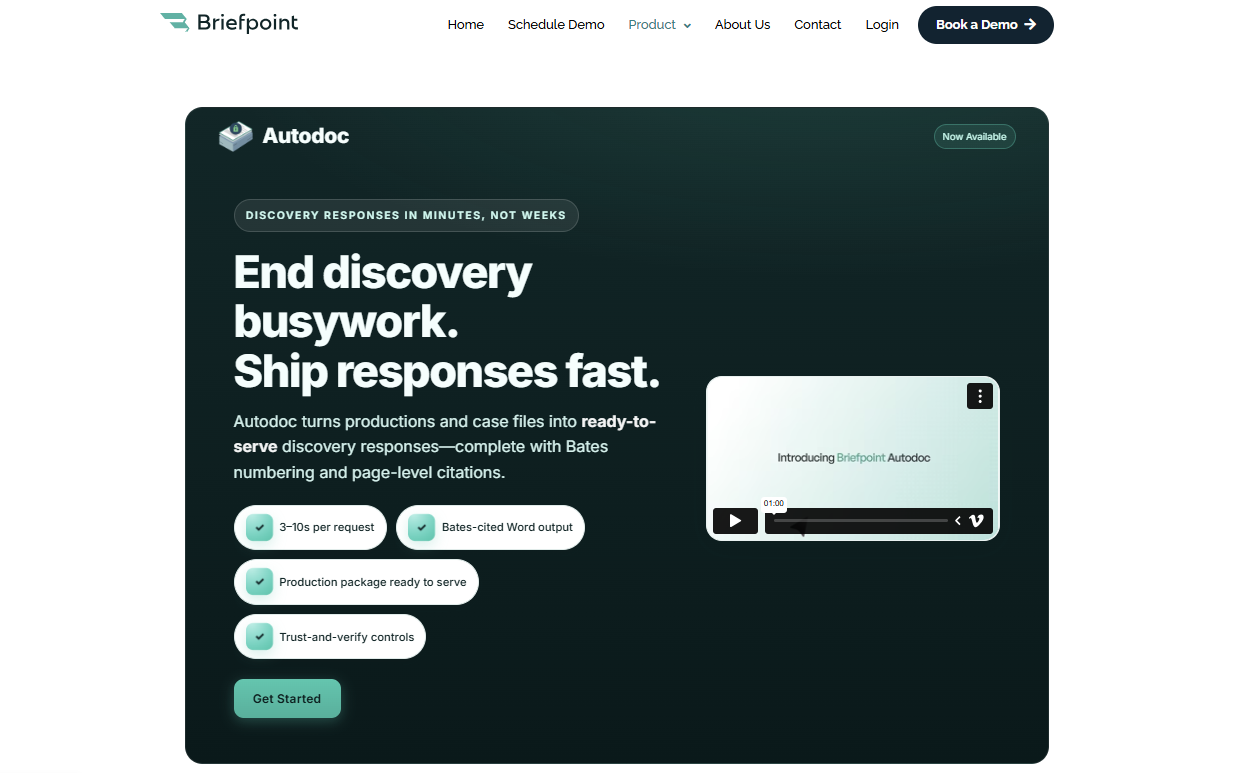
In litigation, a single set of interrogatories or requests for production rarely stays simple for long. What begins as a draft quickly turns into checking court rules, standardizing objections, organizing document management, and correcting formatting issues. Before you know it, the day is gone.
That’s the gap Briefpoint addresses. It tightens the process while keeping lawyers in control of strategy and final language.
To do that, the platform uses advanced AI shaped around real legal practice. It generates clean, jurisdiction-ready drafts that open directly in Word, so legal teams can revise naturally within a familiar workflow.
What you get is formatting that remains consistent, objections that stay uniform, and more attention goes toward case preparation rather than repetitive edits.
Autodoc extends that structure to large productions. When you upload vast amounts of documents, it connects responsive materials to each request and produces Bates-cited responses alongside a ready-to-serve production package.
With that kind of organization built in, discovery feels contained and predictable instead of sprawling and open-ended.
Key Features
- AI-powered discovery drafting: Generate interrogatories, requests for admission, and requests for production from a complaint or draft structured responses to incoming requests in minutes.
- Objection-aware response generation: Apply consistent, defensible objections aligned with court rules in all 50 states and federal courts to help improve accuracy firm-wide.
- Autodoc production packages: Upload productions and receive Word responses with page-level Bates citations plus a ready-to-serve, Bates-numbered production set.
- Client response collection portal: Send questions in plain English to clients through a secure link and receive Word-ready drafts that flow directly into your responses.
- Word-first editing workflow: Review, revise, and finalize documents in Word, so lawyers stay in control of tone, strategy, and final language.
- Secure infrastructure: SOC 2 Type II certified with encrypted data handling, which supports secure document management for legal teams.
2. Clio – Best for Litigation Case Management
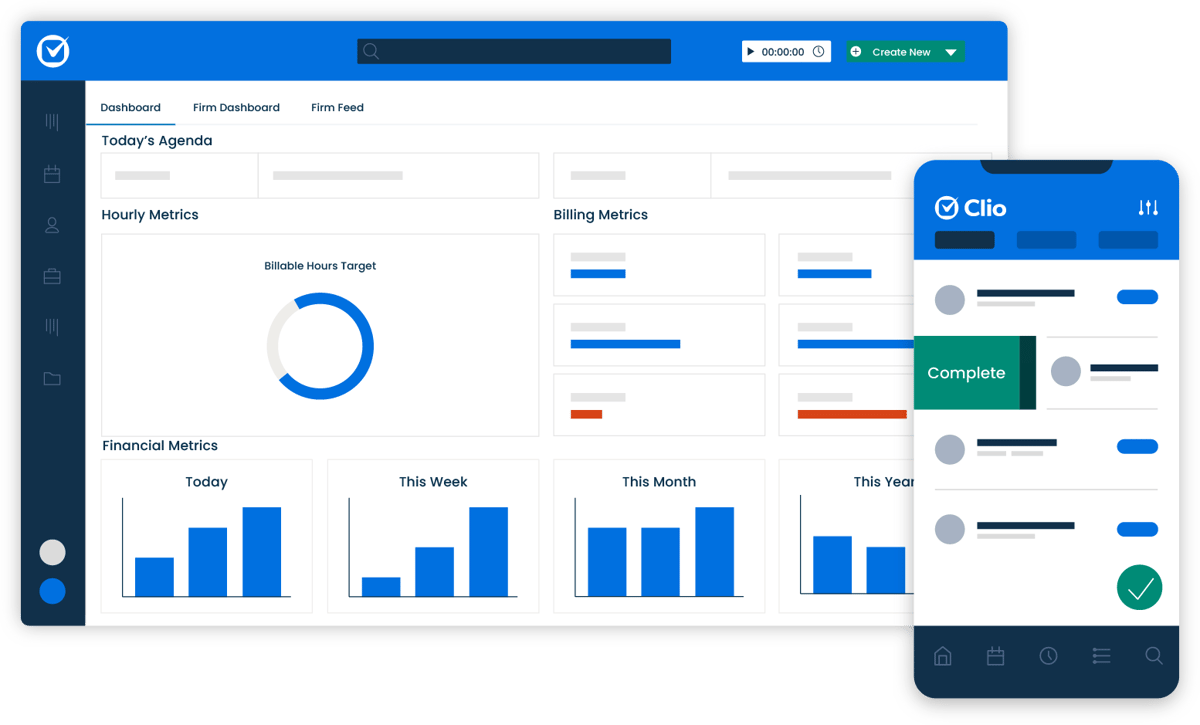
Clio is a case management platform used by law firms to organize litigation matters in one place. It connects case information, tasks, deadlines, documents, billing, and communication so attorneys can see what’s happening directly inside each file.
 Source: G2
In an active litigation process, details move quickly. New filings come in, hearings get scheduled, discovery deadlines approach, and routine tasks need follow-up. When that coordination lives in separate sources, manual tasks increase, and visibility drops.
Clio creates a structured environment where legal teams can track progress in real time and keep work tied directly to the correct matter.
It isn’t built specifically for drafting discovery responses, but it supports the larger framework of a legal practice. From client intake to ongoing task management, it gives attorneys a clearer operational view of their cases.
Key Features
- Matter and case information management: Store legal documents, contacts, notes, and communication within each matter so all case information stays organized and searchable.
- Task and deadline tracking: Assign tasks with due dates, monitor progress, and receive real-time updates as responsibilities shift between team members.
- Client intake workflows: Capture new client details through structured forms and convert them into active matters without duplicating data.
- Time tracking and billing tools: Record billable time inside each case and generate invoices tied directly to matter activity.
- Built-in AI tools: Assist with legal drafting and note summaries while helping reduce routine manual tasks for attorneys.
3. Everlaw – Best for eDiscovery and Document Review
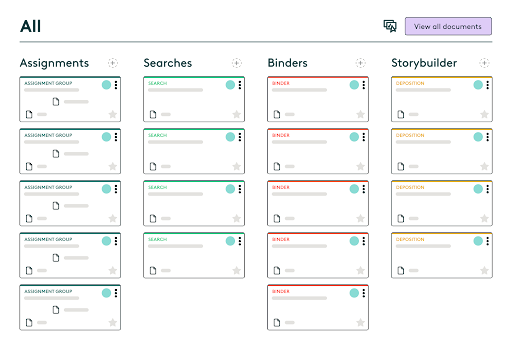
Everlaw is a cloud-based e-discovery software platform built for reviewing electronically stored information in litigation. Law firms use it to organize, search, and analyze large collections of legal documents to make sure attorneys can identify relevant evidence quickly and confidently.
Source: G2
The platform focuses on document review and case analysis rather than drafting. Legal teams can upload productions, filter data, tag documents, and track review progress inside a structured workspace.
Everlaw also supports collaboration. Attorneys can review files simultaneously, leave notes, apply coding decisions, and monitor how the review is progressing in real time. That visibility matters in complex cases involving large volumes of important information.
If your workflow centers on reviewing electronically stored information and preparing it for production, deposition, or trial, Everlaw plays a central role in how legal teams manage that stage of discovery.
Key Features
- Advanced search and filtering: Run keyword searches, apply metadata filters, and narrow down large data sets to locate relevant evidence efficiently.
- Document coding and tagging: Mark documents for responsiveness, privilege, and issue categories to keep review decisions consistent.
- Collaborative review tools: Allow attorneys to work together inside the same case database with shared notes, highlights, and tracking.
- Visual analytics and timelines: Map communication patterns and activity timelines to better understand how key events unfolded.
- Secure cloud access: Store and access legal documents in a centralized environment designed for law firms handling sensitive information.
4. LexisNexis – Best for Legal Research
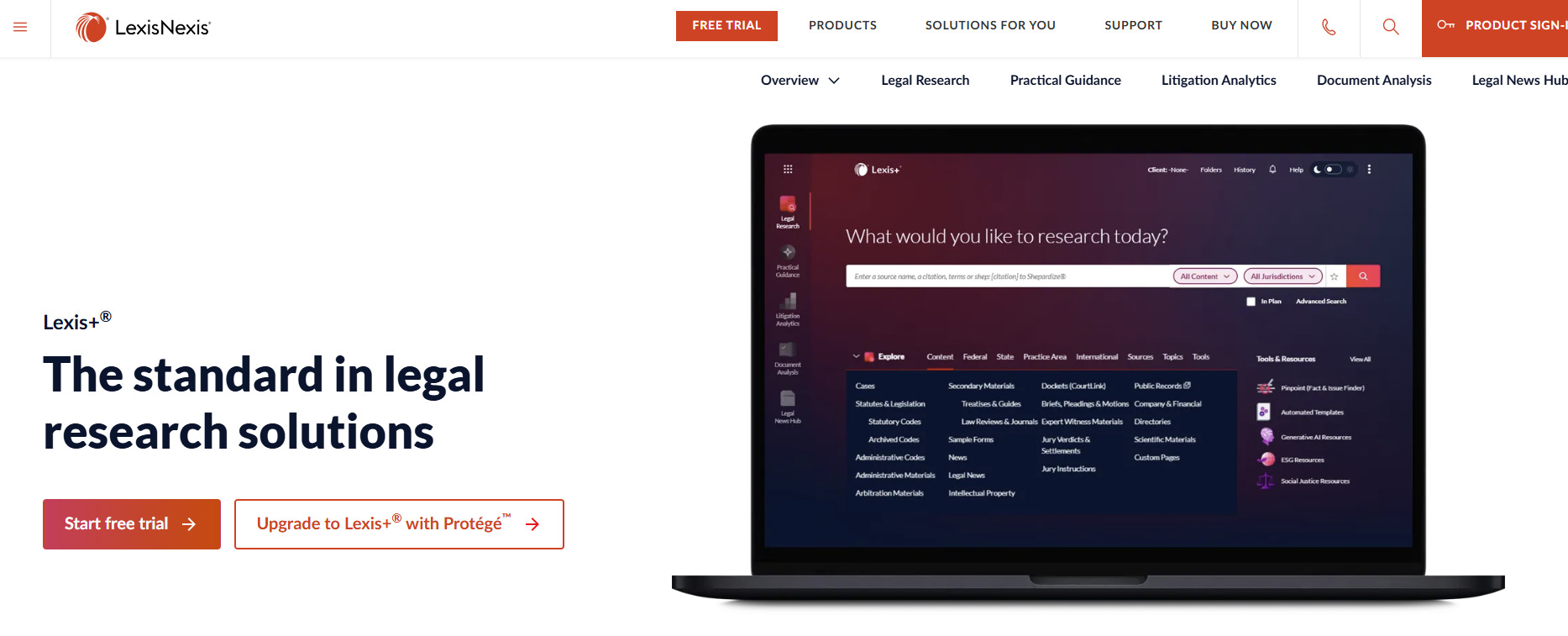
LexisNexis is a legal research platform used by legal professionals to locate case law, statutes, regulations, and secondary sources in one searchable database.
When your focus shifts to building arguments and shaping case strategy, this is the type of tool that supports that work.
Source: LexisNexis.com
Instead of spending hours digging through scattered sources, attorneys can access thousands of cases, court opinions, and legal materials in seconds.
Search filters, citation tools, and headnotes reduce manual effort and help narrow results to the most relevant authority. That efficiency cuts down time spent on research and leaves more room for analysis.
LexisNexis also includes practical tools that help evaluate how courts have treated specific issues over time. For litigators, that insight strengthens motion practice and supports stronger cases built on verified precedent.
Beyond traditional research, the platform offers access to news archives, public records, and certain demographic data that can inform background research and litigation planning.
Key Features
- Comprehensive legal database: Access thousands of cases, statutes, regulations, and secondary sources in one platform.
- Citation and validation tools: Check how courts have treated specific opinions to refine case strategy.
- Advanced search filters: Narrow results using jurisdiction, date ranges, practice area, and keyword combinations.
- Practical guidance resources: Review analytical content and commentary to support argument development.
- Public records and data access: Pull background information, including select demographic data, to supplement litigation research.
5. Filevine – Best for Litigation Workflow Tracking
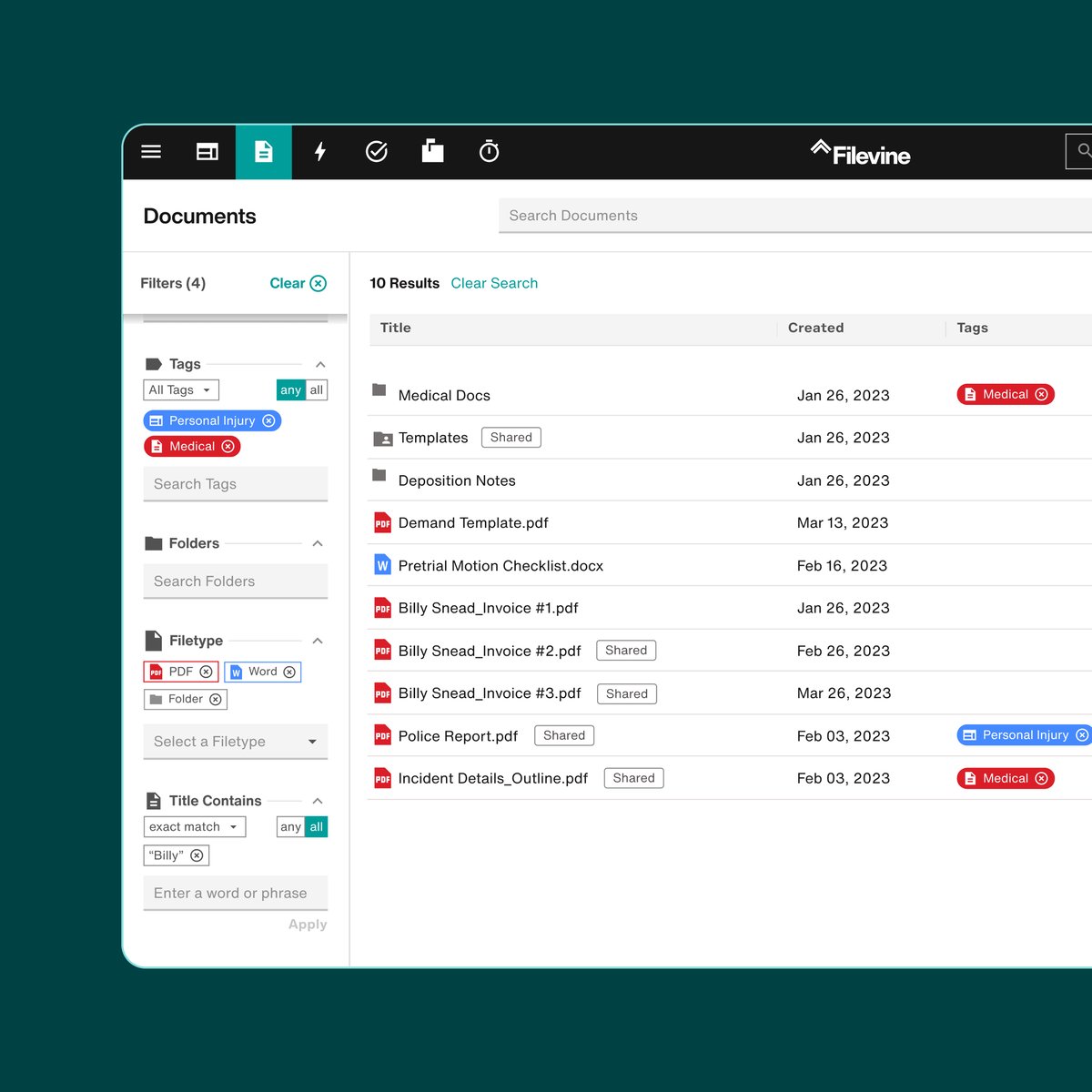
Filevine is a legal practice and case management platform that helps firms track litigation matters from intake through resolution.
It isn’t limited to one phase of a case. Instead, it supports the full case lifecycle by keeping tasks, deadlines, documents, and communication connected inside structured case files.
Source: G2
For litigation teams, visibility is everything. Key information, such as pleadings, deposition transcripts, discovery materials, and internal notes, needs to stay tied to the correct matter.
So, Filevine centralizes those moving parts so attorneys can see what’s been completed, what’s pending, and what requires attention next.
The platform is highly customizable, which allows firms to shape workflows around their services and practice areas. Automated triggers reduce repetitive tasks, while dashboards give leadership a clear view of workload and case progress.
As matters develop, updates stay attached to the file rather than scattered across separate systems.
Key Features
- Customizable case workflows: Design litigation workflows that reflect how your firm handles each stage of the case lifecycle.
- Centralized case files: Keep deposition transcripts, legal documents, notes, and communication organized within each matter.
- Task automation: Reduce repetitive tasks with automated reminders and milestone-based assignments.
- Reporting dashboards: Track workload, deadlines, and progress through visual reporting tools.
- Collaboration tools: Share updates and manage internal communication directly within the case file.
6. Lex Machina – Best for Litigation Analytics
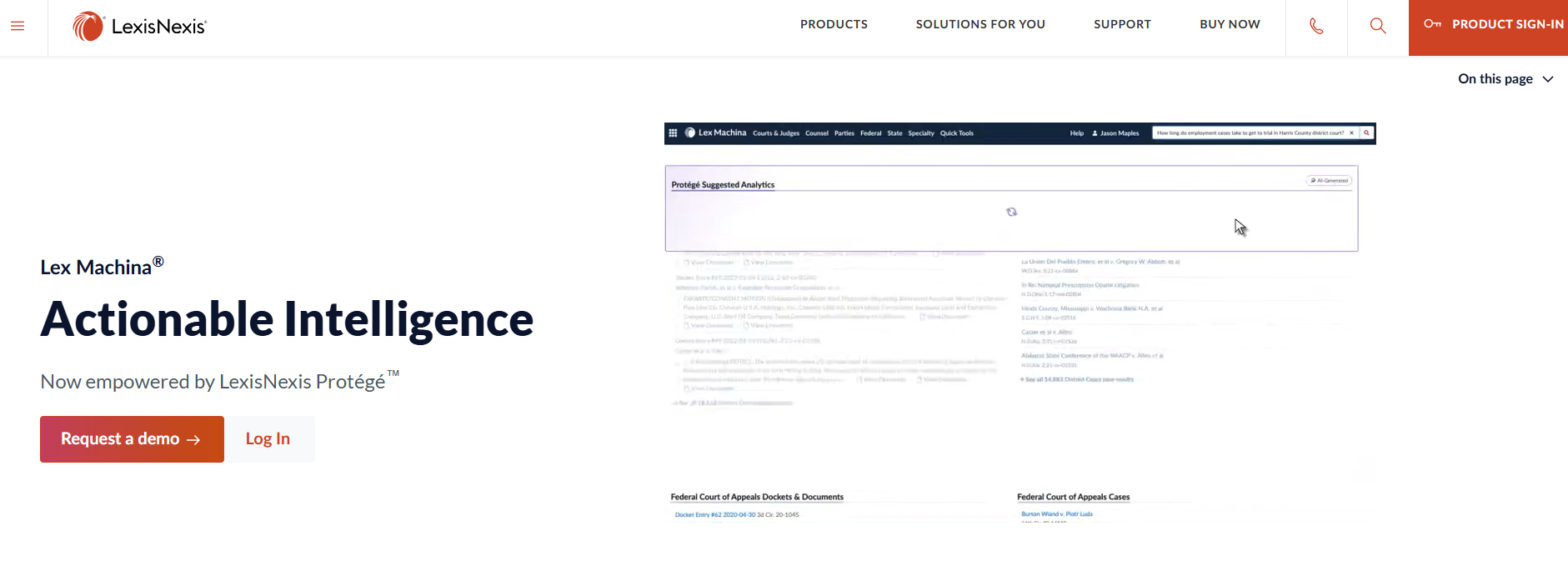
Lex Machina is a legal analytics platform that uses court data to help attorneys evaluate trends, judges, opposing counsel, and case outcomes. Rather than focusing on drafting or document storage, it delivers insight drawn from large sets of real court decisions.
Source: LexisNexis.com
For litigators working on case strategy, that type of data can influence how arguments are framed, how risks are assessed, and how trial preparation unfolds.
The platform analyzes patterns in rulings, motion outcomes, damages awards, and timing, giving attorneys a clearer view of how similar matters have played out.
Lex Machina also supports targeted document analysis tied to specific courts or judges. You can review how particular motions were handled, how long cases lasted, or how often certain claims succeeded.
That kind of context helps legal professionals ground their decisions in measurable trends rather than assumptions.
While it doesn’t replace legal expertise, it works as a powerful tool that supplements it. When paired with strong advocacy and thorough review of case materials, analytics can sharpen litigation strategy and support more informed decision-making.
Key Features
- Judge and court analytics: Review historical ruling patterns, motion outcomes, and case timelines tied to specific judges.
- Attorney and law firm insights: Examine the opposing counsel’s track records and litigation history.
- Outcome and damages data: Analyze trends in settlements, awards, and case resolutions.
- Motion and timing analysis: Study how frequently certain motions succeed and how long cases typically proceed in particular courts.
- Searchable litigation database: Access structured court data to support strategic planning and trial preparation.
7. Smokeball – Best for Automatic Time Tracking
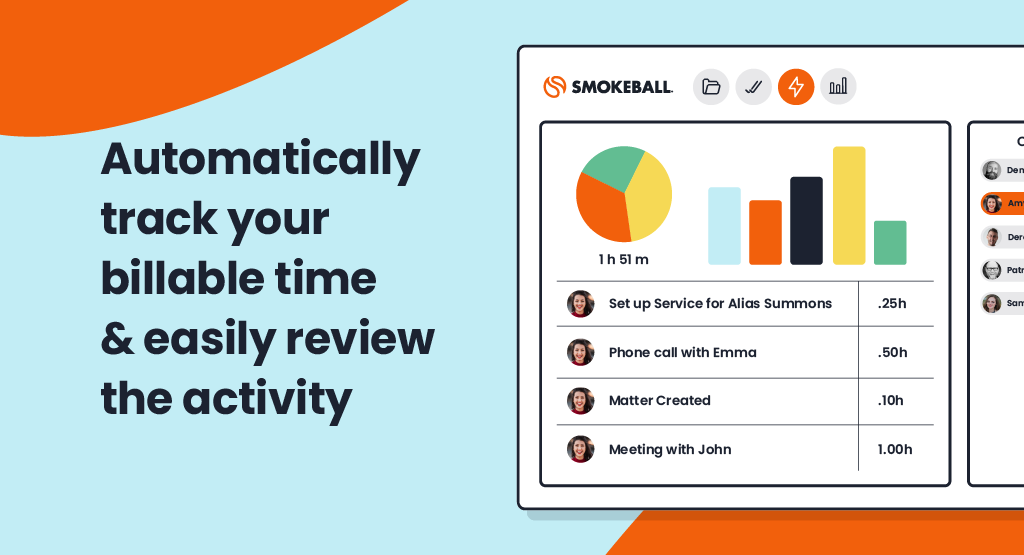
Smokeball is a legal practice management platform known for its automatic time tracking capabilities.
Litigation firms that bill hourly often struggle with capturing every billable minute, especially when the day fills up with short, menial tasks. Smokeball addresses that gap by recording work activity in the background as it happens.
Source: G2
As attorneys draft documents, send emails, or update matters, the system logs that activity automatically. This reduces the manual effort involved in reconstructing your day and helps prevent lost revenue. Over the life of a case, those small entries can make a measurable difference.
Beyond time tracking, Smokeball includes broader case management features that keep tasks, documents, and communication organized within each matter. Its standout strength, however, remains automatic billing capture that runs quietly without interrupting workflow.
Litigation practices looking to tighten billing accuracy without adding more repetitive tasks often find this type of built-in tracking especially useful.
Key Features
- Automatic time capture: Records document edits, emails, and file activity so billable time reflects actual work performed.
- Integrated billing system: Convert tracked activity into invoices directly within each matter.
- Matter and document management: Store case files, pleadings, and communication in a centralized platform.
- Productivity reporting: Review time usage and staff workload insights to support operational oversight.
- Workflow tools: Track tasks and deadlines while keeping billing data tied to case activity.
Factors to Consider When Choosing the Best Litigation Tool
Selecting the right litigation software depends on how your cases actually move through the system. You would want to choose platforms that support your workflow and strengthen results.
Consider the following:
- Alignment with your firm’s practice areas: Make sure the tool fits the types of matters you handle, whether that includes personal injury files with heavy medical records or complex commercial disputes in state courts.
- Depth of functionality: Some platforms focus on drafting, others on analytics or litigation management software. Clarify whether you need research support grounded in practical law, structured case tracking, or document review capabilities.
- Support for artificial intelligence: Consider how AI adoption fits into your workflow. Tools that use artificial intelligence or agentic AI can reduce repetitive steps, but attorney oversight should remain central.
- Document organization: Strong systems should keep pleadings, discovery, transcripts, and medical records searchable and tied to the correct matter.
- Ease of use and reporting: Clear dashboards and simple workflows build confidence across the team and reduce friction during active litigation.
How Legal Teams Can Build a Smarter Tech Stack With Briefpoint
Every stage of litigation brings its own demands. Research shapes your arguments. Analytics can sharpen case strategy. Case management tools keep tasks and deadlines visible.
But written discovery is often the part that quietly drains the most time. Drafting responses, standardizing objections, formatting documents, organizing productions, and double-checking court rules can take over your calendar before you realize it.
When that workflow tightens up, everything else feels more manageable.
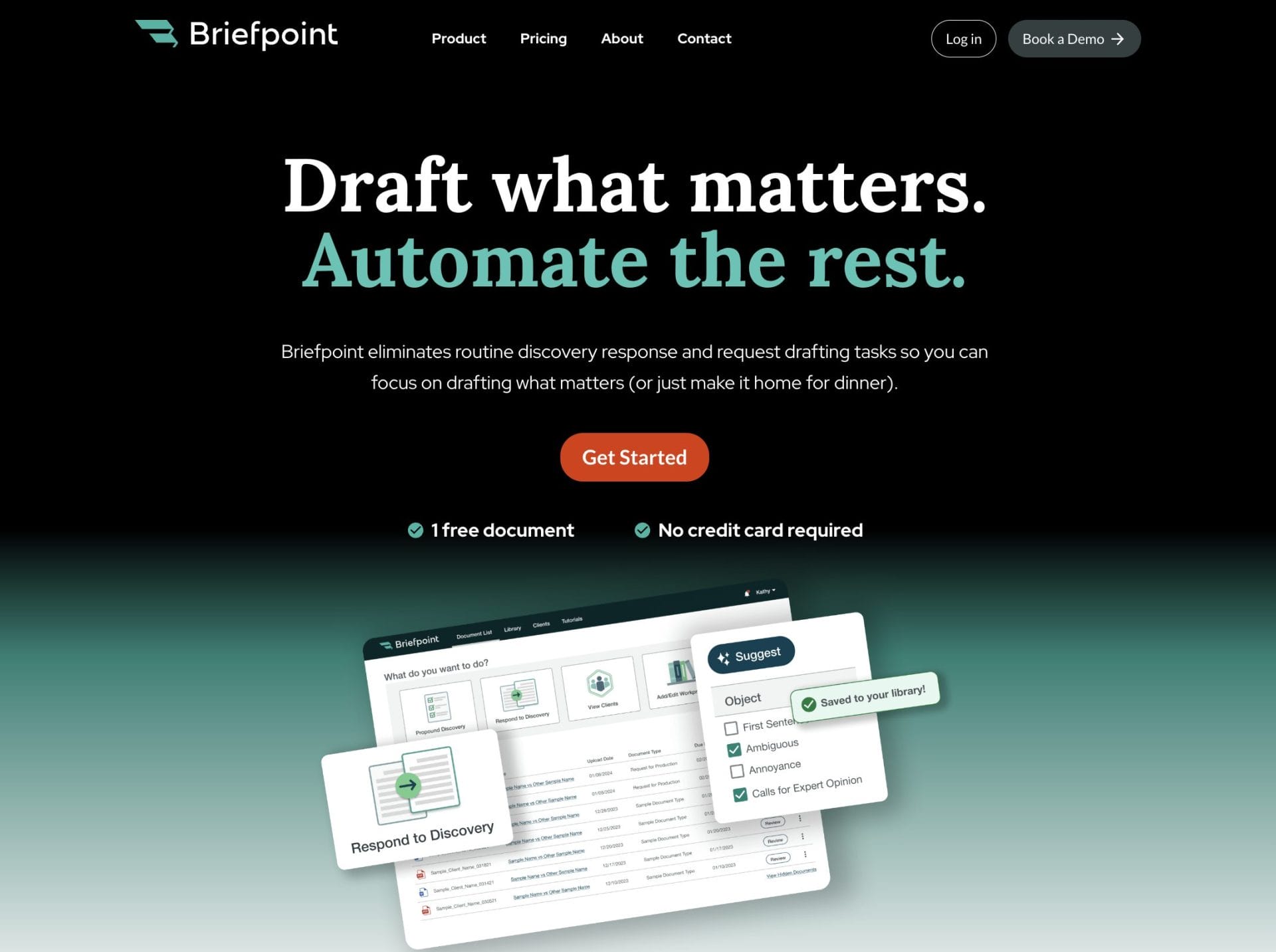
That’s one reason more than 1,500 law firms already use Briefpoint. It focuses specifically on written discovery and helps litigation teams complete responses in a fraction of the time, without giving up control over strategy or language.
Plus, Autodoc extends that support to production packages, so the process from draft to service feels more structured and predictable.
If discovery has become the bottleneck in your cases, it may be time to look at a different approach.
Book a demo with Briefpoint and see how it can fit into your practice.
