7 Best AI Legal Document Drafting Tools in 2026
What Is AI Legal Document Drafting?
AI legal document drafting gives you a quicker way to move from raw information to a usable first draft. You provide the relevant facts, instructions, or source material, and the software helps shape them into a document you can review and refine.
In practice, AI legal drafting works like a focused drafting assistant. For example, it can help organize legal content, follow a familiar structure, and reduce the amount of repetitive writing that usually slows you down.
For legal professionals, this can make writing legal documents feel much more manageable. You spend less time rebuilding standard language and more time on more important steps like reviewing the substance, adjusting the strategy, and making sure the final draft fits the case.
Artificial intelligence can support many types of legal work, from discovery documents to contracts. Still, the final call stays with you. The tool may speed up the first draft, but your judgment is what makes the document accurate and ready to use.
How Does AI Legal Document Drafting Work
AI legal drafting usually starts with the information you already have. You upload source documents or enter details from the case file, then the software uses generative AI to turn that material into a structured draft.
Many legal writing tools rely on large language models, though platforms built for legal work often add templates and document-specific rules on top of the underlying AI technology.
A typical workflow looks like this:
- Provide the source material: Add the relevant case files, client details, or drafting instructions so the tool has a clear foundation.
- Generate the first draft: The system organizes the information and produces language suited to the selected document.
- Review and revise: You check the facts, adjust the legal reasoning, and confirm that the final wording fits the situation.
- Save and reuse: Approved language can often be carried into future work to maintain consistency and keep saving time.
This makes AI for legal drafting a valuable tool when the work follows a repeatable process. General AI tools may help with basic writing, but purpose-built platforms usually provide more control over legal structure and source documents.
Top 7 AI Legal Document Drafting Tools Today
AI legal drafting software varies widely in focus and depth. Here are the top options worth looking at today:
1. Briefpoint
If discovery drafting takes up too much of your week, Briefpoint gives you a faster way to handle it. The platform is built specifically for written discovery, so you can prepare discovery requests, draft responses, and collect client information in one focused workflow.
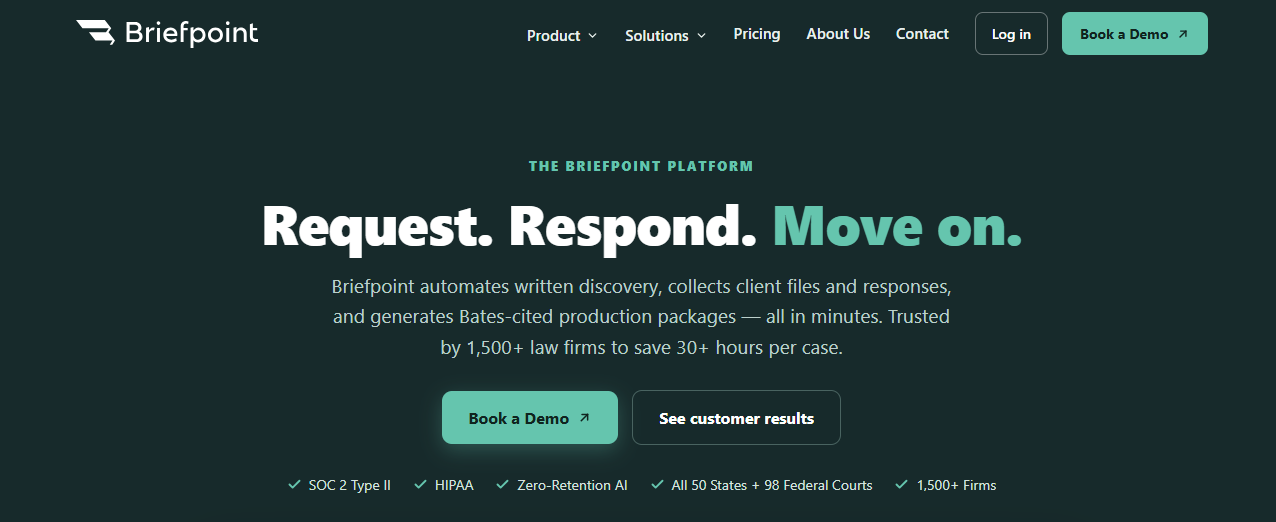
You can upload the relevant files, review suggested responses, and make changes before exporting the finished document to Word. For legal teams, this cuts down the time-consuming work that usually comes with formatting, repeated language, and document review.
Briefpoint can help with client communication too. Client Bridge turns legal questions into plain language and gives clients a secure link for submitting answers or files. Their responses are then mapped back to the correct requests, which makes review much easier.
Best Features
- Discovery drafting: Creates RFAs, RFPs, interrogatories, and responses using your case information.
- Client Bridge: Collects client answers and documents through a secure, mobile-friendly link.
- Autodoc: Reviews source files and prepares Bates-cited RFP responses for attorney review.
- Supplemental responses: Updates earlier responses while preserving the existing record.
- Review controls: Lets you remove irrelevant files, check supporting documents, and revise the final language.
2. MyCase IQ
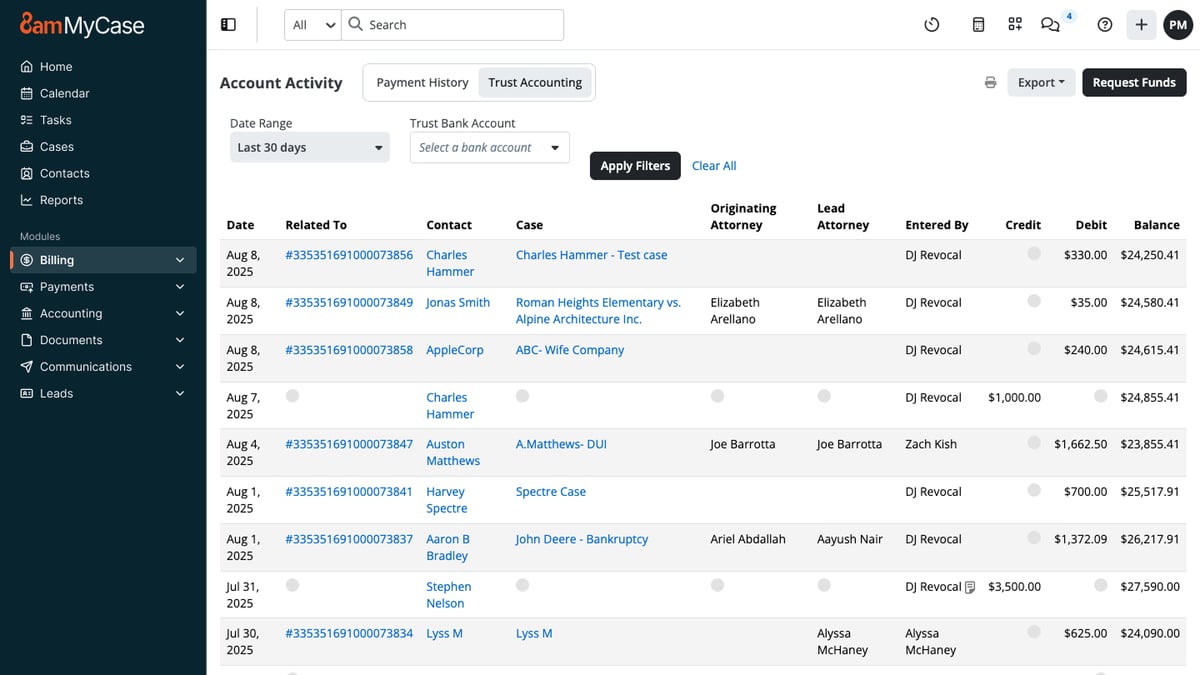
MyCase IQ works inside the MyCase practice management platform, so you can use AI during the same workflow where you already manage case information.
That can help you work faster because the system can draw on the legal context connected to a matter rather than treating every prompt like a standalone request.
Source: G2
You can use it to create routine documents, refine existing text, and summarize case files before you begin drafting.
It can also support legal research tasks at a basic level by helping you locate and organize relevant details, though your own expertise still guides the final result.
Best Features
- Matter-based drafting: Uses information linked to a case to support a more relevant drafting process.
- Document creation: Helps prepare routine documents and client-facing content.
- Case summaries: Pulls key information from files so you can review the main points faster.
- Writing support: Revises tone, wording, and structure inside the MyCase platform.
- Built-in workflow: Keeps drafting tools close to the rest of your case management work.
3. Clearbrief
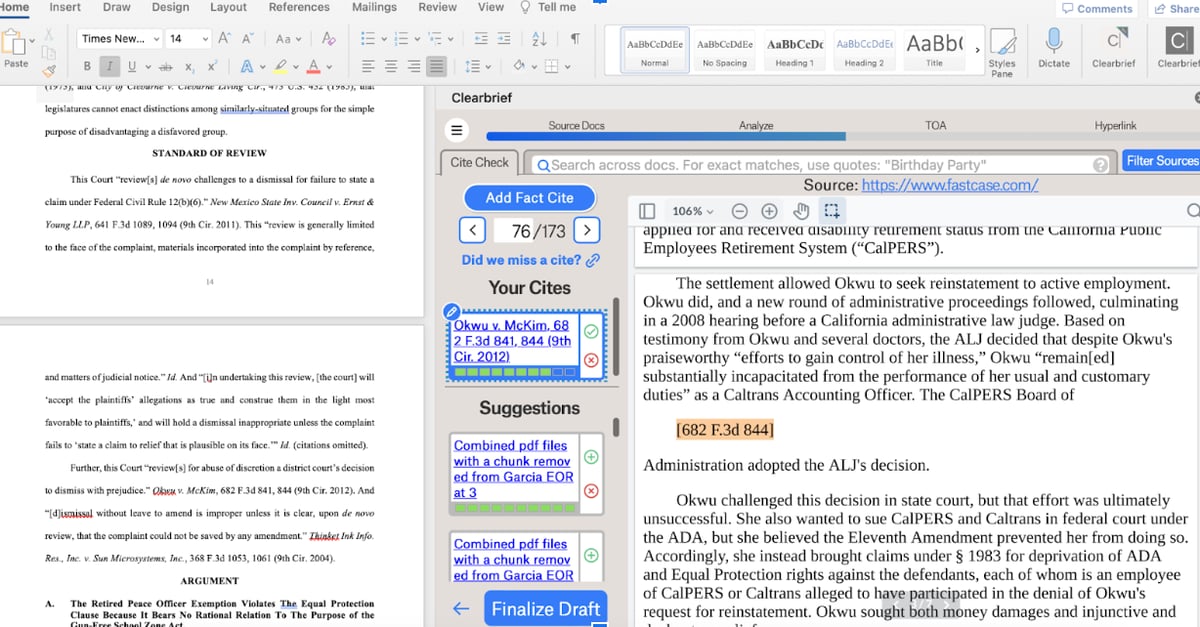
Clearbrief is a good fit when you already have a draft but need stronger support behind the claims. It works inside Microsoft Word, so you can connect statements to source material without leaving the document or rebuilding your workflow.
Source: G2
The platform can help with document creation from a blank page, but its strongest use is checking and strengthening legal writing.
Clearbrief can find supporting pages, flag possible inconsistencies, and help you review citations before filing. That added layer can reduce human error when AI use is part of your drafting process.
It can also assist with summarizing documents and turning large records into timelines or other usable work product. Clearbrief is less focused on business contracts and more suited to litigation documents where factual support and citation accuracy carry a lot of weight.
Best Features
- Add Fact Cite: Finds the pages that best support a selected sentence.
- Mistake Detection: Flags possible conflicts between your writing and the source documents.
- Hyperlinked Summaries: Creates summaries and timelines connected to the underlying record.
- Citation tools: Checks legal citations and generates tables of authorities.
- Word integration: Keeps drafting and verification inside Microsoft Word.
4. Legalyze.ai
Legalyze.ai helps lawyers turn their own case files into summaries, chronologies, and legal drafts. You upload the relevant documents, then use the platform to ask questions or create new work based on the information already in the record.
Source: Legalyze.ai
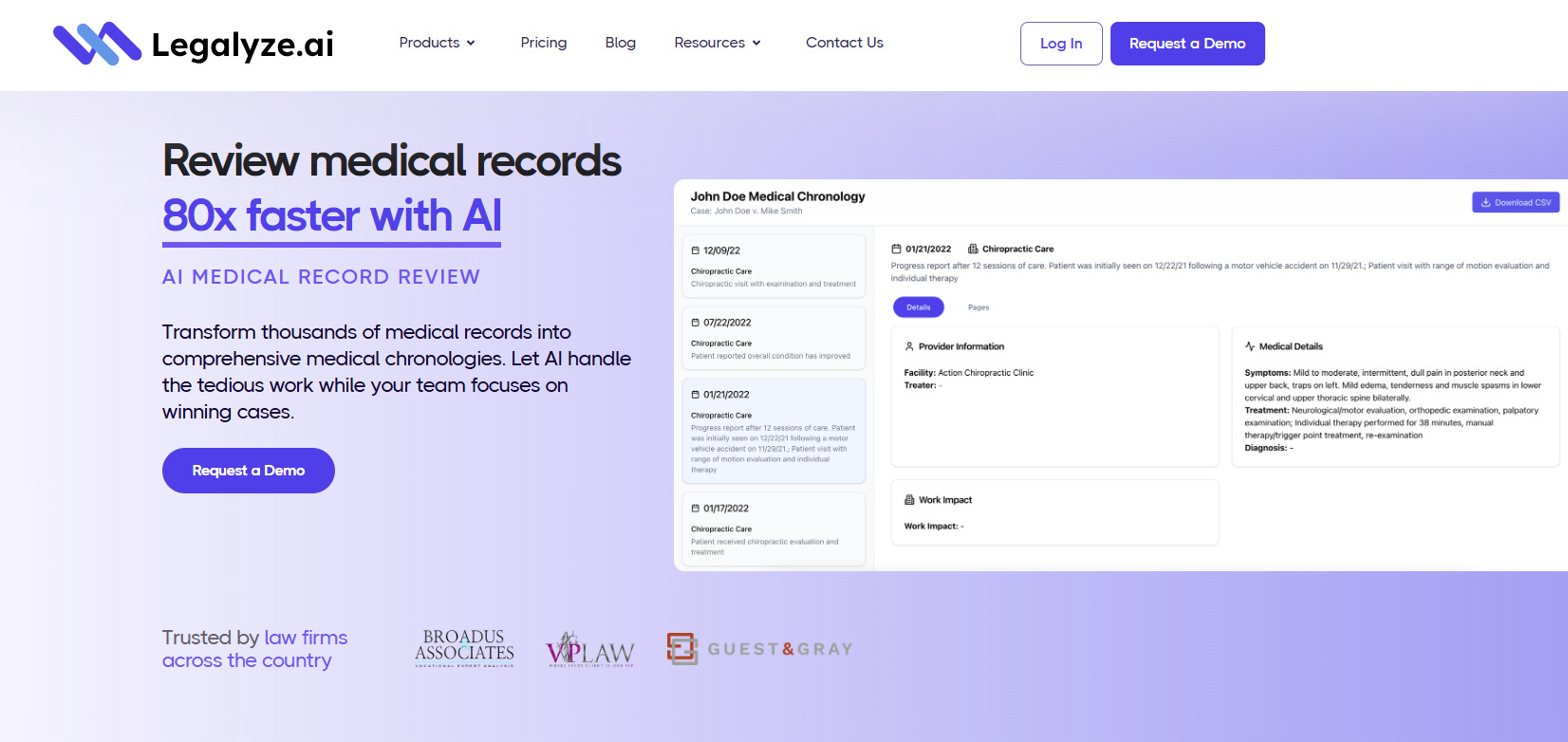
That feature can be useful for law firms handling document-heavy cases, particularly when reviewing medical records or preparing routine correspondence. Each answer can include page-level sources, which gives you a clearer path back to the original material during review.
Solo practitioners may find the focused workflow helpful when they need to move through large files with limited support. Nevertheless, Legalyze.ai does not replace legal research into current case law, and lawyers still need to check citation formats before using a draft.
Best Features
- Case Chat AI: Lets you ask questions about uploaded records and receive source-cited answers.
- Drafting AI: Creates documents such as motions and letters using your case files as context.
- Medical chronologies: Organizes medical events into a timeline linked to the source records.
- Document summaries: Extracts key information from large files and points you to the relevant pages.
- Case management integrations: Connects with platforms such as MyCase and Smokeball.
5. Spellbook
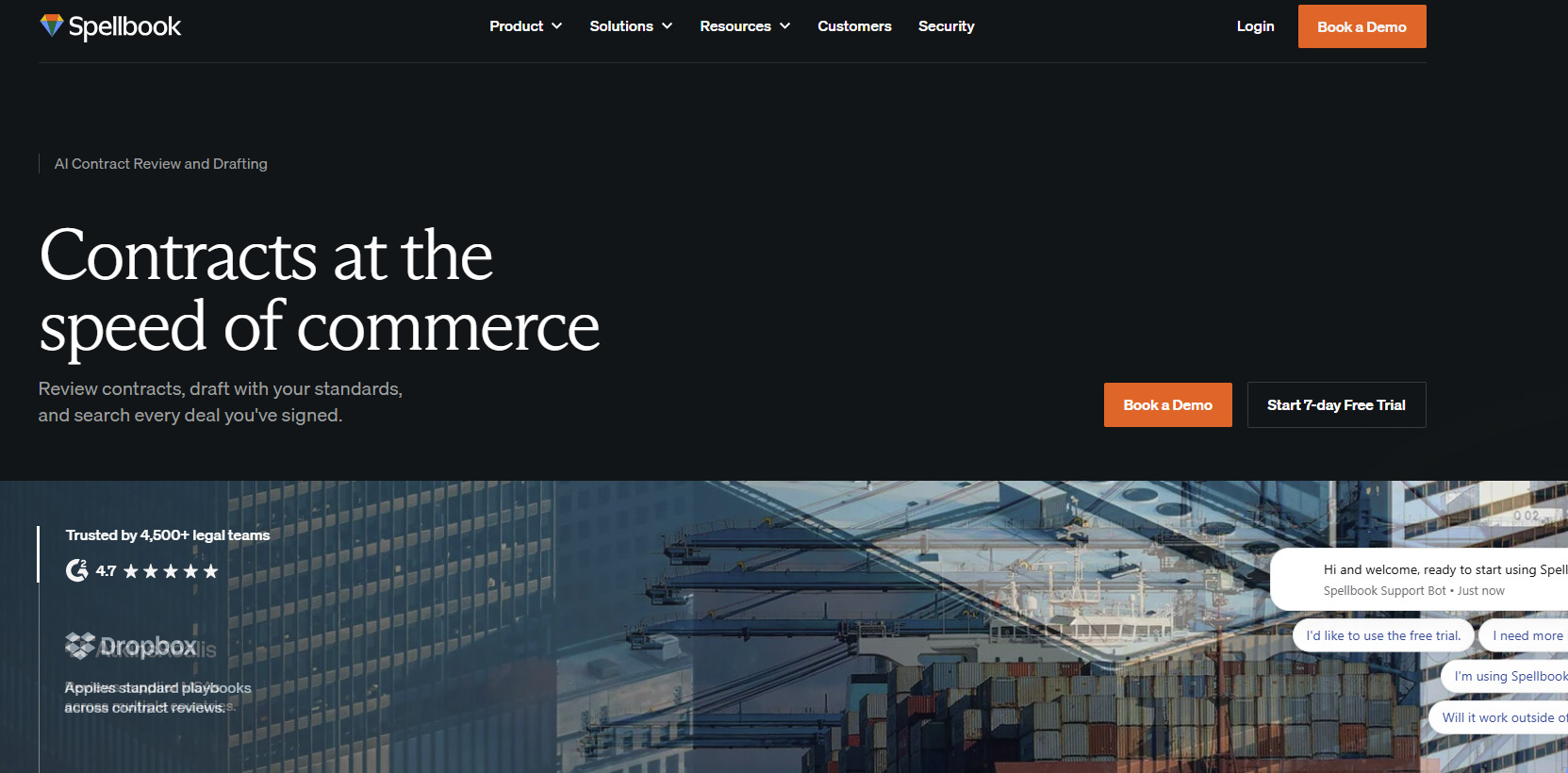
Spellbook is designed for lawyers who spend much of their time drafting and reviewing agreements in Microsoft Word. Since it works inside the document, you can generate new language, revise clauses, and review contract terms while staying close to your usual workflow.
Source: Spellbook.com
You can use Spellbook to prepare a full draft from a blank document or add language to something already in progress. It can also draw from your clause library, which helps reduce repetitive tasks and keeps preferred wording easy to reuse during client work.
For review, Spellbook can compare an agreement against selected standards and suggest fixes for missing or unexpected terms. Those suggestions can help you spot potential issues earlier, though attorney review remains necessary to ensure accuracy before the document is finalized.
Best Features
- New Document: Generates complete agreements from the details you provide.
- New Clause: Drafts fresh contract language or pulls relevant wording from your library.
- Reviews: Produces suggested redlines and flags possible problems in the document.
- Benchmarks: Compares the agreement against selected standards and identifies missing terms.
- Playbooks: Applies your own review rules and preferred language to future work.
6. Gavel
Gavel is a strong option if your work involves repeatable documents or contract review. Its two main products cover both sides of that process: Gavel Workflows automates document creation, while Gavel Exec helps counsel draft and review contracts in Microsoft Word or online.
Source: G2
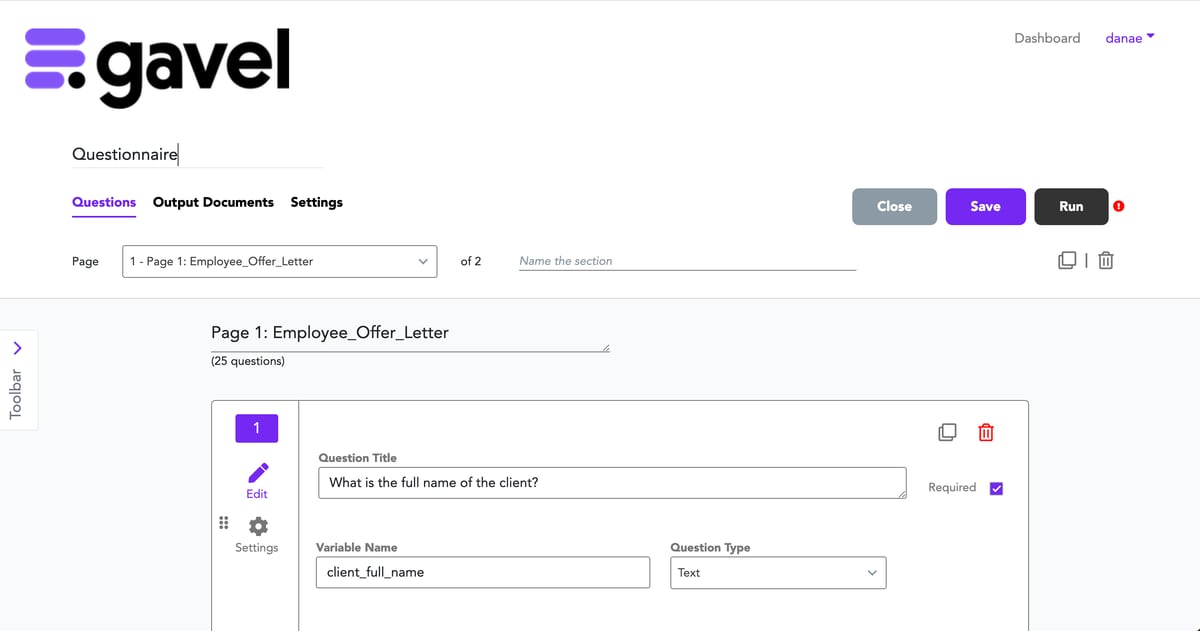
For document automation, you can connect a questionnaire to your existing Word or PDF templates.
Gavel then fills in the right language based on the user’s answers, which can save billable hours on forms and other rules-based documents. It can also handle defined terms and conditional clauses through custom logic.
Gavel Exec is geared more toward the negotiation process. It can redline full agreements, draft new clauses, and apply your playbooks or prior language during review.
Best Features
- Gavel Workflows: Turns questionnaire responses into completed Word or PDF documents.
- Gavel Exec: Supports contract drafting, review, and redlining in Word or online.
- Custom logic: Adjusts document language based on the answers entered.
- Playbooks: Applies your preferred positions and drafting standards during contract review.
- Template automation: Converts existing legal forms into reusable document workflows.
7. Claude AI
Claude AI can help you work through long legal documents, build a first draft, or revise language based on detailed instructions. You can upload case materials, explain the document you need, and ask Claude to organize the information into a clearer structure.
Source: Claude.com
Its broad flexibility works well for early drafting and document review. For example, you might use it to summarize an agreement before preparing a client update or compare proposed language against an internal standard.
Projects can keep related files and custom instructions together, which is helpful when the work continues over several sessions.
Claude is a general AI platform, so it requires human oversight throughout the legal workflow. Its output should be checked against the original documents, current law, and your own human expertise before it reaches a client or becomes part of a filing.
Best Features
- Large document review: Reads uploaded files and helps identify relevant information.
- Draft generation: Produces first drafts based on your instructions and supporting materials.
- Projects: Keeps related documents and custom guidance in one workspace.
- Document comparison: Highlights differences in wording or position between drafts.
- Flexible revision: Reworks tone or structure as your needs change.
Take the Drag Out of Legal Drafting
AI legal document drafting can make repetitive work easier to manage, but the best results still come from choosing a tool that fits the type of document you handle most often.
A general platform may help with early drafts, while a purpose-built tool can give you more structure and control.

For discovery work, Briefpoint offers a much more focused workflow. You can draft requests and responses, collect client input, review supporting files, and prepare Word-ready documents without piecing the process together across separate tools.
Autodoc helps identify responsive materials and create Bates-cited drafts, while Client Bridge gathers answers and files through a secure link. Supplemental Responses makes it easier to update earlier work as the case develops.
Book a demo today and see how much time Briefpoint can take out of your discovery workflow.
