5 Tools to Add to Your Legal Tech Stack in 2026
What Is a Legal Tech Stack?
A legal tech stack is the collection of software your firm or legal department uses to handle day-to-day work. It may include tools for case management, legal research, billing, client intake, document drafting, and other parts of the legal workflow.
The right setup looks different for every organization. For example, a litigation firm may place discovery automation and document review near the top of its list, while a transactional practice may prioritize contract tools.
Priorities can also vary between practice areas, firm sizes, and in-house legal departments.
Your tech stack should reflect how your team actually works. Useful legal software should reduce repetitive tasks, support smoother handoffs, and fit into the systems you already rely on.
Of course, adding more legal technology does not automatically create a better workflow, so each tool should solve a clear problem and earn its place in the stack.
5 Software Options You Can Add to Your Legal Tech Stack
Here are five software options that cover different parts of a modern legal workflow, from discovery to accounting. Each one can strengthen a specific part of your legal tech stack, depending on where your team needs the most support:
1. Briefpoint for Discovery Automation
Briefpoint is a discovery automation platform built for litigation teams that want to spend less time drafting and reviewing written discovery.
You can use it to prepare interrogatories, requests for admission, and requests for production, then generate objection-aware responses for incoming requests.
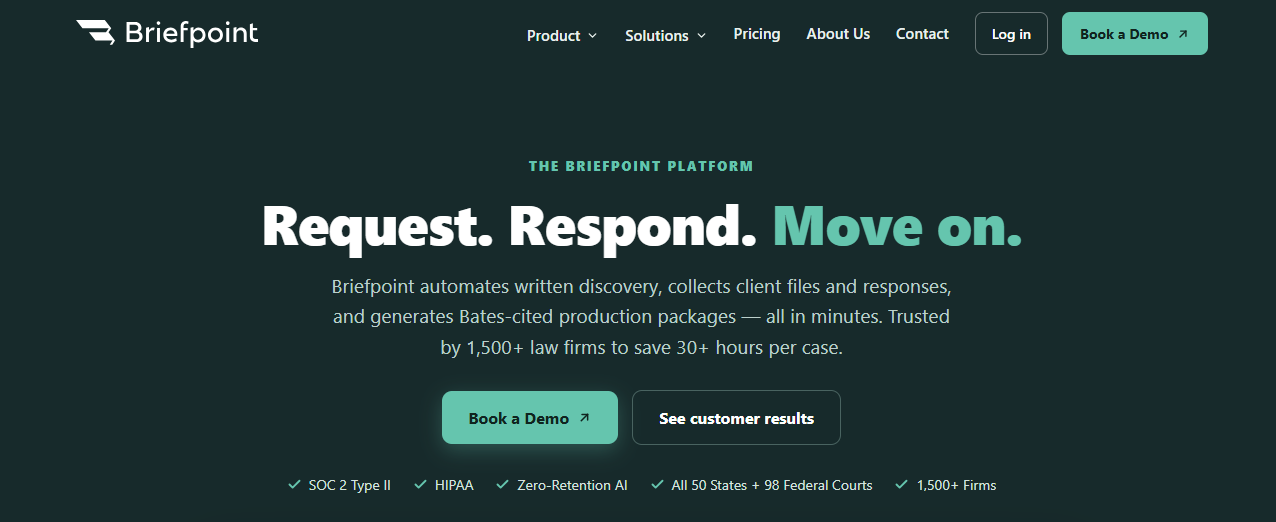
The platform also helps you collect client information through a secure link. Clients can answer questions and upload files from a phone or computer, and those responses are added to the correct draft.
For document-heavy requests for production, Briefpoint can identify responsive files, add page-level Bates citations, and prepare a Bates-numbered production package.
The time saved can help lawyers increase efficiency and focus more of their attention on legal strategy, case preparation, and client communication.
Best Features
- Discovery request drafting: Generate interrogatories, RFAs, and RFPs from the complaint and case details.
- Objection-aware responses: Prepare draft answers and objections for attorney review.
- Client Bridge: Collect client answers and documents through a secure, mobile-friendly link.
- Autodoc: Review uploaded files, identify responsive documents, and connect them to the relevant production requests.
- Bates-cited responses: Create Word-formatted drafts with page-level citations.
- Production packages: Prepare organized, Bates-numbered files for service.
- Jurisdictional support: Draft discovery documents for all 50 states and federal district courts.
2. Clio for Practice Management
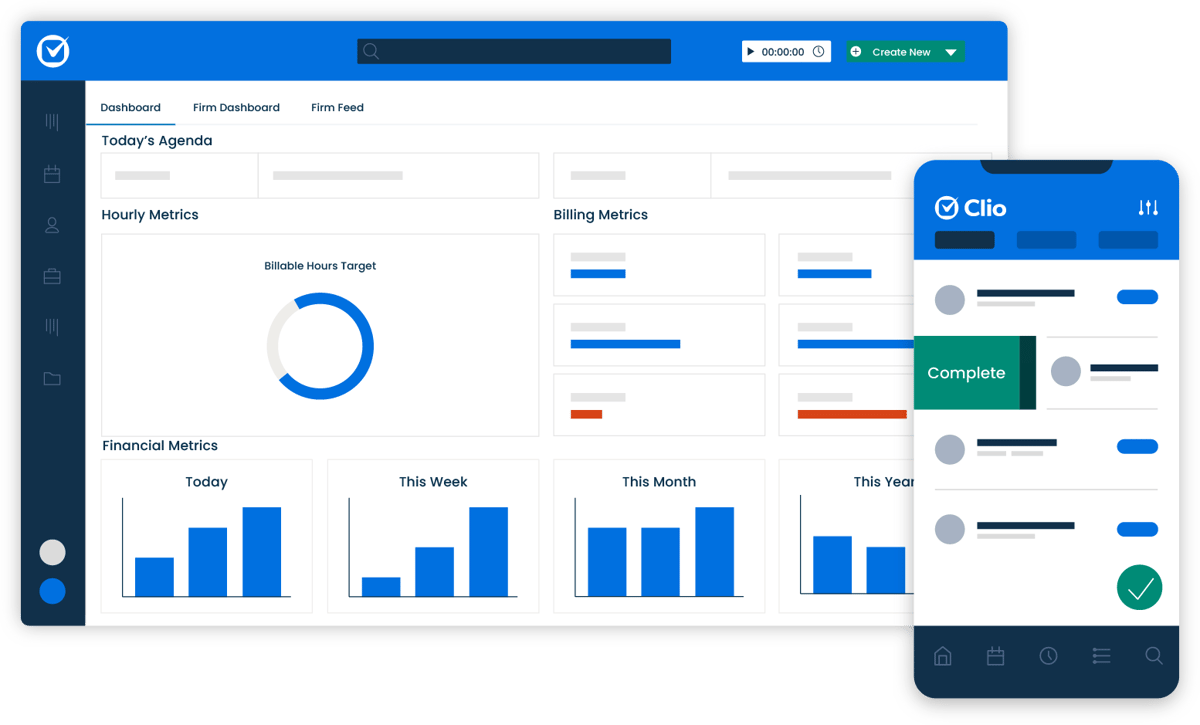
Clio is cloud-based law practice management software that brings your firm’s daily operations into one central system. You can manage matters, track time, prepare bills, organize calendars, and keep client information connected to the correct case.
Source: G2
Its user-friendly interface also gives your team instant access to files and matter details from any device with an internet connection.
Clio includes document storage and management tools, so you can upload, edit, search, and share case files without relying on a separate document management system.
For firms looking to simplify legal operations, Clio can serve as the main hub for work completed elsewhere in the tech stack. Its matter management software connects with a wide range of legal tools, including Briefpoint, which can help reduce repeated data entry and support increased productivity.
Best Features
- Matter management: Keep case details, deadlines, notes, and communications connected in one place.
- Time and billing: Track billable work and create invoices from recorded time and expenses.
- Document management: Store, organize, edit, and search legal files in the cloud.
- Calendar tools: Manage appointments and case deadlines through a shared firm calendar.
- Client portal: Give clients a secure place to view updates and communicate with your team.
- App integrations: Connect Clio with other software used throughout your legal tech stack.
3. Lawmatics for Client Intake and CRM
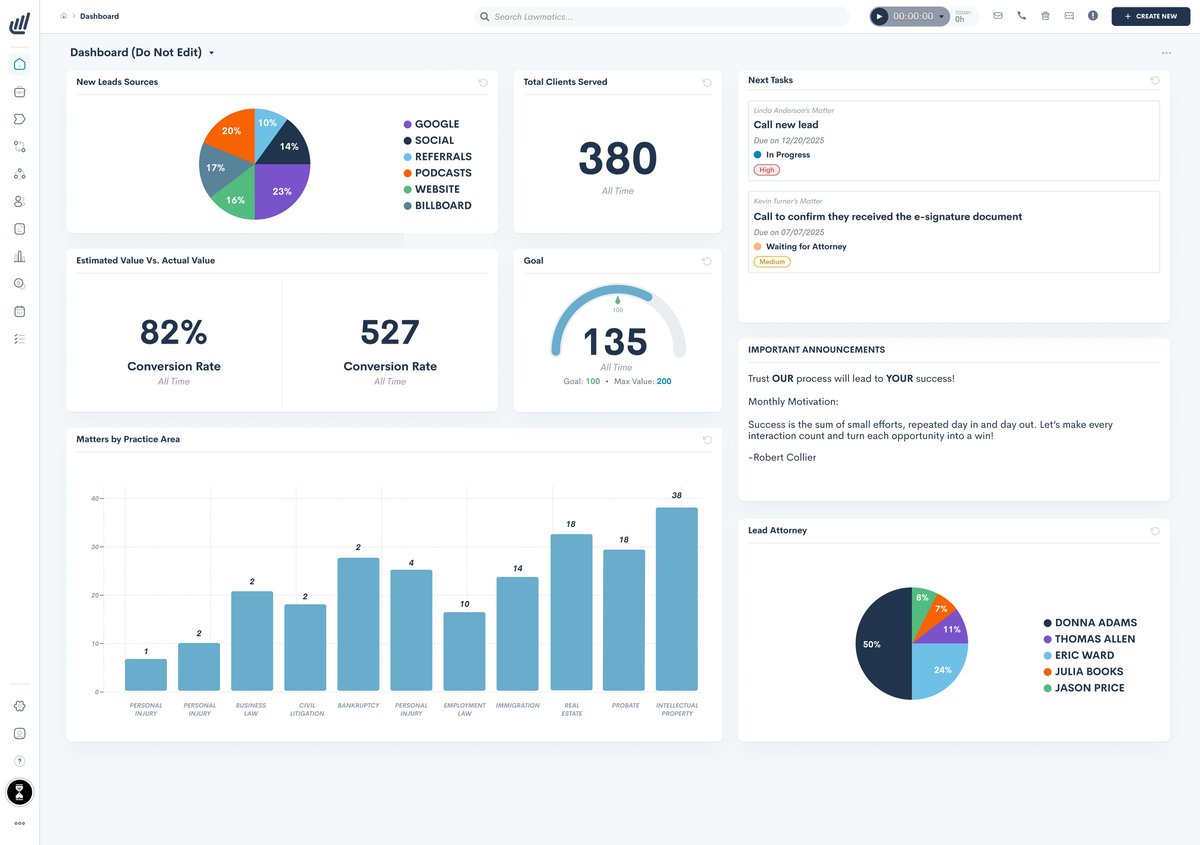
Lawmatics is client management software designed to help law firms manage prospective clients from the first inquiry through onboarding.
Your legal team can track leads, schedule consultations, collect intake details, and keep every interaction connected to the same contact record.
Source: G2
Much of the intake process can also run through automated workflows. You can send follow-up messages, deliver forms, request signatures, and assign internal tasks without relying on the same manual processes for every new lead.
That can help your firm respond faster, minimize errors, and create a smoother experience at a stage where clients expect clear communication.
Lawmatics also gives you reporting tools for reviewing lead sources and conversion activity. For firms exploring technology solutions to streamline operations, it can serve as the client-facing part of the legal tech stack while practice management software handles active casework.
Best Features
- Legal CRM: Track prospects, contacts, and intake activity in one organized system.
- Custom intake forms: Collect information based on the practice area or case type.
- Automated follow-ups: Send emails and reminders at predefined stages of the intake process.
- Appointment scheduling: Let prospects book consultations through an online calendar.
- Document automation: Create and send intake documents and engagement agreements.
- E-signatures: Allow new clients to review and sign paperwork electronically.
- Lead reporting: Review where inquiries come from and how they move through the intake pipeline.
4. QuickBooks Online for Legal Accounting
QuickBooks Online is cloud-based accounting software that can help your firm manage its finances from the same technology stack used for the rest of the business.
It allows you to track income and expenses, send invoices, record payments, and monitor cash flow without relying on disconnected spreadsheets.

Source: G2
Time tracking is available on select plans, making it easier to connect recorded work with invoices and project costs. Your accountant or other authorized users can also receive secure access to the books, which supports collaboration without repeatedly exporting financial records.
QuickBooks Online is not built solely for legal practices, so firms may still need separate tools for trust accounting or legal billing requirements.
Even so, it can be a practical option for firms that want to streamline operations, use their financial resources more carefully, and get maximum value from a widely supported accounting platform.
Best Features
- Income and expense tracking: Keep an updated record of money coming into and leaving the firm.
- Invoicing and payments: Create invoices, accept payments, and track outstanding balances.
- Cash flow tools: Review current financial activity and identify upcoming cash needs.
- Time tracking: Add tracked time to invoices on eligible plans.
- Financial reports: Generate reports for profit and loss, accounts receivable, and other business activity.
- Cloud access: View and manage financial information from supported computers and mobile devices.
- App integrations: Connect QuickBooks with other tools used throughout your technology stack.
5. Lexis+ AI for Legal Research
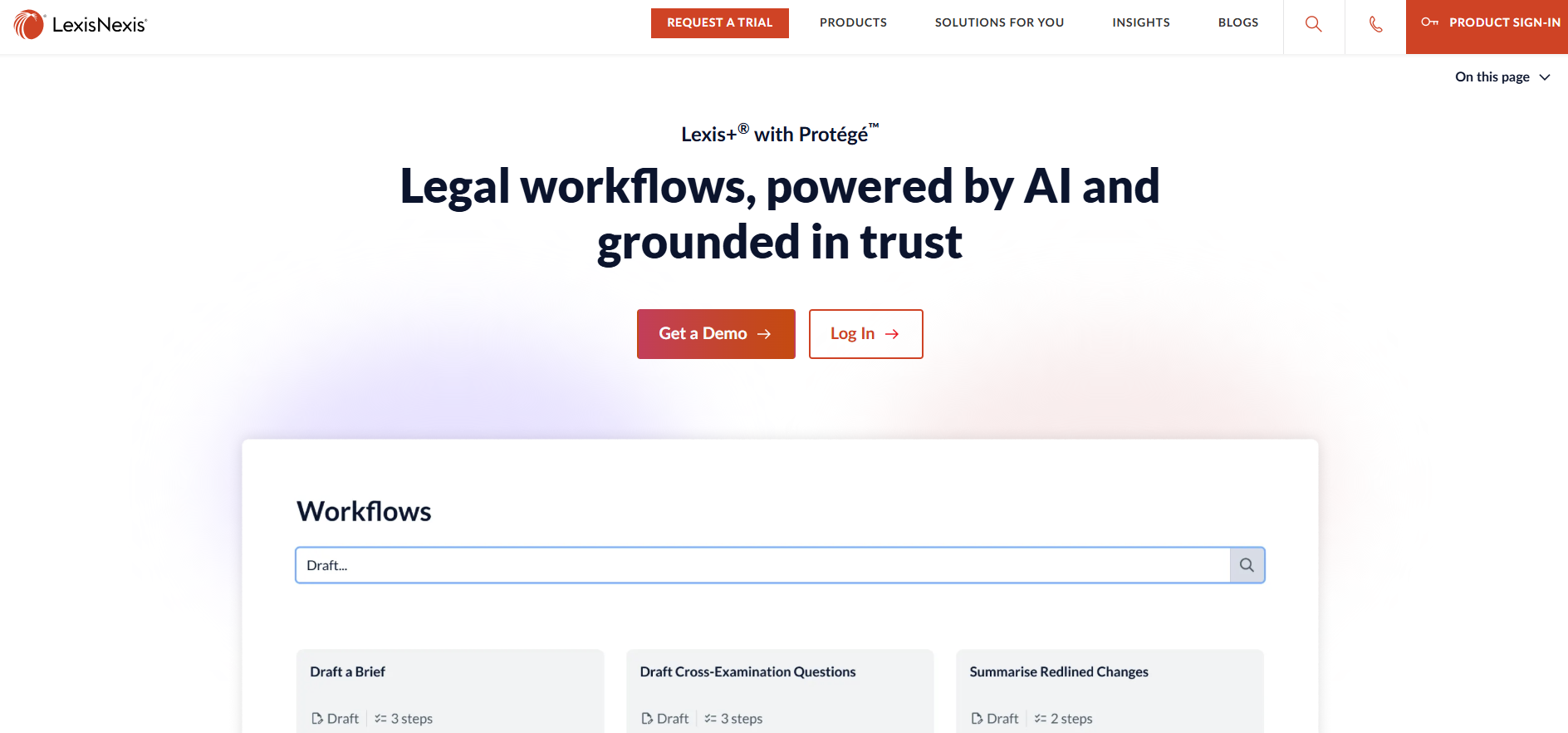
Lexis+ AI, now offered as Lexis+ with Protégé, is an AI-powered tool for legal research, drafting, and document analysis.
You can ask legal questions in conversational language, review answers linked to supporting authority, and move directly into the cited cases or other source material.
Source: LexisNexis.com
The platform can also summarize uploaded documents, identify relevant arguments, and help create an initial draft based on LexisNexis content. Shepard’s Citation Service lets you evaluate how a case has been treated before relying on it in your work.
These features can reduce the manual work involved in reviewing long result lists and piecing research together from separate screens.
For firms where research is a recurring pain point, the platform may improve efficiency and streamline processes within a single workspace.
Its cost may require closer evaluation, but teams that use legal research tools frequently may find a stronger ROI than those with occasional research needs.
Best Features
- Conversational research: Ask questions in natural language and receive answers connected to legal sources.
- Linked citations: Open the authorities supporting an AI-generated response.
- Shepard’s Citation Service: Check the subsequent treatment and current status of cited cases.
- Document analysis: Upload legal documents to identify citations, arguments, and possible risks.
- Drafting support: Develop initial legal drafts using research and source material already in the platform.
- Practical Guidance: Access forms, checklists, and practitioner resources covering numerous practice areas.
- Integrated workspace: Move between research, analysis, and drafting without switching platforms.
How to Build the Right Legal Tech Stack
Start with the work your team handles every day and look for tools that solve a clear operational need. New technology should support long-term success instead of acting as a series of quick fixes that create more systems to manage.
Here are several steps you can follow:
- Map your current workflow: Review how work moves through the firm, including client intake, legal project management, billing, and document review. This helps you identify which tools are essential.
- Prioritize integration: Check whether each platform connects with systems your team already uses, such as Google Workspace, Microsoft Office, or your practice management software.
- Review security controls: Look closely at data security, access permissions, cloud storage policies, and how the provider handles confidential client information.
- Consider total cost: Compare subscription fees with possible cost savings, reduced legal spend, and the time your team may recover through automation.
- Plan for document control: Document management software should support reliable search, permissions, and version control so your team can find the correct file quickly.
- Choose tools that can grow: Your needs may expand into areas like contract management or more advanced reporting, so select software that can adapt as the firm changes.
Build a Tech Stack That Fits Your Firm
A strong legal tech stack should reflect how your firm works, where your team loses time, and which tasks create the most friction.
You do not need every available platform. A smaller set of well-chosen tools can give you a cleaner workflow and make future growth easier to manage.

Start with your biggest operational need, then add software that connects well with the systems already in place. Review usage over time, remove tools that overlap, and keep looking for areas where repetitive work can be reduced.
For litigation teams, written discovery is often a practical place to start.
Briefpoint helps you draft and respond to interrogatories, RFAs, and RFPs, collect client answers through a secure link, and prepare Bates-cited production packages. It also supports discovery work in all 50 states and 98 federal district courts.
