7 Best Legal AI Software for Lawyers in 2026
What Is Legal AI Software?
Legal AI software supports lawyers with tasks that would otherwise require hours of manual effort. These tools can support legal work such as reviewing documents, drafting initial versions of filings, researching case law, and organizing information from client files.
Some products focus on a specific part of the practice. For example, discovery platforms may draft requests and responses, while contract tools can flag unusual terms or suggest revisions. Other AI tools work throughout broader legal workflows and connect with software a firm already uses.
Legal platforms also differ from general AI tools. A public chatbot may provide a quick summary or help brainstorm language, but legal software is usually designed around attorney tasks, firm security requirements, and source materials tied to a matter.
The strongest options give you a usable starting point while leaving the final judgment and review in your hands.
What Can Legal AI Software Help Lawyers Do?
The exact capabilities will become clearer when we look at the individual tools later. For now, legal AI software can help legal professionals handle several parts of their work with less manual effort.
- Draft legal documents: Create a first draft of discovery responses, contracts, letters, or internal memos using matter-specific information.
- Review documents: Scan files for key language, missing details, and potential issues that may need closer attention.
- Support legal research: Find relevant authorities, summarize decisions, and organize research into a format that is easier to review.
- Analyze contracts: Help transactional lawyers compare clauses, identify unusual terms, and suggest revisions based on specific needs.
- Organize case information: Pull facts from large files, connect related documents, and make important details easier to locate.
- Handle repetitive work: Reduce the time spent formatting documents, entering information, or preparing routine materials.
The level of intelligence behind these platforms varies. Some handle a narrow task well, and others support a broader portion of the legal workflow. So, the best fit depends on the work your team wants to improve.
The 7 Best Legal AI Software Tools for Lawyers
The best legal AI software for you depends on the work you want to make easier. As you compare the tools below, look at how each one fits your current workflow and the tasks taking up the most time:
1. Briefpoint
Briefpoint is legal AI software built for litigation teams that want to spend less time preparing written discovery. You can use it to draft and respond to interrogatories, requests for admission, and requests for production using the complaint and other matter details.
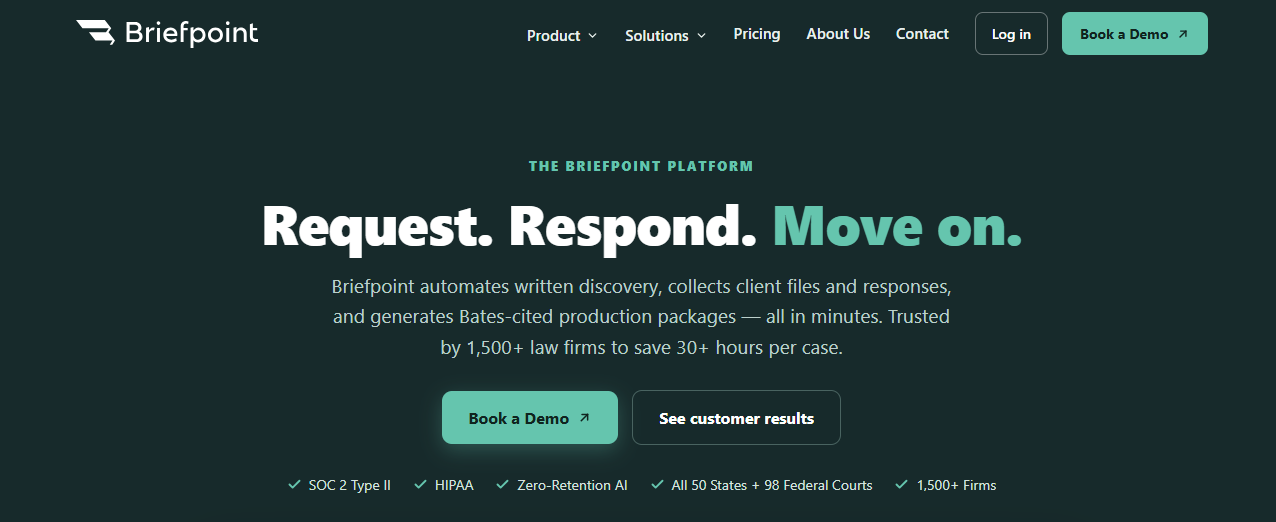
The platform also helps collect client answers and files through Bridge. Clients receive a secure, mobile-friendly link where they can respond in plain English, while their answers are mapped back to the correct requests.
For document-heavy RFP responses, Autodoc searches uploaded case files for responsive material, creates page-level Bates citations, and prepares a Bates-numbered production package.
Briefpoint then generates a formatted response in Microsoft Word for attorney review. It focuses on discovery rather than court filings or general tasks within the legal profession, which makes it a practical option for legal teams handling recurring litigation work.
Best Features
- Discovery request drafting: Creates interrogatories, RFAs, and RFPs from complaints and case details.
- Objection-aware responses: Drafts answers and discovery objections for your team to review and revise.
- Bridge: Collects client answers and documents through a secure link written in plain English.
- Autodoc: Finds responsive documents and prepares Bates-cited Word responses.
- Production packages: Organizes selected files into a Bates-numbered package for service.
- Supplemental responses: Updates earlier responses while preserving the prior language.
- Jurisdictional support: Supports state and federal discovery documents throughout the United States.
Pros
- Built specifically for written discovery
- Gives attorneys control over document selection and final edits
- Reduces repetitive drafting and formatting work
- Connects client input directly to discovery requests
- Produces editable Microsoft Word documents
- Supports both propounding and responding to discovery
2. Harvey
Harvey is a broad legal AI platform designed for law firms and in-house teams handling complex work. Its AI models can assist with legal research, due diligence, litigation tasks, and contract work from one secure workspace.

Source: Harvey.ai
The platform is a strong fit for larger teams that want AI support beyond one narrow workflow. Lawyers can use Harvey to analyze large document sets, draft and revise legal materials, or work through questions that require legal reasoning.
Plus, its Contract Intelligence product helps teams review agreements, surface key terms, and prepare for negotiations.
Best Features
- Legal research: Researches complex legal and regulatory questions using connected sources.
- Contract Intelligence: Reviews agreements and surfaces information that can guide negotiations.
- Harvey Agents: Carries out multi-step legal workflows with less manual prompting.
- Vault: Stores and analyzes large collections of legal documents in a secure environment.
- Due diligence support: Helps lawyers review deal documents and organize findings.
- Shared Spaces: Gives internal and external legal teams a secure place to collaborate.
Pros
- Useful for transactional and litigation practices
- Handles complex legal reasoning and document analysis
- Combines research with contract drafting and review
- Suited to firmwide AI adoption
- Works with internal sources and existing legal systems
3. CoCounsel Legal
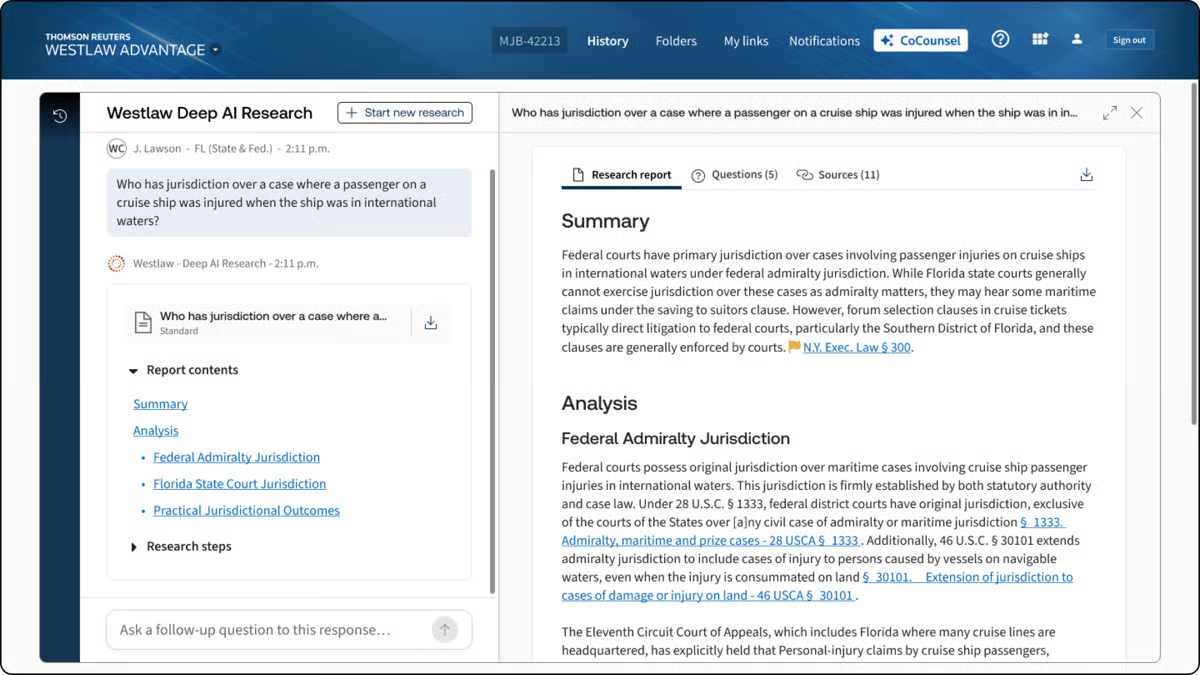
CoCounsel Legal is Thomson Reuters’ AI platform for legal research, drafting, and document analysis.
It draws from Westlaw and Practical Law, giving lawyers access to authoritative legal content without moving between separate research systems. The platform can also account for the relevant jurisdiction and provide citations that let you verify its work.
Source: G2
Its legal research capabilities are a major part of the appeal. You can ask a detailed question, review a synthesized answer, and trace the supporting sources.
CoCounsel Legal also works with uploaded matter documents, so you can use it to summarize records, compare language, or prepare an initial draft based on your own data.
Best Features
- Deep research: Investigates complex questions using Westlaw and Practical Law, then returns cited findings.
- Jurisdictional research: Tailors results to the jurisdiction connected to your legal question.
- Document analysis: Reviews uploaded files and extracts relevant facts or issues.
- Drafting workflows: Helps prepare legal documents using research and matter materials.
- Practical Law access: Finds templates, practice notes, and other attorney-developed resources through natural-language requests.
- Microsoft Word integration: Brings CoCounsel tools into the document lawyers are already editing.
Pros
- Grounds research in established Thomson Reuters content
- Provides citations for easier verification
- Combines legal research with drafting and document review
- Adjusts research based on the relevant jurisdiction
- Gives lawyers access to Westlaw and Practical Law in one workspace
4. Eve Legal
Eve Legal is built for plaintiff firms handling work such as personal injury and employment cases. Its EveOS platform supports casework from intake through litigation while keeping documents and matter details connected in one system.

Source: Eve.Legal
You can use Eve to draft demand letters, summarize medical records, prepare discovery, and review files for missing information.
Eve Agents can take on recurring tasks using your firm’s documents and preferred writing style, while attorneys keep control of the final work product.
Best Features
- Demand letter drafting: Creates customized demands using case facts and supporting records.
- Medical record summaries: Organizes treatment history into a clearer format for attorney review.
- Discovery support: Helps firms prepare discovery requests and responses.
- Eve Agents: Handles recurring casework using the firm’s documents and internal processes.
- Eve Auditor: Reviews active files for overlooked injuries, deadlines, and other potential case issues.
- Client communication: Supports routine updates and outreach during the life of a case.
Pros
- Built for plaintiff-side practices
- Covers pre-litigation and litigation work
- Learns from the firm’s documents and writing style
- Connects case data with drafting and review workflows
- Supports sensitive records with encrypted infrastructure and security controls
5. Lexis+ With Protégé
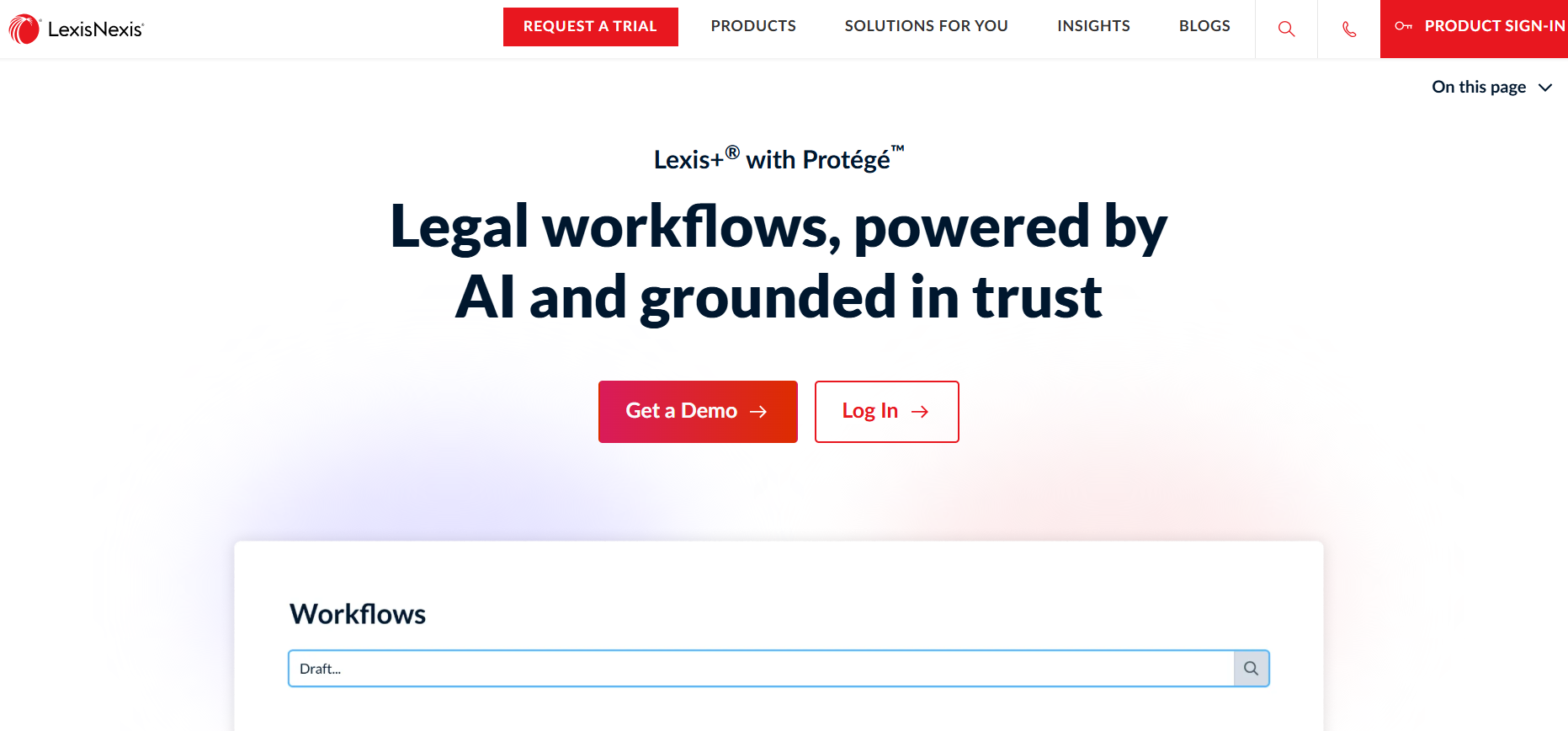
Lexis+ with Protégé combines legal research, drafting, and document analysis in one AI-powered workspace.
The platform is built on LexisNexis content, which gives you access to primary law, secondary sources, and Practical Guidance while you work through a legal question.
Source: LexisNexis.com
Protégé can help you prepare drafts, summarize uploaded files, and review evidence for relevant details. Its responses can draw from your organization’s documents along with LexisNexis sources, rather than relying only on publicly available data.
For teams already using Lexis products, it may be the right tool for bringing AI into an established research process.
Best Features
- Conversational research: Answers legal questions using authoritative LexisNexis content and cited sources.
- Legal drafting: Prepares initial drafts using research materials, uploaded files, and firm documents.
- Document analysis: Summarizes records and identifies relevant facts, conflicts, or missing information.
- Protégé workflows: Guides multi-step legal tasks while letting lawyers review the proposed approach.
- Shepard’s integration: Helps users verify citation status and treatment before relying on an authority.
- Practical Guidance: Connects research with forms, checklists, and attorney-developed practice materials.
Pros
- Draws from the company’s extensive collection of legal documents
- Connects AI research with Shepard’s citation tools
- Uses firm materials alongside trusted LexisNexis sources
- Fits naturally into existing Lexis research workflows
- Supports drafting and evidence review within one platform
6. Spellbook
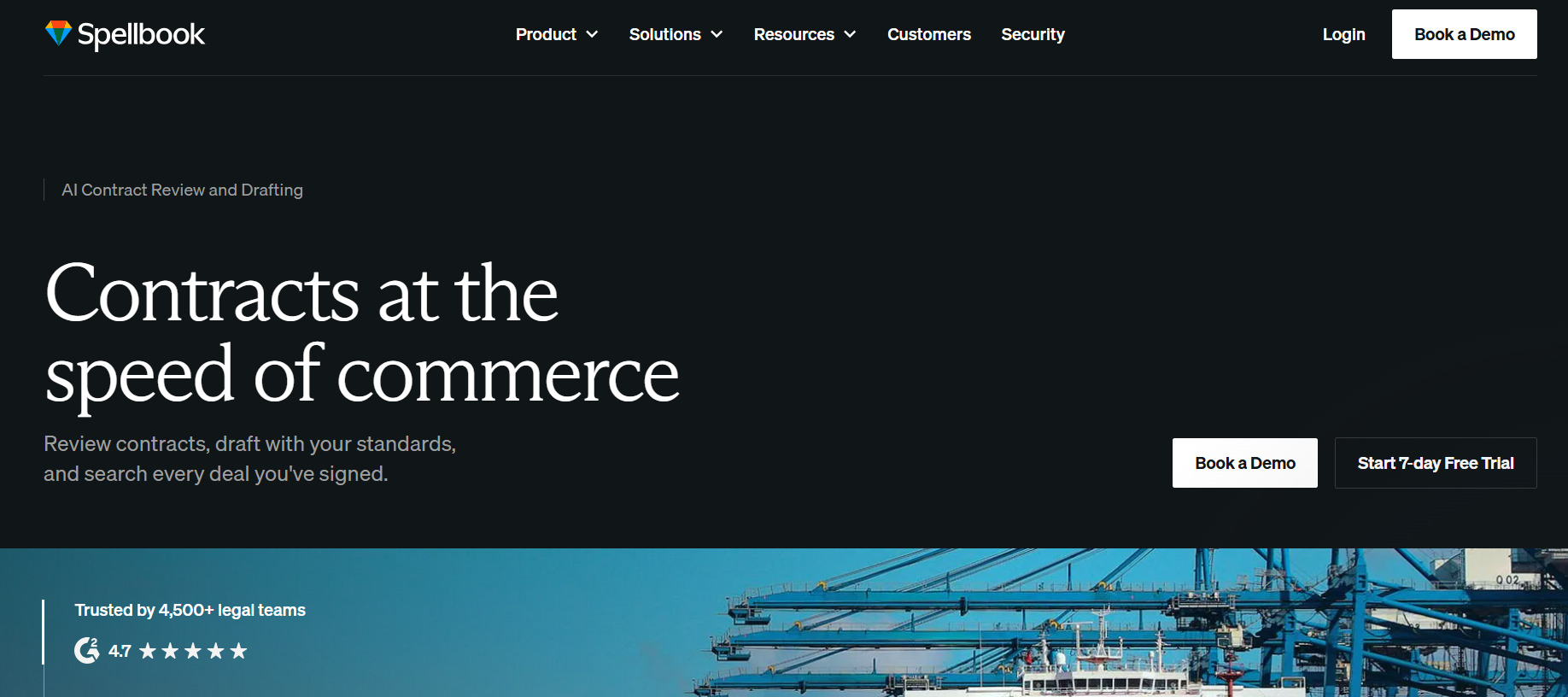
Spellbook is a legal AI tool built for lawyers who spend much of their day drafting and reviewing contracts. It works inside Microsoft Word, which allows you to analyze an agreement or revise language without moving the document into a separate platform.
Source: Spellbook.com
The software can suggest clauses, create redlines, and answer questions about the contract in front of you. Its Playbooks let firms apply their preferred positions and review standards to recurring agreements.
Spellbook Associate extends those capabilities to multi-document contract analysis and custom workflows, such as comparing agreements or updating a template from reference files.
Best Features
- Contract review: Flags unusual terms, missing language, and possible risks within an agreement.
- Drafting tools: Generates clauses or full drafts using your instructions and existing document.
- AI redlining: Suggests edits based on the represented party and desired negotiation position.
- Playbooks: Reviews contracts against reusable rules and preferred terms created by your firm.
- Spellbook Associate: Compares multiple documents and answers questions using the selected files.
- Custom workflows: Turns recurring multi-document processes into templates your team can reuse.
Pros
- Works directly inside Microsoft Word
- Focuses closely on contract drafting and review
- Adapts reviews to firm playbooks
- Supports both single-document and multi-document work
- Makes recurring contract workflows easier to standardize
7. Everlaw
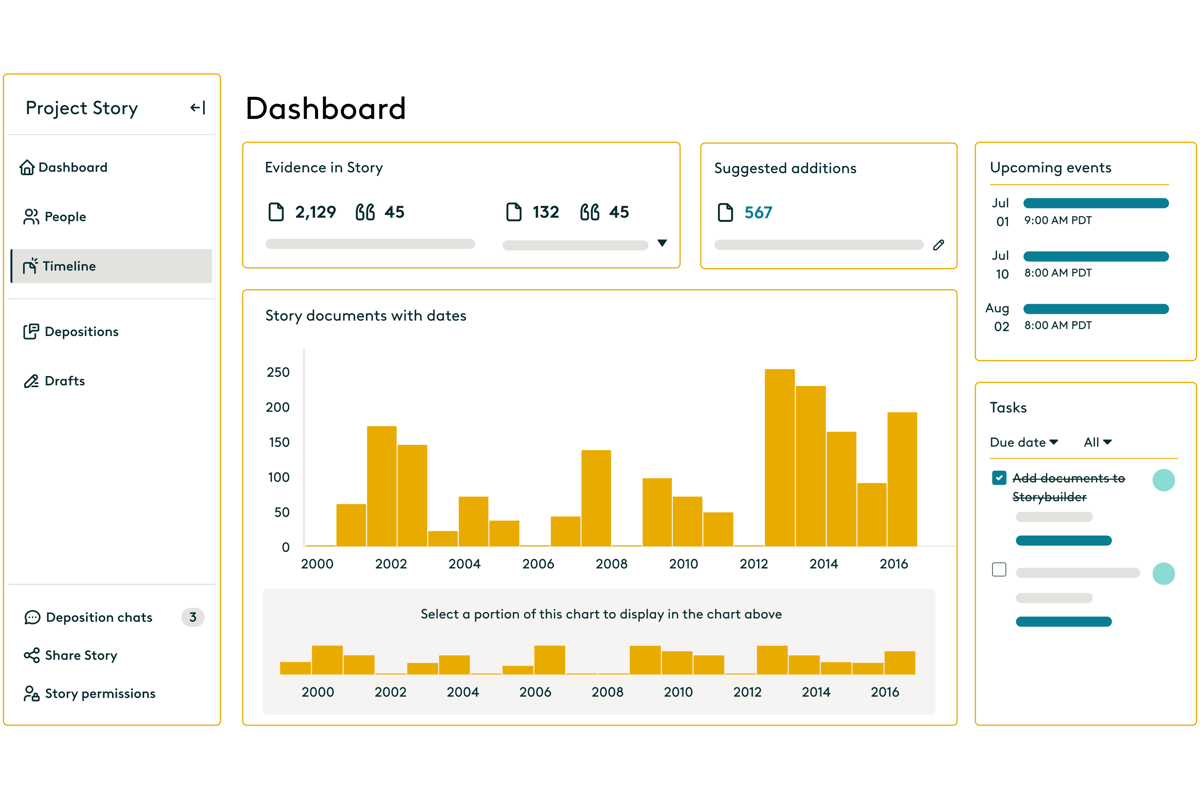
Everlaw is a cloud-based ediscovery platform for litigation, investigations, and document-heavy legal work.
It gives you tools for processing data, reviewing evidence, and preparing a case within one workspace. Its AI features are grounded in the documents uploaded to the platform, so lawyers can trace findings back to the source material.
Source: G2
The platform is better suited to teams with substantial discovery needs than small firms handling only occasional matters. You can use it to identify responsive records, review material for privilege, and organize the evidence that may eventually be produced to opposing counsel.
In general, Everlaw supports the discovery process rather than researching statutes or answering general legal questions.
Best Features
- AI-powered review: Summarizes documents and surfaces information relevant to the case.
- Predictive coding: Prioritizes records that are likely to be responsive during large reviews.
- Storybuilder: Turns key evidence into timelines, deposition materials, and case narratives.
- Early case assessment: Helps teams understand the size and content of a dataset before a full review.
- Legal holds: Manages preservation notices and tracks custodian compliance.
- Production tools: Prepares reviewed documents for delivery in the required format.
- Security controls: Protects sensitive data with permissions, encryption, and compliance safeguards.
Pros
- Handles large and complex discovery matters
- Connects document review with case preparation
- Keeps AI findings tied to source documents
- Supports review, production, and legal holds in one platform
- Gives distributed teams a shared cloud workspace
How to Choose the Best Legal AI Software for Your Team
Start with the work your team actually wants to improve. A powerful AI assistant may sound appealing, but paying for broad capabilities makes little sense if you only need help with one part of your practice.
Here are several factors you should consider:
- Match the tool to your workload: Look for software built around the tasks taking up the most time, such as discovery drafting, contract review, or legal research.
- Check your existing systems: See if the platform connects with your case management or practice management software. A tool that fits your current setup is usually easier to adopt.
- Review data protections: Confirm how the provider stores client data, who can access it, and if your information is used to train its models.
- Consider the learning curve: Ask how much training lawyers and staff will need before they can use the platform confidently.
- Compare pricing with usage: Some tools charge per user, while others offer plans designed for enterprise teams. Choose a structure that reflects how often the software will be used.
- Test the output: Run the tool through a realistic legal task and check how much editing the result requires.
Choose Legal AI That Fits the Work
Legal AI software can save your team time, but the strongest choice depends on the work filling your day. A research platform may suit complex legal questions, while contract software can help teams review agreements.
Litigation practices may benefit more from a tool built specifically for discovery.

Briefpoint focuses on written discovery from drafting through document production.
It can prepare and respond to interrogatories, RFAs, and RFPs in jurisdiction-specific formats. Client Bridge collects answers and files through a secure link, then maps the information back to the relevant requests.
Autodoc handles the document-heavy side of RFP responses. It identifies responsive files, removes irrelevant material, adds page-level Bates citations, and creates a Bates-numbered production package. Briefpoint then generates an editable Microsoft Word draft for attorney review.
