8 Ways to Optimize Your Litigation Workflow

What Are the Biggest Litigation Bottlenecks Legal Teams Face?
If you’re managing a litigation process, you probably know the frustration of slowdowns that seem to pop up everywhere. Before we dive into fixes, let’s take a clear-eyed look at what’s really clogging your legal workflows.
Here are some of the most common culprits:
- Manual processes: Filing, sorting, and tracking paperwork by hand wastes time and increases the risk of human error. Every extra hour spent on admin work is time you’re not spending on strategy, client service, or case analysis.
- Discovery delays: Discovery shouldn’t feel like digging through a haystack. Yet, without the right legal technology, searching for key information or drafting discovery documents can turn into a tedious, drawn-out process that delays your entire workflow.
- Communication gaps: Missed messages, unclear updates, or siloed conversations? These gaps can lead to real consequences like missed deadlines, rework, and lost trust with clients. Effective communication is a core part of client satisfaction, and it’s often overlooked.
- Outdated methods: Relying on paper files, spreadsheets, or outdated systems slows down collaboration and makes finding information harder.
- Overburdened staff: When your team is buried in repetitive administrative work, they face intense daily pressure and have less time for high-impact legal tasks. That bottleneck adds up, hurting both your efficiency and client satisfaction.
These issues don’t just slow things down. They also create stress, frustration, and even client dissatisfaction.
The good news? Once you pinpoint these roadblocks, you’ll be in a stronger position to streamline tasks, strengthen communication, and adopt legal technology that truly supports your practice.
How to Maximize Your Litigation Workflow
Now that we have a clearer picture of the common roadblocks, it’s time to focus on how you can clear them and set your legal workflows up for long-term success.
Let’s walk through a few smart ways to tighten up your workflow, cut down on human error, and bring your legal technology up to speed.
1. Identify the Worst Roadblocks in Your Legal Workflow Automation
As mentioned, it’s important to figure out where your workflow gets stuck before you look for solutions.
Let’s say your firm still uses paper files. Sound familiar? Every time you need something, you’re digging through endless stacks of folders and wasting time that could be spent elsewhere.
Or take the discovery phase, as it’s one of the most time-consuming parts of the litigation workflow. Drafting similar documents over and over manually can eat up hours and leave room for mistakes.
Communication is another common issue. Imagine a client sends over crucial updates, but not everyone on the team gets the memo. Suddenly, deadlines are missed, and everything feels chaotic when trying to share updates with the other party. These communication breakdowns can also create issues when coordinating filings, responses, or document exchanges with the opposing party.
Then there’s the workload. Staff members are often juggling important casework with routine tasks like scheduling and data entry. For example, a paralegal might spend more time managing calendars than actually contributing to the case, which is why most people find manual workflows so frustrating.
Identifying these problem areas makes it easier to take action. The next challenge is finding the best ways to resolve them.
2. Use Legal Practice Management Software
Legal practice management software simplifies your legal workflow by consolidating essential tasks into one platform. Rather than using multiple tools or relying on outdated methods, you can manage everything more efficiently and focus on more value-adding work.
These tools are designed to handle a variety of tasks, including:
- Tracking case deadlines and tasks
- Managing client communication and case files
- Automating legal billing and invoicing processes
- Generating reports to monitor performance
- Storing and sharing documents securely
- Handling document review
The software’s centralized approach eliminates the back-and-forth between systems to save you time and reduce errors. Having all your data in one place gives your team a clear view of every active case.
For example, it’s easier to keep track of deadlines with built-in calendars and task lists. Features like automated billing also make invoicing quicker and more accurate, helping you get paid faster.
Collaboration becomes seamless, too. Whether you’re sharing updates with your team or accessing files remotely, everything is organized and easily accessible.
Many platforms also integrate with tools you already use, like email or cloud storage, which helps organize your workflow even further.
3. Automate Discovery Document Drafting
Drafting discovery documents is a tedious and time-intensive task for legal teams, but legal document automation tools like Briefpoint can make the process faster and more efficient.
Here’s how it works: You start by uploading your discovery request to Briefpoint. Its AI jumps in by scanning and pulling key details like the court name, case number, parties involved, and even the type of request. It also applies local formatting rules automatically to save you the hassle of doing it manually.
Once that’s done, the system creates a draft with the basics already filled out, including captions and routine information. From there, you can add objections or responses with just a few clicks, personalizing each request as needed.
When everything looks good, you can download the document, open it in Word, and make any final tweaks before filing.
Briefpoint can handle requests for production, requests for admission, and interrogatories, and it supports discovery work in all 50 U.S. states, D.C., and all 98 federal district courts. Trusted by 1,500 law firms, it helps you save up to 30 hours per case and generate up to 70 discovery requests in under 3 minutes.
4. Digitize As Much As You Can
Relying on paper files creates more headaches than it solves. Whether you’re handling a legal dispute or managing filings in district court, digitizing your workflow saves time and minimizes stress, especially when every minute counts.
Essentially, a strong legal workflow management system helps you work smarter and serve clients better. Here’s how going digital supports smoother workflow management:
- Relevant document access: Instead of sorting through paper files, you can gain access to the documents you need in seconds. This makes reviewing documents and responding to client needs much easier.
- Smoother collaboration: With digital files, your entire team can access and update the same documents in real time. This means no more version control headaches or wasted time on non-billable tasks.
- Streamlined client intake: Digital tools simplify the client intake process, which helps you gather information faster and kick off matters for the plaintiff without unnecessary back-and-forth.
- Centralized legal workflow management software: Using purpose-built legal workflow management software keeps everything organized.
- Future-ready federal court filings: As district courts continue moving toward electronic filings, having a digitized system ensures you stay compliant and competitive.
5. Offer Self-Service Options
Not every question needs a direct call or email. By offering self-service options like a knowledge base or blog, you give clients easy access to information while freeing up your team’s time.
These resources can be especially useful for answering common questions about topics like alternative dispute resolution, navigating the court system, or understanding civil procedure.
A well-organized knowledge base provides quick explanations of legal processes, which helps save clients from waiting for responses. For example, they could look up how arbitration works or what to expect during a civil procedure hearing.
Blogs, on the other hand, allow you to share insights on broader topics, like preparing for a district court appearance, handling settlement negotiations, or tips for managing legal disputes.
Aside from helping clients, these tools position your firm as knowledgeable and proactive. They can also cut down on repetitive inquiries so your team can focus on more pressing tasks.
6. Consider Outsourcing Administrative Tasks
Administrative tasks can pile up quickly and leave your team stretched thin. Outsourcing some of these responsibilities is a smart way to free up time and focus on core work like medical malpractice cases, civil litigation, or resolving disputes.
Reducing administrative work also gives attorneys more time to focus on client matters and productive billable hours.
Here are some common tasks you can outsource:
- Preparing defendant answers and other routine legal documents
- Managing data entry for civil litigation and criminal cases
- Scheduling meetings and managing calendars
- Organizing discovery files
- Handling client communication for non-urgent inquiries
For example, using a virtual legal assistant or legal outsourcing service can reduce workloads, lower administrative costs, and improve efficiency while making sure all tasks are handled properly.
7. Invest in a Good CRM Software
Client relationship management (CRM) software is a practical tool for organizing client information, managing interactions, and tracking case details. A well-chosen CRM keeps your team efficient while improving the overall client experience.
These platforms centralize important data such as contact information, case histories, and communication logs.
With everything in one place, finding the details you need becomes much easier. Setting reminders, tracking deadlines, and monitoring case progress also become seamless, reducing the risk of overlooked tasks in a complex lawsuit.
Integrations with tools like email and document systems further untangle your workflows. Many CRM solutions also include legal automation features, which help with tasks like sending client updates or creating detailed progress reports to better manage customer demands.
A reliable CRM sets you up for better communication, improved legal task management, and smoother operations. It’s a great investment, especially for many firms that use these systems to deliver exceptional service to their clients.
8. Switch to Legal Research Tools
If you’re still relying on traditional legal research methods, you’re probably spending more time than you need to and adding unnecessary administrative burdens to your legal workflows.
In contrast, shifting to automated systems and modern legal research tools transforms this formal proceeding into something faster, more precise, and far less tedious.
Faster research can be especially valuable when preparing arguments for a summary judgment motion or evaluating a case strategy.
By using research platforms built for law firms, you free up time for strategic tasks like case analysis and trial preparation. Here’s what modern legal research tools bring to your workflow:
- Advanced search capabilities: Cut through irrelevant results with tools that filter by jurisdiction, statute, case law, or topic, so you get exactly what you need without endless searching.
- Built-in citation analysis: Make sure every case you reference is valid and up-to-date, reducing the risk of relying on outdated information.
- Access to comprehensive legal databases: Whether you need federal regulations or state-specific laws, these tools keep everything in one place for easy access.
- Efficiency for large law firms and growing teams: Automated workflow features help scale research processes without overloading your staff.
These platforms can also help attorneys locate authorities and precedents needed for pre-trial motions without spending hours searching through multiple sources.
Pairing legal research tools with legal workflow automation software helps streamline the formal research process while keeping your team focused on high-impact, strategic tasks.
Overall, it’s a smart way to replace manual work with automated workflow systems that maximize both efficiency and the quality of your work.
Briefpoint Is the First Step to Upgrading Your Litigation Workflow
Improving your litigation workflow doesn’t have to feel like a huge challenge. While this isn’t an exhaustive list, it’s a great place to start. Tackling workflow clogs, digitizing processes, and using the right tools can make a big difference in how smoothly things run.
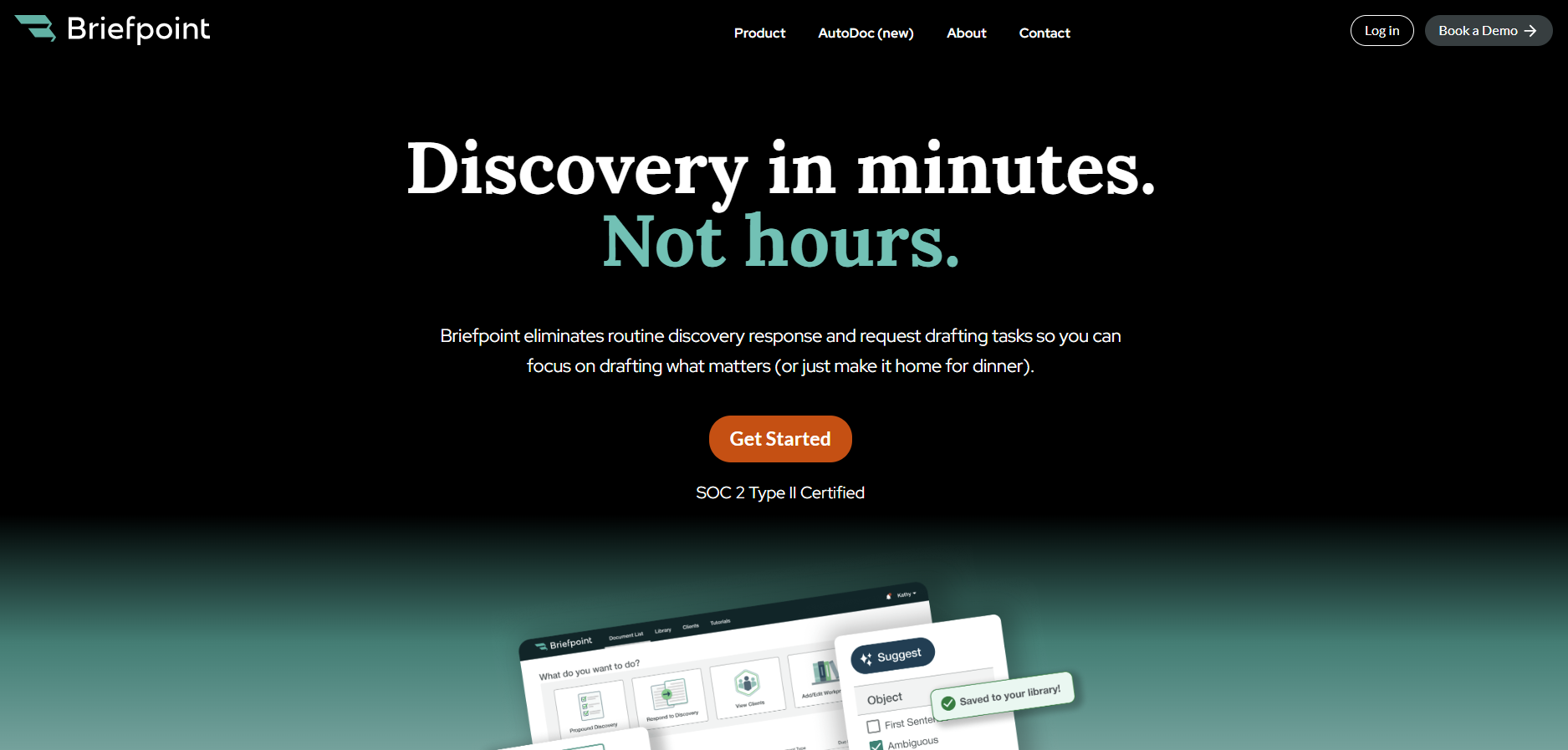
When it comes to simplifying repetitive tasks like drafting discovery documents, Briefpoint is an excellent choice. Its AI-powered system gives attorneys and law teams the ability to save time, reduce errors, and keep everything organized.
From requests for production to interrogatories, it handles a wide range of discovery documents with ease.
For document-heavy matters, Autodoc can identify responsive documents, generate Bates-cited responses, and create organized production packages from your case files and productions.
If you’re looking to make your workflow more efficient, schedule a demo with Briefpoint today and see how it can support your practice.
Interrogatories example: Questions and answers
Interrogatories example: Questions and answers
Legal content overseen by Nathan Walter, Esq., attorney licensed in California (State Bar No. 313299).
An interrogatories example is easiest to read as a numbered written question paired with a numbered written answer. Under Federal Rule of Civil Procedure 33, one party serves the questions on another, and each interrogatory must be answered separately and fully in writing under oath to the extent it is not objected to.
This guide covers civil discovery in U.S. district courts under the Federal Rules of Civil Procedure; state-court practice is outside its scope.
The five samples below show format and phrasing, not a complete, service-ready set. After the samples come the federal rules on limits, timing, and signatures, then the steps for preparing answers. For background, see our overview of interrogatories in discovery.
Interrogatories example: Five questions and answers
The examples below are invented hypotheticals for illustration, not a complete discovery set or case-specific legal advice.
A party’s role in the incident
The plaintiff asks the defendant driver about his role.
INTERROGATORY NO. 1: Describe your role in operating the vehicle involved in the March 3, 2026 collision at Main Street and 5th Avenue, including whether you were the driver at the time of the collision.
ANSWER TO INTERROGATORY NO. 1: I was the driver and the only occupant of the vehicle at the time of the collision. I was driving north on Main Street and entering the intersection at 5th Avenue.
The answer identifies the responding party as the driver, then stops. Rule 33(b)(3) calls for a full answer to the question asked, not a biography, and Rule 26(b)(1) limits discovery to relevant, proportional, nonprivileged matter.
Facts supporting a defense
The plaintiff asks the defendant for the facts behind a contention.
INTERROGATORY NO. 2: State the facts supporting your contention that Plaintiff entered the intersection against the traffic signal.
ANSWER TO INTERROGATORY NO. 2: The signal facing northbound Main Street traffic was green when I entered the intersection. Plaintiff’s vehicle, traveling east on 5th Avenue, entered the intersection while the cross-street signal was red, without slowing before the vehicles collided. At the scene, Plaintiff told the responding officer that she had not seen the light change.
The answer gives what the driver saw and what Plaintiff said at the scene. A line such as “exercised reasonable care at all times” would state no facts. Under Rule 33(a)(2), an interrogatory is not objectionable merely because it asks for a contention that relates to fact or the application of law to fact. The court may defer the answer until designated discovery is complete or another time it sets.
A claimed wage-loss amount
The defendant asks the plaintiff for a wage-loss calculation.
INTERROGATORY NO. 3: State the amount of wages you claim to have lost between March 4, 2026 and March 17, 2026, and state how you calculated that amount.
ANSWER TO INTERROGATORY NO. 3: I claim $2,000 in lost wages for March 4 through March 17, 2026. I missed 10 scheduled workdays in that period because of the injuries I attribute to the collision. My pay was $200 per workday before taxes. Ten workdays multiplied by $200 equals $2,000. This answer addresses only that period.
The answer states the period and the basis, so the other side can test the arithmetic. It does not say that any wage loss, past or future, is recoverable. A defined period also fits Rule 26(b)(1) proportionality better than a request for all financial history.
People with knowledge of an employment decision
The employee-plaintiff asks the employer-defendant who decided.
INTERROGATORY NO. 4: Identify each person who participated in the decision to terminate Plaintiff’s employment on April 15, 2026, and state each person’s job title and role in the decision.
ANSWER TO INTERROGATORY NO. 4: Maria Chen, Plaintiff’s direct supervisor, recommended the termination. Dana Okafor, Director of Operations, made the final decision. Samuel Lee, Human Resources Manager, reviewed the decision before it was communicated to Plaintiff. This answer is based on the information available to Defendant, including its personnel records and interviews of these three people.
When a corporation, partnership, association, or governmental agency is the responding party, Rule 33(b)(1)(B) says an officer or agent answers and “must furnish the information available to the party.” That is why this answer draws on personnel records and interviews, not only the signer’s memory.
Records supporting a damages calculation
The defendant asks the plaintiff to identify the supporting records.
INTERROGATORY NO. 5: Identify the wage statements you used to calculate the amount stated in your answer to Interrogatory No. 3.
ANSWER TO INTERROGATORY NO. 5: I used the weekly wage statements issued by my employer for the weeks ending March 6, March 13, and March 20, 2026. Copies were produced with Plaintiff’s document production as PLTF000101 through PLTF000103.
Identifying a record in an answer differs from asking for its production, which is a Rule 34(a)(1) request. A Bates range (the sequential numbers stamped on produced pages) in an answer is not automatically a valid substitute for the answer itself, because Rule 33(d) sets conditions, covered below.
Federal rules that shape the examples
These entries summarize Rules 33, 26, and 6. Court orders and local requirements in the district also need review; this guide does not describe any local rule.
Number of interrogatories
Under Rule 33(a)(1), unless otherwise stipulated or ordered by the court, a party may serve on any other party no more than 25 written interrogatories, including all discrete subparts. Leave to serve more may be granted to the extent consistent with Rule 26(b)(1) and (2).
Scope
Under Rule 33(a)(2), an interrogatory may relate to any matter within Rule 26(b). Rule 26(b)(1) covers nonprivileged matter that is relevant to a party’s claim or defense and proportional to the needs of the case. Relevance alone is not enough.
Response time
Rule 33(b)(2) requires the responding party to serve its answers and any objections within 30 days after being served with the interrogatories. The parties may stipulate to a shorter or longer time under Rule 29, or the court may order one.
Calculating time
Rule 6(a)(1) excludes the triggering day, counts intermediate weekends and legal holidays, and includes the last day. If the last day is a Saturday, Sunday, or legal holiday, the period runs to the end of the next day that is not one. Rule 6(d) adds 3 days only after service made under Rule 5(b)(2)(C) (mail), (D) (leaving with the clerk), or (F) (other means consented to).
Answers and signatures
Rule 33(b)(3) requires each interrogatory, to the extent not objected to, to be answered separately and fully in writing under oath. Under Rule 33(b)(5), the person who makes the answers signs them, and the attorney who objects signs any objections.
How to adapt the questions to your case
1. Tie the question to a disputed fact
Start from the pleadings. Identify what the parties disagree about, then write the question to reach that fact. Rule 26(b)(1) ties scope to a claim or defense and to proportionality.
2. Define the event and time period
Name the event, date, and place. “Describe your medical treatment” invites objections. “Identify each provider who treated the neck injury alleged in the complaint, from the collision date to the date of your answer” is easier to answer and to defend.
3. Review the set and its discrete subparts
Numbering on the page does not settle the Rule 33(a)(1) count. A question with several lettered parts may count as more than one interrogatory. Our guide on how to draft interrogatories covers the propounding workflow in more detail.
How to prepare complete answers and specific objections
1. Gather facts from the client and records
Reconcile names, dates, amounts, and organizational information from the client and the records. Briefpoint drafts responses and objections to interrogatories from that material. Client Bridge client collection is an optional way to send clients plain-language questions through a secure link and receive their answers and uploads for attorney review.
2. Answer each question fully
Rule 33(b)(3) requires a full answer to the extent the interrogatory is not objected to, so a short answer works only if it is complete. State what is known, say so where information is unknown, and do not guess. “Investigation is ongoing” does not excuse withholding information already available.
3. Explain any objection specifically
Rule 33(b)(4) requires the grounds for an objection to be stated with specificity. A ground not stated in a timely objection is waived unless the court, for good cause, excuses the failure.
Suppose a question asks about employment “ever.” An objection that explains why the period is overbroad for the claims at issue, and says the response covers a defined shorter period, is more specific than a list of stock grounds. The rest still needs a full answer under Rule 33(b)(3).
If information is withheld as privileged, Rule 26(b)(5)(A) requires the party to expressly make the claim and describe what is withheld so others can assess the claim without revealing privileged information. Our guide to objections to interrogatories covers specific grounds.
4. Review signatures and serve the response
Before service, check the signatures required by Rule 33(b)(5): the answering person’s on the answers and the objecting attorney’s on any objections. Serve the responses within the Rule 33(b)(2) period, as stipulated or ordered.
When records and later facts affect an answer
When Rule 33(d) permits a records-based answer
Rule 33(d) allows a business-records answer only if the answer may be determined by examining, auditing, compiling, abstracting, or summarizing a party’s business records (including electronically stored information) and the burden is substantially the same for either party. The responding party must also specify the records in enough detail for the other side to locate and identify them as readily as the responding party could, and give a reasonable opportunity to examine and audit them and to make copies, compilations, abstracts, or summaries.
Writing “see documents produced” or giving a Bates stamp alone does not meet those conditions. Rule 33(d) also differs from a question asking which documents exist, as in Interrogatory No. 5. Production belongs under Rule 34; see our page on requests for production. Autodoc document matching and Bates citations finds responsive documents and adds page-level Bates citations.
When a response must be supplemented
Under Rule 26(e)(1)(A), a party who has answered an interrogatory must supplement or correct the answer in a timely manner if it learns the answer is incomplete or incorrect in some material respect, and the additional or corrective information has not otherwise been made known to the other parties during discovery or in writing. Under Rule 26(e)(1)(B), the court may also order supplementation. A “reservation of rights” sentence neither creates this duty nor replaces it. The Supplemental Responses feature supports this stage.
Draft interrogatory responses with Briefpoint
Briefpoint drafts responses and objections to interrogatories for attorneys to review. For plaintiff firms, Client Bridge can send clients plain-language questions through a secure link and collect their answers and uploads for attorney review, so you can fill gaps in client facts before drafting. Output is editable in Microsoft Word, and attorneys keep final review.
Autodoc can find responsive documents, add page-level Bates citations, and build Bates-numbered production packages for the attorney to check. A draft is a starting point for that review, not a response ready to serve, and it does not guarantee compliance with Rule 33 or any court’s requirements. Reviewing each answer against the record and deciding on objections remains the attorney’s work.
For more on plaintiff-side use, see discovery software for plaintiff firms.
To see how Briefpoint fits your discovery workflow, Book a demo.
Watch the Briefpoint demo:
FAQs about interrogatories example
What is an example of an interrogatory?
One example is: “Describe your role in operating the vehicle involved in the March 3, 2026 collision.” Each answer is matched by number. Under Federal Rule of Civil Procedure 33(a), a party may serve written interrogatories on another party, and Rule 33(b)(3) requires each to be answered separately and fully in writing under oath, to the extent it is not objected to.
How do you answer interrogatories?
Answer each interrogatory separately and fully in writing under oath, to the extent you do not object to it. Check the facts against the client’s account and records first. State any objection with specificity, because Rule 33(b)(4) treats grounds not stated in a timely objection as waived unless the court excuses the failure for good cause.
How many interrogatories can you ask in federal court?
Under Rule 33(a)(1), a party may serve no more than 25 written interrogatories on any other party, including all discrete subparts, unless the parties stipulate otherwise or the court orders a different number. The numbers on the page do not settle the count, because one numbered question with discrete subparts may count as more than one.
How long do you have to respond to interrogatories?
Rule 33(b)(2) sets 30 days after service of the interrogatories, unless the parties stipulate to a different time under Rule 29 or the court orders one. Rule 6(a)(1) excludes the day of service, counts intermediate weekends and legal holidays, and extends a period that ends on a weekend or legal holiday. Rule 6(d) adds 3 days only after certain service methods. Check the scheduling order.
Who signs interrogatory answers?
The person who makes the answers signs them, and the attorney who objects signs any objections, under Rule 33(b)(5). If the responding party is a corporation, partnership, association, or governmental agency, Rule 33(b)(1)(B) has an officer or agent answer and furnish the information available to the party. That person signs as the one making the answers.
The information provided on this website does not, and is not intended to, constitute legal advice; instead, all information, content, and materials available on this site are for general informational purposes only. Information on this website may not constitute the most up-to-date legal or other information. This website contains links to other third-party websites. Such links are only for the convenience of the reader, user or browser. Readers of this website should contact their attorney to obtain advice with respect to any particular legal matter. No reader, user, or browser of this site should act or refrain from acting on the basis of information on this site without first seeking legal advice from counsel in the relevant jurisdiction. Only your individual attorney can provide assurances that the information contained herein – and your interpretation of it – is applicable or appropriate to your particular situation. Use of, and access to, this website or any of the links or resources contained within the site do not create an attorney-client relationship between the reader, user, or browser and website authors, contributors, contributing law firms, or committee members and their respective employers.
READ MORELegal Billing Software: What You Need to Know (+ 7 Best Options)
What Is Legal Billing Software?
Legal billing software helps manage billing, payments, trust accounts, and other parts of law firm financial management in one system.
Here are some things it can help you do:
- Track billable time: Record hours and tasks accurately, so your bills reflect the work completed and less time goes unbilled.
- Create professional invoices: Put together clear, client-ready bills with detailed entries, rates, and expenses tied to the right matter.
- Manage trust accounts: Keep client funds separate from operating funds and maintain cleaner records for compliance purposes.
- Handle expense management: Track filing fees, court costs, expert fees, and other matter-related expenses.
- Process payments: Accept online payments, reduce delays, and make it easier for clients to pay outstanding balances.
- Manage invoices: Review sent bills, monitor unpaid amounts, and keep billing activity organized in one place.
- Use batch billing: Generate multiple invoices at once to save time when your firm handles a large volume of matters.
- Support e-billing: Work with clients that require electronic billing formats and more structured submission processes.
- Review performance: Monitor collections, outstanding balances, and your firm’s financial performance more closely.
How Does It Differ From Regular Accounting Software?
Legal billing software is tailored specifically to the unique needs of law firms, while regular accounting software is more general and designed for businesses across various industries.
One major difference is time tracking. Legal billing software lets you track billable and non-billable hours accurately, which helps make sure your invoices reflect the work done for each client. This is something standard accounting software typically doesn’t offer.
Another key feature is trust accounting, which is critical for law firms to manage client trust funds and comply with legal regulations. Generic accounting tools usually aren’t equipped to handle this.
Additionally, legal billing software provides specialized reports, such as case-specific cost breakdowns and client expense summaries, which go beyond the standard financial reports found in regular tools.
Many legal billing platforms also integrate with case management systems to organize workflows in a way that generic software often can’t. These differences make legal billing software a much better choice for law firms.
Why Do Law Firms Need Legal Billing Software?
Legal billing software is essential for law firms aiming to stay organized, save time, and improve accuracy. Here’s why it’s worth the investment:
Accurate Billing
Tracking every billable minute manually can easily make room for error. For one, it’s easy to miss a few minutes here and there, and those small errors can add up to big losses over time. Plus, mistakes in the legal billing process can lead to client disputes, which can affect your bottom line overall.
Legal billing software takes the kinks out of the process. It tracks your time automatically, so you know exactly how many hours you’ve worked and can create accurate, detailed invoices.
For example, if you switch between different tasks throughout the day, the software can capture that time as you work, so those smaller tasks do not get left off the bill.
Clients appreciate clear, transparent billing, and you’ll avoid awkward conversations about charges that don’t add up. On top of that, you’ll get paid for every minute of the work you’ve done.
Time Savings
Billing can eat up more time than it seems like it should because it’s not only the invoice itself. It’s the time entries, the expenses, the follow-up, and all the manual data entry that pile up around the process.
Legal billing software solutions help cut that down. When you can track time and expenses in one place, there’s less catching up later and less time spent piecing everything together at the end of the month. A lot of the work that usually slows billing down becomes easier to manage.
That makes the entire billing cycle less of a drain on your day. You spend less time on billing admin and more time on actual legal work.
Better Cash Flow
Legal billing software can help your firm get paid faster by making the payment process easier to manage for both your team and your clients. Here are a few ways it helps:
- Automated reminders: The software sends reminders to clients automatically, which helps reduce delays.
- Online payment options: Clients can pay instantly through secure online portals, making the process faster and more convenient.
- Fewer overdue invoices: With clear invoices and easy payment methods, clients are less likely to miss deadlines.
- Faster invoice generation: Bills can go out sooner, which means less delay between finishing the work and requesting payment.
- Automated billing workflows: Recurring tasks like reminders, payment tracking, and follow-up take less manual effort.
- Custom payment plans: Some tools let firms offer structured payment options, which can help clients stay current on what they owe.
- Better billing data: You can review invoice status, payment activity, and outstanding balances without looking through separate records.
- Fewer billing errors: Cleaner records can reduce mistakes that slow down approvals or create billing disputes.
- Batch sending: Some platforms let you send multiple invoices at once, which helps keep billing on schedule.
Trust Account Management
Trust accounting has to be precise. Your firm needs to keep client funds separate from operating funds, record every deposit and withdrawal correctly, apply transactions to the right matter, and maintain a clear ledger for each client.
For modern law firms, that level of recordkeeping is hard to manage in the legal industry when too much of it depends on manual updates.
Legal billing software helps keep those requirements easier to manage. It gives your team one place to track trust activity, review balances, and keep records organized.
A lot of tools help with tasks like these:
- Separate trust and operating accounts
- Record deposits and withdrawals
- Match transactions to the correct matter
- Maintain client trust ledgers
- Review balances more easily
- Reduce commingling issues
- Support compliance recordkeeping
Detailed Reporting
Legal billing software takes the guesswork out of understanding your firm’s financial health by providing detailed reports.
These reports give you a clear breakdown of data like case expenses, client payments, and outstanding balances, all in one place. Instead of sifting through spreadsheets or scattered data, you can access organized insights with just a few clicks.
Whether you’re checking which clients have unpaid invoices or planning budgets, these reports make it easy to see where things stand. The ability to quickly pull up accurate financial information saves time and helps you make better decisions for your firm.
Our Top 7 Picks for Legal Billing Software
Choosing the right legal billing software can make a big difference in how efficiently your firm operates. With so many options available, it’s important to find a tool that fits your specific needs. Below, we’ve highlighted some of the best legal billing software options.
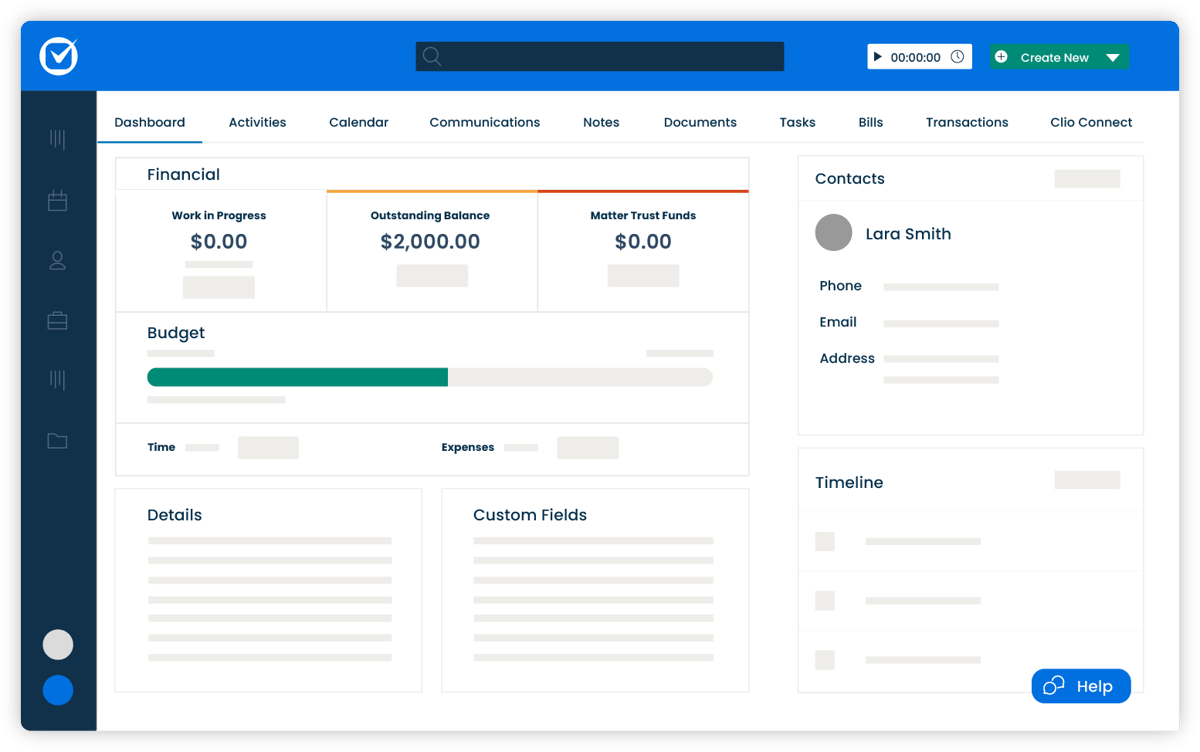
1. Clio
Clio is a versatile legal practice management platform that offers tools for case management, document organization, client communication, and more.
While it’s not primarily a billing software, Clio includes great billing features designed to simplify invoicing, time tracking, and trust account management.
Source: G2
Key Features
- Time tracking and billing: Track billable hours precisely and generate detailed invoices tailored to your clients.
- Customizable invoice templates: Create professional, branded invoices that reflect your firm’s style and include all necessary details.
- Secure client portal access: Provide clients with a secure space to view invoices, share documents, and communicate directly with your firm.
- Trust accounting management: Keep client funds compliant and organized with tools to separate trust and operating accounts.
- Integration with popular tools: Sync with QuickBooks, Google Workspace, Zoom, and more to optimize your workflows.
Pros
- Easy to use, even for those new to legal billing software
- Excellent customer support for troubleshooting and setup
Pricing
Clio offers plans starting at $59 per user per month, which include a basic legal billing system with time tracking and client billing.
2. TimeSolv
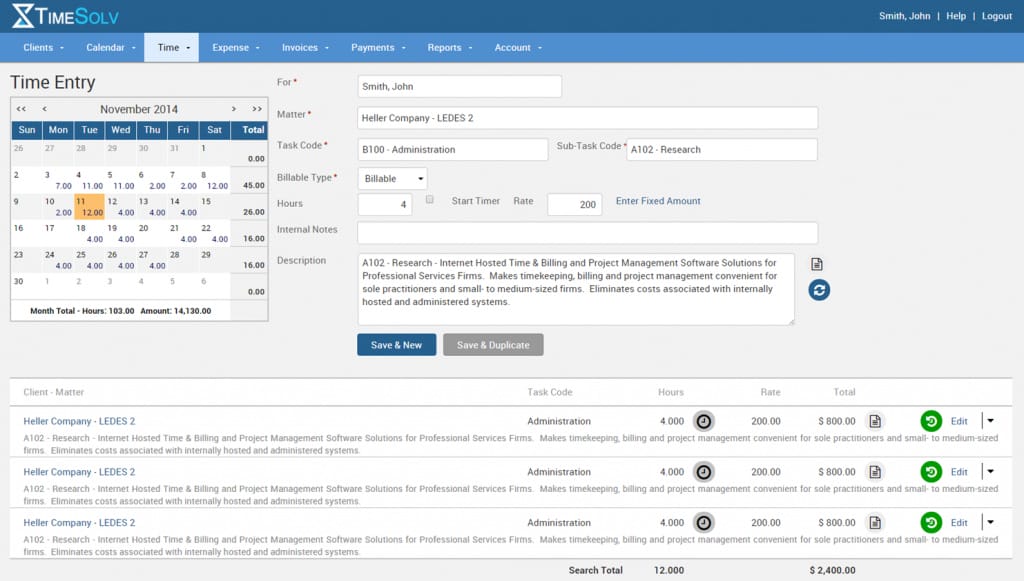
TimeSolv is online legal billing software designed to help law firms easily manage their billing processes. This billing solution is particularly well-suited for smaller firms and solo practitioners as it balances affordability and functionality.
Source: G2
Key Features
- Cloud-based access: Work from anywhere with secure access to time tracking, billing, and client data, whether on a computer or mobile device.
- Advanced time tracking: Log billable and non-billable hours accurately with built-in timers and manual entry options.
- Split billing: Easily divide invoices between multiple clients or matters, which can make complex billing scenarios hassle-free.
- Trust accounting tools: Track client trust funds with tools to maintain compliance and keep funds organized separately from operating accounts.
- Detailed reporting: Generate reports on billing, payments, and firm performance to get a clear picture of your financial health.
Pros
- Affordable for smaller firms and solo attorneys
- Offers strong data security features
Pricing
TimeSolv’s pricing starts at $40 per user per month for TimeSolv Pro. The starting plan includes time tracking, billing, expense tracking, unlimited clients, and secure document storage.
3. Lawpay
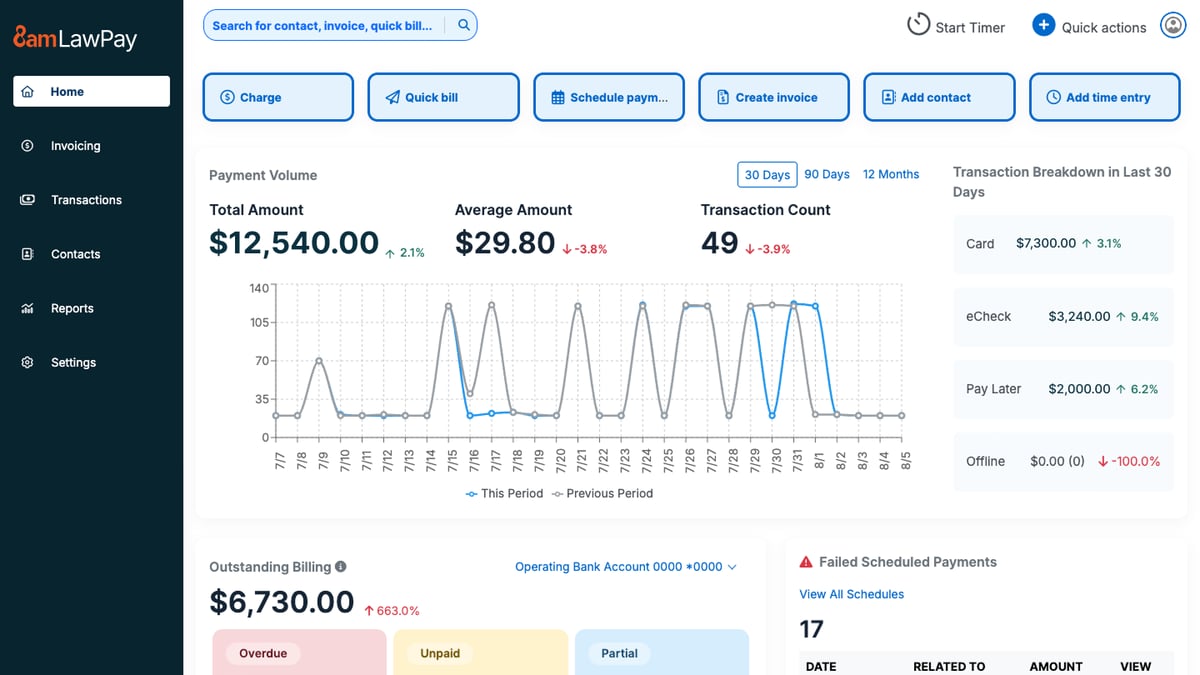
Lawpay is a payment processing solution built specifically for law firms and focuses on making transactions easy and compliant.
It’s not complete legal office billing software, but it works seamlessly alongside your existing tools to simplify payment collection and trust accounting.
Source: G2
Key Features
- Secure payment processing: Accept credit card payments, ACH transfers, and eChecks, all while making sure client funds are handled securely.
- Trust account compliance: Automatically separates earned and unearned funds to help you meet trust accounting requirements without the risk of commingling.
- Customizable payment pages: Create branded payment pages for your website to provide a professional and convenient experience for clients.
- Recurring payment options: Set up recurring billing for ongoing matters, which reduces administrative tasks.
- Detailed transaction reporting: Track all payments and deposits in real time so it’s easier to manage finances and maintain accurate records.
Pros
- Simplifies trust accounting for compliance
- Easy to set up and use for legal professionals
Pricing
Lawpay’s monthly pricing is a flat fee of $19 per month, including features like trust account protection, unlimited users, and customizable website payment pages. There is also custom pricing for specialized plans.
4. Smokeball
Smokeball is a cloud-based legal practice management software that offers tools for billing, case management, and document automation.
While it’s known for its comprehensive features, its billing functionality stands out with automatic time tracking and pre-built templates.

Source: G2
Key Features
- Automatic time tracking: Captures all billable and non-billable hours without requiring manual input.
- Pre-built invoice templates: Create detailed and professional invoices quickly, with options to include time entries, expenses, and case-specific details.
- Case and matter management: Organize all case-related files, deadlines, and communications in one centralized platform.
- Document automation: Generate legal documents quickly with pre-built templates tailored for various practice areas.
- Trust accounting management: Easily handle client trust funds with tools designed to ensure compliance and accuracy.
Pros
- Great for small teams needing simple but powerful tools
- Intuitive interface that’s easy to navigate
Pricing
Smokeball’s pricing is not currently publicly available.
5. FreshBooks
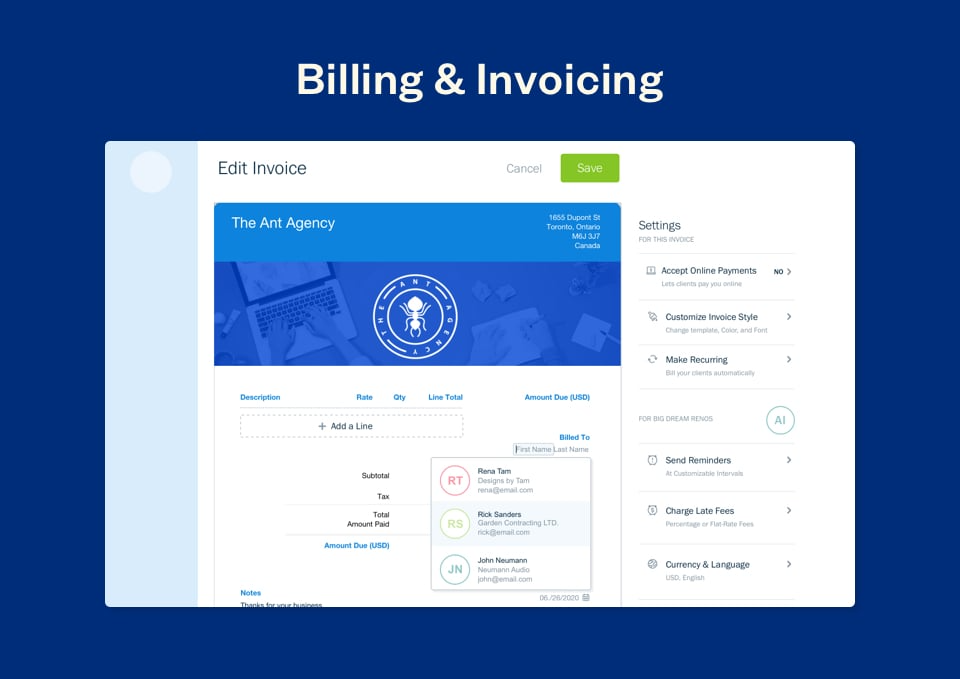
FreshBooks is a popular accounting and invoicing platform ideal for solo attorneys and small law firms.
It’s not designed exclusively for legal professionals, but its intuitive interface and billing features make it a great option for those who need simple, straightforward tools for managing invoices, payments, and expenses.
Source: G2
Key Features
- Expense tracking: Easily log billable hours and categorize firm expenses to keep your finances organized and track costs against budgets.
- Automated invoice reminders: Send friendly reminders to clients automatically to help you get timely payments without the need for manual follow-ups.
- Multi-currency and multi-language support: Perfect for firms with international clients because it offers flexibility in billing for different currencies and languages.
- Secure online payment options: Accept payments via credit cards, ACH transfers, or payment gateways, which makes it easy and convenient for clients to pay invoices.
- Detailed financial reporting: Provides insights into income, expenses, profit margins, and outstanding balances.
Pros
- Easy to use, even for those without accounting experience
- Affordable pricing plans for solo practitioners
Pricing
FreshBooks starts at $6.90 per month, offering a budget-friendly solution for small firms or solo attorneys looking for essential billing and invoicing features like expense tracking and invoices.
6. PointOne
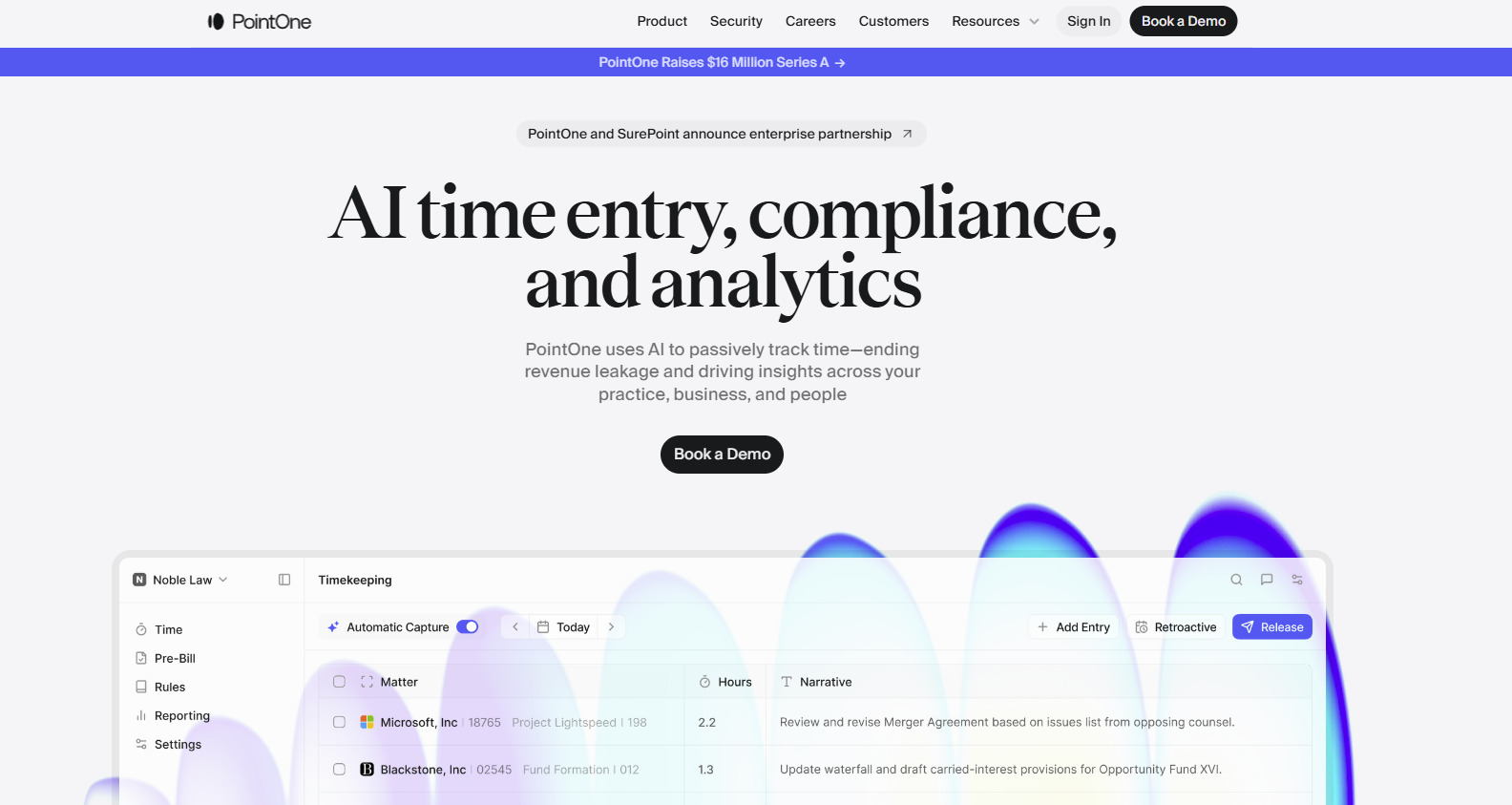
PointOne is an AI-driven platform that automates timekeeping and billing for law firms. Its goal is to optimize efficiency and profitability by reducing administrative burdens and ensuring accurate time capture.
Source: Pointone.com
Key Features
- Automated time tracking: PointOne passively records all work activities, which helps reduce administrative tasks.
- AI-powered pre-bill review: The platform uses artificial intelligence to review pre-bills, suggesting edits to improve bill quality and compliance with client guidelines.
- Integration: PointOne integrates with existing billing software and practice management systems.
- Real-time collaboration: The platform offers features that allow team members to collaborate on billing matters for better alignment and transparency within the firm.
Pros
- Automates time capture, ensuring all billable activities are recorded
- AI-driven reviews help produce precise and compliant bills
- Frees up time by automating timekeeping and billing processes
Pricing
PointOne currently does not have its pricing publicly listed.
7. Billables AI
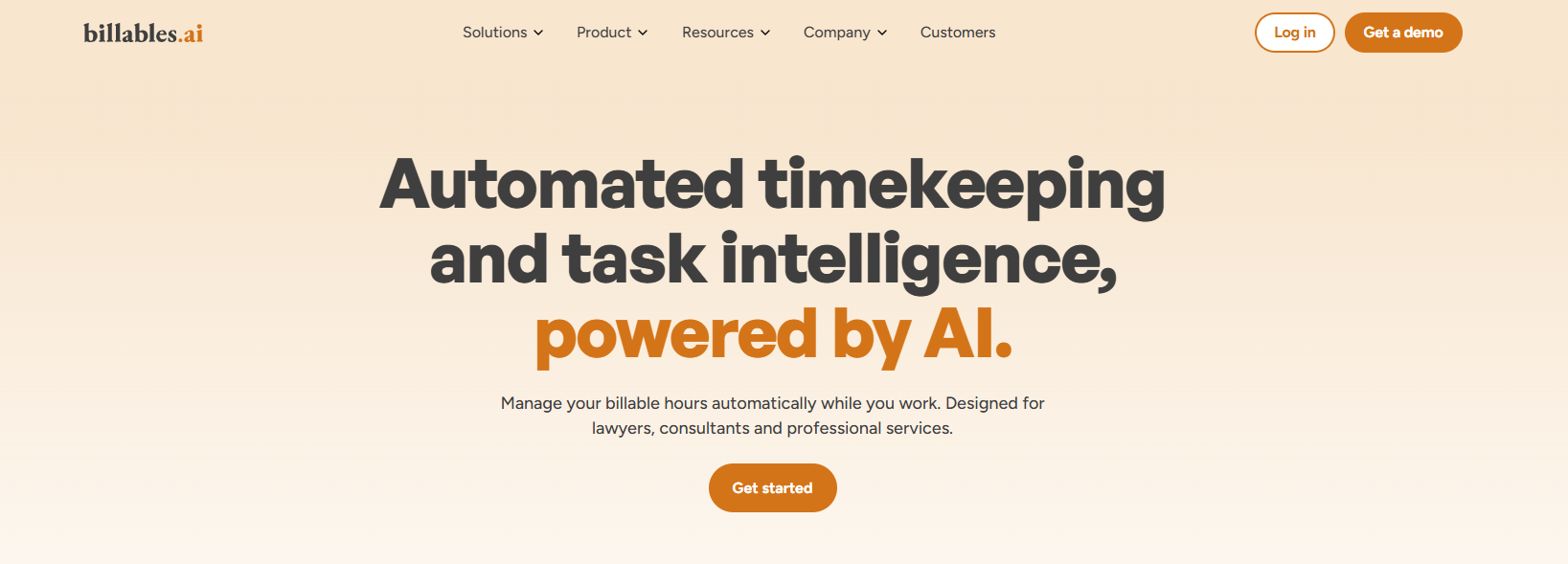
Billables AI helps lawyers keep up with timekeeping without having to stop and log everything by hand. It tracks work in the background and turns that activity into billable entries with the client, matter, and narrative details already filled in.
Source: Billables.ai
This platform can help when timekeeping tends to happen after the fact. With more of the activity captured as you work, there is less to piece together later and less reliance on memory when reviewing entries.
Key Features
- Automated timekeeping: Tracks workflows automatically while you work and generates billable activity reports.
- AI-generated time entries: Creates entries with clients, matters, and narrative descriptions included.
- Adaptive billing support: Learns from usage over time so the dashboard better matches how you bill.
- User-controlled review: Let users edit or delete billable records before anything is exported or shared.
- Workflow integrations: Connects with tools like email, calendar, docs, calls, Microsoft 365, Teams, Adobe, Chrome, Edge, and Zoom.
Pros
- Helps capture work that often gets missed in manual timekeeping
- Gives lawyers more control over reviewing and editing entries before export
- Strong integration focus for day-to-day legal workflows
- Reduces administrative workload surrounding billing
Pricing
Billables AI does not list public pricing on its website.
How to Choose the Right Legal Billing Software For Your Team
Looking at a list of popular tools can help you narrow things down, but that only tells you so much. Legal billing has its own demands, so the better question is whether a platform fits the way your team bills.
Here are a few things worth checking:
- Customizable billing templates: Your bills should be easy to format around your rates, time entries, and client expectations.
- Client management: It helps when client details, matter information, and payment records are easy to pull up during billing.
- Embedded payment links: Giving clients a direct way to pay from the invoice can make collections a little less drawn out and help improve cash flow.
- Billing history: A full record of invoices, payments, credits, and edits makes it easier to review past activity.
- Document management: Some teams need billing to connect closely with matter files, supporting records, or shared documents.
- Everyday workflow: The system should make billing easier to keep up with and not add more steps to it.
Automate Parts of Your Discovery Process With Briefpoint
Legal billing software helps your firm handle invoices and payments, but it does not do much for the discovery work that takes up so much time behind the scenes.
Briefpoint focuses on that part of the process. It helps with drafting discovery requests and responses, and Autodoc helps move that work into cleaner production-ready documents with Bates stamps and cited materials when needed.
That matters even more once a case starts to shift. Discovery responses rarely stay frozen. New facts come in, answers need updates, and your team ends up revisiting the same sets again.
Briefpoint now supports Supplemental Responses inside the same workflow, so you can create updates for RFPs, RFAs, and interrogatories while keeping prior answers intact and easy to reference.
If client input changes, Bridge can pull that into the process without forcing your team to manage everything outside the platform.
For firms dealing with ongoing discovery across multiple rounds, this can make the work easier to track and easier to update without losing the thread of what came before.
Want to see how it works?
Schedule a demo here and discover how Briefpoint can help your firm work smarter.
Will AI Replace Lawyers? The Future of Legal AI
How Legal Professionals Are Using AI Today
The way people are using AI right now feels pretty practical. It’s showing up most in tasks that take time, involve a lot of reading, or call for a solid first draft before a lawyer steps in to review and refine it.
According to the Thomson Reuters survey, among legal professionals currently using AI tools:
- 77% use it for document review
- 74% use it for legal research
- 74% use it to summarize legal documents
- 59% use it to draft briefs or memos
That tells you a lot about where AI fits. It’s helping legal professionals get through the kind of work that can pile up easily and quickly, especially when there are large sets of legal documents to review or due diligence tasks that need careful attention.
At the same time, none of this takes legal training out of the picture. AI can support legal knowledge work, but lawyers still need to review the output, catch weak spots, and make sure the final result lines up with the facts and the law. More on this later.
What Are AI-Powered Legal Tools?
Legal AI tools are software platforms that use artificial intelligence to take on time-consuming tasks, like the ones mentioned before.
These tools can also help with traditionally tedious tasks like:
- Document automation
- Electronic discovery
- Legal research
- Contract work
- Case pattern recognition
- Compliance checks
- Discovery drafting
- Workflow automation
Most of these systems rely on large language models (LLMs), machine learning (ML), and other data-driven methods to process information at a speed humans can’t match. For example, they can pull out key points, surface relevant documents, and spot patterns across large sets of files.
Advantages of Integrating AI into Legal Workflows
AI legal technology brings a range of practical benefits to everyday legal work, which ultimately gives human attorneys more time and space for strategic thinking and the parts of a case that require experience and judgment.
Here are some of the advantages many law firms see:
- Law firm productivity and efficiency: AI handles repetitive tasks to allow lawyers to focus on strategy, client communication, and complex legal matters.
- Cost reduction: Automating routine administrative work can lower operational costs and help teams use their time more intentionally.
- Fewer human errors: AI law firm tools manage large data sets with consistency to reduce mistakes in documents, timelines, and investigatory work.
- Better information access: AI can surface relevant documents, key terms, and patterns much faster than manual review, which can improve overall legal assistance and help solve more legal challenges.
- Improved turnaround times: Tasks that once took hours can be completed in minutes.
- More consistent workflows: Standardized outputs help teams maintain quality and keep cases moving, even during busy periods.
Potential Risks of Employing AI in Legal Practice
It’s just as important to talk about the drawbacks and limitations of legal AI tools as it is to highlight their benefits. Even with strong capabilities, AI’s ability to support legal work still depends heavily on human judgment and oversight.
Some of the key risks include:
- Data security: Relying on digital platforms introduces vulnerabilities, especially when sensitive client information is involved. Law firms must stay alert to cybersecurity threats and maintain strong protections as the technology evolves.
- Ethical concerns: Questions around confidentiality, privacy, and the lawyer-client relationship remain front and center. AI can process information quickly, but it can’t navigate the human elements of trust or context, which is why human oversight retains the final say.
- Dependence on technology: If teams lean too heavily on legal automation, core skills can weaken over time. AI should assist the work, not replace the professional judgment required for complex decisions.
- Factual accuracy and bias: AI systems can produce confident but incorrect outputs or mirror biases found in training data. Without careful review, errors can slip into important legal documents.
Despite a rapidly evolving legal landscape, these risks remind firms that AI works best as a tool that supports, but never replaces, skilled practitioners.
Will AI Replace Lawyers?
We raised this question at the start, and it’s worth taking a closer look now that we’ve covered both the benefits and the risks of using AI in legal work.
So here’s the big question in plain terms: Will AI actually replace lawyers?
We know that AI can handle a lot of routine tasks, but its strengths stay squarely in the technical side of the job. It doesn’t understand legal principles the way trained lawyers do, and it can’t do human things like:
- Apply judgment
- Weigh competing interests
- Navigate sensitive client situations
- Deliver client service
- Exercise ethical reasoning
- Give client counsel
- Tailor advice to the facts
In other words, the practice of law often depends on interpreting gray areas, building trust, and making decisions that blend logic with human insight. That’s not something software can step into.
So, while AI changes how legal work gets done, it doesn’t replace the need for human lawyers. It offers support, speeds up repetitive tasks, and gives attorneys more room to focus on strategy and client needs.
Why AI Will Not Replace Lawyers
Since we’ve now looked at the broader question, it’s time to break down the specific reasons AI won’t replace lawyers.
There are just some jobs AI cannot and should not take over, and the law falls squarely into that category. The practice of law is built on human expertise, professional conduct, and judgment shaped through years of education, real cases, and work with clients.
Here are some key areas where AI falls short:
Complex Reasoning and Judgment
AI can review legal documents, analyze patterns, and pull out useful information, but it still cannot understand context or apply legal principles the way an experienced lawyer can.
Lawyers draw on legal training, case law, and real-world experience to interpret gray areas, deal with conflicting precedents, and form legal opinions that fit the facts in front of them.
Judgment matters in ways software cannot replicate. Even as AI becomes more useful in legal work, it does not eliminate lawyers because it cannot think through nuance, responsibility, and consequence the way people can.
Emotional Intelligence
Clients often need more than information. They need reassurance, clarity, and someone who understands the human side of their situation. That is especially true in legal contexts where people may be dealing with stress, uncertainty, or life-changing decisions.
For example, a client going through a divorce or facing a wrongful termination claim may not only want answers. They may also need calm guidance, honest client counsel, and a lawyer who knows how to explain the next step with care.
Empathy, communication, and trust-building are essential in the legal field, and they sit well outside AI’s capabilities.
Adaptability
Legal matters tend to shift quickly. Facts change, negotiations evolve, and unexpected issues surface without warning. Lawyers adapt on the fly and adjust strategy based on judgment and experience. AI can support the process, but it can’t handle that level of flexibility.
For example, a case may look straightforward at first, then take a turn after a witness changes their statement, new records come to light, or a late ruling from a court affects the next step. A lawyer can adjust legal representation based on those changes and respond in real time.
The same goes for larger shifts in the law. When a Supreme Court decision changes the legal landscape, lawyers have to interpret what that ruling means for current matters, future arguments, and client strategy.
Ethical Responsibility and Accountability
Lawyers are still the ones who answer for the work. Even if AI helps draft legal language or sort information, it cannot take on professional responsibility.
Legal work involves duties tied to judgment, disclosure, and client protection. A lawyer has to decide what is sound, what needs revision, and what should never move forward. AI focuses on generating a response. It does not understand professional duty or the weight attached to a legal decision.
That also affects the conversation around access to justice. AI may help more people get quicker access to information, which can be useful. But when a legal issue carries real consequences, someone still has to make the call and stand behind it.
Integrating Artificial Intelligence Into the Practice of Law
For law firms and professionals, the key is not to resist AI but to embrace it strategically. Integration can take several forms:
Augmentation
In most firms, AI-powered tools fit best as extra support. They help legal teams get through the parts of the legal process that tend to eat up time.
The real value shows up in the day-to-day tasks you already know well. For instance, AI can scan long contracts, organize discovery documents, draft simple sections of a document, or highlight language that might need your attention.
That leaves you with more room to focus on strategy, client guidance, and the legal issues that call for real judgment.
Education and Training
As AI becomes a bigger part of legal work, it helps to make sure you and your team feel confident using these tools. Understanding how generative AI works, how it relies on training data, and where it needs human judgment makes everyday use much smoother.
Most firms find it useful to offer practical, hands-on learning, such as:
- Short workshops that walk you through AI chatbots and legal drafting tools
- Clear guides on how generative AI processes information
- Training for young lawyers and law students preparing to enter AI-ready workplaces
- Regular refreshers when new features or tools roll out
Keep in mind that the goal is to help you get comfortable with what these tools do well and where they need your supervision. When you know how to review AI output, ask the right questions, and apply your legal expertise on top of it, the tools become genuinely useful.
Strong training makes AI adoption feel less like a leap and more like a natural part of your legal workflows.
Ethical Guidelines
Using AI in legal practice brings real advantages, but it also introduces important questions you can’t afford to ignore.
Anytime an AI model touches client data or influences part of your workflow, you’re operating within the ethical standards that keep the legal system trustworthy.
Clear guidelines help your legal operations stay aligned with privacy rules, professional responsibility, and the expectations clients have when they seek legal services.
Many firms look to well-known frameworks like the OECD AI Principles or the NIST AI Risk Management Framework as a starting point. You don’t have to follow them word-for-word, but they offer helpful guidance on fairness, transparency, and accountability.
When building or updating your own guidelines, it’s worth covering areas such as:
- Client confidentiality and data handling: How the AI model stores and processes sensitive information.
- Accuracy and verification: A requirement that humans review AI-generated content before it’s used in any legal matter.
- Bias and fairness: Steps for monitoring and reducing unfair outcomes in search, drafting, or analysis.
- Transparency with clients: When and how you disclose that AI tools are being used as part of your legal services.
Clear ethical standards give your team confidence and protect both you and your clients as AI tools become more common in everyday legal work.
The Practical Value Briefpoint Brings to Your Cases
AI can be helpful in legal practice, but the real value shows up when a tool cuts out the busywork without disrupting the way your team already operates.
Briefpoint focuses on that goal by giving litigation teams a faster, more reliable way to handle discovery from start to finish.
Briefpoint helps you propound and respond to discovery in minutes. Autodoc moves things even faster by turning your productions and case files into ready-to-serve discovery responses.
You upload the complaint, the RFPs, and the materials. Autodoc finds the responsive documents, prepares a Word response with objections, answers, and Bates citations, and builds a complete production package that is ready to serve.
Firms using Autodoc routinely save 30–40 hours per matter because they skip the slowest steps of discovery. No setup is required, and nothing you upload is used to train any model.
You keep full control, and you get consistent, defensible documents while freeing lawyers from non-billable work.
If your team wants a faster and more predictable way to handle discovery, Briefpoint is built for exactly that kind of everyday workload.
Interrogatories vs Deposition: Federal Rules Compared
Interrogatories vs Deposition: Federal Rules Compared
Legal content overseen by Nathan Walter, Esq., attorney licensed in California (State Bar No. 313299).
In federal civil discovery, interrogatories are written questions served on another party under Rule 33(a)(1). An oral deposition examines a person under oath or affirmation, with live follow-up questions (Rule 30(a)(1), (c)(1)).
Both operate within the limits of Rule 26(b)(1), but the recipients, response format and procedural defaults differ. The distinction matters when you need information from a party rather than testimony from a particular person.
This interrogatories vs deposition comparison covers U.S. district-court practice under the Federal Rules of Civil Procedure (FRCP) and is written for plaintiff-side teams. For the full response process, see our federal interrogatories guide.
Interrogatories vs Deposition at a glance
The deposition column below describes an oral deposition under Rule 30. Depositions by written questions are covered separately.
| Feature | Interrogatories | Oral deposition |
|---|---|---|
| Recipient | Another party | Party or nonparty |
| Answer format | Sworn writing | Sworn oral testimony |
| Follow-up | Further written questions | Live questioning |
| Default count | 25 per other party* | 10 per side* |
| Timing | 30-day response* | Reasonable written notice |
| Duration | No examination session | 1 day, 7 hours* |
| Record | Signed answers | Transcript or recording |
*Each asterisk marks a default that can change. Under Rule 33(a)(1), the 25 includes all discrete subparts and can be changed by stipulation or court order. The ten depositions count Rules 30 and 31 together for each named side (plaintiffs, defendants or third-party defendants), and going beyond ten requires leave unless the parties stipulate (Rule 30(a)(2)(A)(i)). The 30-day response period in Rule 33(b)(2) can be shortened or lengthened by a permitted stipulation or court order. The one-day, seven-hour limit in Rule 30(d)(1) yields to stipulation or order. The court must allow additional time consistent with Rule 26(b)(1) and (2) if needed to examine the deponent fairly or if a person or circumstance impedes or delays the examination.
What interrogatories can establish
Interrogatories go only to another party, which may itself be a witness. A party may serve them on “any other party” under Rule 33(a)(1), and the answers must come in writing and under oath, to the extent a question is not objected to (Rule 33(b)(3)).
Party answers, available information and signatures
An individual answers for themselves. An entity answers through an officer or agent, who must furnish the information available to the party (Rule 33(b)(1)). That is wider than one person’s memory, which is why written answers often draw on records and on input from several people.
The person who answers signs the answers, and an attorney who objects signs the objections (Rule 33(b)(5)). Drafting help does not replace the answerer’s oath.
Facts and contentions
Interrogatories are not limited to background facts. Under Rule 33(a)(2), a question is not objectionable only because it asks for an opinion or contention that relates to fact, or the application of law to fact. The court may defer an answer to a contention question until a later stage, as the rule provides. For sample wording, see our interrogatory questions and answers.
What an oral deposition adds
A party can depose any person, including a party, by oral examination, and ordinarily needs no leave of court to do it (Rule 30(a)(1)). Attendance of a nonparty may be compelled by subpoena under Rule 45, which this article does not cover.
Live follow-up and the testimony record
The main procedural difference is the live exchange. The examiner can ask a follow-up question right after an answer, and the witness answers on the spot. That is an advantage in format, not a guarantee of fuller or more truthful testimony.
The noticing party gives reasonable written notice to every other party, with the time and place and identifying information for the deponent (Rule 30(b)(1)). The notice states how the testimony will be recorded. Unless the court orders otherwise, the recording may be audio, audiovisual or stenographic (Rule 30(b)(3)(A)). So a deposition does not always mean a stenographic transcript.
Remote depositions require a stipulation or a court order on motion (Rule 30(b)(4)).
A deposition by written questions is different
Rule 31 allows a deposition by written questions, which is sometimes mistaken for interrogatories. The party serves its questions on every other party, with notice. An officer then takes the testimony and prepares and certifies the deposition (Rule 31(a)(3) and 31(b)).
Interrogatory answers, by contrast, are prepared and signed by the party itself under Rule 33. Rule 31 also lacks the spontaneous follow-up of an oral deposition, because further questions are served in set rounds (Rule 31(a)(5)).
Federal limits, timing and objections
The 25-question and 30-day interrogatory defaults
A party may serve no more than 25 written interrogatories, including all discrete subparts, on any other party unless the parties stipulate or the court orders otherwise. A court may grant leave for more, consistent with Rule 26(b)(1) and (2) (Rule 33(a)(1)). The limit is not 25 per case or 25 per set.
Answers and objections are due within 30 days after service, unless a Rule 29 stipulation or a court order sets another time (Rule 33(b)(2)). Objections must be stated with specificity. A ground not stated in a timely objection is waived unless the court excuses the failure for good cause (Rule 33(b)(4)).
The deposition count and seven-hour default
Leave is needed, absent a stipulation, if a deposition would result in more than ten taken under Rules 30 and 31 by the plaintiffs, the defendants or the third-party defendants. Ten is not a limit per lawyer or per witness.
The separate duration default is one day of seven hours unless stipulated or ordered otherwise. Additional time must be allowed consistent with Rule 26(b)(1) and (2) when needed for fair examination or when the examination is impeded or delayed (Rule 30(d)(1)).
Absent a stipulation, leave is also needed to depose someone already deposed in the case or to take a deposition before the Rule 26(d) timing. For an early oral deposition, the exception requires certification in the notice, with supporting facts, that the deponent is expected to leave the United States and be unavailable for examination in this country after that time (Rule 30(a)(2)(A)(ii)–(iii)). A deponent confined in prison also requires leave, and the court must grant it to the extent consistent with Rule 26(b)(1) and (2) (Rule 30(a)(2)(B)).
Scope applies to both, but objections work differently
Both tools reach nonprivileged matter relevant to a claim or defense and proportional to the needs of the case. Information need not be admissible to be discoverable (Rule 26(b)(1)). The court must limit the frequency or extent of discovery if it determines that the discovery is unreasonably cumulative or duplicative, can be obtained from a more convenient, less burdensome or less expensive source, or falls outside Rule 26(b)(1)’s scope. It must also limit discovery if the requesting party has had ample opportunity to obtain the information through discovery in the action (Rule 26(b)(2)(C)).
In written answers, the responding party states its objections and answers the rest (Rule 33(b)(3)–(4)). At an oral deposition, objections are noted on the record, but the examination generally proceeds subject to them. Objections must be concise, nonargumentative and nonsuggestive, and a lawyer may instruct a deponent not to answer only to preserve a privilege, enforce a court-ordered limitation or present a motion under Rule 30(d)(3) (Rule 30(c)(2)). For more on objections, see our discovery objections reference.
How plaintiff firms can use both tools
The following example is invented to illustrate a discovery workflow. It is not advice for any particular case.
An employee challenges a performance-based termination. The employee’s team needs to know who made the decision and why.
Identify the decision and the people involved
The team serves an interrogatory on the employer asking it to identify the people who took part in the termination decision and to state the facts it relies on. To the extent the question is not objected to, the employer answers through an officer or agent using the information available to it; the answer must be under oath and signed (Rule 33(b)(1), (3), (5)).
The question seeks facts and contentions permitted by Rule 33(a)(2), subject to Rule 26(b)(1)’s relevance, privilege and proportionality limits. The written answer gives names and a stated factual basis.
Use testimony to clarify what remains unresolved
Suppose the answer names a manager and refers to a meeting. The team can then notice the manager’s oral deposition to ask what was said at the meeting and what a document reference means. The live format allows follow-up questions that a written answer cannot. Nothing about the format guarantees an admission.
Reconcile new information and plan the work
The attorney compares the written answers with what later testimony and documents show. Under Rule 26(e)(1)(A)–(B), a party that has answered an interrogatory must supplement or correct the answer in a timely manner if it learns the answer is materially incomplete or incorrect, unless the corrective information has otherwise been made known to the other parties in discovery or in writing. The party must also supplement or correct as ordered by the court.
Written-first is a workflow choice, not a required order. Under Rule 26(d)(3), methods of discovery may be used in any sequence unless the parties stipulate or the court orders otherwise, and one party’s discovery does not require another to delay.
Cost drivers differ by tool. Interrogatories mean drafting, collecting information from the client and reviewing answers. Depositions mean scheduling, examination and recording, and the noticing party bears the recording costs (Rule 30(b)(3)(A)). The rules do not rank one tool as cheaper overall. For the response side, see our federal discovery response workflow.
How answers and testimony may be used in court
Interrogatory answers are subject to evidence rules
Interrogatory answers may be used to the extent allowed by the Federal Rules of Evidence (Rule 33(c)). That is a qualified permission, not a rule that answers bind a party conclusively. Interrogatory answers are also not the same as admissions under Rule 36(b).
Deposition use depends on Rule 32
At a hearing or trial, a deposition may be used against a party if the party was present or represented at the deposition or had reasonable notice of it. The use must also be admissible under the rules of evidence as though the witness were present, and it must fall within a permitted use in Rule 32(a)(2)–(8) (Rule 32(a)(1)).
Permitted uses include:
- Contradicting or impeaching the deponent’s testimony as a witness (Rule 32(a)(2)).
- Use by an adverse party, for any purpose, of the deposition of a party or of someone who, when deposed, was the party’s officer, director, managing agent or designee under Rule 30(b)(6) or 31(a)(4) (Rule 32(a)(3)).
- Use of a witness’s deposition where the court finds the witness unavailable on grounds listed in the rule, such as death or inability to attend because of illness (Rule 32(a)(4)).
A deposition therefore does not replace live testimony in every case.
State rules
This comparison covers federal civil discovery. For a separate state-court guide, see responding to interrogatories in California.
Draft interrogatory responses with Briefpoint
Briefpoint supports the written side of this comparison. It drafts interrogatory responses and objections for attorney review, and the output is editable in Microsoft Word. The attorney keeps final review and the decision on every answer.
Client Bridge sends plain-language questions to the client by secure link, so the client can answer and upload documents for the attorney to review. A client’s submission provides information for attorney review; it does not replace the formal response. Under Rule 33(b)(2)–(5), answers must be given under oath to the extent not objected to and signed by the answerer; an attorney who objects signs the objections. The responding party must also serve its answers and objections.
The Briefpoint features discussed here support written discovery: drafting responses and objections, and collecting client information for attorney review. See how they fit plaintiff-side practices.
Book a demo to see how Briefpoint supports your interrogatory response workflow.
Watch the Briefpoint demo:
FAQs About Interrogatories vs Deposition
Are interrogatories or depositions better in a civil case?
Neither is better in every case. Interrogatories gather a party’s information and contentions in writing, while an oral deposition allows live questioning under oath or affirmation (Rule 30(c)(1)). Both operate within the scope of Rule 26(b)(1). Which one supplies what a case needs depends on who holds the information and on the limits that apply.
Do interrogatories have to come before a deposition?
No. Under Rule 26(d)(3), methods of discovery may be used in any sequence unless the parties stipulate or the court orders otherwise. Discovery generally cannot begin before the Rule 26(f) conference, subject to the exceptions in Rule 26(d)(1). Serving interrogatories first is one workflow, and nothing in the rule requires it.
Is a deposition by written questions the same as interrogatories?
No. Under Rule 31, written questions are served on the parties, and an officer takes and certifies the testimony. Under Rule 33(b)(3), interrogatory answers are prepared by the party and given in writing under oath. The first is a deposition taken through an officer, and the second is a party’s own written response.
How many interrogatories and depositions are allowed in federal court?
A party may serve up to 25 interrogatories, including discrete subparts, on any other party unless stipulated or ordered otherwise (Rule 33(a)(1)). For depositions, leave is required absent stipulation if more than ten would be taken under Rules 30 and 31 by the plaintiffs, the defendants or the third-party defendants (Rule 30(a)(2)(A)(i)). Neither number is per case.
Can interrogatory answers and deposition testimony be used at trial?
Possibly, but admissibility is not guaranteed. Interrogatory answers may be used to the extent the Federal Rules of Evidence allow (Rule 33(c)). A deposition may be used against a party who was present or represented at the deposition or had reasonable notice, if the evidence rules are satisfied and a permitted use applies, such as impeachment (Rule 32(a)(1)–(3)).
The information provided on this website does not, and is not intended to, constitute legal advice; instead, all information, content, and materials available on this site are for general informational purposes only. Information on this website may not constitute the most up-to-date legal or other information. This website contains links to other third-party websites. Such links are only for the convenience of the reader, user or browser. Readers of this website should contact their attorney to obtain advice with respect to any particular legal matter. No reader, user, or browser of this site should act or refrain from acting on the basis of information on this site without first seeking legal advice from counsel in the relevant jurisdiction. Only your individual attorney can provide assurances that the information contained herein – and your interpretation of it – is applicable or appropriate to your particular situation. Use of, and access to, this website or any of the links or resources contained within the site do not create an attorney-client relationship between the reader, user, or browser and website authors, contributors, contributing law firms, or committee members and their respective employers.
READ MORE21 Must-Have Apps for Lawyers in 2026
What Are Legal Apps?
Every industry has its core tools. Designers rely on creative software. Accountants use financial platforms. Sales teams live inside CRMs. Lawyers have their own category of apps built around the structure and pressure of legal work.
Legal apps are software tools shaped by how a law practice actually operates. They account for deadlines that carry real consequences, detailed documentation requirements, and the need for organized task management under constant time constraints.
While many industries focus on speed and volume, legal work demands accuracy, traceability, and controlled workflows.
As mentioned, some legal apps are purpose-built for firms. Others come from broader productivity categories and adapt well to legal environments.
What separates them from generic business tools is how they support work productivity without disrupting professional standards or compliance needs.
How Can These Apps Benefit Law Firms and Legal Professionals?
You already know where most of your time goes. It’s not always the hard legal questions. Often, it’s the follow-ups, the tracking, and the small administrative tasks that sit between you and the actual work.
Legal apps are there to help clean that up. Essentially, they give your day more structure, so you’re not relying on memory or scattered systems to keep things moving.
When work is organized properly, you don’t have to think twice about what’s next or where something lives.
Here’s what that can look like:
- Fewer administrative tasks: Routine steps take less effort, which frees up mental space.
- Better control over important documents: Files stay connected to the right matters and are easier to locate.
- Real-time collaboration: Your team sees updates as they happen and stays aligned.
- Clearer coordination in larger firms: Responsibilities and workloads are more visible.
- Artificial intelligence support: Legal drafting and review move faster while you stay in charge.
- Stronger work productivity overall: Less friction means more consistent progress.
21 Best Apps For Lawyers
There are tons of tools out there, but not all of them are built with lawyers in mind. We’ve rounded up some of the most useful apps (both legal-specific and general productivity tools) that actually make a difference in your day-to-day work:
1. Briefpoint

Discovery has a way of taking over your calendar. One large set of RFPs can eat up days, especially when court dates are tight, and your team is already stretched. Briefpoint was built for that exact pressure in the legal world.
It’s an AI-powered discovery platform that helps you propound and respond to requests for production, requests for admission, and interrogatories in a fraction of the usual time.
With its Autodoc feature, you can upload a complaint, RFPs, and production files, then generate captioned Word responses with page-level Bates citations in minutes. What used to take 30–40 hours can now take minutes.
Briefpoint works for both small firms and larger litigation teams. The user-friendly interface means there’s no heavy setup, and it integrates with tools like Clio, Smokeball, and MyCase. It’s SOC 2 Type II certified, HIPAA compliant, and available in all 50 states and federal courts.
More than 1,500 law firms use Briefpoint, with an average 4.9 satisfaction rating. Plus, attorneys regularly report saving 30+ hours per case.
Key Features
- Propound discovery from complaints: Generate up to 70 targeted, objection-aware requests in minutes.
- AI-assisted response drafting: Apply consistent objections and draft answers quickly.
- Autodoc production packages: Create Bates-numbered productions with cited Word responses.
- Client response collection portal: Send plain-English questions and receive Word-ready drafts.
- Security and compliance: SOC 2 certified, HIPAA compliant, encrypted data.
Want to learn how Briefpoint can fit into your workflow? Book a demo today!
2. Evernote
Evernote is a simple note-taking app that helps you keep everything in one place, such as case notes, client information, meeting summaries, to-do lists, and even voice memos.
You can tag, search, and organize your notes into notebooks, which helps make it easy to find what you need fast.

Source: Evernote.com
Key Features
- Cross-device syncing: Access your notes from desktop, tablet, or phone without losing updates.
- Flexible note formats: Create text notes, attach images, or record audio in one place.
- Organized notebooks and tags: Sort information in a way that fits your workflow.
- Powerful search: Quickly locate saved notes using keywords and filters.
3. Clio
Clio is a case management platform designed specifically for the legal world. It brings your files, legal billing, scheduling, and client communication into one system so your practice runs with fewer moving parts.
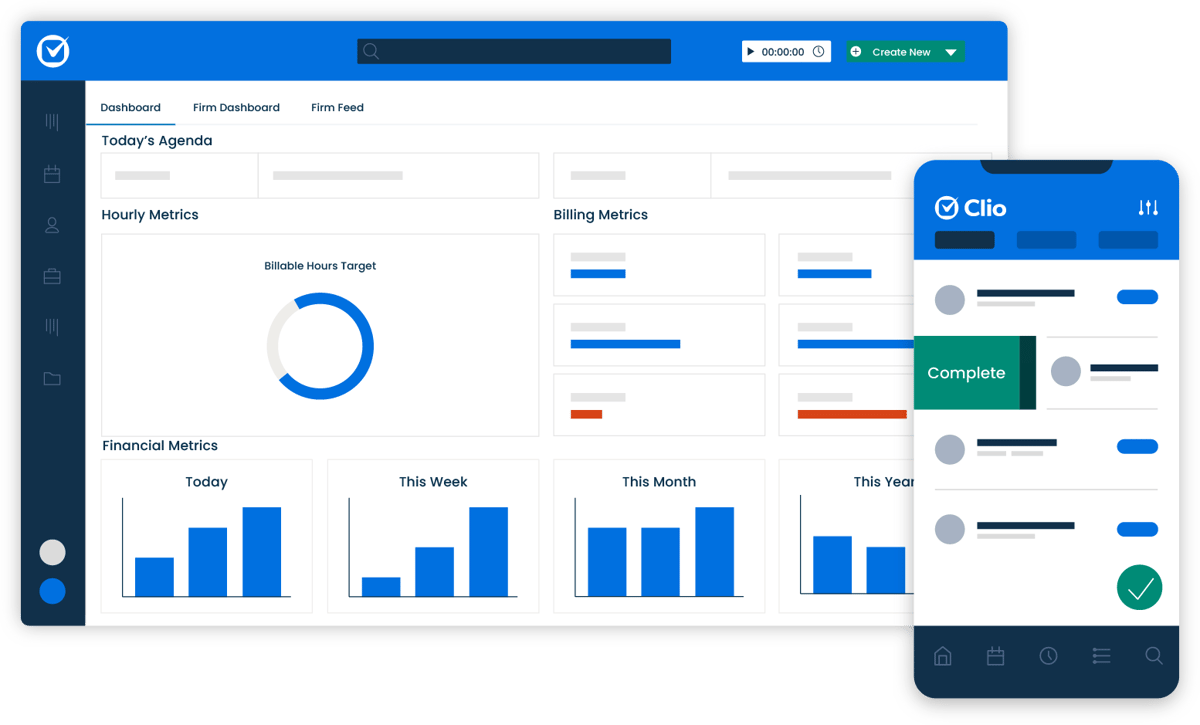
Source: G2
It works well for solo attorneys and growing firms alike, especially if you want clearer visibility into deadlines, workloads, and client messages without relying on disconnected tools.
Its built-in calendar app, billing tools, and matter tracking features help boost productivity by keeping everything tied to the right case.
Key Features
- Centralized case management: Organize matters, contacts, and documents from a single dashboard.
- Integrated calendar app: Track court dates, meetings, and deadlines alongside your cases.
- Billing and time tracking: Log hours and generate invoices directly within the platform.
- Secure client portal: Share files and client messages in a protected environment.
- Wide integrations: Connect with tools like Outlook, Zoom, and Dropbox for smoother workflows.
4. OneDrive
OneDrive is Microsoft’s cloud solution and a practical choice for lawyers who already work inside the Microsoft ecosystem.
It keeps case files and other files stored in one secure location while allowing you to open, edit, and share the same document without worrying about version confusion.
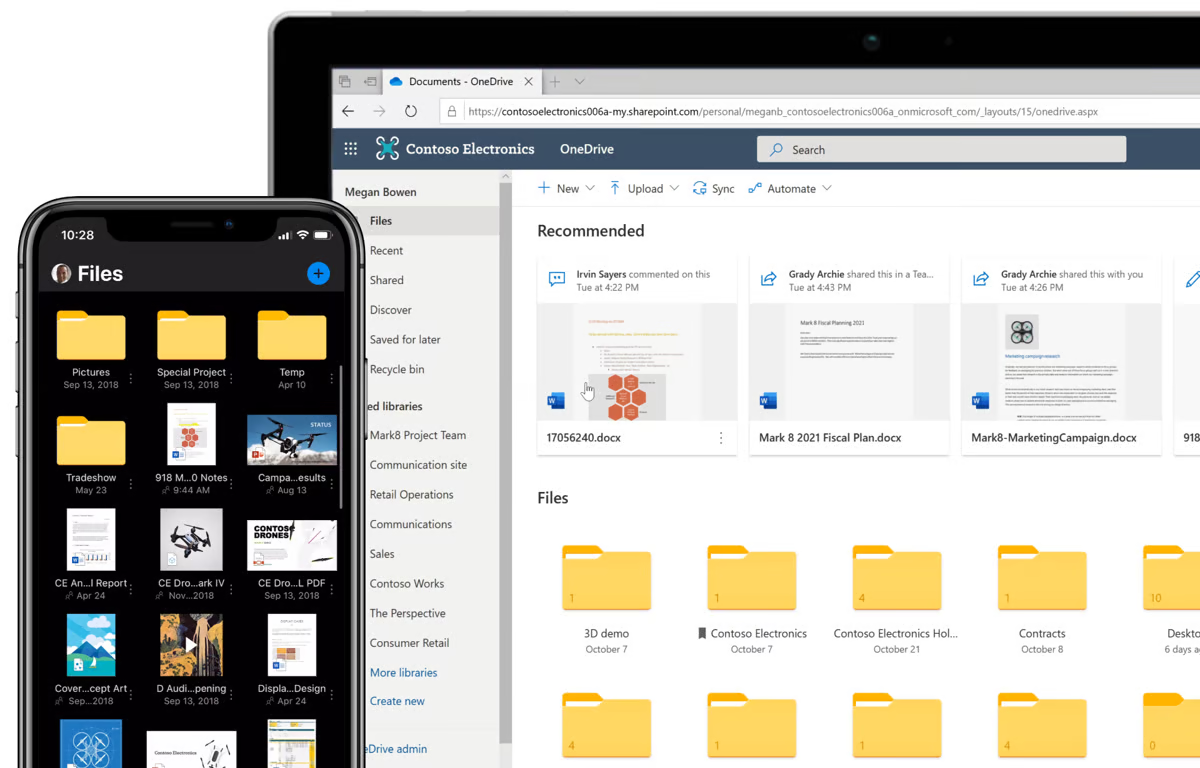
Source: G2
Because it connects directly with Word, Excel, and Outlook, your files stay synced automatically. That makes it easier to collaborate, store drafts, and keep everything backed up. There’s also a free plan available, which can work well for smaller practices getting started.
Key Features
- Cloud storage with automatic syncing: Keep case files and other files updated across devices.
- Real-time access to the same document: Collaborate without creating duplicate versions.
- Microsoft Office integration: Open and edit files directly in Word, Excel, and Outlook.
- Flexible sharing controls: Grant access to clients or colleagues with permission settings.
- Cross-device availability: Access files from desktop, tablet, or mobile phones.
5. Google Docs
Google Docs is a simplistic tool, but that’s part of what makes it so useful. It’s quick to open, easy to use, and perfect for drafting documents with other lawyers or clients. You can leave comments, track changes, and never worry about hitting “save.”
Source: Docs.Google.com
Key Features
- Real-time editing and collaboration: Work on the same document simultaneously with comments and suggestions.
- Automatic saving to Google Drive: Changes are saved instantly without manual backups.
- Flexible sharing controls: Set viewing, commenting, or editing permissions for each user.
- Cross-device access: Open and edit documents from desktop, tablet, or mobile devices.
6. Clockify
Clockify is a simple time-tracking app that helps you log billable hours without much setup. It’s great for solo lawyers or small teams who want something quick and easy. You can track time by client, case, or task and generate clean reports when it’s time to bill.
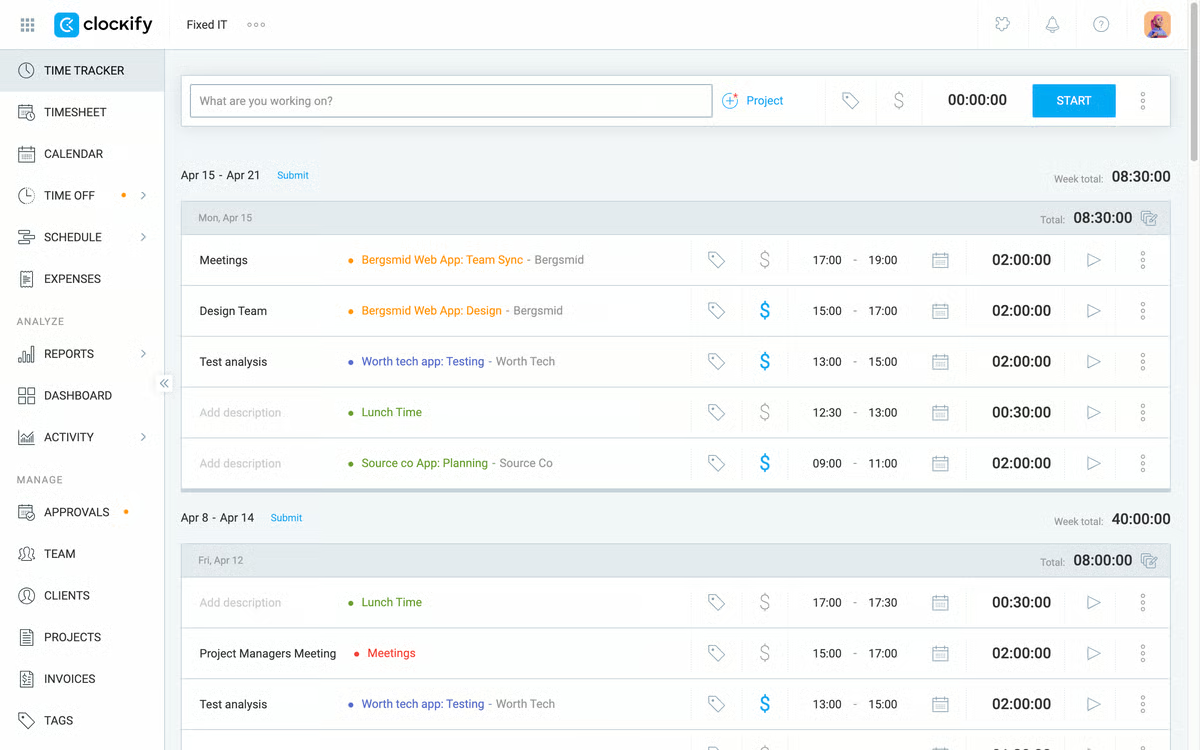
Source: G2
That said, it may be too simple for larger law firms that need more advanced billing features or deep integrations.
Key Features
- One-click timer and manual entry: Start tracking instantly or log hours after the fact.
- Client and case tagging: Assign time entries to specific matters or tasks.
- Detailed reporting tools: Generate summaries for billing and internal review.
- Multi-platform access: Use on web, desktop, or mobile devices.
7. Adobe Reader
Adobe Reader is a must-have since many legal documents come in PDF form. It allows quick viewing, highlighting, commenting, and signing without printing anything.
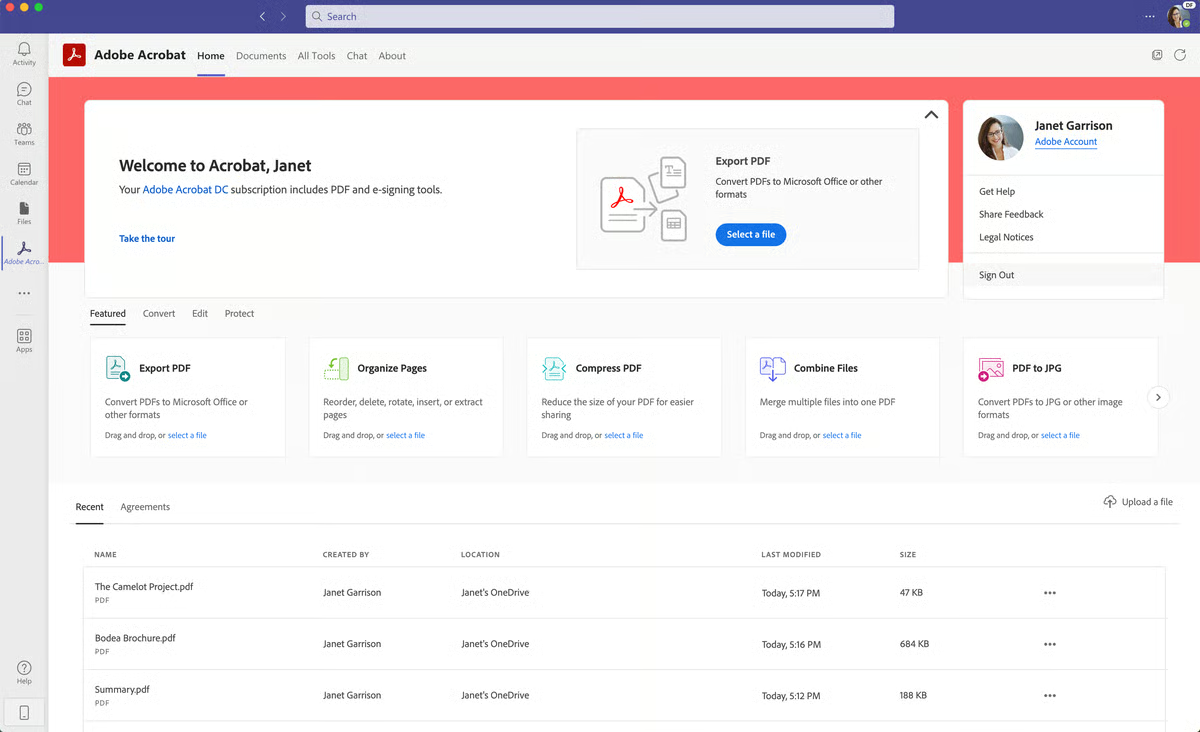
Source: G2
Legal professionals can easily review and send legal documents while keeping everything digital and organized.
Key Features
- PDF viewing and annotation: Highlight, comment, and mark up documents directly within the file.
- Form filling and e-signatures: Complete and sign PDF forms without printing.
- Cross-device compatibility: Access and review files on desktop or mobile.
- Adobe ecosystem integration: Connect with other Adobe tools for editing and document workflows.
8. Grammarly
Grammarly helps catch grammar errors, awkward phrasing, and tone issues before anything is sent out. In the legal industry, clear writing matters, and this tool makes it easier to get things right the first time.
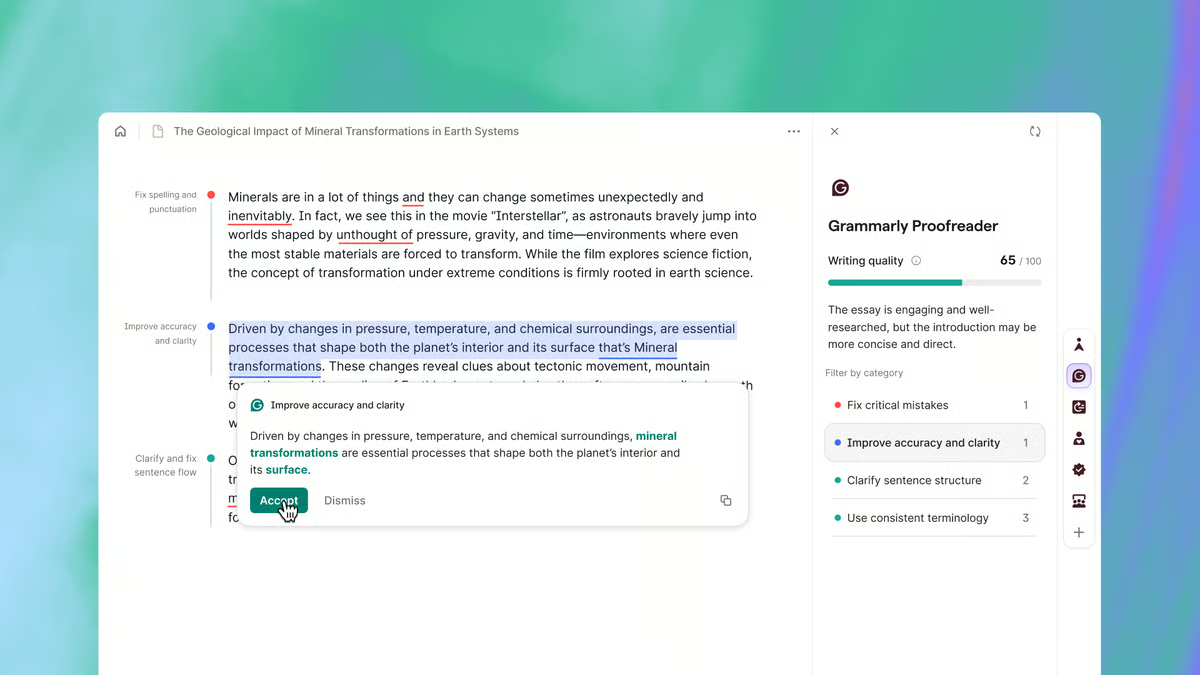
Source: G2
Plus, it works in email, documents, and even web browsers, which helps improve productivity across the board.
Key Features
- Real-time grammar and spell check: Identify errors as you write.
- Tone and clarity feedback: Adjust phrasing to match a professional voice.
- Cross-platform support: Works in Google Docs, email, and browser-based tools.
- Custom writing settings: Set preferences for formal or firm-specific standards.
9. Dropbox
Dropbox is a reliable file storage app widely used in the legal profession for sharing and organizing documents. It offers free storage to get started and makes accessing files from any device simple.

Source: G2
It integrates smoothly with common workplace tools, so it can fit into your existing setup without requiring major changes.
Key Features
- Cloud storage with device syncing: Keep files updated across desktop, mobile, and web.
- Secure file sharing: Control access with customizable permission settings.
- App integrations: Connect with tools like Slack, Zoom, and Microsoft Office.
- Anywhere access: Open and manage documents from multiple devices.
10. Zapier
Zapier is a great tool for busy lawyers who want to cut down on repetitive tasks. It connects different apps and lets them work together automatically.
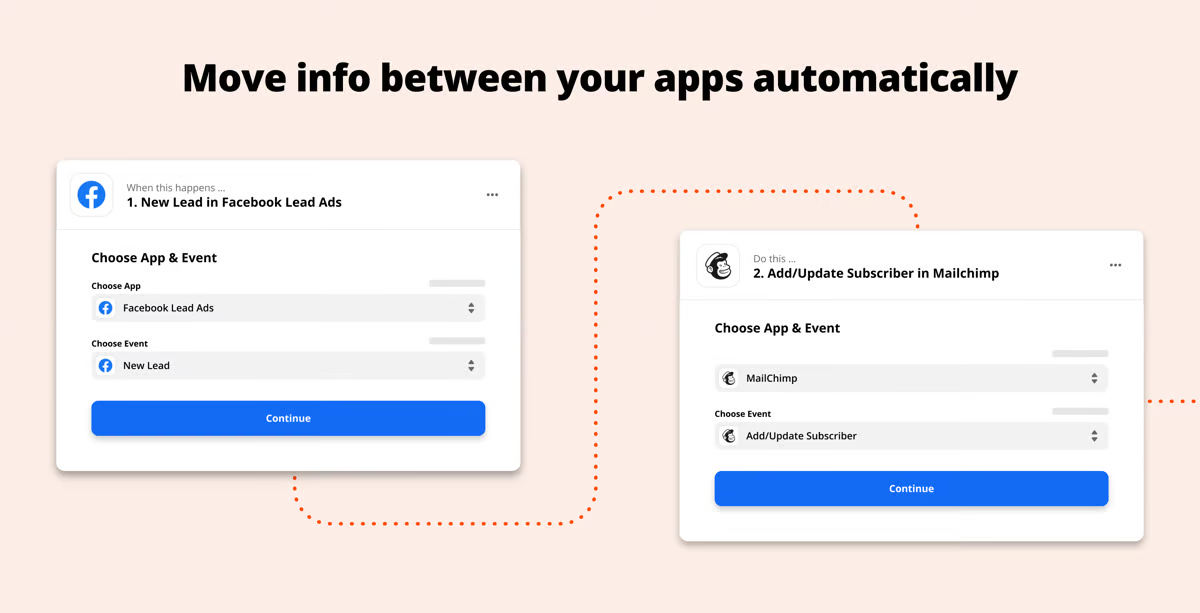
Source: G2
For example, you can set it up so that every time you receive a signed document in Dropbox, it gets copied to a case folder in Google Drive, and you get an email alert without doing anything manually.
By setting up these “Zaps” (which are basically if-this-then-that rules), you can streamline legal workflows and save a lot of time. It also works with thousands of apps, so chances are it fits right into how you already work.
Key Features
- App-to-app automation: Connect tools like Gmail, Google Docs, Clio, and Dropbox to run tasks automatically.
- No-code setup: Create workflows using simple trigger-and-action rules.
- Custom workflow rules: Automate document routing, alerts, and status updates.
- Wide app compatibility: Integrates with thousands of business and productivity platforms.
11. Slack
Slack is a messaging app that helps legal teams communicate quickly and easily. You can set up channels for different cases or departments and keep all your conversations organized. It’s easy to share files, ask quick questions, and get real-time updates.
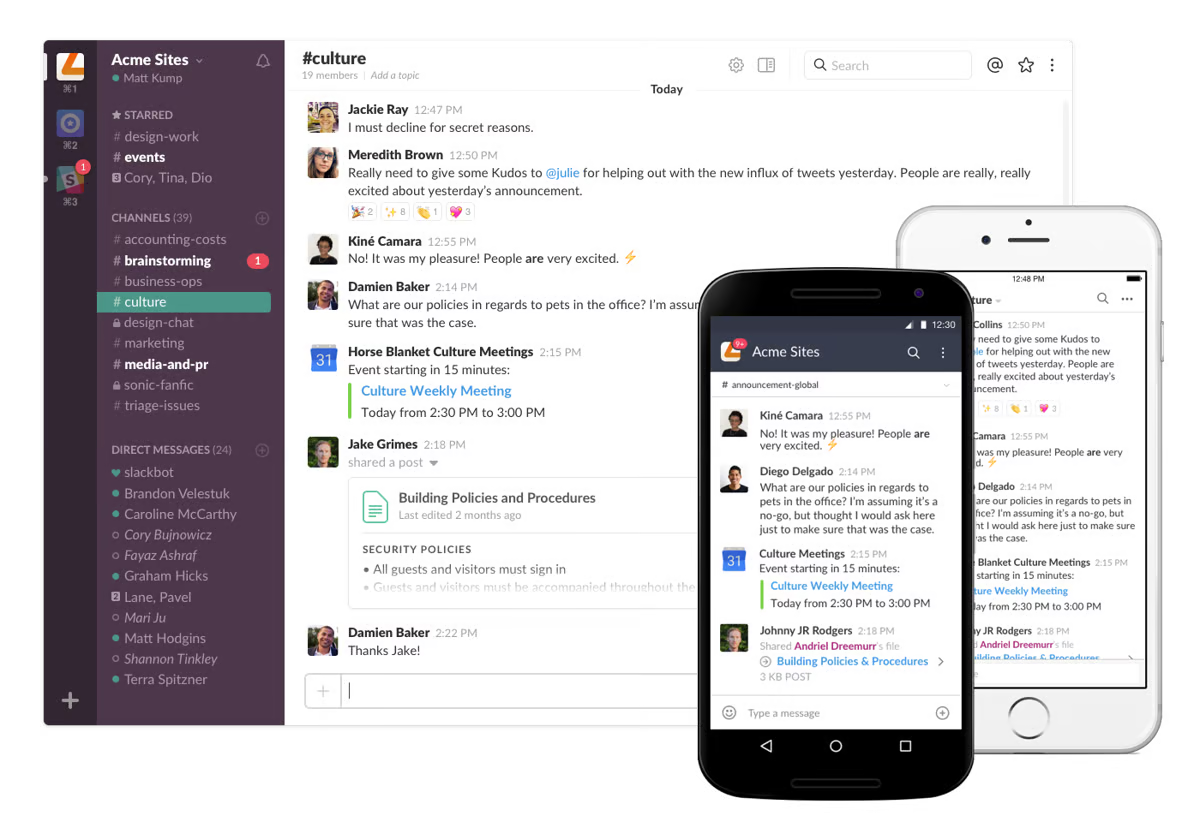
Source: G2
Key Features
- Channel-based messaging: Organize conversations by case, team, or topic.
- Direct messaging: Communicate privately with colleagues when needed.
- Searchable message history: Quickly find past discussions and shared files.
- Cross-device access: Use on desktop and mobile without losing updates.
- App integrations: Connect with tools like Google Drive, Zoom, and Calendly.
12. QuickBooks Online
QuickBooks Online is a cloud-based accounting platform that many law firms use to manage their finances in one place.

Source: G2
It covers billing, expense tracking, reporting, and payment processing without requiring a complicated setup. The layout has a simple interface, which makes it easier to navigate even if accounting isn’t your focus.
It works well for solo attorneys and small to mid-sized firms that want clearer visibility into revenue, outstanding invoices, and overall cash flow. You can attach detailed notes to transactions, categorize expenses, and connect your bank accounts for automatic updates.
Key Features
- Invoicing and online payments: Send invoices and accept online payments directly from clients.
- Integrated payment processing: Manage credit card and ACH transactions within the platform.
- Time tracking tools: Log billable hours and convert them into invoices.
- Expense tracking with detailed notes: Attach receipts and add context to each transaction.
- Set reminders: Automate payment reminders to reduce follow-ups.
- Mobile access and digital wallet support: Monitor finances and track payments on the go.
13. Toggl Track
Toggl Track is a time-tracking app built for professionals who want clarity without a complicated setup.
It’s especially helpful if you’re balancing multiple clients, matters, or internal tasks and want a cleaner picture of how your hours break down.
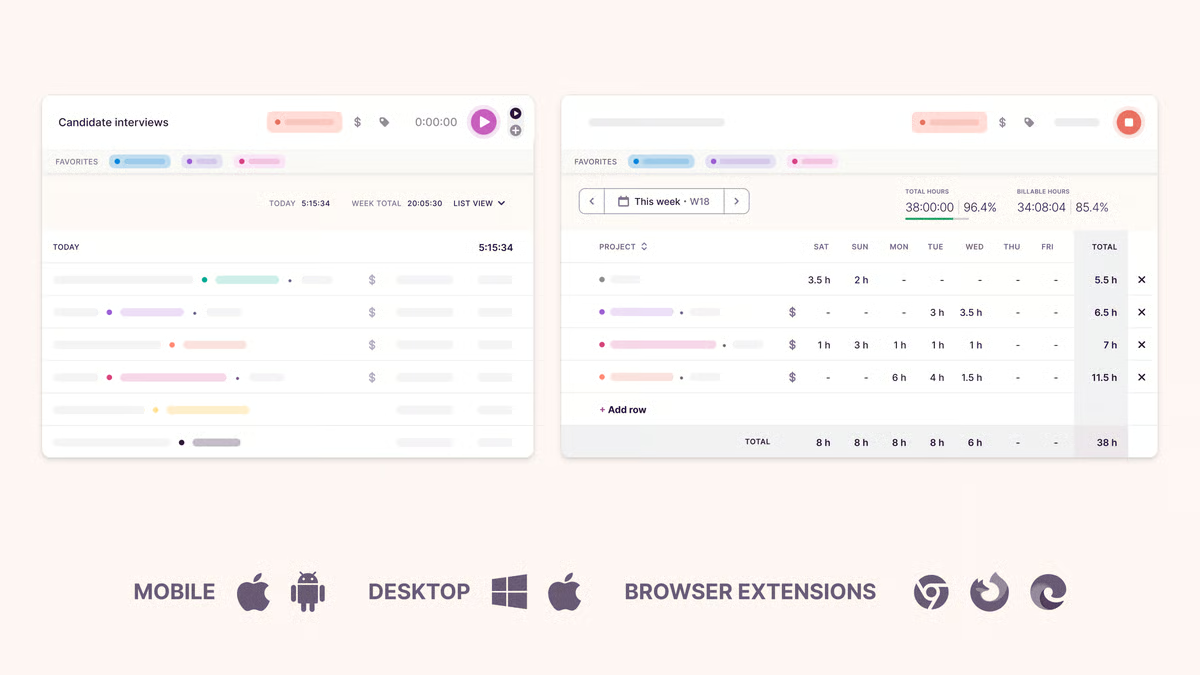
Source: G2
The layout is also straightforward, so logging time doesn’t feel like another chore at the end of the day.
Key Features
- One-click timers and manual entry: Start tracking instantly or log time after completing a task.
- Client and matter tagging: Assign hours to specific cases or projects for better organization.
- Clear reporting tools: Generate easy-to-read summaries of billable and non-billable time.
- Multi-platform support: Available on desktop, mobile, and browser extensions.
14. Zoom
Zoom has become a standard meeting platform for many professionals, including those in the legal world.
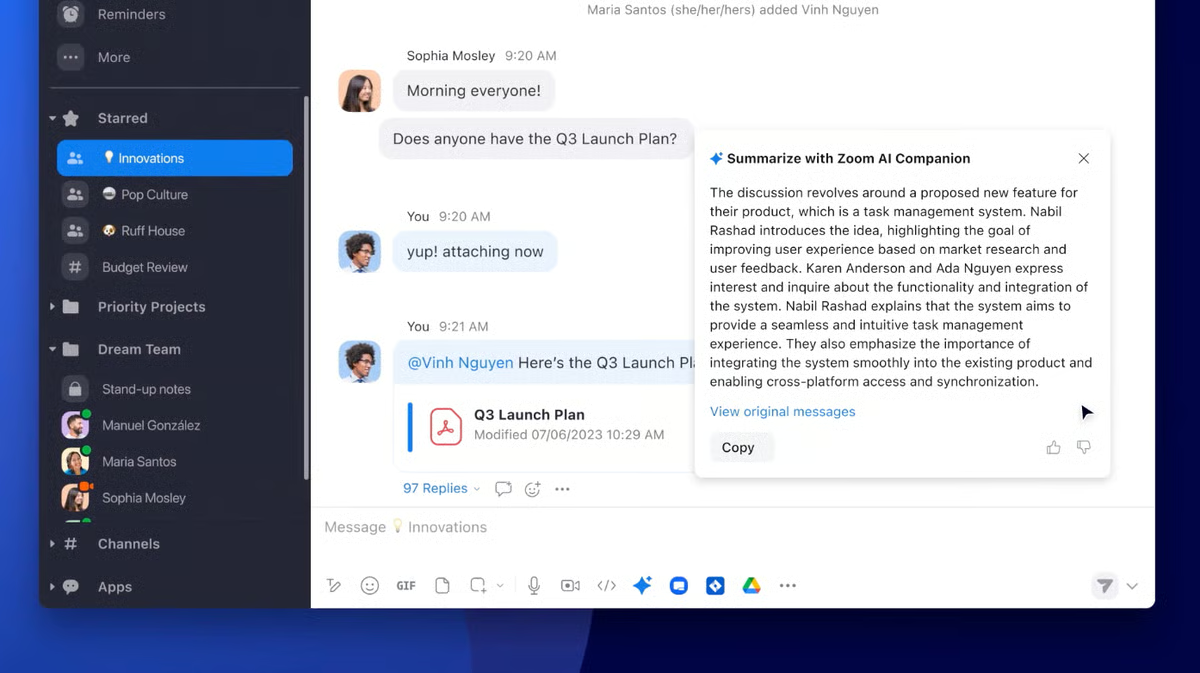
Source: G2
It supports virtual client meetings, internal team discussions, and remote appearances when needed. The setup is straightforward, and joining a meeting typically takes only a link and a few clicks.
It works reliably across devices, which makes it practical for firms coordinating across offices or time zones.
Key Features
- High-quality video and audio: Stable calls for client meetings and team discussions.
- Built-in scheduling tools: Coordinate meetings with calendar and time zone support.
- Screen sharing and recording: Present documents and save sessions when needed.
- Cross-platform access: Available on desktop and mobile devices.
15. Otter.ai
Otter.ai is a transcription tool that turns spoken conversations into searchable text. It’s useful for lawyers who want a written record of meetings, phone calls, or other audio recordings without taking manual notes the entire time.
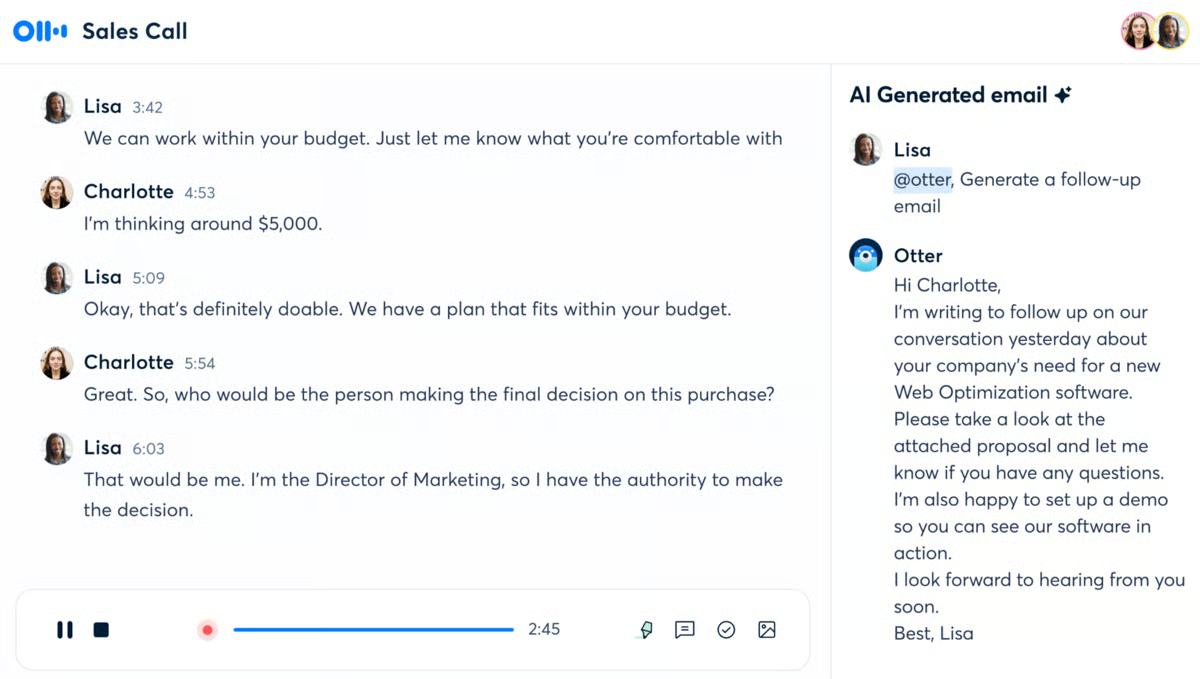
Source: G2
You can record directly inside the app or upload existing audio files, and the transcript appears within minutes. The interface is straightforward, which makes it extremely easy to review conversations, highlight key sections, and share notes with your team.
It works well for internal meetings, client discussions, and strategy sessions where capturing details matters.
Many users consider it a great app for organizing spoken information in a way that’s actually usable later.
Key Features
- Automatic transcription: Convert phone calls and audio recordings into searchable text.
- Live recording and uploads: Record in-app or import existing audio files.
- Searchable transcripts: Find keywords quickly within long conversations.
- Collaboration tools: Highlight, comment, and share transcripts with your team.
- Cross-device access: Use on desktop or mobile devices.
16. Feedly
Feedly is a smart news reader that helps lawyers stay updated on legal trends, case law, and industry news, all in one place. You can follow blogs, court updates, news sites, and even YouTube channels, then read them in a clean, organized feed.
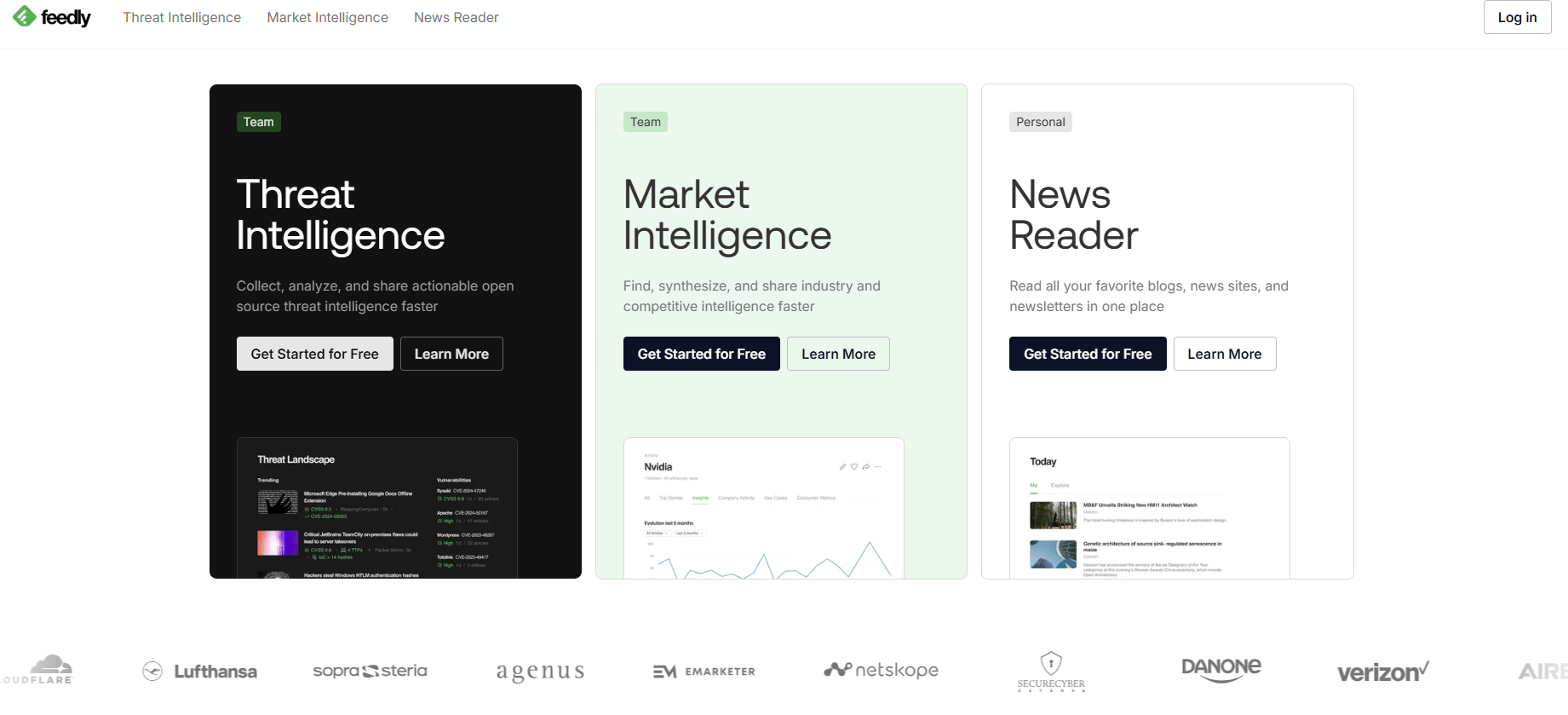
Source: Feedly.com
It’s a great way to cut down on time spent checking multiple websites. Feedly also lets you group your sources into categories, so you can quickly scan updates on specific topics like litigation, privacy law, or tech news whenever you have a free minute.
Key Features
- Custom news feeds: Follow legal blogs, court updates, and industry sources in one place.
- Organized categories: Group content by topic for easier scanning.
- Clean reading interface: View articles in a distraction-free layout.
- Web and mobile access: Check updates from desktop or mobile devices.
- Sharing and saving tools: Send articles to your team or bookmark for later reference.
17. LastPass
LastPass is a secure password manager that helps legal professionals keep their login information safe and organized.
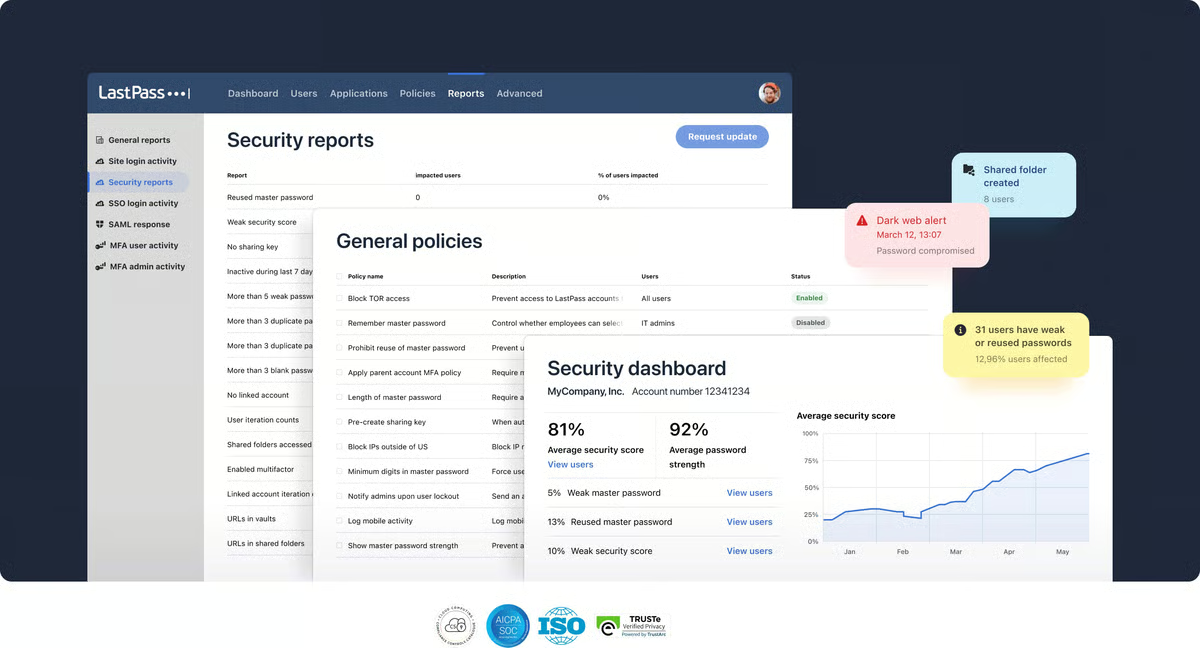
Source: G2
Instead of writing down passwords or reusing the same ones, you can store them all in one secure vault. Just remember one master password, and LastPass handles the rest.
It’s a smart way to protect sensitive client data and save time when jumping between tools.
Key Features
- Secure password vault: Store and autofill login credentials across websites and apps.
- Password generator: Create strong, unique passwords for each account.
- Secure sharing options: Share credentials safely within your team.
- Cross-platform support: Works on browsers, desktop applications, and mobile devices.
18. Calendly
Calendly takes the back-and-forth out of scheduling by letting others book time with you based on your availability. It’s a good app for lawyers managing client meetings, and it’s also a good tool for law students coordinating study groups or interviews.
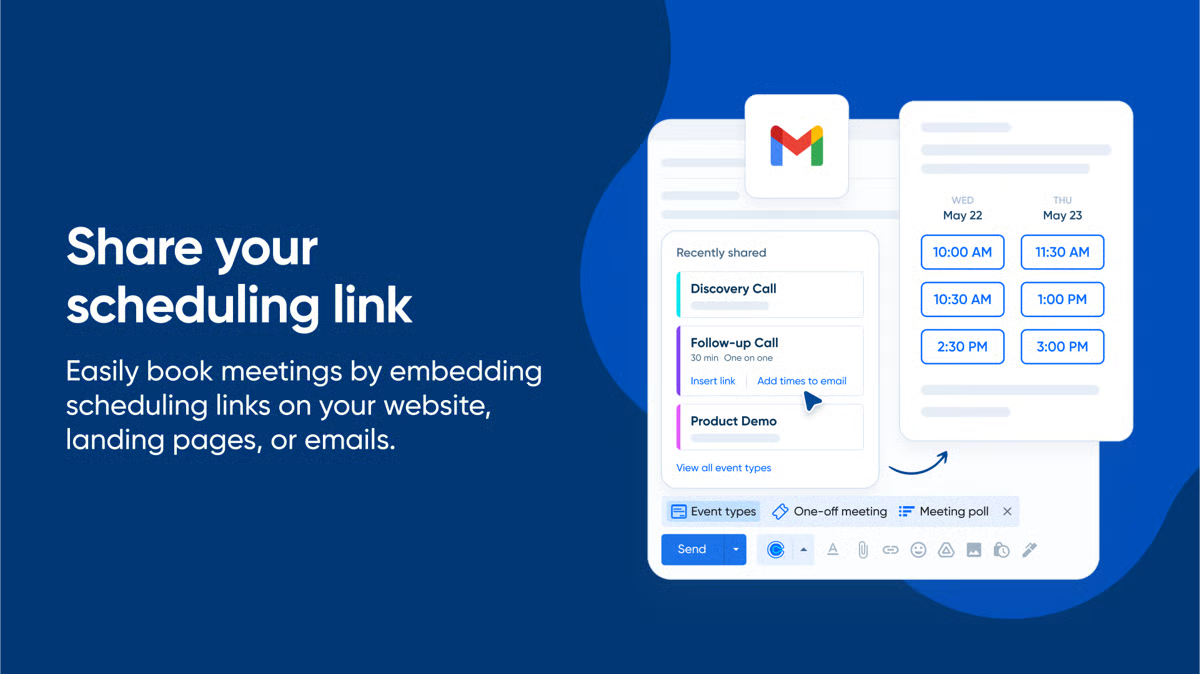
Source: G2
The app works smoothly on desktop, iOS, and Android devices, which makes it easy to manage your schedule from anywhere.
Key Features
- Self-service scheduling: Allow clients and colleagues to book meetings based on your availability.
- Automated reminders: Send calendar invites and email confirmations automatically.
- Calendar integrations: Sync with Google Calendar, Outlook, and Zoom.
- Cross-device access: Manage bookings on desktop, iOS, and Android devices.
19. Asana
Asana is a task and project management app that helps law firms organize work and keep track of who is responsible for what. It allows you to break cases into smaller steps, assign tasks, and monitor deadlines in one shared space.
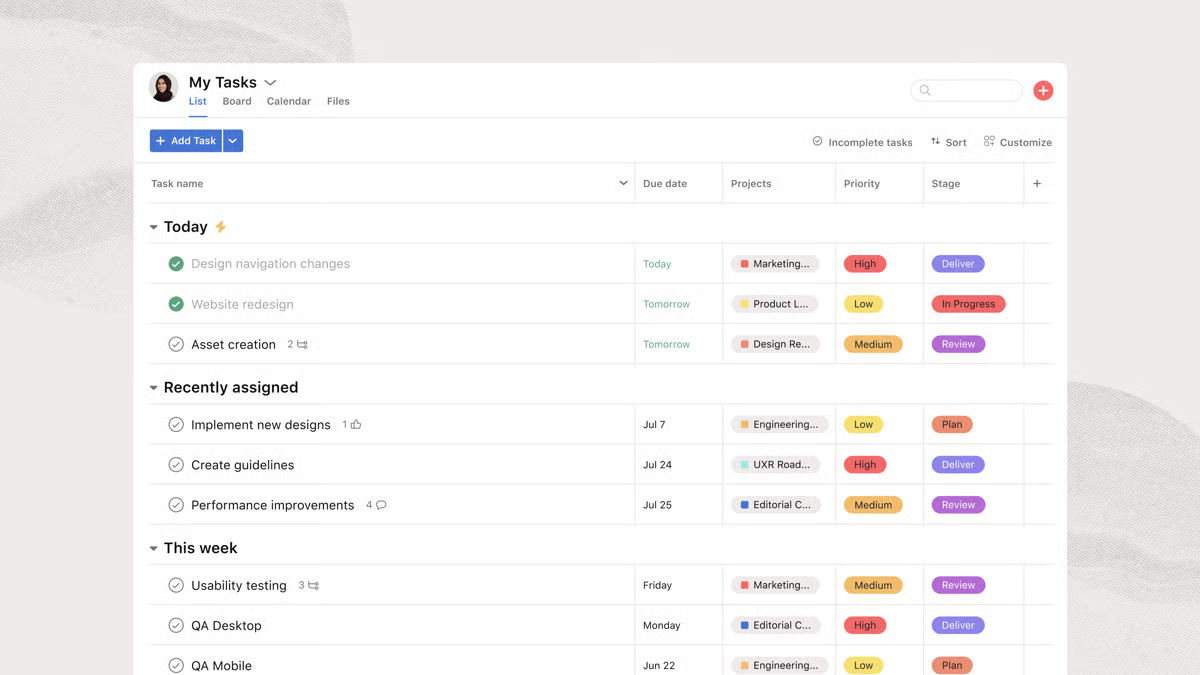
Source: G2
Key Features
- Custom workflows: Create task lists and timelines tailored to each matter.
- Task assignment and deadlines: Assign responsibilities, add notes, and set due dates.
- Multiple project views: Track progress using boards, calendars, or list views.
- Cross-platform access: Stay updated on desktop and mobile devices.
20. ChatGPT
ChatGPT is an AI app that can help with writing, research, brainstorming, and even reviewing legal language.
While it’s not designed specifically for legal professionals, many lawyers use it to speed up routine tasks like drafting emails, rewording documents, or summarizing long content. It can be a handy assistant as long as it’s used with care.

Source: ChatGPT.com
An internet connection is required to use it, and it’s best treated as a support tool, not a replacement for legal judgment.
Key Features
- Content drafting and editing: Generate, rephrase, and summarize written material.
- Question answering: Provide explanations and quick research support.
- Brainstorming assistance: Help outline ideas or refine arguments.
- Web and mobile access: Available through browser and mobile apps.
21. Google Calendar
Google Calendar is one of the favorite apps lawyers rely on to keep deadlines, meetings, and court dates organized in one place. It offers a simple way to schedule appointments, block focused work time, and avoid double-booking.

Source: Indeed.com
Because it connects easily with email and other productivity tools, creating a calendar event often takes just a click. You can also share calendars with colleagues or assistants, which makes coordination smoother inside growing firms.
Key Features
- Quick event creation: Add a calendar event directly from email or within the app.
- Easy scheduling: Schedule appointments with built-in availability visibility.
- Shared calendar access: Share calendars with team members for better coordination.
- Cross-platform support: Use on desktop, mobile, and tablet devices.
Start Automating Your Discovery Documents Today
The point of this article was simple: lawyers don’t need to do everything the hard way.
With the right apps, staying organized, saving time, and keeping your practice running smoothly is actually possible. From note-taking to time tracking to team communication, there’s a tool that fits the way you work.
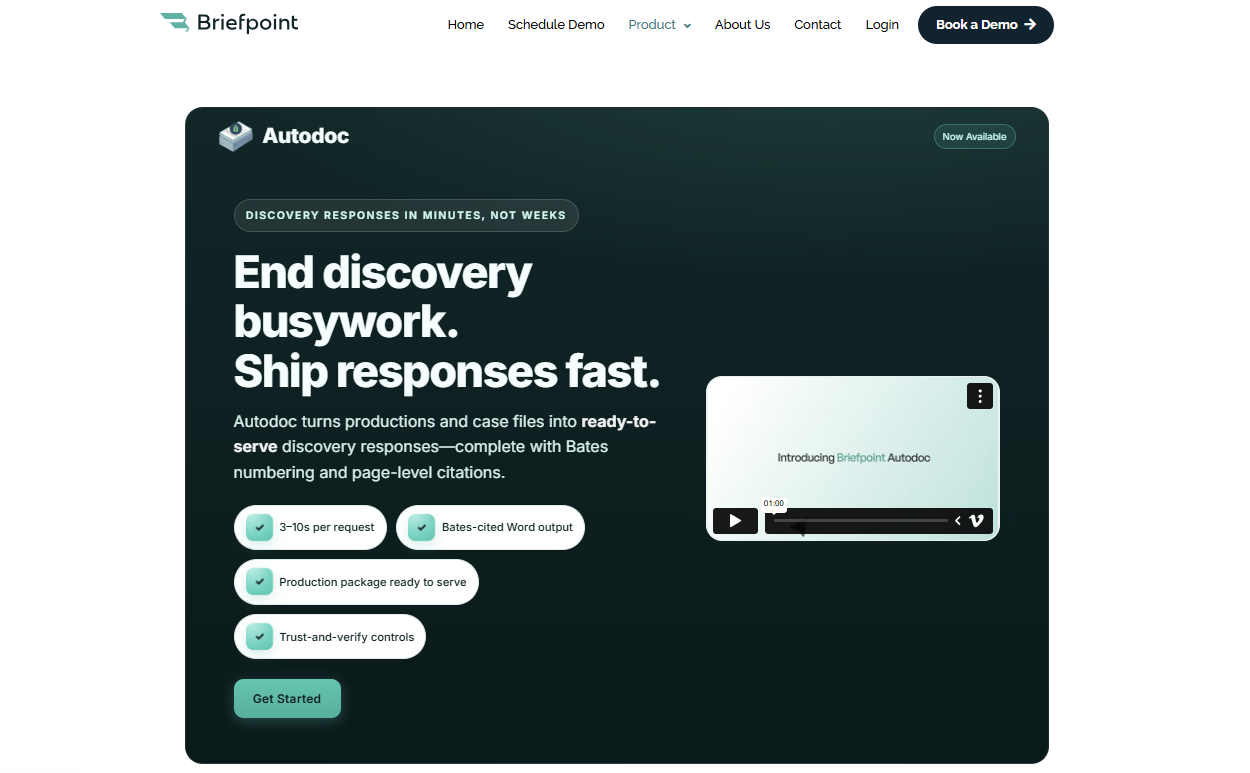
But if there’s one task that still eats up too much of your day, it’s drafting discovery documents.
Briefpoint can make a real difference. It’s built specifically for lawyers who want to cut hours of drafting down to just minutes without sacrificing quality or control.
If you’re ready to spend less time formatting and more time lawyering, give Briefpoint a try.
Interrogatories: Federal Rules, Answers, and Examples
Interrogatories: Federal Rules, Answers, and Examples
Legal content overseen by Nathan Walter, Esq., attorney licensed in California (State Bar No. 313299).
Imagine a defense team served with interrogatories, with the answers spread across a controller, an HR director and two former managers.
Interrogatories are written questions that one party serves on another in civil discovery. In federal court, each one must be answered separately and fully in writing under oath, to the extent it is not objected to (Fed. R. Civ. P. 33(b)(3)).
This guide covers interrogatories in U.S. district courts under the Federal Rules of Civil Procedure: limits, answers, objections and signatures. For the wider response workflow, see our guide to federal discovery responses. A short section near the end links to state guides.
What are interrogatories, and what is their purpose?
An interrogatory “may relate to any matter that may be inquired into under Rule 26(b)” (Rule 33(a)(2)). Rule 26(b)(1) sets that scope: any nonprivileged matter that is relevant to a party’s claim or defense and proportional to the needs of the case (Rule 26(b)(1)).
Within that scope, an interrogatory can ask for facts, the identity of witnesses and documents, and the other party’s contentions.
Identifying a document is different from obtaining it. An interrogatory can ask a party to identify documents or the people who hold them, and the answer is information. Producing or permitting inspection of documents and electronically stored information in a party’s possession, custody, or control is the job of a request under Rule 34(a)(1). Our guide to requests for production covers that device. Rule 33(d), discussed below, is a conditional option for answering from business records.
Facts, witnesses, and contentions
Rule 33(a)(2) says an interrogatory “is not objectionable merely because it asks for an opinion or contention that relates to fact or the application of law to fact.” The court may order that such an interrogatory need not be answered until designated discovery is complete, or until a pretrial conference or some other time.
The court decides whether to defer a contention interrogatory on that basis; the responding party cannot do so unilaterally.
The 1970 Advisory Committee note to Rule 33 explains the limit on the other side: interrogatories “may not extend to issues of ‘pure law,’ i.e., legal issues unrelated to the facts of the case.” The same note says that questions applying law to fact “can be most useful in narrowing and sharpening the issues, which is a major purpose of discovery.” The question is whether the request is tied to the facts of the case.
Two short examples
These two questions are invented for illustration in a hypothetical employment case. They are not court-approved forms.
The first asks for witnesses. The second is a contention interrogatory asking for the facts behind a position. For sample answers, see our interrogatory question-and-answer examples.
Federal limits and response deadlines
These are federal defaults, not a complete deadline calculator. Qualifications follow the table.
| Issue | Federal rule in brief | Authority |
|---|---|---|
| Number | 25 to another party, including all discrete subparts, unless stipulated or ordered otherwise | Rule 33(a)(1) |
| Response time | Answers and objections within 30 days after service, subject to an authorized different period | Rule 33(b)(2); Rule 29 |
| Answers | Separate, full written answers under oath to the extent not objected to | Rule 33(b)(3) |
| Signatures | Answer-maker signs answers; objecting attorney signs objections | Rule 33(b)(5) |
| Business records | Conditional option: substantially equal derivation burden, specific records, reasonable access | Rule 33(d) |
Count discrete subparts, not just numbered questions
Rule 33(a)(1) provides that “a party may serve on any other party no more than 25 written interrogatories, including all discrete subparts.” The limit is not per set.
Because the rule counts discrete subparts, the numbering on the page does not control the count, and one numbered interrogatory may contain more than one. The rule text does not define “discrete,” and a multi-part question is not automatically improper.
“Leave to serve additional interrogatories may be granted to the extent consistent with Rule 26(b)(1) and (2),” and under Rule 26(b)(2)(A) the court may alter the limit by order (Rule 26(b)(2)(A)).
Check the governing response period
The responding party “must serve its answers and any objections within 30 days after being served with the interrogatories,” and “a shorter or longer time may be stipulated to under Rule 29 or be ordered by the court” (Rule 33(b)(2)).
Unless the court orders otherwise, Rule 29 allows parties to stipulate that “other procedures governing or limiting discovery be modified,” but “a stipulation extending the time for any form of discovery must have court approval if it would interfere with the time set for completing discovery, for hearing a motion, or for trial” (Rule 29(b)).
How to prepare complete answers
1. Gather information available to the party
When the responding party is “a public or private corporation, a partnership, an association, or a governmental agency,” the interrogatories are answered “by any officer or agent, who must furnish the information available to the party” (Rule 33(b)(1)(B)). The standard is information available to the party. It is not limited to what the person signing personally remembers or to what is already in a file.
For an entity client, an internal worksheet pairing each interrogatory with the people and systems likely to hold the answer, plus a list of unresolved facts, can help. The rule does not require either. Briefpoint includes Client Bridge client collection, which sends clients plain-language questions through a secure link so they can answer and upload documents for attorney review.
2. Answer each unobjectioned portion separately
Rule 33(b)(3) requires that each interrogatory, “to the extent it is not objected to, be answered separately and fully in writing under oath.” An objection to part of an interrogatory leaves the rest to be answered.
Use the information available to the party to prepare each answer; do not treat the signer’s memory as the limit of an entity’s response. Each interrogatory must be answered separately and fully to the extent not objected to, subject to Rule 33(d)’s conditional business-records option.
3. Obtain the required oath and signatures
Answers must be under oath, and “the person who makes the answers must sign them, and the attorney who objects must sign any objections” (Rule 33(b)(5)). The signer of the answers and the signer of the objections can be different people.
Collecting a client’s responses through an intake tool or questionnaire is not the same as sworn answers. Rule 33’s text does not prescribe a form of oath.
Make specific objections and answer the rest
Tie the ground to the request
“The grounds for objecting to an interrogatory must be stated with specificity” (Rule 33(b)(4)). A specific objection identifies what is wrong with the particular request, such as an ambiguous term, a time period that makes the request irrelevant or disproportionate to the needs of the case, or a burden that is out of proportion to the information sought.
The measure for scope and burden is Rule 26(b)(1): relevance to a claim or defense and proportionality, which considers factors including “the parties’ resources” and “whether the burden or expense of the proposed discovery outweighs its likely benefit.”
If information is withheld on a claim of privilege or trial-preparation protection, the party must “expressly make the claim” and describe what is withheld “in a manner that, without revealing information itself privileged or protected, will enable other parties to assess the claim” (Rule 26(b)(5)(A)).
Understand waiver and discovery disputes
Rule 33(b)(4) also says that “any ground not stated in a timely objection is waived unless the court, for good cause, excuses the failure.”
If the requesting party considers an answer inadequate, Rule 37(a) allows a motion to compel. The motion “must include a certification that the movant has in good faith conferred or attempted to confer” with the other side “in an effort to obtain it without court action” (Rule 37(a)(1)). For purposes of Rule 37(a), an evasive or incomplete answer is treated as a failure to answer.
If the motion is granted, or the discovery is supplied after filing, the court generally must award reasonable motion expenses after an opportunity to be heard. It must not do so if the movant failed to attempt resolution in good faith, the opposition was substantially justified, or other circumstances make an award unjust (Rule 37(a)(5)(A)).
A complete failure to respond is treated differently. Rule 37(d)(1)(A)(ii) allows the court, on motion, to order sanctions if a party “after being properly served with interrogatories under Rule 33 … fails to serve its answers, objections, or written response.” Under Rule 37(d)(2), that failure “is not excused on the ground that the discovery sought was objectionable, unless the party failing to act has a pending motion for a protective order under Rule 26(c).”
A Rule 37(d) motion must include a good-faith conference certification under Rule 37(d)(1)(B). Available sanctions may include the orders listed in Rule 37(b)(2)(A)(i)–(vi); Rule 37(d)(3) also requires reasonable expenses caused by the failure unless it was substantially justified or an award would be unjust (Rule 37(d)(3)).
When business records can supply the answer
Rule 33(d) lets a responding party answer by pointing to business records, but only under stated conditions. It is not a general license to hand over records in place of an answer.
Check the burden, identify the records, and provide access
The option applies “if the answer to an interrogatory may be determined by examining, auditing, compiling, abstracting, or summarizing a party’s business records (including electronically stored information), and if the burden of deriving or ascertaining the answer will be substantially the same for either party” (Rule 33(d)). If those conditions are met, the responding party may answer by:
- specifying the records that must be reviewed, “in sufficient detail to enable the interrogating party to locate and identify them as readily as the responding party could”; and
- giving the interrogating party “a reasonable opportunity to examine and audit the records and to make copies, compilations, abstracts, or summaries.”
A range of document page identifiers, often called Bates numbers, may help identify the records, but that range alone does not show that Rule 33(d)’s conditions are satisfied.
Correct materially incomplete or incorrect responses
A party that has responded to an interrogatory “must supplement or correct its … response” in a timely manner if it learns the response is “incomplete or incorrect” in some material respect, and the corrective information “has not otherwise been made known to the other parties during the discovery process or in writing.” The duty also applies “as ordered by the court” (Rule 26(e)(1)).
The rule sets no fixed number of days. To see what may need correcting, track new information against the answers already served.
If a party fails to supplement as Rule 26(e) requires, Rule 37(c)(1) bars that party from using the information to supply evidence on a motion, at a hearing or at trial, “unless the failure was substantially justified or is harmless” (Rule 37(c)(1)).
State rules
State courts set their own interrogatory procedure, and it may differ from the federal defaults above. The federal defaults above concern interrogatories under Rule 33 in U.S. district court civil litigation, not interrogatories in state court. Each guide below covers state-court procedure:
- responding to interrogatories in California
- responding to interrogatories in Texas
- responding to interrogatories in Florida
Draft interrogatory responses with Briefpoint
Briefpoint drafts responses and objections to interrogatories. The output is editable in Microsoft Word, and attorneys keep final review. Our page on interrogatory answer drafting describes that workflow.
For the client-information step, Client Bridge sends clients plain-language questions through a secure link so they can answer and upload documents for attorney review. Discovery Playbooks are also available.
The attorney retains final review of the draft, including its objections and factual statements. Client intake does not replace the sworn answers required by Rule 33(b)(3): the person making the answers signs them, and the attorney who objects signs the objections under Rule 33(b)(5).
Book a demo to see Briefpoint’s discovery-response workflow.
Watch the Briefpoint demo:
FAQs About Interrogatories
What is the purpose of interrogatories?
Interrogatories obtain information from another party in writing, such as facts, the identity of witnesses and documents, and the factual basis for the party’s contentions. Under Rule 33(a)(2), an interrogatory may relate to any matter within the scope of Rule 26(b), which covers nonprivileged matter relevant to a claim or defense and proportional to the needs of the case.
How many interrogatories can you serve in federal court?
A party may serve no more than 25 written interrogatories on any other party, including all discrete subparts, unless the parties stipulate otherwise or the court orders otherwise (Rule 33(a)(1)). The limit is not 25 per set or per side. Leave to serve more may be granted to the extent consistent with Rule 26(b)(1) and (2).
Do compound questions count as more than one interrogatory?
They can. Rule 33(a)(1) counts “all discrete subparts” toward the limit of 25, so one numbered interrogatory may count as more than one. The rule does not prohibit every question with several clauses, and its text does not define “discrete.” The limit itself can be changed by stipulation or by court order.
How long do you have to answer interrogatories?
In federal court the default is 30 days after being served, for both answers and objections (Rule 33(b)(2)). A shorter or longer period may be stipulated under Rule 29 or ordered by the court, and a stipulated extension needs court approval if it would interfere with the time set for completing discovery, hearing a motion or trial. State courts set their own periods.
Do interrogatory answers have to be signed under oath?
Yes. Each interrogatory must be answered “separately and fully in writing under oath” to the extent it is not objected to, and the person who makes the answers must sign them (Rule 33(b)(3) and (b)(5)). A corporation, partnership, association or governmental agency answers through an officer or agent, who must furnish the information available to the party. The attorney who objects signs the objections.
The information provided on this website does not, and is not intended to, constitute legal advice; instead, all information, content, and materials available on this site are for general informational purposes only. Information on this website may not constitute the most up-to-date legal or other information. This website contains links to other third-party websites. Such links are only for the convenience of the reader, user or browser. Readers of this website should contact their attorney to obtain advice with respect to any particular legal matter. No reader, user, or browser of this site should act or refrain from acting on the basis of information on this site without first seeking legal advice from counsel in the relevant jurisdiction. Only your individual attorney can provide assurances that the information contained herein – and your interpretation of it – is applicable or appropriate to your particular situation. Use of, and access to, this website or any of the links or resources contained within the site do not create an attorney-client relationship between the reader, user, or browser and website authors, contributors, contributing law firms, or committee members and their respective employers.
READ MOREDiscovery Objections Cheat Sheet: Grounds and Examples
Discovery Objections Cheat Sheet: Grounds and Examples
This discovery objections cheat sheet covers written discovery only: interrogatories, requests for production, and requests for admission. It does not cover deposition or trial objections.
The quick reference below compares common grounds, the facts that support each one, and the language that is typically boilerplate. For background, see our discovery objections overview. To evaluate the other side’s responses, see how to read common discovery objections.
Federal rules come first. California has its own section so the two systems stay separate.
Jump to:
Discovery Objections Cheat Sheet: Quick Reference
A defensible objection states the specific ground, ties it to facts, says what is withheld, and answers the rest. The “Still must do” line in each entry below is the part that often gets lost: an objection rarely excuses the whole response.
Relevance / proportionality
All written discovery; Federal (Rule 26(b)(1))
When it may be valid: The request seeks information unconnected to any claim or defense, or its burden outweighs its likely benefit.
Facts to support it: How the request relates (or not) to the pleaded claims; the Rule 26(b)(1) factors, such as amount in controversy, access to information, and resources.
Boilerplate to avoid: “Not relevant or proportional” with no explanation.
Still must do: Respond to otherwise discoverable portions not subject to a valid objection.
Overbreadth / undue burden
Interrogatories and production; Federal
When it may be valid: Time period, custodians, or sources go beyond what the claims reasonably require.
Facts to support it: Date ranges, custodians, data sources, estimated effort, and how the estimate was reached.
Boilerplate to avoid: “Overly broad and unduly burdensome” alone.
Still must do: Respond to the part that is not objectionable; state what is withheld (Rule 34).
Vagueness
Interrogatories, production, admissions; Federal
When it may be valid: A specific term can reasonably be read two or more ways.
Facts to support it: The exact term, the competing readings, and the reading you used.
Boilerplate to avoid: “Vague and ambiguous” about ordinary words.
Still must do: Answer using a stated, reasonable interpretation.
Privilege / work product
All; Federal (Rule 26(b)(3), 26(b)(5))
When it may be valid: A recognized privilege applies, or qualifying documents/tangible things were prepared in anticipation of litigation or trial by or for a party or representative; Rule 26(b)(3) protection has exceptions.
Facts to support it: The specific protection claimed, plus a description of what is withheld that does not reveal protected content.
Boilerplate to avoid: Blanket “privileged” with no description.
Still must do: Provide otherwise discoverable, unprotected material; expressly claim protection and describe withheld material sufficiently to assess the claim without revealing protected substance.
Confidentiality
All; Federal (Rule 26(c))
When it may be valid: Disclosure would cause a specific harm that safeguards could address.
Facts to support it: The nature of the harm and the safeguards proposed, such as a protective order.
Boilerplate to avoid: “Confidential” as a reason to refuse.
Still must do: Respond to unobjectionable portions; any protective order may limit or forbid disclosure for good cause.
Cumulative discovery / alternative sources
All; Federal (Rule 26(b)(2)(C))
When it may be valid: The request is unreasonably cumulative or duplicative, or the information is available from a more convenient source.
Facts to support it: What was already produced or where else the information sits and why it is easier to get.
Boilerplate to avoid: “Equally available to propounding party” with no showing.
Still must do: Serve timely, specific objections and respond to unobjectionable portions; court-imposed limits are governed by Rule 26(b)(2)(C).
Numerical limits / compound requests
Interrogatories; Federal (Rule 33(a)(1)); California differs
When it may be valid: Interrogatories served on another party exceed the applicable total, counting all discrete subparts.
Facts to support it: The applicable rule or order, a count, and why a subpart is discrete.
Boilerplate to avoid: “Compound” with no explanation.
Still must do: Answer within the limit or seek agreement or a court order.
Federal rules by request type
Interrogatories: Rule 33
Rule 33 sets the baseline for interrogatories:
- Timing: Responses are due within 30 days after service unless the parties stipulate or the court orders otherwise (Rule 33(b)(2)).
- Answer what is not objected to: Each interrogatory must be answered separately and fully in writing under oath “to the extent it is not objected to” (Rule 33(b)(3)).
- Specificity: Grounds for objecting must be stated with specificity, and a ground not stated in a timely objection is waived unless the court excuses the failure for good cause (Rule 33(b)(4)).
- Signatures: The person who answers signs the answers, and the attorney who objects signs the objections (Rule 33(b)(5)).
- Numerical limit: A party may serve on any other party no more than 25 written interrogatories, including all discrete subparts, absent a stipulation or court order (Rule 33(a)(1)).
- Contentions: An interrogatory is not objectionable only because it asks for an opinion or contention that relates to fact or the application of law to fact (Rule 33(a)(2)).
For more examples, see our interrogatory objection examples.
Production: Rule 34
Rule 34 governs requests for production (RFPs). It reaches items in the responding party’s “possession, custody, or control” (Rule 34(a)(1)). The response requirements are specific:
- Reasons: For each item or category, the response must state that inspection will be permitted as requested or state with specificity the grounds for objecting, “including the reasons” (Rule 34(b)(2)(B)).
- Timing of production: Production must be completed by the requested inspection time or another reasonable time specified in the response (Rule 34(b)(2)(B)).
- Withholding statement: An objection must state whether any responsive materials are being withheld on the basis of that objection (Rule 34(b)(2)(C)).
- Partial objections: An objection to part of a request must specify the part and permit inspection of the rest (Rule 34(b)(2)(C)).
- Response time: The default is 30 days after service (Rule 34(b)(2)(A)).
Together, these provisions make a stand-alone general objection followed by a production “subject to” it hard to defend.
Admissions: Rule 36
Rule 36 governs requests for admission (RFAs). Requests may reach facts, the application of law to fact, and opinions about either, plus the genuineness of described documents (Rule 36(a)(1)). The response rules differ from Rules 33 and 34:
- Deemed admitted: A matter is admitted unless a written answer or objection signed by the party or its attorney is served within 30 days after service, or a different time is stipulated or ordered (Rule 36(a)(3)).
- Admit or deny: If a matter is not admitted, the answer must specifically deny it or state in detail why the party cannot truthfully admit or deny it (Rule 36(a)(4)).
- Partial answers: When good faith requires, the answer must specify the part admitted and qualify or deny the rest (Rule 36(a)(4)).
- Reasonable inquiry: Lack of knowledge is a permitted reason only if the party states it has made reasonable inquiry and that the information it knows or can readily obtain is insufficient (Rule 36(a)(4)).
- Objections: The grounds must be stated, and a party may not object solely because the request presents a genuine issue for trial (Rule 36(a)(5)).
Objection examples with supporting facts
The three hypotheticals below are invented for this article. Facts, local rules, and judges’ standing orders change what works.
Federal production request
Assume a federal employment case. The plaintiff alleges a failure to promote in one department. The request reads: “Produce all personnel records for all employees from 2015 to the present.”
A response that follows Rule 34(b)(2)(B)–(C) might read:
“Defendant objects to this request because it seeks records for employees outside the Sales Department, where Plaintiff worked and where the promotion decision was made, and for a period beginning years before the decision at issue. Searching personnel files for the company’s 4,200 employees would require manual review of records kept at three locations. By the inspection date specified in the request, Defendant will produce personnel files for employees in the Sales Department who applied for or received the Regional Manager position between January 2021 and December 2023. Defendant is withholding personnel files for employees outside that group and for other dates based on this objection.”
This response names the excluded scope, supports the burden claim with facts, commits to a production, and includes a withholding statement. Those burden facts have to hold up: if a court asks how the estimate was reached, someone needs an answer.
Federal interrogatory
Assume a personal injury case. The interrogatory asks: “Describe all incidents involving the Premises.”
“Incidents” could mean prior falls, any police call, or any maintenance event. A response might say:
“Defendant objects that ‘incidents’ is ambiguous as used here. It could mean (a) reported falls, (b) any event prompting a police or emergency response, or (c) any maintenance or safety complaint. Defendant interprets ‘incidents’ to mean reported falls at the Premises. Using that interpretation, Defendant answers as follows: …”
The answer must still be complete for the stated reading, and under Rule 33(b)(3) the unobjectionable portion has to be answered under oath.
California special interrogatory
This example applies CCP §§ 2030.060(f) and 2030.240. Assume the interrogatory asks: “Identify each witness to the incident and state whether each gave a written statement.” A response might read:
“Responding Party objects under CCP § 2030.060(f) that this specially prepared interrogatory combines witness identification with a separate inquiry about written statements. Responding Party answers the witness-identification portion as follows: … The written-statement portion is not answered based on this objection.”
California differences to check
California state-court discovery runs on the Code of Civil Procedure (CCP), not the FRCP. These points are intentionally general:
- Scope: CCP § 2017.010 covers nonprivileged matter relevant to the action’s subject matter or a motion, if admissible or reasonably calculated to lead to admissible evidence. This California wording is not the federal Rule 26(b)(1) standard.
- Interrogatories: CCP § 2030.240(a)–(b) requires a clearly stated specific objection and an answer to the unobjectionable remainder. Identify the particular privilege or expressly assert work-product protection.
- Production: CCP § 2031.240(a)–(c) requires a compliance statement or inability-to-comply representation for the unobjectionable remainder, particular identification of responsive items objected to, and the objection’s extent and specific ground. Privilege/work-product claims require sufficient factual information for evaluation, including a privilege log if necessary.
- Special interrogatories: CCP § 2030.060(d), (f) requires each interrogatory to be complete in itself and prohibits subparts and compound, conjunctive, or disjunctive questions in specially prepared interrogatories. Federal Rule 33(a)(1) instead counts discrete subparts toward its limit.
- Admissions: CCP § 2033.230(a)–(b) requires an answer to the unobjectionable remainder and a clearly stated specific objection. Identify the particular privilege or expressly assert work-product protection.
Other states have their own rules. A reference built on federal or California text does not carry over automatically to Texas, Florida, New York, or anywhere else.
Boilerplate and response mistakes to avoid
The quick reference takes the grounds one at a time. These mistakes cut across all of them:
- Legal-conclusion objections: Rule 33(a)(2) says an interrogatory is not objectionable only because it asks for an opinion or contention relating to fact or the application of law to fact, and Rule 36(a)(1) allows requests about the application of law to fact. The label alone needs more. Pure questions of law, or requests that seek counsel’s mental impressions, are a different matter.
- Equal-access assumptions: “Equally available to the propounding party” is not, by itself, a basis to refuse. Rule 26(b)(2)(C)(i) requires a court to limit discovery that is unreasonably cumulative or duplicative, which governs court-imposed limits without displacing timely, supported objections under Rules 33 and 34.
- Confidentiality as a shield: Confidential information is not automatically exempt. Under Rule 26(c)(1)(G), a court may order, for good cause, that a trade secret or confidential commercial information not be revealed or be revealed only in a specified way.
- Unsupported burden: “Unduly burdensome” with no custodians, sources, volume, or effort estimate gives the other side and the court nothing to evaluate.
- Ambiguous “subject to” responses: Answering “subject to and without waiving” leaves the other side guessing whether anything was held back. Rule 34(b)(2)(C) requires production responses to say whether materials are being withheld.
- Generic general objections: A block of objections applied to every request does not satisfy the specificity requirements in Rules 33(b)(4) and 34(b)(2)(B). Tie each objection to its request.
Our guide to discovery responses shows how these issues fit into a complete response.
Deadline and local-order checklist
Before serving, confirm:
- Response deadline: Check the applicable 30-day trigger, any court order, and Rule 29’s limits on stipulated extensions.
- Local rules and standing orders: The district’s local rules and the assigned judge’s procedures may add formatting, numbering, or objection requirements.
- Protective order status: Check whether a stipulated or court-entered order is already in place.
- Electronically stored information (ESI) protocol: Confirm any agreement on form of production and search terms.
- Privilege log timing: Confirm whether the case schedule or an order sets timing and format.
- State-court rules: If the case is in state court, check that state’s own response deadlines and objection rules.
Draft discovery responses with Briefpoint
Briefpoint drafts responses and objections to interrogatories, requests for production, and requests for admission. Output is editable in Microsoft Word, and attorneys keep final review of every response.
Briefpoint also includes Discovery Playbooks. Attorneys review objection and response language against the matter’s facts and governing rules.
For production responses, Autodoc finds responsive documents, adds page-level Bates citations (Bates numbers are page identifiers), and builds a Bates-numbered production package. Attorneys must independently determine what is withheld and ensure the response complies with Rule 34.
Briefpoint supports all 50 states and 98 federal courts. See plan details on the pricing page. Book a demo to see it with your own discovery requests.
Watch a short Briefpoint demo video:
FAQs About Discovery Objections Cheat Sheet
What are common objections to interrogatories?
Common objections include relevance and proportionality, overbreadth, undue burden, vagueness, privilege or work product, and exceeding the numerical limit. Under federal Rule 33(b)(4), each ground must be stated with specificity, and under Rule 33(b)(3) the portion not objected to must still be answered under oath. A bare label without supporting facts does not meet that specificity requirement.
What are general objections?
General objections are blanket objections placed at the start of a response and applied to every request. Federal Rules 33(b)(4) and 34(b)(2)(B) require objections to be stated with specificity, and Rule 34(b)(2)(C) requires a statement of whether anything is withheld. Objections tied to a particular request fit those requirements better than a generic block.
Can you object that a request calls for a legal conclusion?
Sometimes, but the label alone is thin. Federal Rule 33(a)(2) says an interrogatory is not objectionable only because it asks for an opinion or contention relating to fact or the application of law to fact, and Rule 36(a)(1) permits admission requests on the application of law to fact. The objection is stronger when it identifies a pure question of law or protected counsel analysis.
What supports an overly broad and unduly burdensome objection?
Concrete facts: the date range, custodians, systems or sources involved, volume, and an explained estimate of the effort required. Rule 26(b)(1) weighs burden or expense against likely benefit in the proportionality analysis. Rule 34(b)(2)(B)–(C) then requires the reasons, the part objected to, a statement of anything withheld, and production of the rest.
How do California discovery objections differ?
California uses its own statutory scope and response requirements. CCP § 2030.240 requires specific interrogatory objections and answers to unobjectionable portions; § 2031.240 addresses identification and privilege information for production objections. Section 2030.060 prohibits subparts and compound questions in specially prepared interrogatories, while § 2033.230 governs admission objections and partial answers.
The information provided on this website does not, and is not intended to, constitute legal advice; instead, all information, content, and materials available on this site are for general informational purposes only. Information on this website may not constitute the most up-to-date legal or other information. This website contains links to other third-party websites. Such links are only for the convenience of the reader, user or browser. Readers of this website should contact their attorney to obtain advice with respect to any particular legal matter. No reader, user, or browser of this site should act or refrain from acting on the basis of information on this site without first seeking legal advice from counsel in the relevant jurisdiction. Only your individual attorney can provide assurances that the information contained herein – and your interpretation of it – is applicable or appropriate to your particular situation. Use of, and access to, this website or any of the links or resources contained within the site do not create an attorney-client relationship between the reader, user, or browser and website authors, contributors, contributing law firms, or committee members and their respective employers.
READ MOREClio vs. MyCase: A Complete Comparison Guide

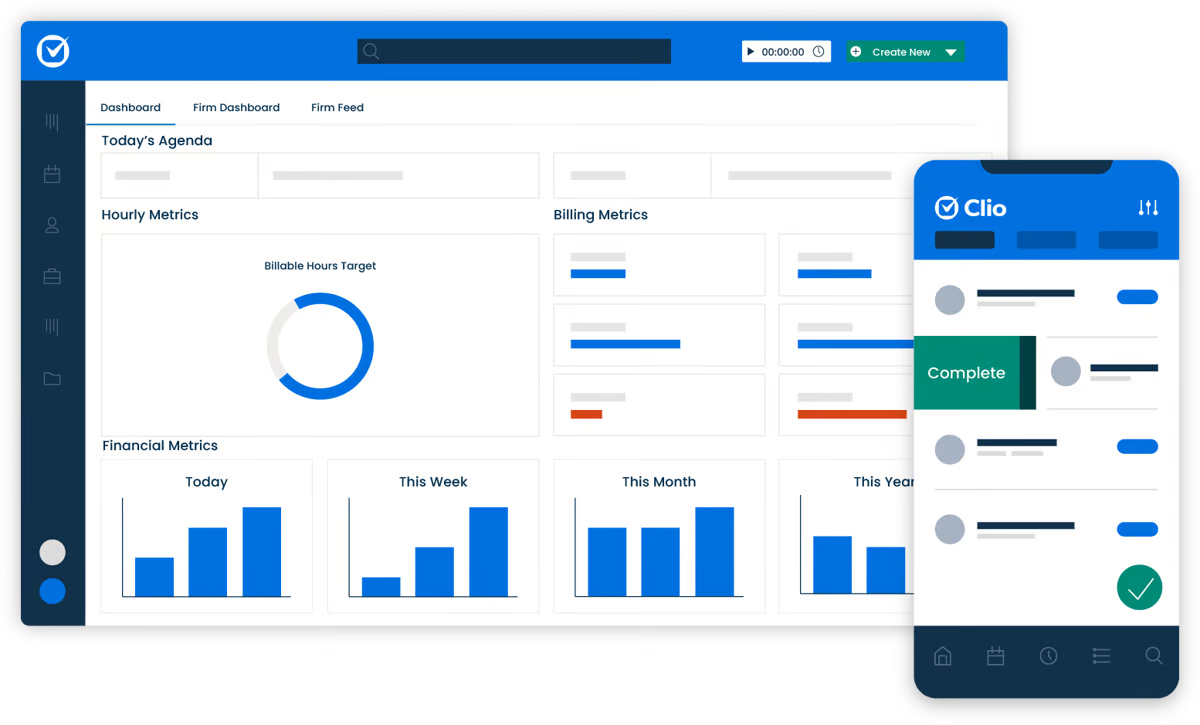
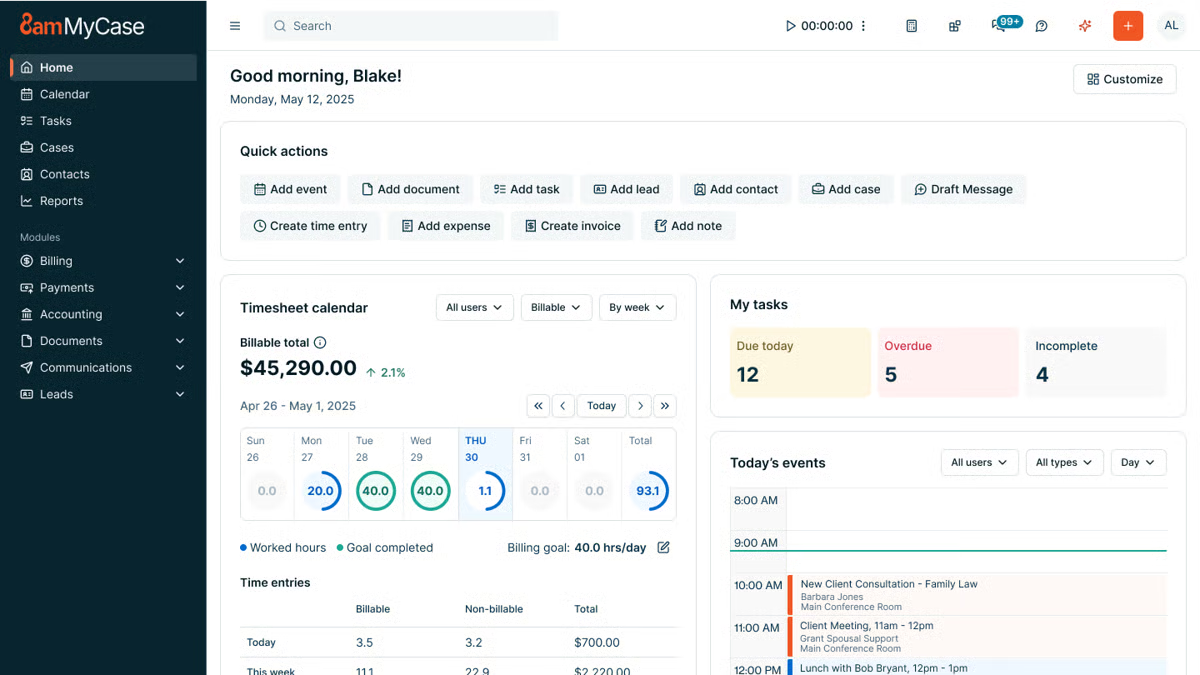
One of its key strengths is the built-in and secure client portal, where you can communicate and share documents with your clients without the hassle of extra emails.
Law firms with smaller teams love MyCase because it’s a breeze to navigate, which leaves them more time to focus on more valuable work.
What Is Briefpoint?
Briefpoint is an AI-powered discovery document automation tool that lets legal professionals prepare discovery responses and request documents within minutes.
Manual copying, pasting, and repetitive legal drafting no longer have to take up hours of your day. Briefpoint automates the heavy lifting so you can move through discovery faster and with fewer manual steps.
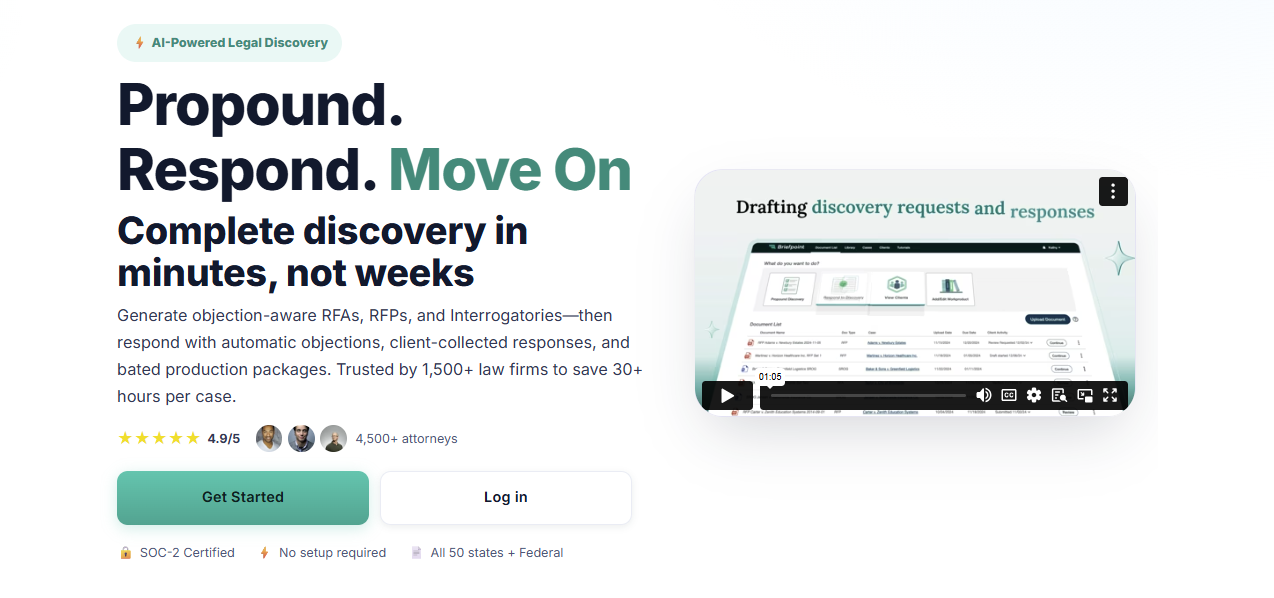
Simply upload a discovery request, and Briefpoint’s AI automatically pulls key details like case numbers, court names, party information, and more. That information is placed directly into your document to give you a solid draft right away.
From there, you can add objections simply by selecting the interrogatories you want to include.
Briefpoint also offers AutoDoc, which handles formatting and applies jurisdiction-specific rules so your discovery responses are properly structured and court-ready without extra cleanup.
You can download the document at any point to add final edits in Word.
Briefpoint also includes Bridge, a built-in tool that collects client input by translating legal questions into plain English. Client responses flow straight back into your working documents to cut down on follow-up emails and back-and-forth.
You can test Briefpoint for yourself by scheduling a demo.
Clio vs MyCase: Feature Comparison
When it comes to comparing Clio and MyCase, it’s important to break down their key features and see how they stack up against each other.
At first glance, the two platforms seem to offer a lot of the same features, but as you dig deeper, you’ll find they have distinct approaches to multiple areas of practice management.
Case Management
Clio offers a robust case management system designed to keep everything organized. For starters, you can track case timelines, store related documents, and even collaborate with your team.
Plus, it’s customizable, letting you adjust workflows to fit how your firm operates, and it integrates with a variety of other tools, giving you a lot of flexibility.
MyCase also provides a solid case management system, but leans a little more into simplicity. With a case management system that’s sturdy and reliable, the slight trade-off is a user interface that’s straightforward and easy to grasp.
You can organize cases, assign tasks, and track case progress without too much hassle, even if you have limited technical expertise.
However, MyCase has a significant edge in client communication. Its built-in client portal allows for easy updates and collaboration, which makes it super convenient for keeping clients in the loop.
Client Intake and Lead Management
Clio provides customizable intake forms that can be embedded on your website or shared with prospective clients through links.
For many Clio users, those submissions flow into Clio Grow, where new inquiries appear in a lead dashboard and can be reviewed, accepted, or declined before becoming contacts or matters.
This reduces manual data entry and keeps client information organized from the first interaction. Combined with secure messaging and other client-facing tools, Clio’s intake process connects naturally with the rest of the firm’s workflow.
Clio Grow also supports lead tracking, which gives firms visibility into how inquiries move from initial contact to active matters. That insight can be useful for teams that want a clearer view of intake volume and follow-up activity.
MyCase also includes client intake and lead management within its core platform. Firms can create online intake forms with conditional logic, collect client information, and route submissions into a built-in leads dashboard.
From there, leads move through defined stages, can be followed up with tasks and reminders, and converted into contacts and cases without re-entering data. Client communication and document sharing stay centralized through MyCase’s client portal.
Document Management
Clio takes a more detailed approach to document management. Files stay neatly organized by matter, sharing documents with your team or clients is straightforward, and everything lives in one central place.
If your firm already relies on tools like Google Drive or OneDrive, Clio’s integrations make it easier to keep files connected without jumping between systems. This kind of advanced document management tends to appeal to firms that want more control and flexibility as cases move forward.
MyCase keeps things simpler and easier to follow. The straightforward interface makes it easy to upload documents, find what you need, and share files without much setup.
Many firms also like MyCase’s matter templates, which help keep documents consistent across similar cases and cut down on repetitive work. It doesn’t offer as many integrations as Clio, but it focuses on making everyday document handling feel clear and manageable.
Billing and Time Tracking
Clio offers a comprehensive billing system that includes time tracking, invoicing, payment scheduling, and expense management.
You can track your time directly within the platform and then convert that into professional-looking invoices. Clio’s billing system is customizable, which gives you more control over how you bill clients and manage your firm’s finances.
MyCase also offers legal billing and time tracking, but it focuses on keeping things as simple as possible. Its invoicing system is easy to navigate, allowing you to create and send invoices with just a few clicks.
Although it might not be as customizable as Clio, it’s perfect for firms that want a quick, no-fuss solution.
Payment Processes
Clio makes it easy for clients to pay with Clio Payments, a built-in feature that allows for secure online payments via credit card or bank transfer.
You can set up automated reminders, which help make sure you get paid faster. Plus, Clio’s payment processing integrates seamlessly with its billing system.
MyCase has built-in payment processing, integrating with LawPay to handle online payments. It supports credit card payments and allows for partial payments, which can be useful for clients who prefer to pay in installments.
MyCase also provides automatic payment reminders, so it’s easier to stay on top of billing.
Task Management
Staying on top of deadlines and follow-ups is a big part of day-to-day legal work, and both Clio and MyCase cover the basics well.
Each platform lets you manage tasks directly within its case management software, so important things like assignments, due dates, and reminders stay tied to the right matter.
Clio leans into flexibility. Tasks can be linked to matters, assigned to specific team members, and paired with legal calendaring to help prevent missed deadlines.
For firms that want an all-in-one solution, these task features work alongside Clio’s other core tools to make it easier to keep work moving without switching systems. The trade-off is that it can take a little time to get comfortable with all the options.
Meanwhile, MyCase keeps task management more straightforward. Its user-friendly interface makes it easy to create tasks, assign responsibility, and track progress without much setup. This approach works well for small law firms that want clarity and structure without a lot of configuration.
Both platforms cover essential task management needs; the difference comes down to how much flexibility your firm wants versus how quickly you want to get started.
Clio vs. MyCase: Other Key Differences
Clio and MyCase share many of the same core features, but some of the bigger differences show up in the following aspects:
Target Market
Clio is designed to cater to a wide range of law firms, from solo practitioners to larger multi-lawyer firms.
Its broad feature set and extensive integrations make it especially appealing to firms that handle complex cases or need automated legal workflows and more advanced tools to manage a larger volume of work.
Because of its flexibility, Clio tends to attract firms that are willing to spend time learning the ins and outs of a more customizable platform.
MyCase, on the other hand, is primarily aimed at small to mid-sized law firms that value simplicity and ease of use. It’s particularly popular among firms that want to get up and running quickly without a steep learning curve.
Additionally, MyCase’s focus on client communication and straightforward design makes it a favorite for firms that don’t need a lot of customization but still want a solid, dependable tool for managing cases and expense tracking.
Key Features
What is each platform known for?
One of Clio’s standout features is its deep integration capabilities. With over 200 third-party app integrations, Clio is great for firms that need a highly customizable and flexible system.
While MyCase may not offer the same breadth of integrations as Clio, it makes up for it with its client portal, which is incredibly easy to use. The portal allows clients to view case updates, share documents, and communicate directly with their attorneys, all in one place.
Ease of Use
Clio packs in a lot of advanced functionality, which is great once you get comfortable with it. There’s a bit of a learning curve at the start, but the layout is logical, and the experience stays familiar thanks to a consistent setup across the platform.
If questions come up along the way, Clio’s support team is there to help smooth out the onboarding and day-to-day use.
On the flip side, MyCase takes a more plug-and-play approach. Most users can log in and start working almost right away, with very little training needed. Everything is laid out clearly, so tasks, matters, and client communication tools are easy to find and use.
If your firm likes having more options and doesn’t mind spending a little time learning the system, Clio gives you room to grow. But if you want something that feels natural from the first login and keeps things simple, MyCase makes that easy.
Pricing Models
Clio and MyCase both use tiered pricing to give law firms options based on their size and the functionality they need.
Clio’s plans range from core practice management to advanced automation and client intake tools, while MyCase offers a straightforward set of tiers with built-in legal accounting and billing features that many small firms appreciate.
Clio Pricing Plans
Clio has four main pricing plans:
- EasyStart – $59: Core tools for time tracking, billing, documents, e-signatures, and secure client communication.
- Essentials – $99: Adds client portal, texting, integrations, and more collaboration tools.
- Advanced – $139: Includes automated workflows, reports, custom roles, and enhanced law firm productivity features.
- Complete – $169: Adds intake forms, lead tracking (via Clio Grow), CRM-style tools, and the broadest feature set.
MyCase Pricing Plans
MyCase offers three plans:
- Basic – $49: Essential case management, billing, contact management, and client portal.
- Pro – $99: Adds unlimited two-way texting, client intake management, unlimited e-signatures, and advanced invoicing.
- Advanced – $119: Includes full-text search, advanced document automation, custom reports, MyCase Drive file sync, and split billing.
MyCase Accounting also offers built-in accounting tools and financial features like trust accounting and integrated payments without needing external products, which can simplify billing workflows for many smaller practices.
Both platforms usually include free trials, and exact prices can vary based on monthly vs. annual billing or promotions.
Clio’s higher-tier plans unlock more advanced features, while MyCase’s tiers focus on adding client-facing and financial tools across its competitive pricing structure.
Which One Is Better for Your Law Firm?
The choice between Clio and MyCase really depends on your firm’s specific needs. As you can see, both platforms offer excellent features but cater to slightly different types of law firms.
If your firm needs a more feature-rich system with greater flexibility and customization, Clio might be the better fit. However, if you’re looking for something more straightforward and easy to use, MyCase could be just what you need.
To help make your decision easier, here’s a quick comparison:
Feature | Clio | MyCase |
Case management | Robust and customizable with integrations | Simple and user-friendly |
Client communications | Basic client-sharing tools | Secure client portal for easy collaboration |
Client intake | Customizable forms with lead management | Built-in intake forms with lead tracking |
Document management | Advanced with third-party integrations | Easy to use, but has fewer integrations |
Billing and payments | Customizable with Clio Payments | Simple with LawPay integration |
How Does Briefpoint Fit Into the Mix?
While Clio and MyCase handle the essentials of practice management, Briefpoint adds a layer of efficiency that neither platform offers: discovery document automation.
If you’ve ever spent hours drafting requests for admission, production, or interrogatories, you know how tedious it can be. That’s where you can insert Briefpoint.
This AI-powered tool automates the whole process and cuts drafting time down to just minutes.
Here’s how it works:
- Smart data extraction: Just upload your discovery request, and Briefpoint’s AI pulls in routine details like case numbers, court names, and parties automatically.
- Quick objections: Need to add discovery objections? No problem. Just click the ones you want, and they’re instantly added.
- AutoDoc formatting: AutoDoc applies proper formatting, Bates numbers, and jurisdiction-specific rules so your documents stay consistent and court-ready.
- Client-friendly collaboration: With Briefpoint Bridge, you can simplify legal language for your clients and collect their input directly.
Whether your firm uses Clio or MyCase, Briefpoint integrates seamlessly to complement your practice management software with a simpler discovery process.
5 Best Legal AI Tools for Accelerated Growth
What Is the Driving Force Behind Legal AI Adoption?
The legal industry has always been conservative and slow to embrace change, but AI is starting to shift that. More firms are using AI tools to handle tasks like document preparation and discovery review, reducing human error and making legal work more efficient.
Still, full adoption is far from common. According to Clio’s Legal Trends Report, only 8% of firms have fully integrated AI into their workflows, while 17% use it extensively.
Many remain hesitant; 59% aren’t sure AI will actually improve their work, while others don’t trust it (44%), think it’s unreliable (34%), or feel the technology isn’t advanced enough yet (30%).
But for the firms that have taken the leap, legal AI is already proving its value.
Machine learning-powered tools analyze massive amounts of legal data and improve with use, which makes research, drafting, and case management faster and more precise.
The most widely used AI solutions right now include legal research platforms, document drafting tools, and general AI like ChatGPT.
As AI continues to evolve, law firms and legal professionals will have to decide how to integrate it into their workflows rather than whether to use it at all.
Top 5 Legal AI Tools in the Industry
The legal field is getting a tech makeover, and AI tools are leading the charge. If you’re ready to join the AI era, here’s a look at the top 5 legal AI tools on the market.
1. Briefpoint
Briefpoint is a discovery document automation tool that gives litigation teams a faster way to draft and respond to discovery. With this AI-powered tool, you can spend more time on strategy and less on formatting, reviewing legal texts, and chasing client input.
Essentially, it analyzes the requests you receive, helps you build objections and responses, and turns high-volume work into something you can manage in minutes.
The tool handles the core discovery documents that normally eat up the most time, including:
You can also use Bridge to collect client responses without long email threads. It turns complicated interrogatories into plain-language questions, gathers responses in a secure portal, and places everything directly into your draft.
And if your matters involve large productions or due diligence-style review, Autodoc adds another layer of automation.
It maps documents to each request, pulls page-level Bates citations, and creates Word-ready responses and a production package, which makes high-volume discovery far more manageable.
Key features
- AI-assisted drafting: Builds objections and responses for RFAs, RFPs, and interrogatories to reduce manual drafting effort.
- Bridge client collection: Translates interrogatories into plain English or Spanish and gathers client input through a secure portal that flows directly into your draft.
- Autodoc production automation: Maps documents to each RFP, applies page-level Bates numbering, and generates Word-ready responses and a complete production package.
- Trust-and-verify controls: Shows where the AI searched and lets you confirm or deselect files before finalizing work product.
- Privilege tagging: Flags sensitive materials and supports the creation of a privilege list during high-volume or due diligence work.
- Word-first editing: Exports to Microsoft Word for review, adjustments, and final approval.
- SOC-2 certified security: Safeguards client data and discovery materials across every step of the workflow.
Over 1,500 law firms already rely on this workflow upgrade. Test Briefpoint yourself by scheduling a demo.
2. Clio
Clio is a widely used case management platform that helps firms organize matters, coordinate client communications, and keep daily work moving without relying on multiple documents across different systems.
Its layout is straightforward, and most teams appreciate how easy it is to get up to speed after onboarding.
Source: G2
A centralized dashboard gives you a clear view of case details, deadlines, billing activity, and upcoming tasks. You can manage legal document templates, store files, automate routine steps, and send documents out for electronic signature, all from one place.
Clio also integrates with a large ecosystem of apps and services, which makes it easier to stay ahead of scheduling, communication, and administrative work.
And because it’s cloud-based, you can access your matters from anywhere, whether you’re in the office or meeting with a client.
Key Features
- Case management tools: Organizes matters, deadlines, tasks, and client communications in one dashboard.
- Document management: Stores files, handles multiple documents per matter, and supports legal document templates.
- E-signature support: Sends documents for signature directly through the platform.
- Legal billing and time tracking: Tracks billable work and generates invoices with minimal manual entry.
- App integrations: Connects with email, accounting platforms, legal research tools, and other legal software.
- Cloud accessibility: Lets you work from any device without relying on local servers.
3. PatentPal
PatentPal is an AI platform built to lighten the workload involved in drafting patent applications. It focuses on the mechanical writing that often slows down IP professionals, turning early ideas and claims into organized legal content that’s ready for refinement.
Source: PatentPal.com
Users enter their claims, and PatentPal generates structured specifications, illustrative diagrams, and early drafts that follow common patent-office expectations.
The system relies on a knowledge graph and transformer-based models to interpret claim language, run document analysis, and produce content that fits the legal context of patent work.
The platform helps solo inventors, patent prosecutors, and in-house legal teams move faster during business development or early-stage filings, especially when there’s pressure to prepare multiple applications at once.
It also supports seamless integration with other drafting tools, which makes it easier to keep everything in one workflow rather than bouncing between platforms.
Key Features
- Claim-driven drafting: Turns user-submitted claims into full specifications, diagrams, and preliminary application drafts.
- Structured legal content generation: Uses transformer models and knowledge-graph data to produce text aligned with established patent standards.
- Document analysis tools: Interprets claim language, identifies relationships, and organizes information into consistent application sections.
- Diagram creation: Generates illustrative figures that support the technical narrative in the application.
- Seamless integration: Works alongside other drafting tools to keep the workflow organized from start to finish.
- Support for high-volume work: Helps legal teams and inventors move efficiently when managing multiple filings or rapid business development cycles.
4. Spellbook AI
Spellbook AI is designed to help corporate and commercial lawyers move through contract drafting and review with far less friction.
It runs inside Microsoft Word, so you can analyze contracts, suggest revisions, and review legal documents without switching tools or disrupting your workflow.

Source: Spellbook.legal
Powered by GPT-4, Spellbook can work through detailed provisions, answer complex questions about the language in front of you, and flag risks you may want to address before finalizing a draft.
It’s particularly helpful when dealing with long agreements filled with boilerplate clauses or sensitive client information that requires close attention.
Key Features
- AI-assisted contract drafting: Suggests language, improves clarity, and helps build agreements more efficiently.
- Document review tools: Analyzes provisions, highlights risks, and reviews legal documents for issues that may need correction.
- Complex question handling: Answers detailed questions about definitions, obligations, or clause interactions directly within Word.
- Compliance support: Flags areas that may affect regulatory or internal requirements so lawyers can ensure compliance before sending a draft out.
- Boilerplate analysis: Reviews standard clauses to identify gaps, inconsistencies, or outdated language.
- Secure data handling: Manages sensitive client information with strong privacy and security safeguards.
- Microsoft Word integration: Keeps all drafting and analysis work inside a familiar environment, making adoption straightforward.
5. CoCounsel
CoCounsel is Casetext’s AI-powered legal assistant designed to help lawyers move through research, drafting, and document review with far less effort.
Many firms treat it as a virtual assistant that can answer legal questions, summarize large documents, generate research memos, and support early analysis before refining the final work product.
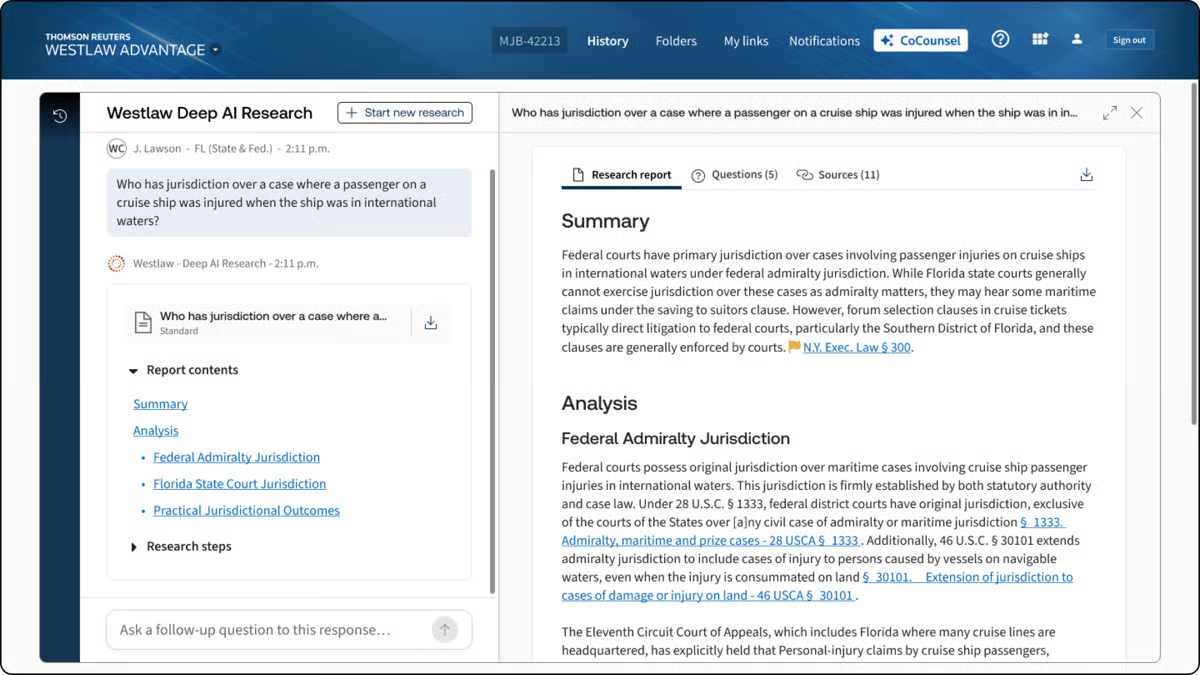
Source: G2
Trusted by more than 10,000 law firms, CoCounsel builds on Casetext’s long history of context-aware research.
It reads legal briefs, understands the legal framework behind your queries, and surfaces authorities that match the reasoning rather than just the keywords. This makes it especially helpful when you’re working through complex matters or evaluating case outcomes.
The chatbot-style interface makes it easy to ask questions in plain language and get structured responses quickly.
Whether you’re reviewing discovery or sorting through case law, CoCounsel helps lighten the load while keeping you in control of the legal judgment calls.
Key Features
- AI research assistant: Answers legal questions, prepares research memos, and provides insight into case outcomes.
- Brief analysis: Reviews legal briefs and identifies relevant authorities to guide stronger research.
- Automated legal document review: Processes discovery materials and flags important information for faster analysis.
- Drafting support: Generates early drafts, summaries, and language suggestions for legal documents.
- AI chatbot interface: Supports conversational requests and helps you work through complex issues quickly.
- Context-aware search: Surfaces case law based on legal reasoning and context rather than simple keyword matches.
How to Choose the Best Legal AI Tools for Your Business
Picking the best legal AI tool for your legal practice doesn’t have to be overwhelming or a guessing game. Here are some key tips to help you find the one that fits just right:
Pinpoint Your Practice’s Pain Points
The first step to finding the right AI tool is understanding where it can make the biggest impact. Take a look at the tasks that tend to take up a lot of time in your practice. Is document drafting slowing you down?
If so, a tool like Briefpoint can simplify this process and save hours on preparing responses and briefs.
Or, if you’re juggling client files and deadlines, a broader case management solution like Clio might be what you need.
Knowing your specific needs will help narrow down the tools that are truly worth considering.
Match Features with Your Needs
Once you’ve identified your needs, it’s time to match them with the features offered by different AI tools.
Some platforms are specialized for tasks like contract review, while others excel in managing discovery documents.
Consider the tools’ capabilities in terms of features and see if they integrate smoothly with your existing setup, like Microsoft Word or Clio. This will help make sure the new tool fits into your current legal workflow without causing disruptions.
Understand the AI
Before choosing a tool, it helps to understand what kind of AI is actually powering it. Different platforms rely on different AI models, and those choices can shape how well the tool fits your practice areas or day-to-day work.
Some tools focus on drafting support and use large language models trained to generate legal text. Others rely on machine learning trained on a legal database to improve tasks like litigation analytics, document review, or predictive insights.
A tool built for research might prioritize context recognition, while one designed for litigation strategy may focus on spotting patterns across past cases.
For example, an AI assistant like CoCounsel can answer complex questions and pull insights from a large research corpus, while a tool like Briefpoint uses AI to draft discovery responses and map documents to specific requests.
These are very different capabilities, even though both fall under “legal AI.”
Understanding what the AI is built to do (and what it isn’t) will help you choose a tool that matches the way you work rather than one that looks impressive but doesn’t fit your workflow.
Look for User-Friendly Design
Adopting a new tool shouldn’t be a struggle, so focus on finding one with an intuitive, user-friendly design.
AI-powered tools like Briefpoint and Clio are well-regarded for their simple interfaces, which help reduce onboarding time and make adoption smoother for everyone on your team.
A user-friendly platform is essential if you want to get the most out of your new AI tool without a steep learning curve or constant support.
Prioritize Data Security
Data privacy and security are non-negotiable in legal work. Legal AI software needs to prioritize protecting client information, especially when sensitive case details are involved.
Look for platforms that meet industry compliance standards like GDPR or HIPAA and offer strong encryption. Making sure these security measures are in place not only protects your clients but also gives you peace of mind, knowing that your data is secure.
Consider Support and Resources
Solid customer support and resources can make a huge difference in your experience with any new tool.
Check whether the provider offers accessible support options, like live chat, email, or phone, and if they have useful resources like training videos, guides, or webinars.
These resources can help your team make the most of the tool and troubleshoot quickly if issues come up.
Try Before You Buy
Lastly, always take advantage of free trials or demos when available. Testing out a tool firsthand is the best way to get a feel for how it fits into your practice and whether it meets your needs.
It also allows you to test the interface, performance, and integration options before making a financial commitment. By trying it out, you’ll know for sure if it’s the right choice for your practice.
Will AI Replace Lawyers?
It’s a question everyone in the field has heard by now, and it’s easy to see why. AI can accomplish daily work like drafting text, analyzing documents, and moving through certain legal tasks in seconds. But replacing lawyers entirely? That’s a very different conversation.
AI can support the work behind legal services, but it doesn’t understand people, nuance, or the strategy behind legal arguments.
It can read patterns, but it can’t grasp intent. It can review a document, but it can’t weigh the real-world consequences of a decision or guide a client through a difficult moment.
You’ve probably already seen how AI speeds up the background work. Those gains matter. They clear space for the part of the job that actually calls for judgment and experience. And that’s the part no model can replicate.
So, will AI replace lawyers? No. But it will change the rhythm of the work. The lawyers who get comfortable using these tools will move faster, think more clearly, and spend more time on the decisions that truly shape a case.
Briefpoint’s Role in a More Efficient Discovery Process
The discovery process can take over your week before you even notice it. One set of requests turns into hours of drafting objections, checking citations, and making sure everything lines up with jurisdiction-specific requirements. Not the best use of your time.
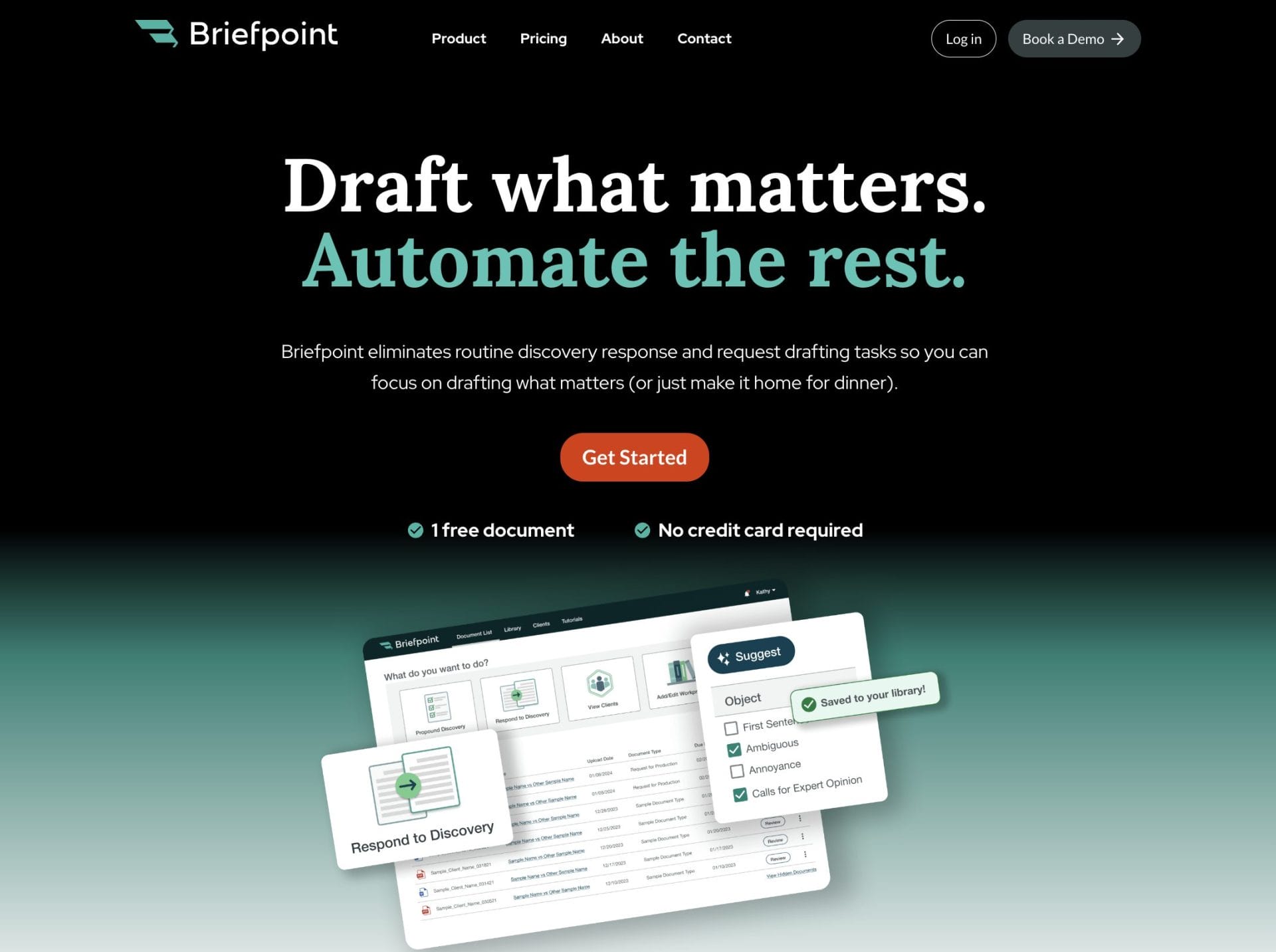
Briefpoint takes that weight off your plate by producing clean drafts, accurate citations, and organized responses that are ready for review.
What stands out is how naturally it fits into the way litigation teams already work. Objections follow your standards, client input flows straight into your documents through Bridge, and Autodoc handles the heavy lifting when you’re working with large productions.
You stay in control of the strategy while the routine steps move faster in the background.
It’s worth thinking about how much time those repetitive tasks take from your week. What could you shift your focus to if discovery didn’t demand so much of your attention?
If you want to see the difference for yourself, book a demo today!